Shopify blog clicks without sales: what to check next
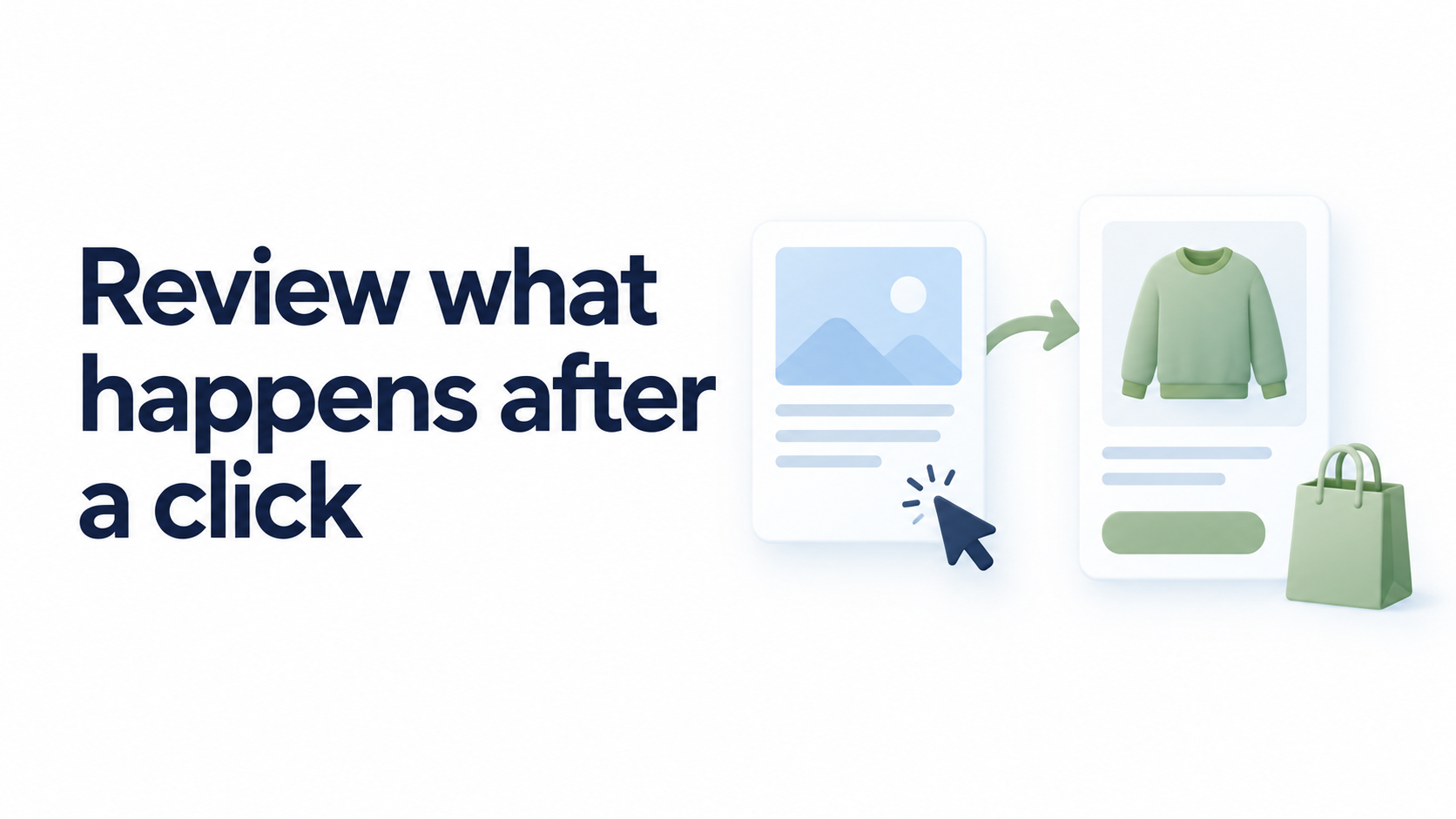
When Shopify blog clicks arrive without sales, check the measurement context, compare the promise with the product page, and follow the link as a reader would.
Practical ideas for your next article, and a better Shopify blog.
Browse by tag →When Shopify blog clicks arrive without sales, check the measurement context, compare the promise with the product page, and follow the link as a reader would.
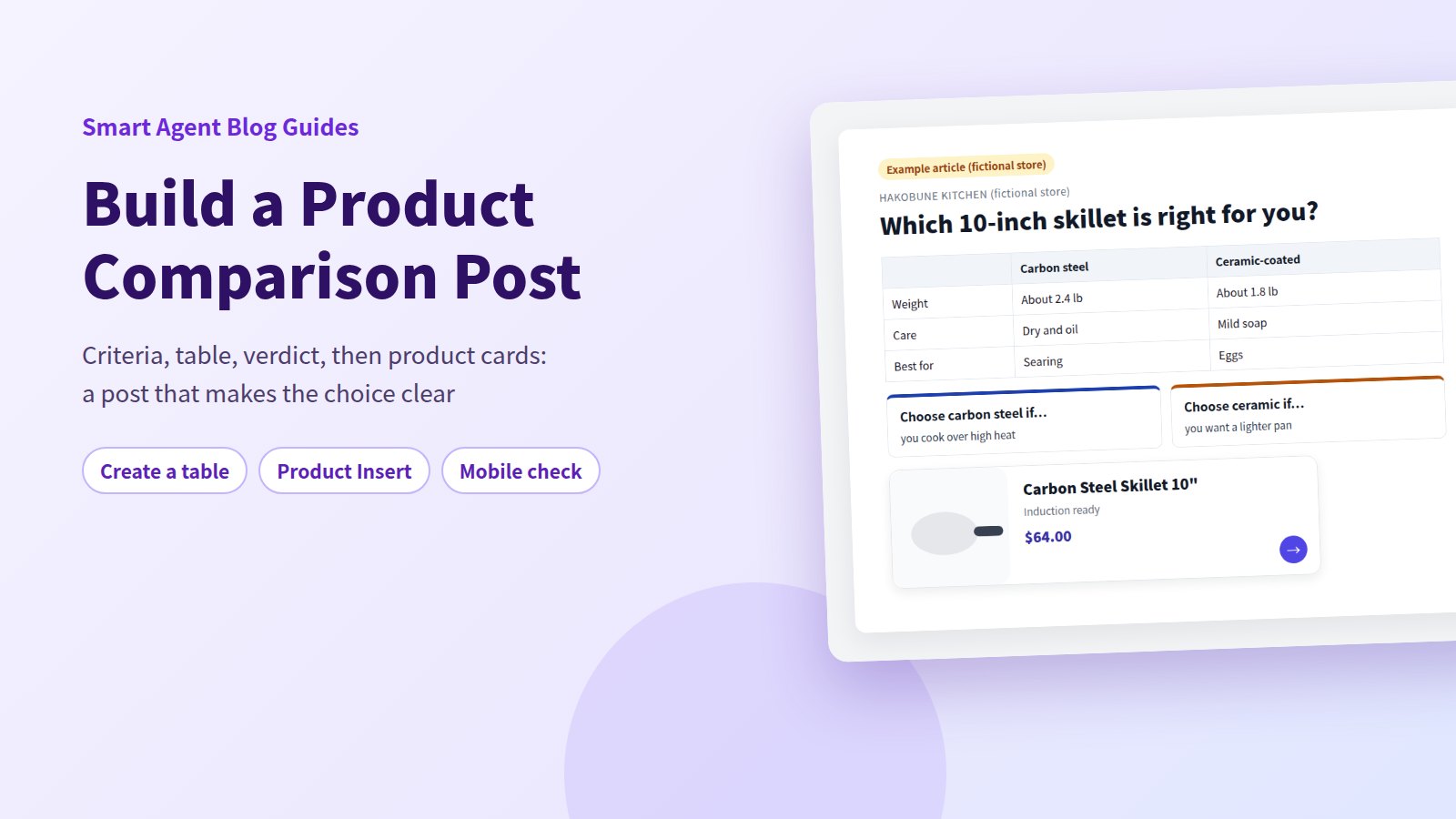
Build a Shopify blog comparison table: pick 3-5 criteria, put products in columns, add a verdict and product cards below it, and check how it looks on a phone.
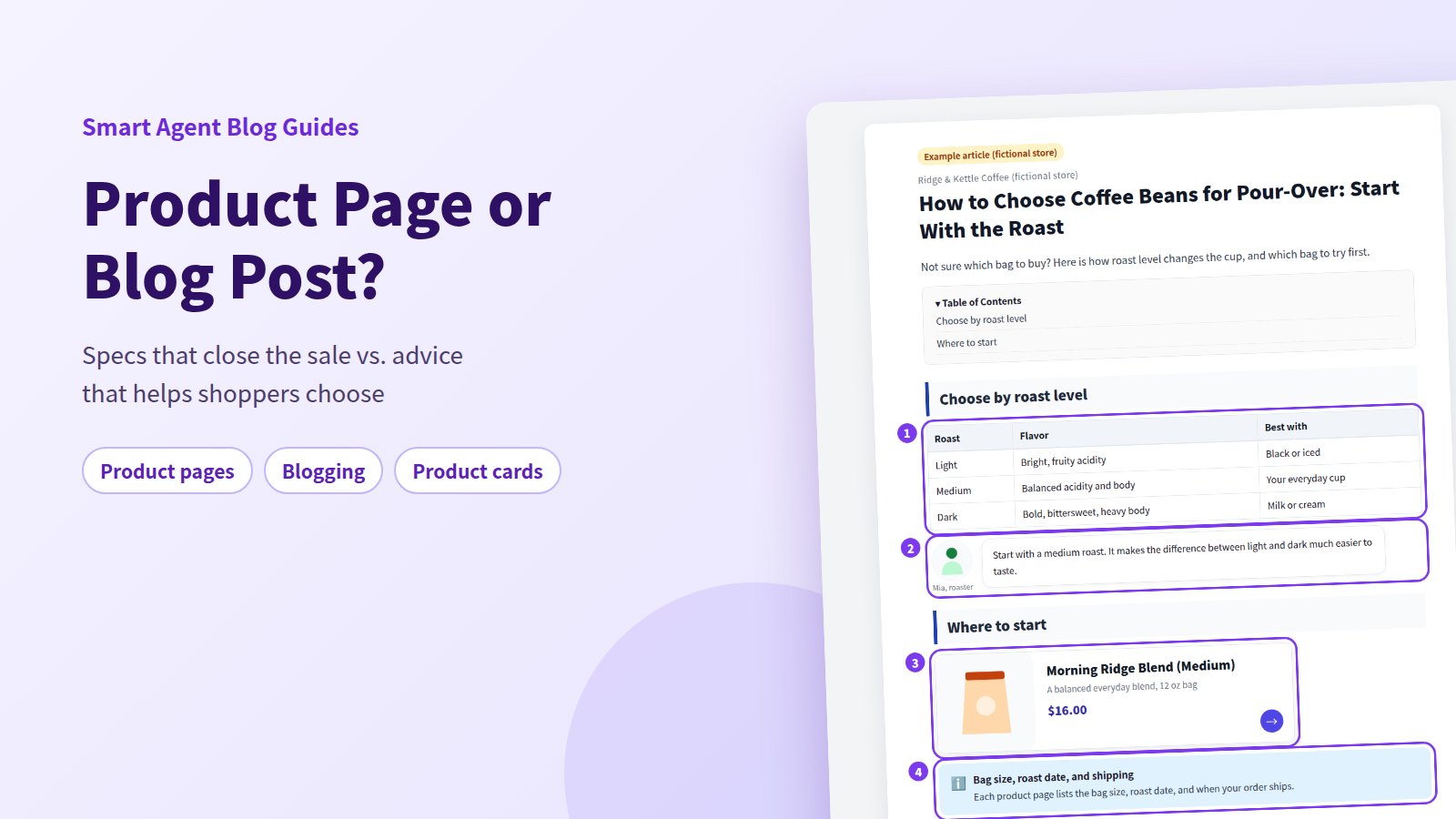
Price, specs, and stock belong on the product page; buying advice, how-tos, and comparisons belong in your Shopify blog. How to split the two and link them both ways.
Turn verified product features into useful stories about situations and choices on your Shopify blog, combining your own experience, photos, and an AI-assisted draft.
Give older posts a new purpose. Use an AI rewrite to update a Shopify blog post's title, body and SEO description in approval mode, then verify the facts.
An AI rewrite can sound smoother while changing a product condition. Learn how to review each change in the approval screen before it reaches your Shopify blog.
Set a campaign article to appear and come offline at a chosen moment. How to schedule Shopify blog posts in Smart Agent Blog, and what to check afterwards.
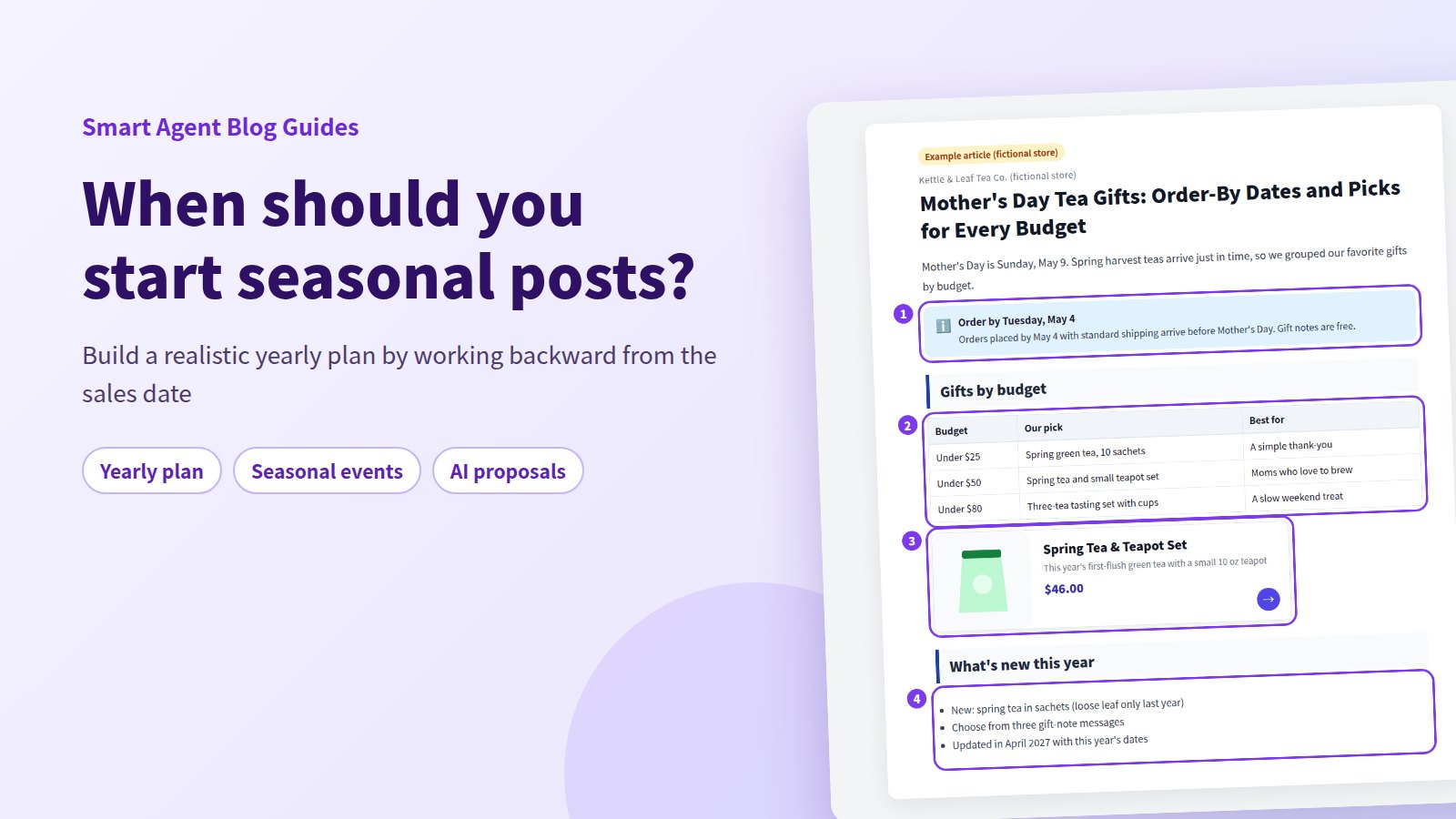
Seasonal posts land on time when you plan backward from the day sales start. Build a prepare, publish, review calendar for your Shopify blog and reuse posts each year.
Shopify's editor can't build a table of contents. Compare three ways to add one to a blog post — hand-coded HTML, a theme edit, and an app block — by effort and upkeep.
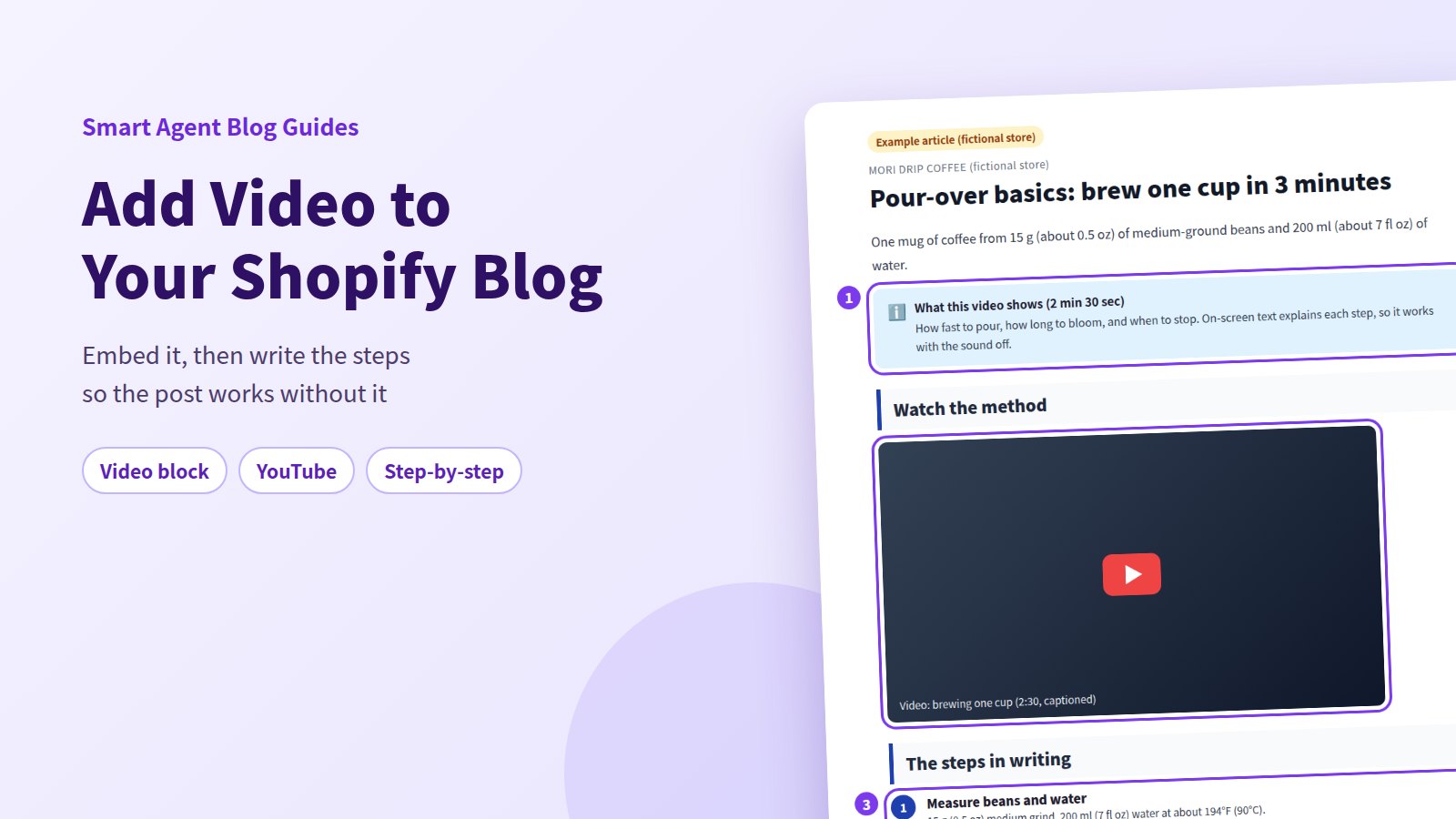
How to embed video in a Shopify blog post with the built-in editor or Smart Agent Blog's Video block, then frame it with a summary and written steps that work with the sound off.