
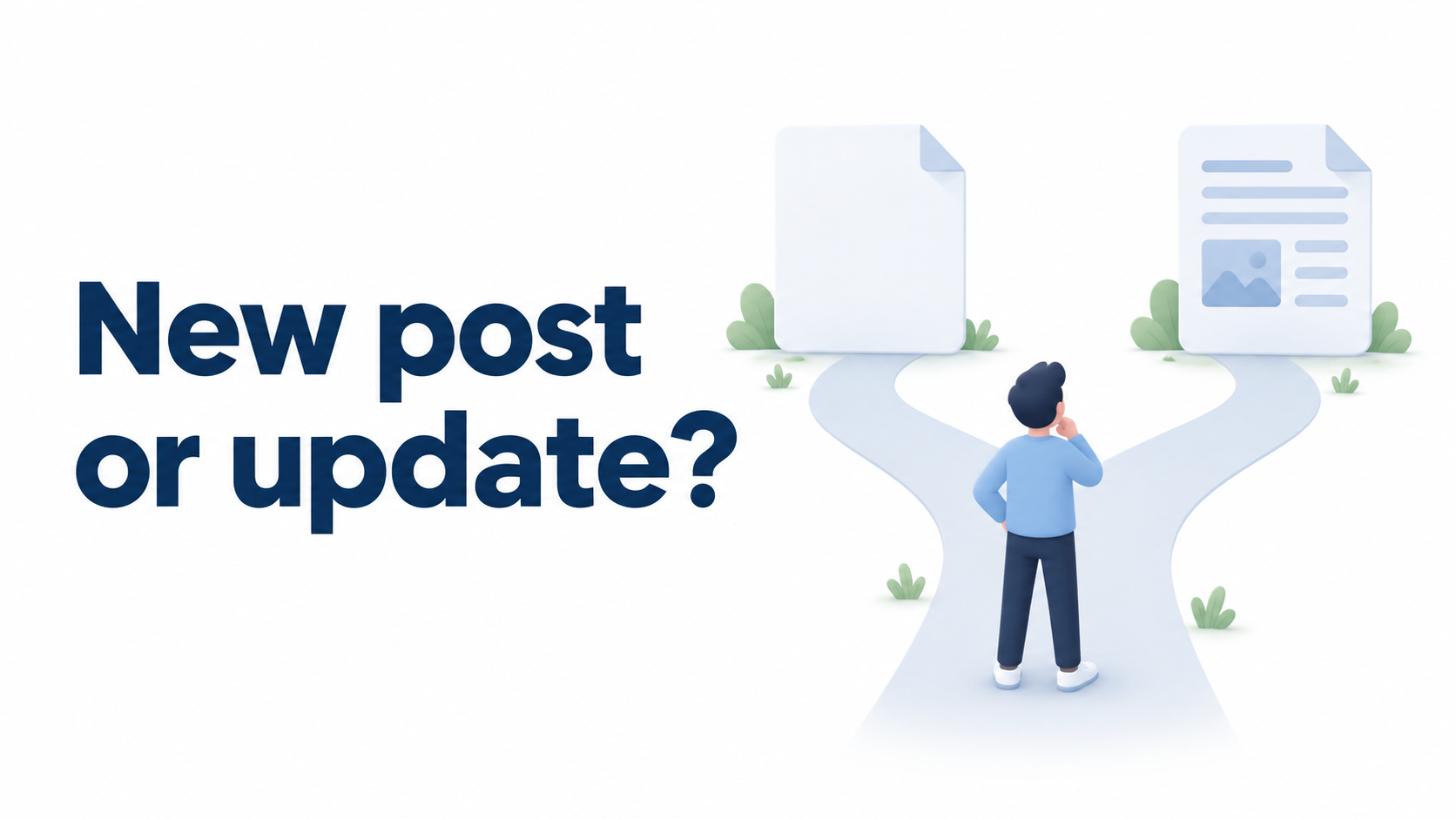
Should this week’s blog time go toward a new article or an older one? Both can matter. Judge the gap in the reader’s information rather than the publication date alone.
Here is a practical way for a small store to set priorities and use Smart Agent Blog to inspect the candidates.
Correct misleading information first
A discontinued product presented as available, an incorrect dimension or an expired promotion needs attention regardless of traffic. Correctness takes priority over waiting for an optimization experiment.
Then separate articles with incomplete answers from questions your blog has never covered.
Use a decision table
| Situation | First option to consider |
|---|---|
| The same question is covered, but details are outdated | Update the existing article |
| People read it, but an answer or destination is missing | Improve the existing article |
| A recurring customer question has no article | Create a new post |
| The audience or purpose is substantially different | Plan a separate article |
| It was just published and has little data | Check accuracy and defer performance judgment |
Adding pre-washing checks to a bag-care guide is a natural update. A full bag-selection guide may deserve a separate post linked from it. These are editorial examples, not rules based on article age.
Estimate work and usefulness
For each candidate, note the reader, missing answer, verification needed and approximate work. A short correction that removes a serious misunderstanding can be worth prioritizing. Looking only at page views can overlook specific questions close to a purchase.
Count answered questions as well as newly published posts. Choose a workload you can finish and verify within the available time.
Inspect the article in Smart Agent Blog
Open candidates from the article list and review their purpose, reading behavior and improvement suggestions. Article analytics uses finalized data for the 30 days through yesterday, so today’s edit will not produce an immediate clean comparison.
For an update, the paid AI rewrite feature can propose changes. For a new post, define the reader and topic before requesting an AI draft. Both workflows still need factual review and a storefront preview.
Choose one task for this week
List three candidates and consider inaccurate information first, incomplete answers next and uncovered subjects after that. Adjust for real launches and seasonal needs. The purpose of the framework is a defensible choice, not a permanent quota between new and updated content.
For the routine this decision sits inside, see Shopify blog best practices.
Read the detailed steps in the user guide
Related reading: Give older blog posts a new purpose with AI rewriting