
What you will learn
On this pageContentsCloseOpen
Shop Pay Installments is the single highest-leverage conversion feature Shopify ships for free, and the reasons a store cannot use it are scattered across five help pages that most merchants never open.
Start with the one that costs real revenue and appears nowhere in the eligibility documentation. From Shopify's FAQ:
Capital One and Chase credit cards aren't accepted. Your customers that choose a monthly payment option can only pay with a debit card.
Two of the largest credit card issuers in the United States are declined. Any customer choosing a monthly plan must use a debit card, regardless of issuer. Neither fact appears on the eligibility page, the activation page, or the product page banner documentation.
Below: the full set of store-side and customer-side gates, the fee Shopify does not publish, the place where two Shopify help pages flatly contradict each other about disputes, and what merchants who fail the gates actually install instead — a category of BNPL messaging apps rated between 1.0 and 3.2 stars. Research date: September 2, 2026. All prices are USD as published by Shopify or listed on the Shopify App Store.
The store-side gates
Shop Pay Installments is available to eligible stores in the United States, Canada, and the United Kingdom only, and Shopify states that plainly: it "isn't currently available to stores or customers in countries other than" those three.
Within those three, your store needs:
- Shopify Payments and Shop Pay both activated. There is no path through a third-party gateway.
- Exactly one Shopify Payments account in one market.
- A primary business entity in the country you want to serve — the US or Puerto Rico for US customers, Canada for Canadian, the UK for British.
- Selling and payout currencies set to that country's currency: USD, CAD, or GBP.
A quiet detail: a store whose primary business entity is in Puerto Rico can offer Shop Pay Installments to customers in the United States, but Shop Pay Installments is not available to customers in Puerto Rico. The entity qualifies; its home market does not.
New stores hit a different wall. If your store is still in the Shopify Payments onboarding review period, a payout hold can block activation until the review clears.
The gates that arrive after you activate
This is the part that surprises people. Shop Pay Installments is powered by Affirm, and Affirm periodically reviews your live storefront against its prohibited business policy. Fail the review and a suspension notice appears in your admin.
Shopify publishes examples of what triggers it:
- A password is required to access your online store. A store put behind a password for a rebrand or a seasonal pause can be suspended.
- The primary currency of your online store isn't USD, CAD, or GBP.
- The primary language of your online store isn't English.
- Your store doesn't have an online website.
- Your business is primarily a Business-to-Business (B2B) service.
- Gambling, financial services, or another category Affirm doesn't support.
- Regulated products such as tobacco or drug paraphernalia.
- Prohibited products such as currencies or weapons.
The English-language requirement is the one worth flagging for anyone running Markets. A US entity selling in USD with a Spanish-language primary storefront is, by the published policy, a suspension candidate.
What Shopify does not publish: your fee
There is no cost to activate Shop Pay Installments. What it costs per transaction is not in the help center. Shopify's instruction is to look it up yourself:
You can access information about the specific rates and fees applicable to Shop Pay and Shop Pay Installments from your Shopify admin.
Settings > Payments > Shopify Payments > Manage > More actions > Manage payment methods > View payment rates. Six clicks, and you have to already have a store. All Shopify says publicly is that the fee is higher than a card transaction because it includes the standard Shopify Payments processing fee.
Two consequences for the math. The Shop Pay Installments transaction fee is not returned to you when you issue a refund. And you receive full payment within 1 to 3 business days, with Affirm carrying the collection risk — you are not exposed if the customer stops paying.
What the customer actually sees
Customers need a billing address in the US, Canada, or the UK, and a Shop Pay account. Order totals must fall between $35 and $30,000 USD or CAD, or £50 to £30,000 GBP, including discounts, shipping, and taxes. You cannot adjust that range.
In the United States the plans tier by order value:
| Order total (USD) | Plan | Interest |
|---|---|---|
| $35 to $50 | 2 biweekly payments | interest-free |
| $50 to $999.99 | 4 biweekly payments | interest-free |
| $150 to $30,000 | monthly, over 3, 6, 12, 18, or 24 months | 0 to 36% APR |
Above $20,000, the customer pays the excess as an upfront down payment — a $25,000 order means $5,000 at checkout and $20,000 financed. There are no late fees; interest is the only additional customer cost.
Note what falls out of the table. An order of $1,200 has exactly one option: an interest-bearing monthly plan. The interest-free pay-in-four everyone associates with BNPL stops at $999.99.
The exclusions you cannot configure around
Shopify's FAQ answers three questions with a flat "No":
- You can't choose which products Shop Pay Installments applies to. It is on for every product in the eligible price range.
- Gift cards can't be bought with it.
- Subscription products can't be bought with it.
And a fourth that matters operationally: you can't edit an order paid with Shop Pay Installments. To change one, you refund the original and create a new order. If you add an item to an existing installments order, Shopify generates an invoice for the balance that the customer must pay in full by a different method, because additional invoices aren't supported.
Refunds carry their own trap. If you refund as store credit or a gift card, that has no impact on the customer's payment schedule or balance with Affirm — they still owe Affirm every remaining payment. Shopify's own recommendation is to refund to the original payment method. And on monthly plans, paid interest is never refunded.
The contradiction: where do disputes show up?
Two Shopify help pages describe the same event differently.
Getting paid for orders placed using Shop Pay Installments says: "If a customer opens a dispute with Affirm on a Shop Pay Installments transaction, then you receive a notification in your Shopify admin and an email," and that you manage it "from your Shopify admin by clicking Open response."
Shop Pay Installments FAQ says: "If a customer files a dispute, then Affirm emails your Shopify store owner. You don't receive a notification in your Shopify admin." It then gives a hard deadline — you have 15 days to reply directly to the email with evidence, after which Affirm resolves within another 15 days while holding the funds.
These cannot both be true, and the difference decides where you look for disputes. If you follow the Getting paid page and watch the admin, and the FAQ is the accurate one, a 15-day evidence window can expire in an inbox nobody is monitoring. Until Shopify reconciles the pages, treat the store owner's email address as the channel of record and make sure someone reads it.
If you fail the gates: the messaging app category
Merchants who can't use Shop Pay Installments — no Shopify Payments, a non-English storefront, a primarily B2B business, a market outside the three countries — reach for a different BNPL provider. Here is the part that catches people: on Shopify, the provider's app is almost never the payment method. The payment method is configured in Settings > Payments. The app only puts messaging on your product and cart pages. Klarna's own listing says the app is for merchants who already have an active Klarna Payments integration.
Shop Pay Installments needs no app for this. Its product page banner ships in Shopify themes installed after January 31, 2022, and if yours is older, the manual fix is one Liquid filter inside the product form:
{{ form | payment_terms }}
The competing category looks very different.
| App | Developer | Price | Rating | 1-star share |
|---|---|---|---|---|
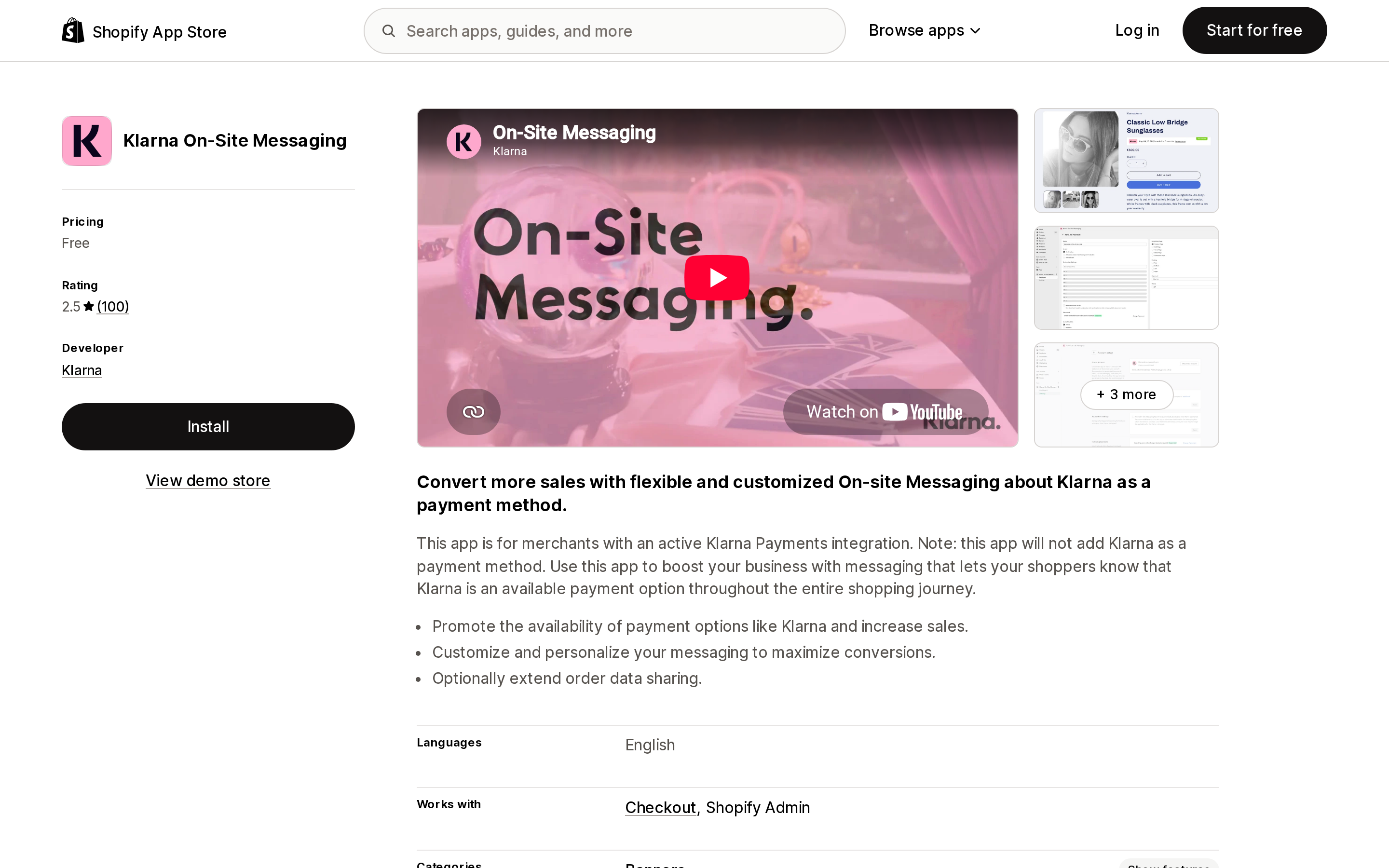
| Klarna On‑Site Messaging | Klarna | Free | 2.5 (100) | 49 of 100 |
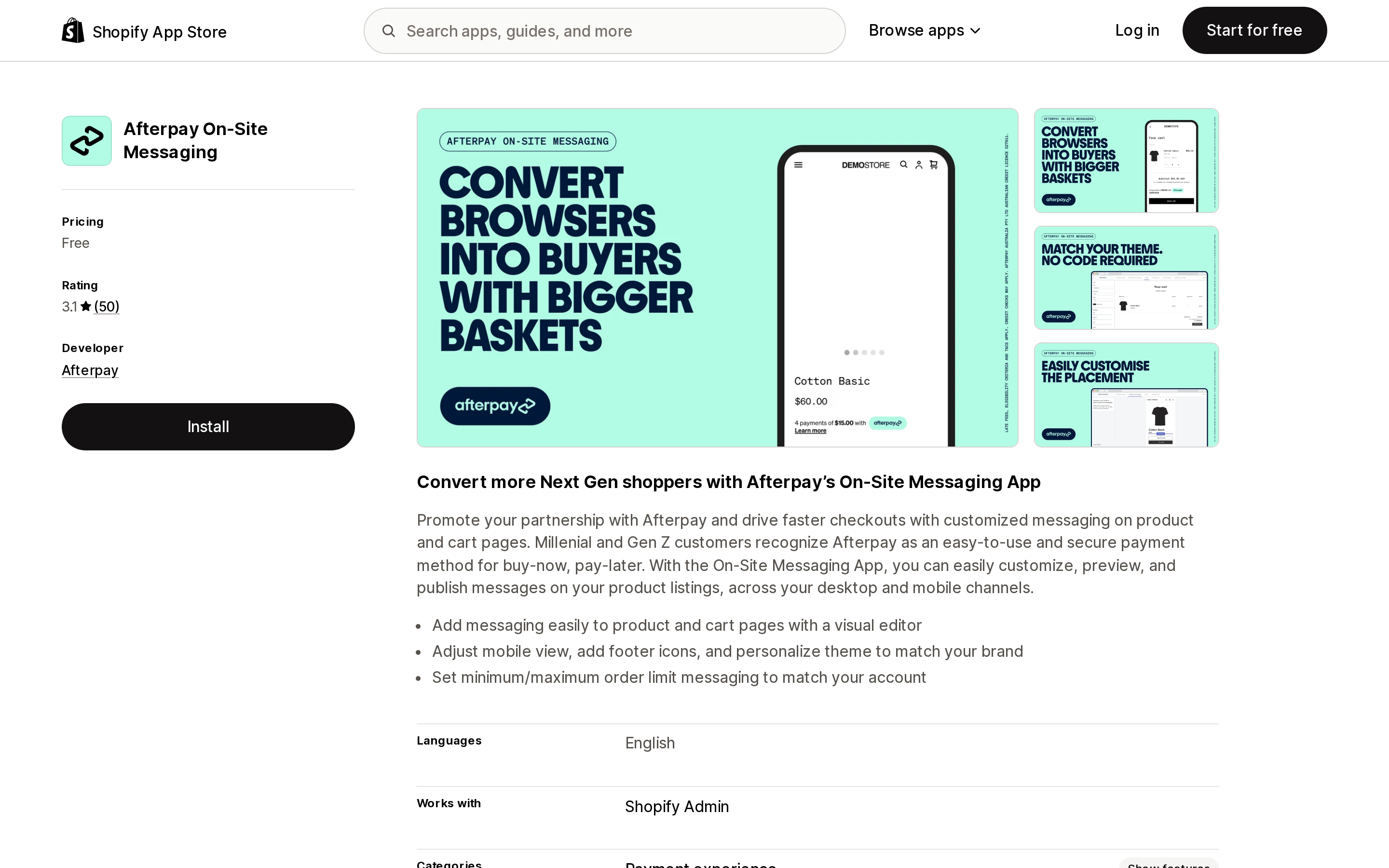
| Afterpay On‑Site Messaging | Afterpay | Free | 3.1 (50) | 30 of 50 |
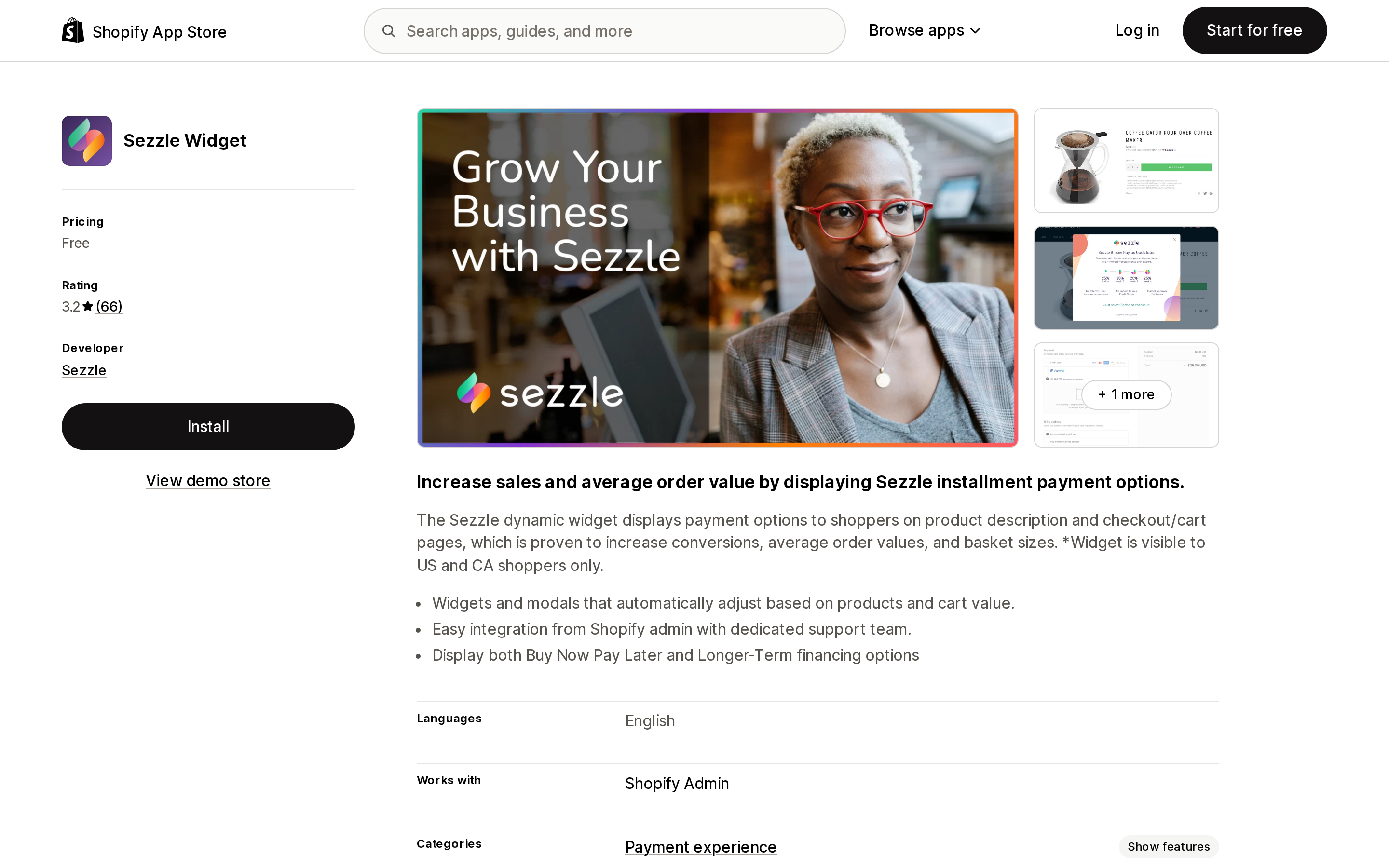
| Sezzle Widget | Sezzle | Free | 3.2 (66) | 11 of 66 |
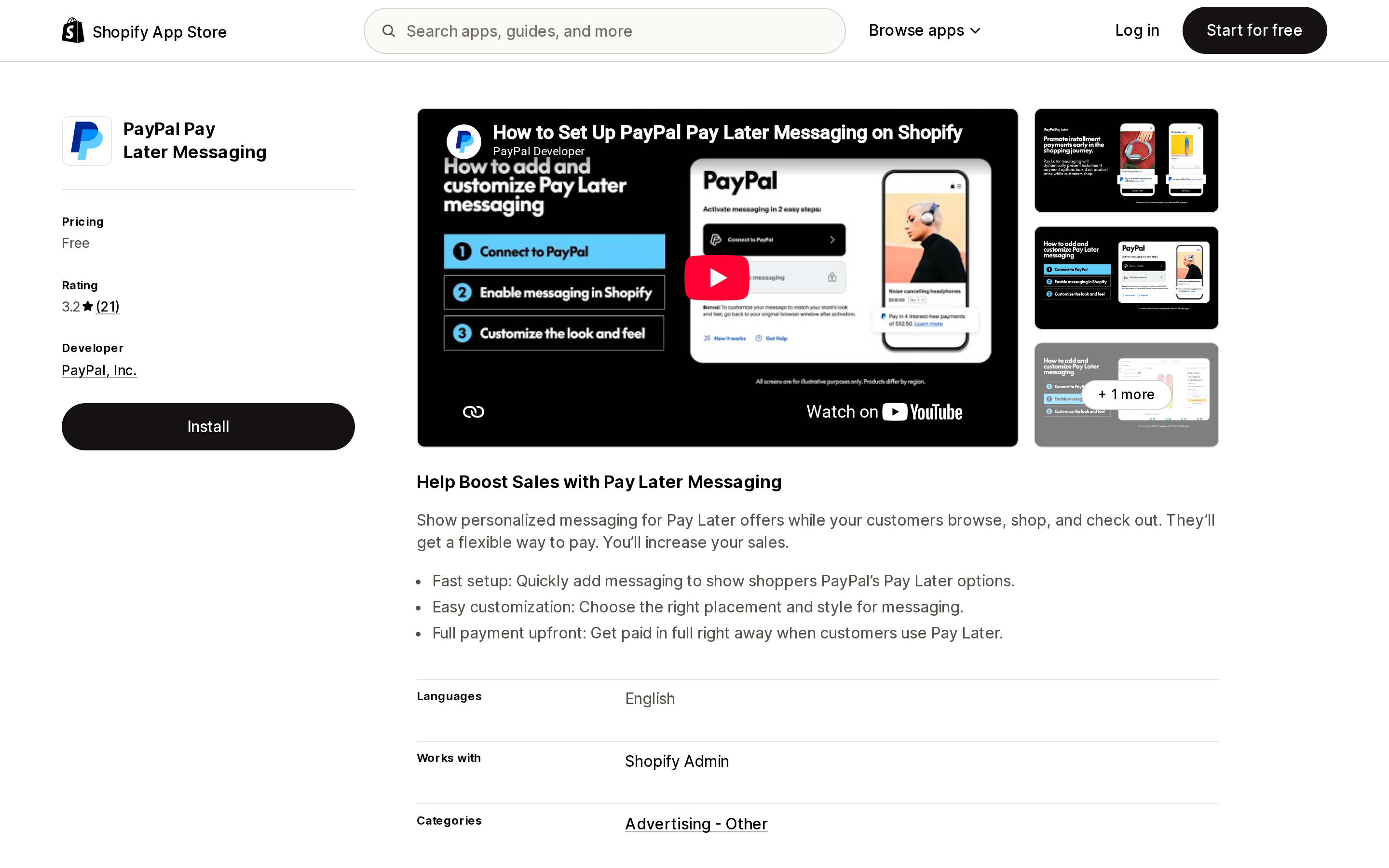
| PayPal Pay Later Messaging | PayPal, Inc. | Free | 3.2 (21) | 9 of 21 |
| Zip On‑Site Messaging | Zip | Free | 1.0 (7) | 7 of 7 |
Ratings were read from the Shopify App Store on September 2, 2026. Every one of these apps is free. What varies is whether it works.
Klarna On‑Site Messaging
Source: Shopify App Store (Klarna On‑Site Messaging), retrieved September 2, 2026
Listed since June 10, 2019, from Klarna, at 2.5 stars across 100 reviews with 49 one-star ratings. The dominant complaint in recent reviews is connection failure between the app and an already-valid Klarna Merchant ID, and automated support responses that answer a first-time-setup question rather than the connection error. One review from August 2026 describes weeks of attempts with Shopify support confirming the Merchant ID was valid on Shopify's side.
Afterpay On‑Site Messaging
Source: Shopify App Store (Afterpay On‑Site Messaging), retrieved September 2, 2026
From Afterpay, listed February 10, 2021, at 3.1 across 50 reviews. The distribution is the story: 20 five-star, 30 one-star, and nothing in between. No two-, three-, or four-star ratings at all. It adds messaging to product and cart pages through a visual editor, with footer icons and minimum and maximum order limit messaging.
A binary distribution like that usually means an install either works immediately or does not work at all. Several five-star reviews are from merchants who used the app for well under an hour, and one 2026 one-star review states the app appears discontinued. Install it on a duplicated theme and verify the widget renders before rolling it out.
Sezzle Widget
Source: Shopify App Store (Sezzle Widget), retrieved September 2, 2026
From Sezzle, 3.2 across 66 reviews, with the healthiest distribution in this set — 34 five-star and 16 four-star against 11 one-star. It displays both pay-in-four and longer-term financing, and adjusts automatically to cart value.
The one-star reviews are about the Sezzle account rather than the widget. Two themes recur: merchants describing a minimum monthly volume charge, and merchants describing account termination over product category. One review from a merchant selling CBD states their account was disabled and that they were later told a $1M monthly gross volume would be required to reapply. These are provider-relationship risks, not widget bugs, and they are the kind of thing to confirm with Sezzle in writing before you build a checkout experience around it.
PayPal Pay Later Messaging
Source: Shopify App Store (PayPal Pay Later Messaging), retrieved September 2, 2026
From PayPal, Inc., listed April 11, 2025 — by far the newest app here — at 3.2 across 21 reviews with 9 one-star. It has the narrowest data access request in the set: store owner staff data and Online Store data only. The listing highlights that you are paid in full upfront when a customer uses Pay Later.
Recent one-star reviews center on support latency, including a UK merchant reporting three weeks without a reply.
Zip On‑Site Messaging
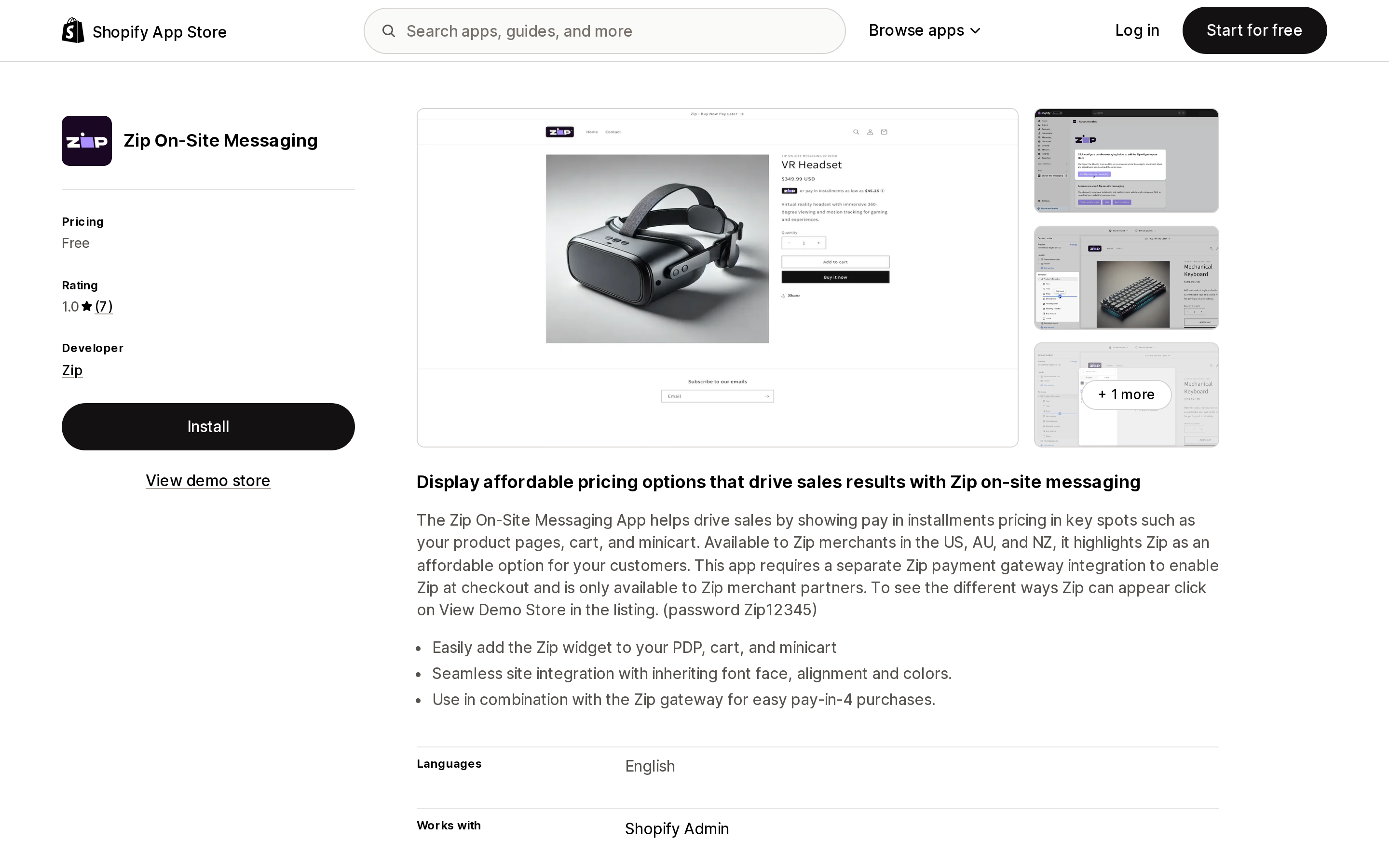
Source: Shopify App Store (Zip On‑Site Messaging), retrieved September 2, 2026
From Zip, listed September 2, 2021. 1.0 stars across 7 reviews — every single rating is one star.
The reviews are unusually specific for this category, and they describe the same failure mode: the widget breaking other apps. One merchant on Dawn 15.3.0 reports a console error in the app's request_tracker.js overriding XMLHttpRequest.open, which broke another app's XHR and prevented its UI from mounting. Another reports the app breaking their Judge.me integration. Zip has replied to reviews saying the on-site messaging app was recently updated and asking merchants to reinstall.
Whether that update resolved it is not something the current rating can tell you — the most recent review, from June 2026, still reports the app breaking other apps. If you test it, watch the browser console on a product page, not just whether the banner appears.
How to decide
You are in the US, Canada, or the UK on Shopify Payments. Activate Shop Pay Installments. It costs nothing to turn on, needs no app, ships its own banners, and Affirm carries the collection risk. Then find your actual rate in the admin before you model the margin impact.
Check your card mix first. If a meaningful share of your customers pay with Capital One or Chase credit cards, they will not be able to use installments, and no setting changes that.
You sell subscriptions or gift cards. Those are excluded and cannot be included. If they are most of your catalogue, this is not the conversion lever for you.
Your storefront is not primarily in English, or your business is primarily B2B. You are a documented suspension candidate under Affirm's policy. Resolve that with Shopify before you promote installments on your product pages.
You are outside the three countries, or not on Shopify Payments. Your route is a third-party BNPL gateway configured in Settings > Payments, with the provider's messaging app as an optional add-on. Choose the gateway on its own merits; treat the messaging app as a separate, riskier decision.
You do install a messaging app. Duplicate your theme first, and open the browser console on a product page after installing. The most credible complaints across this category are not about the banner failing to render — they are about the app breaking a different app on the same page.
Whichever you use, decide who watches for disputes. Shopify's two pages disagree on whether Shop Pay Installments disputes surface in your admin. The FAQ's version comes with a 15-day reply window on an email to the store owner. Assume that is the one that matters.
Sources
- Shop Pay Installments — Shopify Help Center
- Shop Pay Installments eligibility requirements — Shopify Help Center
- Shop Pay Installments customer experience — Shopify Help Center
- Getting paid for orders placed using Shop Pay Installments — Shopify Help Center
- Shop Pay Installments FAQ — Shopify Help Center
- Shop Pay Installments product page banner — Shopify Help Center
- Shopify App Store listings for Klarna On‑Site Messaging, Afterpay On‑Site Messaging, Sezzle Widget, PayPal Pay Later Messaging, and Zip On‑Site Messaging, retrieved September 2, 2026
\"Do Shopify apps work with Hydrogen?\" is the wrong question. Shopify's own App surfaces documentation lists seven places an app can live, and going headless removes exactly two of them: theme app extensions and web pixels. Everything else — Shopify Functions, checkout UI extensions, admin extensions, POS, Flow — keeps running, because Hydrogen still hands the buyer to Shopify's hosted checkout through cart.checkoutUrl. Shopify also curates a collection called Apps that enhance your custom storefront: it holds about 30 apps, the exact set varies by session, and the categories missing from it tell you more than the ones in it. Surface-by-surface breakdown, the full list, and the consent setting that silently kills Hydrogen analytics. Researched September 2, 2026.