
What you will learn
On this pageContentsCloseOpen
Search the Shopify App Store for "address validation" and you get a wall of apps that all appear to solve the same problem: customers typing bad addresses and packages coming back. What almost none of the listicles covering those apps mention is that Shopify ships address validation itself, free, on every plan — and that Shopify's documentation explicitly tells you not to run its checkout validation and a third-party app at the same time.
That single sentence in the Help Center changes what you should be shopping for. This article establishes what the native feature does and does not do, then prices four real apps against the gap that is actually left.
Research date: September 2, 2026. All prices are USD from the English App Store listings.
The short version
- Shopify's admin-side address validation is available on any plan, always active, and supports US shipping addresses. You are already using it whether you knew it or not.
- Checkout-time validation is a separate, opt-in toggle: Settings → Checkout → Advanced preferences → Address collection → Validate shipping address. Also free, also US-supported.
- Shopify's documentation warns that a third-party address validation app running alongside the native checkout setting can produce conflicting suggestions and hurt checkout conversion. Its guidance is to use one or the other, not both.
- Native validation suggests corrections to addresses that look wrong. It does not enforce your policies. It will not block a PO box, require an apartment number, or reject a specific ZIP.
- That gap is what most of these apps actually sell — rule enforcement, not deliverability lookup.
- Pricing splits three ways: flat monthly from $4.99, per-order at $0.04, and one app that is free to install but requires a separate subscription billed by the vendor outside your Shopify invoice.
What Shopify already does
Admin validation is on right now
Shopify's address validation in the admin is available to all merchants on any plan and is always active. There is no setting to turn it on and no app to install.
It fires in more places than most merchants realize:
- A customer places a new online order
- An order is created through the API
- You create a draft order and add a customer
- You add or update a fulfillment location
- You buy a shipping label
- You add or edit a customer profile
On Shopify Plus it additionally validates B2B company and company location addresses.
The supported country list includes the United States (alongside Australia, Austria, Belgium, Bermuda, Canada, Czechia, Denmark, Faroe Islands, France, Guernsey, Italy, Liechtenstein, Luxembourg, Netherlands, Poland, Portugal, Slovenia, South Korea, and Switzerland). Orders from countries outside that list are still inspected, but return fewer specific suggestions.
Warnings versus errors
Shopify separates results into two severities, and the distinction has real operational consequences:
- Warnings (yellow) might cause a delayed or failed delivery. You can override them with Mark as valid.
- Errors (red) are very likely to cause a failed delivery. You cannot mark these as valid — you have to fix the address before you can fulfill.
The resolution dialog shows the entered address side by side with a suggestion card. You can accept the suggestion, keep the original (warnings only), edit manually, or click Email customer — which prefills a message with the subject Confirm shipping address for order #XXXX. There is also a View address checker link for the full validation detail.
You can filter the Orders list by validation status: Not validated, Has issues, or No issues. That filter is the free version of the "address issues dashboard" several apps advertise, and it is sitting in your admin already.
One caution from the same documentation: changing a shipping address after payment has been collected can trigger a tax recalculation.
Checkout validation is one toggle
The admin check happens after the order exists. To catch the problem while the customer can still fix it themselves, turn on the checkout setting: Settings → Checkout → Advanced preferences → Address collection → Validate shipping address.
Shopify notes that suggestions are surfaced when there is high confidence in what the customer intended — it is deliberately conservative rather than nagging every shopper. The same 20-country list applies. Individual field validations for input requirement, format, and length are always active everywhere regardless.
Separately, address autocomplete — sourced from services such as Google Autocomplete — is available to all merchants and active by default, covering 23 countries including the US. It can be turned off in the checkout and accounts editor, and it can be replaced by a third-party autocomplete app built on Checkout UI extensions.
The sentence that reframes the category
Buried in the same Help Center page is the guidance that should drive your buying decision. Shopify states that if you use a third-party address validation app, there might be conflicting elements or suggestions at checkout, and that to avoid decreased checkout conversion you should use either the native checkout setting or a third-party app — not both simultaneously.
Read that as a product statement rather than a legal disclaimer. Shopify is saying its native check and an app's check are doing overlapping work, and stacking them produces a worse checkout, not a safer one.
So the question is no longer "which address validation app should I buy?" It is: does native validation solve my actual problem, and if not, what specifically is it failing to do?
What native validation genuinely does not do
Native validation is a deliverability check. It compares the address to a postal reference and tells you it looks wrong. It does not know or care about your shipping policy.
It will not:
- Block PO boxes, even though many carriers and most freight cannot deliver to one
- Require an apartment or suite number on a multi-unit building
- Reject or allow specific ZIP codes — remote-area surcharges, service areas, dealer territories
- Enforce a maximum character length per field for a downstream WMS or label printer
- Block emoji and non-Latin characters that break a label
- Apply a custom pattern rule for a carrier-specific format
Every one of those is a policy decision, not a deliverability fact. That is precisely the territory the apps below occupy.
Four real apps, priced on September 2, 2026
| App | Developer | Built for Shopify | Rating (reviews) | Pricing model | Entry price |
|---|---|---|---|---|---|
| Ninja Address Validation App | Magical Apps | Yes | 5.0 (44) | Flat monthly | $4.99/month |
| DS Address Validation Block | Devesha Solution | Yes | 5.0 (26) | Flat monthly, tiered by your Shopify plan | $5.99/month |
| Address Validator AddressHero | HeroSoftware GmbH | Yes | 4.9 (213) | Per order, or flat | $0.04/order, or $9.99/month |
| Loqate Address Validation | GB GROUP PLC | No | 5.0 (6) | Free to install, separate vendor subscription | Not stated on the listing |
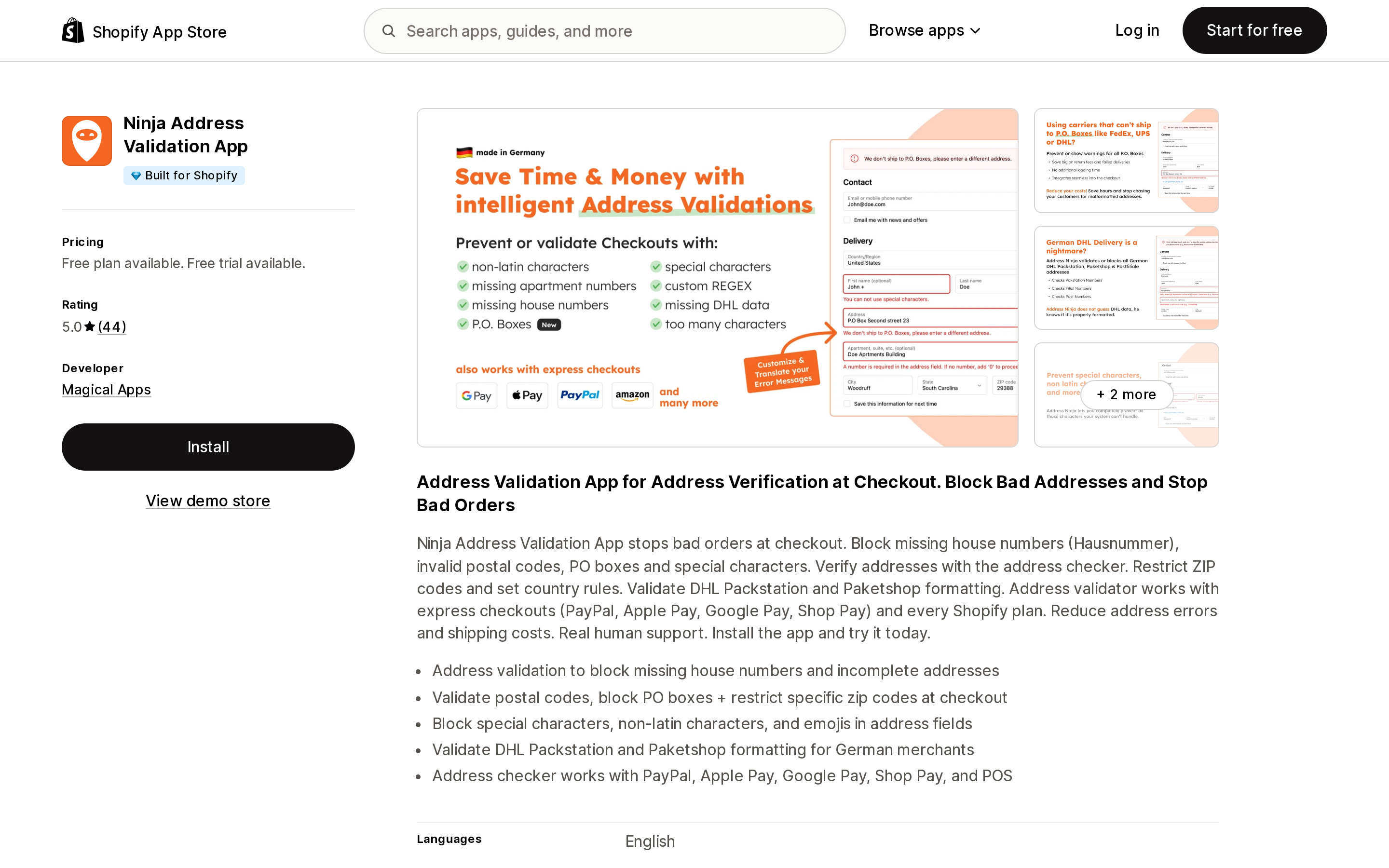
Ninja Address Validation App
Source: Shopify App Store (Ninja Address Validation App), retrieved September 2, 2026
This is a pure rule-enforcement app, and its tier list reads like a catalogue of exactly what native validation will not do. Starter at $4.99/month blocks missing house numbers, blocks PO boxes at checkout, blocks special characters and emoji, blocks specific ZIP and postal codes, validates ZIP format, and checks for apartment and suite numbers.
Basic at $9.99/month is scoped to stores shipping to Germany, adding DHL Packstation format validation and Packshop handling — not relevant to a US-only store. Pro at $14.99/month adds maximum characters per address field and custom regex rules. All paid tiers carry a 14-day free trial; the free plan is restricted to development stores.
If your problem is "we keep shipping to PO boxes and our freight carrier refuses them," this is the shape of app that solves it, and $4.99 is the cheapest entry in the set.
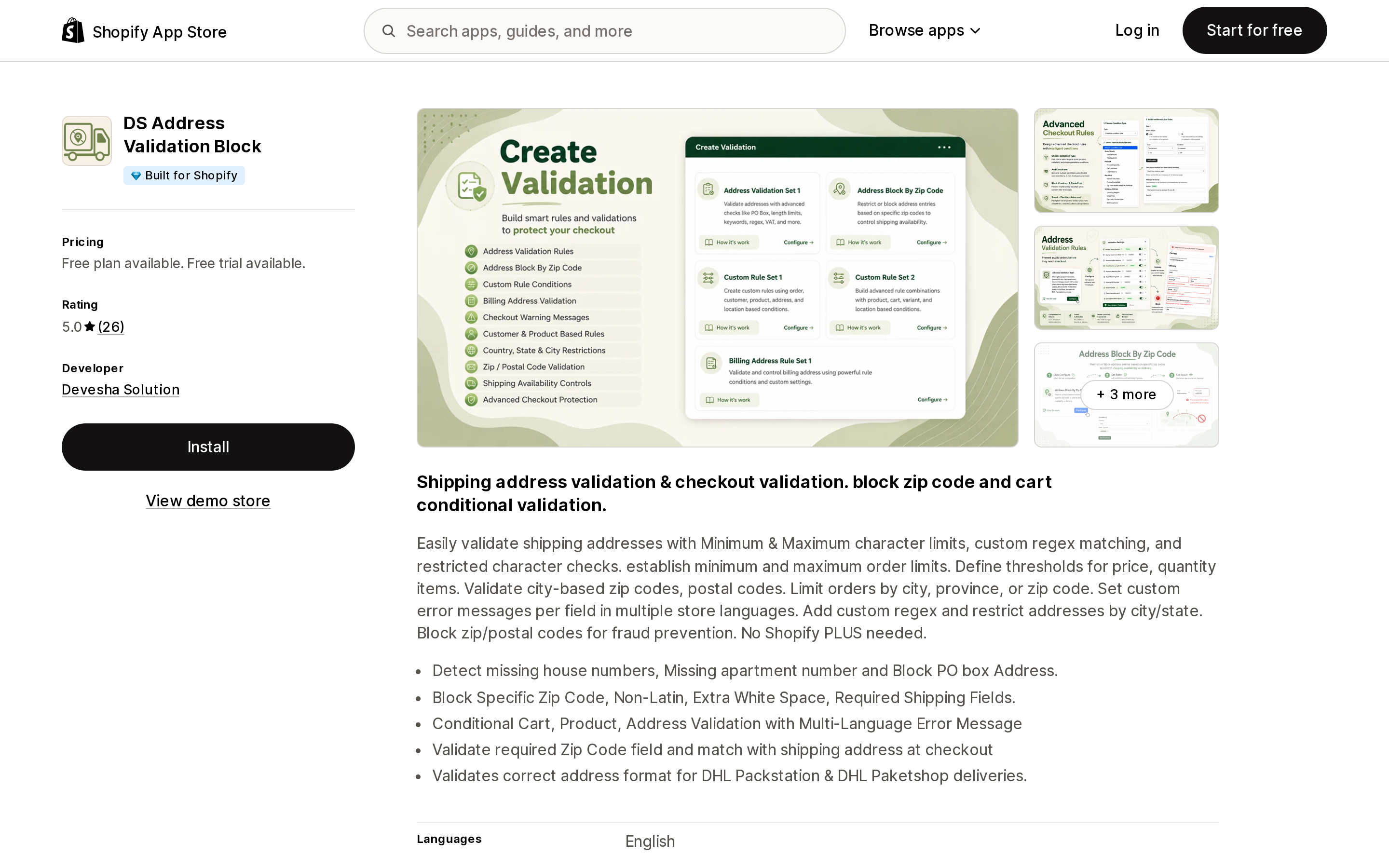
DS Address Validation Block
Source: Shopify App Store (DS Address Validation Block), retrieved September 2, 2026
Devesha Solution takes the unusual approach of tiering by your Shopify plan rather than your usage: Shopify Basic $5.99/month ($65.99/year), Shopify Grow $7.99/month ($87.99/year), and Advanced/Plus $9.99/month ($109.99/year). The listing states all features are included on every paid tier, so you are paying more purely because your store is larger, not because you get more.
The rule set covers checkout conditional validation, cart attribute validation, missing apartment numbers, product property validation, missing house numbers, minimum and maximum character limits, PO box blocking, non-Latin character blocking, and ZIP code blocking.
The free trial is 3 days, the shortest in this comparison, and the free plan requires entering a specific first name at checkout — so it is a development-store test harness, not a usable free tier.
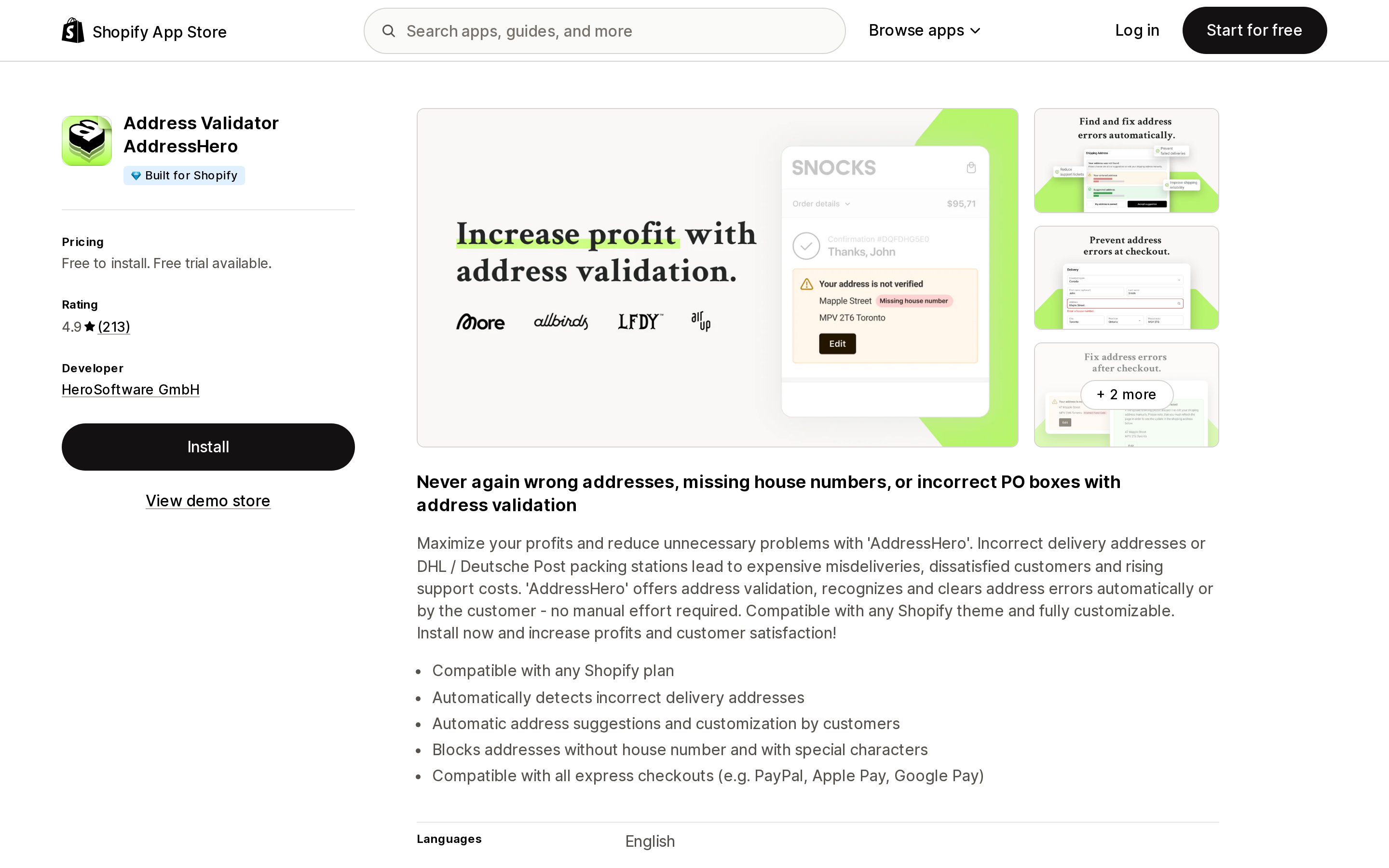
Address Validator AddressHero
Source: Shopify App Store (Address Validator AddressHero), retrieved September 2, 2026
AddressHero is the only app here that splits its two jobs into two separately priced products, which makes the distinction in this article unusually visible.
AddressHero Lite, $9.99/month, is rule enforcement: block orders missing house numbers, prevent PO box delivery errors, block special characters.
AddressHero Pro is free to install, then 14 days free followed by $0.04 per order. It is the correction product: AI-powered address correction, real-time checkout suggestions, automatic typo correction, native Klaviyo and email integration. Both plans state they work with express checkouts.
The per-order model has a clean crossover. $9.99 ÷ $0.04 = 250 orders per month. Below that, Pro costs less than Lite despite doing more. Above it, Pro costs more — and it climbs linearly:
| Orders/month | AddressHero Pro | AddressHero Lite |
|---|---|---|
| 100 | $4.00 | $9.99 |
| 250 | $10.00 | $9.99 |
| 1,000 | $40.00 | $9.99 |
| 3,000 | $120.00 | $9.99 |
Note that the meter is per order, not per address issue. A store with excellent address hygiene pays the same $0.04 on every clean order as a store with a chronic problem. At 3,000 orders a month you are paying $120 regardless of whether the app corrected three addresses or three hundred — and Shopify's free native validation is doing overlapping correction work for $0.
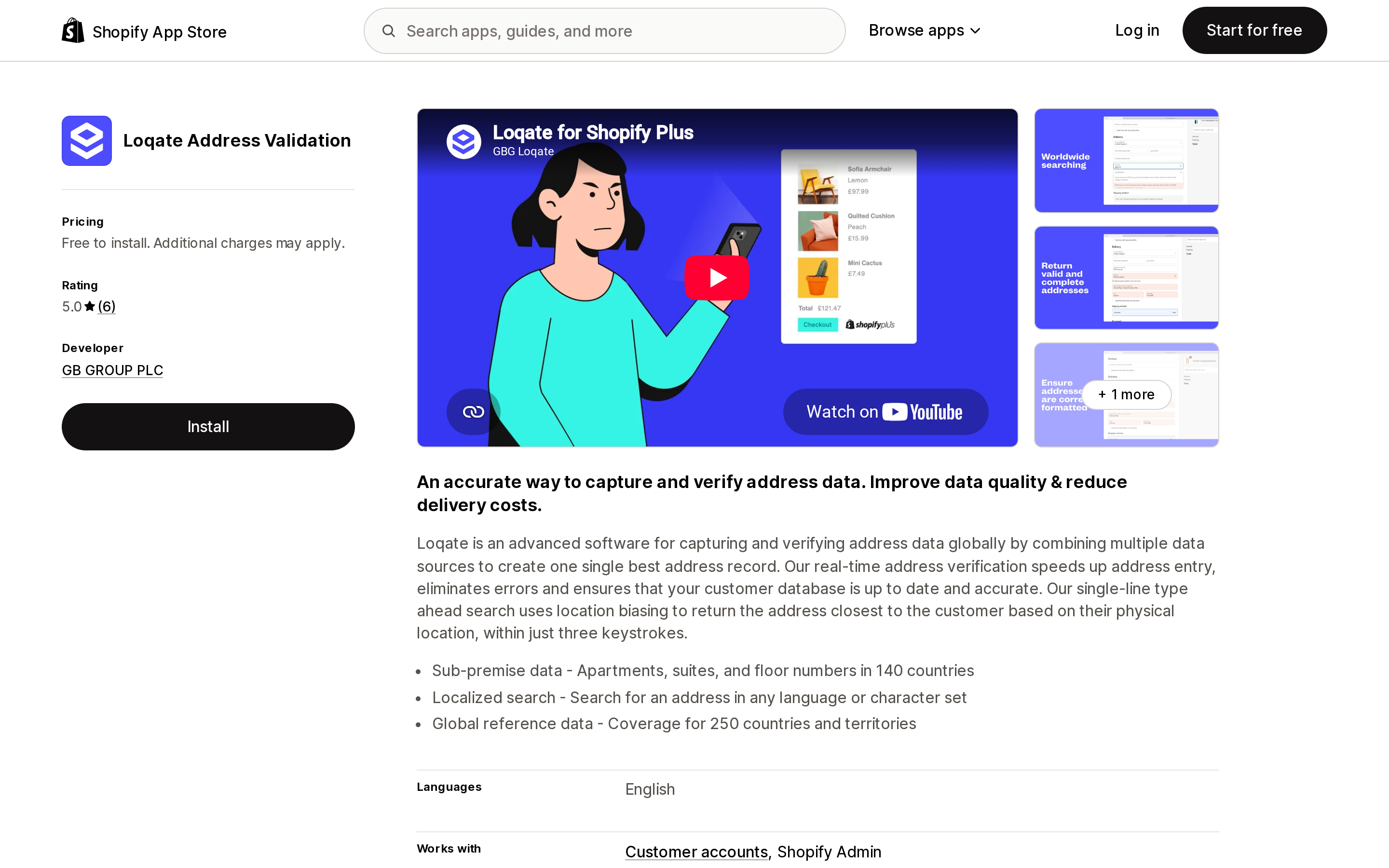
Loqate Address Validation
Source: Shopify App Store (Loqate Address Validation), retrieved September 2, 2026
Loqate is the enterprise data vendor in this set — GB Group's global address capture and verification service, with a 45-day free trial.
Its listing says "Free to install. Additional charges may apply," and carries an explicit notice that external charges may be billed by GB GROUP PLC separately from your Shopify invoice. The plan itself states that a Loqate subscription is required.
The App Store listing does not state what that subscription costs. You cannot price this app from the App Store; you have to go to the vendor. That is a legitimate model for enterprise data licensing, but it means Loqate cannot be compared on price against the other three here, and you should not treat "Free to install" as a price signal.
With 6 reviews, there is also not enough public feedback to generalize from — though the reviews present are from merchants describing multi-year use of Loqate's service outside Shopify.
How to choose
Work through this in order. The first two steps cost nothing.
- Confirm what your failed deliveries actually are. Filter your Orders list by address validation status → Has issues. If that list is short, your problem may not be addresses at all.
- Turn on native checkout validation if it is off. Settings → Checkout → Advanced preferences → Address collection → Validate shipping address. Free, every plan, US-supported. Give it a few weeks.
- If returns keep coming back for policy reasons — PO boxes your carrier rejects, missing apartment numbers on multi-unit buildings, ZIPs you do not serve — that is the gap native validation does not cover. A rule-enforcement app at $4.99 to $9.99/month is the right tool, and Shopify's guidance says to turn the native checkout setting off when you install one.
- If returns keep coming back for typo reasons despite native validation being on, a correction-focused product like AddressHero Pro is arguably worth trialling — but run the per-order math first. Above roughly 250 orders a month it stops being the cheap option.
- If you need verified address data across multiple systems, not just Shopify checkout, that is when an enterprise service like Loqate makes sense. Get a quote before you install, because the App Store will not give you one.
The thing not to do is install an app on the assumption that Shopify does nothing here. It does, it is free, and running both can make your checkout worse.
Sources
- Validating addresses in your Shopify admin — Shopify Help Center
- Set up address collection preferences — Shopify Help Center
- Shopify App Store listings for Ninja Address Validation App, DS Address Validation Block, Address Validator AddressHero, and Loqate Address Validation, all retrieved September 2, 2026
Shopify has no native way to collect a customer donation or a round-up at checkout. The closest built-in feature is Tipping, and Shopify's own help center suggests relabeling it \"Donations\" — but tipping caps at $1,000, breaks with Shop Pay Installments, isn't supported by the Subscription API, and has no charity, no disbursement, and no receipt. So merchants install an app, and that is where the real decision hides. We read the terms and help centers of five donation apps on September 2, 2026 and found three incompatible answers to one question: who is the donor of record. ShoppingGives issues the donation receipt to the merchant, Pledgeling Foundation emails it to the shopper, and DailyKarma tells shoppers they will not get a charity receipt at all. The fee models differ just as sharply — on $1,000 of monthly donations, the charity receives $1,000, $841, or $870 depending on which app you picked.