
What you will learn
On this pageContentsCloseOpen
Shopify will generate product imagery for you at no extra cost, and most merchants shopping for an AI photo app have not checked how far that goes.
The native feature does three things: replace a background with a solid colour or transparency, transform the background or scene from a text prompt, and extend an image by outpainting. What it will not do is put your product on a person. That gap is the entire reason the AI product photography app category exists on the Shopify App Store.
The apps filling it are priced in four mutually incompatible units. One sells "swaps." One sells credits at a published rate of one credit per generation. One quotes credits and image generations side by side at a ratio of 100 to 1. Two sell credits and never say how many a single image consumes. Derived cost per finished image across the ones you can compute runs from under a cent to 67 cents — a 68-fold spread for output a merchant would describe identically.
Everything below was verified on September 2, 2026 against help.shopify.com, shopify.dev, ftc.gov, and the English (US) Shopify App Store. Prices are USD as published on the English listings.
What Shopify already does for free
Media generation lives in the Shopify admin's file editor, and Shopify documents its limits with unusual precision.
Output is normalized to 1 megapixel. In Shopify's words: "The default resolution for generated images is 1 megapixel (MP) resolution based on your image's aspect ratio." Larger images are scaled down to hit it; smaller ones are scaled up. Set that against the product image ceiling of 25 megapixels — up to 5000 × 5000 pixels, 20 MB, aspect ratio between 100:1 and 1:100 — and the gap is a factor of 25 in pixel count. If you have been photographing at full resolution and running images through Magic, everything that comes out the other side is a 1 MP file.
One scene at a time. "The Shopify AI image editor creates 1 AI-generated scene at a time." Unused scenes are deleted when you close the editor unless you download them.
There is a watermark, and it does not restrict you. "An invisible watermark is applied to all generated images, which doesn't restrict commercial use but can't be removed." Shopify is also explicit on rights: "Shopify doesn't claim ownership over images merchants create using media generation, nor restrict where they can use those images."
The plan requirement is contradictory on Shopify's own page. One banner reads: "Media generation with Sidekick is only available for stores on the Basic plan, Grow plan, Advanced plan, and Shopify Plus plan." Another line on the same page reads: "For a limited time, media generation in the file editor is available on all Shopify plans at no additional cost." Both statements are live as of September 2, 2026. Check your own admin rather than either sentence.
What the documentation never describes is generating a human model. The prompt guidance is entirely background and scene oriented — studio backdrops, sunny parks, advice on grounding objects so they do not appear to float. If you sell apparel and need the garment worn, native Shopify has nothing for you.
Four metering units, none of them comparable
| App | Rating (reviews) | Unit sold | Rate published? | Derived cost per image |
|---|---|---|---|---|
| OnModel ‑ AI Models Photos | 4.5 (10) | Swaps | N/A — unit is the output | $0.0098–$0.03 |
| ModelVerse AI: AI Model Photo | No reviews | Credits + generations | Derivable at 100:1 | $0.08–$0.15 |
| Snapshot: AI Image Generator | 5.0 (6) | Credits | Yes — "1 credit = 1 generation" | $0.45–$0.67 |
| SellerPic:Ads & Product Photos | 4.4 (79) | Credits | No | Not computable |
| Modelia – AI Fashion Models | 4.8 (7) | Credits | No | Not computable |
| Photoroom AI Listing Assistant | 4.7 (26) | None disclosed | No | Not computable |
Cost per image is our arithmetic from published tier figures, not a claim any listing makes. The apps also do not produce identical output — a "swap" and a "generation" are different operations — so treat this as a disclosure comparison, not a quality ranking.
None of these six carries the Built for Shopify badge. We checked against a known-badged control listing. Every "Built for Shopify" string on these pages sits in the site navigation or in the "More apps like this" carousel advertising other apps' badges. This category has no badged app in it, which is itself worth knowing.
Review counts are also thin — five of the six run from zero to 26 reviews, with SellerPic's 79 the only outlier. Star ratings at that sample size carry almost no signal, and we would not choose on them.
OnModel ‑ AI Models Photos
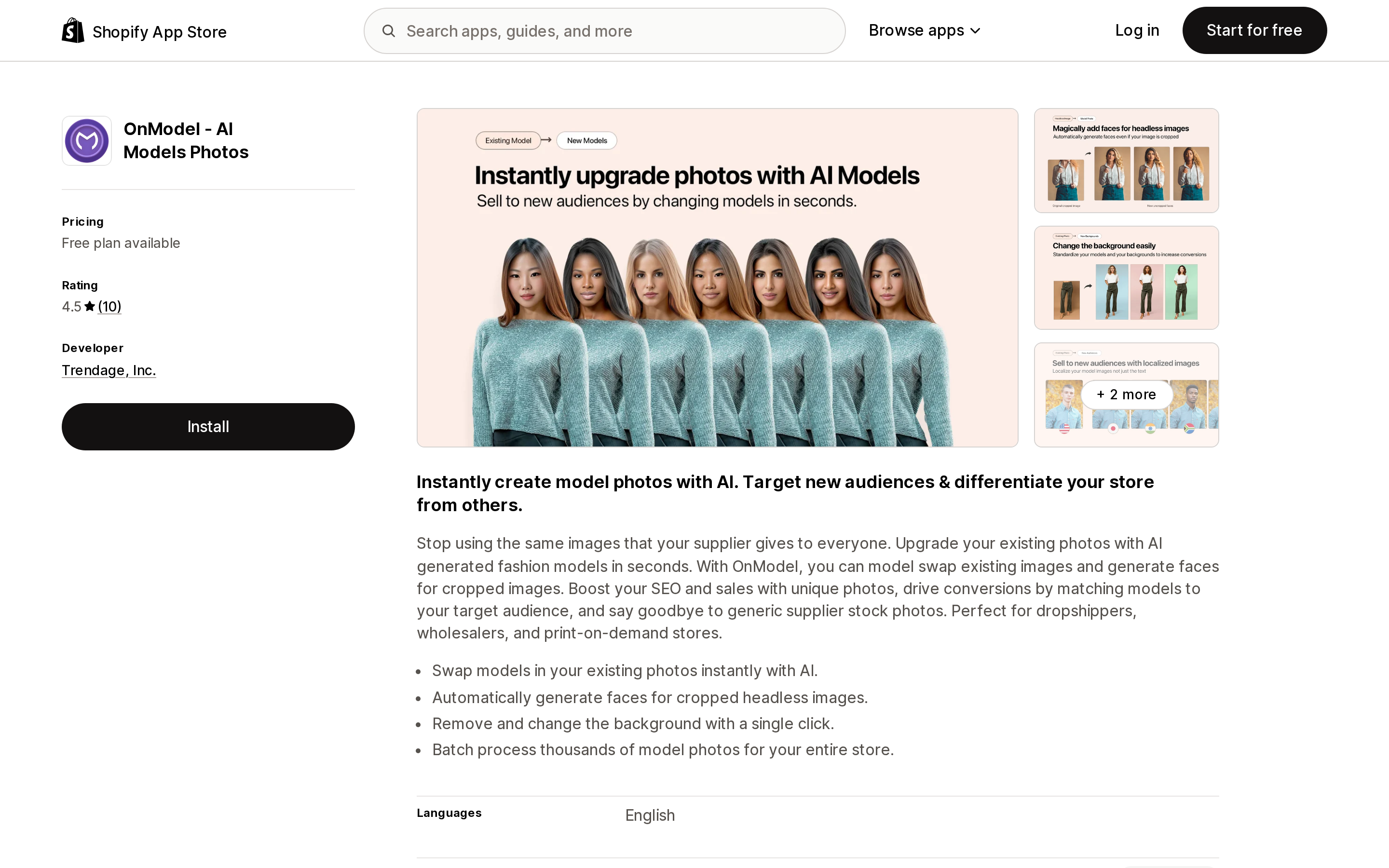
Source: Shopify App Store (OnModel ‑ AI Models Photos), retrieved September 2, 2026
The clearest pricing in the category, because it skips the credit abstraction entirely. Free gets you 25 model swaps. Basic is $9/month for 300 swaps. Growth is $19/month for 1,000. Advanced is $49/month for 5,000.
One swap is one output image, so the arithmetic is immediate: Advanced works out to roughly $0.0098 per image, Basic to $0.03. Rollover is not mentioned on the listing, so do not assume unused swaps carry forward.
ModelVerse AI: AI Model Photo
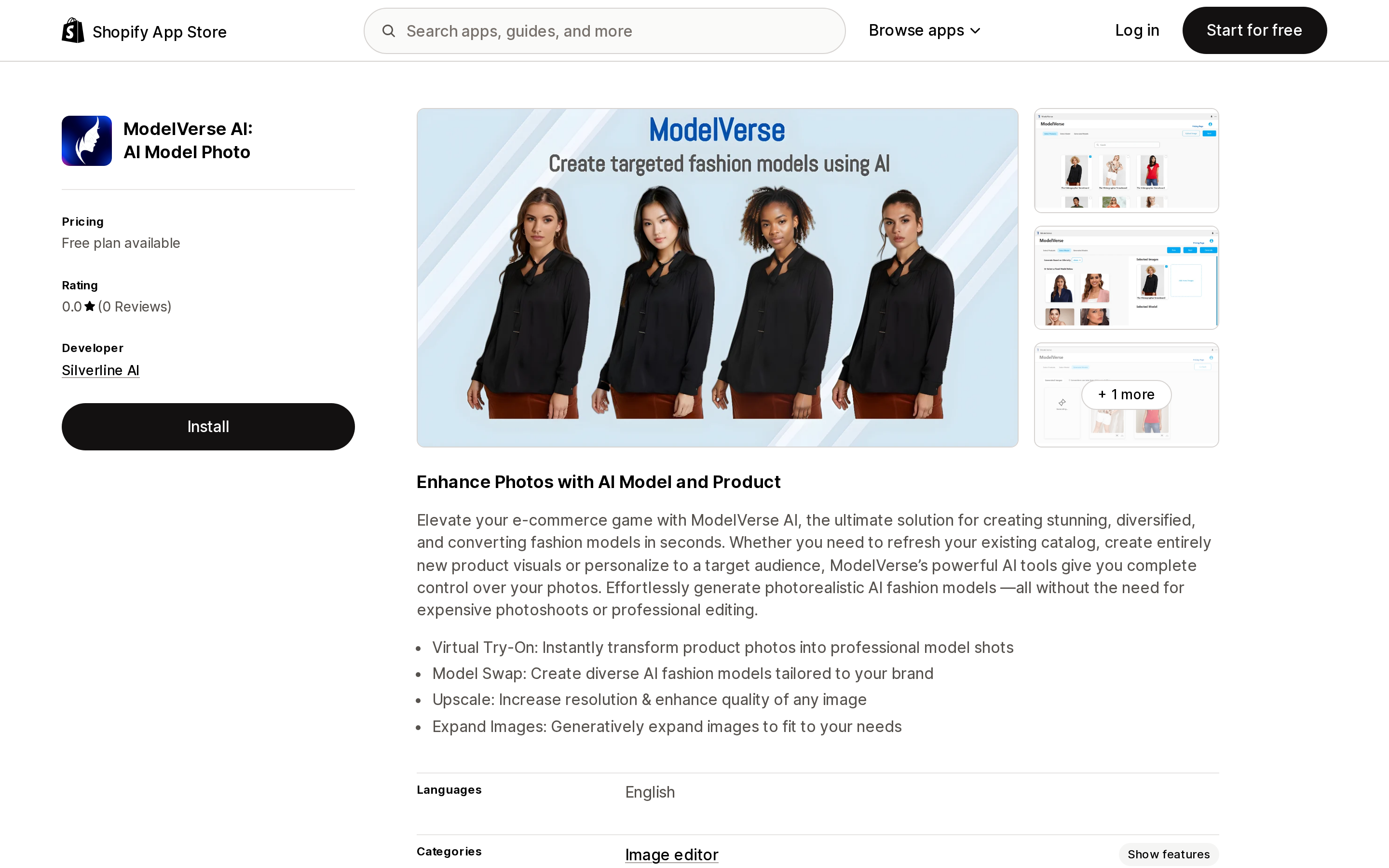
Source: Shopify App Store (ModelVerse AI: AI Model Photo), retrieved September 2, 2026
Every tier quotes two numbers: image generations and credits. Free is "20 Free image generation" and "2000 Credits." Basic at $14.99/month is 100 generations and 10,000 credits. Pro at $39.99/month is 500 generations and 50,000 credits.
All three reduce to 100 credits per generation. The listing never states that ratio in words — it is arithmetic from the published figures — but it is consistent across all three tiers. It matters because "50,000 credits" reads like a very large number and means 500 images.
This is also the only app of the six that promises rollover on a recurring plan, stating on both paid tiers: "Unused credits carryover to next month." It has no reviews at all, which is a real consideration for a subscription.
Snapshot: AI Image Generator
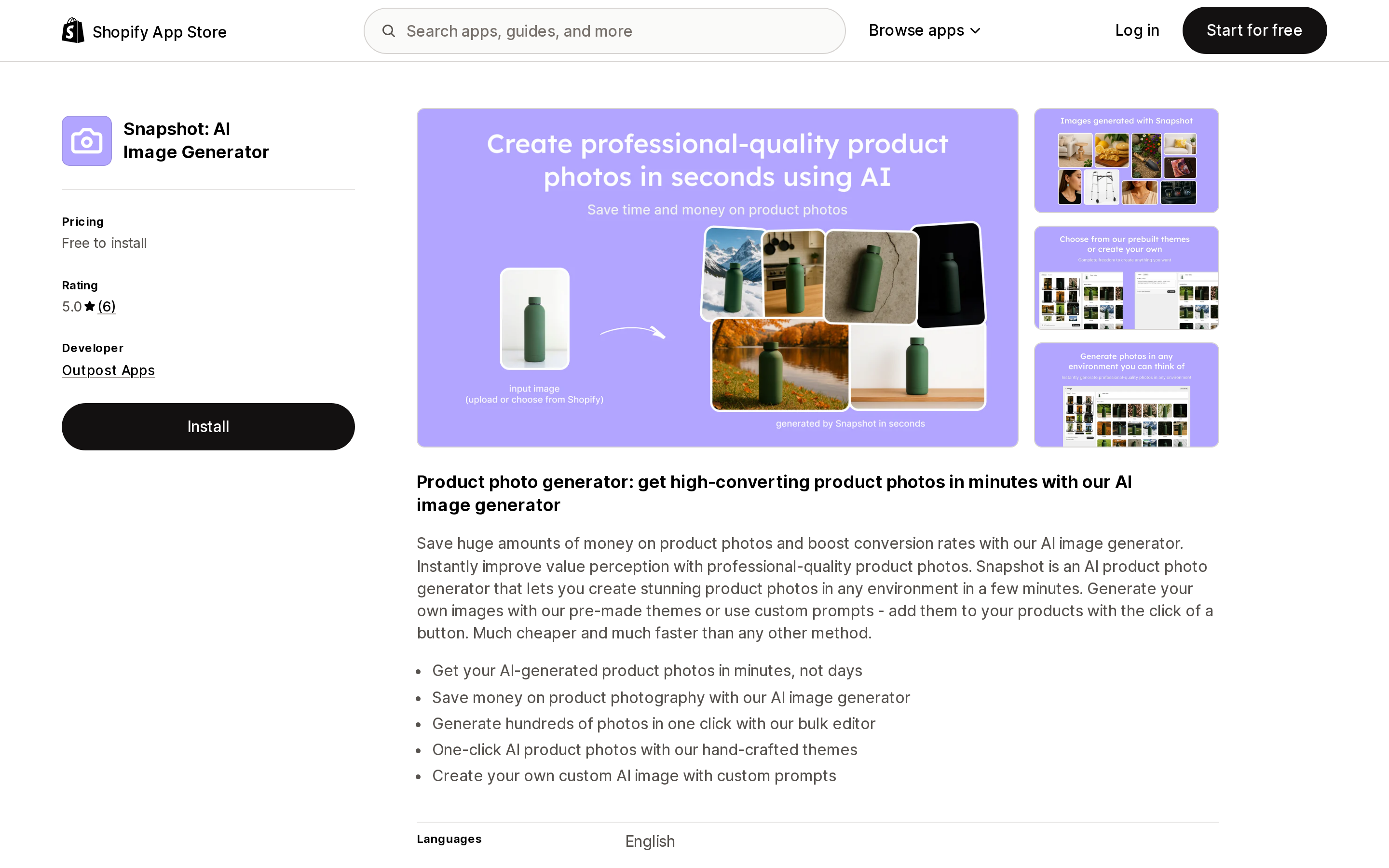
Source: Shopify App Store (Snapshot: AI Image Generator), retrieved September 2, 2026
The only app here with no subscription. Everything is a one-time credit pack: 2 credits free to install, 15 credits for $10, 100 for $50, 500 for $225. Every tier carries the same line — "1 credit = 1 generation" — making it the only listing in the set that publishes its exchange rate explicitly.
It is also the most expensive per image at $0.45 to $0.67, and features are identical across all four packs, so you are buying volume only. For a merchant with 30 products who wants scene imagery once and no recurring charge, a one-time $50 pack is a structurally different proposition from a subscription, and that may matter more than the unit price.
SellerPic:Ads & Product Photos
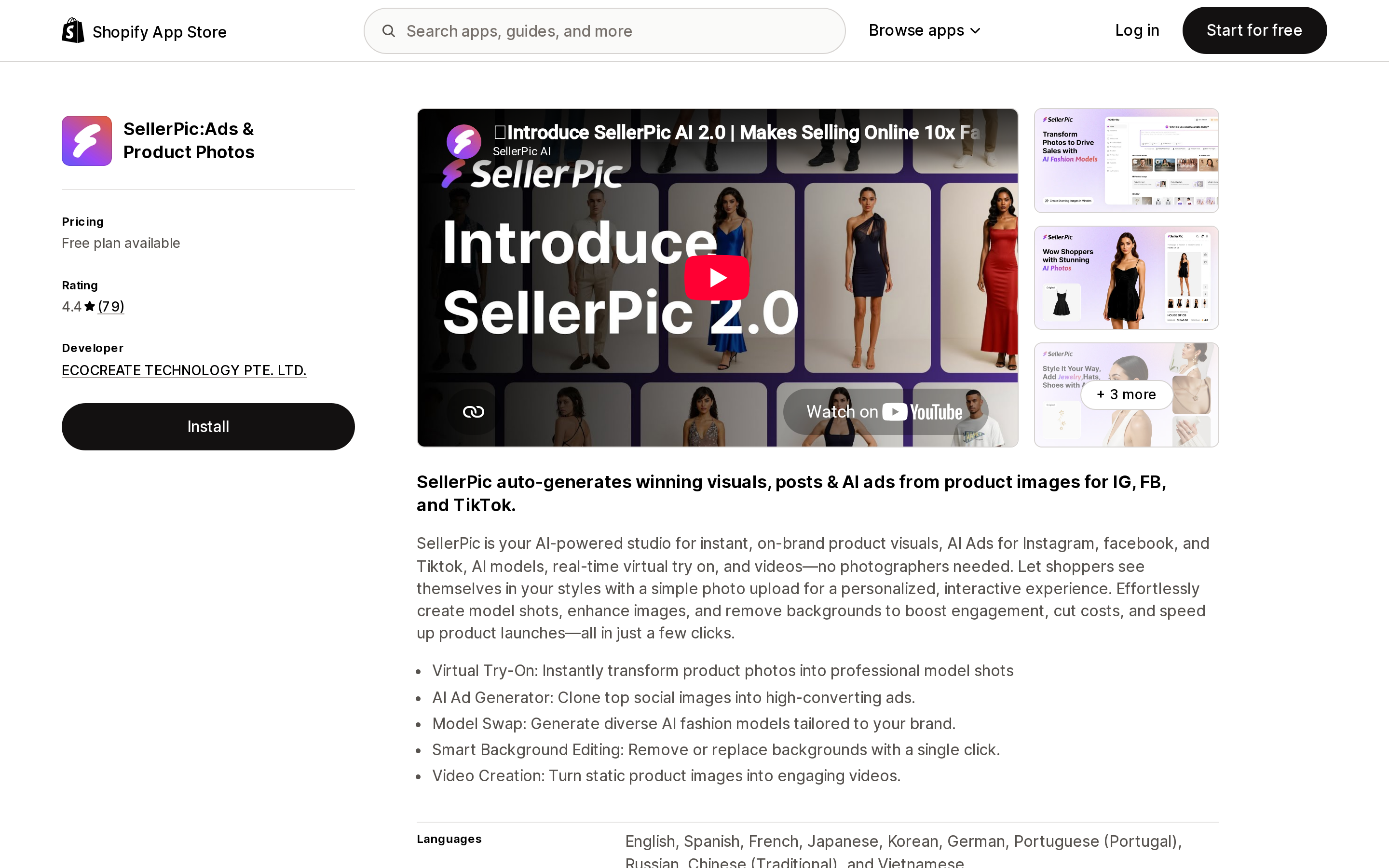
Source: Shopify App Store (SellerPic:Ads & Product Photos), retrieved September 2, 2026
The most-reviewed app in the set at 79 reviews, and the one with the most consequential fine print.
Pricing is Free (20 credits), Starter $29/month (200 credits), Growth $79/month (600 credits), Advanced $99/month (3,000 credits), with 50% off annual. Credits per generation are not stated, so cost per image cannot be derived.
Two things to read before installing. First, the listing carries an external billing notice: "External charges may be billed by ECOCREATE TECHNOLOGY PTE. LTD. separately from your Shopify invoice." Charges outside your Shopify bill are easy to lose track of.
Second, and more important, all three paid tiers carry the feature line "UHD, no watermark, commercial use" — and the Free tier does not. This is the only commercial-use gate we found in the category. The listing does not spell out what the free tier's restriction is, but the placement implies free output is watermarked, below UHD, and not licensed for commercial use. If you are trialling on real product pages, that distinction is not cosmetic.
One review on the listing raises a risk that applies to every credit-metered app here: the reviewer states the company "does not issue credits for hugely inaccurate generations." Failed and unusable outputs still consume your allowance. Budget for a reject rate.
Modelia – AI Fashion Models
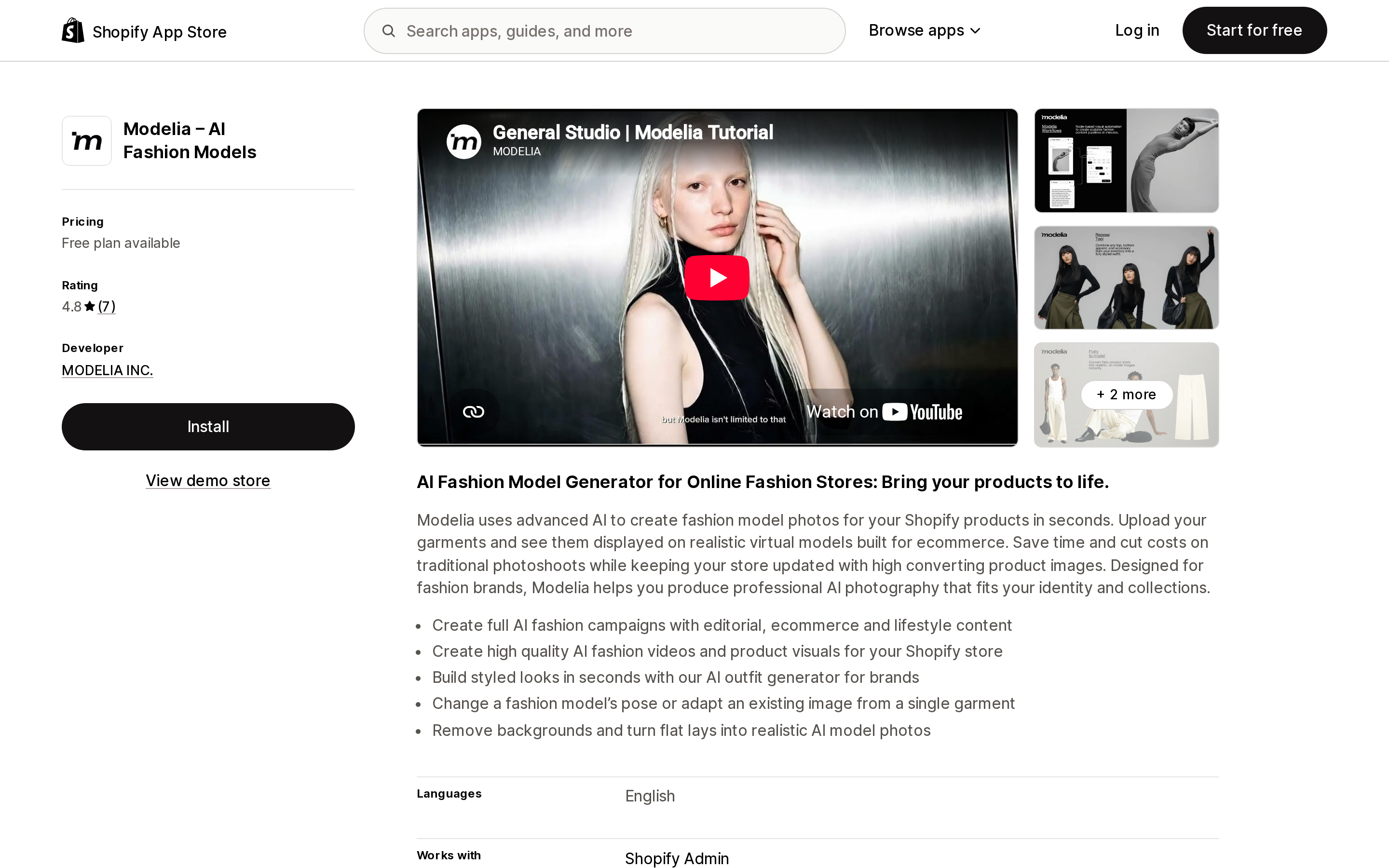
Source: Shopify App Store (Modelia – AI Fashion Models), retrieved September 2, 2026
Interesting for its throttle design. The free tier applies two limits at once: "10 credits / day limit" layered on "50 Credits / Month." Paid tiers remove the daily cap — Basic at $35/month gives 250 credits and "No daily generation limit," Pro at $85/month gives 750.
There is also a $20 one-time pack of 100 credits, and it is the only line in the listing that promises persistence: "Credits Never Expire." The monthly tiers say "/ Month" with no rollover language, which is not the same as saying they expire, but should be treated that way until the developer confirms otherwise.
Credits per generation are not published, so the tiers cannot be priced per image.
Photoroom AI Listing Assistant
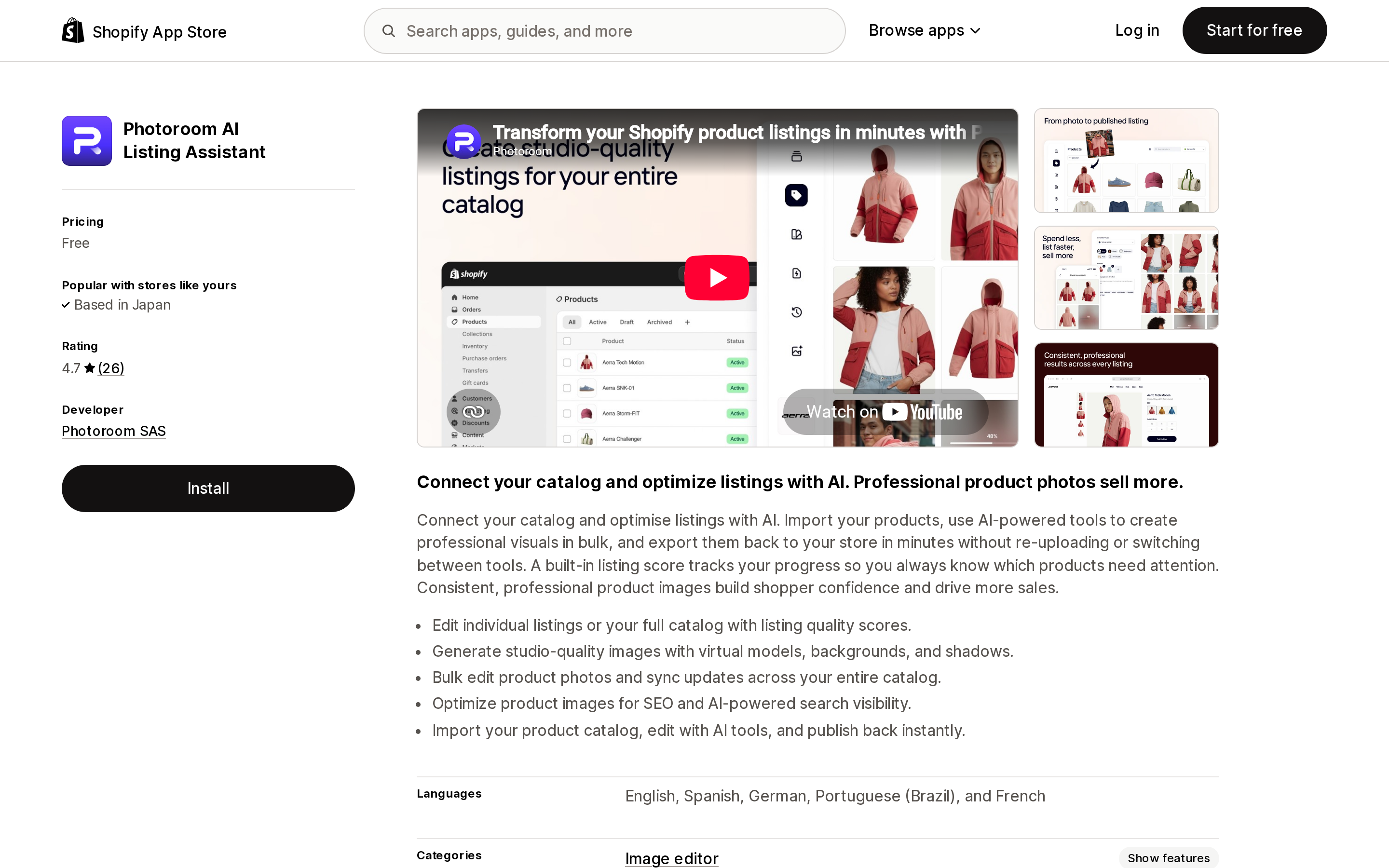
Source: Shopify App Store (Photoroom AI Listing Assistant), retrieved September 2, 2026
The listing shows one word under pricing: Free. There are no pricing plan cards, no credit figures, no quotas, and no external charges notice. The capability copy describes generating "studio-quality images with virtual models, backgrounds, and shadows."
Whatever limits exist are not on this listing. Photoroom operates its own subscription product outside Shopify, but nothing about those plans is stated here, so we are not going to state them either. Treat the App Store listing as telling you the app is free to install and nothing more about what it costs to use.
The compliance question, answered narrowly
Merchants ask whether AI-generated model photography is legally risky in the US. The specific answer is narrower than the internet suggests.
No FTC rule governs AI-generated product photography. There is no disclosure or labelling mandate for AI-generated product images at the federal level. The rule people reach for is the Trade Regulation Rule on the Use of Consumer Reviews and Testimonials, 16 CFR Part 465, announced August 14, 2024 and effective October 21, 2024. The FTC's own Q&A addresses AI avatars head-on:
"The rule has no blanket prohibition on the use of AI-generated avatars in marketing."
The FTC goes on to say the rule is "drafted specifically so as to not prohibit companies from using virtual influencers," that AI avatars would not be giving "consumer reviews" as the rule defines them, and that such use might count as a testimonial but is prohibited only if the underlying testimonials were fake or false. It also notes that using a celebrity avatar without permission to speak favourably about a product would violate the rule where reasonable consumers would think the celebrity actually endorsed it.
So: an AI model wearing your product is not what 16 CFR 465 is about. The rule bites when the generated person is presented as endorsing the product or as a real customer. The exposure that remains is ordinary FTC Act Section 5 deception — an image that misrepresents the product's actual colour, fit, material, or appearance. That risk is not new and is not specific to AI; it is the same risk as an over-retouched photograph.
Shopify has no policy on AI-generated content in merchant listings. Its App Store requirements and Built for Shopify requirements contain no AI content rule; the only AI mention in either is a design convention about using the Sidekick icon for AI features. The closest applicable requirement, "Your app and app listing should only include factual information," governs app listings, not the images merchants upload. The one merchant-facing statement Shopify makes is on the media generation page: it "prioritizes originality and respects creators' rights, and doesn't support or endorse uploading images from the web or copyright infringement."
How to choose
Start by testing native Magic on five real products. It costs nothing, and for background replacement and simple scene changes it may be sufficient. If the 1 MP output is too small for how you display images, you have learned the single most useful thing about your requirements before spending anything.
If you need on-model imagery, you need an app — Shopify does not generate it.
Compute cost per finished image before comparing prices, and add a reject rate. Not every generation is usable, and at least one developer in this set does not refund credits for bad output. If an app will not tell you how many credits one image consumes, you cannot budget it, and that is a reason to keep looking rather than a detail to sort out later.
Check the commercial-use line on the free tier specifically. SellerPic's paid tiers list "commercial use" as a feature. If free output is not licensed for commercial use, it cannot go on a product page, which makes the free tier a preview rather than a trial.
Match the billing shape to your workload. A one-time credit pack fits a catalogue you shoot once. A monthly subscription fits continuous new-product photography. Paying $35 a month for a catalogue you refresh twice a year is the most common way to overspend in this category, and it has nothing to do with which app is better.
Sources
- Shopify Help Center — Media generation in the file editor
- Shopify Help Center — File uploads and requirements
- Shopify Help Center — Product media types
- Shopify Help Center — Intellectual property
- Shopify.dev — Shopify App Store requirements
- FTC — Final rule banning fake reviews and testimonials
- FTC — Consumer Reviews and Testimonials Rule: Questions and Answers
Shopify syncs nothing between two stores you own. Locations live inside one store, Markets serve many countries from one store, and Shopify Collective is a dropship relationship with a 100-variant cap that zeroes your inventory when you uninstall it. So multi-store sync is an app decision — and the six real apps meter six different things. Syncio charges the destination for products and the source for orders. Tipo charges for every variant in the destination store, including the ones you never sync. Synkro's $25 plan is $25 per connected store. Trunk bills a rolling three-month order average across all your channels. Priced against one identical two-store setup, the spread runs from about $10 to about $119 a month. Verified on the Shopify App Store September 2, 2026.