
What you will learn
On this pageContentsCloseOpen
Open any product in your Shopify admin, scroll to the Inventory section, and you will find a Barcode field sitting next to the SKU. Shopify's Help Center explains what belongs in it in careful detail: a GTIN, and the fact that UPC-A is GTIN-12, EAN-13 is GTIN-13, ISBN is a GTIN-13, and Code 128 is a non-GTIN symbology used in warehousing. It even tells you to print at 300 DPI or higher and to keep the symbol at least 1.5 inches wide.
All of that is about producing and storing an identifier. None of it is about reading one back.
There is no screen in the Shopify admin where a packer scans an item, and Shopify answers "yes, that belongs in order #1042" or "no, stop." The barcode is an attribute of a variant. It is not a checkpoint in your fulfillment flow.
What the native stack actually covers in 2026
This is worth stating precisely, because the native ground has moved recently and a lot of advice about it is out of date.
Bin locations are now native. Shopify supports assigning a bin to a product variant at a given location — A-01, Aisle5-Rack3 — created by CSV import and edited afterward with the bulk editor. Each variant can hold only one bin per location, bin names must be unique within a location, and bins sort alphabetically rather than numerically, which is why Shopify tells you to write A-01 instead of A-1. Shopify's own migration guide states plainly that "Bin data is displayed on inventory pages and pick lists."
That same guide is equally plain about the limit: "Transfers move inventory between locations only. They don't track stock moves between bins or zones inside one location. If you need bin-level moves within a single location, then consider using a third-party inventory app."
Pick lists are native, through a free first-party app. The Shopify Order Printer app produces pick lists that you can group by product or by order, sort by quantity, SKU, variant, or order ID, and filter by fulfillment status. The constraints are documented: you can print pick lists for up to 50 orders at a time, you can create up to 15 templates, and the pick list template cannot be customized with custom code. The selectable columns are product image, product name, variant, order ID, SKU, and quantity.
Packing slips are fully templatable — in Liquid, with a fixed variable set. You edit the packing slip template from Settings → Shipping and delivery → Documents. The documented variable reference gives you store details, addresses, order number, order note, created-at date, and a line_items_in_shipment loop exposing image, title, variant_title, vendor, sku, quantity, shipping_quantity, properties, and groups.
Read that list again. There is no barcode variable, and no barcode-rendering filter. Images are restricted to the cdn.myshopify.com domain, so you cannot point at a third-party barcode-image generator either. A native Shopify packing slip does not carry a scannable code unless you build one outside Shopify and upload it as a file.
Where Shopify POS barcode scanning actually applies
This is the assumption that costs merchants the most time. Shopify POS genuinely supports barcode scanners — Socket Mobile 1D and 2D units, the Zebra DS2208 and DS2278, any HID keyboard-emulation scanner, and the device camera. So it is reasonable to assume the scanning problem is already solved.
Look at what the documentation says the scanning is for:
- Adding products to the cart at checkout.
- Scanning into the search bar to find products, orders, and customers.
- Specific inventory workflows, such as receiving inventory transfers.
- Quick count, POS's spot-check counting tool, capped at 1,000 items in a session.
Every one of those is a retail-counter or stockroom job. None of them is "verify the line items of an online order before it goes in the box."
There is one more detail in the POS scanner documentation worth knowing before you plan around it: "When you scan a variant's barcode, the master product displays in search results. You need to manually select the specific variant from the product list." For a store selling shirts in five sizes and four colors, that is precisely the disambiguation step a scan is supposed to eliminate.
Shopify Flow does not close this either. Flow is free on Basic, Grow, Advanced, and Plus, and it is genuinely good at reacting to events — tagging orders, holding them, alerting staff. It has no way to observe a physical scan at a bench, because nothing native emits that event.
The size of store where this starts to matter
Native picking works fine up to a point, and the point is defined by two things: how many orders you ship, and how confusable your catalog is.
You can run on the native stack when a person can hold the whole catalog in their head. Twenty SKUs that look nothing alike, thirty orders a day, one packer who has been doing it for two years — a printed Order Printer pick list sorted by bin name genuinely works, and the 50-order print batch is not a constraint.
The native stack starts to hurt at the intersections:
- Variant-dense catalogs. Apparel, supplements, and parts, where the difference between two items is one character in the SKU. Visual checking fails here long before volume does.
- More than one picker, or picker turnover. A new hire has no memory to rely on. One iPacky reviewer in the US described exactly this: "even a new employee with very little knowledge of our products can successfully locate and ship orders."
- Past roughly 50 orders per print run, where the Order Printer batch limit turns into repeated manual work.
- Bin-level movement inside one warehouse, which Shopify explicitly tells you to solve with a third-party app.
If none of those describe you, stop here. Add bin names by CSV, install the free Shopify Order Printer, and keep the money.
Seven real apps, five different billing denominators
Here is the part that makes this category hard to shop for. These apps do broadly similar things and quote prices that are not comparable, because they meter different units. Sorting by "starting price" tells you almost nothing.
| App | Starting price (USD/month) | What gets metered | Free trial | Rating (reviews) |
|---|---|---|---|---|
| Pick Pack Fulfill | $3.90 | Users, plus fulfillments over an allowance | 5 days | 0.0 (0) |
| IPK Logistics ‑ WMS | $9.99 | Orders per month | 15 days | 0.0 (0) |
| Fulfil‑IT ‑ Scan & Pack | $14.99 | Nothing — flat rate | 7 days | 3.0 (2) |
| BR Pick List Pro | $19.99 | Nothing — flat rate | 15 days | 4.0 (27) |
| iPacky | Pick Pack & Fulfill | Free, then $19.99 | Orders, on a declining per-order rate | 14 days | 5.0 (119) |
| Pickscan ‑ Pick, Pack & Scan | $29 | Paired scanning stations | 14 days | 0.0 (0) |
| Pickware ERP & WMS | $114 | Orders, plus connected shops | 30 days | 4.8 (19) |
All figures are from the US (English) App Store listings on September 2, 2026, and all are billed in USD every 30 days.
iPacky | Pick Pack & Fulfill
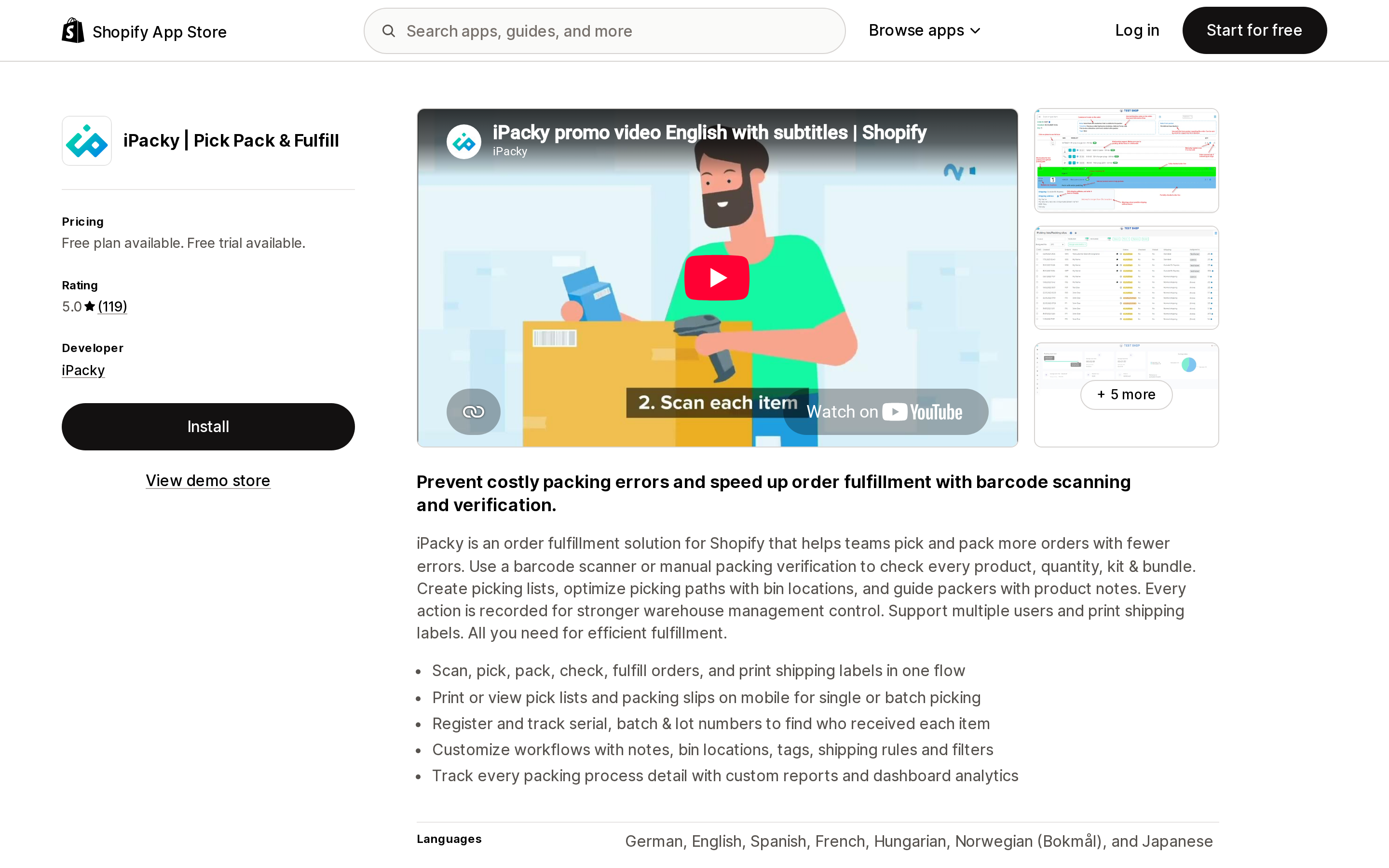
Source: Shopify App Store (iPacky | Pick Pack & Fulfill), retrieved September 2, 2026
The most reviewed app in this set, at 5.0 across 119 reviews, and the only one with a free tier that includes the verification step. The Starter plan is free and covers order checking, bin locations, bundles and kits, and shipping connectors — capped at 50 shop orders per month. Standard is $19.99 per month, and the listing adds per-order usage on top on a declining scale: $0.099 for the first 500, $0.08 for the next 2,000, $0.055 for the next 2,500, and $0.039 above 5,000.
Three details here need care, because iPacky's App Store listing and its own pricing page do not fully agree, and the difference affects what you actually pay.
First, the metered unit is checked orders, not orders. iPacky's pricing page defines these as "the orders you check/print with iPacky," and notes that digital products and POS sales are not counted. If part of your volume never reaches the packing bench, your bill is lower than a straight per-order calculation suggests — so treat the figures in the table below as an upper bound.
Second, the rates differ between sources. The App Store listing quotes $0.099 for the first 500 orders; the worked example on iPacky's own pricing page uses $0.08 for the first 500 and $0.065 for the next tier. We have used the App Store listing figures throughout this article because that is the billing surface Shopify shows you at install, but confirm your own rate in the app before budgeting.
Third — and this is the one most likely to surprise you — multi-location support is a separately charged add-on, not simply a Standard-tier feature. The App Store listing shows "Shopify locations" under Standard, but iPacky's pricing page lists it as an add-on module priced at $9.99 under 500 orders, $19.99 under 5,000, and $29 above 5,000, and states that add-on modules must be enabled by contacting iPacky. Batch and serial number registration appears on the same page as a separately priced module ($19.99 to $199 by volume), even though the free Starter tier's listing includes "Serial/batch/lot." If either matters to you, get it in writing before you commit.
One more thing about the free tier: exceeding 50 shop orders in a month does not simply cap you. iPacky's pricing page states the store is then billed the Standard base price plus usage "starting from the first order," and that passing 100 shop orders a month, or three months of use, triggers an upgrade that you have to approve.
The pricing page does confirm one useful thing without ambiguity: "The price of iPacky is the same for all Shopify plans, including Shopify plus and the number of users in iPacky." There is no Plus requirement and no per-seat charge.
Reviews from US stores describe the bin-location and pick-list combination as the thing that changed how the warehouse ran. A UK reviewer noted the honest tradeoff: "There can be a small learning curve when first setting everything up to match your workflow."
Pickscan ‑ Pick, Pack & Scan
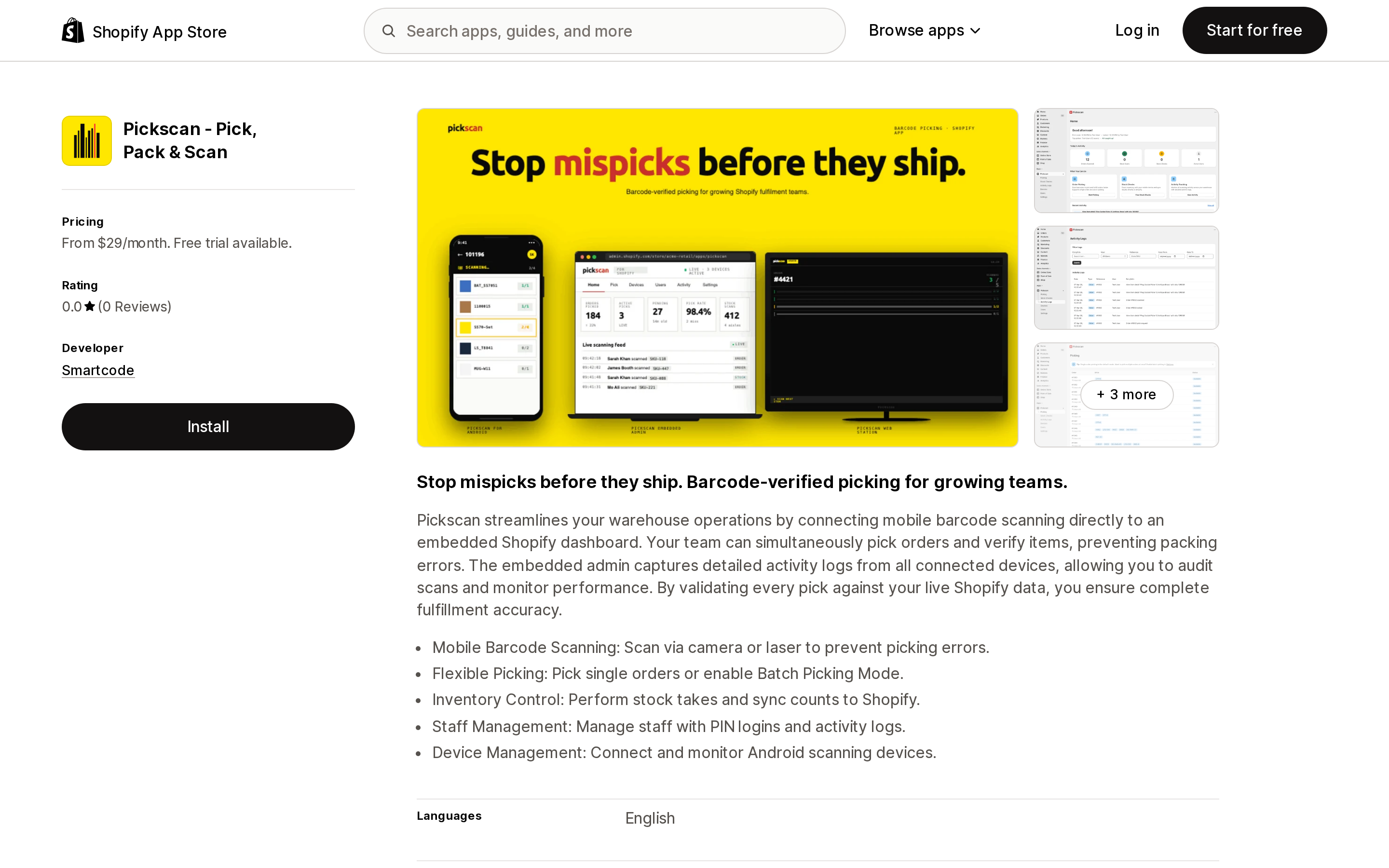
Source: Shopify App Store (Pickscan ‑ Pick, Pack & Scan), retrieved September 2, 2026
The only app here that meters hardware rather than volume. Team is $29 for 2 paired scanning stations, Warehouse is $79 for 8, and Enterprise is $199 for 25. Orders are unlimited on every tier and picker users are unlimited on every tier — you pay for benches.
It runs the scanning on Android devices paired to an embedded Shopify dashboard, with camera or laser scanning, a Batch Picking Mode, stock takes that sync counts back to Shopify, and PIN logins with a per-device activity log. That audit trail is the differentiator: the listing is explicit that the admin "captures detailed activity logs from all connected devices, allowing you to audit scans and monitor performance."
The caveat is unambiguous. It launched on April 7, 2026 and has zero reviews. Its data access request is also the broadest in this set, covering customer sensitive data, order edits, the packing slip template, and Shopify Markets settings.
IPK Logistics ‑ WMS
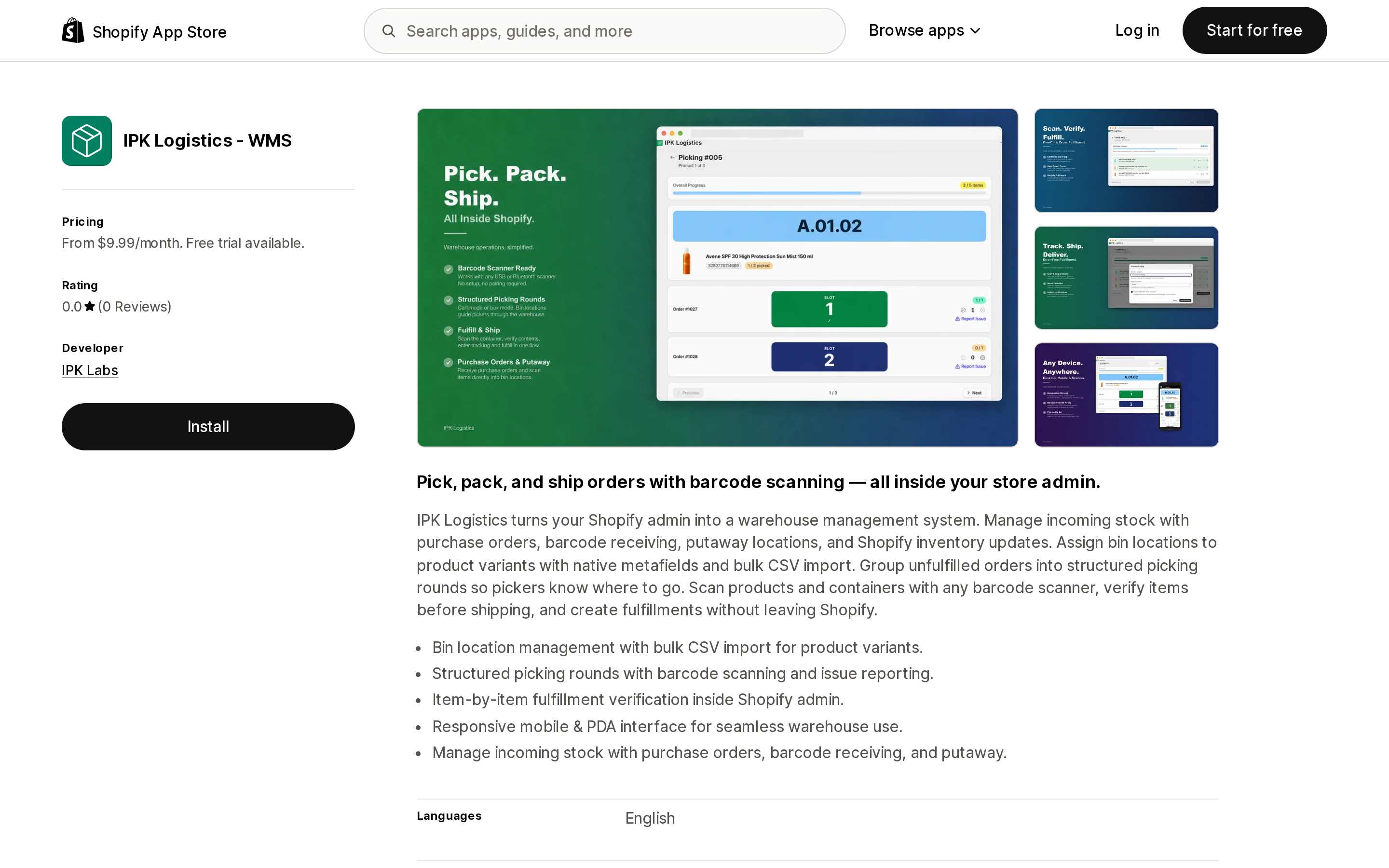
Source: Shopify App Store (IPK Logistics ‑ WMS), retrieved September 2, 2026
The cheapest genuine WMS-shaped option, and the one that stays inside the Shopify admin. Basic is $9.99 for up to 750 orders per month, Pro is $24.99 for up to 3,000, and Enterprise is $49.99 for up to 7,500, with overage at $0.01 per order on every tier. That $0.01 overage is unusually flat — it means a Basic plan running at 3,000 orders costs $32.49, only $7.50 more than buying the Pro tier outright.
Scope goes further upstream than the pick-and-pack apps: purchase orders, barcode receiving, and putaway locations, plus picking rounds that group unfulfilled orders, and item-by-item verification before fulfillment. Bin locations are assigned to variants using native metafields with bulk CSV import.
It launched on April 22, 2026 with zero reviews. One boundary to check against your own retention needs: its declared order data access covers all order history for the last 60 days.
BR Pick List Pro
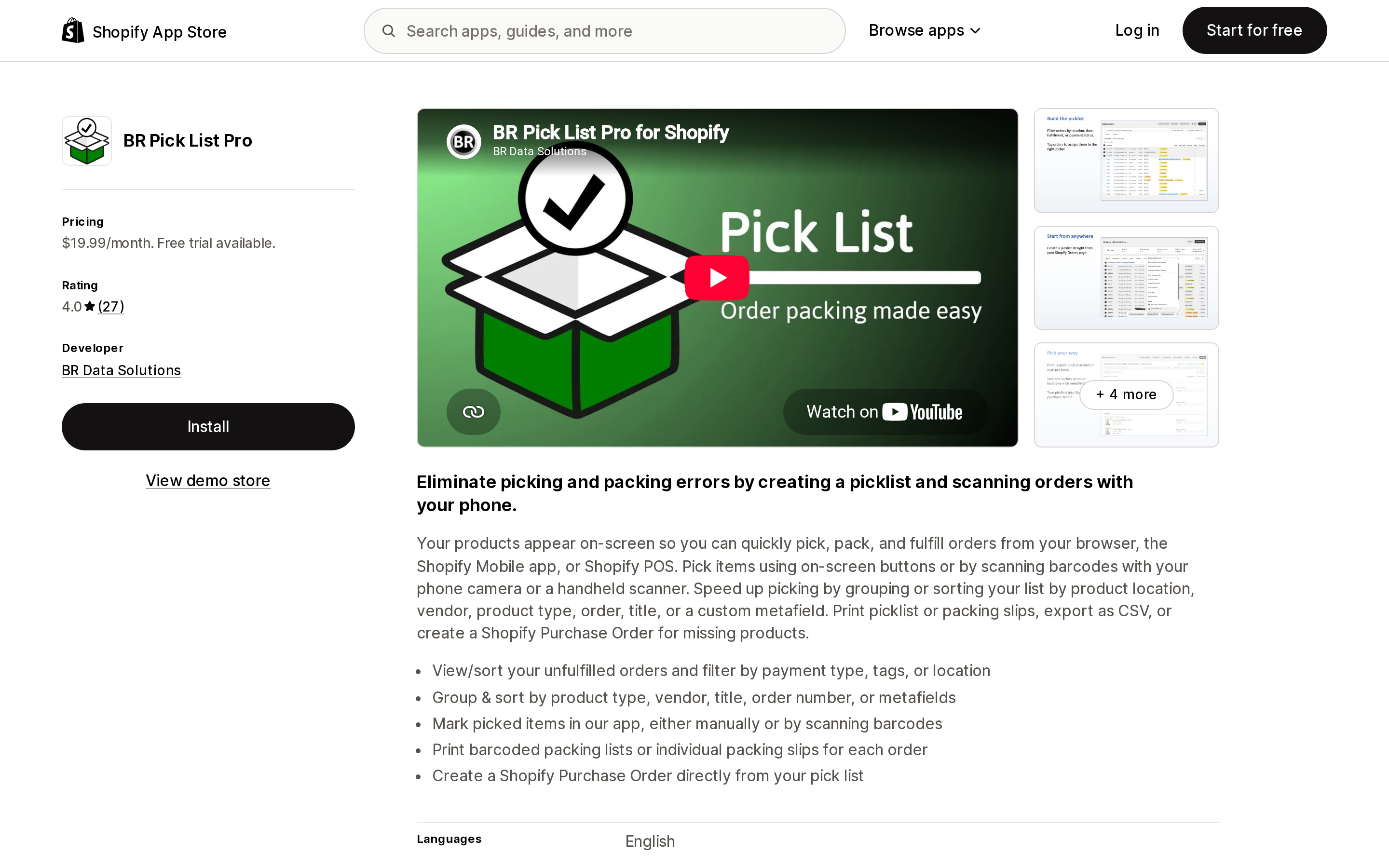
Source: Shopify App Store (BR Pick List Pro), retrieved September 2, 2026
$19.99 per month, flat, with no order ceiling and a 15-day trial — the simplest pricing in the category and the one that gets cheaper per order the more you ship. Launched in August 2021, it holds 4.0 across 27 reviews.
Its distinguishing feature is where it runs: the browser, the Shopify Mobile app, or Shopify POS, picking with on-screen buttons, the phone camera, or a handheld scanner. It also does the sorting work natively-shaped pick lists cannot, grouping by product location, vendor, product type, order, title, or a custom metafield, and it can create a Shopify Purchase Order directly from the pick list for missing items.
The rating distribution is worth reading rather than averaging: 18 five-star, 5 three-star, 3 one-star. The developer's public replies point at a real dependency — as an embedded app it uses Shopify's own camera-scanning code, and when Shopify Mobile for iOS had a camera scanner bug, the workaround was to run the app through Shopify POS instead. That dependency applies to any embedded app doing camera scanning, not just this one.
Pickware ERP & WMS
Source: Shopify App Store (Pickware ERP & WMS), retrieved September 2, 2026
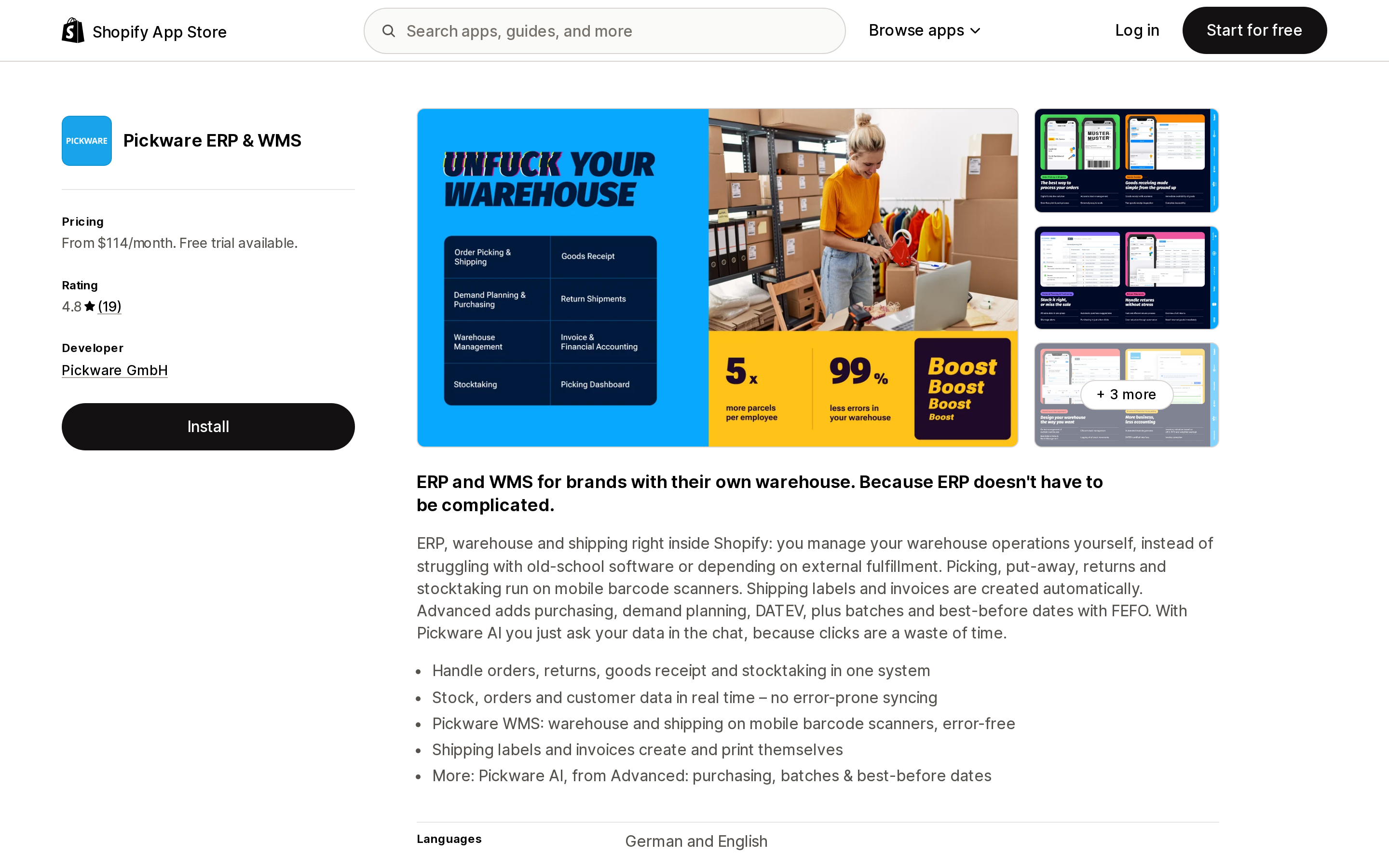
A different category of product wearing the same keywords. Pickware is an ERP with a WMS attached: picking, put-away, returns, and stocktaking on mobile barcode scanners, plus automatic invoices, and from the Advanced tier, purchasing, demand planning, and batches with best-before dates on FEFO.
Starter is $114 per month including 1,000 orders, with $0.23 per additional order. Advanced is $343 including 1,500 orders at $0.17 overage, and Professional is $688 including 2,000 orders with API access and 4 connected shops. The listing carries a notice US buyers should read twice: "External charges may be billed by Pickware GmbH separately from your Shopify invoice," with the plans quoted in euros — €99, €299, and €599.
The 4.8 rating across 19 reviews is real, but every review on the listing is written in German by a German store, and the named carrier integrations are DHL, DPD, GLS, Sendcloud, and UPS, alongside DATEV for accounting. Of those, UPS is the only one that means much for domestic US shipping. One reviewer also flagged a pricing pattern relevant to smaller US merchants: they found Pickware "inzwischen stärker auf größere Unternehmen ab ca. 1.000 Bestellungen im Monat ausgerichtet" — increasingly aimed at businesses shipping from about 1,000 orders a month.
The same job, priced at three volumes
Below is what each app costs per month at three shipping volumes, computed from the published rates on September 2, 2026. These are calculations from listed prices, not quoted plan prices. Assume one warehouse, two staff members, and one packing bench at 500 orders scaling to more benches at 5,000.
| App | 500 orders | 2,000 orders | 5,000 orders |
|---|---|---|---|
| Fulfil‑IT ‑ Scan & Pack | $14.99 | $14.99 | $14.99 |
| BR Pick List Pro | $19.99 | $19.99 | $19.99 |
| IPK Logistics ‑ WMS | $9.99 | $24.99 | $49.99 |
| Pick Pack Fulfill | $19.40 | $34.40 | $64.40 |
| Pickscan ‑ Pick, Pack & Scan | $29.00 | $29.00 | $29.00–$79.00 |
| iPacky | Pick Pack & Fulfill | $69.49 | $189.49 | $366.99 |
| Pickware ERP & WMS | $114.00 | $344.00 | $938.00 |
Two caveats on that table. Pickscan bills by scanning station rather than volume, so its cost depends on your bench count, not your order count — $29 covers 2 stations at any volume, and $79 covers 8. And the iPacky figures are an upper bound, both because they meter checked orders rather than all orders, and because they use the App Store listing's rates rather than the lower ones in the worked example on iPacky's own pricing page.
A few things fall out of this that a starting-price list hides completely.
The cheapest option changes as you grow: IPK Logistics at 500 orders, Fulfil-IT or BR Pick List Pro from 2,000 onward. The spread widens from about 11× at 500 orders to about 63× at 5,000. And iPacky — the highest-rated app in the set, with the only free tier — becomes one of the more expensive options at volume, because its $19.99 is a platform fee with per-order usage stacked on top rather than an all-in price. At 5,000 orders it costs roughly 18× what a flat-rate app costs for the same core verification step.
The Pickware figure at 5,000 orders assumes the Advanced tier, which is cheaper there than Starter with overage ($938 versus $1,034). If you are shipping that volume and Pickware's numbers look absurd next to the rest, that is the correct read: you are comparing an ERP to a barcode-checking utility.
What you can actually scan with
Hardware assumptions are where implementations quietly fail. Documented device support, from the listings:
- iPacky — runs in a browser on any device, per the Standard plan feature list; the listing shows mobile and tablet screenshots, and integrates with a barcode scanner.
- Pickscan — Android scanning devices paired to the admin, scanning by camera or laser, with device connection and monitoring built into the dashboard.
- IPK Logistics — a responsive mobile and PDA interface, working with any barcode scanner.
- BR Pick List Pro — browser, Shopify Mobile app, or Shopify POS, scanning with the phone camera or a handheld scanner.
- Pick Pack Fulfill — cell phone camera on iOS and Android.
- Fulfil‑IT ‑ Scan & Pack — barcode scanners, described on the listing as plug and play.
If you already own HID keyboard-wedge scanners for Shopify POS, they are the safest bet across this whole set, because a keyboard-emulation scanner types into whatever field has focus and does not need app-specific support. If you are planning around ruggedized Android handhelds, Pickscan and IPK Logistics are the two that name that form factor explicitly. If your plan is phone cameras, remember the BR Pick List Pro developer's disclosure: embedded apps inherit Shopify's camera-scanning implementation, and its bugs.
Do the break-even with your own numbers
Nobody can tell you the industry-average cost of a mispick, and any article that quotes one is guessing. You can compute yours in about ten minutes, and it is the only number that matters here.
Take one mispick that shipped in the last quarter and add up: replacement unit cost, outbound shipping on the wrong item, return shipping or write-off, reshipment, and the support time spent on the apology. Call that C. Then take your monthly order count N and your observed error rate e — count the fulfillment-error tickets from last month and divide.
Your current monthly cost of mispicks is N × e × C. An app at price P is worth buying when it removes enough of that to clear P.
Run it once with your own figures. A store shipping 500 orders a month at a 1% error rate and $35 all-in per error is carrying $175 a month of avoidable cost, which a $9.99 to $29.99 app clears even if it only catches a fraction of them. A store shipping 200 orders a month at a 0.2% error rate and $20 per error is carrying $8 a month, and no app on this list is worth it — the honest answer there is a printed pick list and a second pair of eyes.
The variable most people underestimate is C, because they count the replacement item and forget the support hour and the customer who does not order again.
Choosing
- Under about 50 orders a month, or a small unconfusable catalog — stay native. Bin names by CSV, free Shopify Order Printer pick lists, no monthly fee. iPacky's free Starter tier is also a genuine option at exactly this size, since it caps at 50 shop orders per month.
- Flat, predictable cost above 1,000 orders — BR Pick List Pro at $19.99 or Fulfil‑IT ‑ Scan & Pack at $14.99. Neither meters anything, so the per-order cost only falls as you grow.
- Lowest cost with real WMS scope, and you accept unreviewed software — IPK Logistics ‑ WMS at $9.99 to $49.99, covering receiving and putaway as well as picking. Trial it hard during the 15 days.
- Multiple packing benches and you need a scan audit trail — Pickscan, where unlimited orders and unlimited users mean the cost tracks your bench count rather than your growth. Zero reviews, so treat the 14-day trial as the evaluation.
- Highest track record, and you want the verification step before you commit — iPacky. Start free at 50 orders a month, but price the Standard tier at your real volume first, and confirm whether multi-location and batch/serial tracking will be billed as add-on modules on top of it.
- You are replacing an ERP, not adding a scanner — Pickware, with clear eyes about euro-denominated external billing and a carrier and accounting stack built for the German market.
One more thing before you install anything. Fix the barcode data first. Shopify's guidance is to "print unique barcodes for each product variant," and every app on this list validates a scan against the variant barcode in Shopify. If two variants share a barcode, or half your catalog has an empty barcode field, scan verification will fail in ways that look like app bugs and are not. Export your variants, check for blanks and duplicates, and fix them before the trial clock starts.
If you are working through the wider inventory picture, we have also covered what changed when Stocky was retired, Shopify's location limits and how fulfillment apps work around them, lot, batch, and expiry tracking, which Shopify has no native field for, and the nexus questions that come with 3PL partners.
Sources
All app listings and pricing verified on the US (English) Shopify App Store on September 2, 2026.
- Shopify Help Center, Understanding barcodes
- Shopify Help Center, Creating and managing bin locations for your inventory using CSV files
- Shopify Help Center, Migrating from Stocky to Shopify inventory management
- Shopify Help Center, Setting up and printing pick lists using the Shopify Order Printer app
- Shopify Help Center, Packing slip variable reference
- Shopify Help Center, Barcode scanners
- Shopify Help Center, Shopify Flow
- iPacky, Pricing (developer's own pricing page, checked September 2, 2026)
- Shopify App Store: iPacky | Pick Pack & Fulfill, Pickscan ‑ Pick, Pack & Scan, IPK Logistics ‑ WMS, BR Pick List Pro, Pickware ERP & WMS, Fulfil‑IT ‑ Scan & Pack, Pick Pack Fulfill
Shopify syncs nothing between two stores you own. Locations live inside one store, Markets serve many countries from one store, and Shopify Collective is a dropship relationship with a 100-variant cap that zeroes your inventory when you uninstall it. So multi-store sync is an app decision — and the six real apps meter six different things. Syncio charges the destination for products and the source for orders. Tipo charges for every variant in the destination store, including the ones you never sync. Synkro's $25 plan is $25 per connected store. Trunk bills a rolling three-month order average across all your channels. Priced against one identical two-store setup, the spread runs from about $10 to about $119 a month. Verified on the Shopify App Store September 2, 2026.