
What you will learn
On this pageContentsCloseOpen
Open a customer record in your Shopify admin and look for a date of birth. There isn't one. The Customer object gives you name, email, phone, addresses, tags, and a note — no birthday. That single gap is why so many merchants conclude that birthday emails are an app-only feature on Shopify.
That conclusion is half wrong, and the half that is wrong costs money. Shopify does ship a reserved, platform-wide place to put a birth date, a segment function built specifically for recurring annual dates, and a pre-built birthday automation. What Shopify does not give you is a good way to get the date into that field in the first place.
Birthday marketing is really three jobs, and they fail independently:
- Storage — where the date lives so every tool can read it
- Collection — how the date gets there, for new and existing customers
- Trigger — what wakes up on the right morning and sends the message
Shopify solves jobs 1 and 3 natively. Job 2 is where you decide whether to build or buy.
Storage: the field exists, it just isn't a field
Shopify publishes a list of standard metafield definitions — preset configurations with reserved namespaces and keys that mean the same thing across the whole platform. Definition ID 19 is named Birth date:
- Type:
date - Allowed resources:
CUSTOMER - Reserved namespace and key:
facts.birth_date - Stores the customer's date of birth in ISO 8601 format
This is not a metafield you invent. It is a Shopify-defined standard, which is why apps and Shopify's own features can agree on where to look. Shopify's own documentation for it says you can use the metafield to create a filter that segments customers by birthday to automatically send a discount.
Two consequences that matter operationally.
First, the definition is not active until you turn it on. In the admin you add it from the standard definitions list under Settings > Custom data > Customers; via the API it is the standardMetafieldDefinitionEnable mutation against gid://shopify/StandardMetafieldDefinitionTemplate/19. Until it exists, nothing can write to it and no segment can filter on it.
Second, the type is date, not "month and day." You are storing a full date of birth including the birth year. That is enough to derive age, which changes the privacy conversation — more on that below.
Trigger: anniversary() and the birthday automation
The reason facts.birth_date is useful is a segment function most merchants have never seen. Shopify's customer segment reference documents an anniversary filter that takes a date parameter:
anniversary('metafields.facts.birth_date') BETWEEN today AND +30d
Shopify's notes on that filter are the important part: the anniversary filter doesn't account for the year, and date values are based on entire days and depend on your store's time zone. Year-blindness is exactly what a birthday needs. A plain metafield date filter cannot do this — the metafield-based segment filters offer =, <=, >=, and BETWEEN against absolute dates, so = 2026-09-03 matches only customers literally born on that date. Merchants who try to build birthday segments without anniversary() end up with segments that return nothing and assume the metafield is broken.
For the send, Shopify Messaging ships a Celebrate customer birthday template under its Customer appreciation automations. Shopify's marketing automations documentation states that it sends customers a marketing message with a discount code on their birthday, that it uses the Customer joined segment trigger and the birth date standard metafield, and that the available channel is Email. The same page recommends the Shopify Forms app with custom input fields to collect the birthdays.
Requirements are modest: Basic plan or higher, the Shopify Flow app installed for full functionality, and a staff member with both Marketing and Flow app permissions. Non-abandonment automations must be created on desktop.
Cost is easy to underestimate. Shopify Messaging gives every store on Basic, Grow, Advanced, and Plus 10,000 free emails at the start of every month, then charges $1 USD per 1,000 additional emails up to 300,000, $0.65 per 1,000 after 300,000, and $0.55 per 1,000 after 750,000. Automation sends count against that 10,000 — only abandoned checkout automations are exempt. Unused emails do not carry over. A birthday program is a rounding error against a campaign calendar, but it shares the same bucket.
If you want more than one message, you leave the template. Shopify Flow's Scheduled time trigger runs on a schedule you set — minimum interval 10 minutes, maximum one year, in your store's time zone by default — with no event data attached, so you pair it with a Get customer data action. That is the pattern behind a pre-birthday teaser, a day-of send, and an expiry reminder.
Collection: where the native path actually thins out
This is the job Shopify has not finished, and it is worth being precise about which surface fails how.
Shopify Forms. Custom fields on a popup or inline form can be a Date data type and can be stored as a customer metafield rather than a local field. Shopify's own documentation flags three behaviours that bite: if you convert a local field to a metafield, only data submitted after that change is stored in the metafield; once saved as a metafield the field cannot be changed back to a local field; and if a customer fills in the same field more than once, the profile shows the value from the most recent submission only. Forms are capped at 31 fields, and every form must include either Email or Phone as a required input. This is the best-supported native collection route, and it is the one Shopify itself points to. Our earlier piece on Shopify Forms limits versus popup apps covers the surrounding constraints.
Checkout. Shopify's Checkout Blocks app supports a Custom field block whose supported input types include Date of birth, and it ships a Birthday template. Two hard limits. First, creating a custom field block is available only to merchants on the Shopify Plus plan. Second — and this is Shopify's own note on the page — the default Birthday template doesn't automatically generate or send a discount code, and doesn't automatically apply the order's metafield data to their customer profile. Custom fields save to an order metafield (namespace checkoutblocks), an order note attribute, or the order note. So on Plus you can ask at checkout, but the answer lands on the order, and moving it to facts.birth_date is a Flow workflow you write yourself. On every other plan, checkout collection is not a native option at all.
Customer accounts. Making a metafield writable by the customer requires setting Customer Account API access to Read and write on the definition, but exposing an editable birth date on the profile page in new customer accounts means building a customer account UI extension — Shopify documents writing to metafields from extensions, but there is no no-code toggle that puts a date picker on the profile. That is a developer task or an app.
Existing customers. Nothing above backfills anyone. Your options are a CSV import, a Flow workflow that walks the customer list, or an email campaign asking people to tell you. Shopify's Flow template library includes a scheduled workflow that backfills tags from a customer metafield across the whole customer base in batches of 100 per run, which is the shape of the job — but it is a shape, not a solution.
The gotchas worth testing before you launch
- Year versus month and day.
facts.birth_dateis a full date. If your campaign only needs the day, you are collecting birth year you do not need — and under Shopify's own protected customer data rules, apps must process only the minimum personal data required and apply retention periods. Ask for the same discipline from yourself. - Time zone. Segment date values are whole days evaluated in your store's time zone. A store set to UTC sending to US customers will fire some sends on the wrong local day.
- February 29. Shopify's documentation does not state how
anniversary()handles leap-day birthdays. Seed a test customer with2000-02-29and watch the segment across a non-leap year before you promise anything to customers. - Overwrites. Repeat form submissions replace the stored value with the newest one. There is no native audit trail of what changed.
- Order metafield is not a customer metafield. A Plus store can collect a birthday at checkout and still find the segment empty, because Shopify's own note says the template does not apply that data to the customer profile.
- One message is not a program. The native automation sends on the day. Advance notice and expiry reminders are Flow work.
Five apps, and what each one actually does
The apps split into three jobs. Read the table by which job you have not solved.
| App | Starting price (USD/month) | Free plan | Free trial | Built for Shopify | Primary job | Writes to Shopify customer metafields |
|---|---|---|---|---|---|---|
| Happy Birthday Email by UW | $10 | No | 28 days | No | Capture and send | Yes, per listing |
| Happy Birthday Marketing | $9.95 | Yes (50 customers) | 30 days | No | Capture and send | Yes, facts.birth_date by default |
| Helium Customer Fields | $15 | No | 14 days | No | Capture only | Yes, per listing |
| Seguno Email Marketing | Free to install | Up to 250 subscribers | 10 days | Yes | Send only | Reads the metafield |
| Joy Loyalty Program Rewards | Free | Yes (250 monthly orders) | 14 days | Yes | Reward, not email | Syncs from metafields |
Happy Birthday Email by UW
Source: Shopify App Store (Happy Birthday Email by UW), retrieved September 3, 2026
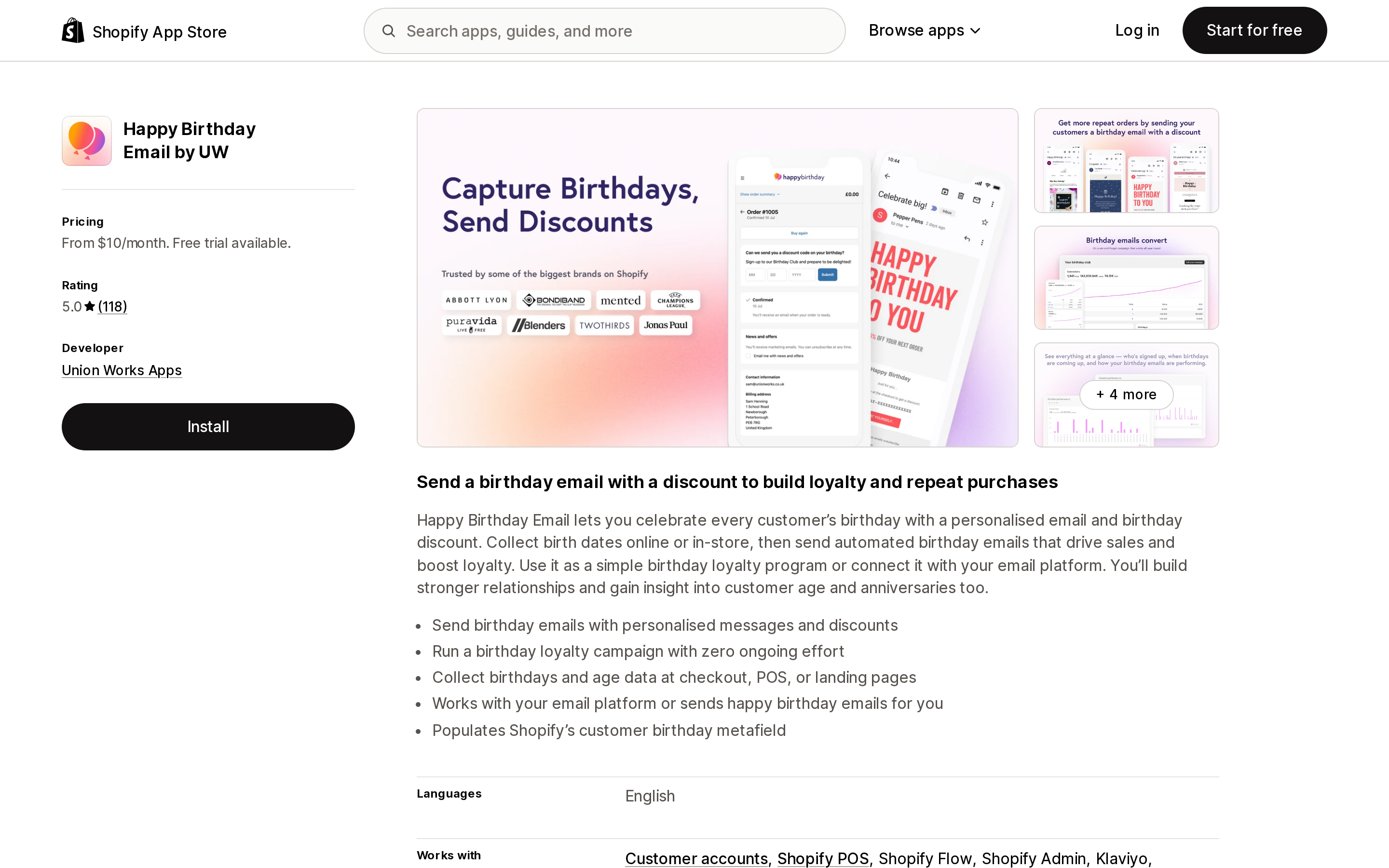
From Union Works Apps, rated 5.0 from 118 reviews. Pricing is by stored birthday count rather than by email volume: Base $10/month for up to 1,000 Birthday Club members, Growth $20/month for up to 5,000, Unlimited $40/month, with a 28-day free trial. The listing states the app collects birthdays and age data at checkout, POS, or landing pages, works with your email platform or sends the emails itself, and populates Shopify's customer birthday metafield. Listed integrations include Customer accounts, Shopify POS, Shopify Flow, Shopify Admin, Klaviyo, Mailchimp, Omnisend, Privy, Recharge, and SMSBump.
This is the closest thing to a complete answer for a store that has neither the storage nor the send solved and does not want to build in Flow. Because it writes to the Shopify metafield, you are not locked into it — the data survives uninstall in a place Shopify defines.
Happy Birthday Marketing
Source: Shopify App Store (Happy Birthday Marketing), retrieved September 3, 2026
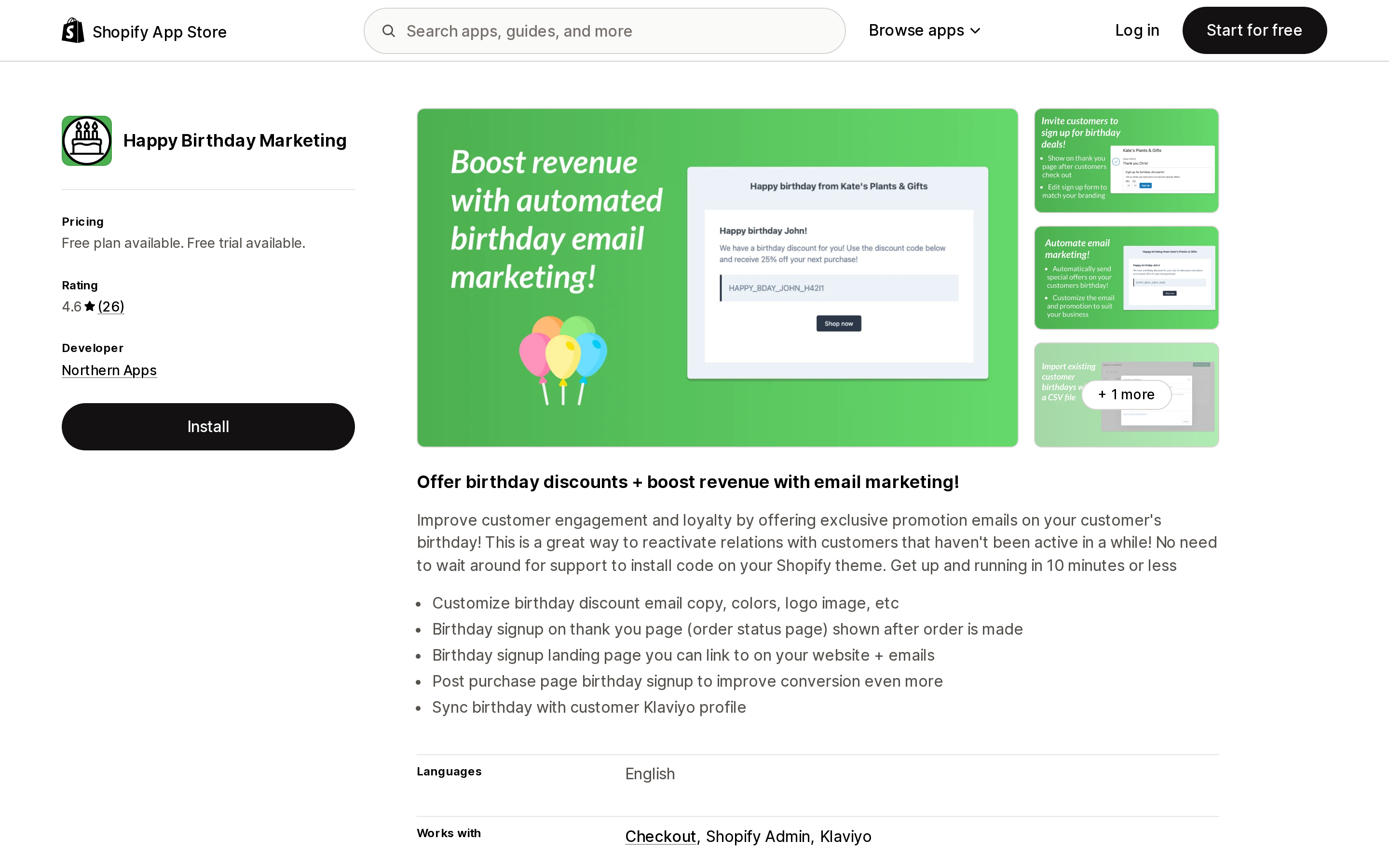
From Northern Apps, rated 4.6 from 26 reviews — a small base, so read the rating accordingly. The free plan covers 50 customers; Unlimited is $9.95/month with a 30-day trial. The distinctive capture surface is the thank you page (order status page) shown after an order is placed, plus a hosted birthday signup landing page and a post-purchase page block. The listing also states it syncs the birthday with the customer's Klaviyo profile.
On storage, the developer's documentation is explicit: by default the app uses the standard facts.birth_date metafield, and you can point it at your own metafield definition instead. Existing customers can be brought in with a CSV import.
One documented constraint is worth knowing before you install. The developer's FAQ states that customers are sent their personal discount at 10:00 AM on their birthday, and that they receive a unique discount code by email. An April 8, 2026 review says that send timing is fixed and cannot be configured to send ahead of the birthday; the developer's public reply on April 10, 2026 confirms it, agreeing that a fixed send date does not work for every business and adding configurable timing to the roadmap. If your production or fulfillment lead time means a day-of email arrives too late to be redeemed, that matters.
Helium Customer Fields
Source: Shopify App Store (Helium Customer Fields), retrieved September 3, 2026
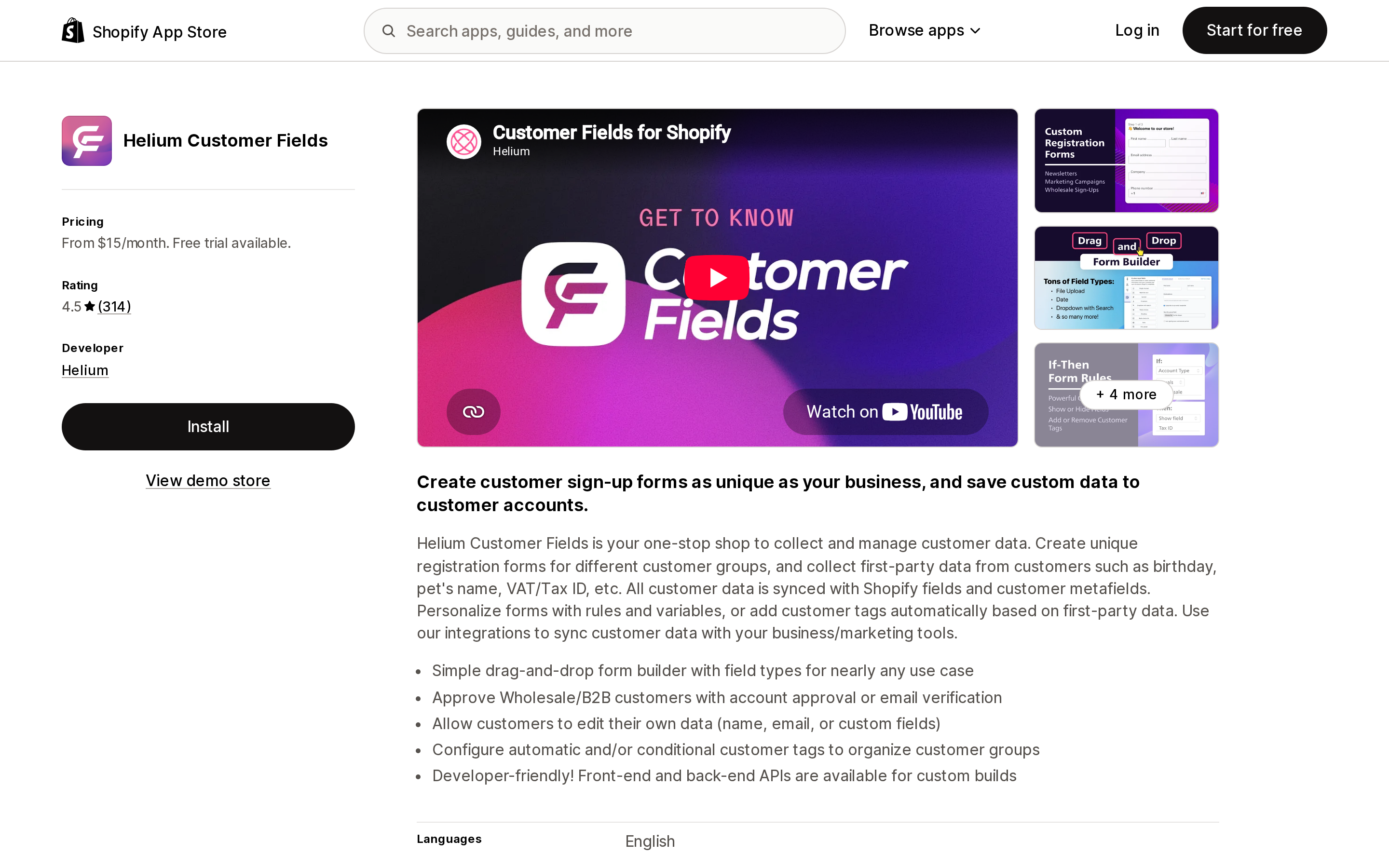
From Helium, rated 4.5 from 314 reviews. Basic $15/month, Pro $30/month, Advanced $60/month, Plus from $200/month, 14-day trial. This app does not send birthday emails. It solves collection: drag-and-drop registration forms, custom fields saved as Shopify customer metafields, and — the part the native stack cannot do without code — letting customers edit their own data, including custom fields. It integrates with Checkout, Customer accounts, Shopify Flow, and Shopify Admin.
Pick this when your problem is that you already have a send path (Shopify Messaging, Klaviyo, Seguno) and what you lack is a first-party way to capture and let customers correct their birthday.
Seguno Email Marketing
Source: Shopify App Store (Seguno Email Marketing), retrieved September 3, 2026
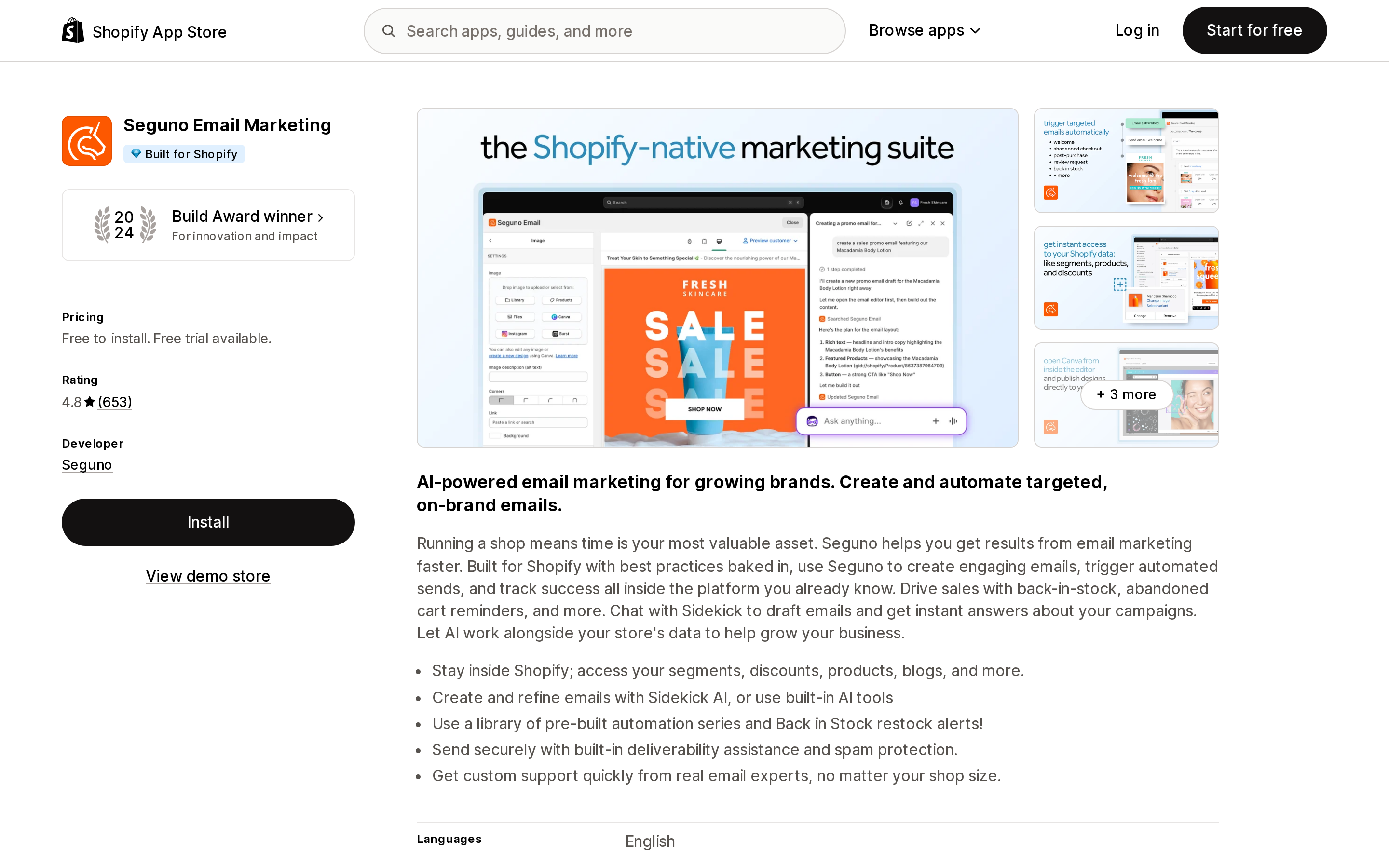
From Seguno, rated 4.8 from 653 reviews, Built for Shopify. Starter is free to install for up to 250 subscribers; Standard is $35/month including 2,500 subscribers; Pro is $215/month including 25,000.
Seguno is the clearest published example of the native chain in use by a third party. Its support documentation for the birthday automation requires a paid Seguno subscription, the Shopify Flow app, and birthdays stored in metafields.facts.birth_date — and it publishes the exact segment queries, including anniversary(date: 'metafields.facts.birth_date') = today AND email_subscription_status = 'SUBSCRIBED'. It warns that if the metafield name does not match exactly, the segment returns no results, and confirms that customers without a stored birthday simply never match. Even if you never install Seguno, that documentation is a useful blueprint. Our Shopify email marketing app comparison covers the broader field.
Joy Loyalty Program Rewards
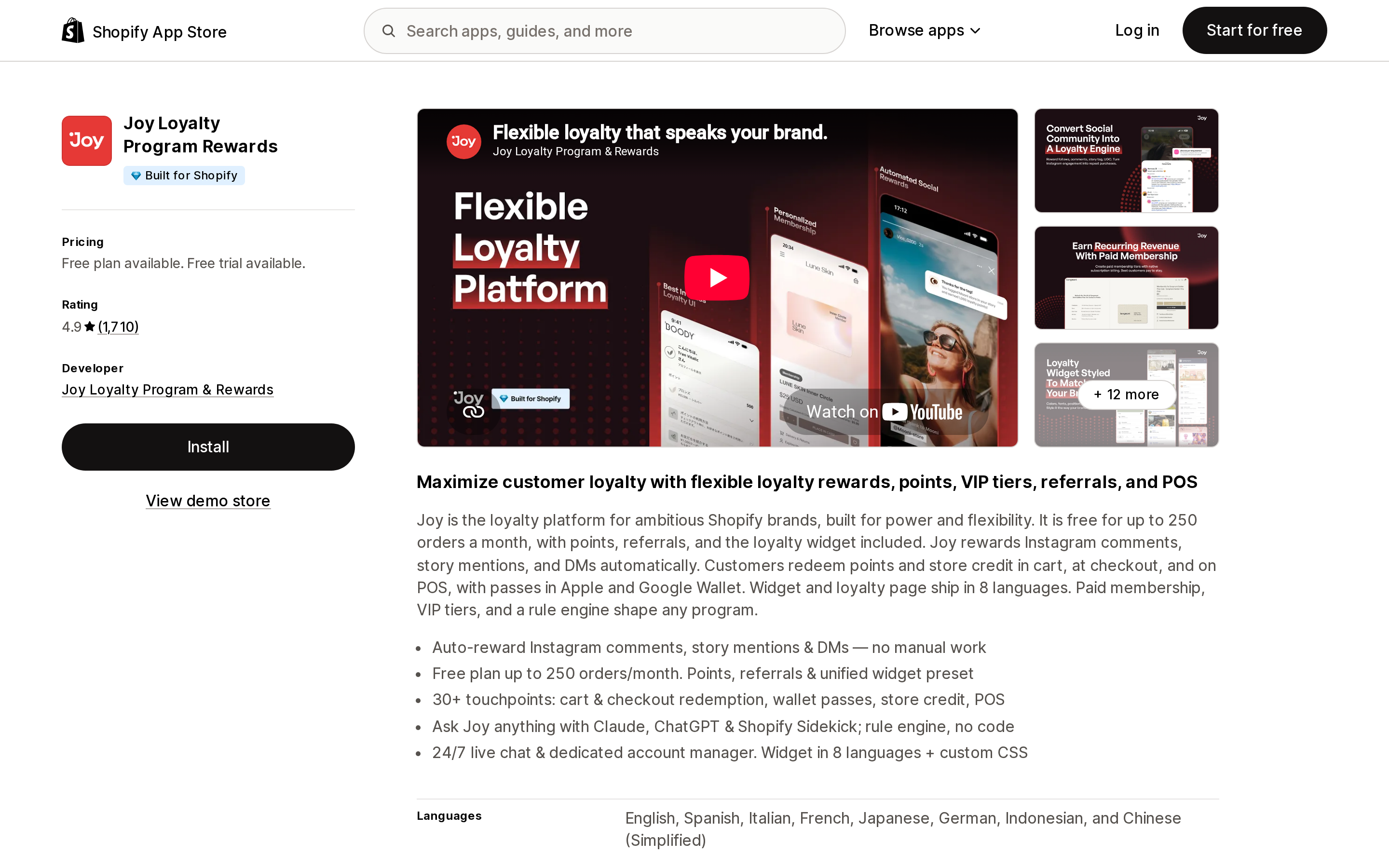
Source: Shopify App Store (Joy Loyalty Program Rewards), retrieved September 3, 2026
From Joy Loyalty Program & Rewards, rated 4.9 from 1,710 reviews, Built for Shopify. Starter is free with 250 monthly orders; Essential $29/month with 500 monthly orders then +$15 per 100; Advanced $129/month; Ultimate $499/month.
Joy is included because it stores the birthday somewhere else, and that is a decision you should make deliberately. Its documentation describes a Birthday reward earning program and two collection paths: a date field added to the theme's registration template that writes to the Shopify customer note under a field name you configure, and a settings option to sync a Shopify customer metafield into Joy. Joy reads from both. The registration-form route means a birthday can end up in the customer note and never reach facts.birth_date, which would leave your Shopify segments empty even though the loyalty program works. If you go this way, map the metafield too.
Loyalty apps turn a birthday into points or a tier perk rather than an email, which is a different economic bet. See our Shopify loyalty app comparison for that side.
Privacy: a date of birth is not just another field
Shopify's protected customer data requirements classify metafields that relate to a single customer as protected customer data. Any public app touching them must request access, process only the minimum personal data required, limit processing to stated purposes, respect consent and opt-out decisions, apply retention periods, and encrypt data at rest and in transit. Data protection reviews focus on apps with high volumes of customer records and long retention.
Two practical takeaways for merchants. Check the Data access section of any birthday app's listing before installing — you are handing it a field that reveals age. And say plainly on the form why you are asking and what the customer gets; Seguno's own guidance is to state the reason, such as receiving a birthday reward, to increase opt-ins. Being specific is both better privacy practice and better conversion.
How to choose
- You are on any plan, already use Shopify Messaging, and just want a day-of email. Activate the
facts.birth_datestandard definition, collect with Shopify Forms, and turn on the Celebrate customer birthday automation. No app purchase. - You need a multi-step program. Keep the native storage and segment; move the send into Shopify Flow with Scheduled time or Customer joined segment. Read our Shopify Flow limits piece first.
- Your problem is collection, and you already have an ESP. Helium Customer Fields, from $15/month, adds registration capture and customer self-edit.
- You want capture and send in one install, with the data landing in Shopify's own metafield. Happy Birthday Email by UW, from $10/month.
- You are cost-sensitive with a small list and want post-purchase capture. Happy Birthday Marketing has a free tier at 50 customers and $9.95/month unlimited — but confirm the fixed send timing works for your lead times.
- The birthday should be a loyalty perk, not an email. Joy Loyalty Program Rewards, free to start — and map the metafield so Shopify segments still work.
The one thing not to do is install a birthday app before checking whether facts.birth_date is enabled on your store. If it is not, you may be paying an app to solve a storage problem Shopify already solved, and storing your customers' birthdays somewhere only that app can read.
Sources
- List of standard metafield definitions — Shopify.dev
- Shopify-based customer segment filters — Shopify Help Center
- Metafield-based customer segment filters — Shopify Help Center
- Creating and managing marketing automations in Shopify Messaging — Shopify Help Center
- Shopify Messaging email pricing — Shopify Help Center
- Settings for both popup and inline forms — Shopify Help Center
- Custom field blocks — Shopify Help Center
- Scheduled time trigger — Shopify Help Center
- Customer joined segment trigger — Shopify Help Center
- Work with protected customer data — Shopify.dev
- Send a birthday automation to subscribed customers — Seguno support
- How metafield syncing works on Happy Birthday Marketing — Northern Apps
- Happy Birthday Marketing FAQs — Northern Apps
- Collect customer birthday in registration form — Joy Help Center
Six Shopify direct mail apps priced on incompatible denominators, normalized. Direct Mail Manager lists $0/$5/$10 per month on the App Store while its own pricing page shows $0 or $199 per month plus $0.686 to $0.873 per 4x6 postcard. PostPilot lists as free to install but charges $99 or $499 per month plus per-piece. Poplar Mail's App Store per-piece prices run 8 to 11 percent below its own page, and identity resolution is a separate line at $0.07 per match. Postage is stated as included by only three of the six. Shopify itself has no postal channel, no Flow mail action, and no ZIP code segment filter. Researched September 3, 2026.