
What you will learn
On this pageContentsCloseOpen
A site audit returns forty duplicate meta descriptions on your Shopify store. You open the list and every offending URL looks like /blogs/news/tagged/gift-guide. Ask anyone and the advice arrives in under a minute: noindex your blog tag pages. Some versions add "and exclude them from your sitemap." Some say you'll need an SEO app for it.
Checked against how Shopify behaves right now, most of that guidance does not apply. Shopify's auto-generated sitemap does not contain tag pages. The two current reference themes emit zero links to them. The canonical tags Shopify outputs on tag pages and paginated pages already match what Google publishes. And the metafield Shopify provides for hiding pages from search engines — the hook the App Store's noindex features are documented to use — structurally cannot reach either URL type.
What follows is based on reading the Dawn 16.0.0 and Horizon 4.1.5 theme source, fetching live Shopify stores, and reading 13 SEO app listings on the App Store on September 3, 2026.
What Shopify actually does with tag pages
Tag page URLs are a documented Shopify feature. From the shopify.dev blog template reference:
"This is done by appending
/tagged/[tag-handle]to the blog URL, where[tag-handle]is the handleized version of the desired article tag."
Multiple tags combine with a +, producing URLs like /blogs/main/tagged/news+breaking. Tag an article and the URL becomes live. There is no admin setting to turn this off.
That is where the common story usually stops, and where it goes wrong. Four things Shopify does next are worth checking before you touch anything.
Neither current reference theme links to them. Grepping the full Dawn 16.0.0 repository for .liquid files returns exactly one use of current_tags — appending – tagged "..." to the <title> in layout/theme.liquid. Hits for /tagged/, link_to_tag, link_to_add_tag, blog.all_tags, and article.tags: zero. Horizon 4.1.5 behaves identically in snippets/meta-tags.liquid. Neither theme ships a tag filter UI on the blog template: Dawn's sections/main-blog.liquid paginates articles and renders pagination controls, nothing more, and Horizon's renders an article grid with no tag controls either.
Neither theme outputs a robots meta tag. Searching both repositories for <meta name="robots" returns zero hits, as does searching for rel="next" and rel="prev".
Tag pages and paginated URLs are not in the sitemap. Shopify's help center states that stores "automatically generate a sitemap.xml file that contains links to all your products, primary product image, pages, collections, and blog posts." Fetching a live sitemap_blogs_1.xml on September 3, 2026 confirmed it: the file contained blog index URLs and individual article URLs only. Zero /tagged/ entries, zero ?page= entries. The parent sitemap even says it "can not be edited manually." So there is nothing to exclude.
Canonical tags are self-referencing. Measured live on the same date: a paginated blog URL ending in ?page=2 carried a canonical pointing at itself, including the query string. A tag page ending in /tagged/sides carried a canonical pointing at itself. Shopify is not folding page 2 into page 1, and not folding tag pages into the blog root.
That last point matters more than it looks. Google's ecommerce pagination documentation says:
"Don't use the first page of a paginated sequence as the canonical page. Instead, give each page its own canonical URL."
Shopify's default is already the behavior Google asks for. Any advice telling you to canonicalize ?page=2 back to page 1 is pointing you away from Google's published guidance, not toward it.
Check whether you have the problem at all
Since Shopify does not advertise these URLs, they only become discoverable when something on your side links to them: a navigation menu entry pointing at /blogs/news/tagged/recipes, a custom theme with a tag cloud, or an app that renders blog filters. Three checks, five minutes:
- Search
site:yourstore.com inurl:/tagged/and see whether anything is indexed. - Filter the Google Search Console Pages report for URLs containing
/tagged/. - Search your navigation menus and theme files for
/tagged/.
If all three come back empty, stop here. On an unmodified Dawn or Horizon store, that is the expected result, and editing robots.txt.liquid carries more risk than the problem it would solve.
The default robots.txt blocks less than people think
Every Shopify store ships a default robots.txt. The blog-related rules, verified on two live stores on September 3, 2026, are:
Disallow: /blogs/*+*
Disallow: /blogs/*%2B*
Disallow: /blogs/*%2b*
Disallow: /*/blogs/*+*
Disallow: /*/blogs/*%2B*
Disallow: /*/blogs/*%2b*
Read the pattern carefully. Every rule requires a + character or its percent-encoded form. That means only multi-tag combination URLs are blocked — /blogs/news/tagged/summer+sale. A single tag page like /blogs/news/tagged/summer is not blocked. Neither is ?page=2.
Every live store checked on September 3, 2026 carried these rules, but robots.txt.liquid lets any store add to or replace the defaults, so read your own file rather than assuming.
There is also a wording problem in one line of Shopify's own documentation. Describing the equivalent collection rule, the help center writes:
"
Disallow: /collections/*+*- Prevents filtered collection pages from being indexed, which could create duplicate content issues"
That is not what a disallow rule does. Google's robots.txt introduction is explicit:
"it is not a mechanism for keeping a web page out of Google. To keep a web page out of Google, block indexing with
noindexor password-protect the page."
"While Google won't crawl or index the content blocked by a robots.txt file, we might still find and index a disallowed URL if it is linked from other places on the web."
Disallow controls crawling. noindex controls indexing. Treating them as interchangeable is the root of the most common failure in this area, which we'll get to below. In fairness, the same Shopify page opens with a section headed "Understanding crawling vs indexing" that draws the distinction correctly; it is the rule-by-rule list further down that blurs it.
Why the apps can't reach these URLs through the documented hook
Shopify's native way to hide something from search engines is the seo.hidden metafield. Its scope is stated plainly in the help center, which instructs you to "select the eligible resource type (Products, Pages, or Blog posts) that you want to hide."
Three resource types. Tag pages are not among them, and neither are paginated URLs — because neither is a resource. A tag page is a computed view over a blog's articles, and ?page=2 is a view parameter. There is no record to attach a metafield to.
The same help page adds the detail that closes the loop:
"
seo.hiddenis a system metafield that can be used by third-party apps for data storage when they're hiding a resource from search engines and sitemaps."
That is the hook Shopify documents for third-party noindex features. An app using it inherits its scope exactly. This is not a gap any particular vendor failed to fill; it is the shape of the API surface.
The listings bear it out. Across the 13 SEO app listings checked on September 3, 2026, none mention blog tag pages, /tagged/ URLs, or pagination in their description text, bullet lists, plan features, or screenshot captions, and none claim canonical tag control. (Shopify's own taxonomy feature chips, such as Robots.txt and Page indexing, appear on several listings, but those are Shopify's categorization rather than a vendor claim, so they were excluded from this count.)
What the noindex apps actually do
Smart SEO AI & Image Optimizer
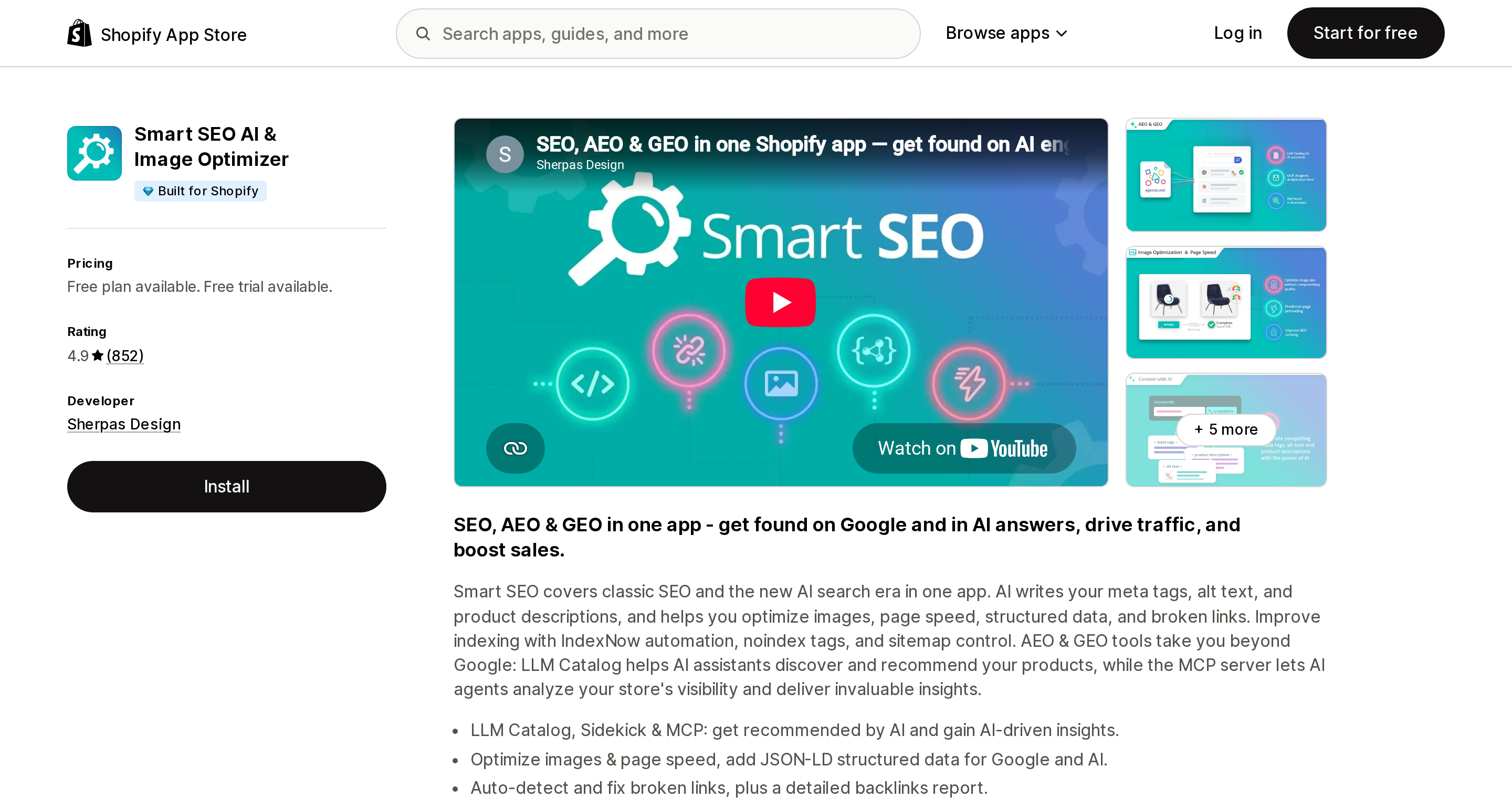
Source: Shopify App Store (Smart SEO AI & Image Optimizer), retrieved September 3, 2026
Smart SEO AI & Image Optimizer from Sherpas Design is the longest-running of the noindex-capable apps here, launched August 6, 2015, rated 4.9 across 852 reviews (verified September 3, 2026). Pricing runs Free, then $14.99/month, $24.99/month, and $49.99/month, each paid tier with a 7-day free trial. The Free plan lists both NoIndex Tags and Sitemap among its features, which is unusual at that price point.
The listing says the app helps you "Improve indexing with IndexNow automation, noindex tags, and sitemap control." What it does not say, anywhere, is which URLs those noindex tags apply to. The vendor's own site describes noindex as a per-resource checkbox tied to sitemap exclusion, and neither surface mentions /tagged/ URLs or pagination. Note that the app requests theme edit access and reads blog contributor data including IP address, browser, and operating system.
NoIndexly ‑ Sitemap Manager
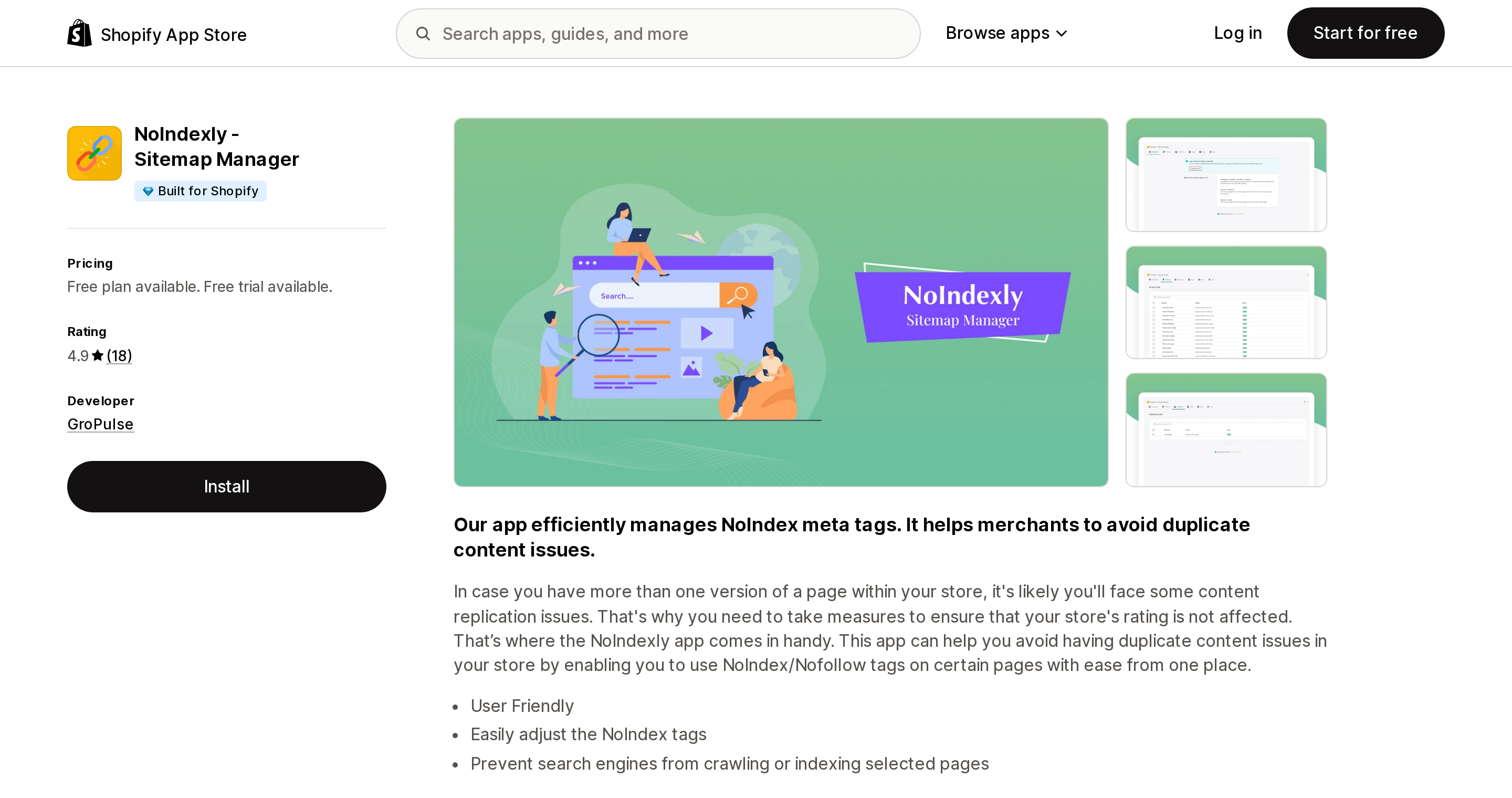
Source: Shopify App Store (NoIndexly ‑ Sitemap Manager), retrieved September 3, 2026
NoIndexly ‑ Sitemap Manager from GroPulse is the most direct about what it sells: "Easily control NoFollow & NoIndex Meta Tags of your store." Free plan, then $3.49/month ($35.88/year) with a 7-day free trial — the cheapest paid tier among the 13 listings checked. Rated 4.9 across 18 reviews (verified September 3, 2026), which is a thin base regardless of the average.
Its value here is that it publishes its scope explicitly in the feature list of both plans: Product Page, Collection Page, Blog & Article Page, Page. "Blog & Article Page" most naturally reads as the blog index and individual articles. Whether it extends to /blogs/news/tagged/summer is not stated, so treat it as unconfirmed rather than as a documented no.
Sitemap NoIndex Pro SEO
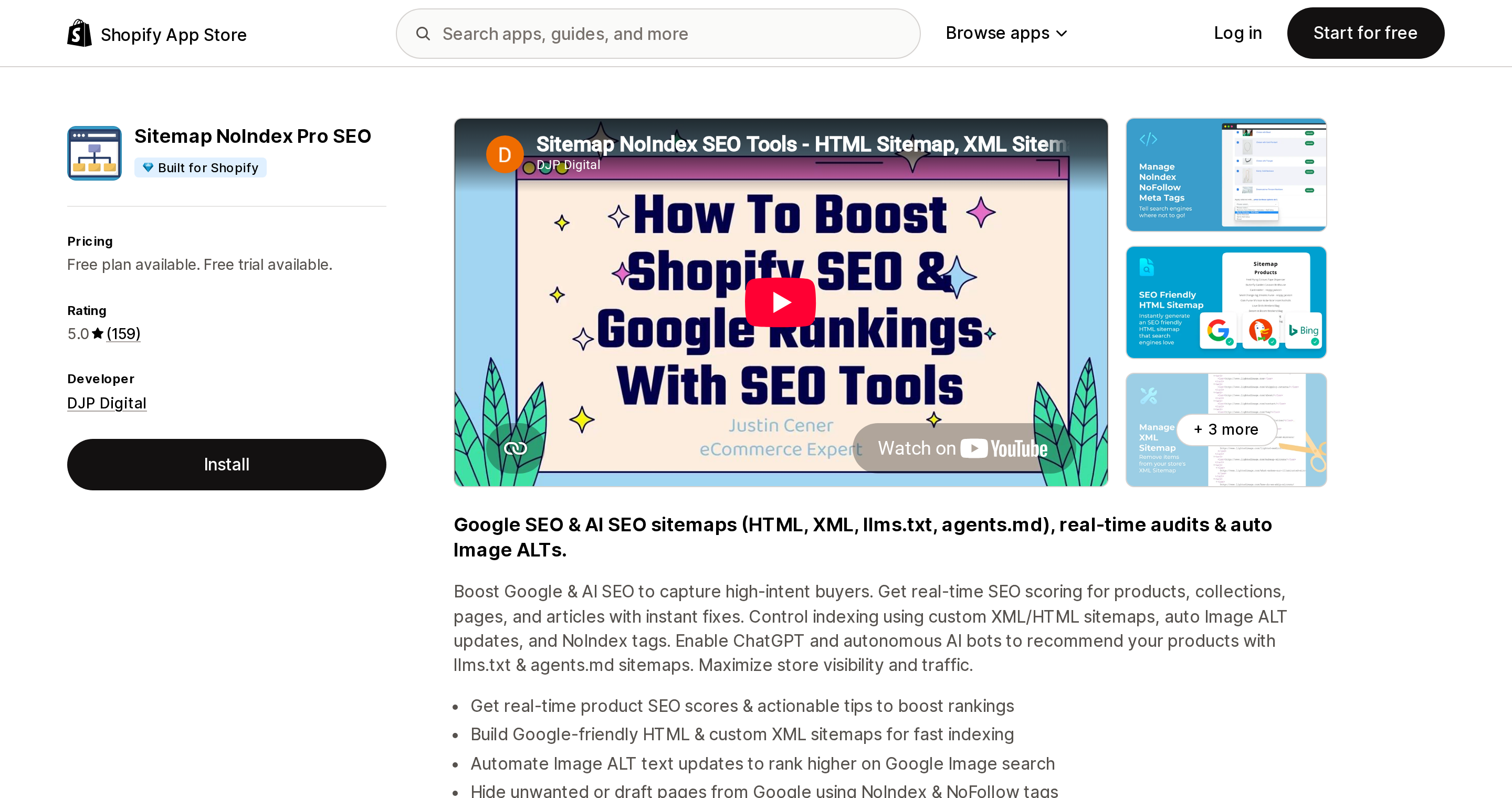
Source: Shopify App Store (Sitemap NoIndex Pro SEO), retrieved September 3, 2026
Sitemap NoIndex Pro SEO from DJP Digital offers Free, $3.99/month, and $11.99/month tiers with a 7-day free trial, rated 5.0 across 159 reviews (verified September 3, 2026). It combines noindex tags with custom XML sitemaps: "Control indexing using custom XML/HTML sitemaps, auto Image ALT updates, and NoIndex tags."
One feature name on the $11.99/month Scale plan, Custom URL Indexing Engine, is the closest thing in this whole set to URL-pattern control rather than resource-level control. The listing does not explain what it accepts as input. If you want to test whether any app can touch tag pages, this is the cheapest experiment available — but go in expecting to verify it yourself, because nothing published states that it handles patterns like /blogs/*/tagged/*.
Avada AI SEO Image Optimizer
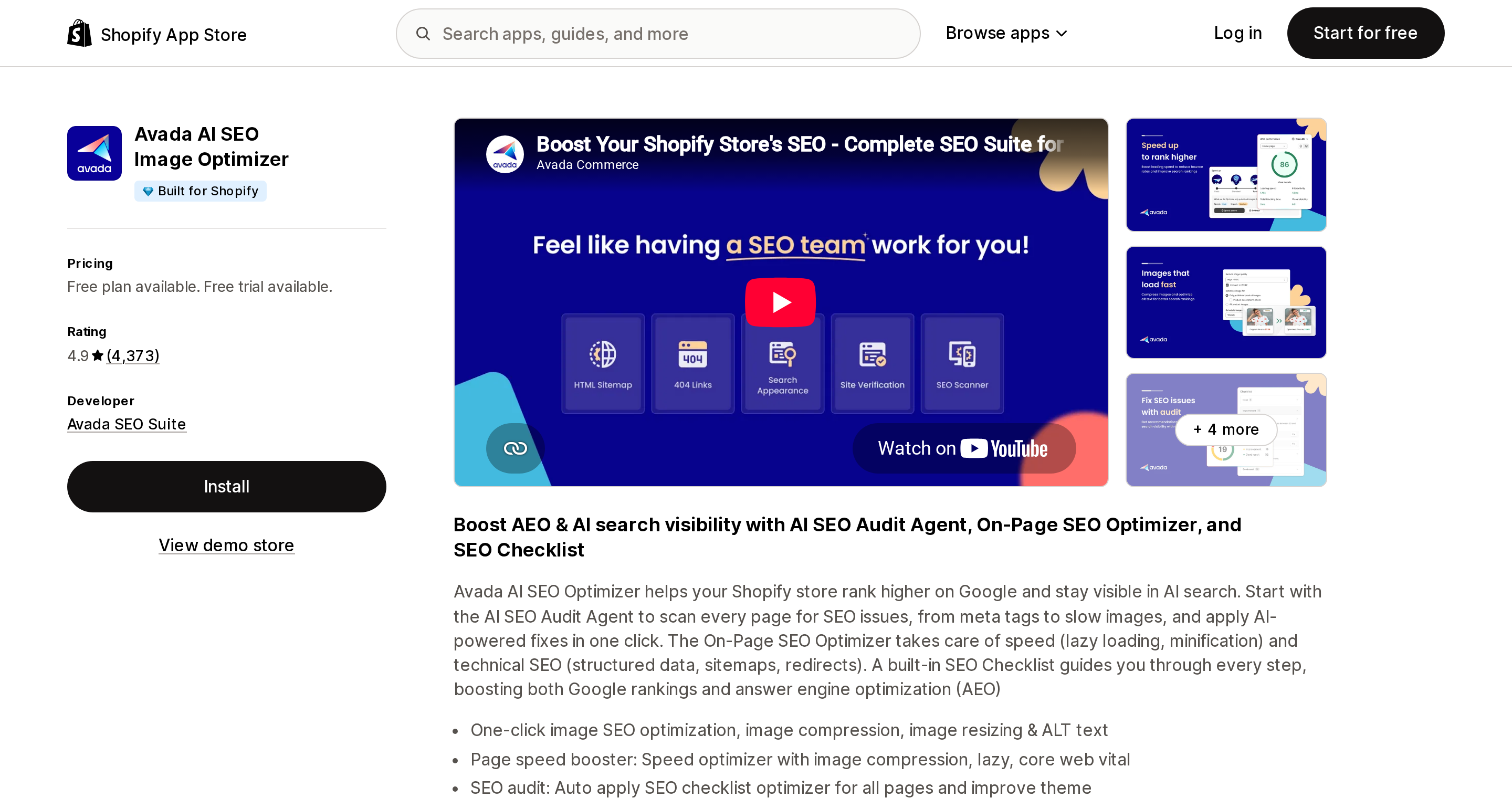
Source: Shopify App Store (Avada AI SEO Image Optimizer), retrieved September 3, 2026
Avada AI SEO Image Optimizer — note that "Avada SEO Suite" is the developer name, not the app name — is rated 4.9 across 4,373 reviews (verified September 3, 2026), with Free, $34.95/month, and $99/month tiers and a 7-day free trial on the paid plans.
Among the 13 listings checked, it is the only one whose own prose claims a robots.txt editor: the Pro plan feature list includes "XML sitemap generator, Robot.txt editor." That is relevant, since robots.txt is the actual lever for this problem. But the listing does not say what the editor can do — whether it writes robots.txt.liquid, appends rules to existing groups, or accepts arbitrary patterns — so you cannot conclude from it that your tag pages can be blocked. It is also the only one of the 13 listings checked whose Data access section extends to customer browsing behavior and store analytics.
Yoast SEO ‑ Store optimization
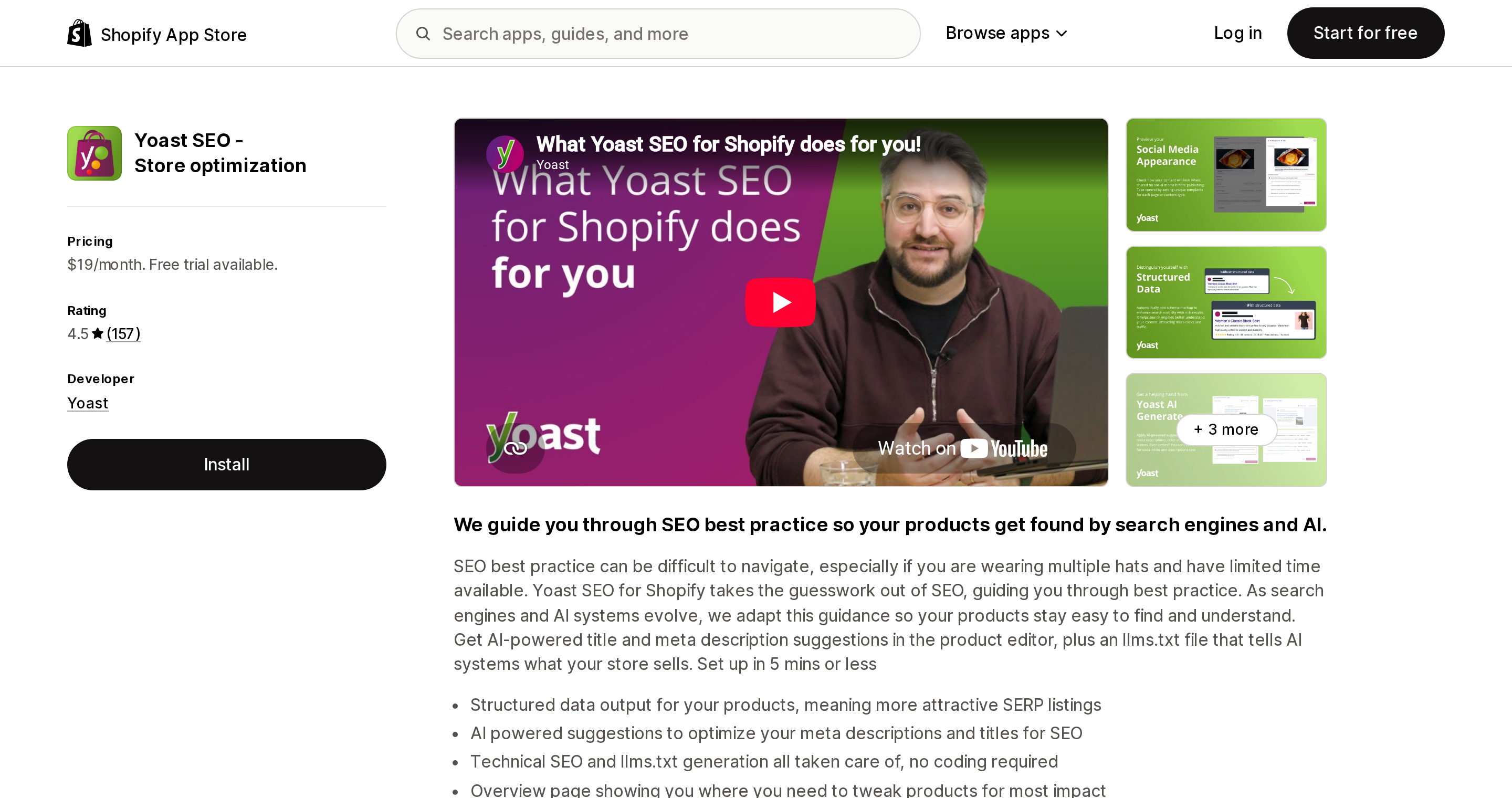
Source: Shopify App Store (Yoast SEO ‑ Store optimization), retrieved September 3, 2026
Yoast SEO ‑ Store optimization is included because merchants coming from WordPress expect it to solve exactly this. On WordPress, Yoast exposes per-archive indexing toggles. The Shopify listing describes something narrower: "Technical SEO and llms.txt generation all taken care of, no coding required." Noindex, robots meta, canonical control, and sitemap control appear nowhere in the description, bullets, or plan features.
The commercial terms differ from the rest of this set too. There is no free plan — a single $19/month tier ($190/year) with a 14-day free trial. It is rated 4.5 across 157 reviews (verified September 3, 2026), and its listing header carries no Built for Shopify badge. Its listing has no Data access section at all, so it cannot be compared with the others on permissions.
The 13 listings, on the same axes
A dash means the listing does not mention it. That is not the same as the app being unable to do it.
| App | Rating (reviews) | Free plan | Cheapest paid (USD/mo) | Claims noindex | Claims robots.txt edit | Claims canonical control | Mentions tag pages or pagination |
|---|---|---|---|---|---|---|---|
| Smart SEO AI & Image Optimizer | 4.9 (852) | Yes | $14.99 | Yes | — | — | — |
| Avada AI SEO Image Optimizer | 4.9 (4,373) | Yes | $34.95 | — | Yes (Pro) | — | — |
| Plug in SEO | 4.5 (532) | No | $29.99 | — | — | — | — |
| SEOWILL: AI SEO & AI Blog Post | 4.8 (1,742) | Yes | $29.99 | — | — | — | — |
| Tiny SEO Speed Image Optimizer | 5.0 (2,288) | Free to install | $14 | — | — | — | — |
| BOOSTER AI SEO + AEO OPTIMIZER | 4.8 (5,264) | Yes | $39 | — | — | — | — |
| Yoast SEO ‑ Store optimization | 4.5 (157) | No | $19 | — | — | — | — |
| SEO Manager | venntov | 4.7 (389) | No | $9 | — | — | — | — |
| SEOLab: All in #1 SEO — AI SEO | 5.0 (2,444) | Listed as "Free" | No pricing table published | — | — | — | — |
| SearchPie: SEO, Speed & Schema | 4.9 (2,356) | Yes | $39 | — | — | — | — |
| SEO Blog Writer | 4.2 (31) | Yes | $19 | Lists "meta robots" | — | — | — |
| NoIndexly ‑ Sitemap Manager | 4.9 (18) | Yes | $3.49 | Yes (4 resource types) | — | — | — |
| Sitemap NoIndex Pro SEO | 5.0 (159) | Yes | $3.99 | Yes | — | — | — |
All ratings, review counts, and prices verified September 3, 2026.
Two cautions on reading this table. Location chips near the top of an App Store listing are personalized to the viewer, so read the developer address in the listing footer instead — several of these apps are developed outside the United States (Avada in Singapore, SearchPie in Vietnam, Tiny SEO in the United Kingdom, Booster in Ireland, Yoast in the Netherlands). And a handful of these apps have been renamed or moved slugs recently — five older slugs in this category now return 404 with no redirect — so verify the listing before you commit.
What to do instead
If your checks found linked, indexed tag pages, there are three levers, and picking the right one depends on whether you intend to keep the pages.
If you want to keep them, invest in them. One live store examined during this research links 17 tag pages from its blog navigation, each with its own title, meta description, H1, intro copy, and pagination — a browseable category hierarchy rather than an accidental duplicate farm. The catch: none of those per-tag values are settable from the Shopify admin. A Shopify Community thread opened in August 2022 records a merchant reporting in August 2023 that "Shopify simply reuses the blog's overall description for every tag filter endpoint," and the thread went quiet in November 2023 without a resolution. So this route means theme Liquid work keyed on current_tags. Leave the self-referencing canonical alone, and do not add noindex.
If you don't want them and they aren't indexed yet, block crawling. Google's faceted navigation guidance is direct: "If you want to save server resources and you don't need your faceted navigation URLs to show up in Google Search or other Google products, you can prevent crawling of these URLs," and it notes that rel="canonical" and rel="nofollow" "are generally less effective in the long term" than that. The tool is robots.txt.liquid, released to stores on June 21, 2021. Contrary to a widely repeated claim, no plan restriction for it is documented in either the changelog or the help center — do not assume this is a Shopify Plus feature.
Shopify's guidance is to append to the default groups rather than replace them, since "the default rules are updated regularly." The pattern below adapts Shopify's documented "add a new rule to an existing group" example to tag pages. Shopify does not publish a tag-page example; this is our adaptation of their format:
{% for group in robots.default_groups %}
  {{- group.user_agent }}
  {%- for rule in group.rules -%}
    {{ rule }}
  {%- endfor -%}
  {%- if group.user_agent.value == '*' -%}
    {{ 'Disallow: /blogs/*/tagged/*' }}
  {%- endif -%}
  {%- if group.sitemap != blank -%}
    {{ group.sitemap }}
  {%- endif -%}
{% endfor %}
Shopify's warnings belong next to that code, verbatim:
"This is an unsupported customization. Shopify Support can't help with edits to the robots.txt.liquid file."
"Incorrect use of the feature can result in loss of all traffic."
One more operational trap: theme uploads through the Themes section of the admin will not import robots.txt.liquid, while ThemeKit or command line changes preserve it.
If they're already indexed, order matters. Blocking crawling does not remove anything already in the index, and Google states that "for the noindex rule to be effective, the page or resource must not be blocked by a robots.txt file." Disallow first and Google can never read the noindex you added. So: add a conditional noindex in theme.liquid keyed on current_tags, wait for the pages to drop out of the Page Indexing report in Google Search Console, and only then add the disallow rule if you still want it. Shopify documents the conditional pattern using the search template as its example; applying it to current_tags is an extension you write yourself, not something Shopify publishes.
Simplest option, and the one most often skipped: remove the internal links. Shopify does not link tag pages, does not list them in the sitemap, and by default blocks the multi-tag combinations. Deleting the menu items or theme snippet that exposed them restores the platform default without touching an unsupported file.
And for ?page=N, do nothing. Self-referencing canonical, no robots meta, no rel=next or rel=prev — Google says it no longer uses those tags anyway. Shopify's default already matches Google's published pagination guidance. Adding noindex to paginated pages or canonicalizing them to page 1 would move you away from it.
Choosing by situation
| Your situation | What to do |
|---|---|
Nothing links to /tagged/, nothing indexed | Nothing. This is the stock Dawn and Horizon state |
| Tag pages linked, you want them as real categories | Keep them, build per-tag title, meta description, H1 and copy in theme Liquid keyed on current_tags. Leave canonical alone |
| Tag pages linked, not indexed yet, you don't want them | Remove the links, or add Disallow: /blogs/*/tagged/* via robots.txt.liquid with Shopify's warnings understood |
| Tag pages already indexed | Conditional noindex in theme.liquid first, confirm removal in Search Console, then disallow if you want |
Only combination URLs like /tagged/a+b are the concern | Already covered by the default robots.txt |
?page=2 and beyond showing in reports | Nothing. The default already matches Google's guidance |
| You want to test whether an app can do URL-pattern indexing control | Sitemap NoIndex Pro SEO, Scale at $11.99/month, verifying Custom URL Indexing Engine yourself |
| You want a robots.txt editor without a code editor | Avada AI SEO Image Optimizer, Pro at $34.95/month, confirming the editor's scope and its data access before relying on it |
| You want resource-level noindex cheaply | NoIndexly ‑ Sitemap Manager at $3.49/month or Sitemap NoIndex Pro SEO at $3.99/month, both scoped to products, collections, pages, and articles |
The honest summary: an SEO app is a reasonable purchase for bulk metadata generation, image optimization, audit reporting, or IndexNow submission. It is not a way to control /tagged/ or ?page=N, and no listing checked claims otherwise. Confirm you have the problem before solving it, and remember that crawling and indexing are two different controls — including in the passages where Shopify's own help text blurs them.
Sources
- Shopify.dev — Blog template: https://shopify.dev/docs/storefronts/themes/architecture/templates/blog
- Shopify.dev — robots.txt: https://shopify.dev/docs/storefronts/themes/seo/robots-txt
- Shopify.dev — robots.txt.liquid: https://shopify.dev/docs/storefronts/themes/architecture/templates/robots-txt-liquid
- Shopify.dev —
current_tags: https://shopify.dev/docs/api/liquid/objects/current_tags - Shopify.dev —
canonical_url: https://shopify.dev/docs/api/liquid/objects/canonical_url - Shopify Help Center — Finding and submitting your sitemap: https://help.shopify.com/en/manual/promoting-marketing/seo/find-site-map
- Shopify Help Center — Editing robots.txt.liquid: https://help.shopify.com/en/manual/promoting-marketing/seo/editing-robots-txt
- Shopify Help Center — Hiding a page from search engines: https://help.shopify.com/en/manual/promoting-marketing/seo/hide-a-page-from-search-engines
- Shopify Changelog — Customize your robots.txt file: https://changelog.shopify.com/posts/customize-your-robots-txt-file
- Dawn theme source (16.0.0): https://github.com/Shopify/dawn
- Horizon theme source (4.1.5): https://github.com/Shopify/horizon
- Google Search Central — Introduction to robots.txt: https://developers.google.com/search/docs/crawling-indexing/robots/intro
- Google Search Central — Block Search indexing with noindex: https://developers.google.com/search/docs/crawling-indexing/block-indexing
- Google Search Central — Canonicalization: https://developers.google.com/search/docs/crawling-indexing/canonicalization
- Google Search Central — Faceted navigation: https://developers.google.com/crawling/docs/faceted-navigation
- Google Search Central — Pagination and incremental page loading: https://developers.google.com/search/docs/specialty/ecommerce/pagination-and-incremental-page-loading
- Shopify Community — Meta description for blog tag URLs: https://community.shopify.com/t/is-it-possible-to-add-a-meta-description-for-tag-blogs-urls-for-example-blog-tagged-pearls/145146
- Live store measurements, retrieved September 3, 2026: https://www.allbirds.com/robots.txt, https://www.allbirds.com/sitemap_blogs_1.xml, https://www.allbirds.com/blogs/the-perch?page=2, https://www.gymshark.com/robots.txt, https://www.heathrilesbbq.com/blogs/favorite-recipes/tagged/sides
- Shopify App Store listings, all retrieved September 3, 2026: Smart SEO AI & Image Optimizer, Avada AI SEO Image Optimizer, Plug in SEO, SEOWILL: AI SEO & AI Blog Post, Tiny SEO Speed Image Optimizer, BOOSTER AI SEO + AEO OPTIMIZER, Yoast SEO ‑ Store optimization, SEO Manager | venntov, SEOLab: All in #1 SEO — AI SEO, SearchPie: SEO, Speed & Schema, SEO Blog Writer, NoIndexly ‑ Sitemap Manager, Sitemap NoIndex Pro SEO
Theme behavior verified against Dawn 16.0.0 and Horizon 4.1.5. All pricing, ratings, and review counts verified September 3, 2026. App Store listings and theme source change frequently; confirm before committing.
Six Shopify direct mail apps priced on incompatible denominators, normalized. Direct Mail Manager lists $0/$5/$10 per month on the App Store while its own pricing page shows $0 or $199 per month plus $0.686 to $0.873 per 4x6 postcard. PostPilot lists as free to install but charges $99 or $499 per month plus per-piece. Poplar Mail's App Store per-piece prices run 8 to 11 percent below its own page, and identity resolution is a separate line at $0.07 per match. Postage is stated as included by only three of the six. Shopify itself has no postal channel, no Flow mail action, and no ZIP code segment filter. Researched September 3, 2026.