
What you will learn
On this pageContentsCloseOpen
Search for a way to stop bots on Shopify and you will find two things that sound like the same feature and are not.
One is bot protection, a setting in checkout. The other is hCaptcha, already switched on in your store right now. Merchants conflate them constantly, and the conflation is expensive, because the first is available only on Shopify Plus and the second does not touch checkout at all.
This article establishes exactly what each one does using Shopify's own documentation, then looks at six real apps on the US App Store — including one built by Shopify that most merchants have never heard of. Along the way we settle the question that decides whether any of this works: where does the blocking code actually run.
Research date: September 2, 2026. All prices are USD from the English App Store listings.
The short version
- Bot protection is Shopify Plus only, is not on by default even there, and must be activated by contacting Plus Support. It covers at most 500 individual products, allows one scheduled event at a time, and runs for a maximum of 60 minutes. It is a drop-day fairness valve, not an always-on shield.
- hCaptcha is on by default on every store, but it protects contact, comment and newsletter forms plus legacy login, account creation and password recovery. Not checkout. And Shopify documents that it conflicts with third-party CAPTCHA apps.
- Every store already sits behind Cloudflare. Shopify states that "all requests that come to your online store on Shopify must first pass through Cloudflare," with WAF and DDoS protection always active.
- The checkout gate is not binary. Public apps built with Shopify Functions run server-side on Basic and up. Only checkout UI extensions on the information, shipping and payment pages are Plus-restricted.
- Most blocker apps run from a theme app embed — JavaScript in the visitor's browser. Blockify's support team put it in writing: "no third-party app (including Blockify) can fully prevent visitors or bots from entering checkout or creating abandoned checkouts."
- You cannot put Cloudflare in front of a Shopify storefront. Shopify documents that a Cloudflare proxy breaks SSL provisioning and "reduces the effectiveness of bot detection."
- Country blocking has documented collateral damage: one merchant's block page got served to Googlebot and indexed in place of their products.
- The genuinely useful free option is Fraud Control, built by Shopify, which blocks at the server — and sits at 2.2 stars.
- Most of these apps say, in their own documentation, that visitor blocking depends on a theme app extension being enabled.
What bot protection actually is
The bot protection page opens with the plan requirement: "The bot protection feature is available only for merchants on a Shopify Plus plan." It "acts as a fairness control by blocking known bots from your checkout, and slowing down bot activity."
Then come the constraints, and they are more restrictive than the name implies:
- Not on by default. "Bot protection is available in your Shopify admin only after it's been activated. To activate bot protection for your online store, contact Shopify Plus Support."
- Scope is limited by design: "This feature is meant only to limit the effectiveness of auto-checkout bots and isn't meant to combat forms of fraud that are related to bot activity."
- Online Store sales channel only.
- Maximum 500 individual products, or all published products. You cannot apply it to a collection.
- One scheduled event at a time.
- Maximum event duration: 60 minutes.
- Cannot be edited once active, only deactivated.
The challenge itself is either reCAPTCHA from Google or hCaptcha from Intuition Machines. Choosing hCaptcha lets you add image selection or box-drawing, plus custom skill-testing questions you write yourself.
So even the Plus merchants who have this are not running a permanent bot shield. They are scheduling a one-hour checkpoint around a drop.
What every store already has
Two things, and both are worth understanding before you spend anything.
Cloudflare. Shopify's bot guidance states that "Shopify uses Cloudflare services to protect your store from bots. All requests that come to your online store on Shopify must first pass through Cloudflare," and that "Cloudflare is always active on your store and requires no action from you." The same page notes that suspicious or VPN traffic "might receive a Cloudflare verification challenge when navigating your Shopify store," reading "Your connection needs to be verified before you can proceed." Note that this is a storefront navigation challenge, not a checkout one.
hCaptcha. Under Online Store, then Preferences, two toggles are on by default on every store: hCaptcha on contact and comment forms (which also covers newsletter signup), and hCaptcha on login, create account, and password recovery pages for legacy customer accounts.
Two corrections here, because both are commonly repeated wrong. First, it is hCaptcha, not Google reCAPTCHA, on those login and account pages — reCAPTCHA appears only as a Plus bot-protection checkpoint option. Second, and more consequential: Shopify warns that "hCaptcha isn't compatible with custom code or third-party apps that add CAPTCHA... To ensure hCaptcha works for your customers, remove custom code and deactivate CAPTCHA on third-party apps." Stacking a captcha app on top of Shopify does not harden your store. It can break it.
Also worth knowing: new customer accounts skip hCaptcha entirely, because "the customer accounts verification process doesn't require hCaptcha." Migrating off legacy accounts removes that friction point altogether.
The checkout gate is three-tiered, not two
The most common claim about non-Plus stores is that no app can touch checkout. That is not quite right, and the difference matters.
Shopify publishes a plan availability table. Web pixels, post-purchase extensions, thank-you and order-status UI extensions, customer-account UI extensions, and — critically — public apps built with Shopify Functions are all available on Basic and higher. What is Plus-only is stated plainly: "Apps that customize the information, shipping, and payment pages of the checkout, including checkouts from draft orders, are available only to Shopify Plus."
Shopify Functions matter here because of where they execute. Per shopify.dev, "Validation functions run on Shopify's servers and can block checkout progress when business rules aren't met... They provide reliable enforcement of business logic that can't be bypassed by customers."
So the honest picture is three layers. Storefront JavaScript, available to everyone and bypassable. Server-side validation via a public app's Function, available on Basic and up and not bypassable — but it acts on cart contents and checkout field values, not on "is this visitor a bot." And visible checkout UI, Plus only.
Also relevant if you are on Plus and hoping Launchpad helps: it does not. Launchpad schedules pricing, inventory, publishing, theme changes and a pre-event password page. There is no bot, queue, or rate-limit function in it.
The six apps
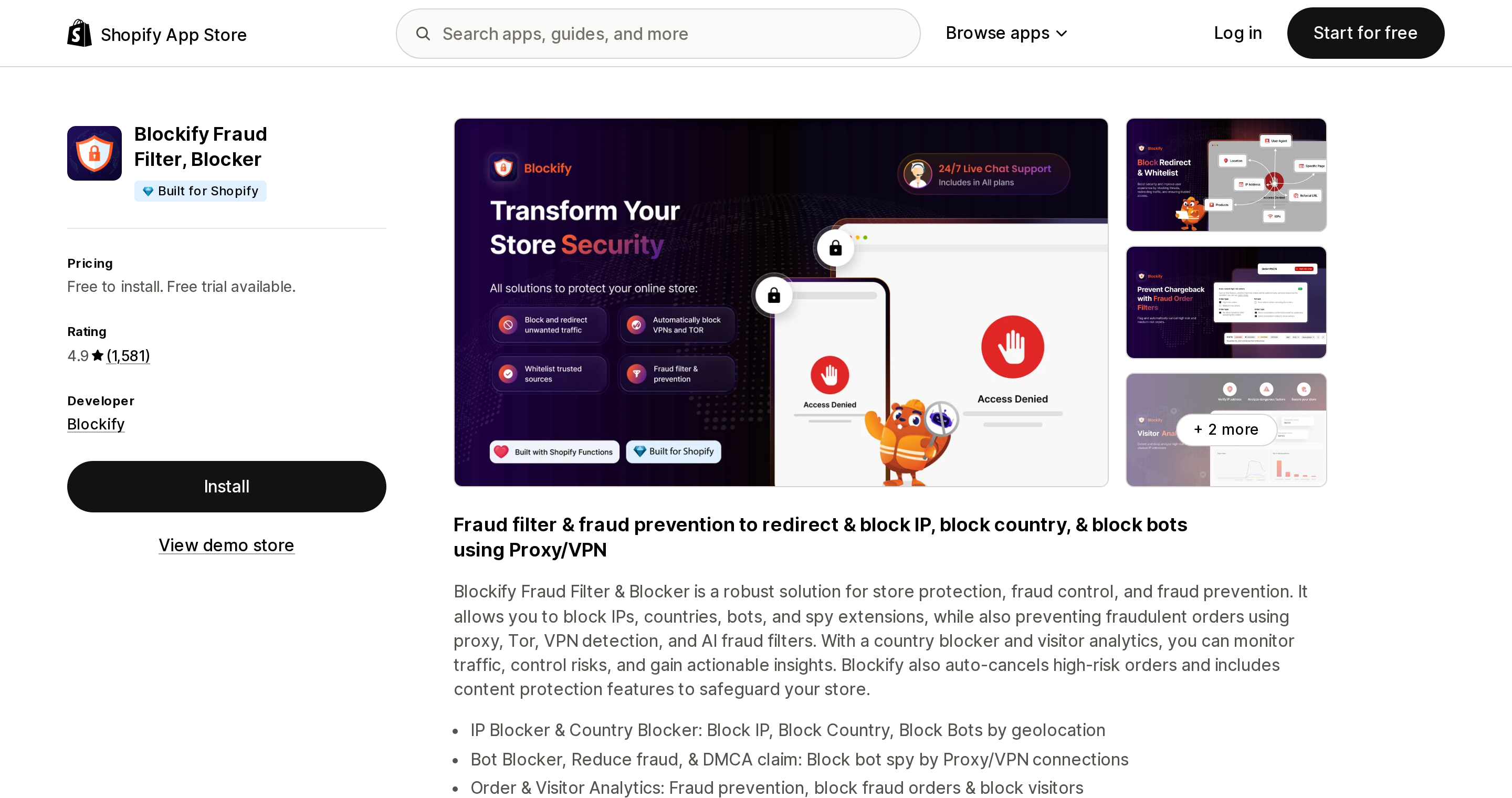
Blockify Fraud Filter, Blocker
Source: Shopify App Store (Blockify Fraud Filter, Blocker), retrieved September 2, 2026
Blockify Fraud Filter, Blocker carries a Built for Shopify badge and is the largest listing in the category at 4.9 across 1,581 reviews, launched March 13, 2018.
FREE (free to install, all stores): 4 IP/country block rules, 4 redirect rules, analytics on the first 200 visitors. PREMIUM $9.99/month or $95.90/year, non-Plus: unlimited block and redirect rules, unlimited visitor analytics, auto-block VPN and proxy, content protection, 3-day trial. ENTERPRISE $19.99/month: adds TOR blocking, ISP and referrer blocking, and blocking checkout with conditions. SHOPIFY PLUS $39.99/month: all features plus auto-cancel of high-risk orders.
It requests both theme and script tag scopes (client-side) and Shopify Functions scopes for cart and checkout validations (server-side) — the hybrid pattern shared by most of this category.
The single most useful sentence in this whole article came from Blockify's own support team, replying to a one-star review on December 27, 2025: "on Shopify, the checkout page is a protected area, meaning no third-party app (including Blockify) can fully prevent visitors or bots from entering checkout or creating abandoned checkouts. This is a platform-level limitation across the entire Shopify ecosystem, not specific to our app or plan."
The reviews also document what goes wrong. In September 2025 a merchant in the United Arab Emirates quoted Shopify Support telling them Blockify "is treating legitimate search engine crawlers as threats and showing them the blocking screen, which then gets indexed instead of your actual product pages and collections," with search visibility still depressed after uninstalling. In July 2026 a US merchant selected "Add Non-US Countries" inside a Block Countries screen and took their own store offline; the vendor accepted fault, calling it "a design and UX problem on our end."
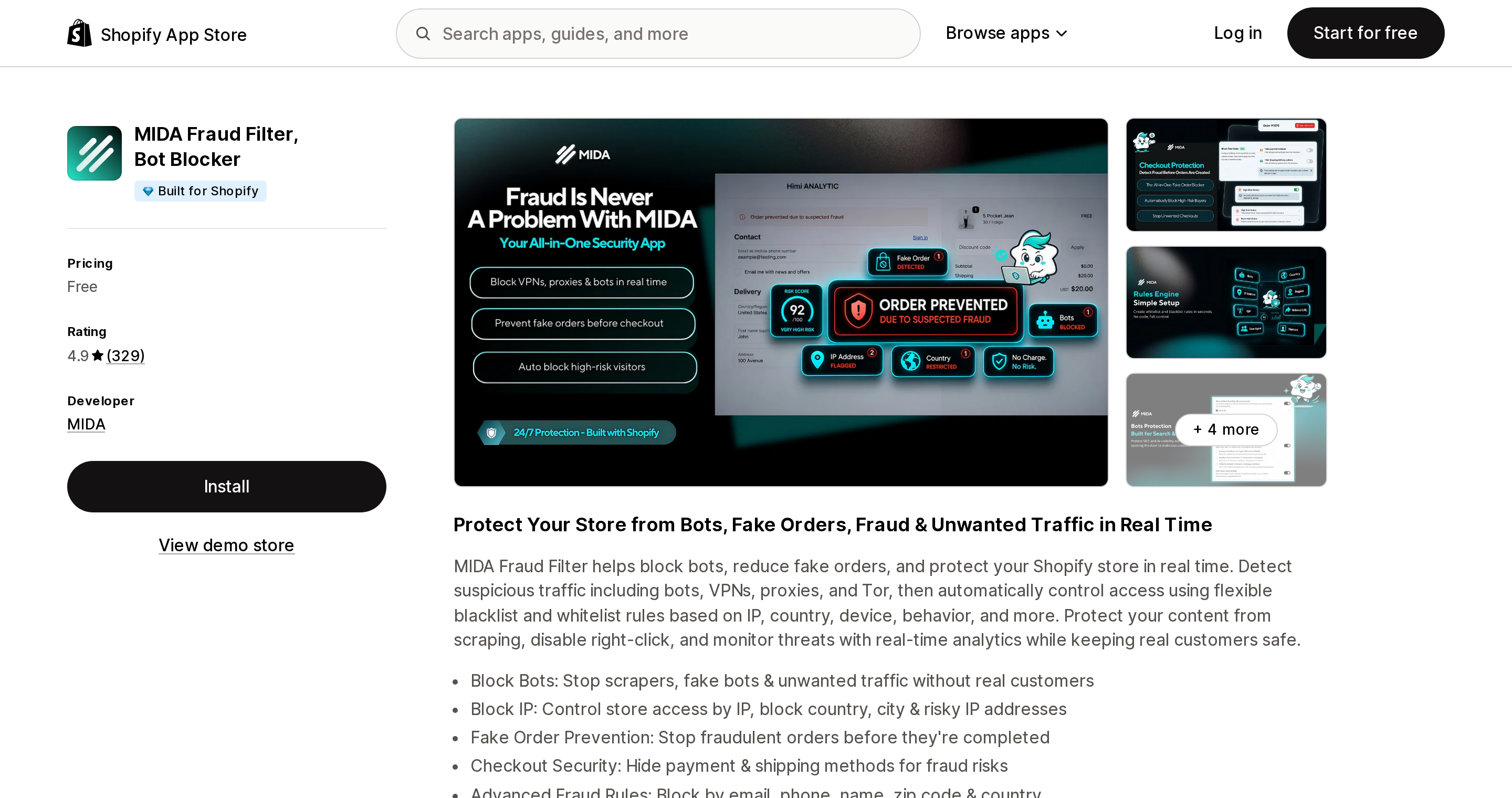
MIDA Fraud Filter, Bot Blocker
Source: Shopify App Store (MIDA Fraud Filter, Bot Blocker), retrieved September 2, 2026
MIDA Fraud Filter, Bot Blocker is free with no paid tier at all, carries a Built for Shopify badge, and is rated 4.9 across 329 reviews. Launched September 19, 2025, so it is under a year old.
It has the clearest documentation in the set, and that documentation settles the client-side question directly. Step 1 of its setup guide is "Enable Theme App Extension," and the reason given is unambiguous: "MIDA cannot block or redirect visitors until the Theme App Extension is enabled." Visitor blocking is theme-level JavaScript, stated by the vendor. Its scopes also include Shopify Functions for delivery, payment, and cart and checkout validations, which is where the server-side half lives. VPN handling is outsourced — MIDA "detects VPNs, proxies, and anonymous networks by querying IP intelligence provided by" proxycheck.io.
Its documentation also describes a verified-good-bots allowlist, and a UK merchant confirmed on September 1, 2026 that it "helped make sure genuine verified bots such as Googlebot were still allowed while suspicious traffic was blocked." Given the Blockify incident above, crawler allowlisting is the feature to check on any app in this category before you enable anything.
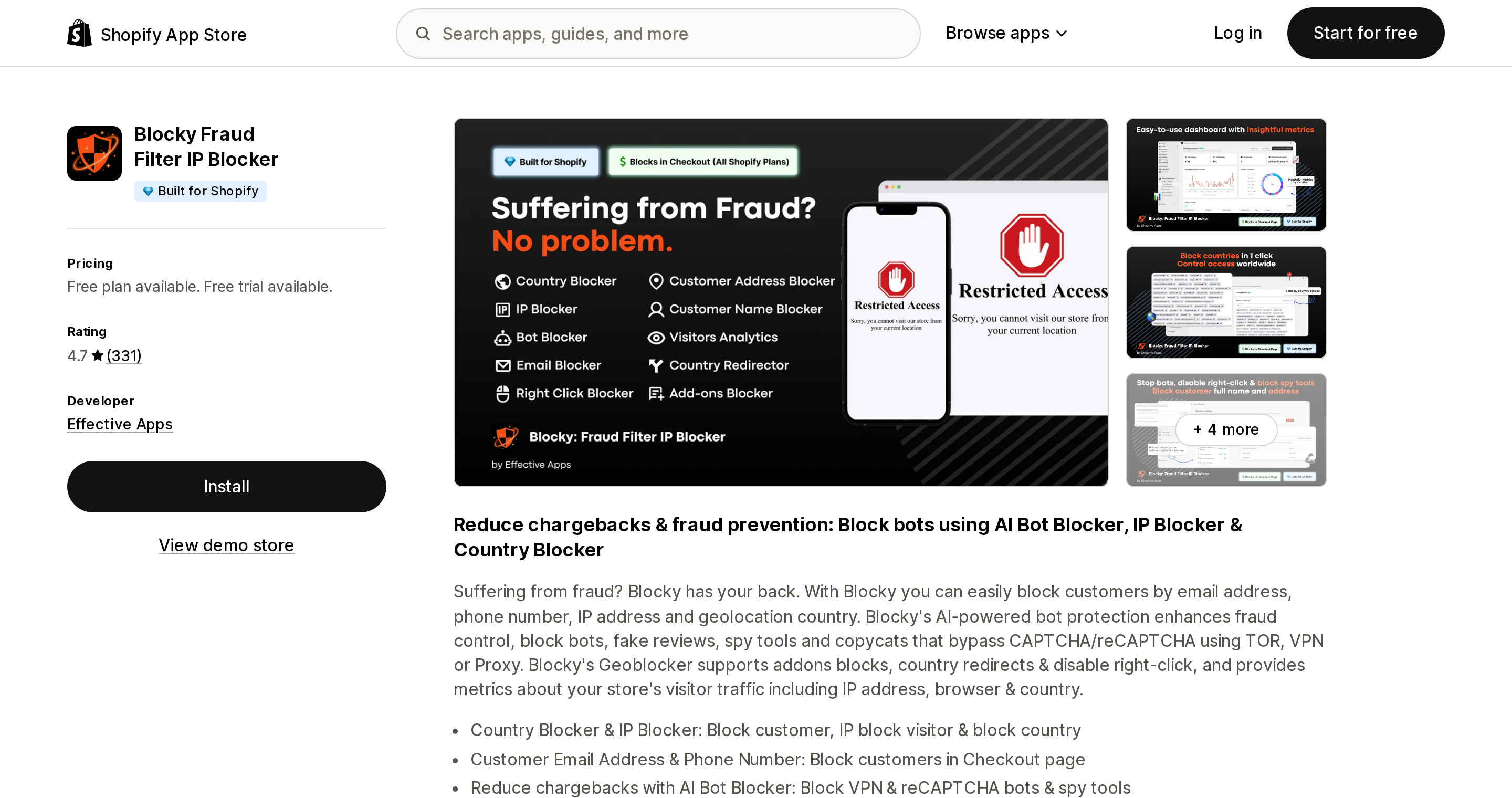
Blocky Fraud Filter IP Blocker
Source: Shopify App Store (Blocky Fraud Filter IP Blocker), retrieved September 2, 2026
Blocky Fraud Filter IP Blocker from Effective Apps carries a Built for Shopify badge, rated 4.7 across 331 reviews, launched April 7, 2021.
Basic $9.99/month or $83.92/year: unlimited country blocking, customizable blocked page, 7-day trial. Advanced $16.99/month: adds unlimited IPv4/IPv6 blocking, IP whitelist, geolocation redirector. Pro $19.99/month: adds email, name, address and phone blocking, plus "Bot Killer: TOR, Proxy & VPN Blocker" and unlimited visitor analytics logs.
Two things stand out. Every paid tier reads "All stores except for Shopify Plus stores" — there is no plan for Plus merchants. And the marketing copy makes an admission worth quoting: it targets bots "that bypass CAPTCHA/reCAPTCHA using TOR, VPN or Proxy." That is a vendor telling you Shopify's native hCaptcha gets defeated routinely.
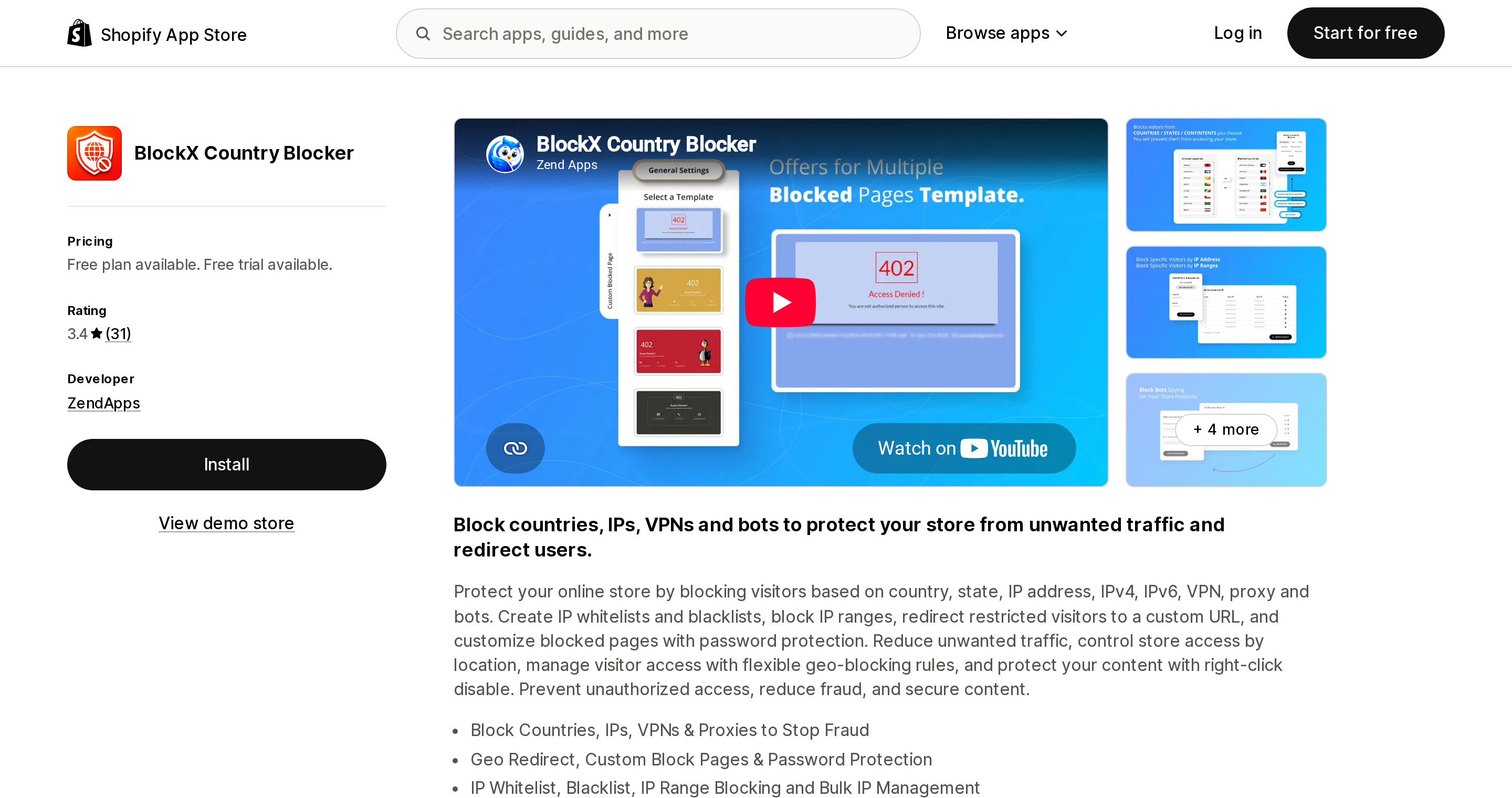
BlockX Country Blocker
Source: Shopify App Store (BlockX Country Blocker), retrieved September 2, 2026
BlockX Country Blocker from ZendApps is included as a caution rather than a recommendation. No Built for Shopify badge, rated 3.4 across 31 reviews — with 16% of ratings at one star — launched January 2, 2018. Free tier blocks 2 countries and 2 IPs; Pro Protection $5.99/month or $64.69/year adds unlimited blocking, region blocking, VPN and bot protection, 10-day trial.
Its listing shows integration with Shopify Admin only — no checkout integration, unlike the three above. And a June 2026 review from a UK merchant who had been paying for over four years reports VPN blocking silently not working at all, asking "how long has this been broken for us, a month, a year?" The vendor's reply a week later identifies "a server-side VPN validation issue" and states that it has been permanently resolved. Take the fix at face value; the point that survives is that a paid protection feature can fail silently for a long time, because nothing tells you when a block does not fire.
CrowdHandler Waiting Room
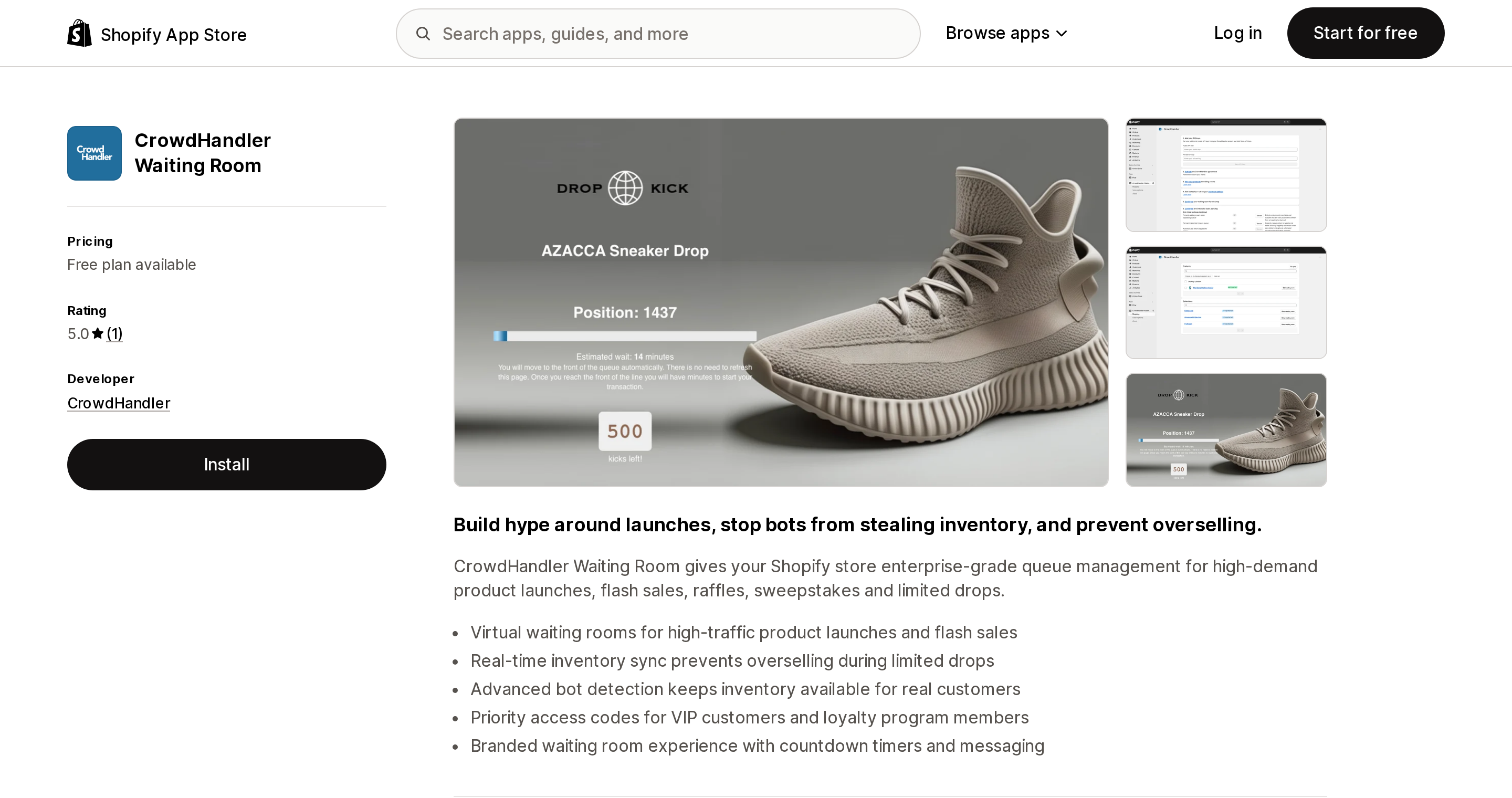
Source: Shopify App Store (CrowdHandler Waiting Room), retrieved September 2, 2026
Shopify has no native queue, on any plan. CrowdHandler Waiting Room fills that exact gap. No Built for Shopify badge; 5.0 from a single review; launched July 28, 2025.
Lite, free: 1 waiting room, 1 store, 100 waiting customers maximum, 10 users per minute. Plus $1,500/month: 5 rooms, 2 stores, 20,000 waiting customers, 300 per minute, 8-hour support response. Enterprise $5,600/month: 20 rooms, 5 stores, 100,000 waiting customers, 1,000 per minute.
Be honest about what that ladder means. The free tier at 100 concurrent visitors is a demo. If your drop draws real traffic, the next rung is $1,500 a month. For most Basic and Grow merchants, that prices queueing out of reach — which is worth knowing before you spend months looking for a cheaper one.
Fraud Control
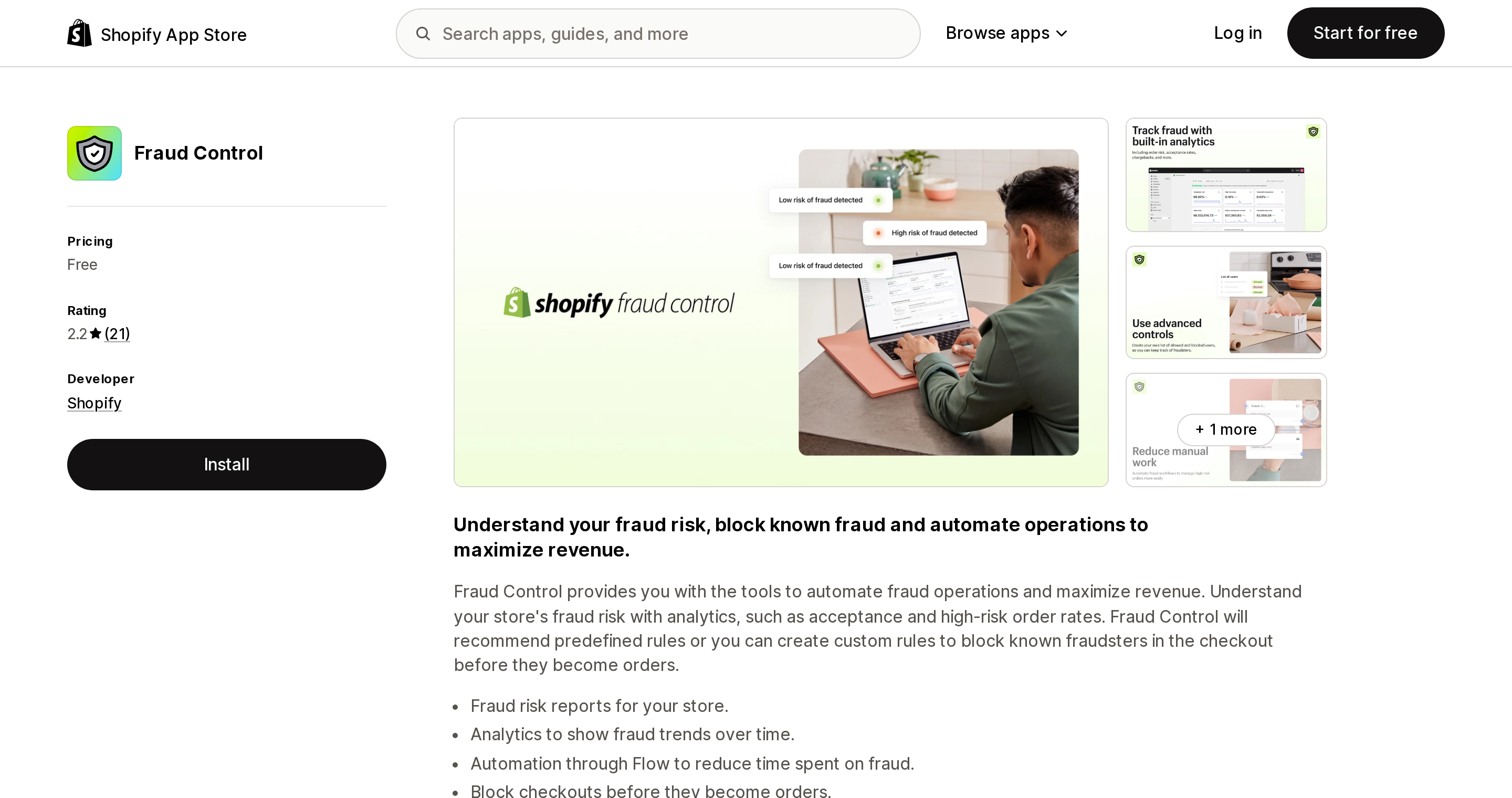
Source: Shopify App Store (Fraud Control), retrieved September 2, 2026
Fraud Control is built by Shopify, free, and rated 2.2 across 21 reviews with 38% at one star. Launched May 10, 2023.
The low rating hides something genuinely useful. Per the help page, "Fraud Control checkout rules allow you to filter and block potentially-fraudulent orders. Based on a set of rules that you define, the app will block checkouts from becoming orders," filtering on emails, address attributes and IP addresses. It "is available to all store plans in locations where Shopify Payments is available." That is server-side blocking, on Basic, for free.
Two gates. It requires Shopify Payments. And it "doesn't guarantee coverage against chargebacks." One behaviour to set expectations around: "In the checkout process a blocked checkout will receive an error... Blocked checkouts will show in the abandoned checkouts section of your store." Blocking does not clean up your abandoned checkout numbers.
Shopify's own warning applies to every app in this article: "Use caution when setting up rules to ensure that legitimate traffic is not prevented from checking out."
Shopify's legacy Fraud Filter app, incidentally, is gone. Its listing now returns "This app is not currently available on the Shopify App Store."
Where each one actually runs
| App | What it blocks | Where it runs | Reaches checkout? | Entry price |
|---|---|---|---|---|
| Blockify Fraud Filter, Blocker | IP, country, VPN/proxy/TOR, ISP, referrer, bots | Theme embed and script tags, plus Functions | Partly. Vendor states no app can stop bots entering checkout | Free |
| MIDA Fraud Filter, Bot Blocker | Bots, IP, country, VPN/proxy/TOR, behaviour | Theme app extension, plus Functions | Partly, via payment and delivery customizations | Free |
| Blocky Fraud Filter IP Blocker | Country, IP, TOR/proxy/VPN, customer fields | Script tags and theme, plus Functions | Claims all paid tiers work inside checkout | $9.99/mo |
| BlockX Country Blocker | Country, region, IP, VPN, bots | Shopify Admin integration only | No | Free |
| CrowdHandler Waiting Room | Queues all traffic | Not stated on the listing | Queue sits ahead of the storefront | Free, 100 concurrent |
| Fraud Control | Orders by email, address, IP | Shopify's own servers | Yes — blocks checkouts becoming orders | Free |
| Bot protection (native) | Known bots at checkout | Shopify edge | Yes, 60 min max, 500 products max | Plus only |
The pattern is consistent. Visitor blocking is client-side and therefore bypassable — a bot that posts directly to a cart or checkout URL never runs the theme embed's JavaScript. Order blocking is server-side and reliable. Most of these apps do both, and the marketing does not distinguish between them.
The workaround that makes things worse
The advice that circulates in merchant forums is to put Cloudflare in front of your store. Shopify documents, flatly, that you cannot.
The domain troubleshooting page describes the admin notification — "Your domain is using a Cloudflare Proxy, which Shopify does not support" — and lists four consequences: SSL certificate provisioning failures; loss of resiliency, which "makes your store more vulnerable to outages"; an unsupported configuration that "could break at any time... outside the scope of Shopify Support"; and this:
"Reduced bot detection accuracy: Shopify's bot detection relies on seeing the original request from the visitor. When traffic passes through a Cloudflare proxy, request attributes are altered before reaching Shopify, which reduces the effectiveness of bot detection and can increase unwanted bot traffic to your store."
Shopify's pre-support checklist literally includes "No Cloudflare Proxy is present." The workaround does not just fail to help — it degrades the protection you already have.
How to choose
"My analytics are polluted by bot traffic." This is the most common real problem in this category and the most solvable. MIDA (free) or Blocky Pro at $19.99 give you visitor attribution and crawler-safe blocking. Verify Googlebot allowlisting before you enable anything. Expect clean data, not more revenue.
"I'm getting fake or carded orders." That is payment fraud, not bot traffic. Start with Fraud Control — free, first-party, server-side — if you use Shopify Payments. Add Blockify Enterprise at $19.99 only if you need TOR or ISP conditions. Accept that blocked checkouts still show up as abandoned.
"Scalpers are taking my drops." No app on Basic, Grow or Advanced solves this, and the vendors say so themselves. Your real options are CrowdHandler (free below 100 concurrent, otherwise $1,500/month), upgrading to Plus for native bot protection, or changing the mechanics: a raffle, a registration window, requiring an account, or per-customer purchase limits enforced by a Functions-based validation app. The third option is the cheapest and usually the most effective.
"Scrapers are stealing my content." Shopify already runs Cloudflare WAF and DDoS protection on every store, and you cannot add your own layer without making detection worse. Bandwidth is Shopify's cost, not yours. Block identified scraper IPs after the fact and move on.
"I want to block a whole country." There is no native option, and this is the one job these apps genuinely do. Read the Blockify reviews above first. Never enable it without a crawler allowlist and a same-session test from a real IP in an allowed country.
Before you buy anything, do these five free things: confirm both hCaptcha toggles are on; migrate to new customer accounts, whose verification bypasses the hCaptcha problem entirely; install Fraud Control and write IP and email rules if you use Shopify Payments; use Shopify Flow to cancel high-risk orders automatically; and remove any third-party captcha app, because Shopify documents that it conflicts with hCaptcha.
What we could not confirm
Shopify does not publish an explicit statement that it offers no storefront country blocking, no merchant-controlled rate limiting, and no queue. Those three are inferred from a complete absence across its documentation, which is strong but is not a denial. CrowdHandler's listing does not state whether its blocking is edge-side or client-side. And the widely cited January 31, 2025 retirement date for the legacy Fraud Filter app comes from secondary sources; Shopify's listing confirms only that the app is gone.
Sources
- Bot protection — Shopify Help Center
- Dealing with bots — Shopify Help Center
- Bot types and intents — Shopify Help Center
- Online store preferences — Shopify Help Center
- Checkout apps availability — Shopify Help Center
- Cart and checkout validation — shopify.dev
- Launchpad — Shopify Help Center
- Fraud Control app — Shopify Help Center
- Troubleshoot issues with domains — Shopify Help Center
- MIDA Fraud Filter documentation
Shop Pay Installments is free to activate, needs no app, and Shopify never publishes what it costs you — the rate is visible only inside your own admin. It also refuses Capital One and Chase credit cards, restricts monthly plans to debit cards only, excludes gift cards and subscriptions, and can't be turned off for individual products. Affirm can suspend your account for being password-protected, for having a non-English storefront, or for being primarily B2B. And Shopify's Getting paid page says disputes appear in your admin while its FAQ says they don't. If you fail the eligibility gates, the alternative is on-site messaging apps from Klarna, Afterpay, Sezzle, Zip, and PayPal — a category rated between 1.0 and 3.2 stars. Researched September 2, 2026.