
What you will learn
On this pageContentsCloseOpen
If you search for Shopify Collective eligibility rules, you will find articles telling you that it requires $50,000 in annual sales, that it is US-only, and that suppliers need the Shop channel installed. None of those match what the Shopify Help Center says today.
The rules that do exist are less about how big your store is and more about how your store is configured. A few of them will disqualify you outright, no matter how much revenue you have. This article works through the current requirements for both retailers and suppliers, the features that stop working once Collective is involved, and where a third-party dropshipping app is the more sensible answer to the same problem.
All Shopify behavior below was checked against the Help Center on September 2, 2026. App pricing and ratings were checked on the Shopify App Store the same day.
What Collective actually is
Shopify Collective is a first-party app from Shopify that connects two Shopify stores. The retailer imports products from a supplier's price list, sells them on their own storefront, and the order is forwarded automatically to the supplier, who ships directly to the customer. Tracking numbers sync back, so the retailer's own shipping notifications fire as usual.
The supplier side is a separate install, the Shopify Collective: Supplier sales channel. A single business can run both.
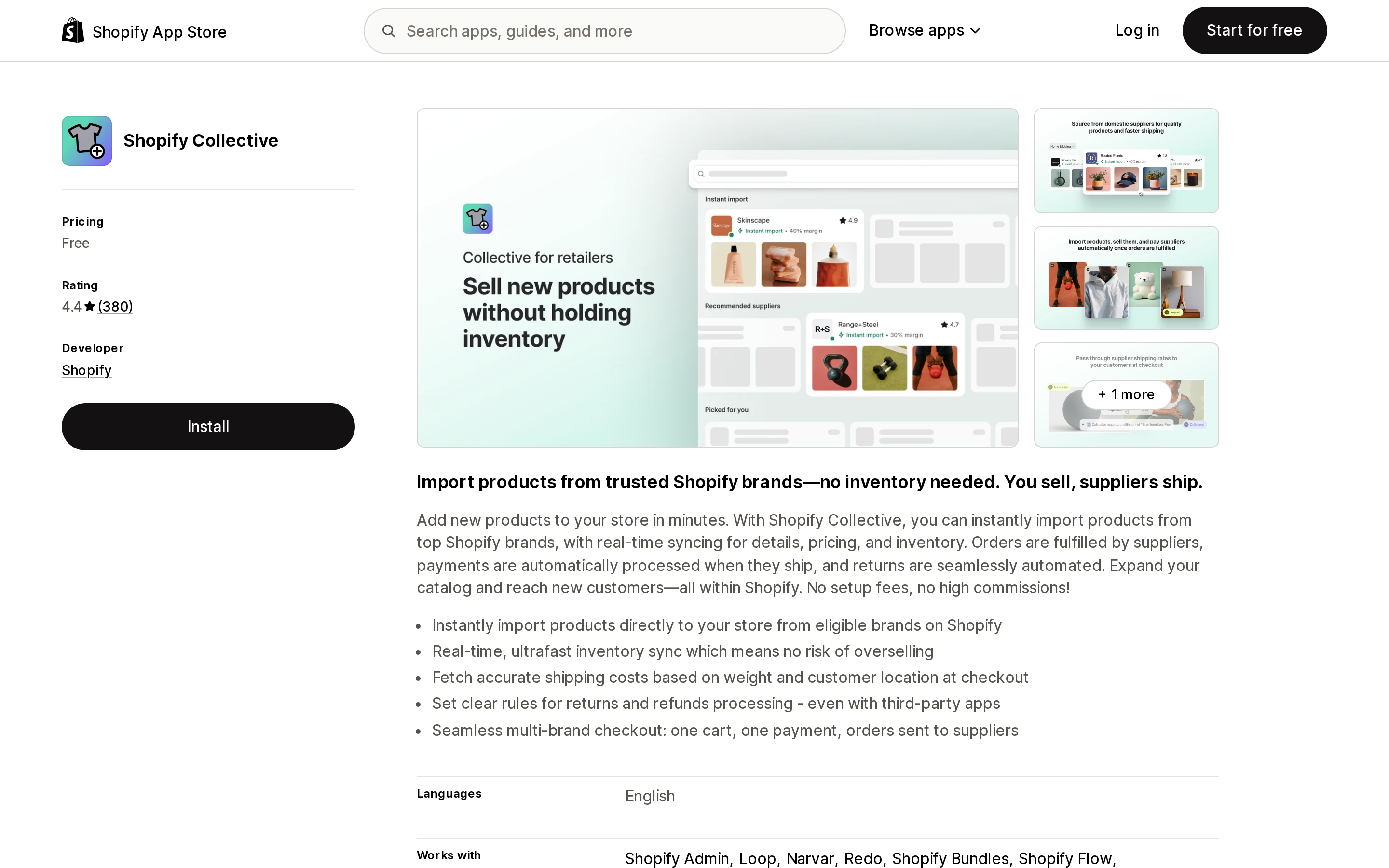
Source: Shopify App Store (Shopify Collective), retrieved September 2, 2026
Two things are worth stating plainly because so much secondary writing gets them wrong. Collective is free to use on all Shopify plans, and the Help Center states directly that there is no minimum store sales requirement. Whatever the $50,000 figure referred to historically, it is not a current rule.
The app listing shows a 4.4 rating from 380 reviews and is published by Shopify.
The requirements that do exist
Both sides have to clear an eligibility check that runs immediately after install and periodically afterward, so your status can change later if your store configuration does.
Active Shopify plan. Any plan works. The Pause and Build plan does not, and Collective is not available on Shopify Partner development stores or client transfer stores.
A supported country and currency. This is the part that has moved. Collective is now available in 38 countries and regions, including Australia, Canada, Japan, Mexico, Hong Kong, New Zealand, Singapore, Switzerland, the United Kingdom, the United States, and most of the EU, across 18 currencies. The expansion to 36 additional countries was announced in the Shopify changelog on July 31, 2025, not in a later Editions release as some write-ups suggest.
Shopify Payments, fully activated, with active payouts, and a payout currency matching your store currency. Setup alone is not enough. If you are a new merchant, payouts can be paused for up to 21 days after your first charge, and Collective will report you as ineligible during that window.
Tax setup, but only in some regions, and the rule differs by side. Retailers based in the UK or an EU country need Shopify Tax, Basic Tax, or a third-party tax app, and must verify a VAT number. Suppliers have the same requirement plus Canada, where a GST/HST number has to be verified. Manual Tax makes you ineligible either way. US merchants are not affected.
Shopify Network Intelligence turned on, plus trust and safety checks that may include an ID document and a selfie check. If you already completed that for Shopify Payments or a Plus upgrade, you do not repeat it.
Failing some but not all of these leaves you a reduced version of the app rather than nothing: browsing Discovery and viewing existing connections still work.
The constraint that decides most cases
The single rule that eliminates the most stores is not on any eligibility checklist in the way people expect it to be.
To connect, both stores must be in the same country and using the same currency. A US store selling in USD cannot connect to a Canadian store selling in CAD. Automatic payments add a further condition: both stores need Shopify Payments accounts registered in the same country as the store itself.
Collective is therefore a domestic sourcing tool, not an international one. Discovery only shows suppliers in your own country. If your plan was to source from overseas brands, Collective cannot do it, however eligible your store is.
This also explains the gap between the 38 eligible countries and the much shorter "sourcing locations" list on the app listing, which currently shows nine. Eligibility to install is broader than the set of markets where suppliers have actually accumulated. Discovery is also unavailable to retailers in ten supported countries, including Croatia, Cyprus, Estonia, Greece, Latvia, Luxembourg, Malta, and Slovenia, who can connect only by direct invitation.
What stops working, and why the two sides differ
Both the retailer app and the supplier channel publish an incompatibility list. They are not the same list, and the difference is the most useful thing on either page.
Shared by both: Managed Markets, Pickup in store, and metafields. Neither side can pass metafields across the connection, though each can use metafields on products within their own store. Digital products and gift cards are not supported at all.
Where they diverge is subscriptions, product bundles, and combined listings. A supplier cannot use any of the three with the Collective sales channel. A retailer can use all three on products they have imported. So the same Shopify feature is blocked or allowed depending on which end of the relationship you sit at, which matters if your business plans to be both.
Shopify POS is a partial case on the retailer side. You can publish Collective products to your POS channel and a customer can place an order in person, but the supplier ships to an address. There is no in-person handoff and no pickup in store.
Shopify Flow works on both sides.
Pricing control, and the discount trap
The supplier sets a retailer margin on each price list. Cost price is retail price minus that margin, and the retailer cannot edit it. The Help Center suggests suppliers offer 20% to 50%, and enforces a minimum of 5% on public price lists. Retail price is the retailer's to set, and both retail price sync and compare-at price sync are off by default.
The part that catches people is discounting. A customer discount comes entirely out of the retailer's margin. If a product has a $100 retail price and a $70 cost price, and the customer applies a $20 discount code, you still owe the supplier $70 and your profit drops from $30 to $10. Nothing in Collective excludes imported products from storefront discounts automatically; that needs a third-party discounting app with exclusion rules.
Automatic payments debit the cost price from your Shopify Payments balance and release it to the supplier on fulfillment, with no extra Shopify fee. But orders paid through PayPal do not add to that balance, so a store with heavy PayPal volume can end up with supplier payments stuck in retry while orders show as Payment pending on the supplier's side.
The overselling caveat
The app listing says real-time inventory sync means no risk of overselling. The supplier documentation is more precise: average product sync time is under 30 seconds but can take up to five minutes, and the Help Center states that extremely high volume order events can result in overselling. For a normal week this is irrelevant. For a product drop or a Black Friday spike on a shared SKU, it is not.
Two other inventory details: imported products are capped at 100 variants before pricing and inventory sync becomes unreliable, and if a supplier has "Continue selling when out of stock" enabled, the retailer cannot turn it off.
Returns
For retailers who joined on or after December 10, 2024, the default policy is that the supplier creates the return label with a two-day processing time, a 30-day window, no label or restocking fee, and automatic refunds to the customer. Retailers who joined earlier kept a default of no action, meaning returns are still handled manually outside Collective unless they edit that policy. Loop Returns & Exchanges, Narvar Return and Exchange, Redo, and AfterShip Returns & Exchanges integrate with Collective returns policies; the older manual flow is being deprecated.
When Collective is enough
Collective is the right answer, with no app spend, when all of the following hold. You and your suppliers are in the same country and currency. Your suppliers are on Shopify, or willing to sign up. You want a small, curated set of brands rather than a large catalog. You are not selling those products as subscriptions from the supplier side, not offering pickup in store, and not relying on Managed Markets. If that describes you, a paid dropshipping app would add cost and a second system for no benefit.
When you need something else
Collective cannot help if your suppliers are not on Shopify, if they are in another country, if you want a broad catalog to test products against, or if you need supplier-side subscriptions or combined listings. The four apps below cover most of that range, but note that they solve a genuinely different problem: Collective connects you to a specific brand you chose, while these connect you to a marketplace of suppliers, mostly not on Shopify, selling generic or white-label goods rather than a brand's own catalog.
DSers
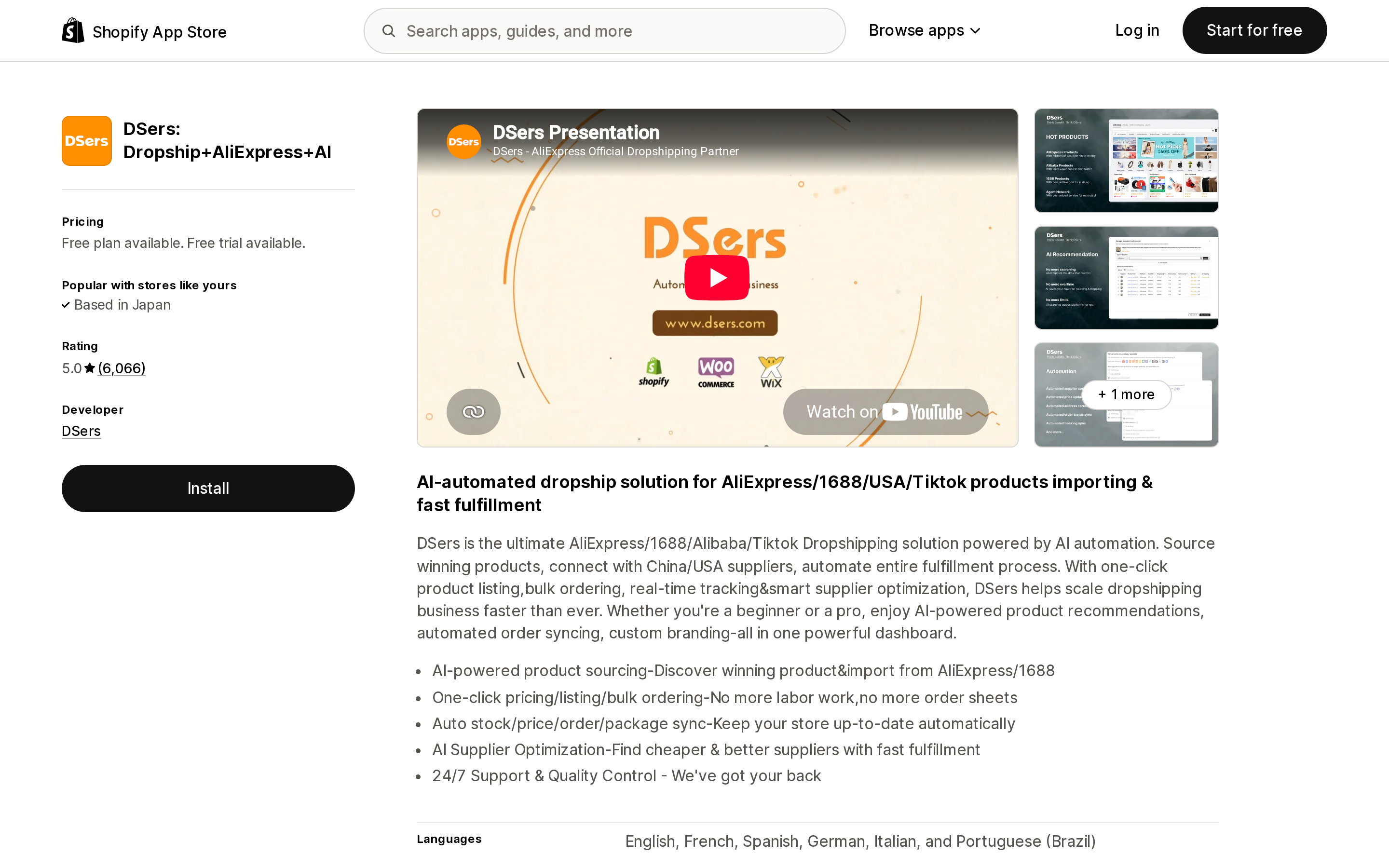
Source: Shopify App Store (DSers: Dropship+AliExpress+AI), retrieved September 2, 2026
DSers: Dropship+AliExpress+AI sources from AliExpress, 1688, Alibaba, and TikTok Shop. It has a free Basic plan, then $19.90/month for Advanced and $49.90/month for Pro, with extra fees above product count limits. Rating is 5.0 from 6,066 reviews.
This suits merchants who want the widest supplier pool and the lowest floor cost, and who accept longer lead times from China-based suppliers. The free plan covers one-click listing, bulk ordering, and order status sync.
Spocket
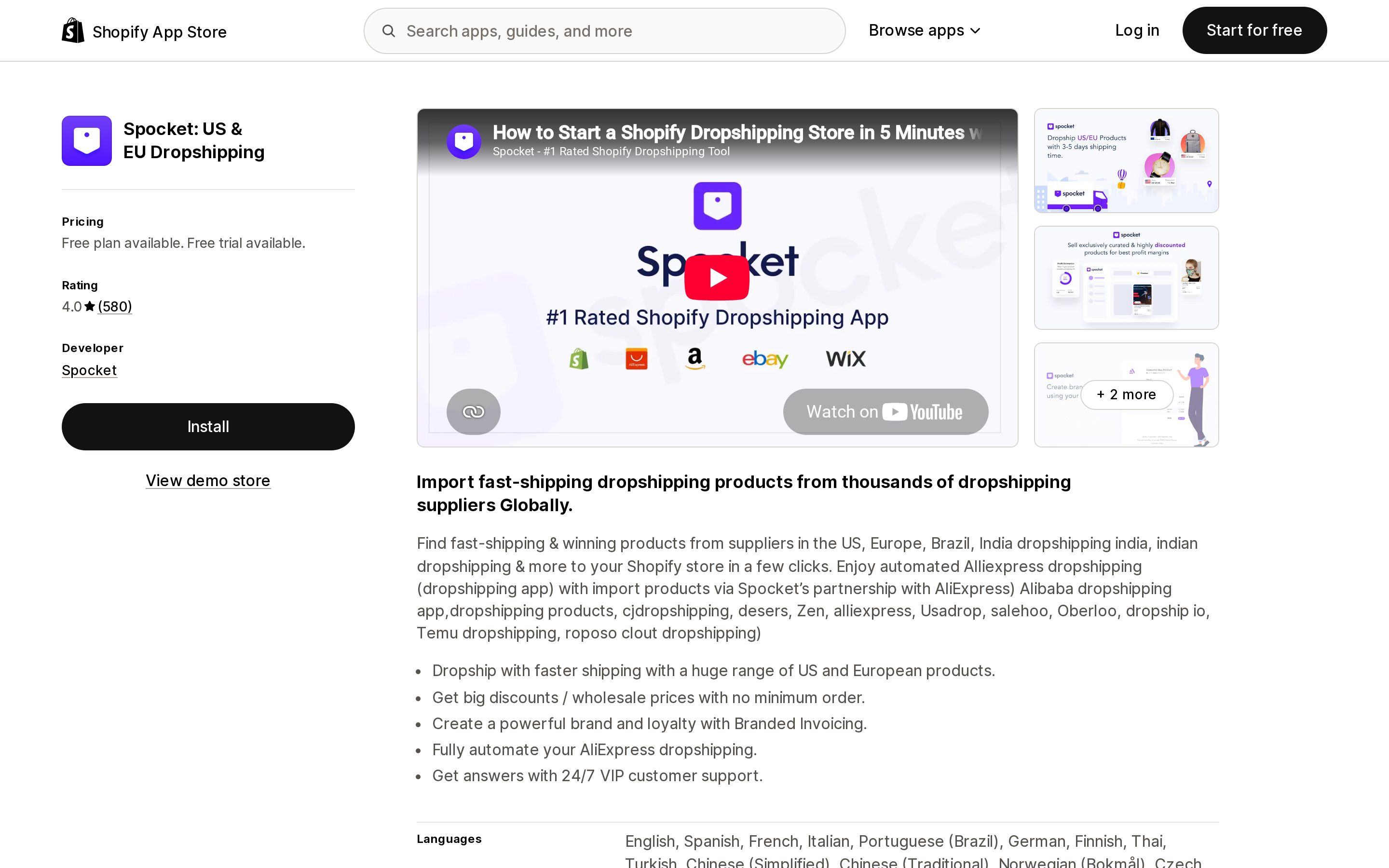
Source: Shopify App Store (Spocket: US & EU Dropshipping), retrieved September 2, 2026
Spocket: US & EU Dropshipping is positioned around suppliers in the US and Europe, with sourcing locations also including Brazil, India, and Japan. There is a free plan, then Starter at $39.99/month, Pro at $59.99/month, and Empire at $99.99/month, each with a product count ceiling. External charges may be billed by Spocket separately from your Shopify invoice. Rating is 4.0 from 580 reviews.
The pitch is domestic shipping speed without needing your supplier to be on Shopify, which is exactly the gap Collective leaves. The lower rating is worth reading through first; recent one-star reviews raise supplier responsiveness and inactive listings.
Zendrop
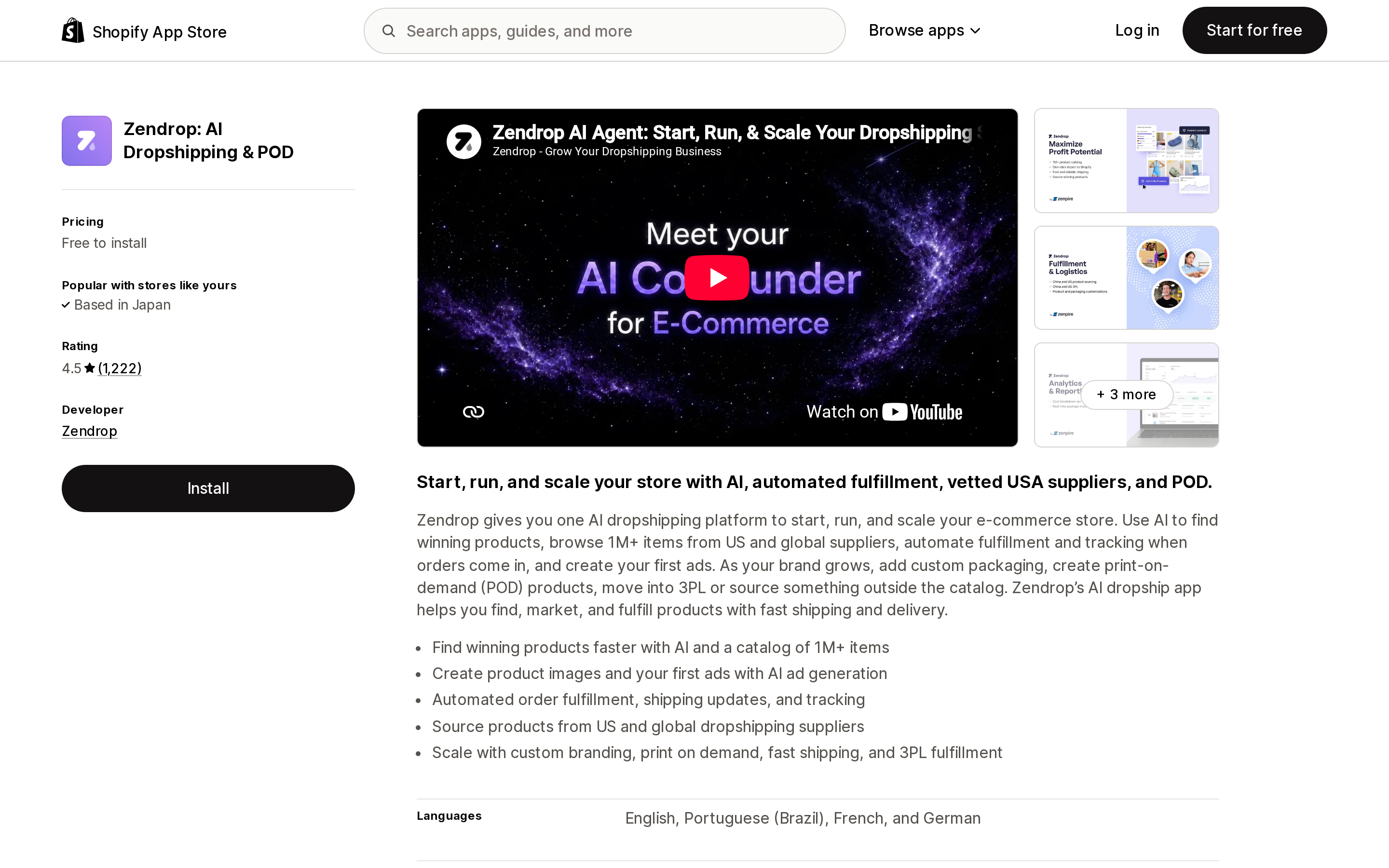
Source: Shopify App Store (Zendrop: AI Dropshipping & POD), retrieved September 2, 2026
Zendrop: AI Dropshipping & POD lists sourcing locations of China and the United States only, and combines dropshipping with print on demand and 3PL fulfillment. It is free to install, with paid tiers gated on how many products you link: Beginner at $29/month for 1 to 20, Pro at $49/month for 21 to 100, and Plus at $79/month above that. Product and shipping cost is charged on top. Rating is 4.5 from 1,222 reviews.
The linked-product pricing model is unusual and suits a store selling a narrow, tested range rather than a broad catalog.
Auto DS
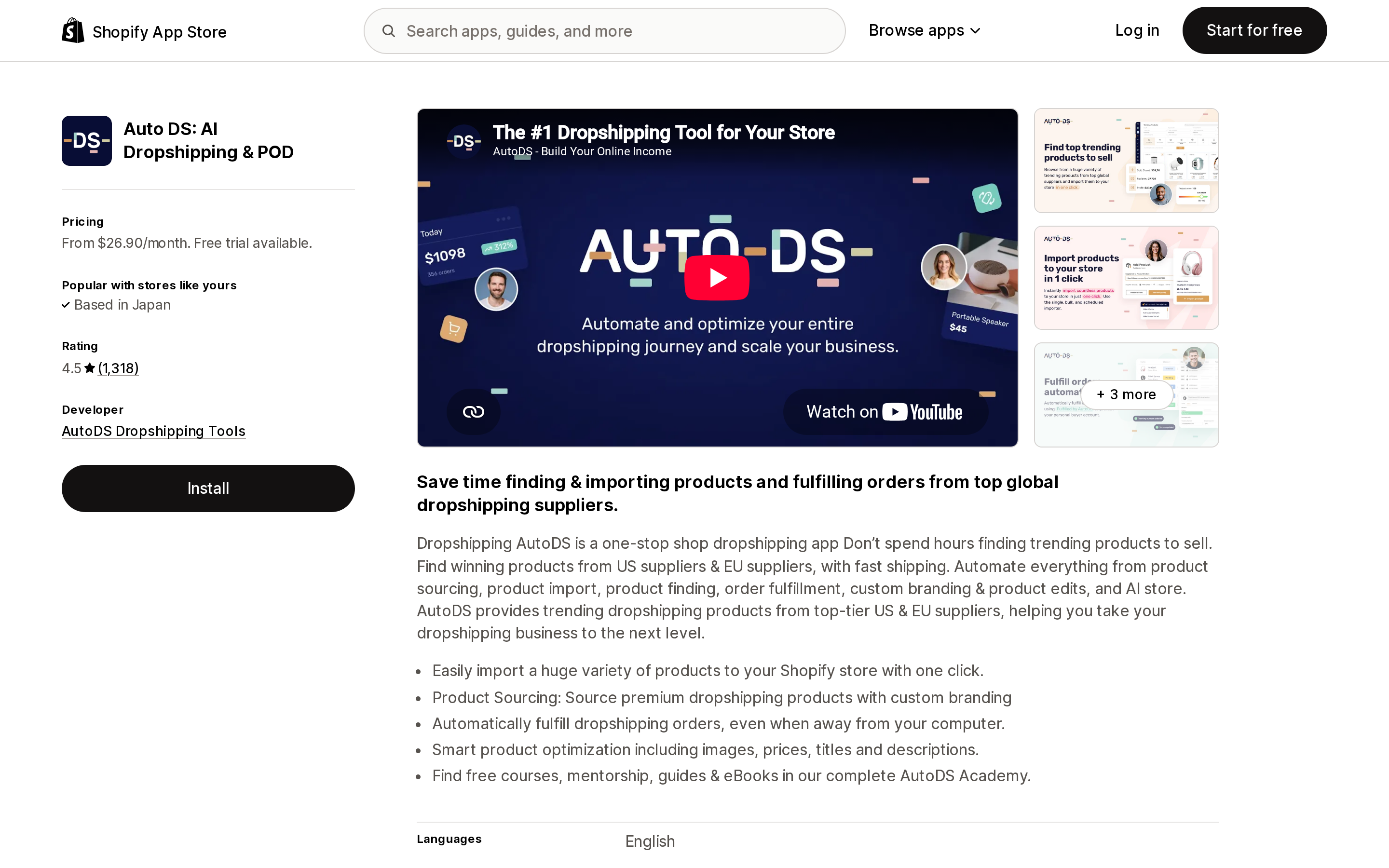
Source: Shopify App Store (Auto DS: AI Dropshipping & POD), retrieved September 2, 2026
Auto DS: AI Dropshipping & POD is listed by AutoDS Dropshipping Tools and sources from AliExpress, Amazon, Walmart, Shein, and others. Pricing starts at $26.90/month for Import 200, then $39.90/month for Starter 500 and $66.90/month for Advanced 1K, all sold by imported product count with a 3-day free trial. There is no free plan. Rating is 4.5 from 1,318 reviews.
Of the four, this is the one with no free tier, so it suits merchants who already know they will import at scale and want price and stock monitoring from day one.
Comparing on the same axes
| Shopify Collective | DSers | Spocket | Zendrop | Auto DS | |
|---|---|---|---|---|---|
| Supplier type | Specific Shopify brands you connect with | AliExpress / 1688 / Alibaba / TikTok Shop marketplace | Vetted supplier network, US and EU emphasis | Zendrop's own catalog plus POD and 3PL | Multi-marketplace including Amazon and Walmart |
| Cross-border sourcing | Not possible; same country and currency required | Yes | Yes | Yes | Yes |
| Supplier must be on Shopify | Yes | No | No | No | No |
| Retail price control | Yours to set; sync off by default | Yours | Yours | Yours | Yours |
| Cost price control | Set by supplier, not editable | Marketplace price | Plan-dependent supplier price | Catalog price | Marketplace price |
| Lowest monthly cost | $0 | $0 (free Basic plan) | $0 (free plan) | $0 to install | $26.90/month |
| Next tier up | n/a | $19.90/month | $39.99/month | $29/month | $39.90/month |
| Per-order cost | Cost price plus shipping, to supplier | Product and shipping cost | Product and shipping cost | Product and shipping cost | Product and shipping cost |
| Rating (reviews) | 4.4 (380) | 5.0 (6,066) | 4.0 (580) | 4.5 (1,222) | 4.5 (1,318) |
Two axes deliberately not in the table: catalog size and shipping speed. Neither is stated consistently enough in official documentation across all five to compare fairly.
How to decide
Start with the country question, because it is binary. If your intended suppliers are not in your country and currency, Collective is out and you are choosing among the apps.
If they are, ask whether they are on Shopify or would join. Collective's real advantage is that it is not a marketplace: you are selling a named brand's actual products with their inventory, not generic goods. That is worth more for a store whose positioning depends on which brands it carries.
Then check the incompatibility list against your own setup. Managed Markets, pickup in store, or a plan to sell supplier products as subscriptions from the supplier side will each rule Collective out on their own.
If you are testing products rather than carrying brands, the apps are a better fit and the split is mostly cost structure. DSers has the largest supplier pool and the lowest entry cost. Spocket is the closest substitute for Collective's domestic-supplier appeal when the supplier is not on Shopify. Zendrop's linked-product pricing suits a narrow, tested range. Auto DS suits merchants importing at volume who do not need a free tier.
One last thing that is easy to miss: uninstalling the Collective app removes all supplier connections and sets imported product inventory to zero. The products stay in your catalog, but reinstalling later means importing everything again.
Sources
- Shopify Collective (Shopify Help Center)
- Shopify Collective for retailers (Shopify Help Center)
- Requirements and considerations for using the Shopify Collective app (Shopify Help Center)
- Requirements and considerations for using the Shopify Collective sales channel (Shopify Help Center)
- Installing the Shopify Collective app (Shopify Help Center)
- Managing products in the Shopify Collective app (Shopify Help Center)
- Setting up and managing price lists on the Shopify Collective sales channel (Shopify Help Center)
- Paying your suppliers in the Shopify Collective app (Shopify Help Center)
- Returns policies in the Shopify Collective app (Shopify Help Center)
- Managing shipping with the Shopify Collective app (Shopify Help Center)
- Finding products and connecting with suppliers in the Shopify Collective app (Shopify Help Center)
- Shopify Collective available in 36 additional countries (Shopify Changelog, July 31, 2025)
- Shopify Collective (Shopify App Store)
- DSers: Dropship+AliExpress+AI (Shopify App Store)
- Spocket: US & EU Dropshipping (Shopify App Store)
- Zendrop: AI Dropshipping & POD (Shopify App Store)
- Auto DS: AI Dropshipping & POD (Shopify App Store)
Shop Pay Installments is free to activate, needs no app, and Shopify never publishes what it costs you — the rate is visible only inside your own admin. It also refuses Capital One and Chase credit cards, restricts monthly plans to debit cards only, excludes gift cards and subscriptions, and can't be turned off for individual products. Affirm can suspend your account for being password-protected, for having a non-English storefront, or for being primarily B2B. And Shopify's Getting paid page says disputes appear in your admin while its FAQ says they don't. If you fail the eligibility gates, the alternative is on-site messaging apps from Klarna, Afterpay, Sezzle, Zip, and PayPal — a category rated between 1.0 and 3.2 stars. Researched September 2, 2026.