
What you will learn
On this pageContentsCloseOpen
Two things about customer accounts on Shopify surprise most merchants, and they point in opposite directions.
The first is good news. Apps that customize customer accounts are not Shopify Plus features. Shopify's plan table puts UI extensions "for all customer accounts pages" in the Basic-and-higher column, while UI extensions for the information, shipping, and payment pages of checkout stay in the Plus-only column. If you have been assuming the whole checkout-and-accounts editor is behind Plus, half of it is not.
The second is the constraint. The App Store group for customer accounts lists 1,552 apps, but Shopify's own developer documentation says there are exactly 3 block targets in customer accounts, and those 3 expose 12 merchant-selectable placements in total. Shopify's help centre then caps each area at 3 apps. The shelf is enormous; the wall you can hang things on is not.
Everything below was checked on September 2, 2026 against help.shopify.com, shopify.dev, and the English (US) Shopify App Store. Prices are USD as published on the English listings.
What you can change without any app
Shopify's customization page frames it plainly: "Most customizations are made in the checkout and accounts editor, and apply across your customer account and Sign-in pages." The native list is six items:
- Apply your store's branding and style to customer accounts and the Sign-in page
- Customize where customers are redirected after they sign in
- Customize the customer accounts menu
- Create a subdomain so customer accounts use your store's primary domain
- Add blocks and pages using apps
- Tailor customer accounts pages for specific markets and regions
Several things people buy apps for are already in that list, or elsewhere in settings. The Buy again button is on by default and can be hidden. You can select a collection to display on the Orders page for customers who have no orders yet. Self-serve returns and cancellations are activated in Settings → Customer accounts. Store credit shows in the account once you turn it on. Standard order tracking — fulfillment status, carrier, tracking link, and estimated delivery date when the carrier supplies one — is there by default, and Shopify notes it "can't be hidden."
The menu has documented limits worth knowing before you plan around it: up to 3 levels of nested navigation on desktop, a collapse to a Menu icon on mobile once there are 5 or more items, and "URL redirects aren't supported on customer account menus."
Two customizations are gated by plan rather than by app. Customizing checkout and accounts pages for specific markets requires Advanced or Plus. The Branding API and connecting your own identity provider are Plus-only.
The plan table, in full
| App type | Basic or higher | Plus |
|---|---|---|
| Web pixel app extensions | Yes | Yes |
| Post-purchase app extensions | Yes | Yes |
| Public apps built with Shopify Functions | Yes | Yes |
| Custom apps built with Shopify Functions | No | Yes |
| UI extensions for the thank you and order status pages | Yes | Yes |
| UI extensions for all customer accounts pages | Yes | Yes |
| UI extensions for the information, shipping, and payment pages | No | Yes |
One more cap that is easy to trip over: "You can use only one checkout app to add post-purchase features at a time." If two installed apps both offer post-purchase functionality, you pick one in checkout settings.
The real ceiling: 23 targets, 3 of them blocks, 12 placements
Shopify's target reference for customer account UI extensions lists 23 unique targets across footer, order status, order index, profile, and full-page groups. That number sounds generous. Most of those targets are not something a merchant places; they are render-after hooks that an app attaches to a specific existing element — beneath fulfillment details, beneath payment details, beneath company location addresses for B2B, and so on. They appear where the app developer decided, when the underlying element is present.
The targets you actually arrange in the editor are the three block targets, and Shopify's extension placement documentation enumerates their slots:
| Page | Block target | Merchant-selectable placements |
|---|---|---|
| Order index | customer-account.order-index.block.render | PAGE_TITLE, ORDER_INDEX — 2 |
| Order status | customer-account.order-status.block.render | PAGE_TITLE, ORDER_STATUS1–3, ORDER_SUMMARY1–3 — 7 |
| Profile | customer-account.profile.block.render | PAGE_TITLE, PROFILE1, PROFILE2 — 3 |
Twelve placements. On the order index page, Shopify explains the scarcity deliberately: "To keep the page focused on this goal, only one block target, with two available placements, is available on this page."
On top of that, the help centre states: "There is a maximum limit of 3 apps per highlighted area." So a loyalty block, a returns block, and a subscription block can share one area; a fourth cannot join them.
The escape hatch is the full-page extension. customer-account.page.render creates a new page in customer accounts that you can add to the account menu, and customer-account.order.page.render creates an order-scoped page — which, Shopify notes, "can't be added to the menu." That is why loyalty and subscription apps so often give you a small summary block plus a whole separate page: the block slots are the scarce resource, and a full page is not.
Twelve things Shopify says no app can do
Shopify's customization-options page is unusually candid. It has an "Unsupported" row for each capability it does not offer, and there are twelve of them:
- Market-specific domains for customer accounts. You get one subdomain.
- Editing the default content of the verification-code email customers receive when they sign in.
- Passwords. Sign-in is passwordless by design.
- Adding more sign-in options with apps — stated directly: "Adding more sign-in options with apps isn't supported."
- Requiring a registration form before sign-in or checkout.
- Flow automations on the
customer account enabled/disabledtriggers. - An explicit checkbox to agree to your policies at sign-in. The form carries implicit agreement text instead.
- Adding content blocks to the sign-in page — so no "here's why you should make an account" copy.
- Multipass.
- Custom fields on an account registration form, because there is no registration step: "The latest version of customer accounts lets anyone sign in without going through a separate step to create an account first."
- Hiding built-in elements or content in customer accounts.
- Customer segments based on
customer_account_status, which only ever applied to legacy accounts.
Item 10 is the one that shapes an entire app category. Shopify's own wording for the App Store row is precise: apps for custom fields "only support collecting those fields after the customer signs in." So when Customer Accounts Pro advertises "Display a registration form right after login," that is not marketing shorthand — it is the only place the platform allows a registration form to exist. Any app promising a gated sign-up form before account creation is describing legacy customer accounts.
Two architectures wearing the same category name
Apps in this space split into two groups that behave very differently, and the App Store listing does not label the difference. The clearest tell is the data access section.
Extension apps render blocks and pages inside Shopify's hosted customer accounts. They inherit your checkout branding, survive theme changes, and are placed in the checkout and accounts editor. They are also bound by everything above — 12 placements, 3 apps per area, no hiding native elements.
Storefront replacement apps serve a branded account page from your theme or an app proxy path instead. They escape the placement limits because they are not using the placements. The cost is that you are maintaining a second account surface next to the one Shopify still hosts, and these apps request Edit Online Store — theme access to do it.
Helium Customer Fields requests only View Online Store — theme. Read-only theme access is a structural guarantee: an app that cannot write to your theme is not replacing your account page. Customer Accounts Deluxe, Froonze VIP Loyalty & Wishlist, and C:Hub Customer Accounts all request theme edit, and all three point their demo stores at storefront URLs rather than Shopify-hosted account URLs.
Neither architecture is better. But if your reason for buying is "the hosted account page looks nothing like my brand," an extension app will not fix that, because Shopify does not let apps hide or restyle built-in elements. And if your reason is "I want a loyalty balance visible on the order status page," a replacement page does not help, because customers arriving from a shipping email land on Shopify's page, not yours.
Four apps, four different denominators
None of these four bills on the same unit, which makes headline prices close to meaningless until you know your own numbers.
| App | Rating (reviews) | Built for Shopify | Entry price | Billed on |
|---|---|---|---|---|
| C:Hub Customer Accounts | 4.8 (62) | Yes | $5/month | Customer count |
| Customer Accounts Deluxe | 4.2 (35) | Yes | Free, $19/month Pro | Feature tier, flat |
| Froonze VIP Loyalty & Wishlist | 5.0 (239) | Yes | Free to install | Monthly orders, per plugin |
| Helium Customer Fields | 4.5 (314) | No | $15/month | Number of forms |
C:Hub Customer Accounts
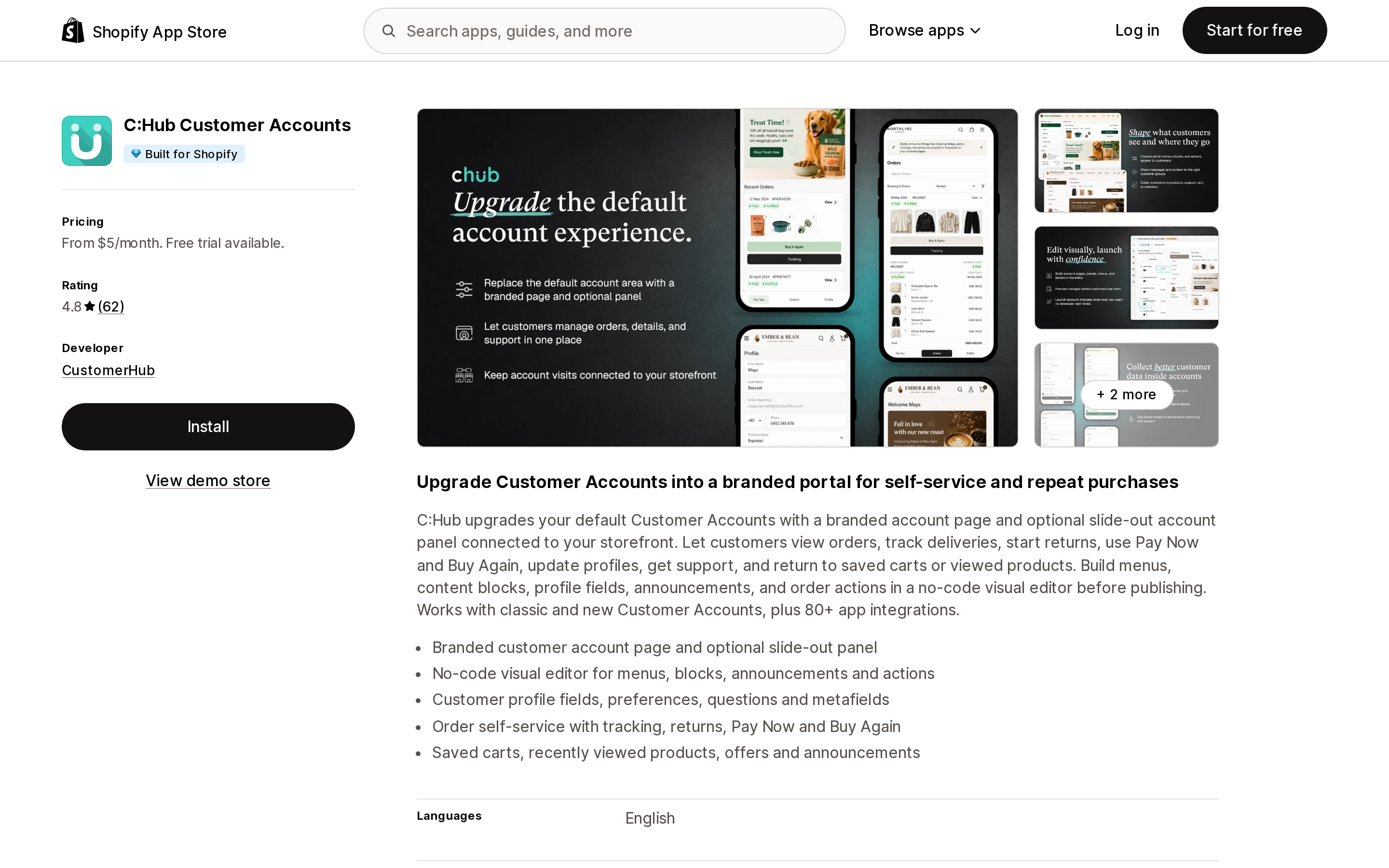
Source: Shopify App Store (C:Hub Customer Accounts), retrieved September 2, 2026
Four tiers, all with identical features, separated purely by how many customers your store has: $5/month up to 100 customers, $9 up to 5,000, $19 up to 20,000, $29 up to 1,000,000. Annual billing saves 17%, and every tier carries a 14-day free trial.
Customer count is an unusual denominator here, and it has a specific consequence: your bill rises with accumulated customer records, not with current activity. A store that has been trading for five years pays more than a busier store that launched last year. The listing describes a branded account page plus an optional slide-out panel connected to the storefront, and says it works with both classic and new customer accounts.
Customer Accounts Deluxe
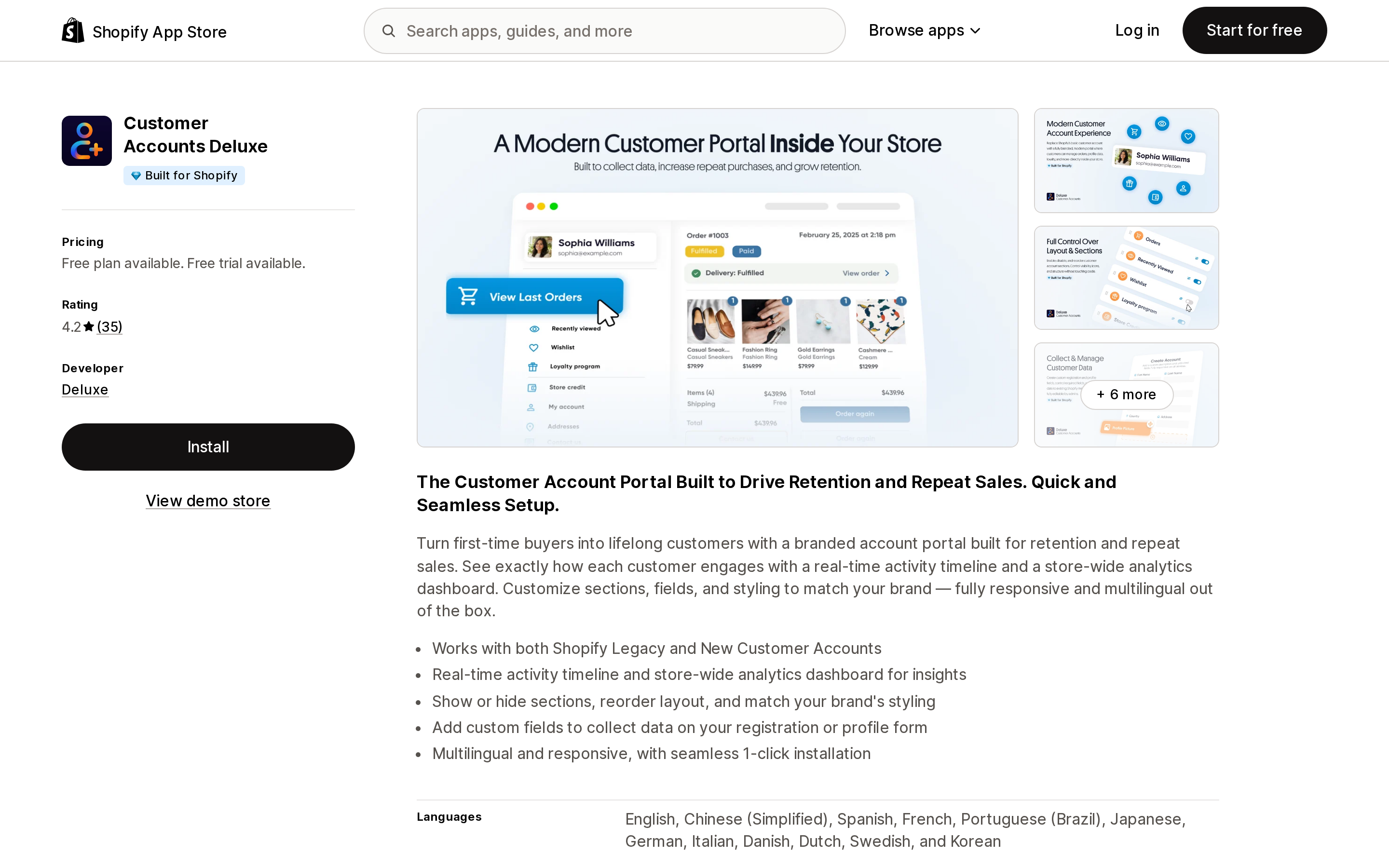
Source: Shopify App Store (Customer Accounts Deluxe), retrieved September 2, 2026
The only flat-rate app of the four. Starter is free and includes a custom account page, custom signup page and form, order history with images, recently viewed products, address book, editable profile fields, and branding. Pro is $19/month or $199/year and adds an analytics dashboard, wishlist, returns and exchanges, one-click reorder, and unlimited custom fields, with a 7-day trial.
No usage meter appears anywhere on the listing — the only billing note is Shopify's standard "recurring and usage-based charges are billed every 30 days" boilerplate. If your store is large, flat rate is the cheapest structure in this table by a wide margin. Its rating is also the lowest of the four, at 4.2 across 35 reviews, which is a thin enough sample that it should not carry much weight either way.
Froonze VIP Loyalty & Wishlist
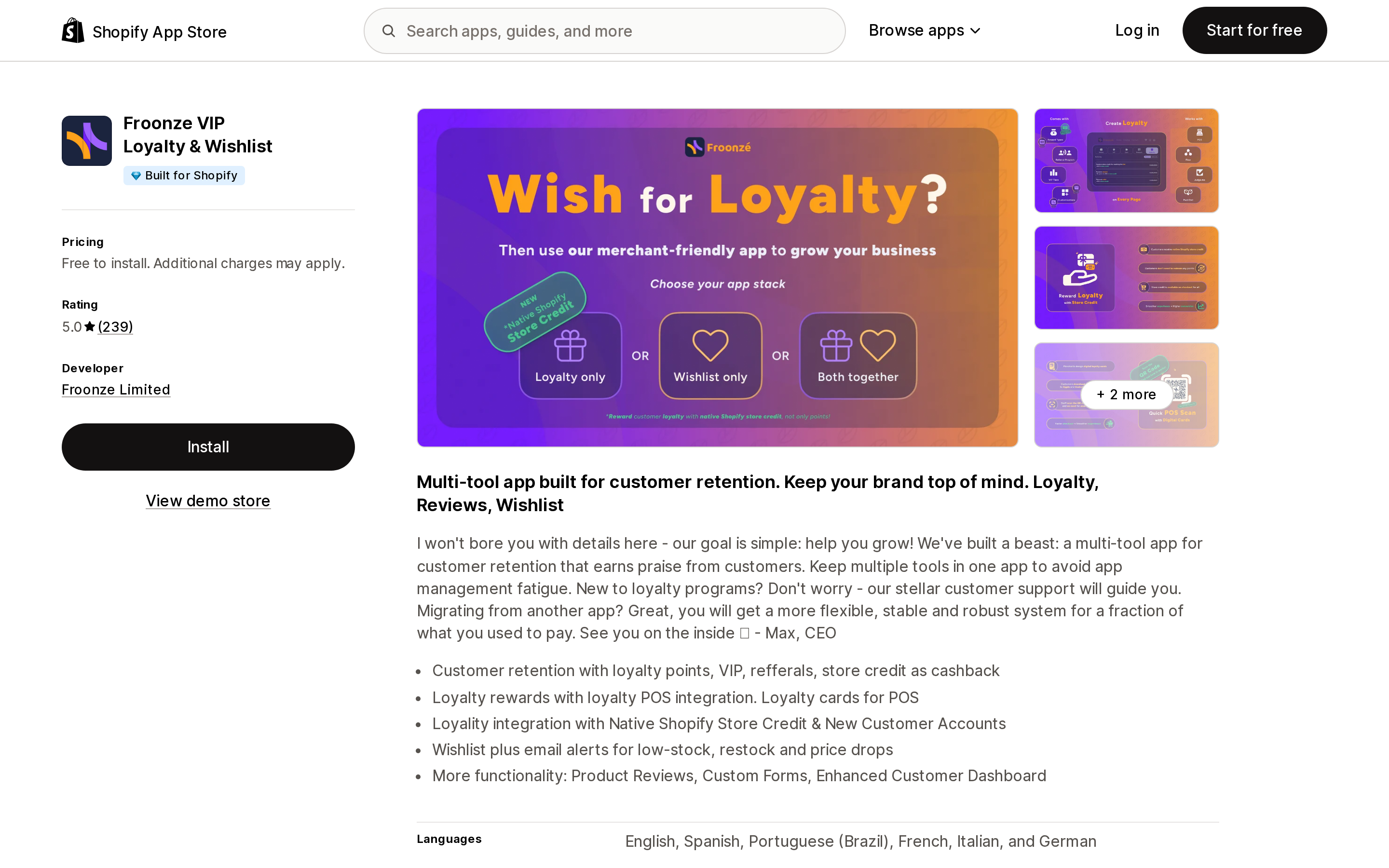
Source: Shopify App Store (Froonze VIP Loyalty & Wishlist), retrieved September 2, 2026
The App Store listing shows a single "Free to install" card and points you elsewhere: "Loyalty & Wishlist each have their own plans. Please click on 'See all pricing options'." The actual prices live on froonze.com/pricing, where the model is separately purchased plugins, each with its own ladder keyed to monthly orders. The Accounts plugin runs $5 up to 100 monthly orders, $10 up to 500, $20 up to 1,000, and $30 unlimited; Loyalty and Wishlist have their own ladders on top.
Two compatibility notes on that pricing page matter more than the prices. The Forms plugin is described as only "Partially compatible (profile and page forms) with Shopify Customer Accounts (passwordless login). Registration forms work only on Shopify Legacy Customer Accounts." The Social Login plugin "Requires Shopify Legacy Customer Accounts. Not compatible with Shopify Customer Accounts (passwordless login)." Both are consistent with Shopify's unsupported list — no registration step, no app-added sign-in methods — and both mean part of what you are shopping for may not run on the accounts version you are on.
Helium Customer Fields
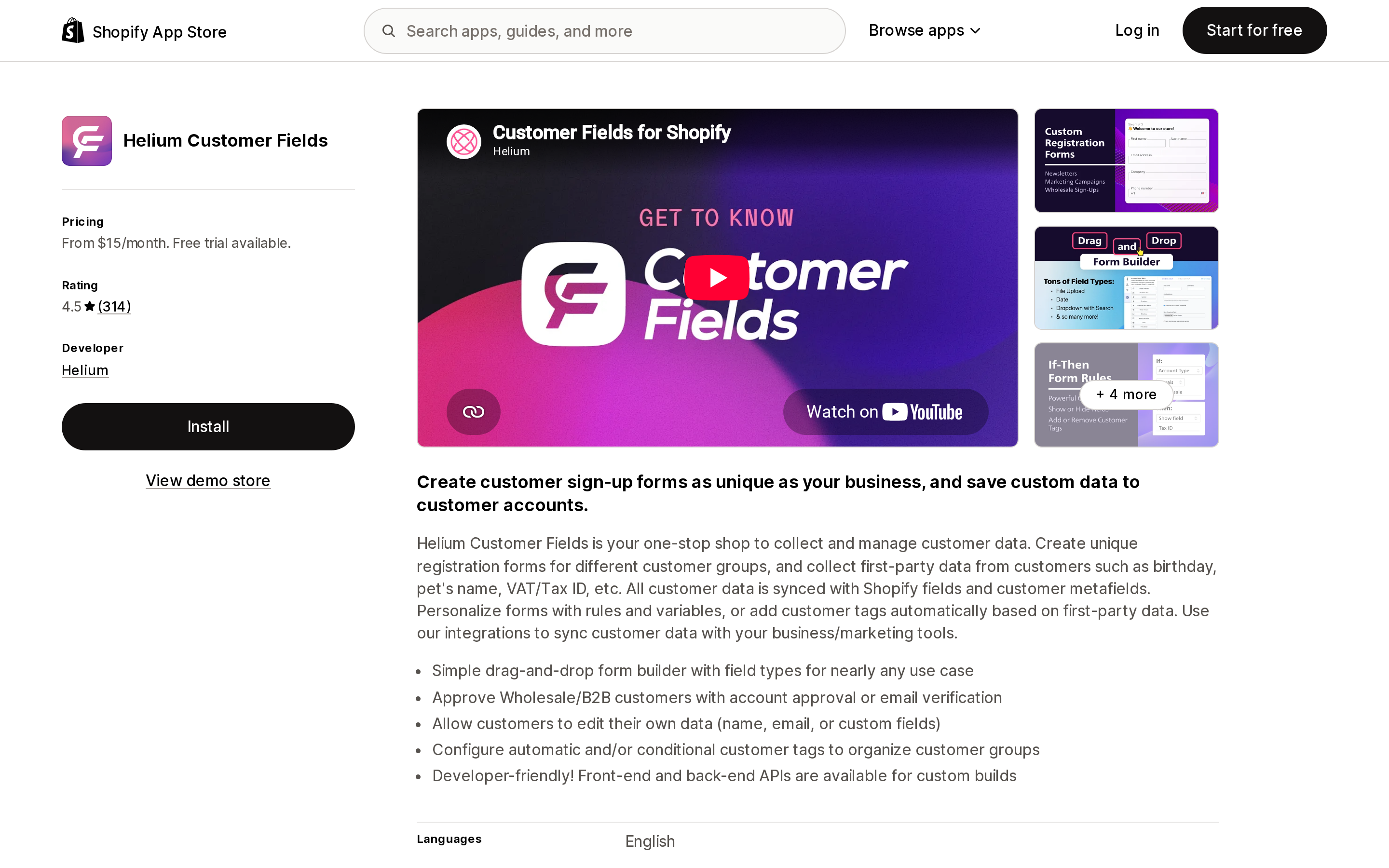
Source: Shopify App Store (Helium Customer Fields), retrieved September 2, 2026
Metered on how many forms you run: $15/month for 2 forms, $30 for 5 plus conditional logic and auto-tagging, $60 for unlimited forms plus account approval and REST API access, and a $200 Plus tier that syncs more than 50,000 customers. All tiers get a 14-day trial.
It is the only one of the four without the Built for Shopify badge, and the only one Shopify itself names in its own customer accounts guide. It is also the narrowest: it collects and edits customer data and embeds forms, and it does not claim to rebuild your account page.
The subdomain nobody sets up
By default your customer accounts live at a bare Shopify URL — Shopify's example is shopify.com/1234567890/account, with your numeric store ID in it — and that includes the order status page customers reach from a shipping email. Connecting a subdomain moves it to account.your-store.com.
Two reasons to care. First, the URL a customer sees after checkout is a shopify.com address with a number in it unless you change this. Second, and less obvious: pixel tracking on customer account pages requires the custom subdomain. Once it is set up, installed pixel apps automatically track page_viewed across all customer account pages, "including pages added from apps." Without it, none of your customer account traffic reaches your analytics — which quietly means you cannot measure whether the app you just bought changed anything.
Setup is a CNAME to shops.myshopify.com, up to 48 hours to propagate, and then you must set the subdomain as primary for customer accounts or it will not display. One sequencing warning from Shopify is worth repeating verbatim, because getting it backwards locks customers out: if you use social sign-in or your own identity provider, "you must update your provider settings to include the new subdomain before you make the change in Shopify. If you change your customer accounts domain in Shopify before you update your provider settings, then customers won't be able to sign in until you complete the update."
What merchants actually run into
These are community reports, not Shopify statements, but they cluster around the same wall.
A merchant thread from August 2024, still receiving replies in October 2025, lists the complaint precisely: the Continue button colour cannot be changed, no extra fields can be added, no widgets can be inserted. A September 2025 thread about putting a theme header and footer on the account page ended with the merchant reverting to legacy accounts to get them back. A July 2026 feature request asks for customers to be able to edit metafields like birthday and gender from their own profile page, noting that the only workaround is a CLI-built UI extension or a paid app. A thread opened in September 2023 asking how to customize new customer accounts was still accumulating replies in August 2026.
There is a useful non-obvious detail buried in that metafield thread: customer metafields default to No access for the Customer Account API. Under Settings → Custom data → Customers → your field → Options, Customer Account API access has to be set to Read and write before any extension can display or write it. If an app looks broken on the profile page, check that before contacting support.
How to decide
You probably do not need an app if what you want is branding colours and a logo, a reordered account menu, self-serve returns and cancellations, store credit visibility, or a collection shown to customers with no order history. All of that is in the editor and settings.
An extension app is the right shape when you want something visible on the pages customers actually arrive at — a loyalty balance on the order status page, subscription management, a returns launcher — and you can live within the placement budget. Count the blocks you want per page before you buy, not after.
A replacement page app is the right shape when the hosted account page itself is the problem: you want your theme header and footer, a layout Shopify does not offer, or elements hidden that Shopify will not let you hide. Accept that you are running a second surface, and that theme edit access comes with it.
Check the accounts version first, either way. Several plugins in this category still only run on legacy customer accounts. If you have upgraded, some of what you are shopping for cannot work, and the listing will not always tell you.
Sources
- Shopify Help Center — Customizing your checkout and customer accounts with apps
- Shopify Help Center — Customization options for upgrading customer accounts
- Shopify Help Center — Customizing customer accounts
- Shopify Help Center — Using the checkout and accounts editor
- Shopify Help Center — Connecting a domain to customer accounts
- Shopify.dev — Customer account UI extensions
- Shopify.dev — Customer account UI extension targets
- Shopify.dev — Extension placement
- Shopify App Store — Apps for extending your customer accounts
Shop Pay Installments is free to activate, needs no app, and Shopify never publishes what it costs you — the rate is visible only inside your own admin. It also refuses Capital One and Chase credit cards, restricts monthly plans to debit cards only, excludes gift cards and subscriptions, and can't be turned off for individual products. Affirm can suspend your account for being password-protected, for having a non-English storefront, or for being primarily B2B. And Shopify's Getting paid page says disputes appear in your admin while its FAQ says they don't. If you fail the eligibility gates, the alternative is on-site messaging apps from Klarna, Afterpay, Sezzle, Zip, and PayPal — a category rated between 1.0 and 3.2 stars. Researched September 2, 2026.