
What you will learn
On this pageContentsCloseOpen
Stocky is gone. Shopify delisted it on February 2, 2026, and the service stopped on August 31, 2026, so the US search results still recommending it are now wrong. The premise those articles were built on — that Shopify has no stocktake feature — also stopped being true on October 23, 2025, when Shopify shipped the Quick count POS UI extension. The useful question now is narrower: how far does the native count get you, and what does a dedicated app actually buy you?
What Shopify counts natively today
Quick count runs inside the Shopify POS app. Staff update on-hand quantities by scanning with the device camera, scanning with a paired barcode scanner, or typing a quantity and adjusting it with the + and - buttons. Each scan increases the quantity by 1, and a product can be dropped from the count by tapping it and then tapping Remove.
The extension is off by default. You enable it in Sales channels, Point of Sale, Edit Point of Sale, then the Apps icon, then activate Start quick count and save. The permission required is Manage inventory (excluding transfers), with an easily missed caveat: "This permission applies to the logged-in user, not to the staff member who enters a PIN to perform the count."
Two operational details are genuinely good. Multiple POS devices can count the same location at once, and submitted sessions sync immediately to the Shopify admin, so a dead tablet does not erase submitted progress. Around the count, Shopify natively handles CSV inventory export and import, bin locations, and seven preset adjustment reasons.
Where the native path breaks
The POS Pro requirement is real but undocumented where you would look
Quick count is a POS Pro feature, and POS Pro costs $89 USD/month per location, described on Shopify's POS pricing page as billed yearly.
What is worth flagging is where that requirement appears: on Shopify's marketing pages, not in its documentation. The POS features page marks "Adjust inventory quantities" as Pro, described as "Use Quick counts with a barcode scanner to update stock quantities on the spot in Shopify POS." The POS pricing page lists Inventory management among the POS Pro feature set, described as "Perform inventory counts, complete purchase orders, and get low stock alerts from a single place." But the three Help Center pages that teach you how to run a Quick count list only the Manage inventory permission — nothing in the documented workflow warns a Basic-plan merchant that the feature will not be there.
The consequence is bigger than the price: if you sell online only, or run a warehouse without POS hardware, the native counting workflow does not exist for you.
The session cap is 1,000 variants, and Shopify's own sources disagree on the unit
The Help Center says you can adjust inventory quantities for up to 1,000 variants in a single counting session, and that hitting the limit triggers a banner asking you to submit and start a new session. A second Help Center page repeats the figure as variants. But the changelog announcing the feature says "1,000 products," and the Stocky transition page says "1,000 items." Three official sources, three units.
Treat variants as correct: two procedural pages agree, and Shopify tracks inventory per variant. The distinction is not pedantic. A 200-product catalog averaging five variants each is a full session, not a fifth of one, and a 5,000-variant catalog needs five sessions. Shopify's own sizing guidance runs from 2 to 4 hours with one person under 500 variants, up to multiple days counted by zone above 5,000 variants.
Shopify tells you not to use Quick count for a full stocktake
On the Stocky transition page, Shopify defines the tool as "designed for quickly spot-checking specific products or zones," then routes full-location stocktakes to a manual process: export on-hand quantities to CSV, count offline, import counted quantities, and "Keep the original export, the counted file, and the import log as your audit trail." The same page goes further: "If you have strict external audit requirements, then a third-party inventory app can provide dedicated counting and approval workflows." Shopify is telling audit-bound merchants to buy an app.
What the native workflow does not document
Quick count moves from Save to Submit with no variance review gate. Shopify's recommended control is manual and after the fact: "For any variant with a variance greater than 5%, recount the product physically to confirm the new quantity." Sales during a count are handled the same way. One reporting limit matters if you are treating this as an audit trail: the adjustment history shown on a product or variant page covers only the last 180 days. The records are not deleted — older adjustments stay available through the Inventory adjustment changes report.
Three more items are absences rather than stated limits, and should be read that way. Shopify's documentation does not describe a blind-count option, and the POS product screen displays Available, Committed, Unavailable, On hand, and Incoming. There is no documented behavior for zeroing out variants nobody counted. And bins exist while bin-level counting does not: "Transfers move inventory between locations only. They don't track stock moves between bins or zones inside one location."
The comparison axes that matter
- Where does it run? Browser-based apps work for online-only and warehouse stores; POS-only tools do not.
- What is the billing denominator? Locations, feature tier plus user seats, or team members. This decides cost far more than the headline price.
- Does a split count accumulate or overwrite? An app that sets quantities rather than adding them destroys your earlier zones.
- What happens to uncounted items? A full stocktake needs a zero-out; a cycle count must not.
- How much third-party evidence exists? Review volume here ranges from 342 to zero.
Comparison table
| Quick count (native) | EasyScan Inventory & Barcode | Cohub Inventory Counting | BR Stock Take: Inventory Count | Twist: Stock Take | Pasilobus Stock Control | Stocktake ‑ Inventory Audits | |
|---|---|---|---|---|---|---|---|
| Needs POS Pro | Yes | No | No | No | No | No | No |
| Runs on | Shopify POS app only | POS / Admin / mobile | Browser and mobile app | Browser / Shopify mobile / POS | POS / Admin | Desktop / POS / mobile | Shopify admin only |
| Billing denominator | Locations | Feature tier plus user seats | Locations | Locations, products, devices, retention | Locations | Locations | Team members |
| Entry price (USD/month) | $89 per location | $9.99 (labels and SKUs) | $19 | $0 free plan | $10 | $7.99 | $5 |
| Top plan (USD/month) | — | $129.99 | $99 plus $5 per additional location | $25 | $20 | $49.99 | $20 |
| Location ceiling | Unlimited, metered | Not stated | 9 plus metered | 200 | 4 | 30 | Not stated |
| Free trial | — | 10 days | 14 days | 15 days | 14 days | 7 days | 14 days |
| Session cap | 1,000 variants | Not stated | Not stated | 50 on free plan, otherwise no limit | Not stated | Not stated | Random set of a preset size |
| Zeroes out uncounted | Not documented | Not stated | Not stated | Yes, stated | Not stated | Replace Stock mode | Not stated |
| Add mode for split zones | Not documented | Not stated | Not stated | Not stated | No, always sets | Add to Stock mode | Not stated |
| Built for Shopify | — | Yes | No | No | No | No | No |
| Rating (reviews) | — | 5.0 (342) | 3.6 (27) | 3.1 (26) | 4.6 (5) | 0.0 (0) | 5.0 (1) |
Pricing and ratings verified on September 3, 2026. All charges are billed in USD.
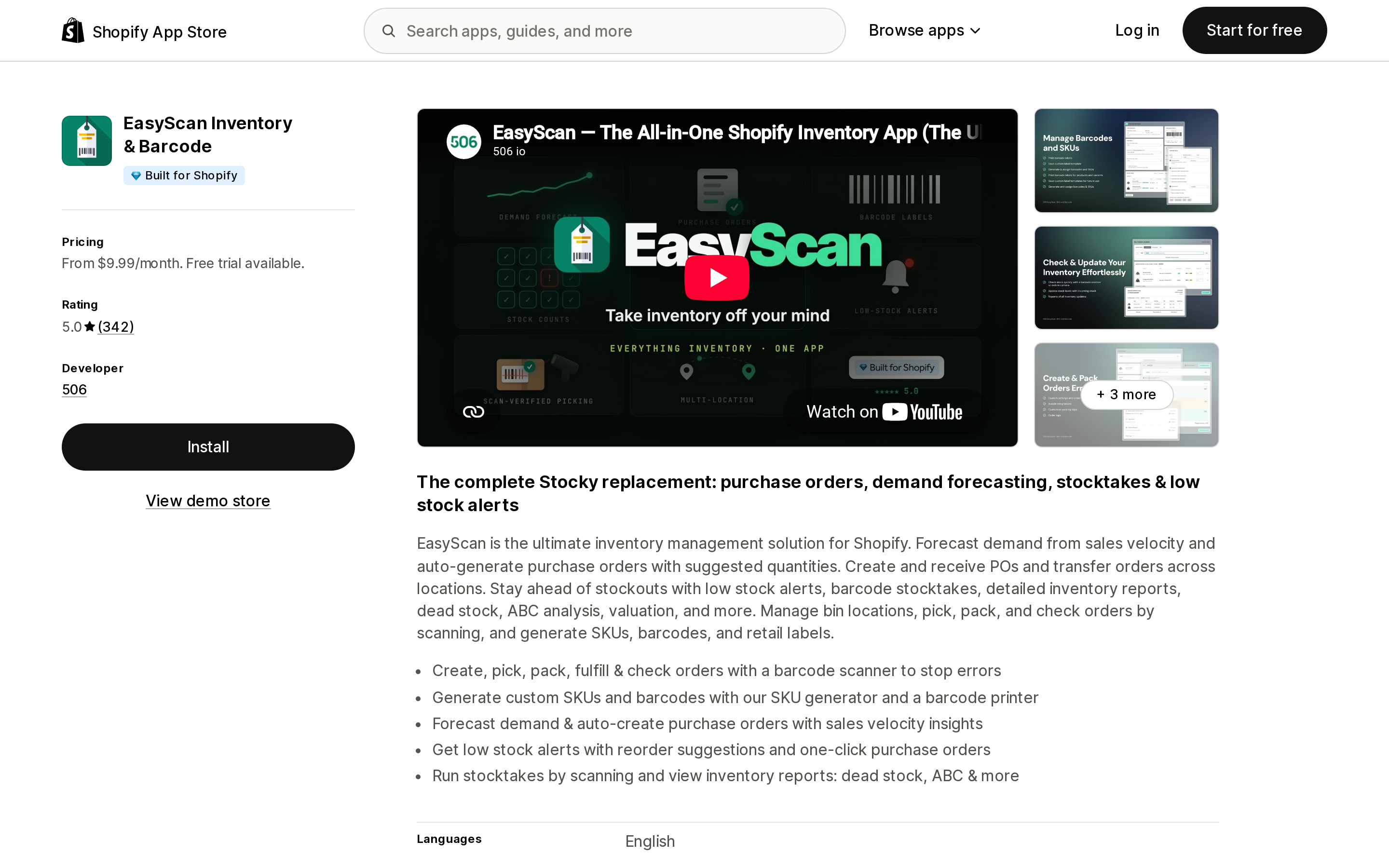
EasyScan Inventory & Barcode
Source: Shopify App Store (EasyScan Inventory & Barcode), retrieved September 3, 2026
Built by 506 and launched January 24, 2020, this is the only app among the six compared here with the Built for Shopify badge, and the only one with substantial review volume at 5.0 across 342 reviews. It calls itself "The complete Stocky replacement: purchase orders, demand forecasting, stocktakes & low stock alerts," and it is the only one of the six listing Shopify Flow support.
Pricing is tiered by capability and user seats rather than locations: Basic $9.99/month, Standard $39.99/month, Advanced $79.99/month with 6 User Accounts, and Pro $129.99/month with unlimited user accounts, all with 17% off annually and a 10-day trial. Because locations do not enter the formula, a 12-store chain pays the same as a single shop.
Two cautions. Which plan unlocks stocktakes is not stated on its App Store listing — Standard's "Update/Check Inventory" appears to be the entry point, but that is inference. And EasyScan requests the widest data access of the six, including customer names, emails, phone numbers, and addresses, plus edit access to orders and admin files — a broad scope for counting alone.
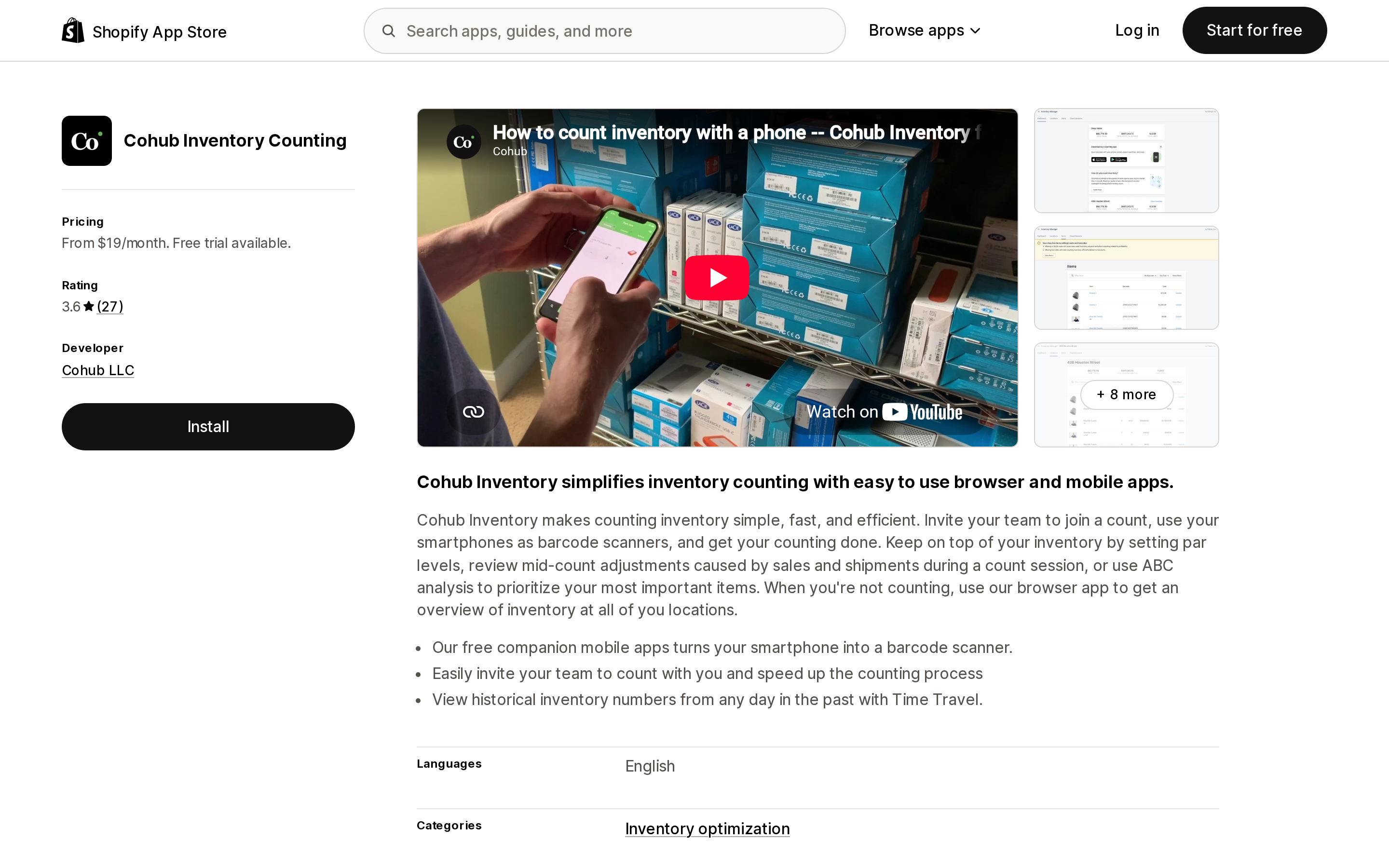
Cohub Inventory Counting
Source: Shopify App Store (Cohub Inventory Counting), retrieved September 3, 2026
Cohub LLC operates from Nashville, TN, and the app has run since February 18, 2020, at 3.6 across 27 reviews. Its distinguishing behavior addresses the exact weakness in Quick count: it lets you "review mid-count adjustments caused by sales and shipments during a count session," rather than finding the discrepancy in a report afterward. It also offers par-level and ABC-based filtering, scheduled counts, and Time Travel for viewing historical inventory numbers from a past date.
Plans run Basic $19/month for up to 4 locations, Professional $29/month for up to 5, Advanced $59/month for up to 8, and Plus $99/month for 9 locations plus $5 per additional location. The curve is oddly shaped: $10 more buys exactly one more location between Basic and Professional.
Reviews are mixed. Several US merchants describe smooth annual counts and responsive support. One reviewer in the Netherlands reported that scanning worked only by barcode and not SKU and that continuous scanning was impossible; the developer replied publicly that a batch mode exists and the SKU field is searchable. The two accounts contradict each other — test this during the trial.
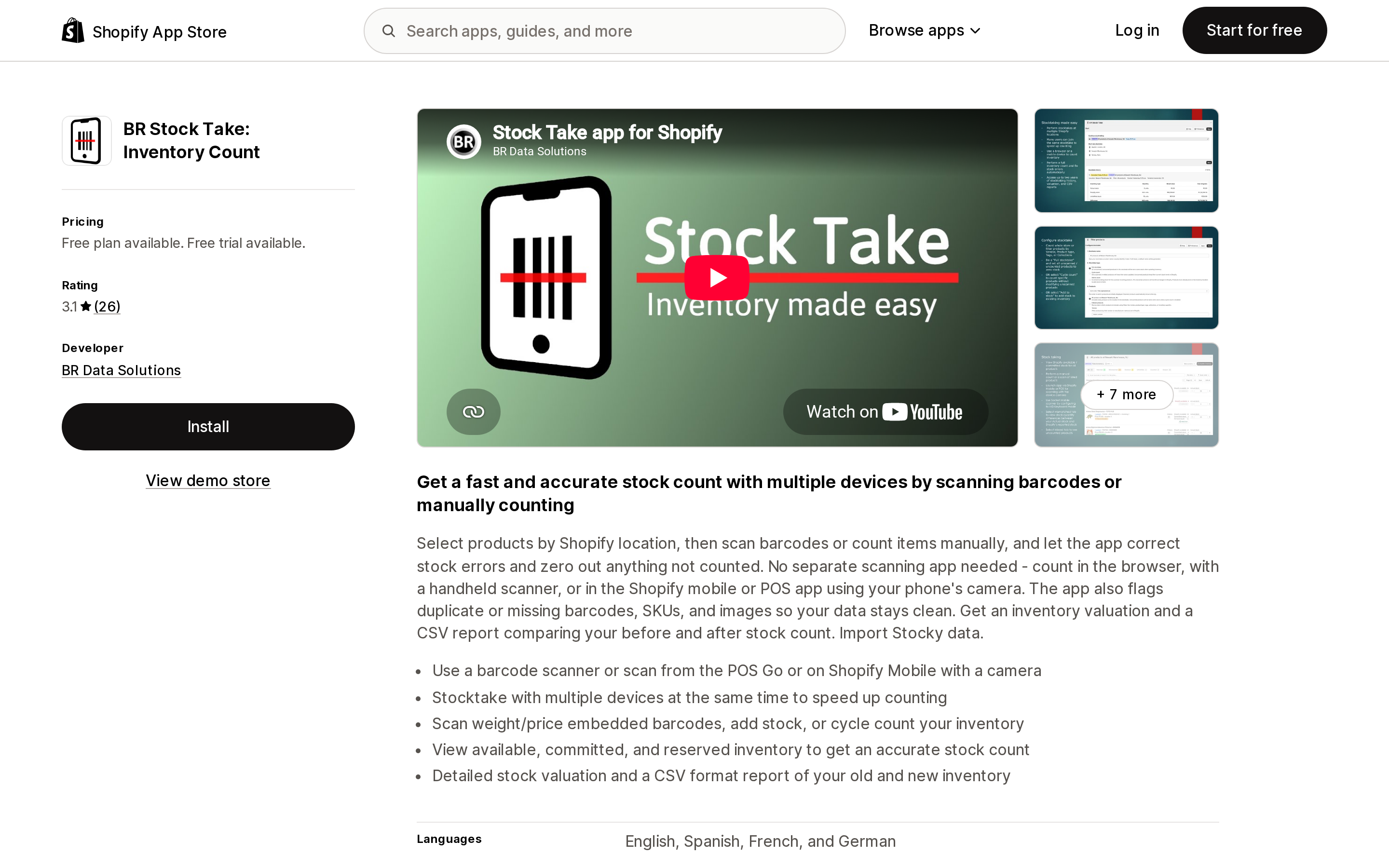
BR Stock Take: Inventory Count
Source: Shopify App Store (BR Stock Take: Inventory Count), retrieved September 3, 2026
From BR Data Solutions in India, live since August 4, 2020, rated 3.1 across 26 reviews — nine of which are one or two stars. It is the only app here offered in English, Spanish, French, and German.
It is also the only one that explicitly states the full-stocktake behavior: "let the app correct stock errors and zero out anything not counted." It runs in a browser, in Shopify mobile, or in POS, so no POS Pro is required. It advertises importing Stocky data, produces an inventory valuation with a before-and-after CSV, and reads weight- or price-embedded barcodes. Starter is free for 1 location with 50 products or variants per stock take and one device, Standard is $15/month for 10 locations with 2-year retention, and Enterprise is $25/month for 200 locations with 3 years. Retention is stated only by this app.
Two reviews are instructive beyond this app. A US merchant of three-plus years wrote that locations were missing and that the app "does not accurately count inventory"; the developer replied that the merchant was still on a legacy $10 plan capped at 5 locations — exactly the grandfathering risk location-based pricing carries. A merchant in Mexico reported data corruption from a mid-count "refetch inventory" button, and the developer acknowledged a bug triggered when multiple devices refetched at once. Concurrent multi-device counting is harder to build than vendor copy suggests.
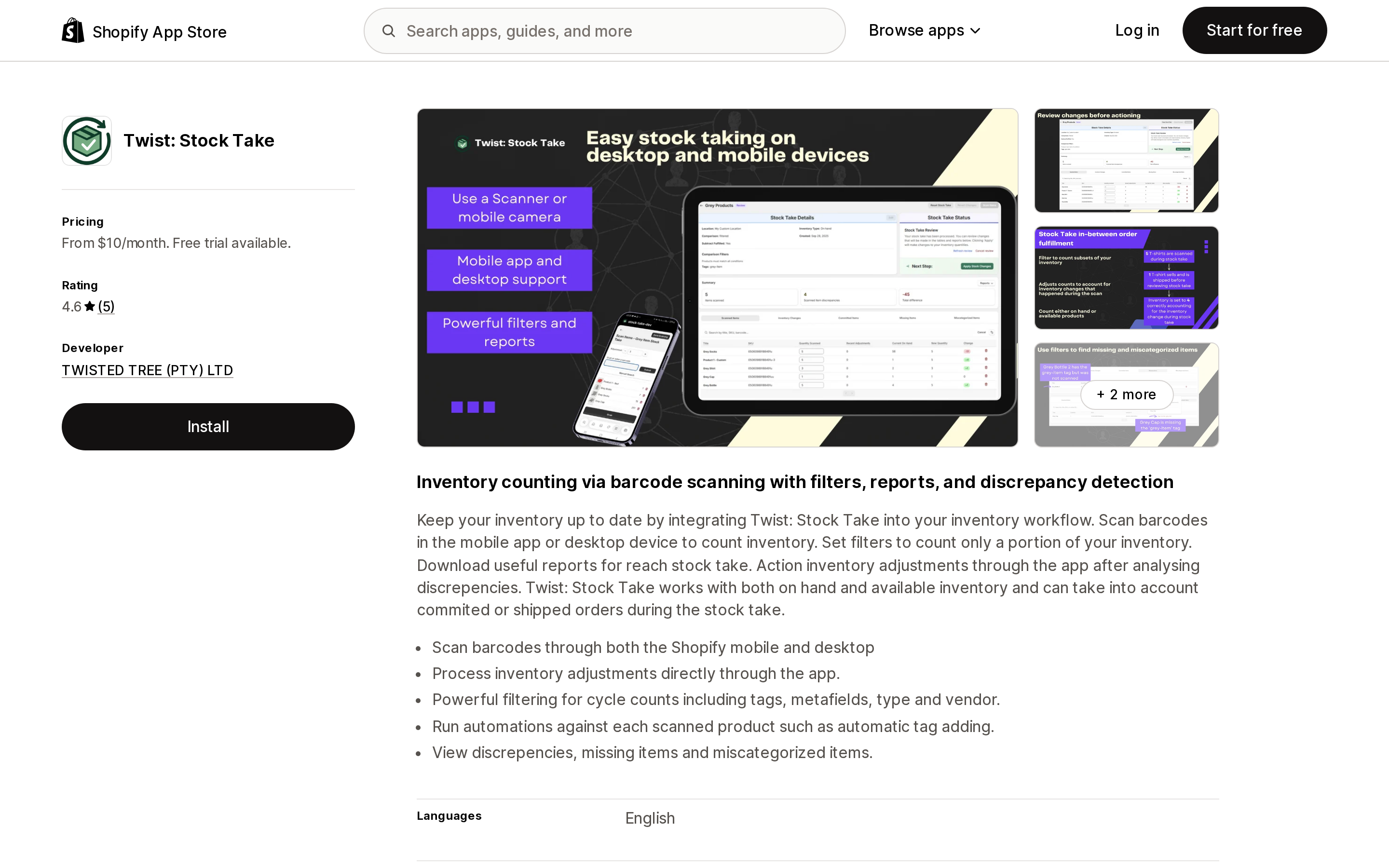
Twist: Stock Take
Source: Shopify App Store (Twist: Stock Take), retrieved September 3, 2026
TWISTED TREE (PTY) LTD launched Twist on July 3, 2025, and it sits at 4.6 across 5 reviews — too few to generalize from. Its differentiator is selection granularity: "Powerful filtering for cycle counts including tags, metafields, type and vendor." It is the only one of the six that filters by metafield. It also works with both on-hand and available inventory, accounts for committed or shipped orders during a count, and can auto-tag scanned products. Standard is $10/month for up to 2 locations and Bulk is $20/month for up to 4, with a 14-day trial. There is no published plan above 4 locations.
The most important finding is a design constraint the developer stated publicly. A US merchant split a count by in-store zone, found that a product appearing in two zones had its later count overwrite the earlier one rather than sum, and lost a day of counting. The developer's reply confirmed the behavior: "Our stock takes however always set the product quantities to what was counted and never accumulate between separate stock takes as currently stock takes are always seen as a full count of a specific product."
Read that against Shopify's guidance to spread large counts across zones and submit each zone as its own session. Zone splitting is the standard workaround for the 1,000-variant cap — and with a set-only app, it is a trap for any SKU stocked in two zones.
Pasilobus Stock Control
Source: Shopify App Store (Pasilobus Stock Control), retrieved September 3, 2026
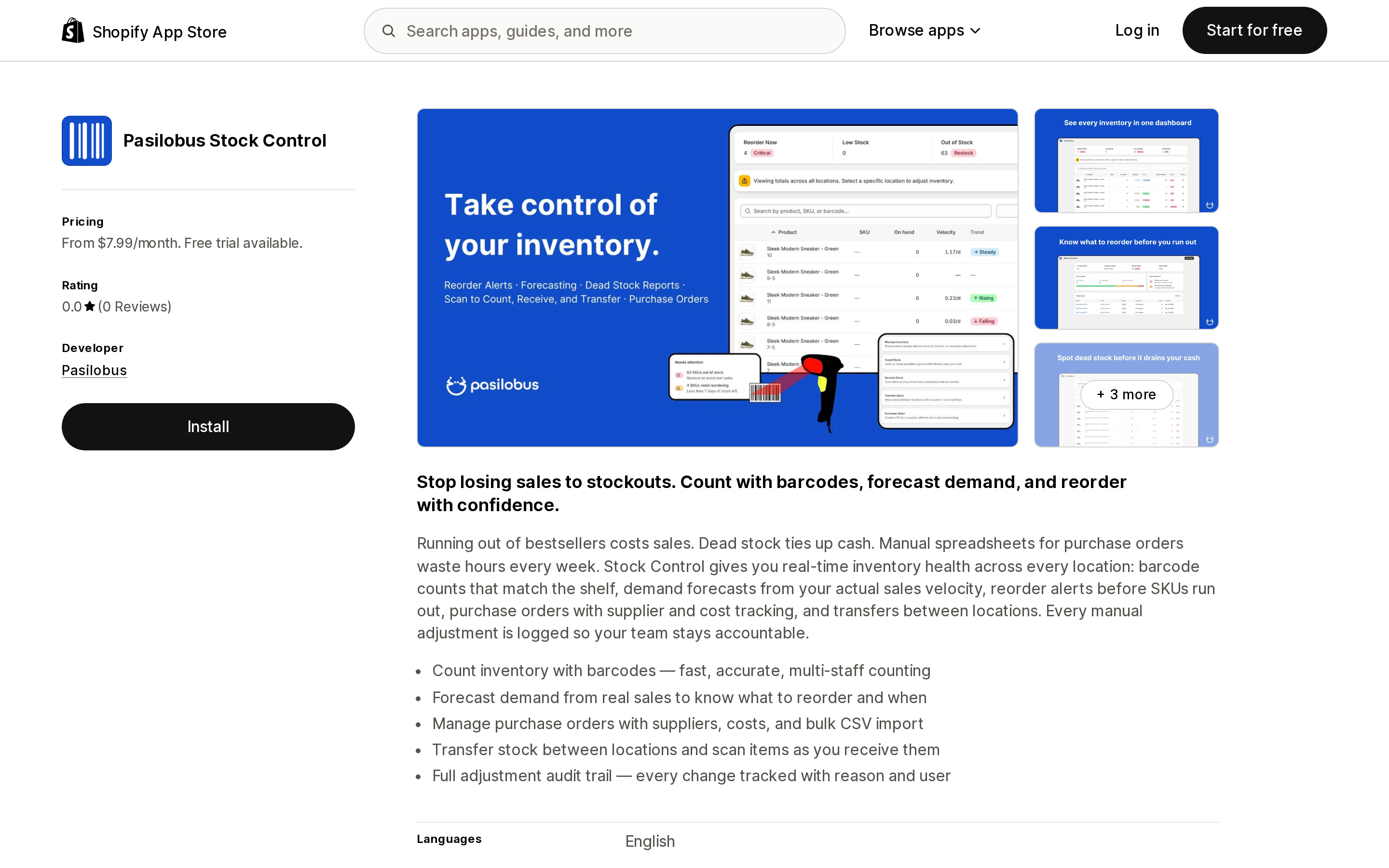
Note the name: the listing reads Pasilobus Stock Control, not the older Stock Take wording that still circulates. Pasilobus is based in Seattle, WA, and the app launched September 20, 2024. Basic is $7.99/month for a single location, then Grow $19.99/month for 3, Advanced $34.99/month for 15, and Enterprise $49.99/month for 30, all with 17% off annually and a 7-day trial — the shortest here. Every plan includes receiving, inventory counts, purchase orders, and desktop, POS, and mobile scanning with multi-device support; only Basic omits transfers.
Two things stand out for audit-minded teams. The listing states a "Full adjustment audit trail — every change tracked with reason and user." And its screenshot captions show both Add to Stock and Replace Stock modes — the counterpart to the Twist problem above, since an additive mode is what makes zone-split counting safe.
The unavoidable caveat is that the app has zero reviews, so everything above is vendor copy with no independent verification. One detail to notice at install: its data access includes Edit Online Store: Theme, which the listing does not explain for a counting app.
Stocktake ‑ Inventory Audits
Source: Shopify App Store (Stocktake ‑ Inventory Audits), retrieved September 3, 2026
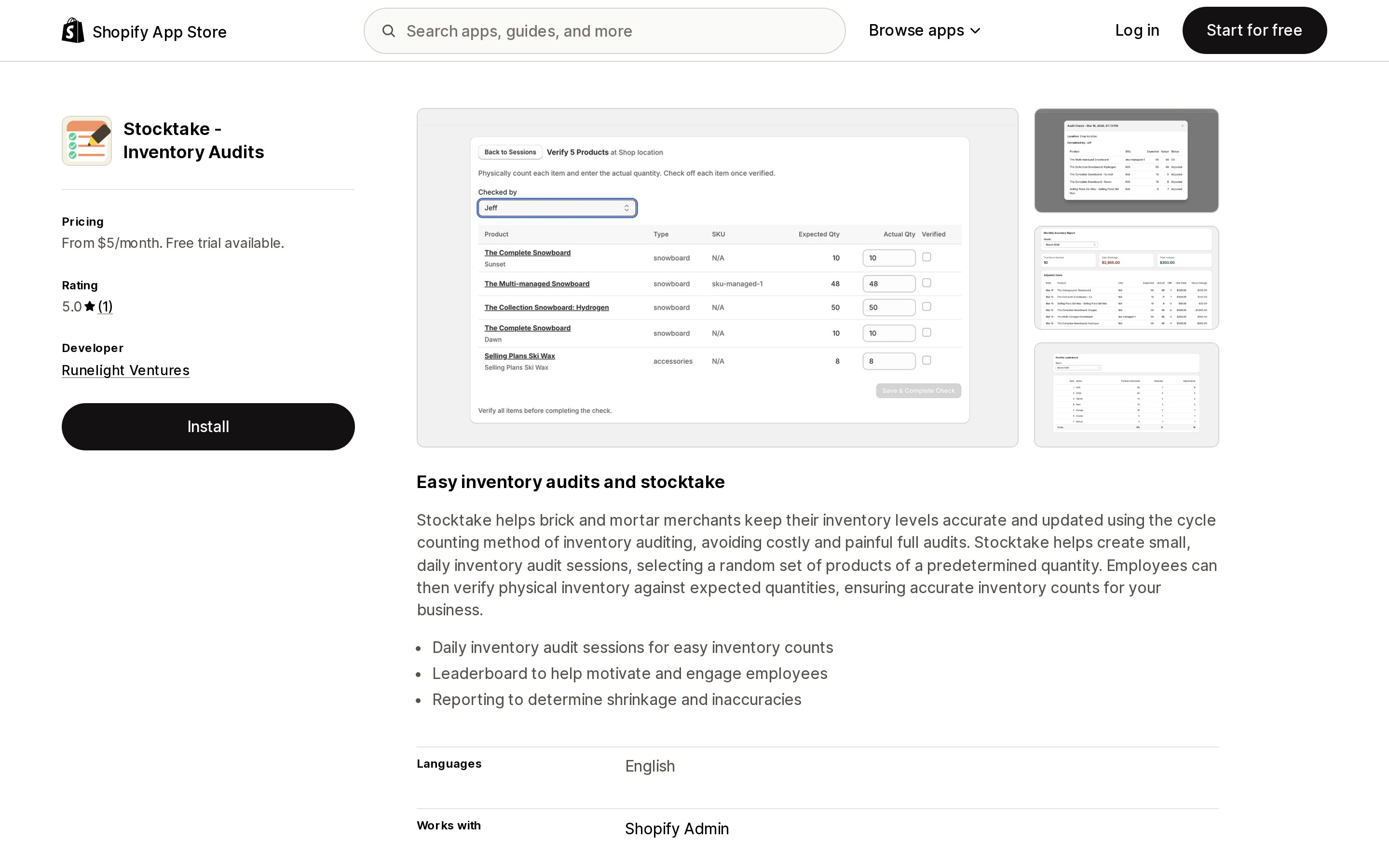
Runelight Ventures in Lehi, UT launched this on April 28, 2026, making it the newest of the six, at 5.0 from a single review.
Its premise differs from the other five. Rather than helping you survive an annual count, it is built to make one unnecessary: "Stocktake helps create small, daily inventory audit sessions, selecting a random set of products of a predetermined quantity," explicitly "avoiding costly and painful full audits." Employees verify physical counts against expected quantities, and the app reports on shrinkage — the only one of the six to name that outcome. Billing tracks team members and nothing else: Starter $5/month for up to 5, Growth $10/month for up to 10, Unlimited $20/month, with a 14-day trial. A 20-location retailer with a small crew pays $5.
Three limits. It works with Shopify admin only, with no POS integration listed, so the in-store device workflow is unclear. Barcode scanning is not mentioned on its App Store listing — unverified rather than unsupported. And it is by design a poor fit if your accountant requires a full physical count. On the other hand, it requests the narrowest data access of the six: no customer data and no order data.
What this costs at 1, 3, and 10 locations
| Locations | Quick count (POS Pro) | EasyScan | Cohub | BR Stock Take | Twist | Pasilobus | Stocktake ‑ Audits |
|---|---|---|---|---|---|---|---|
| 1 | $89 | $39.99 | $19 | $0 free, or $15 | $10 | $7.99 | $5 |
| 3 | $267 | $39.99 | $19 | $15 | $20 | $19.99 | $5 |
| 10 | $890 | $39.99 | $104 | $15 | Not offered | $34.99 | $5 to $20 |
EasyScan is shown at Standard, the tier its listing implies covers counting, since the exact plan is not stated. The caveat that makes this table honest: POS Pro and a counting app are not the same purchase. The $89 per location also covers unlimited POS staff, staff roles and permissions, customer profiles, returns and exchanges at any location, retail reports, and omnichannel selling. If you run physical stores, you probably need POS Pro for reasons unrelated to counting. So split the decision:
- You already pay for POS Pro. Quick count adds $0. If your catalog fits inside 1,000 variants per session and no auditor is asking for an approval workflow, do not install anything.
- You do not have POS Pro, or you sell online or from a warehouse only. Unlocking native counting costs $89 per location, and nothing unlocks it without POS hardware. A $5 to $39.99 app is the clearly cheaper path.
Choosing by situation
- Online-only or warehouse-only. BR Stock Take: Inventory Count and Stocktake ‑ Inventory Audits both run without POS. BR Stock Take is the only free way to evaluate the workflow, though its 50-item cap makes that plan a demo.
- You count by zone, or need uncounted items zeroed. Pasilobus Stock Control shows an Add to Stock mode in its listing screenshots; Twist's developer has confirmed it always sets. BR Stock Take is the only one that states in writing that it zeroes out anything not counted, weighed against its 3.1 rating.
- You count during business hours. Cohub Inventory Counting alerts on quantity changes mid-count; Twist accounts for committed and shipped orders.
- An external auditor is involved. Pasilobus Stock Control advertises reason-plus-user logging, Stocktake ‑ Inventory Audits produces shrinkage reporting, and EasyScan Inventory & Barcode has the most operating history.
- Many locations, tight budget. EasyScan and Stocktake ‑ Inventory Audits ignore location count entirely; BR Stock Take is $25/month for 200.
Two unknowns apply to all six: none of the listings state what happens to count history after uninstall, and none publish support hours. Ask before committing an audit trail to any of them.
The short version
Shopify does have a native count now, deliberately scoped to spot checks of specific products or zones. If you already pay for POS Pro and your sessions fit under 1,000 variants, that is your answer and it costs nothing extra. The moment one of three conditions is true — no POS Pro, catalogs that force multi-session or multi-zone counts, or an auditor who wants an approval workflow — the native path stops being sufficient, and Shopify's own documentation says so. At that point the right app costs $5 to $40 per month, not $89 per location.
Sources
- Quick count extension in Shopify POS (changelog, October 23, 2025)
- Change inventory quantities in Shopify POS
- Planning an inventory count
- Transitioning from Stocky
- Inventory adjustment history
- Bin locations
- Shopify POS pricing
- Shopify POS features
- EasyScan Inventory & Barcode on the Shopify App Store
- Cohub Inventory Counting on the Shopify App Store
- BR Stock Take: Inventory Count on the Shopify App Store
- Twist: Stock Take on the Shopify App Store
- Pasilobus Stock Control on the Shopify App Store
- Stocktake ‑ Inventory Audits on the Shopify App Store
Shopify does keep an activity log, and it is not a Shopify Plus feature. The store activity log at Settings, General is gated on permissions rather than on your plan, and it sits alongside a user management activity log, a login history, an activity log for Shopify POS, and the Timeline on each order, draft order, customer, and transfer. The problem is not absence, it is fragmentation plus four hard limits that Shopify documents in writing: a maximum of 250 results, no export, no clickable event detail, and no date range filter. Retention is counted in entries rather than days, so a store making thirty admin changes a day keeps roughly a week of history. On top of that, Shopify publishes six scenarios in which the actor column reads Shopify rather than a person, and theme edits are attributed to Online Store by design. Inventory is the exception: the adjustment history Created by column names the staff member, app, or sales channel, and the Inventory adjustment changes report goes past 180 days and exports. This article maps the native logs, then compares seven Shopify audit log and change history apps checked on September 3, 2026 on price, metering, stated retention, scope, revert, export, and data access, including the finding that no app in this comparison reliably resolves the staff actor for every field.