
What you will learn
On this pageContentsCloseOpen
You can sell an event ticket on Shopify right now, with no app at all. Create a product called "General Admission," set inventory to your venue capacity, untick Physical product so shipping rules never fire, and take the money.
Then the night of the event arrives and you have a folding table, a line of people, and an order list on a phone. Nothing you sold is a ticket. It is an order confirmation, and the person in front of you can forward it to nine friends.
That is the actual boundary in this category, and it is not where most "best Shopify ticketing app" lists put it. The question is never whether Shopify can charge for a ticket. It is who issues the unique credential and who validates it at the door — and once you decide to pay an app for that, which of three completely different pricing models you have just signed up for.
Research date: September 2, 2026. All prices are USD, as published on each app's Shopify App Store listing.
Shopify says it out loud: you need an app
This is unusually well documented, because Shopify wrote the comparison itself. In its guide on how to sell tickets, the row for running tickets on your own website reads "Requires a ticketing app," against a ticketing platform that includes "QR codes, scanning app, waitlists, check-in tools."
The same page's FAQ is blunter: "Yes, anyone can sell tickets on Shopify. Start by building your storefront and taking payments for tickets, then use an event ticketing app to issue those tickets to buyers."
Take payments natively. Issue tickets with an app. That split is the whole article.
The POS scanner does not do what people assume
The most common wrong assumption is that Shopify POS will scan tickets, because POS obviously scans barcodes. It does — but the Help Center is explicit about what those barcodes are. Barcode scanners "can quickly add products to your cart during checkout by scanning product barcodes," and the camera scanner's supported list is enumerated: it "can scan products, order receipt barcodes, Shopify physical gift card QR codes, customer Shop passes, and discount code barcodes."
Event tickets are not on that list. A POS scan of a customer's ticket does not mark that attendee as checked in, does not stop a second scan of the same code, and does not exist as an attendee record anywhere in your admin. Several of the apps below run inside POS as an extension — but the validation logic is theirs, not Shopify's.
The native digital app cannot issue a per-attendee code
The next fallback people try is the free first-party app. Shopify's Help Center is clear that any digital delivery needs one: "To provide a download link to your customers for a digital product, you must use an app from the Shopify App Store."
But Shopify Digital Products attaches a file or a link at the product-variant level. Every buyer of "General Admission" receives the same asset. There is no mechanism to mint a unique code per attendee, which is exactly what a scannable ticket is. It is a fine way to deliver one shared PDF map of the venue. It is not a ticket system.
Your capacity is not actually held during checkout
One more native behaviour worth understanding before you sell a sold-out show. Shopify defines Committed inventory as "the number of units that are set aside and can't be sold, such as units in an unfulfilled order, reserved in a draft order, or in a transfer that's marked as ready to ship."
Carts and in-progress checkouts are not on that list. For a normal product that is a minor annoyance. For a 200-seat room during an on-sale, it means capacity is only reduced when an order completes — so simultaneous buyers can push you past the room's legal occupancy. Shopify's own guidance for handling a sales rush offers only blunt instruments: manually remove the Add to cart button, delete shipping rates, or set inventory to zero. Nothing event-aware.
The three pricing models nobody puts side by side
Here is where the category gets genuinely confusing. These apps look similar on their listings and price on three incompatible axes.
| App | Rating (reviews) | Built for Shopify | Pricing model | Entry point |
|---|---|---|---|---|
| Evey Events & Tickets | 4.5 (314) | No | Base + per ticket | Free to install + $1.00/ticket |
| GM Event Ticketing | 4.9 (46) | Yes | Base + per ticket | Free to install + $1.00/ticket |
| Tixator ‑ Sell Event Tickets | 5.0 (6) | No | Base + per ticket | Free to install + $0.29/ticket |
| Ticket Spot ‑ Event Ticketing | 5.0 (38) | No | Flat tier, attendee cap | Free up to 20 attendees/month |
| Experiences: Events & Tickets | 4.8 (77) | No | Base + % of booking revenue | $9/month + 1% |
| Easy Tickets & Events | 4.7 (3) | No | Free, hard ticket cap | Free, up to 500 tickets/month |
A per-ticket app punishes volume. A flat-tier app punishes nothing until it runs out of tiers entirely. A revenue-share app is indifferent to volume and punishes price — it costs the same to sell 100 tickets at $200 as 400 tickets at $50, and considerably more than either if you sell 400 at $200.
What that means in money
Same store, same month, three volumes. For each app, the cheapest plan whose published caps actually cover that volume:
| Monthly tickets | Evey | GM Event Ticketing | Tixator | Ticket Spot | Experiences (at $50/ticket) |
|---|---|---|---|---|---|
| 300 | $199 | $244 | ~$80 | $29.99 | $204 |
| 1,200 | $489 | $699 | ~$341 | $99 | $429 |
| 5,000 | $1,439 | $2,249 | $1,000 | no published plan | $1,379 |
Two things fall out of that table.
First, at 1,200 tickets a month the spread between the cheapest and most expensive published option is seven times. Nothing about the listings signals this, because everyone leads with "free to install."
Second, the pattern reverses at the top. Ticket Spot is the cheapest option in the category right up until 2,500 attendees per month, which is where its published tiers simply stop — Business Plus is $149/month for up to 2,500 attendees, and above that the listing offers nothing and states no overage rate. If you are a venue that grows past that line mid-season, the app that was saving you $600 a month becomes a migration project during your busiest quarter.
And of the six apps compared here, the one carrying the Built for Shopify badge is the most expensive at every volume tested. The badge measures performance, design, and integration quality — it is not a price signal, and here it points in the opposite direction.
The apps, and what each one is actually for
Evey Events & Tickets
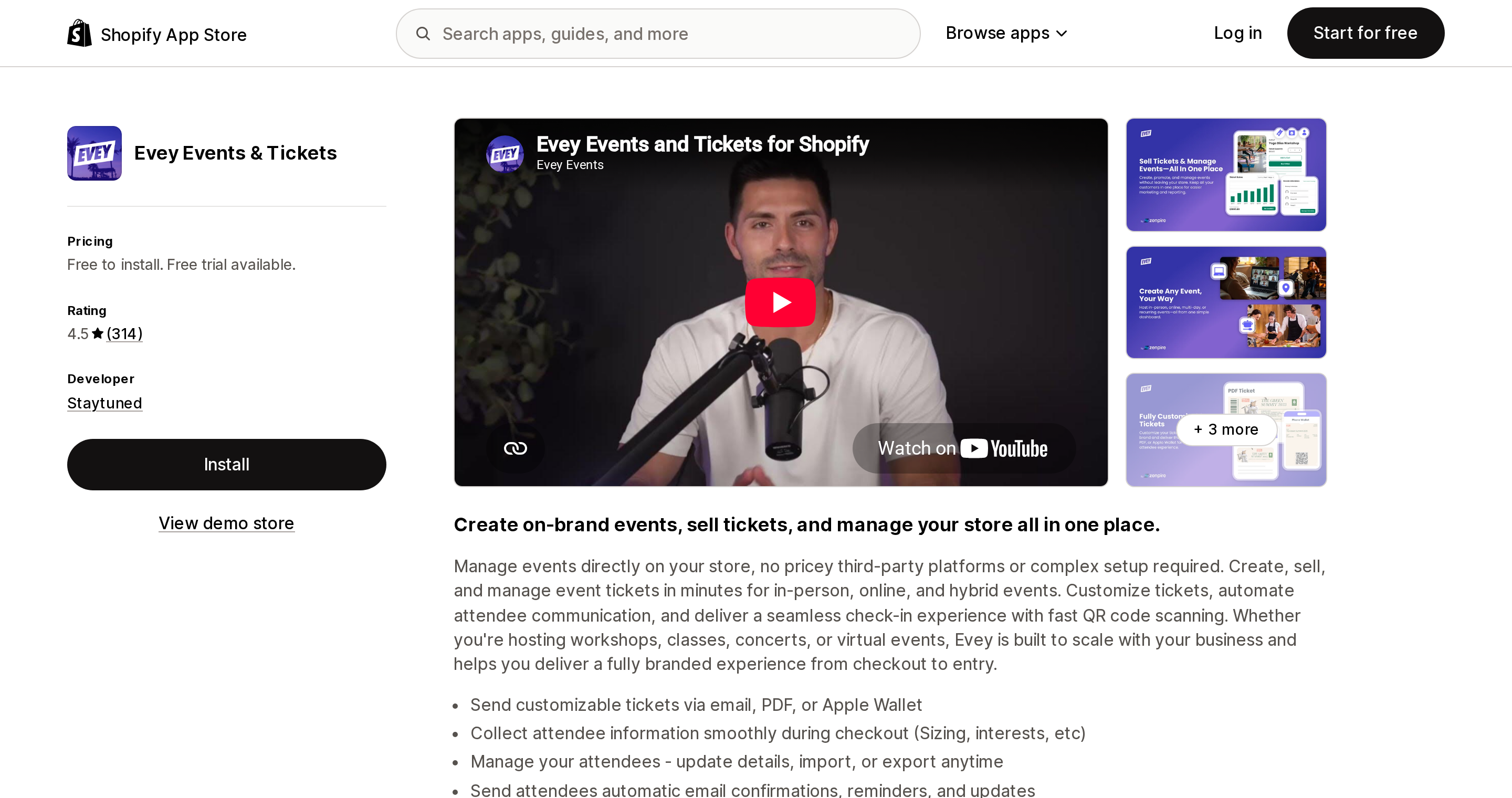
Source: Shopify App Store (Evey Events & Tickets), retrieved September 2, 2026
Developed by Staytuned in New York and launched in July 2013, Evey is the oldest app here and has by far the largest review base at 314. Its ladder is Free to install + $1.00/ticket, then Growth at $19/month + $0.75, Standard at $49/month + $0.50, and Professional at $189/month + $0.25, which is where reserved seating and Klaviyo and Mailchimp integrations live.
Two things merchants report being surprised by. Multiple reviews mention plan gating that is not obvious in the admin — an edited June 27, 2026 review from Lanterns and Legends Ghost Tours in the US puts it precisely: "the admin panel allows you to configure recurring events while on the free plan, but it doesn't make it obvious that customers cannot actually purchase tickets for those recurring events unless you upgrade." The same review notes there is no live support on weekends, which is when events happen.
The other is that Shopify POS does not appear in Evey's "Works with" list on its listing. That is not proof of incompatibility, but if door scanning through POS hardware is your plan, verify it with the developer before committing.
GM Event Ticketing
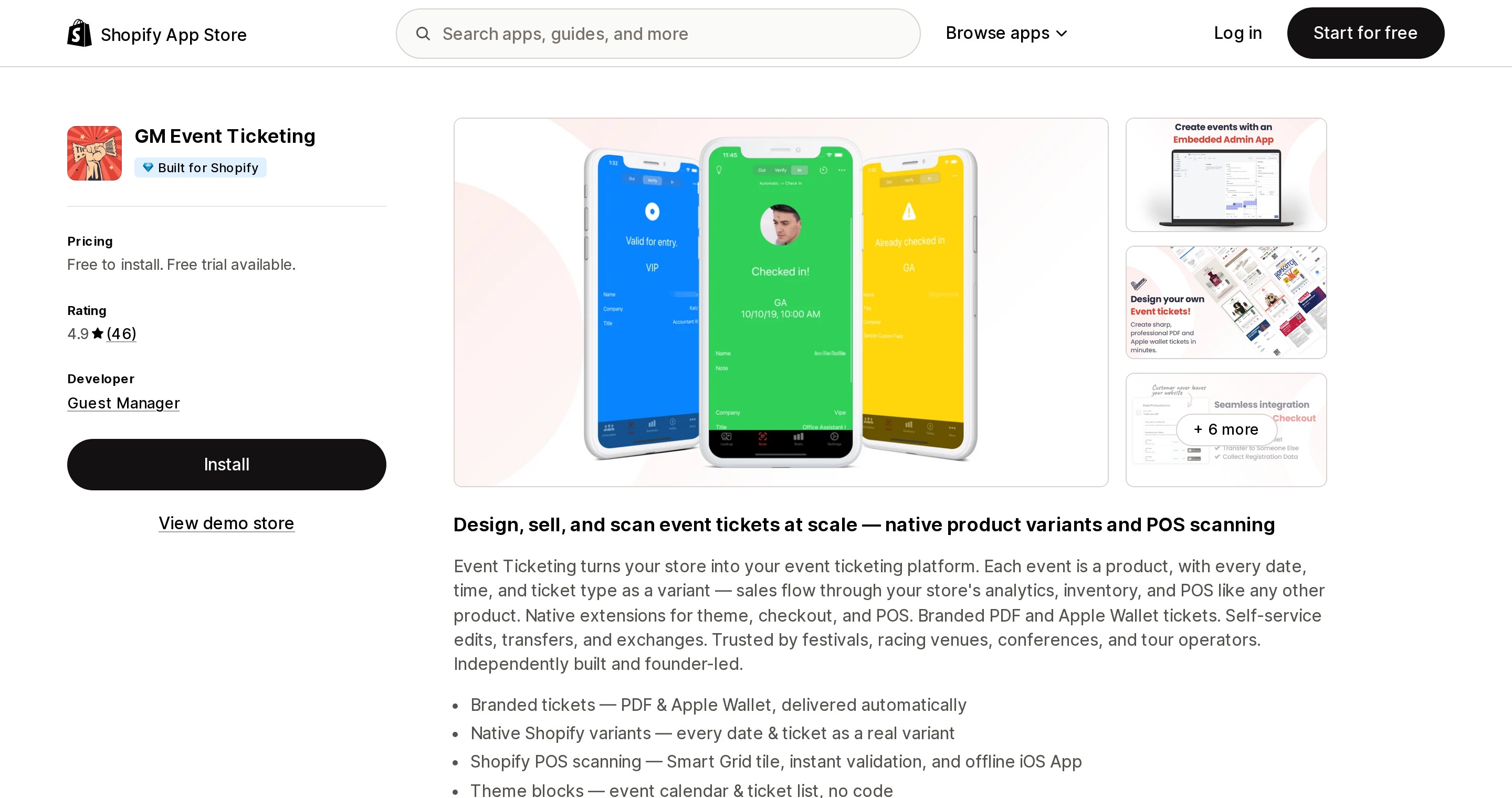
Source: Shopify App Store (GM Event Ticketing), retrieved September 2, 2026
From Guest Manager in Nevada, launched October 2019, 4.9 across 46 reviews, and the only app in this comparison with the Built for Shopify badge in its listing header. It is also the most complete on the door-operations side: Apple and Google Wallet passes, a Shopify POS UI extension that puts check-in on the Smart Grid, a standalone offline iOS app for when the venue Wi-Fi dies, and laser scanner support.
Pricing is On Demand free to install + $1.00/ticket, Advanced $19/month + $0.75, Professional $99/month + $0.50, and Plus+ at $999/month + $0.25.
One trap in that free tier: it covers unlimited paid tickets, but issuing free tickets starts at Advanced, $19/month. If your model is free RSVPs with paid VIP upgrades, the free plan does not cover you.
Reviews here skew heavily long-tenure, and check-in is what people write about. A June 16, 2026 review from InnovOak Shop in Canada describes the operational value directly: "Parents receive a unique QR code with their ticket ahead of time and use it when dropping off and picking up their child… The attendance tracking is a huge feature for us."
Tixator ‑ Sell Event Tickets
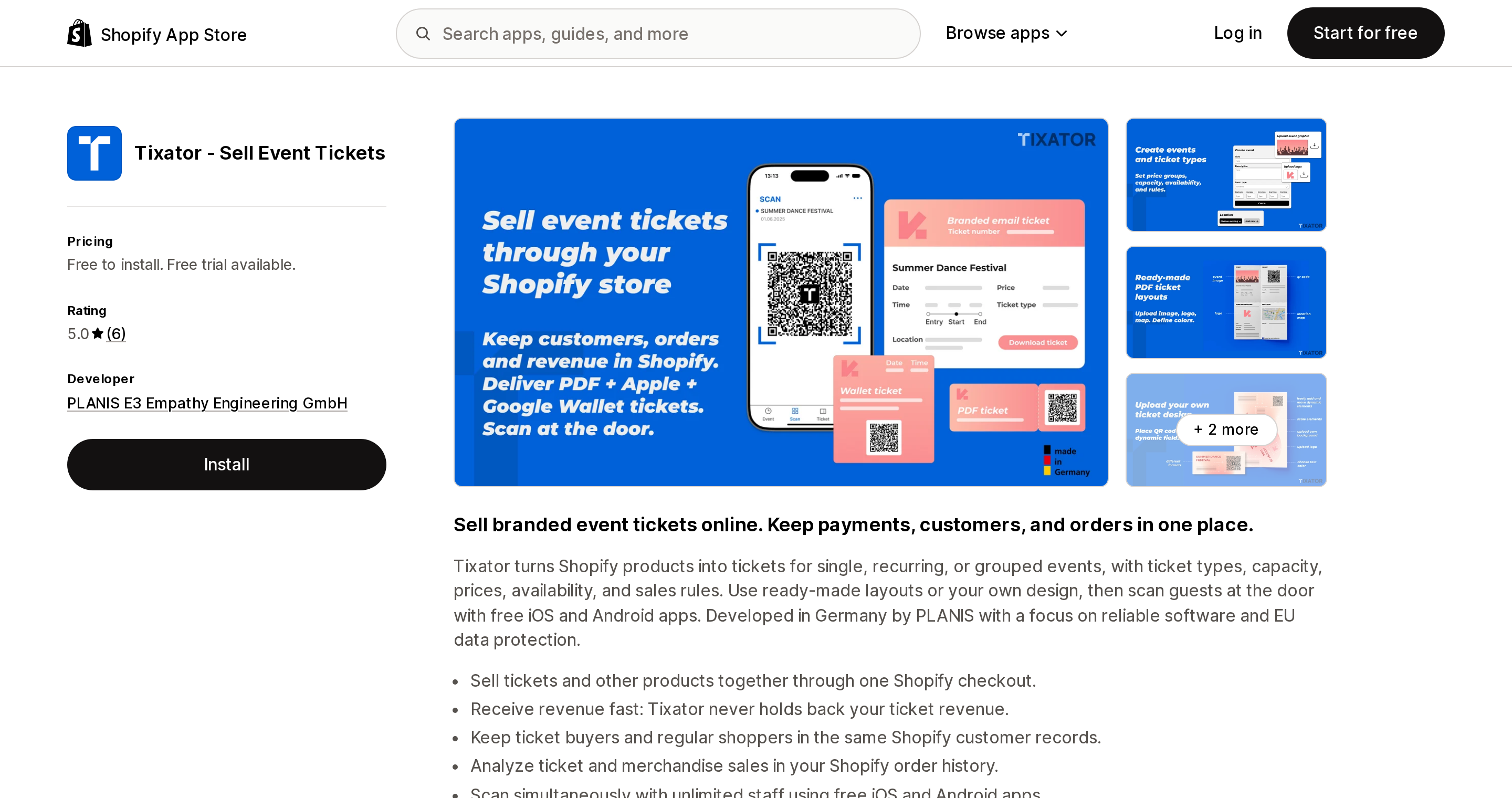
Source: Shopify App Store (Tixator ‑ Sell Event Tickets), retrieved September 2, 2026
Built by PLANIS E3 Empathy Engineering GmbH in Kiel, Germany, and launched December 25, 2025 — the newest app here, with only 6 reviews, all five-star. Treat the review signal as thin.
The pricing is the interesting part. Standard is free to install at $0.29 per ticket issued, roughly a third of what Evey and GM charge at their equivalent entry tiers, with free iOS and Android scanner apps, unlimited staff scanning concurrently, Apple and Google Wallet, and no monthly fee at all. Volume is $250/month + $0.15/ticket, which overtakes Standard at around 1,786 tickets a month. Enterprise is $1,000/month "per individual agreement" — unpublished, so treat it as a negotiation.
There is also a nonprofit rate: free to install at $0.15/ticket after approval, versus $0.29 before.
The honest caveat is tenure. An August 24, 2026 review from Cambridge University Press Bookshop in the UK reads "When looking for an alternative ticketing app to Eventbrite, we found Tixator and it ticked all of the boxes for us," which is encouraging but is one of six data points on an app less than a year old.
Ticket Spot ‑ Event Ticketing
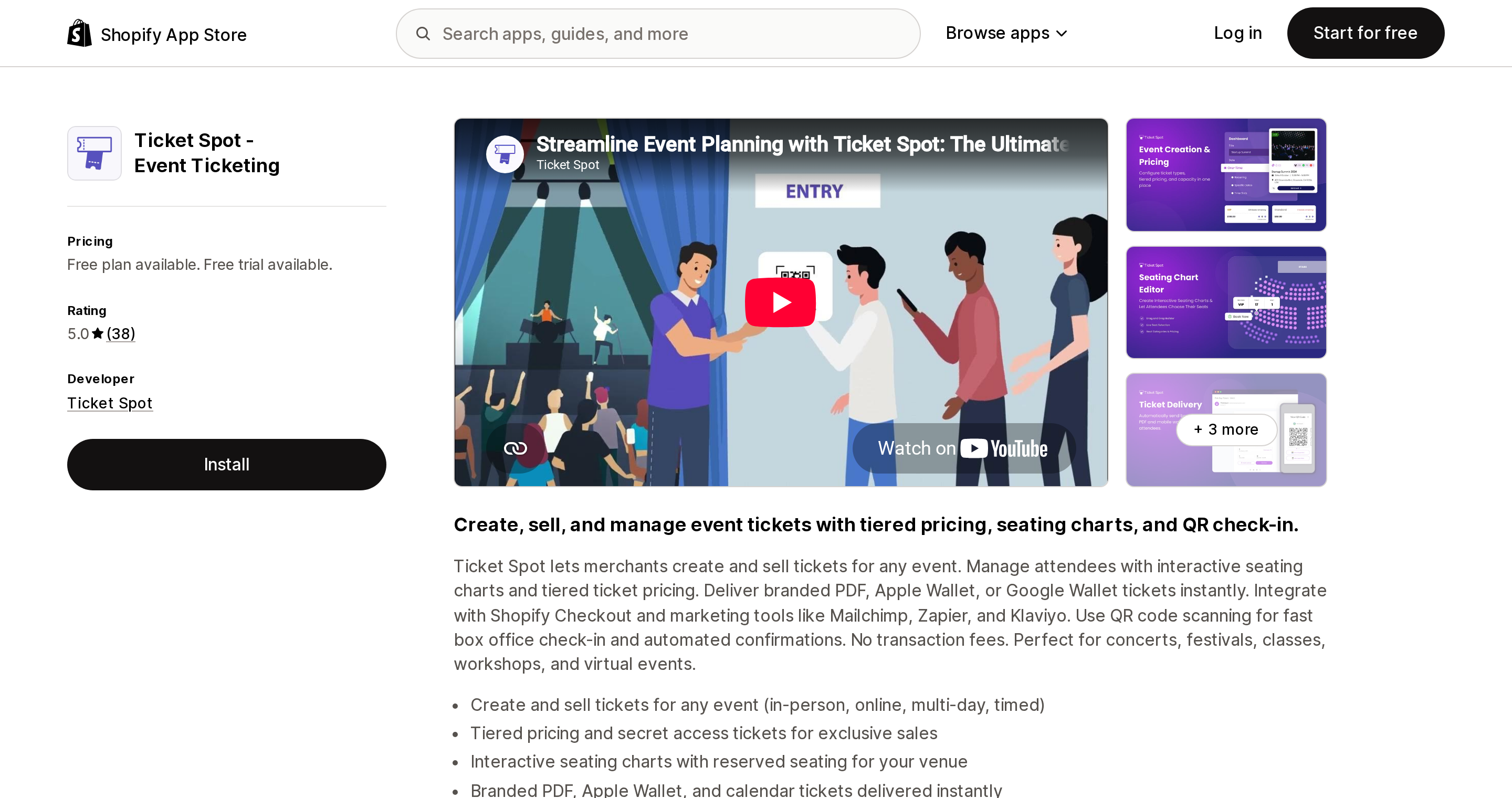
Source: Shopify App Store (Ticket Spot ‑ Event Ticketing), retrieved September 2, 2026
Ticket Spot, based in Encinitas, California and launched April 2022, is the outlier: flat monthly tiers with attendee caps and, in its own words, "No transaction fees." Free covers up to 20 attendees a month. Professional is $29.99/month or $290/year for 500 attendees, QR tickets with PDFs, and the mobile check-in app. Business at $99/month or $990/year raises the cap to 1,500 and adds Apple and Google Wallet, waitlists, registration forms and waivers. Business Plus at $149/month or $1,490/year removes Ticket Spot branding, adds custom event domains, and caps at 2,500.
For any store selling under roughly 1,500 tickets a month at a normal price point, this is the cheapest of the six apps compared here by a wide margin. One thing to check: the listing advertises interactive seating charts as an app feature but does not say which plan tier includes them, so confirm that before buying if reserved seating matters to you.
The ceiling is the whole risk. Above 2,500 attendees a month there is no published plan and no stated overage. Check that before a festival on-sale, not during one.
Experiences: Events & Tickets
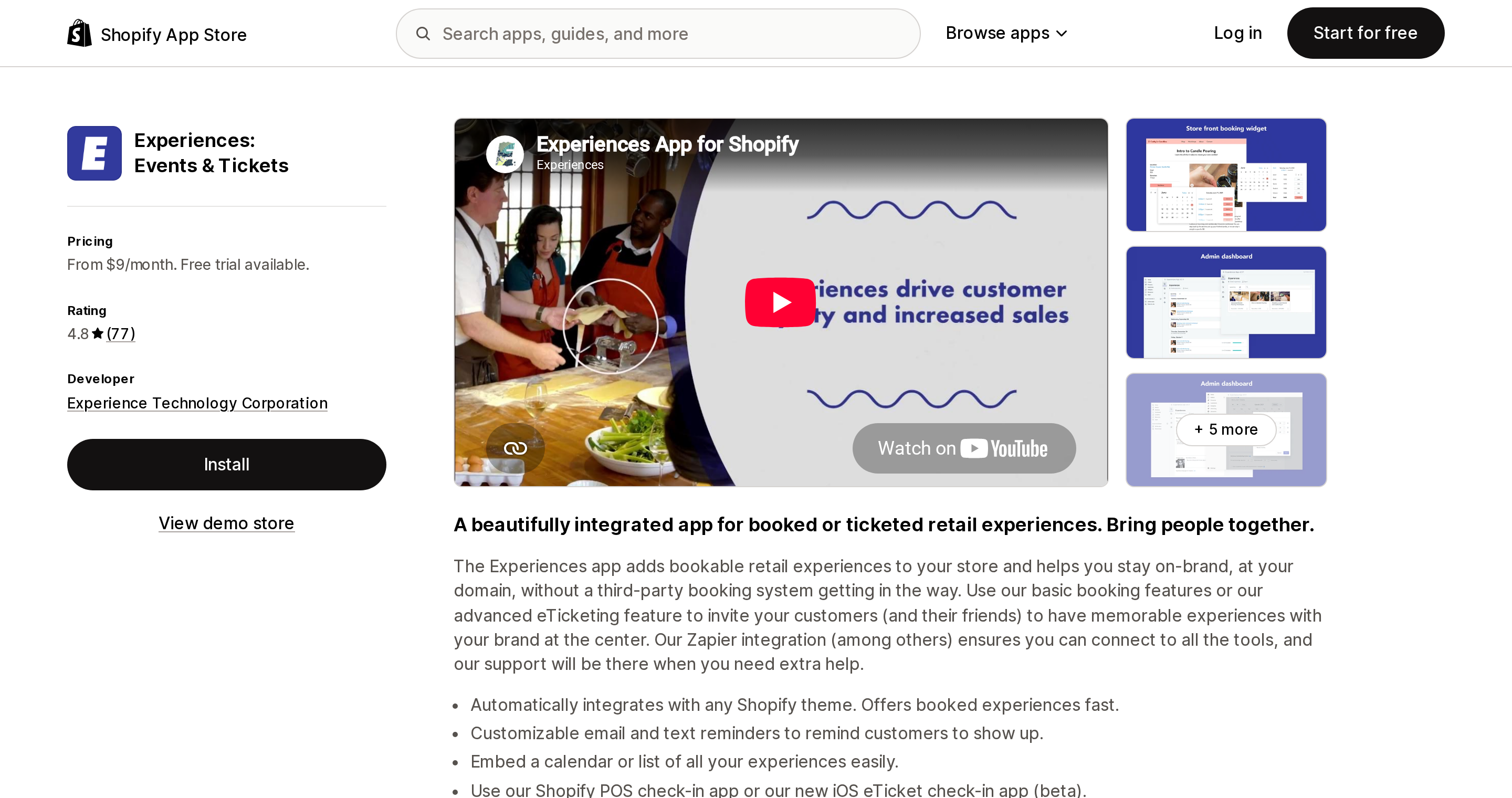
Source: Shopify App Store (Experiences: Events & Tickets), retrieved September 2, 2026
From Experience Technology Corporation in Woodinville, Washington, launched July 2018, 4.8 across 77 reviews. It has no free plan, and it is the only app here that prices on your revenue: Basic $9/month + 1% of booking revenue, Premium $39/month + 0.75%, Preferred $129/month + 0.5%.
That model suits a specific shape of business — tours, tastings, classes, anything where the ticket count is modest but each ticket is expensive and the operation is closer to a booking than a concert. It suits a $15-ticket high-volume show badly.
A note on the listing itself: the Basic tier reads "Up to 100 bookings or $100 in sales/mnth," which appears internally inconsistent with the tier above it. Confirm the actual threshold with the developer rather than planning around that figure.
Wallet pass support is not stated on the listing, so do not assume Apple or Google Wallet delivery here.
Easy Tickets & Events, and one thing that is not a ticketing app
Easy Tickets & Events from UpsellShark launched May 7, 2026, is currently free, and is scoped to "Up to 500 tickets/monthly." With 3 reviews and no published tier above that cap, it is a reasonable way to run a workshop series for nothing — and not something to build a season on. Its listing states check-in is by QR code scan, but does not state wallet pass support in the visible listing body.
Separately: Appointment Booking Cowlendar shows up constantly in ticketing searches because it carries an "Event check-in" category tag, has 2,194 reviews, and holds the Built for Shopify badge. It is an appointments app. It meters booking revenue — $1,000, $3,000, then $10,000 per month across its tiers — and its plan features list no QR ticket issuance and no door scanning. If your need is "someone books a 30-minute slot," it is excellent. If your need is "800 people arrive at 7pm," it is the wrong category.
Choosing
Under ~1,500 tickets a month, any price point. Ticket Spot. Flat pricing, no per-ticket bleed. Confirm you will not cross 2,500 attendees this season, and confirm which tier the seating charts land on.
High volume, cost-sensitive, and you can tolerate a young vendor. Tixator at $0.29 per ticket is roughly a third of the per-ticket cost of the established apps, with wallet passes and unlimited scanner staff on the free-to-install tier. Six reviews is the price of admission.
Door operations are the hard part — big gates, patchy venue Wi-Fi, POS hardware. GM Event Ticketing. The offline iOS app and the POS Smart Grid extension are the reason to accept the highest per-ticket costs in the table. Budget for Advanced ($19/month) if you issue any free tickets.
You already run a large recurring programme and want the deepest feature set and the largest install base. Evey. Verify recurring-event behaviour on your plan before launch, and verify POS scanning independently.
Few tickets, high ticket price, tour-or-tasting shaped. Experiences. Revenue share is cheap when volume is low, and it is the only model here that does not care how many tickets you sell.
Free RSVPs for a small workshop series. Easy Tickets & Events, or Ticket Spot's free tier at 20 attendees a month.
Whichever you choose, remember what stays yours regardless: Shopify holds the payment, the customer record, and the order — payment processing runs from 2.9% + 30¢ on Shopify — and the app owns the credential and the gate. That division is fixed, so the only real decision is how the app charges you for the half it owns.
What we could not verify
Stated plainly, because the gaps matter:
- Whether Evey supports Shopify POS check-in. POS is absent from its listing's "Works with" list; that is not the same as confirmed incompatibility.
- Whether Tixator's "initial 25 tickets free" is one-time or recurring monthly, which is why its 300-ticket figure is given as an approximation.
- What Ticket Spot charges above 2,500 attendees per month. No published tier, no stated overage.
- Whether Experiences delivers Apple or Google Wallet passes, and what its Basic tier's real revenue threshold is.
- Easy Tickets & Events' wallet pass support, which is not stated in the visible listing body.
- Whether ticket orders behave differently from ordinary orders for Shopify transaction fees. Only the "from 2.9% + 30¢" payment-processing figure is confirmed; we make no claim about transaction fees on tickets specifically.
No first-party Shopify page states in so many words that a cart does not hold inventory. That conclusion is drawn from Shopify's own definition of Committed inventory, which lists what does reserve stock and does not include carts.
Sources
- How To Sell Tickets Online in 2026 (Shopify)
- Barcode scanners — Shopify Help Center
- Selling services or digital products — Shopify Help Center
- Inventory states — Shopify Help Center
- Managing increased sales — Shopify Help Center
- Evey Events & Tickets — Shopify App Store
- GM Event Ticketing — Shopify App Store
- Tixator ‑ Sell Event Tickets — Shopify App Store
- Ticket Spot ‑ Event Ticketing — Shopify App Store
- Experiences: Events & Tickets — Shopify App Store
- Easy Tickets & Events — Shopify App Store
- Appointment Booking Cowlendar — Shopify App Store
Shop Pay Installments is free to activate, needs no app, and Shopify never publishes what it costs you — the rate is visible only inside your own admin. It also refuses Capital One and Chase credit cards, restricts monthly plans to debit cards only, excludes gift cards and subscriptions, and can't be turned off for individual products. Affirm can suspend your account for being password-protected, for having a non-English storefront, or for being primarily B2B. And Shopify's Getting paid page says disputes appear in your admin while its FAQ says they don't. If you fail the eligibility gates, the alternative is on-site messaging apps from Klarna, Afterpay, Sezzle, Zip, and PayPal — a category rated between 1.0 and 3.2 stars. Researched September 2, 2026.