
What you will learn
On this pageContentsCloseOpen
The Shopify App Store listing for Faire: Sell Wholesale says "Free to install. Additional charges may apply." The app is Built for Shopify, rated 4.6 from 418 reviews, and published by Faire itself from San Francisco.
Everything expensive about this integration lives inside "additional charges may apply," and everything operationally surprising about it lives in the Faire help center rather than the app listing. Both are knowable in advance. Very little of either shows up in the roundup posts.
Research date: September 2, 2026. All rates are from Faire's own help center for brands; all pricing is USD.
What Faire actually charges
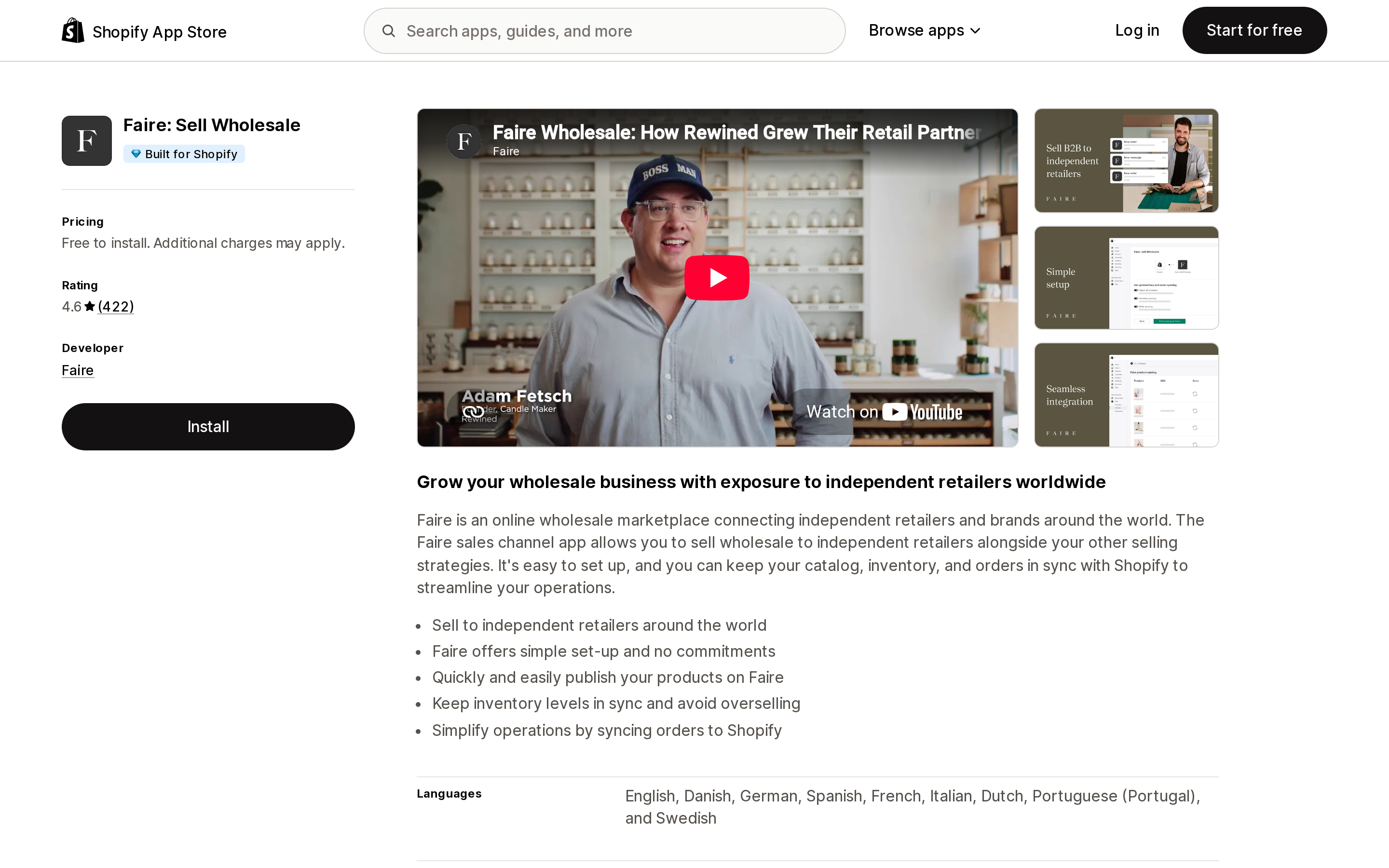
Source: Shopify App Store (Faire: Sell Wholesale), retrieved September 2, 2026
Three numbers govern the economics, and Faire publishes all three.
15% commission on marketplace orders. This applies to orders from retailers who discovered you on Faire, and it applies to their reorders too. It is not an introductory rate that decays.
A one-time new customer fee. For brands based in North America, Faire charges $10 on top of the standard rate the first time a new retailer orders from you. For brands outside North America, that first-order surcharge is a 10% referral fee instead, making the first order 25% — Faire's help center states the 25% "only applies to the first order from a new customer" and reorders return to 15%.
There is a definition worth reading twice: "An order is considered a reorder if it is placed at least 24 hours after the first order. If a second order is placed by a new customer within 24 hours of the first order, the 25% commission will apply to both orders." A retailer who places one order, realizes they forgot something, and orders again that evening is charged as a first order twice.
0% on Faire Direct. This is the lever most brands underuse. Retailers you sourced yourself — your existing stockists, the boutique you met at a trade show — go through your personalized Faire Direct link and carry 0% commission while still getting Faire's ordering tools, 60-day terms for eligible retailers, and free returns on first orders.
The implication is blunt: if you onboard your existing wholesale accounts through the general marketplace rather than a Faire Direct link, you are paying 15% forever on relationships you already owned. That is not a Faire trick; it is documented. It is just easy to get wrong once, permanently.
A fourth number: the payout fee. Faire offers ACH Next Day, which "initiates the transfer of funds to your account the day after an order ships" with a 3% fee applied "to both the order and shipping costs," and ACH Net 30, which currently has no fee. Faire's published payout formula is:
Payout amount = (order subtotal) + (shipping reimbursement) − (commission) − (payout fee)
So a brand on marketplace orders with next-day payouts is at roughly 18% of subtotal before the new customer fee, versus 15% on Net 30. Whether 30 days of cash is worth 3% is a working-capital decision, not a software decision — but it is one many brands make by accident during onboarding and never revisit.
What the sync actually does
The app synchronizes three things — products, inventory, orders — and each has behavior that will eventually confuse someone on your team.
Orders sync only when accepted, and only forward. Faire's documentation is explicit that orders sync "once the order is accepted on Faire," that orders accepted before you enabled sync "will not automatically sync," and that manual syncing of past orders works only "within 90 days of the order being accepted." There is also no undo: "once an order has synced, it cannot be undone or reversed."
Backorders follow a different clock. They sync on the ship-by date rather than on acceptance, and that date is automatically set from the restock date you entered. If your restock date is optimistic, the order does not appear in Shopify until that optimistic date arrives — and Faire notes backorders "can't be created manually in Shopify."
Order numbers do not match. Faire and Shopify use different formats, so the Faire order number is written into the Shopify order's Order Notes. Searching by customer name, product, or date is the documented workaround. Any reconciliation process you build has to key off notes rather than order numbers.
The retailer's email may not be a real email. Retailers choose whether to share it. If they do not opt in, "Faire will provide an anonymized email address in that field instead," and those "cannot be changed or adjusted." A wholesale customer list assembled from synced Faire orders is therefore not automatically a marketing list, and it is worth checking what proportion of your synced records are anonymized before planning any lifecycle program around them.
Fulfillment sync is conditional. Faire's list of what syncs includes fulfillment information with an asterisk: "with fixed rate shipping enabled." A review from a US merchant using the app for almost two years describes the same edge from the outside: "Shopify and Faire orders will currently not sync both ways unless the Faire orders are within a shipping zone."
Inventory sync is location-scoped and link-dependent. It defaults to all inventory locations, and you can restrict it under Manage locations. It only works when the product and every variant are linked between the two systems, and it only deducts Shopify inventory for Faire orders when both inventory sync and order sync are on.
Product linking is SKU-exact or manual. Faire matches automatically only where a Faire product's SKU is "an exact and unique match" to a Shopify SKU. Anything else has to be linked by hand in the Product linking tab. Brands with inconsistent SKUs, or none, do this manually — and product linking is the prerequisite for everything above, including seeing the Preferences tab at all.
Price sync is currency-limited. It "currently only syncs Faire-supported currencies." Sell in something else in Shopify and prices are entered by hand on Faire.
One store, one account. Only one Shopify account can be linked at a time, and a Shopify store with multiple inventory locations still links to a single Faire account.
What merchants report going wrong
The 4.6 average is real, and so is the shape underneath it: 84% five stars, and 7% one star — 30 reviews at the bottom out of 418. Shopify's own generated summary describes merchants finding the app valuable for expanding B2B and praising the inventory and order management.
The recent negative reviews cluster around two specific things rather than the app being broadly bad.
The first is over-inclusive publishing. A US merchant in July 2026 wrote that on install, "ALL products were assigned the Faire tag," and that after removing the tag the products remained on Faire, disabled but not easily removable. If you intend to wholesale a subset of your catalog, decide the scoping before you connect, not after.
The second is the double-counting problem. The same merchant noted that Faire orders appearing in the Shopify dashboard "skews my daily sales numbers and creates two places where the order exists." This is inherent to order sync rather than a defect — but it means your Shopify analytics stop being a clean picture of DTC performance the day you turn it on. Faire's Preferences let you set order tags and an order name format for synced orders, which is the mitigation: tag them, then exclude them from the reports where they do not belong.
A third, from a merchant five months in during July 2026, describes a prolonged sync failure with products duplicating and carts emptying, and support that "takes forever to respond." One account cannot establish a pattern. It is worth knowing that when this integration goes wrong, the recovery path runs through Faire's support queue rather than Shopify's.
Deciding
Do not install it to run your own wholesale. Faire is a marketplace with an integration attached, not a wholesale system for your existing accounts. If your goal is a price-tiered ordering portal for retailers you already have, that is a different question — Shopify's own B2B features or a dedicated wholesale app — and paying a marketplace take rate for it makes no sense.
Install it to be discovered. The 15% buys retailer verification, return logistics and costs, guaranteed on-time payments, and 60-day terms extended to eligible retailers without you underwriting them. Read that list as what you would otherwise build: credit checking, a returns process, and receivables risk on accounts you have never met. For a small brand, that is a reasonable trade at 15%. For a brand whose growth now comes from stockists it recruits itself, it is 15% on work Faire did not do.
If you install it, do these four things on day one. Set product scoping before connecting, so the whole catalog does not publish. Send every existing and self-sourced retailer a Faire Direct link rather than letting them find you on the marketplace. Choose ACH Net 30 unless you have a concrete reason to pay 3% for speed. Set an order tag for synced Faire orders immediately, so your Shopify reporting stays separable.
Recheck one number quarterly: the share of your Faire volume that is marketplace rather than Faire Direct. That ratio, not the app, is what the integration costs you.
Sources
- Shopify App Store — Faire: Sell Wholesale
- Faire Help Center — How much does it cost to sell on Faire if I'm based outside of North America?
- Faire Help Center — How much does it cost to sell on Faire if I'm based in North America?
- Faire Help Center — What is Shopify order sync?
- Faire Help Center — What is Shopify inventory sync?
- Faire Help Center — How do I manage my Shopify settings?
- Faire Help Center — Can I integrate with Shopify?
Shop Pay Installments is free to activate, needs no app, and Shopify never publishes what it costs you — the rate is visible only inside your own admin. It also refuses Capital One and Chase credit cards, restricts monthly plans to debit cards only, excludes gift cards and subscriptions, and can't be turned off for individual products. Affirm can suspend your account for being password-protected, for having a non-English storefront, or for being primarily B2B. And Shopify's Getting paid page says disputes appear in your admin while its FAQ says they don't. If you fail the eligibility gates, the alternative is on-site messaging apps from Klarna, Afterpay, Sezzle, Zip, and PayPal — a category rated between 1.0 and 3.2 stars. Researched September 2, 2026.