
What you will learn
On this pageContentsCloseOpen
Shopify gives you local delivery and pickup in store for free, with no app. The setup takes ten minutes, and it works. Then someone taps Apple Pay and the delivery option disappears.
That is not a bug. Shopify documents it:
Local delivery works with Shop Pay, but doesn't work with other accelerated checkouts such as Apple Pay, Google Pay, Amazon Pay, or PayPal. When a customer chooses one of these payment methods in the first step of checkout, local delivery won't be available as a shipping option.
Shopify's own recommendation, in its own help center, is to temporarily deactivate your accelerated checkouts if local delivery is most of your business. For a bakery or a florist, that is a real trade — turn off the buttons that convert, or lose the fulfillment method you built the business on.
That is one of about a dozen constraints in a feature most merchants configure without reading. Below: the complete set of native limits for both local delivery and pickup in store, the one place where Shopify's two help pages contradict each other, and five real scheduling apps that meter five different things. Research date: September 2, 2026. All prices are USD as listed on the Shopify App Store.
Two features, very different capability
Local delivery and pickup in store sit next to each other in Settings > Shipping and delivery > Additional delivery methods. They behave nothing alike.
Pickup in store requires at least one location that fulfills online orders and the latest version of checkout. Plus stores must have migrated to Shopify Extensions. It supports store transfers — if the pickup location is out of stock, Shopify automatically pulls inventory from other locations, prioritizing the nearest one with stock, and shows the customer an adjusted pickup estimate. You can exclude collections from transfers, though not individual products.
Local delivery is configured per location, by radius or by postal codes. The radius option requires a verified location address.
The hard caps on local delivery are all published, and all easy to hit:
- Maximum radius: 160 kilometers or 100 miles. The radius never crosses a national border, even with Include neighboring states or regions turned on.
- 10 delivery zones per location.
- 3 additional price-based rules per zone.
- 3,000 characters total when you enter postal code zones.
- You cannot rename the "Local delivery" shipping option. In a non-English storefront it is translated in the Shipping section of checkout, but the Payments section shows it in English regardless.
And a pricing behavior that catches people out: when a customer falls inside multiple overlapping zones with multiple conditional prices, Shopify always charges the lowest applicable price. Layer three radius zones and a set of conditional rules and you can quietly build a configuration where nearly everyone gets the cheapest rate.
The customer eligibility test nobody sees
For local delivery to even appear, every one of these must be true:
- All physical products in the cart are deliverable from one location.
- That location has the whole order in stock.
- The customer's address can be verified by Google — they generally need to pick from the suggested-address dropdown.
- The address is inside the radius and in the same state or province, or inside the listed postal codes and in the same country.
- The customer has not started checkout with an accelerated method other than Shop Pay.
Fail any one and the option silently is not offered. There is no message explaining why.
Two more consequences worth planning around. Customers must leave a phone number for local delivery — it is required, not optional. And customers can't mix shipped and locally delivered items in one order; Shopify's instruction is that they place two separate orders instead.
The contradiction: can customers mix ship and pickup?
Here Shopify's documentation disagrees with itself.
The pickup in store page lists, under considerations: "A customer can choose to have some items shipped and some items picked up in the same order."
The Ship and pickup in one order page opens with a plan requirement: the feature is available only as a feature test drive for organizations on Shopify Plus and Enterprise, and "will release for all organizations on Shopify Plus on July 1, 2027."
Both pages are live today. If you are on Basic, Grow, or Advanced and you read only the pickup page, you will build a fulfillment plan around a capability you do not have — and the page for Plus merchants sets a release date more than a year and a half out for the plan tier that is already testing it. No date is published for anyone below Plus.
When the mixed-cart feature does apply, the constraints are specific: pickup points and local delivery are not supported in a mixed-delivery checkout, only one pickup location per order, and the split can be driven by the customer but not by inventory. Storefront pages cannot set per-item delivery methods — the choice exists only inside checkout. Mixed orders also generate separate fulfillments in the admin, which Shopify warns may break third-party OMS, shipping-insurance, discount, email, and post-purchase upsell apps.
Your delivery notification emails do not fire
This one is quietly expensive.
The Out for delivery and Delivered notifications in your notification settings are triggered by carrier tracking events. Local delivery orders don't generate carrier tracking events in Shopify, so these notifications don't apply to local delivery.
You have a fully designed Out for delivery template sitting in Settings > Notifications, and it will never send for a local delivery order. The only automatic message the customer gets is a delivery confirmation, sent when you manually click Mark as delivered. Skip that click and the customer is told nothing at all.
Which leads to the operational limit: every person who prepares deliveries or marks them delivered needs access to your Shopify admin. There is no driver-only view. On Basic, where you get zero staff accounts, that is a wall.
Two more irreversibles: you can't change the fulfillment location of a local delivery order after it is placed, and you can't change the pickup location the customer chose at checkout — you can only manually transfer the items.
What native does not do at all: dates and times
Notice what is missing from every list above. Native local delivery has no delivery date. No time slot. No cut-off time. No blackout dates. No preparation time. No per-product lead time. No capacity limit per slot.
Pickup in store has a single Expected pickup date processing time per location, displayed at checkout — one dropdown, store-wide.
If you sell cakes, flowers, meal kits, or anything perishable, that is the entire reason the app category exists. There are 1,107 apps returned for "local delivery" on the App Store, and the overwhelming majority of them are date-and-time-slot pickers.
Five apps, five different things being metered
| App | Developer | Free plan | Entry price | What the price scales on |
|---|---|---|---|---|
| Zapiet ‑ Pickup + Delivery | Zapiet | no (14-day trial) | $29.99/month | orders per month and locations |
| Pickup Delivery Date Pickeasy | Logbase | yes (10 orders/month) | $9.99/month | feature tier and location count |
| EasyRoutes Local Delivery | Roundtrip.ai | yes (50 orders/month) | $39/month | driver seats |
| CR ‑ Store Pickup/Delivery | CreativeR | no (14-day trial) | $6.90/month | whether you need delivery as well as pickup |
| Delivery Date Time Slot Pickup | one8 | yes (200 orders/month) | $4.99/month | orders per month and feature tier |
Ratings and prices were read from the Shopify App Store on September 2, 2026. "Cheapest" depends entirely on which denominator matches your store.
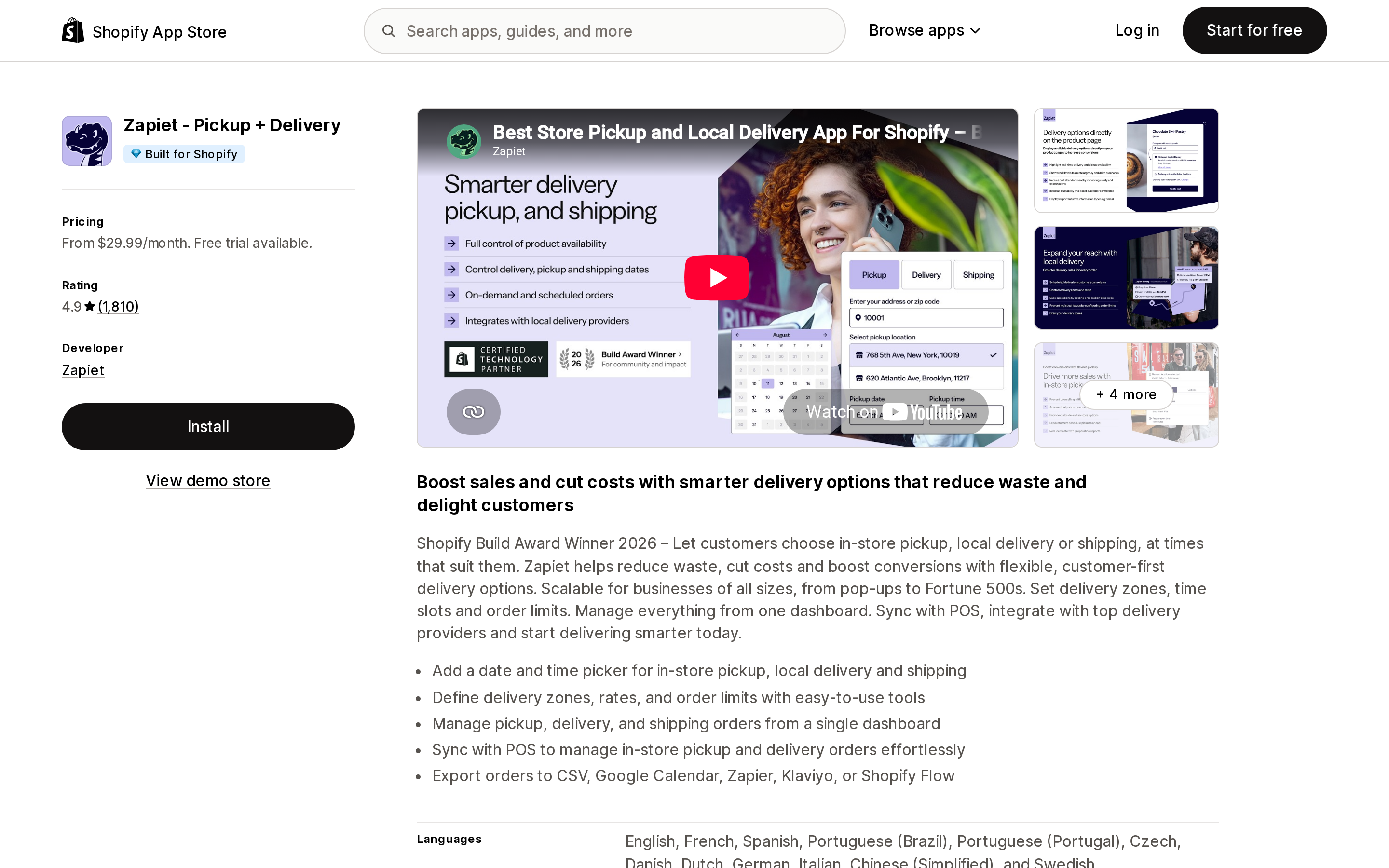
Zapiet ‑ Pickup + Delivery
Source: Shopify App Store (Zapiet ‑ Pickup + Delivery), retrieved September 2, 2026
The category incumbent: listed since February 17, 2015, 4.9 stars across 1,810 reviews, Built for Shopify, and a 2026 Shopify Build Award winner. Twelve storefront languages, POS sync, and export to CSV, Google Calendar, Zapier, Klaviyo, or Shopify Flow.
The pricing meters orders per month, and the steps are wide. Essential is $29.99/month for 1 location and 250 orders/month. Advanced is $79.99/month for 1–10 locations and 1,000 orders/month, and adds product preparation time, product date restrictions, CSV export, and order limits. Professional is $179.99/month for 1–100 locations and 2,500 orders/month, adding real-time inventory, production reports, and daily product limits. Annual billing saves 15%.
The consequence: a single-location store doing 300 local orders a month pays $79.99, not $29.99, and gets nine locations it will never use. Note also that product-level preparation time — arguably the core requirement for a bakery — starts on the $79.99 tier.
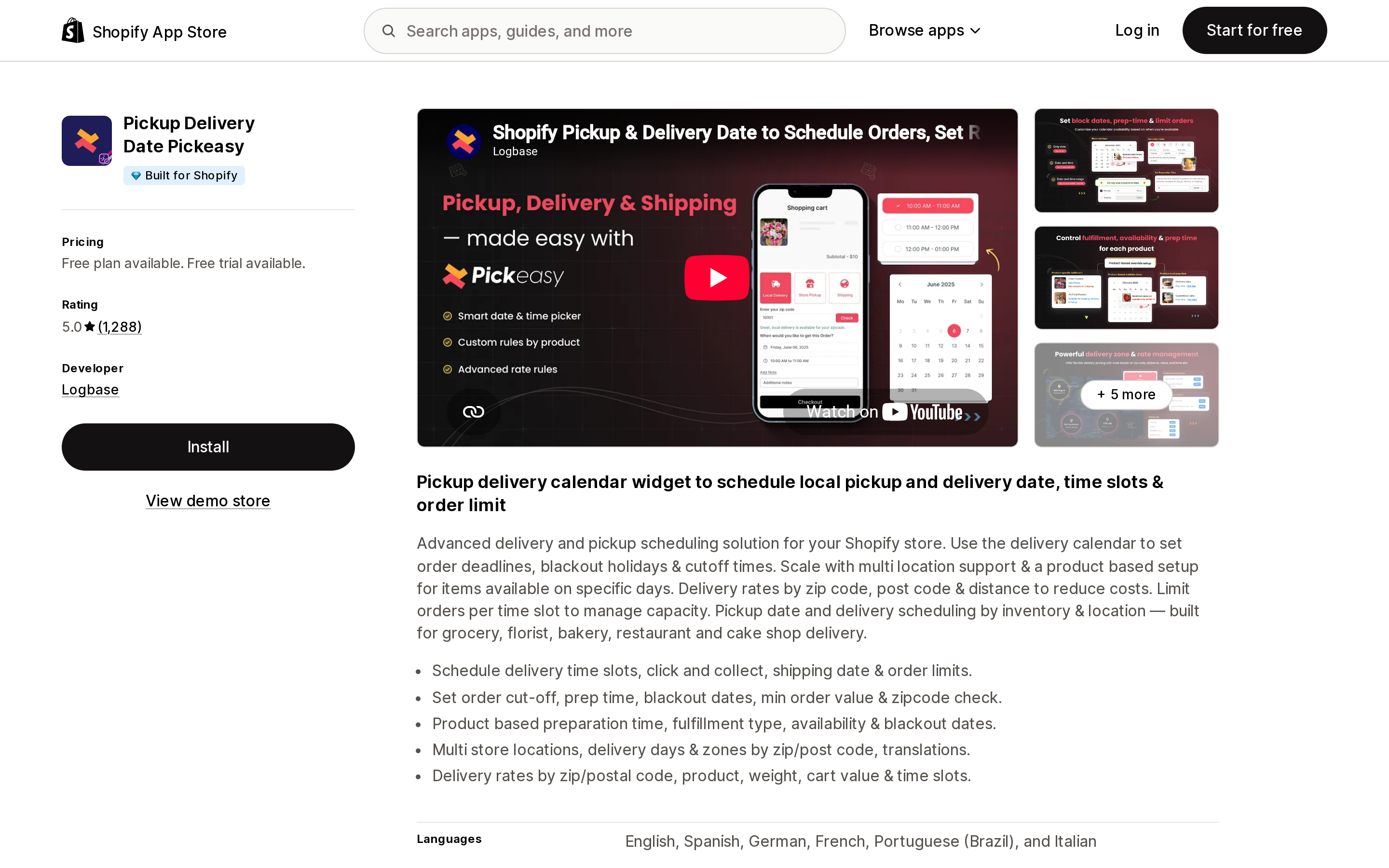
Pickup Delivery Date Pickeasy
Source: Shopify App Store (Pickup Delivery Date Pickeasy), retrieved September 2, 2026
Built for Shopify, 5.0 across 1,288 reviews, from Logbase. The free plan is genuinely usable for testing — date and time slots with order limits, preparation and cut-off time, blocked dates, zip code validation, 1 location — but caps at 10 orders per month, with no limit on development stores.
Paid tiers meter features and locations rather than order volume: Starter $9.99 adds product-specific fulfillment methods and prep times plus POS; Smart $19.99 adds up to 4 locations, Google Maps and Calendar, and a home page zip code checker; Premium $29.99 adds 5–20 locations and multi-condition rates.
The line to read carefully on the Premium plan is "Checkout page widget (Shopify Plus)". On plans below that, the date picker lives on the cart page, not inside checkout. That distinction decides whether a customer can change their mind about the delivery date after they have entered their address — and whether an accelerated checkout button can skip past the picker entirely. If checkout-page placement matters to you, it is a Plus decision before it is an app decision.
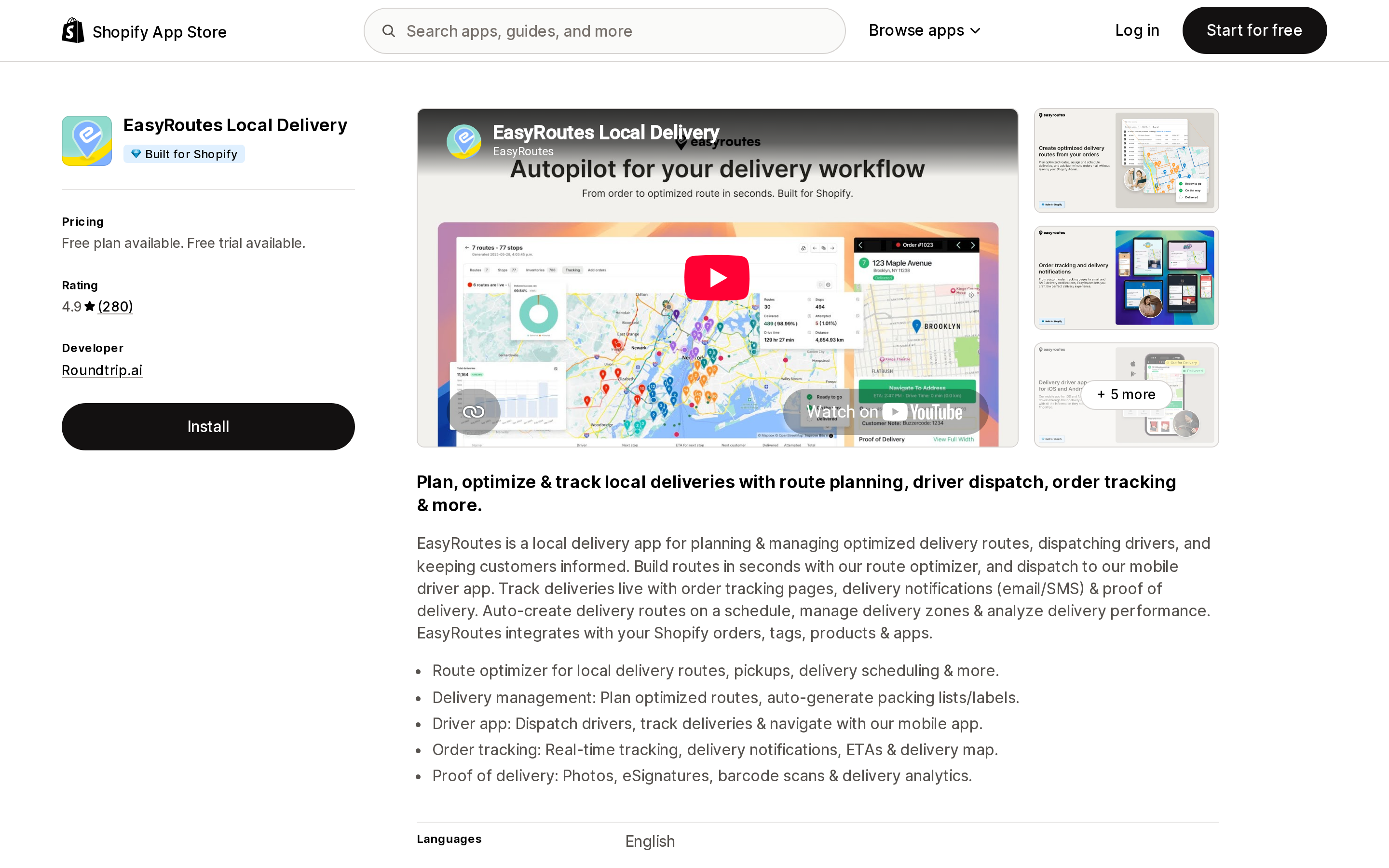
EasyRoutes Local Delivery
Source: Shopify App Store (EasyRoutes Local Delivery), retrieved September 2, 2026
EasyRoutes solves a different problem from the other four. It is not primarily a checkout widget — it is route optimization, driver dispatch, a driver mobile app, live tracking, and proof of delivery with photos, eSignatures, and barcode scans. From Roundtrip.ai, Built for Shopify, 4.9 across 280 reviews.
It is the direct answer to the native gap where every driver needs Shopify admin access: EasyRoutes has its own iOS and Android driver app. The Free plan covers optimized route planning, driver assignment, and the driver app up to 50 orders per month. Standard is $39/month with unlimited orders, and Premium is $59/month adding proof of delivery, real-time driver location, and custom email and SMS.
The cost driver is driver seats, priced at the same rate as the plan itself — $39 per seat per month on Standard, $59 on Premium. Three drivers on Premium is not $59, it is $59 plus the additional seats. Enterprise starts at $1,125/month with 15 seats. The listing states it works alongside Zapiet, which reflects how it is typically used: an app for the checkout choice, EasyRoutes for what happens after.
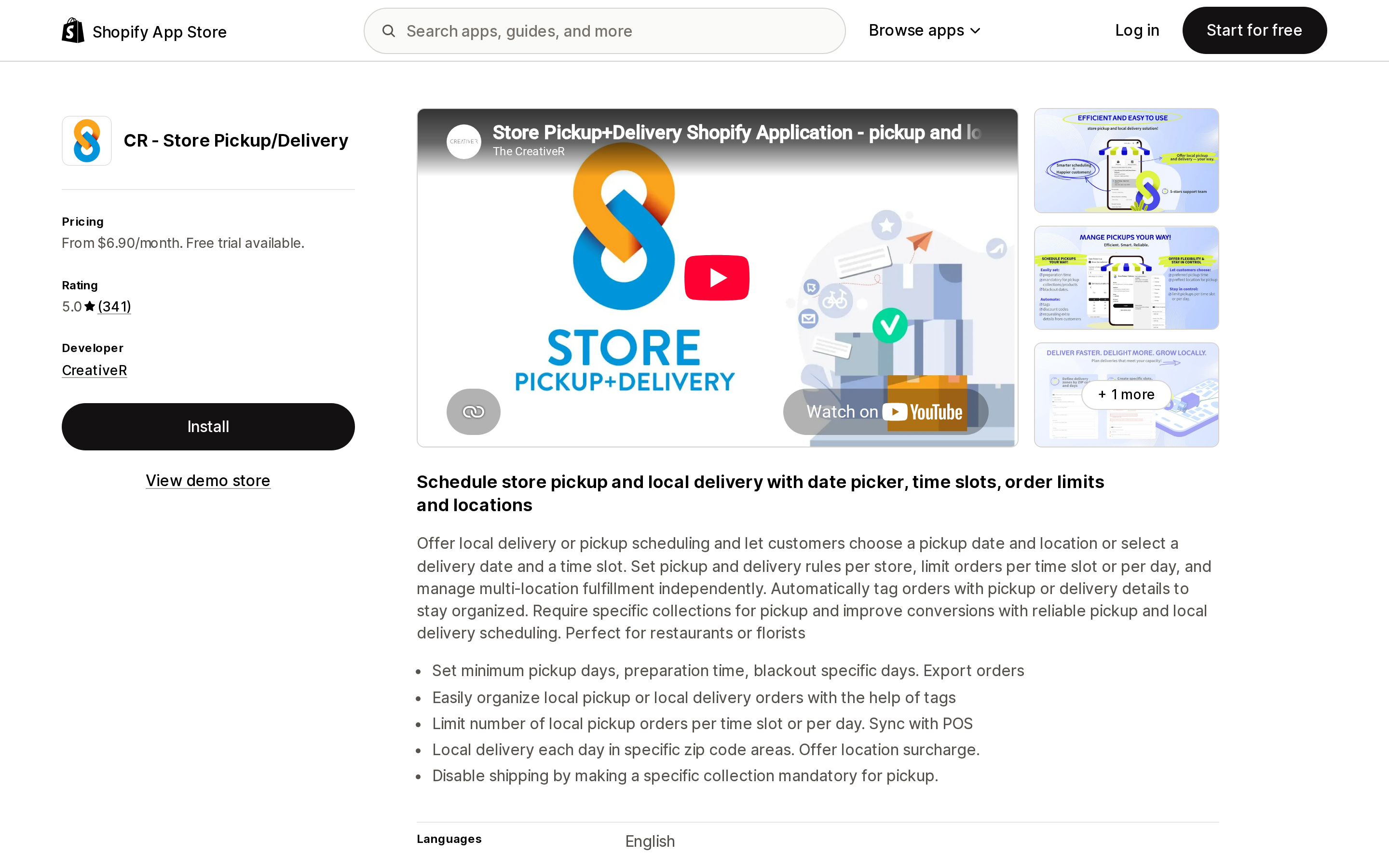
CR ‑ Store Pickup/Delivery
Source: Shopify App Store (CR ‑ Store Pickup/Delivery), retrieved September 2, 2026
From CreativeR, listed since July 14, 2017, 5.0 across 341 reviews. The structure is unusual: pickup and delivery are priced as separate products. Lite ‑ Pickup is $6.90/month for one pickup location with a date and time picker. Pickup is $11.90/month for unlimited locations with per-slot order limits and CSV export. Pickup + Delivery is $17.90/month and is the first tier where local delivery exists at all. The Advanced plan at $49/month adds POS integration, editing the shipping address after an order arrives, and location surcharges.
Two features here answer specific native gaps directly: you can disable shipping by making a collection mandatory for pickup, and you can add a location surcharge. Neither is possible natively. If you only need pickup scheduling, $6.90/month is the lowest entry price in this set.
Delivery Date Time Slot Pickup
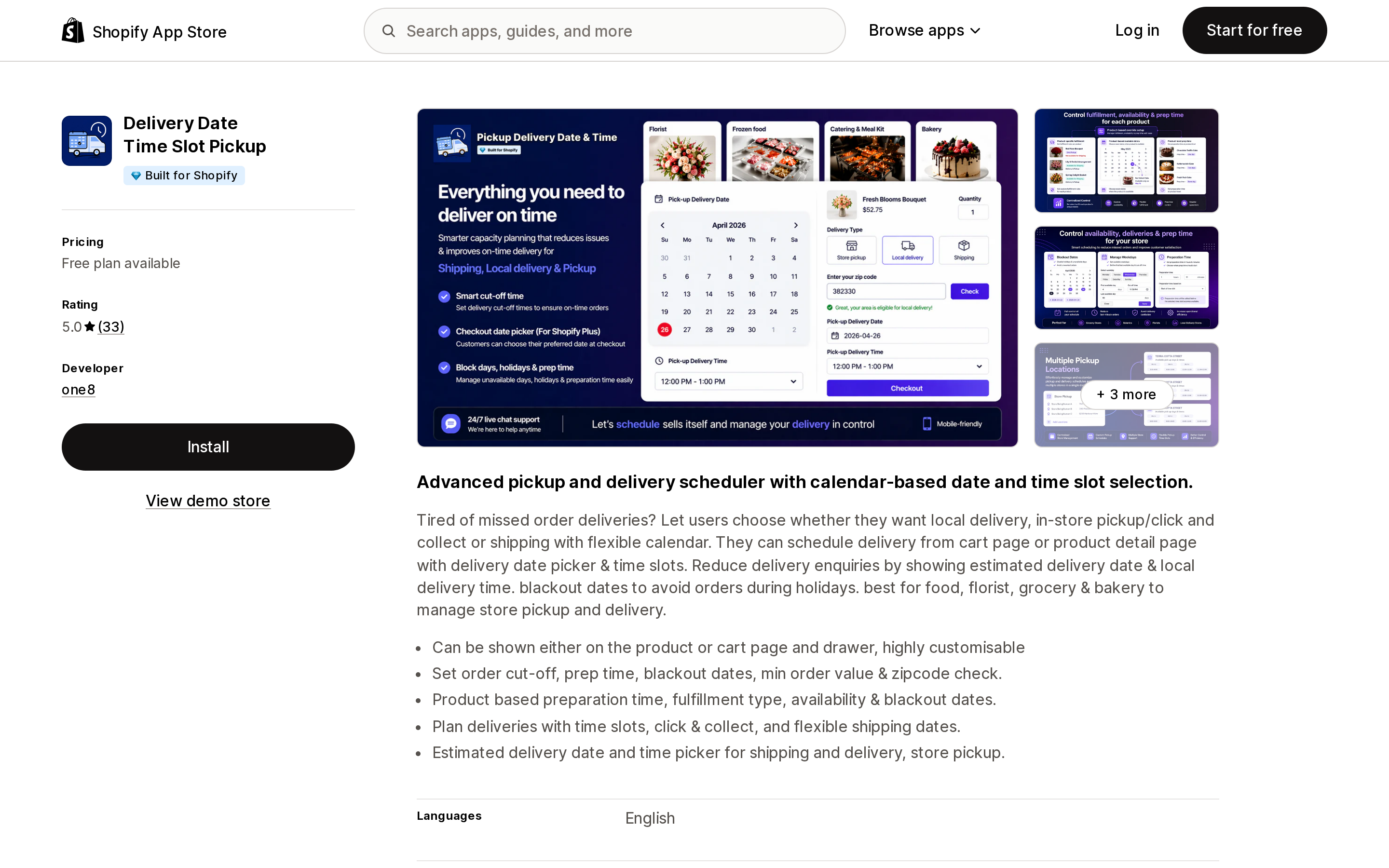
Source: Shopify App Store (Delivery Date Time Slot Pickup), retrieved September 2, 2026
From one8, Built for Shopify, 5.0 across 33 reviews — a much smaller review base than the others, which is worth weighing. Its free plan is the most generous in this set: 200 orders per month, locations up to the Shopify limit, cut-off and preparation time, blocked dates, and widget personalization.
Paid tiers are $4.99 (unlimited orders and locations, holidays, shipping and nearby delivery and pickup) and $8.99 (live slot booking, order limits, zip code checker, location-specific availability, unlimited custom fields and conditions). The listing states the widget displays on the cart or product page, not checkout.
How to choose
You are a single-location store that just wants pickup, no scheduling. Use native pickup in store. It is free, it handles store transfers, and it shows availability on the product page in Dawn, the Horizon family, and several paid themes.
You need a delivery date or time slot. Native has none, at all. This is the only genuinely unavoidable app purchase in the category. Start with Pickeasy's free tier or Delivery Date Time Slot Pickup's free tier and see whether the widget's cart-page placement is acceptable to you before paying.
Your customers use Apple Pay or PayPal heavily and you rely on local delivery. Shopify's documented answer is to deactivate accelerated checkouts. Before you do that, test whether an app's own delivery method — configured through Shopify Functions or a checkout extension rather than native local delivery — survives the accelerated flow, and confirm it with the app's support in writing.
You have drivers. Native requires every driver to have Shopify admin access, and Basic includes zero staff accounts. EasyRoutes has a driver app and prices by seat. Budget seats, not the plan.
You are over 250 local orders a month on one location. Zapiet's step from $29.99 to $79.99 lands here. Compare against apps that meter features instead of volume before assuming the incumbent is the default.
You want the date picker inside checkout, not on the cart page. Check the plan requirement first. On Pickeasy this is explicitly labeled Shopify Plus.
You are on Plus or Enterprise and want ship-plus-pickup in one cart. It exists today as a feature test drive, it excludes local delivery and pickup points, and it can break third-party fulfillment, email, and upsell apps. Test it on a staging store before turning it on in production.
One last note that applies to all of it: Shopify states plainly that third-party shipping apps might conflict with the native local delivery method. Running an app's delivery scheduling alongside native local delivery is the most common way merchants end up with duplicate rates at checkout. Pick one mechanism and turn the other off.
Sources
- Setting up local delivery for online orders — Shopify Help Center
- Setting up pickup in store for online orders — Shopify Help Center
- Fulfilling local delivery orders — Shopify Help Center
- Ship and pickup in one order in Shopify Checkout — Shopify Help Center
- Delivery methods — Shopify Help Center
- Shopify App Store listings for Zapiet ‑ Pickup + Delivery, Pickup Delivery Date Pickeasy, EasyRoutes Local Delivery, CR ‑ Store Pickup/Delivery, and Delivery Date Time Slot Pickup, retrieved September 2, 2026
Shopify's admin address validation is on by default, free, on every plan, and supports the US. Checkout-time validation is one toggle away. Shopify's own documentation then warns that running a third-party address validation app at the same time can create conflicting suggestions and reduce checkout conversion — you are meant to pick one. That reframes the whole category: apps are not there to duplicate deliverability checking, they are there to enforce policy Shopify's validator does not enforce, like blocking PO boxes or requiring an apartment number. We priced four real apps from the US App Store on September 2, 2026, spanning $4.99/month flat, $0.04 per order, and one that requires a separate subscription billed outside Shopify.