
What you will learn
On this pageContentsCloseOpen
Open the Shopify Help Center page on setting up inventory and read the first sentence of the definition:
Store inventory represents the number of each product variant that you have available to sell.
A number. That is the whole model. Shopify knows you have 240 units of a variant at a location. It does not know that 180 of them came from the batch you received in March and 60 from the batch you received in July, and it has no way to record that one of those batches expires first.
For most merchants that is fine. For anyone selling food, beverages, supplements, cosmetics, pet products, or anything pharmaceutical, it is the difference between a two-hour recall and a two-week one.
What the Shopify admin actually offers
The inventory section of the Help Center lists what you can configure: inventory tracking, out-of-stock behaviour, CSV import and export, bin locations, and how inventory works across multiple locations and apps. That list is complete, and there is no lot number, no batch, and no expiry date anywhere in it.
Two things get mistaken for batch tracking and are not:
Bin locations. Shopify supports bin locations, managed through CSV files. A bin is a place inside a warehouse. It tells a picker where to walk. It does not carry a manufacturing date or a lot code, and two batches sitting in the same bin are indistinguishable to Shopify.
Batch fulfillment. Shopify uses the word "batch" for processing several orders at once. That is an operational convenience on the orders side and has nothing to do with tracing which production run a unit belongs to.
You can put an expiry date on a product with a metafield. That gets you a date on a page. It does not get you allocation — nothing in Shopify will hand the oldest lot to the next order, and nothing will tell you six months later which 43 customers received lot A-0713.
There is a tell in Shopify's own App Store: inside the Inventory optimization category, "Expiry dates" exists as a feature filter you can browse apps by. Shopify has classified this as something apps do.
Why the pricing looks incoherent
Three apps in this space are currently listed on the US App Store. Line up their prices and the numbers make no sense — until you notice that each one is metering a different resource.
| Freshly Batch Inventory | Batchly: Lot & Expiry Tracking | Batch ExpiryPro | |
|---|---|---|---|
| Developer | Freshly Commerce (CA) | Helvy (CH) | WebCreta Technologies Pvt Ltd (IN) |
| Launched | July 20, 2020 | April 8, 2026 | May 26, 2025 |
| Rating | 4.9 (41 reviews) | 5.0 (2 reviews) | 0.0 (no reviews) |
| Free plan cap | 10 products, 500 orders/month, single location | 1 product, unlimited batches, unlimited stock locations | 5 products, 10 orders, single location |
| Entry paid plan | $24/month | $15/month | $9.99/month |
| Multi-location available at | $199/month | Free plan | $19.99/month |
| Top plan | $199/month | $15/month | $29.99/month |
| Customer-facing expiry dates | $24/month and up | Not stated on the listing | $9.99/month and up |
Freshly meters products and orders. Batchly meters products only. Batch ExpiryPro meters products, orders, and locations on separate axes. There is no monthly figure that compares these three fairly, which is why every roundup that ranks them by price is telling you something meaningless.
The one axis that does matter to a real operation is multi-location, and it is the axis where the spread is widest: free at Batchly, $19.99 at Batch ExpiryPro, $199 at Freshly.
Freshly Batch Inventory
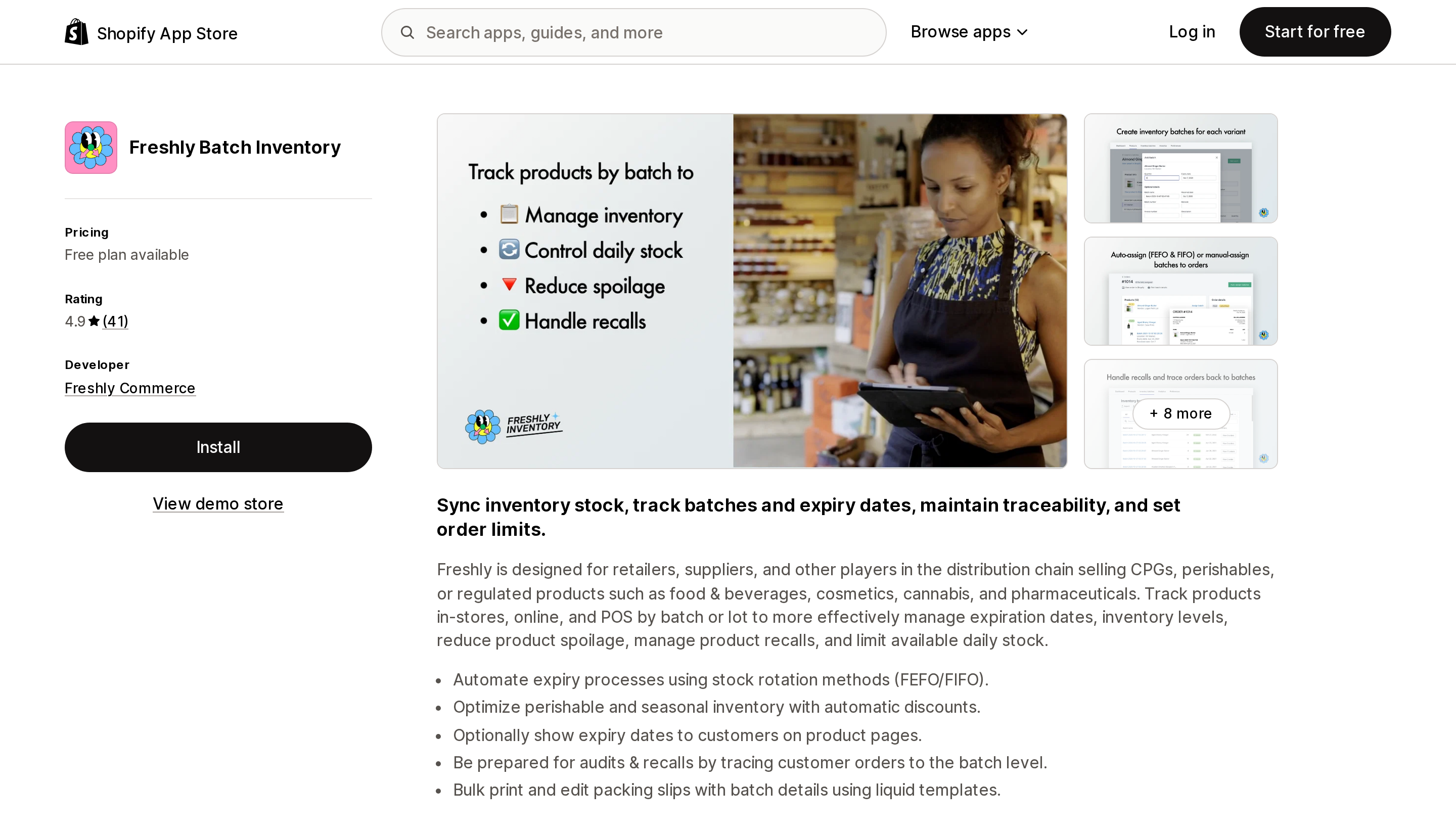
Source: Shopify App Store (Freshly Batch Inventory), retrieved September 2, 2026
The oldest and by far the most reviewed of the three, with 4.9 stars across 41 reviews and a developer in Kitchener, Ontario. The listing states it works with Shopify Flow, Shopify POS, Simple Bundles, and Stocky, and it sits in the Inventory optimization category.
Its plan structure is unusual and worth reading carefully. The $89 plan is described on the listing as "For stores on Shopify Advanced" and the $199 plan as "For stores on Shopify Plus." Multiple fulfillment locations appear only in that $199 tier. So a two-warehouse operation on Shopify Grow is looking at a listing whose multi-location plan is labelled for a plan they are not on.
The free Essential plan is genuinely usable for a small single-location seller: 10 products with unlimited batches, 500 orders a month, and auto-assignment of batches to orders. Manual assignment, batch traceability, bulk import, and customer-facing expiry dates all start at $24.
Batchly: Lot & Expiry Tracking
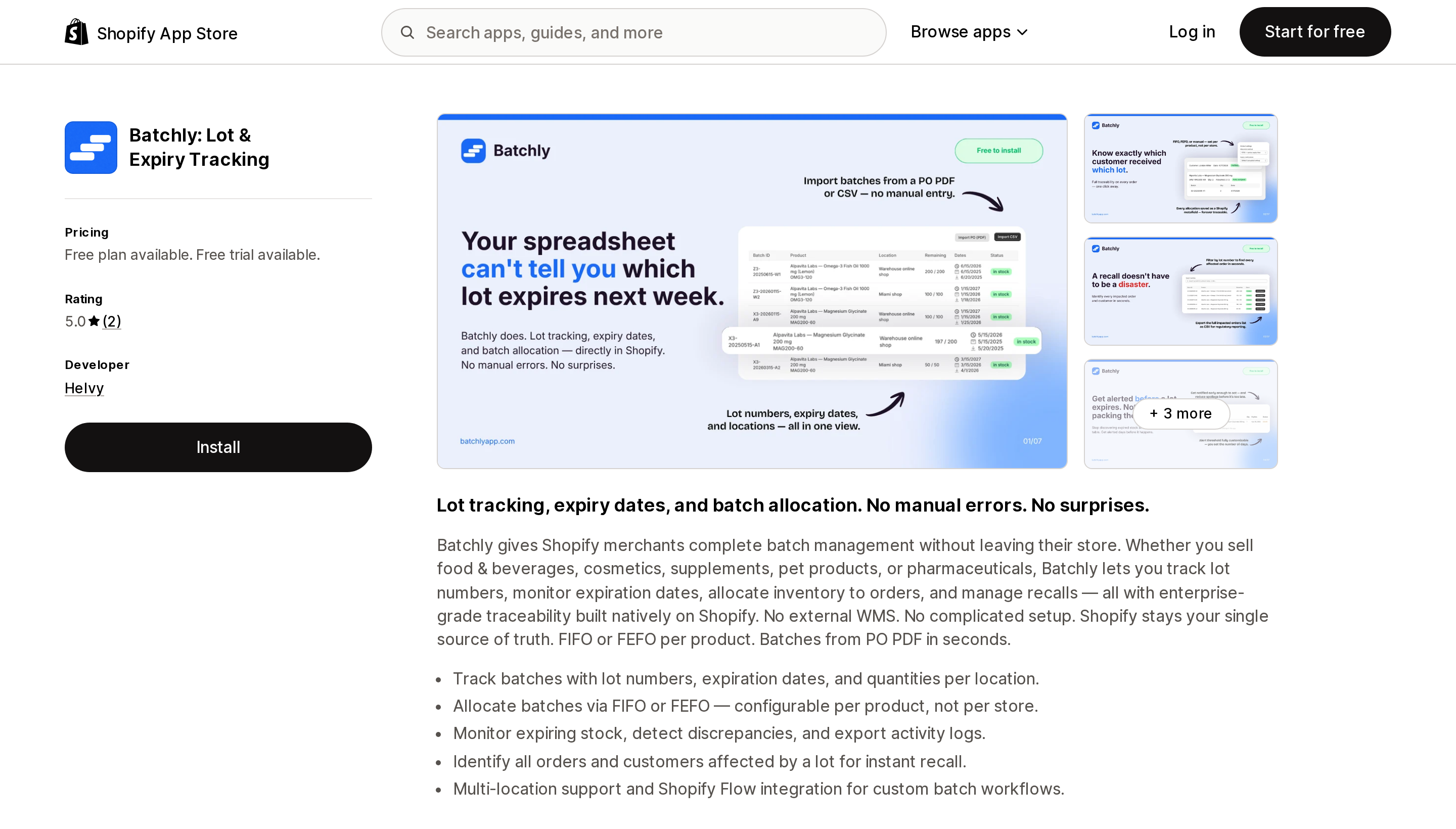
Source: Shopify App Store (Batchly: Lot & Expiry Tracking), retrieved September 2, 2026
Launched April 8, 2026 and carrying two reviews, so there is no track record here yet. What it does have is the cleanest pricing in the category: a free plan limited to one product but with unlimited batches and unlimited stock locations, and a single paid plan at $15/month that removes the product limit. That is it — two tiers.
Two details from the listing are worth flagging. First, FIFO and FEFO allocation is described as "configurable per product, not per store," which matters if you sell both perishables and shelf-stable goods from the same catalogue. Second, the interface is available in English, German, French, and Spanish, which the other two are not.
Batch ExpiryPro
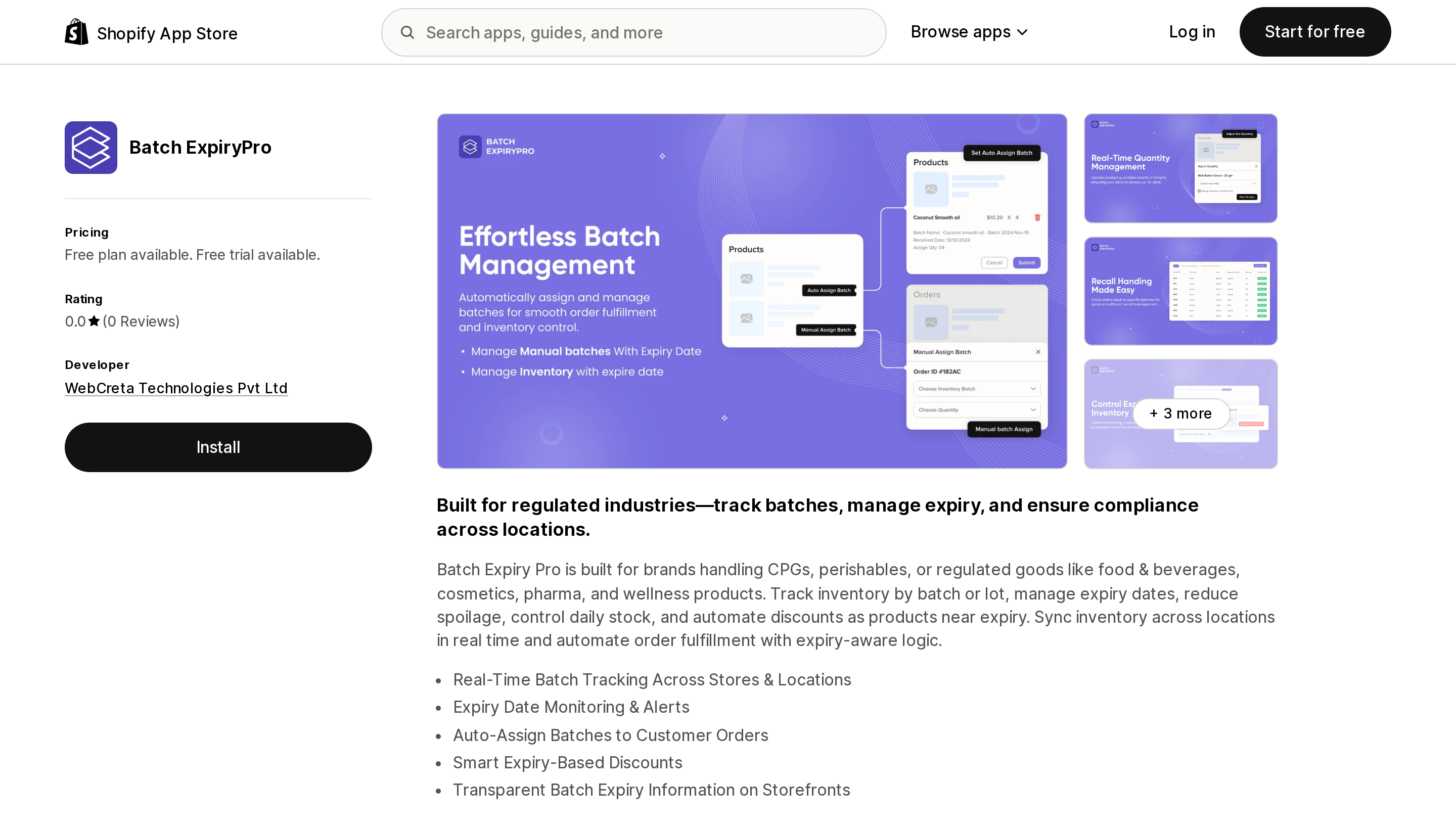
Source: Shopify App Store (Batch ExpiryPro), retrieved September 2, 2026
Four tiers from free to $29.99, published by WebCreta Technologies in Ahmedabad, and zero reviews since its launch on May 26, 2025. The $19.99 Standard plan is where multi-location support, manual batch assignment, batch traceability, metafields integration, custom packing slips, and batch-based discounting all appear together — a feature set Freshly distributes across its $89 and $199 tiers.
That gap is the single most interesting number in this article, and it comes with an obvious caveat: fifteen months on the App Store with no reviews at all is not a neutral data point. Nobody has publicly reported running a recall through this app.
The listing also files it under Inventory sync rather than Inventory optimization, so it does not appear alongside the other two when you browse the category.
The data access difference nobody mentions
Recall traceability is a question about the past. You need to answer "who received lot A-0713" for orders that may be a year old.
The App Store data access section on each listing shows what each app asks Shopify for, and the three are not the same:
- Freshly Batch Inventory requests order access described as "all order history for the last 60 days," plus assigned fulfillment, merchant managed fulfillment, third-party fulfillment, and order edits.
- Batchly requests "all order history."
- Batch ExpiryPro's listing does not publish a data access section at all.
This describes the scope each app is granted against your Shopify data, not necessarily what it keeps in its own database — an app that has recorded batch assignments as they happened does not need to re-read a two-year-old order to report on it. But if you are evaluating these on recall readiness, the difference is worth asking each vendor about directly rather than assuming.
None of the three carries a Built for Shopify badge.
The US regulatory piece, stated carefully
If you handle anything on the FDA's Food Traceability List, this stops being an inventory-hygiene question.
The FDA's page for the FSMA Final Rule on Requirements for Additional Traceability Records for Certain Foods, checked on September 2, 2026, still carries this line in its "what to do now" section:
The compliance date is January 20, 2026. Start working on this today!
The same page also references a directive from Congress in the Continuing Appropriations, Agriculture, Legislative Branch, Military Construction and Veterans Affairs, and Extensions Act of 2026. Reporting through 2025 and 2026 has described a 30-month extension moving the practical date to July 20, 2028. We are not in a position to tell you which date your business is held to, and neither is a Shopify app — that is a question for counsel, not a $15 subscription.
What is clear is the shape of the requirement: Critical Tracking Events and Key Data Elements, recorded and retrievable, across your supply chain. An app that assigns lots to orders inside Shopify covers one link of that chain. It does not cover what your supplier recorded, and installing it is not a compliance program.
Freshly's promotional image on its listing claims the app was a winner of the FDA's Food Safety Traceability Challenge. We have not independently verified that claim, and no merchant should treat a marketing badge as regulatory approval.
How to choose
You sell one or two perishable SKUs from one location. Batchly's free plan covers one product with unlimited batches and unlimited locations. If you outgrow it, $15/month is the cheapest unlimited-product tier in the category. The risk you are accepting is a four-month-old app with two reviews.
You sell CPG or food from one location, under 500 orders a month, and use POS. Freshly's free Essential plan gives you 10 products and auto-assignment, and it is the only one of the three whose listing states POS and Shopify Flow compatibility. Budget $24/month for traceability and customer-facing expiry dates.
You run multiple fulfillment locations and cost is the deciding factor. Batch ExpiryPro at $19.99 is the only way to get multi-location batch tracking for under $100. Trial it hard before you commit — run a simulated recall inside the free trial and see whether it actually returns the affected orders.
You run multiple locations and need a vendor with a track record. Freshly at $199/month, and check first whether your Shopify plan matches how that tier is described.
You are in scope for FSMA 204. Choose the app on traceability output — can it export the affected orders and customers for a given lot, in a form you could hand to a regulator? — and then get the rest of the program right outside Shopify.
None of the above, and you just want an expiry date on a product page. A metafield does that for free. Do not buy allocation logic you will never use.
What we could not confirm
Whether any of the three apps retains batch-to-order records beyond the order-history window it requests from Shopify. Whether Batchly supports Shopify POS — its listing states Shopify Admin and Bundles.app only. Batch ExpiryPro's Shopify data access scopes, which its listing does not publish. And the Food Safety Traceability Challenge claim on Freshly's promotional image, which we could not verify from FDA sources.
Researched September 2, 2026. All pricing is from the US (English) Shopify App Store listings and is billed in USD.
Sources
- Shopify Help Center — Setting up your product inventory
- Shopify Help Center — Creating and managing bin locations for your inventory using CSV files
- Shopify App Store — Freshly Batch Inventory
- Shopify App Store — Batchly: Lot & Expiry Tracking
- Shopify App Store — Batch ExpiryPro
- FDA — FSMA Final Rule on Requirements for Additional Traceability Records for Certain Foods
Shopify's admin address validation is on by default, free, on every plan, and supports the US. Checkout-time validation is one toggle away. Shopify's own documentation then warns that running a third-party address validation app at the same time can create conflicting suggestions and reduce checkout conversion — you are meant to pick one. That reframes the whole category: apps are not there to duplicate deliverability checking, they are there to enforce policy Shopify's validator does not enforce, like blocking PO boxes or requiring an apartment number. We priced four real apps from the US App Store on September 2, 2026, spanning $4.99/month flat, $0.04 per order, and one that requires a separate subscription billed outside Shopify.