
What you will learn
On this pageContentsCloseOpen
Most explanations of Shopify metaobjects stop at "structured custom data." That framing undersells what the feature became, and it's why merchants keep buying a page builder for something the platform now does natively.
Shopify's developer documentation lists exactly four metaobject capabilities. Two of them are, functionally, an SEO feature:
renderable— "Set SEO metadata attributes on your metaobjects." The docs add: "Metaobjects with this capability are also included in the store's sitemap, which issitemap.xmlfor Liquid storefronts and accessible using theSitemapquery in the Storefront API."onlineStore— "Assign a theme template and define a URL to make your metaobjects render web pages in the online store."
Turn both on and a metaobject entry stops being a data record. It becomes a crawlable page with its own URL, its own title tag, its own meta description, and a line in your sitemap — built from a theme template you design once and reuse for every entry.
Below: the four capabilities and what each one actually does, the published limits that decide whether this scales for you, the admin steps, and an honest look at the app market around metaobjects — which turns out to be two mature metafield editors that added metaobjects as a checkbox, one bulk tool that meters metaobjects by price, and a long tail of metaobject-named apps with almost no reviews. Research date: September 2, 2026.
The short version
- Shopify documents four metaobject capabilities:
publishable,translatable,renderable,onlineStore. The API spelling is camelCaseonlineStore, notonline_store. renderable+onlineStoregives you indexable pages insitemap.xmlwith editable page title, meta description and URL handle — no page builder involved.- Definition limits by plan: 128 on Basic, Shopify and Advanced; 256 on Plus and Enterprise. 40 fields per definition. 1,000,000 entries per definition. Standard metaobject definitions don't count against the limit.
- Every installed app gets its own 128 definitions, app-scoped. An app's definitions don't eat your allowance — and your allowance doesn't constrain the app.
onlineStorecannot be set in TOML configuration. Shopify's docs call this out explicitly; it has to be set through GraphQL mutations or the admin.- The metaobject-native app category is effectively unproven: the two most-reviewed apps with "metaobject" in the name have 4 reviews and 1 review. The tools merchants actually use are metafield editors.
- Uninstall is the unsolved part. No listing in this category says what happens to your metaobject definitions when the app that created them is removed.
The four capabilities
Shopify's doc opens with one line: "Capabilities enable optional features for metaobject definitions." Here is what each one buys you.
publishable
Lets an entry be DRAFT or ACTIVE, "to control visibility in storefronts." The docs describe the point plainly: it gives users "a way to stage their content before making it available to their storefronts — even if you defined it to be available to storefronts using access permissions."
The behavioral detail that catches people: with this capability on, a newly created metaobject defaults to DRAFT. You publish by updating status to ACTIVE. If entries you created via API aren't showing up on the storefront, this is the first thing to check.
translatable
"Allow metaobject translations through Shopify's translation APIs." Enable it on the definition, query translatableResources(resourceType: METAOBJECT) to get each field's digest, then register translations per field and locale.
This is the capability that determines whether your custom content participates in Shopify Markets localization at all. Content stored in an app's own database does not.
renderable
"Set SEO metadata attributes on your metaobjects." Configured with data: { metaTitleKey, metaDescriptionKey } pointing at field keys on your definition — so you decide which field becomes the <title> and which becomes the meta description.
And the line that matters most: entries with this capability are included in the store's sitemap.
onlineStore
"Enables a metaobject to have an Online Store template and URL assigned to a metaobject definition." Set alongside renderable. A urlHandle of content produces URLs shaped like /pages/content/{entry-handle}.
The one constraint Shopify flags in a callout: "Currently, the onlineStore capability is not supported in TOML configuration." The other three have TOML forms. This one must be set through metaobjectDefinitionCreate / metaobjectDefinitionUpdate, or through the admin.
Doing it without touching the API
You don't need a developer for the common case. Shopify's Help Center walkthrough uses an ambassador program as its example — a page per ambassador with a bio, social links and images — and the steps are all admin-side.
Turn on web pages:
- Settings → Metafields and metaobjects, open the metaobject definition.
- In Options, confirm Storefronts access is active.
- Select Publish entries as web pages.
- Choose which fields produce the page title and meta description. Enable in Online Store is on by default — Shopify says to deselect it if you have a Hydrogen storefront.
- Optionally customize the URL handle. Save.
Build the template:
- Online Store → Edit theme, open the page selector.
- Click Create metaobject template and pick the definition. In the dialog you can set which field feeds the page title and meta description, and edit the URL handle under Search engine listing.
- Add sections and blocks, and connect fields with dynamic sources.
One convenience worth knowing: if you skip step 1 entirely and just create a metaobject template from the theme editor, Shopify activates the Web pages capability for you automatically.
A second one: you can edit metaobject entries inline from the theme editor — for image, video, color, product, page, collection and text metafields — by clicking the entry title or using Edit value on a connected field. When you're inline-editing a metaobject page template, you can only edit the currently previewed entry.
The one thing Shopify does not build for you is the index page. There's no automatic "all ambassadors" listing; the docs tell you to link to entries from a homepage section or add them to a menu manually.
The limits, and the one that surprises people
All published on Shopify's metaobject limits page.
| Limit | Value |
|---|---|
| Merchant definitions — Basic | 128 |
| Merchant definitions — Shopify | 128 |
| Merchant definitions — Advanced | 128 |
| Merchant definitions — Plus | 256 |
| Merchant definitions — Enterprise | 256 |
| Fields per definition | 40 |
| Entries per definition | 1,000,000 |
| Definitions per installed app | 128 (app-scoped) |
Three observations.
The plan curve is flat until Plus. Basic, Shopify and Advanced all get 128. There is no reason to upgrade plans for metaobject headroom until you're at Plus, and 128 definitions is a lot of content types — most stores will never approach it.
Every app gets its own 128, and they're app-scoped. This is the surprise. An app that creates 40 metaobject definitions does not consume 40 of yours. Definitions configured in TOML are app-scoped. Practically: you can't blame a bloated custom-data setup on your apps, and you also can't manage an app's definitions as if they were yours.
Standard metaobject definitions don't count toward the limit at all. Shopify's own templated definitions — the ones behind features like product disclosures — are free.
The entry ceiling of one million per definition is high enough to be theoretical for content. It is not high enough to be theoretical if you're using metaobjects as a data store for something like per-SKU specification records at large catalog scale, which is worth modeling before you commit.
The app market is not what the search results suggest
Search the App Store for "metaobject" and you get a list. Read the listings and the picture changes.
The metaobject-native apps are almost entirely unreviewed
| App | Rating (reviews) |
|---|---|
| Stackd: MetaObject & MetaField | 3.7 (4) |
| Vendor Details on Metaobjects | 4.0 (1) |
| Metaobject Data Manager | no reviews yet |
| Metaobjectify | no reviews yet |
| Structa Metaobject Bulk Editor | no reviews yet |
| FAQs on Metaobjects | no reviews yet |
| Metaobject Search & Filter | no reviews yet |
Any "best metaobject apps" ranking built on review counts is going to be dominated by apps that are really metafield tools, because the metaobject-first category has barely any reviews to rank on. That's not a knock on the apps — the category is young — but it is a reason to treat listicles in this space with suspicion.
Stackd is the most substantial of them: free tier covers bulk metaobject definition export, delete and text-field import; Supporter at $9.99/month adds bulk definition import, entry import/export and CSV up to 1,000 rows; Champion at $39.99/month raises CSV to 10,000 rows and adds Excel-style editors; Champion+ at $59.99/month is unlimited rows. Metering is CSV rows only. Toronto-based, launched March 8, 2024, 3.7 stars from 4 reviews.
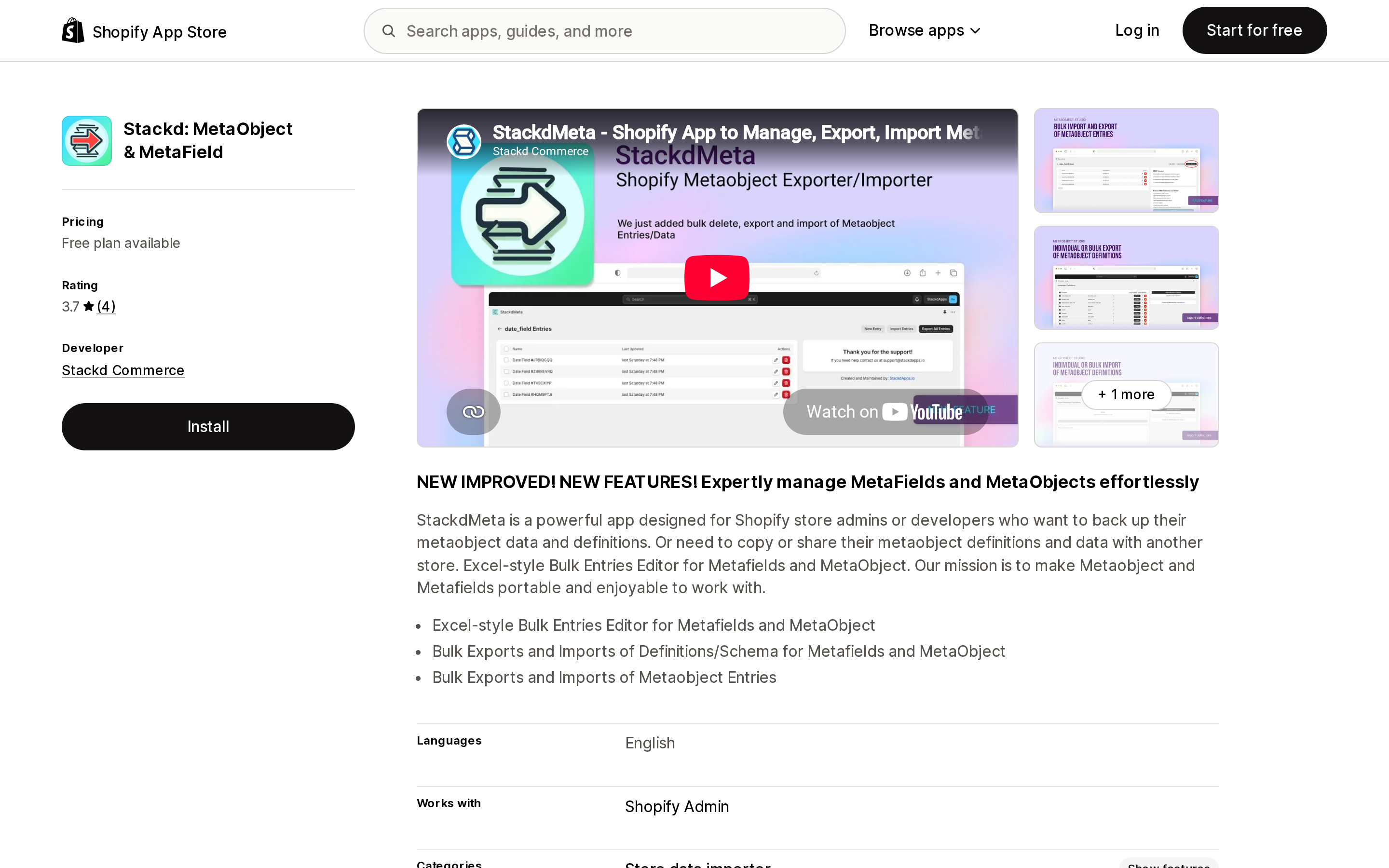
Source: Stackd: MetaObject & MetaField on the Shopify App Store, captured September 2, 2026.
The tools people actually use are metafield editors
Metafields Guru — 5.0 stars, 219 reviews, Built for Shopify badge, developer in Ternopil, Ukraine, launched April 29, 2019. Its marketing prose is entirely about metafields, but a "Metaobjects editor" is a bullet on the free ROOKIE tier and its data access covers "Metaobjects, metaobject definitions." Pricing is $9 / $19 / $59 per month, metered on products/orders/etc per store — 2,000, 20,000, 100,000 — plus $1 per 1,000 app credits for bulk operations above the plan limit. The free tier includes 1,000 credits.
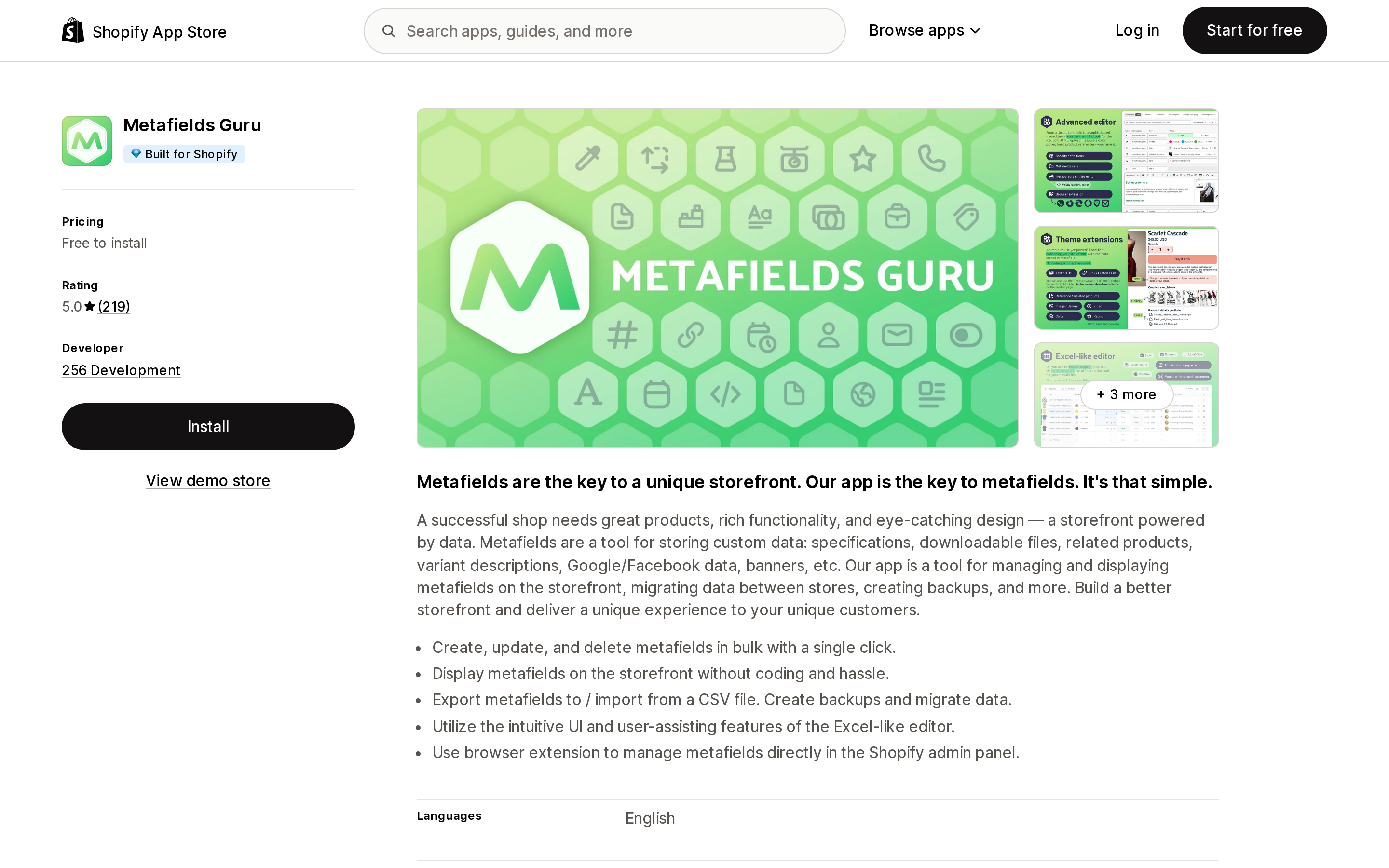
Source: Metafields Guru on the Shopify App Store, captured September 2, 2026.
Accentuate Custom Fields (ACF) — 4.8 stars, 156 reviews, Built for Shopify badge, developer in London, UK, launched November 8, 2016. Free tier is theme blocks; Professional at $25/month adds a bulk editor, unlimited import/export and a reference manager; Professional Plus at $50/month adds webhooks, 90-day edit history, and — the metaobject-specific line — "Version control for Metaobjects." No numeric limits are published on any tier.
Bonify Custom Fields — 4.6 stars, 103 reviews, no Built for Shopify badge, Manchester NH, launched April 6, 2016. Worth naming for the negative finding: its listing states no metaobject support at all. Its metafield type list omits metaobjects where ACF's and Metafields Guru's include them. It is $14/month, or $19/month if you're on Plus (the listing marks the $14 tier "Not available for Shopify Plus"). It calls itself "the original metafield manager," and that's the accurate read — if metaobjects are your requirement, this isn't the tool.
Matrixify is the only app that prices metaobjects as a unit
Matrixify — 4.9 stars, 1,449 reviews, Built for Shopify badge, developer ITissible in Riga, Latvia, launched July 7, 2017. It names metaobjects in its main resource list alongside products, collections, customers and translations, and it's the only app here where metaobjects appear as a priced, numerically metered line item:
| Plan | Price | Metaobjects per file | Metafields per file |
|---|---|---|---|
| Free (Demo) | $0 | 10 | unlimited |
| Basic | $20/month | 50 | unlimited |
| Big | $50/month | 500 | unlimited |
| Enterprise | $200/month | unlimited | unlimited |
Read that column against the others on the same plan. Basic gives you 5,000 products and 10,000 translations per file — and 50 metaobjects. If your plan is to bulk-load a few thousand metaobject entries for a location directory or a spec library, you are looking at the $50 tier at minimum and realistically at batching, or at Enterprise. This is the single most concrete cost consequence of choosing metaobjects over pages, and it appears in exactly one place: a pricing table.
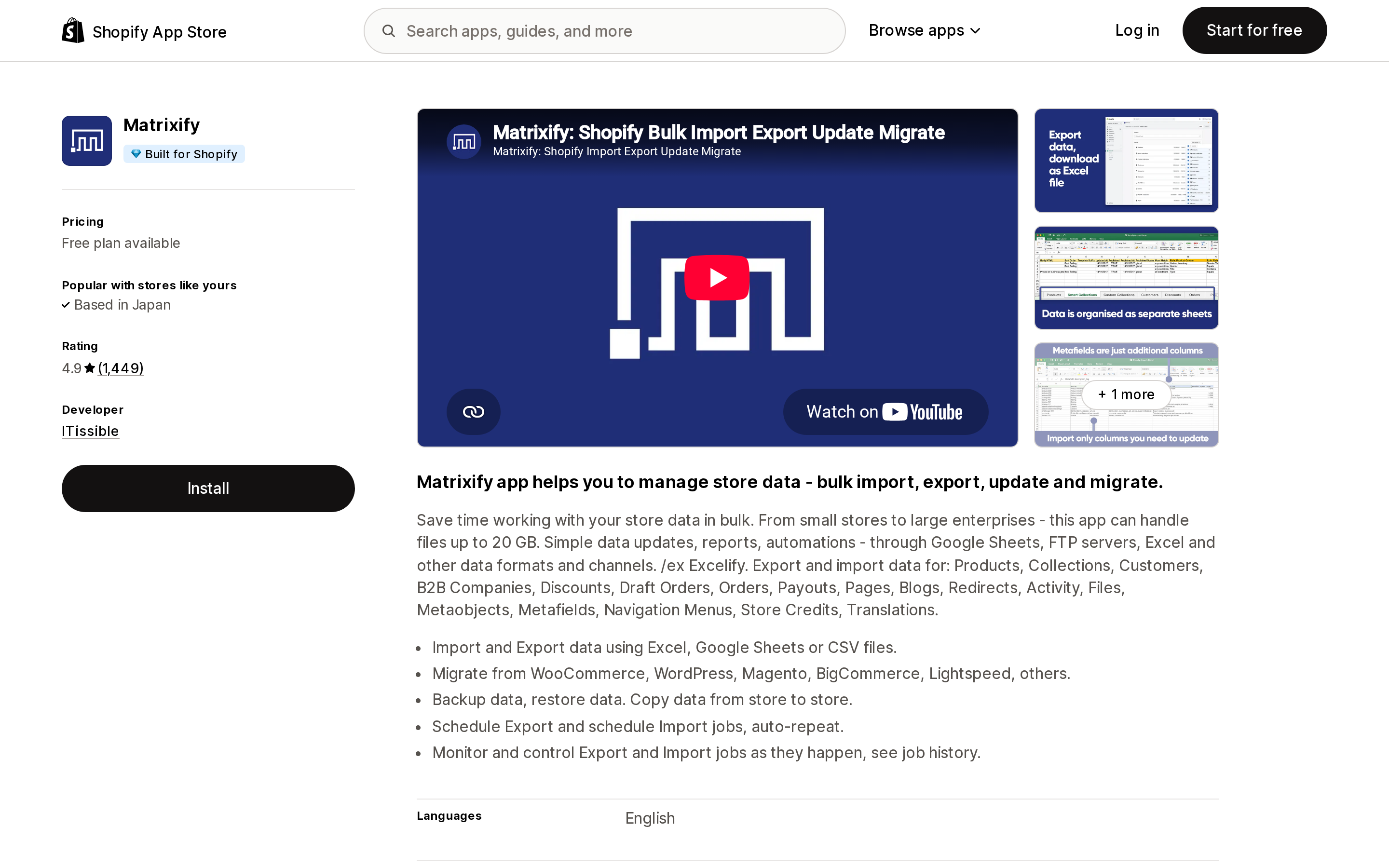
Source: Matrixify on the Shopify App Store, captured September 2, 2026.
The uninstall question nobody answers
Across every listing read for this article — ACF, Metafields Guru, Bonify, Matrixify, and all seven metaobject-named apps — not one listing body says what happens to your metaobject definitions and entries when you uninstall.
The only on-page evidence anywhere is a review thread on Vendor Details on Metaobjects, a one-review app. A merchant reported that after uninstalling, the data remained and the vendor metaobject stayed active and couldn't be removed. The developer replied that this is a platform constraint: on uninstall the app loses its store permissions and can therefore no longer delete the metaobject definitions it created, and offered to remove them manually if the app were reinstalled.
That's a developer's explanation in a review reply, not a Shopify statement, and it should be read as such. But the mechanism is plausible and the consequence is worth planning around: an app-created metaobject definition can outlive the app. If it also had onlineStore enabled, the URLs it generated may keep resolving.
The practical version of this: before uninstalling any app that creates metaobjects, open Settings → Metafields and metaobjects, note which definitions belong to the app, and decide what you want to happen to them — while the app still has permission to act.
Where metaobject pages beat an app, and where they don't
Metaobject pages win when the content is repeatable and structured, you want it indexed, and you want to own it. Ambassador and artist profiles. Dealer or stockist pages. Recipe or care-instruction pages. Ingredient or material glossaries. Anything where you'd otherwise create fifty near-identical Shopify pages by hand and keep them in sync manually. The template is built once; every entry inherits it; every entry lands in the sitemap; the data is in Shopify, translatable through Shopify's own APIs, and readable by any theme you switch to.
They don't win when you need a genuinely bespoke one-off layout, when the people creating content won't tolerate a form-based editor, or when you need an index or filtering page — Shopify doesn't generate those, and building one is theme work.
There's also a structural point that connects to a question we've covered before on this blog: content stored as metaobjects survives app removal by default, whereas content stored inside a third-party app's database usually does not. In this category that property cuts both ways — the same permanence that protects your content from an app uninstall is what leaves orphaned definitions behind.
Choosing
If you're setting up metaobject pages for the first time: you need no app. Admin plus the theme editor covers definition, capability, template and SEO fields.
If you need to bulk-create entries: Matrixify is the mature option, but check the metaobjects-per-file column against your volume before assuming $20 covers it. Stackd at $9.99 to $59.99 is the cheaper metaobject-specific alternative, metered on CSV rows, with 4 reviews behind it.
If you're already managing complex metafields and want one tool: Metafields Guru at $9 to $59, or Accentuate at $25 to $50 if 90-day version history and metaobject version control are worth the premium.
If you're evaluating Bonify Custom Fields: confirm your requirement is metafields only. Its listing does not claim metaobject support.
Before you uninstall anything in this category: inventory the definitions it owns first.
Sources
- Use metaobject capabilities — Shopify.dev
- Metaobject limits — Shopify.dev
- Building web pages with metaobjects — Shopify Help Center
- App Store listings for Accentuate Custom Fields, Metafields Guru, Bonify Custom Fields, Matrixify, Stackd: MetaObject & MetaField, Vendor Details on Metaobjects
Ratings, review counts, prices and documented limits were read on September 2, 2026. Shopify's published limits change; re-check the limits page before you design around a number.
Shop Pay Installments is free to activate, needs no app, and Shopify never publishes what it costs you — the rate is visible only inside your own admin. It also refuses Capital One and Chase credit cards, restricts monthly plans to debit cards only, excludes gift cards and subscriptions, and can't be turned off for individual products. Affirm can suspend your account for being password-protected, for having a non-English storefront, or for being primarily B2B. And Shopify's Getting paid page says disputes appear in your admin while its FAQ says they don't. If you fail the eligibility gates, the alternative is on-site messaging apps from Klarna, Afterpay, Sezzle, Zip, and PayPal — a category rated between 1.0 and 3.2 stars. Researched September 2, 2026.