
What you will learn
On this pageContentsCloseOpen
You run two Shopify stores — a US retail storefront and a wholesale store, or two brands sharing a warehouse — and you want one catalog and one stock number behind both. Every comparison article answers this the same way: here are eight inventory sync apps, ranked, starting at $9.
Price the same job across those apps and the monthly cost runs from roughly $10 to $119. Not because one does twelve times more, but because no two of them charge for the same thing. One bills you per synced product. One bills per variant in the destination store, including every variant you never sync. One bills per connected store, on a page that is not the App Store listing. One bills a rolling three-month average of your order volume across every sales channel you own.
Below: what Shopify actually does and does not do across two stores, why Shopify Collective is not the answer most people assume it is, the six real apps with their meters laid side by side, and one worked example priced through all six. Research date September 2, 2026; all prices USD as published.
The short version
- Shopify has no native product or inventory sync between two separate stores. Locations are per-store. Markets serve many countries from one store. Catalogs attach to markets in that same store.
- Shopify Collective is the one native cross-store mechanism, and it is a dropship relationship, not a mirror. It requires Shopify Payments with active payouts on both sides, both stores in the same country and currency, and it caps at 100 variants per product.
- Collective does not sync metafields, collections, tags, discount codes, or POS inventory, and does not pass supplier-side bundles, subscriptions, or combined listings through. Retailer inventory is read-only. Uninstalling it sets imported inventory to zero.
- Six meters, six apps. Products synced; total destination variants; products × connected stores; rolling three-month order average; products plus feeds plus schedule frequency; connections plus products plus orders.
- "Real-time" on a listing is not a specification. Tipo's App Store listing advertises Real-time Sync; Tipo's own documentation says it does not sync instantly and runs in 30-minute blocks.
- No app in this category reserves inventory across stores. All are eventually consistent. Syncio ships a Synced Stock Buffer precisely because a lag can produce an oversell.
What Shopify does across two stores: nothing
This is worth stating plainly because three native features get mistaken for cross-store sync.
Locations are a within-store construct. They track inventory per place, route orders, and back POS. The active-location limit is 2 on Starter, 10 on Basic, Grow, and Advanced, and 200 on Plus. Your second store is not a location and cannot be made into one.
Shopify Markets serves many countries, currencies, languages, and domains from a single store. It is the feature you use instead of a second store, not a bridge between two of them.
Catalogs attach product sets and custom pricing to a market inside one store — up to three active B2B catalogs on Basic, Grow, and Advanced; retail catalogs need POS Pro or Plus; business entities need Plus. Again, one store.
CSV import/export is the honest manual answer, and it is a migration tool, not a sync tool. Product import overwrites by URL handle, so omitted columns blank existing values. Product metafields are supported but variant metafields are not. Changing an Option value deletes and recreates variant IDs. The inventory CSV applies safety validation on "all states" exports and rejects rows whose quantities have drifted, emailing them back to you. Running that weekly is a data-integrity incident waiting for a busy Friday.
Shopify Collective is a different shape than people expect
Collective is genuinely native, genuinely free, and genuinely cross-store — which is why it gets recommended for a job it was not built for. It ships as two apps: Shopify Collective for the retailer and Shopify Collective: Supplier for the supplier. The retailer imports supplier products, the cost is the retail price minus the supplier's margin, orders auto-forward to the supplier who fulfils and ships, and tracking syncs back.
The eligibility list is where most two-store operators fall out. It requires an active Shopify plan — Pause and Build is not supported. It requires Shopify Payments fully onboarded with active payouts, with the payout currency matching the store currency. Both parties must be in the same country using the same currency (the US and USD are supported), and Shopify Network Intelligence must be activated on both sides. Retailers in the UK and EU, and suppliers in Canada, the UK, and the EU, must use Shopify Tax, Basic Tax, or a third-party tax app — Manual Tax makes you ineligible. There is no Plus requirement.
Then the exclusions, which are extensive and specific. Collective does not sync metafields (explicitly incompatible in both directions), collections, tags, or discount codes. On the supplier side it does not support bundles passed to the retailer, subscriptions, or combined listings — though the retailer-side documentation lists product bundles, subscriptions, and combined listings as compatible for retailers using imported products, so check the page for your own role rather than assuming. It does not work with Managed Markets, Pickup in store, or POS in-person fulfilment, and it does not sync POS inventory levels. Products with more than 100 variants are outside the supported range — above that, Shopify states inventory and pricing information might not synchronize. Imported inventory is read-only on the retailer side, pinned to an app-created location. Duplicating an imported product breaks the connection. Retail price sync is off by default; cost price always syncs and is not editable.
And the exit: uninstalling Collective removes the supplier connections and sets imported products' inventory to zero. The products remain, empty, until re-imported.
If your two stores are one company sharing one catalog, Collective is the wrong shape — it models a commercial relationship between two businesses, complete with margins and payouts. If they are genuinely separate businesses in the same country and currency, and none of the exclusions bite, it is free and worth trying before you pay anyone.
Six apps, six meters
Figures from live English Shopify App Store listings, September 2, 2026, supplemented by each vendor's own pricing page where the listing does not publish the full plan ladder — noted per app below.
| App | Meter | Who pays | Entry | Rating (reviews) |
|---|---|---|---|---|
| Syncio Inventory Sync | Synced products (destination) + orders containing synced products (source) | Both sides, separately | $0 / $0 | 4.8 (153) |
| Inventory Sync, Multi store TP | Total variants in the destination store | Destination only | Free ≤250 variants | 4.8 (115) |
| Synkro: Inventory Sync | Products synced, billed per connected store | Every store | $10/store | 5.0 (89) |
| Trunk ‑ Stock Sync & Bundling | Rolling 3-month average orders/month, all channels | One bill, one account | $35 | 4.9 (392) |
| syncX: Stock Sync Migrate Bulk | Products + feeds + schedule frequency | Sub-store; both if two-way | $0 (manual) / $7 | 4.7 (816) |
| Syncerize ‑ inventory sync | Source connections + products + orders/month | Destination; source free | Free (1/25/5) | 5.0 (13) |
Syncio Inventory Sync
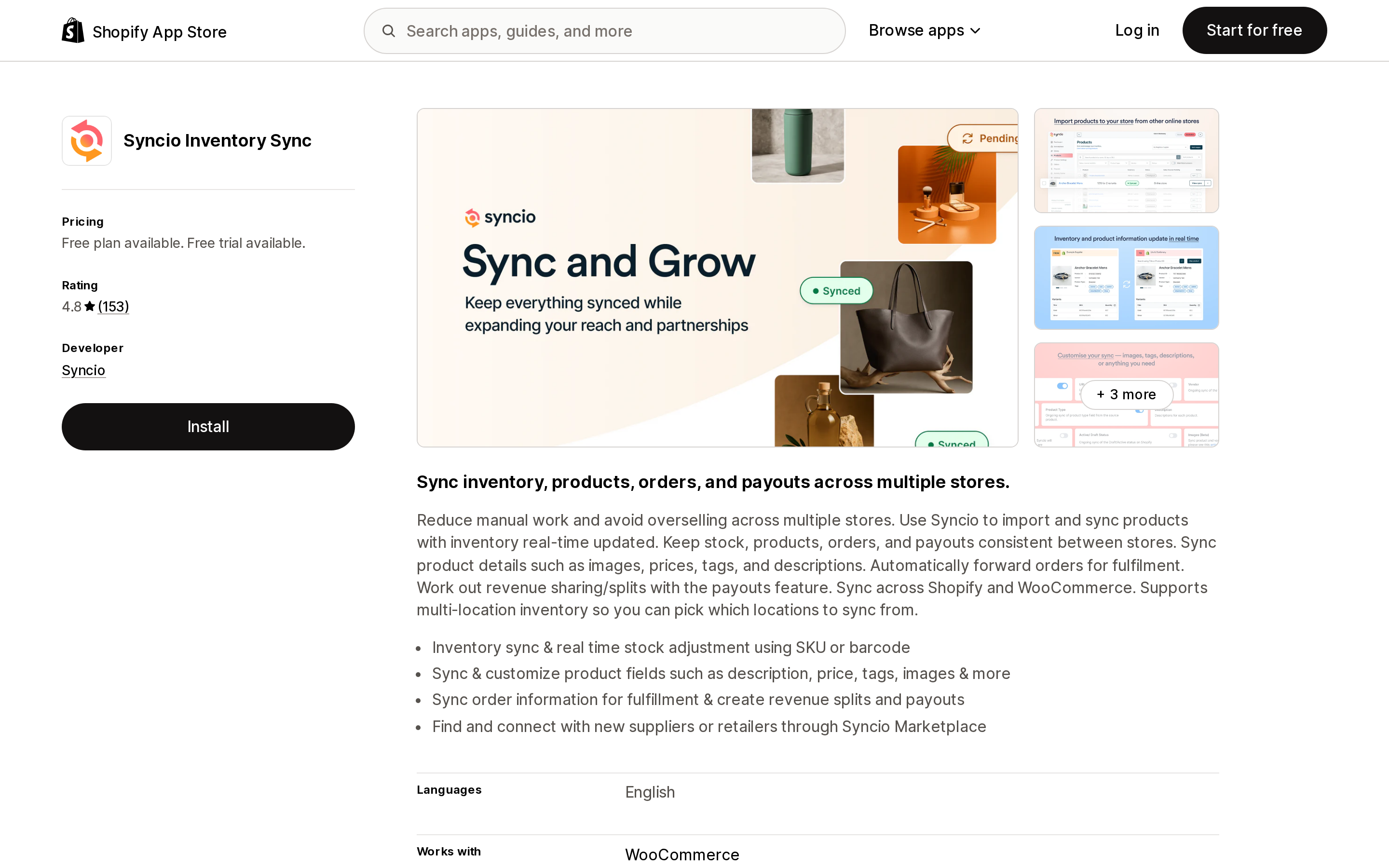
Source: Shopify App Store (Syncio Inventory Sync), retrieved September 2, 2026
A Source ↔ Destination model built for supplier and retailer relationships, with a partner marketplace and revenue-split payouts. Rated 4.8 from 153 reviews, developer Syncio, launched December 11, 2017. Vendor is in Cremorne, Victoria, Australia.
Two price schedules run at once, which is the thing to understand before you install. The destination pays a flat plan by synced product count: Free up to 25 products, Starter $19/month for 26–100, Traction $29 for up to 500, Growth $39 for up to 1,000. The App Store listing stops there; Syncio's own pricing page continues with Pro $69 for 3,000, Business $99 for 5,000, and Enterprise $129 for 10,000. The source pays a performance plan — also published only on the vendor site — that auto-tiers on orders containing at least one synced product: free to 10 a month, $19 to 100, $49 to 1,000, $99 to 10,000. Store connections are unlimited on both sides, and the meter counts products, not variants.
Add-ons published on Syncio's own pricing page (the App Store listing confirms add-ons exist but not the amounts): Product Settings +$19/month, Order Sync +$22, Payouts +$9, Metafields +$9 for 10 definitions or +$29 unlimited.
The weak point is multi-location. The source picks a single location, or pools "All locations" into one number that lands at the destination's default location. Destination multi-location is in beta. If both stores hold stock in more than one place and routing matters, this is the wrong tool.
One flag worth carrying to a sales conversation: a Syncio FAQ dated August 7, 2025 describes metafield sync as temporarily unavailable until further notice, while a paid metafields add-on is published. Confirm with the vendor before you budget for it.
Best fit: a true supplier–retailer pair where each side is willing to pay for its own usage, and where commission splits and payouts matter. Poor fit: one operator running two stores with meaningful multi-location inventory.
Inventory Sync, Multi store TP
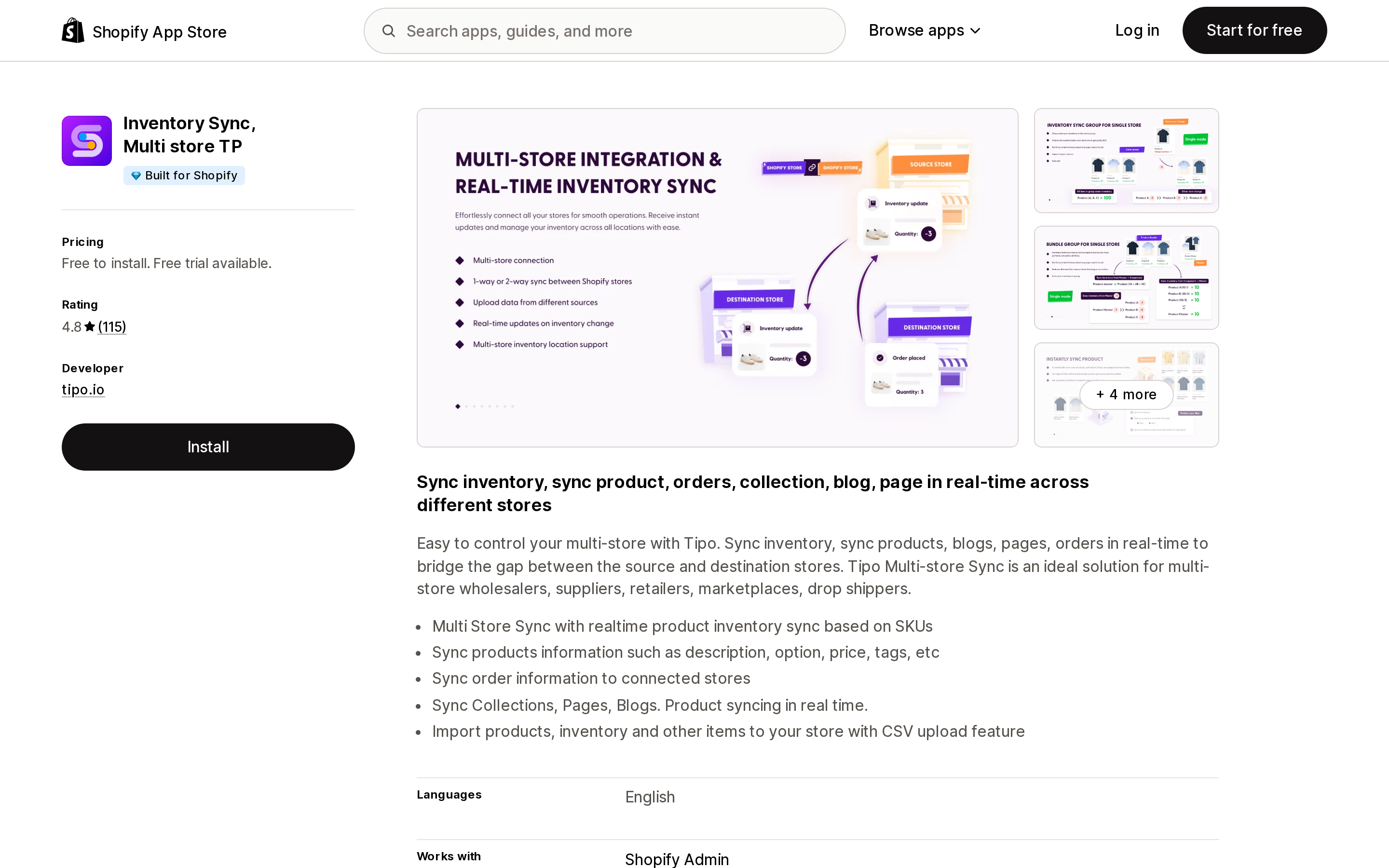
Source: Shopify App Store (Inventory Sync, Multi store TP), retrieved September 2, 2026
Carries the Built for Shopify badge. 4.8 from 115 reviews, developer tipo.io, launched February 3, 2023. It is the broadest content syncer here: products, inventory, orders, draft orders, and — uniquely in this group — collections, pages, and blogs. Matching can be by handle, SKU, or barcode, with per-field selection, price rules, location mapping, and one- or two-way inventory sync. Source connections are unlimited even on the free plan, and only the destination pays.
Pricing: free up to 250 variants, $9/month to 1,000, $29 to 10,000, $79 to 50,000.
The denominator is the catch, and it is a big one. You are billed on the total variant count of the destination store — synced or not. The vendor's own example: 500 variants synced into a store that holds 7,242 in total puts you on the 10,000-variant tier. If your destination is an established store with a large catalog, the $9 headline is not your price.
The second catch is the word "real-time." The App Store listing advertises Real-time Sync on paid plans. Tipo's documentation states the app does not sync instantly and runs in 30-minute blocks, with a manual push available for immediate runs. Both statements can be true in a marketing sense; only one of them is a specification you can plan a flash sale around.
Also note the deletion behaviour: sync modes include a destructive Delete mode that removes the same-handle destination product, syncs cannot be reverted, and the default matching identifier is the handle — so renaming a handle silently breaks the link.
Best fit: launching a second store on a budget, needing catalog plus collections plus two-way inventory, on a destination store with a small catalog. Poor fit: a destination store with tens of thousands of unrelated variants, or a workflow that needs sub-minute propagation.
Synkro: Inventory Sync
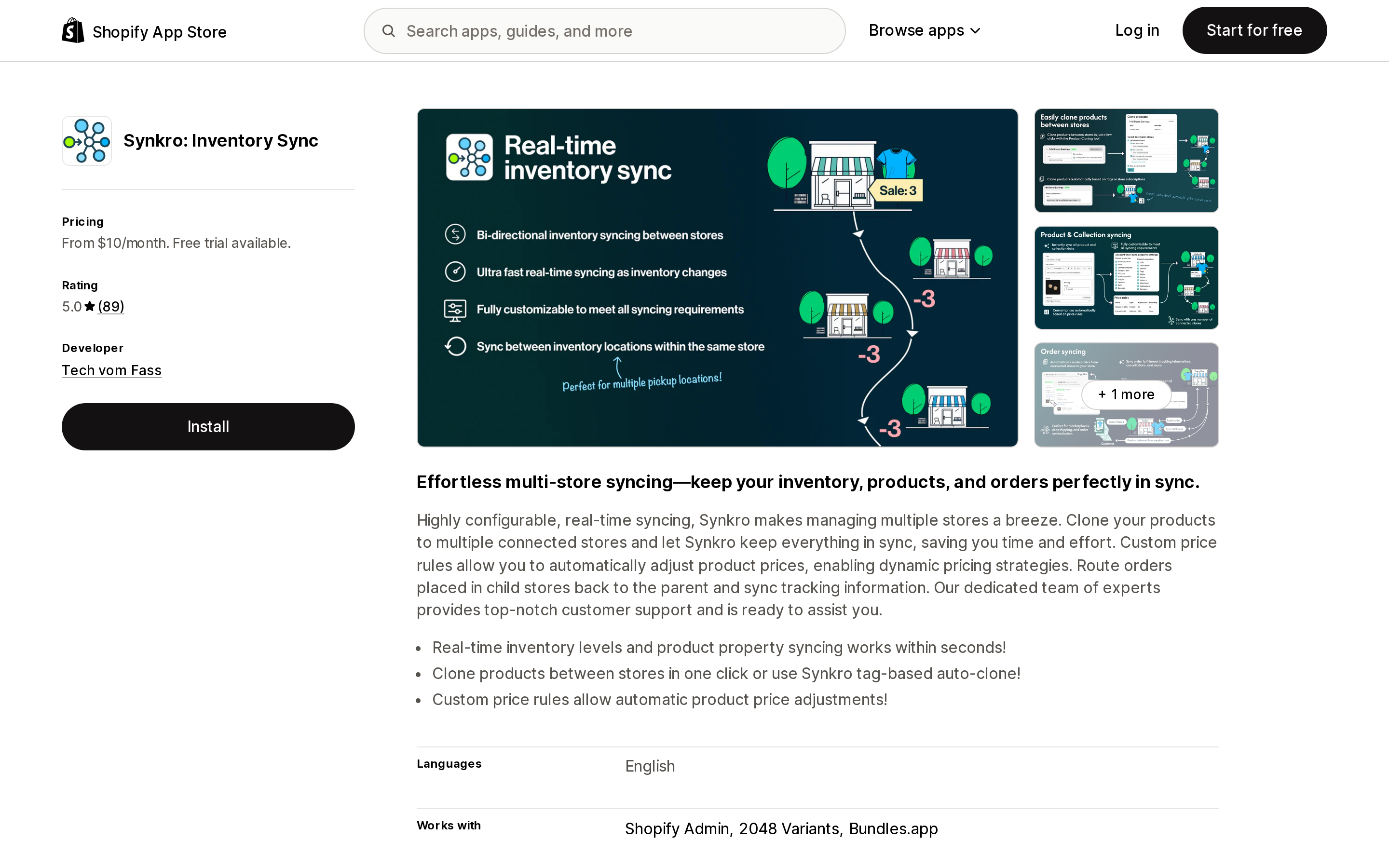
Source: Shopify App Store (Synkro: Inventory Sync), retrieved September 2, 2026
5.0 from 89 reviews — all 89 of them five stars — developer Tech vom Fass, based in St. Catharines, Ontario, launched November 11, 2019. Account-based: one Synkro account with the app installed on each store, matching by SKU or barcode as an account-wide setting.
It has the strongest location handling in this comparison: explicit directional location-to-location mapping, rather than pooling. It also does product cloning, order routing, price rules, and offers a public inventory API.
Published plans: Basic $10/month up to 1,000 products; Plus $25 up to 10,000, adding same-store location sync, price rules, tag automations, metafield syncing, and collection cloning; Business $50 up to 100,000, adding order routing, sales-channel publication sync, scheduled adjustments, and video sync; Pro $100 unlimited.
Now the part that is not on the App Store listing. Synkro's own pricing page states that a subscription is required for each connected store. So the $25 Plus plan is $25 per store: $50/month for two stores, $75 for three. Anyone budgeting from the App Store listing alone will be off by a multiple equal to their store count.
Two operational limits to plan around. Synkro is reactive only — it syncs changes as they occur and does not backfill, so aligning two stores that have already drifted requires emailing the vendor's support address for a full store inventory sync request. And duplicate SKUs within the same store sync to each other, which is a documented behaviour rather than a bug, and a genuine surprise if your catalog reuses SKUs.
Best fit: multiple stores each holding inventory across several locations, where routing accuracy is the whole point. Poor fit: anyone pricing from the listing headline, or anyone who needs a self-serve initial alignment.
Trunk ‑ Stock Sync & Bundling
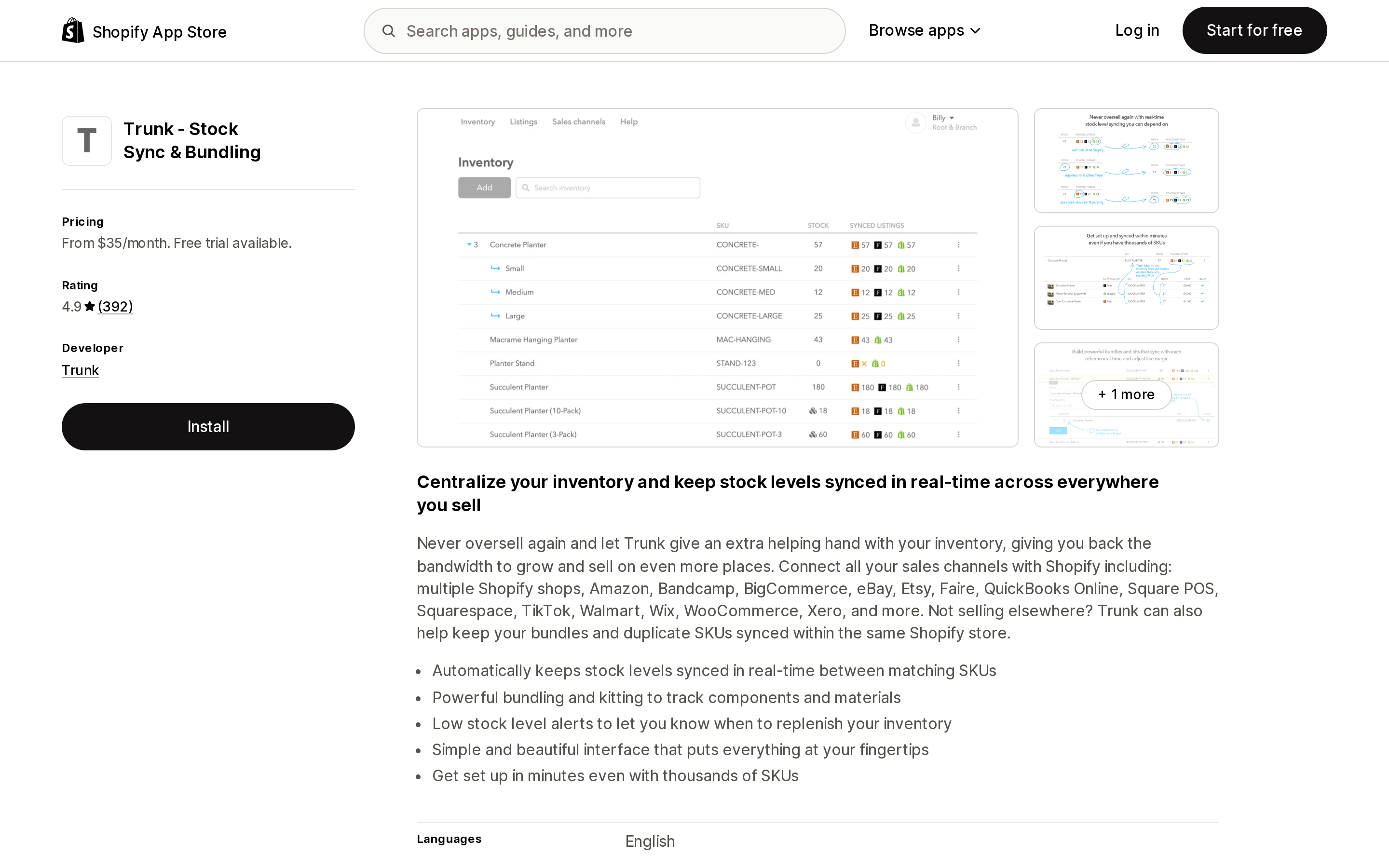
Source: Shopify App Store (Trunk ‑ Stock Sync & Bundling), retrieved September 2, 2026
4.9 from 392 reviews, with the healthiest distribution in this set — 370 five-star against 3 one-star, under 1%. Developer Trunk, launched August 29, 2019, and the only US-based vendor here (Los Angeles, California), which matters if support hours during a US business day are part of your decision.
Trunk is a multi-channel syncer — Shopify, Amazon, eBay, Etsy, Faire, Square, Walmart, WooCommerce, TikTok, QuickBooks Online and more — and it treats your second Shopify store as one more channel. Critically, you install it once. Other stores are added as channels inside the same account, on one bill.
Pricing is metered on orders per month, in bands. Essential: $35 for 0–100, $45 for 101–200, $59 for 201–400, $89 for 401–800, $129 for 801–1,500, $179 for 1,501–3,000, $229 for 3,001–6,000, $279 for 6,001–10,000. Pro adds bundling, kitting, and duplicate-SKU sync at $39, $59, $79, $119, $169, $219, $279, $329 across the same bands.
The denominator is a rolling three-month average of orders per month across all connected channels combined, re-evaluated about a week before each billing cycle, with cancelled orders excluded. Three months of 60, 75, and 160 orders average to 98 and stay in the 0–100 band. This is the meter most likely to move on its own — a good quarter raises your bill.
The hard limitation: Trunk syncs stock levels only. No titles, descriptions, images, prices, metafields, or SEO fields, and it will not create products on the second store. Matching is SKU-based and multi-location is pooled rather than mapped.
Best fit: the catalog already exists on both stores and the actual problem is overselling — especially if you also sell on marketplaces, since those come free in the same bill. Poor fit: you need the second store's catalog built and maintained for you.
syncX: Stock Sync Migrate Bulk
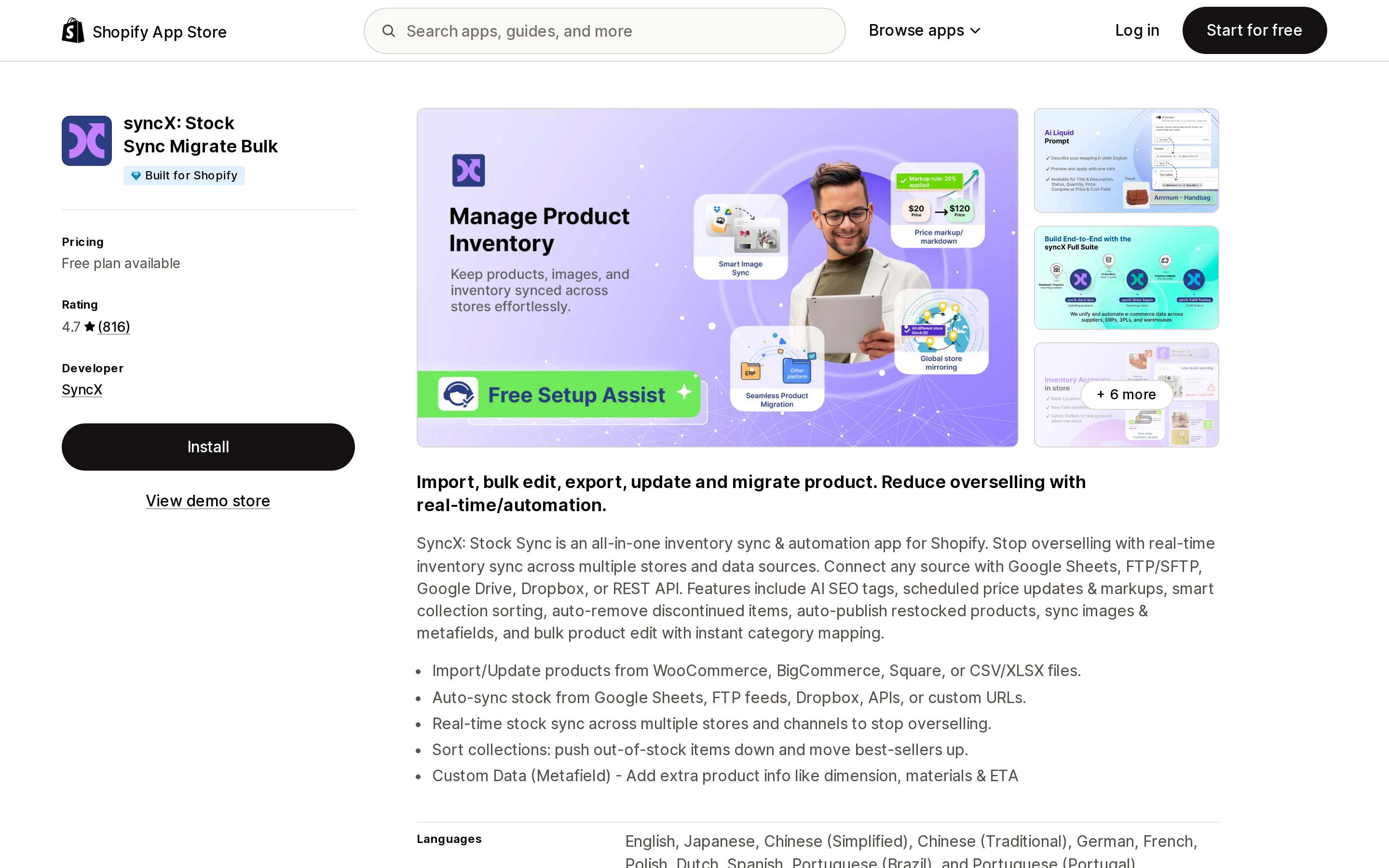
Source: Shopify App Store (syncX: Stock Sync Migrate Bulk), retrieved September 2, 2026
The oldest and largest here: launched May 15, 2014, 816 reviews at 4.7, and a Built for Shopify badge. Note the rename — many articles still call this Stock Sync, and the vendor domain moved from stock-sync.com to syncx.com. Vendor is in Petaling Jaya, Malaysia.
It is feed-based rather than store-pair-based: 80-plus connection methods including CSV, XLSX, XML, JSON, Google Sheets, FTP and SFTP, Dropbox, S3, REST API, and supplier templates. Shopify-to-Shopify is one connection type among many, which makes it the right answer when the other end is a spreadsheet, an ERP, or a supplier who will not install anything.
Pricing: Free covers 2,000 products and 1 feed with manual updates only. Starter is $7/month ($77/year) for roughly 500–2,500 products and 1–5 feeds, scheduled once a day with a 24-hour minimum interval, plus $5 per additional feed. Expert is $10/month ($110/year) for roughly 5,000–50,000 products and up to 30 feeds, scheduled 12 times a day with a 2-hour minimum interval, adding AI content, advanced pricing, and metafields, plus $7 per feed, $2 per additional 5,000 products, and $1 for faster scheduling.
On the Shopify-to-Shopify real-time path, the main store can stay on the free plan while the sub-store needs a paid one — but two-way sync requires paid plans on both stores.
Two limits that decide fit. The real-time Shopify-to-Shopify path syncs quantity only — product content, prices, and metafields need a separate feed. And there is no backfill: only products changed after a feed is activated will sync, so you must run a manual or scheduled sync first to initialize matching stock. There is also a no-install fallback called a Shopify Public connection, which the vendor itself describes as a scraping mechanism, capped at 25,000 items and requiring the store not be password-protected.
Best fit: the other end of the sync is not a cooperative Shopify store, or budget is the binding constraint. Poor fit: you need product content mirrored in real time between two Shopify stores.
Syncerize ‑ inventory sync
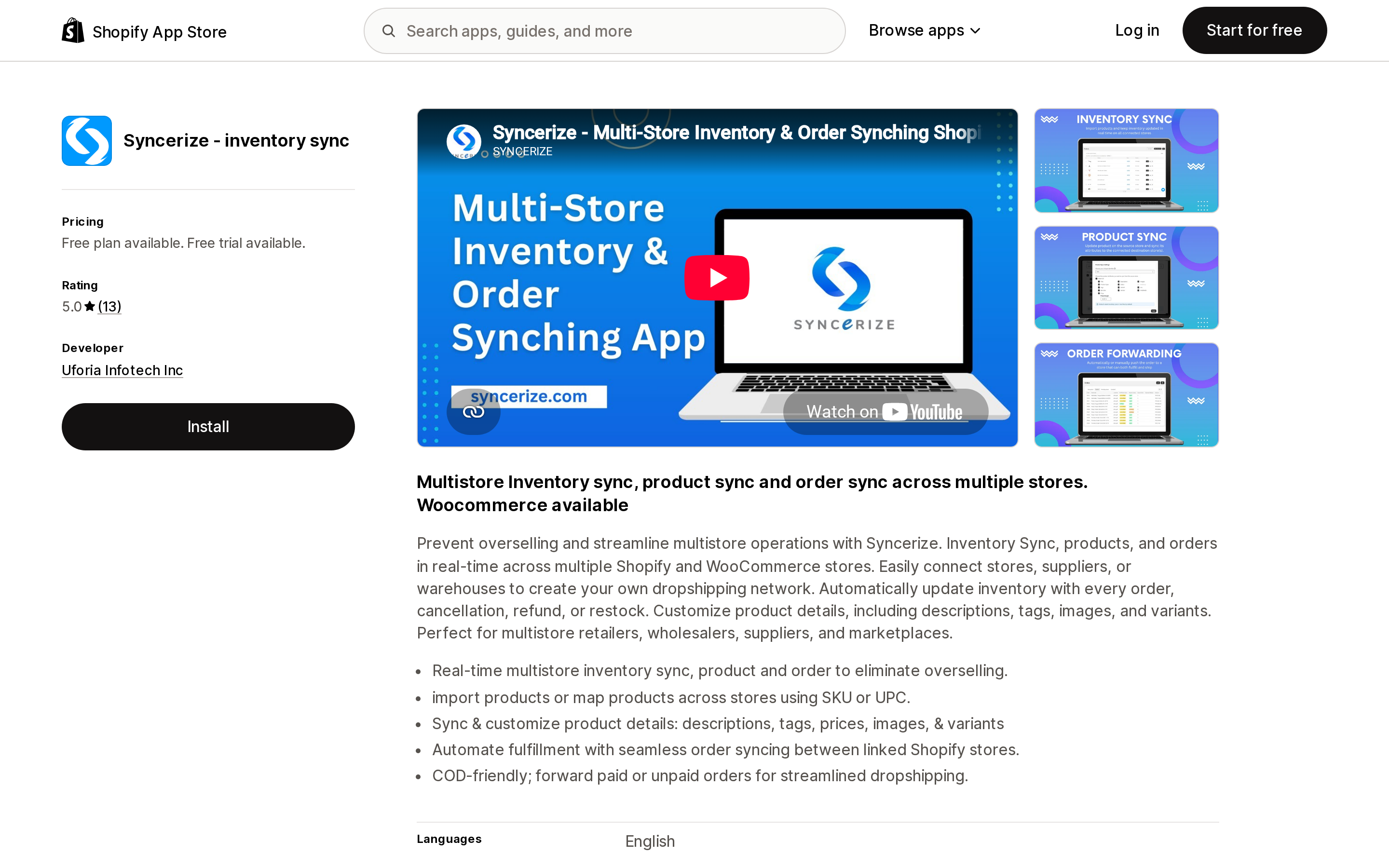
Source: Shopify App Store (Syncerize ‑ inventory sync), retrieved September 2, 2026
The smallest by review base: 5.0 from 13 reviews, developer Uforia Infotech Inc, launched August 8, 2022, based in Islamabad. Source ↔ Destination with a dropship and consignment focus — real-time inventory and product sync, order forwarding with a paid-orders-only option, and invoicing. Source stores are free.
Pricing meters three dimensions at once — source connections, products, and orders per month: Basic free (1 source, 25 products, 5 orders), Starter $19 (2 / 100 / 100), Accelerator $39 (5 / 1,000 / 1,000), Premium $69 (10 sources, 3,000 products, with an option to forward only paid orders — no order allowance is published for this tier). Professional $99 appears on the vendor's pricing page rather than the App Store listing. The trial is 3 days, the shortest here.
Two things to check. The $19 Starter tier is described as real-time product sync without images, and the vendor's site clarifies that images and metafields are excluded — full sync starts at $39. And unlike Syncio, Tipo, and syncX, store connections are a hard metered limit (1, 2, 5, 10) rather than unlimited.
Sync cadence, uninstall behaviour, variant limits, and latency are not stated in accessible documentation. For an inventory-critical system, 13 reviews plus undocumented failure behaviour is thin evidence — pilot it on the free tier rather than trusting it.
Best fit: a small dropship or consignment retailer with a handful of suppliers who wants paid-order-only forwarding. Poor fit: anything where an undocumented uninstall path is unacceptable.
The same job, priced six ways
Two stores: a US retail store and a wholesale store. 800 SKUs and 2,400 variants each. 600 orders a month combined. Wholesale is the destination.
| App | Monthly | Why |
|---|---|---|
| syncX | ~$10–17 | Expert tier plus feed add-ons |
| Synkro (Basic) | $20 | $10 × 2 stores |
| Tipo | $29 | 2,400 variants exceeds the 1,000 tier |
| Syncerize | $39 | Accelerator — images require this tier |
| Synkro (Plus) | $50 | $25 × 2 stores, needed for metafields |
| Syncio | ~$88 | Destination Growth $39 + source Pro $49 |
| Trunk | $89–119 | 401–800 order band, Essential or Pro |
About $10 against about $119, for the same two stores. And the ordering flips with the inputs. Add 20,000 unrelated variants to the destination store and Tipo jumps to $79 while nothing else moves. Halve the order volume to 350 a month and Trunk drops to $59–79 while Tipo and syncX do not move at all. Add a third store and Synkro's Plus tier goes to $75 while Trunk's bill does not change.
That is why ranked lists in this category are close to meaningless. The right answer is a function of your catalog size, your order volume, and your store count — and each app is sensitive to exactly one of the three.
What none of them do
None of them reserve inventory across stores. Every app here is eventually consistent: a sale on store A triggers an update to store B, and between those two moments both stores can sell the last unit. Syncio's own documentation puts its propagation at typically within a minute but sometimes a little longer, and ships a Synced Stock Buffer — hold back N units — precisely because of it. If you run flash sales on a shared last-unit catalog, budget for a buffer, not for a guarantee.
Most of them do not document what uninstalling does. Synkro, Trunk, syncX, and Syncerize do not state it. Syncio does, and the distinction matters: its in-app Disconnect-and-Keep behaves differently from an uninstall, and an uninstall does not automatically zero inventory — which leaves stale stock live on your storefront. Ask this before you install, not after.
None publish a latency SLA or support hours. Trunk is the only US-based vendor; Syncio is Australian, Synkro Canadian, Tipo Vietnamese, syncX Malaysian, Syncerize Pakistani. For a system whose failure mode is overselling during your peak hours, ask where the on-call engineer sits.
API throughput is a ceiling nobody advertises. The GraphQL Admin API allows 100 points per second on standard plans, 200 on Advanced, and 1,000 on Plus. Syncio notes that Shopify will not raise limits for stores using the public version of an app; only Plus merchants can request a rate multiplier through their Merchant Success Manager. At large catalog sizes with frequent updates, this — not the app — becomes the bottleneck.
How to choose
The catalog already exists on both stores and you just need to stop overselling → Trunk. Install once, marketplaces included. Check your rolling three-month order average before assuming $35.
You are launching a second store and need the catalog pushed plus two-way inventory, cheaply → Tipo. Count the destination store's total variants first, and decide whether 30-minute blocks are acceptable.
Inventory sits across several locations per store and routing matters → Synkro. It is the only one with directional location mapping. Budget per store, and plan for a support-side request to align existing stock.
It is a real supplier–retailer relationship and each side should pay its own way → Syncio. Both sides can start free; it is the only one with built-in payouts and commission splits. Avoid it if multi-location routing matters.
The other end is a spreadsheet, an FTP drop, an ERP, or a supplier who will not install anything → syncX. $7 entry, 80-plus connection types, and a no-install fallback capped at 25,000 items.
Both stores are separately owned businesses in the same country and currency → try Shopify Collective first. It is free. But confirm no product exceeds 100 variants, that you do not need metafields, collections, or tags carried across, that Shopify Payments payouts and Network Intelligence are live on both sides, and that you understand uninstalling zeroes imported inventory.
And do not run CSV as an ongoing process. Handle-keyed overwrite blanks omitted columns, Option-value edits destroy and recreate variant IDs, and the inventory CSV rejects drifted rows. It is a migration tool.
Sources
- Shopify Help Center: Locations, Shopify Markets, Importing and exporting products, Inventory CSV, Shopify Collective for retailers, Requirements and considerations for retailers, Requirements and considerations for suppliers
- Shopify API rate limits — shopify.dev
- Shopify App Store listings for Syncio Inventory Sync, Inventory Sync, Multi store TP, Synkro: Inventory Sync, Trunk ‑ Stock Sync & Bundling, syncX: Stock Sync Migrate Bulk, Syncerize ‑ inventory sync, Shopify Collective, and Shopify Collective: Supplier, retrieved September 2, 2026
- Vendor pricing and documentation: syncio.co/pricing, docs.tipo.io, synkro-app.com/pricing, help.trunkinventory.com, syncx.com/pricing, syncerize.com/pricing
Every Shopify variant has a barcode field, and Shopify now has native bin locations and a native pick list. What it still has no screen for is the one moment that actually prevents a mispick: scanning an item at the packing bench and having Shopify say yes or no. Shopify POS barcode scanning is documented for adding products to a cart, searching, and receiving transfers — not for verifying the line items of an online order. We priced seven real US App Store apps on September 2, 2026 and found they meter five different things: orders, scanning stations, users, fulfillments, and flat rate. At 5,000 orders a month the same job costs $14.99 with Fulfil-IT ‑ Scan & Pack and $938 with Pickware ERP & WMS.