
What you will learn
On this pageContentsCloseOpen
Most articles about Shopify 3D and AR apps start from the assumption that Shopify cannot do 3D. It can, and the native capability is better than the category's marketing implies.
Shopify accepts GLB and USDZ files as product media at up to 500 MB per file. Every upload is converted so that both a .USDZ and a .GLB version exist, which is what makes the same model work on iOS and Android. Files over 15 MB are automatically optimized — geometry and textures reduced while preserving the visual output — and files under 15 MB are left untouched. On the storefront, a shopper can rotate the model to any angle and, per Shopify's own documentation, the model "use[s] the device's camera and screen to display the product in the customer's environment."
That is augmented reality. It costs nothing, it has no view cap, and it works in any Online Store 2.0 theme built by Shopify or any theme in the Horizon family.
So the real question is not "should I add 3D." It is: which of the two things Shopify does not do are you actually buying?
Research date: September 2, 2026. All prices are USD from the English (?locale=en) App Store listings.
The short version
Shopify gives you the viewer. It does not give you the model, and it does not give you the mirror.
The model. Shopify's own answer to "where does the GLB come from" is two Help Center pages: use the 3D scanner, or hire a Shopify Partner. Neither is a subscription feature. Several apps in this category are, in substance, model production services with a viewer attached.
The mirror. Native AR is world tracking — it places an object in the room. It does not do face, hand, or body tracking, so it cannot put a ring on a finger or glasses on a face. Every virtual try-on app exists for that one gap.
Confusing the two is the expensive mistake. If you sell furniture and already have GLB files, you may need no app at all. If you sell eyewear, no amount of native 3D will ever show a customer their own face.
What native actually covers
| Capability | Native Shopify | Cost |
|---|---|---|
3D model as product media (GLB, USDZ), up to 500 MB | Yes | $0 |
Automatic conversion to both GLB and USDZ for iOS and Android | Yes | $0 |
| Automatic optimization of models over 15 MB | Yes | $0 |
| Rotate and inspect from any angle on the product page | Yes | $0 |
| Place the product in the customer's environment via device camera | Yes | $0 |
| Cap on how many times shoppers view it | None stated | — |
| Face, hand, or body tracking (true try-on) | No | — |
| Producing the 3D model | No (3D scanner or hire a Partner) | — |
| Binding 3D customization options to Shopify variants and pricing | No | — |
Native figures from Product media types, Shopify Help Center, retrieved September 2, 2026.
There is a theme requirement, and it is the one thing that catches people. 3D media only displays on Online Store 2.0 themes built by Shopify or Horizon-family themes. A store on an old vintage theme has to update, edit theme code, or install an app that injects its own viewer — which is why several apps in this comparison advertise "works with every Shopify theme" as a headline feature.
The three products hiding inside "3D/AR"
The App Store category is one bucket. The apps in it do three different jobs, and comparing their prices across jobs produces nonsense.
Viewers add a 3D viewer and AR placement to any theme, often with model generation attached. ARDisplay ‑ 3D & AR Viewer, Premium AR/3D Viewer, and Virtual AR Experience sit here. If your theme already supports 3D media and you already have models, this is the layer you can most often skip.
Mirrors do face, hand, and body tracking. Camweara Virtual Try On, GlassOn, and Touchtry Virtual Try On sit here. Native cannot substitute at any price.
Configurators bind 3D options to Shopify variants, pricing, and inventory. Angle 3D Configurator ‑3D & AR sits here, and the App Store files it under both Product variants and 3D/AR/VR — correctly, because the problem it solves is the variant limit, not visualization.
Meters, and the one that should worry you
| App | What the plan meters | Entry | Top published tier |
|---|---|---|---|
| Virtual AR Experience | Nothing stated | $10/month | $10/month (single plan) |
| Premium AR/3D Viewer | Assets | Free (1 asset) | $99.99/month (100 assets) |
| ARDisplay ‑ 3D & AR Viewer | Products + model-generation credits + output quality | Free (5 products, 5 models/month, 375 credits) | $219/month (300 products, 200 models/month, 15,000 credits, ultra quality) |
| Camweara Virtual Try On | Products (traffic named at top tier) | $39/month (70 products) | $200/month (3,000 products, website traffic up to 200K/month) |
| Angle 3D Configurator ‑3D & AR | Products + textures per product | $39/month (10 products, 10 textures) | $199/month (500 products, 500 textures) |
| GlassOn | Glasses models + $1 per human designer adjustment | Free to install (10 models, usage limited to 2 months) | $199/month (300 models) |
| Touchtry Virtual Try On | AR SKUs and AR views/month and AI try-ons/month | $199/month (300 SKUs, 20,000 AR views/month) | $649/month (1,500 SKUs, 200,000 AR views/month) |
All figures from each app's Shopify App Store listing, US locale, retrieved September 2, 2026.
The meter worth arguing about is AR views per month.
Native 3D has no view cap. Angle 3D Configurator states 3D/AR Configurator (Unlimited views) on all four tiers. ARDisplay meters models generated, not models viewed. Touchtry meters views: 20,000/month at $199, 75,000 at $349, 200,000 at $649.
A merchandising feature billed by traffic gets more expensive precisely when it is working. A product that goes viral on TikTok pushes you through a view tier in a weekend. And no listing in this set defines what an "AR view" is — a widget load, a button click, a session, a unique visitor. That is a question to settle before signing, not after.
The second thing to notice is GlassOn's free plan has an expiry: Usage limited to 2 months. Free-to-install plans in the App Store normally persist. A two-month clock on a free tier is a trial in different clothing, and worth reading as one.
The apps
Angle 3D Configurator ‑3D & AR — the most reviewed, and not really a viewer
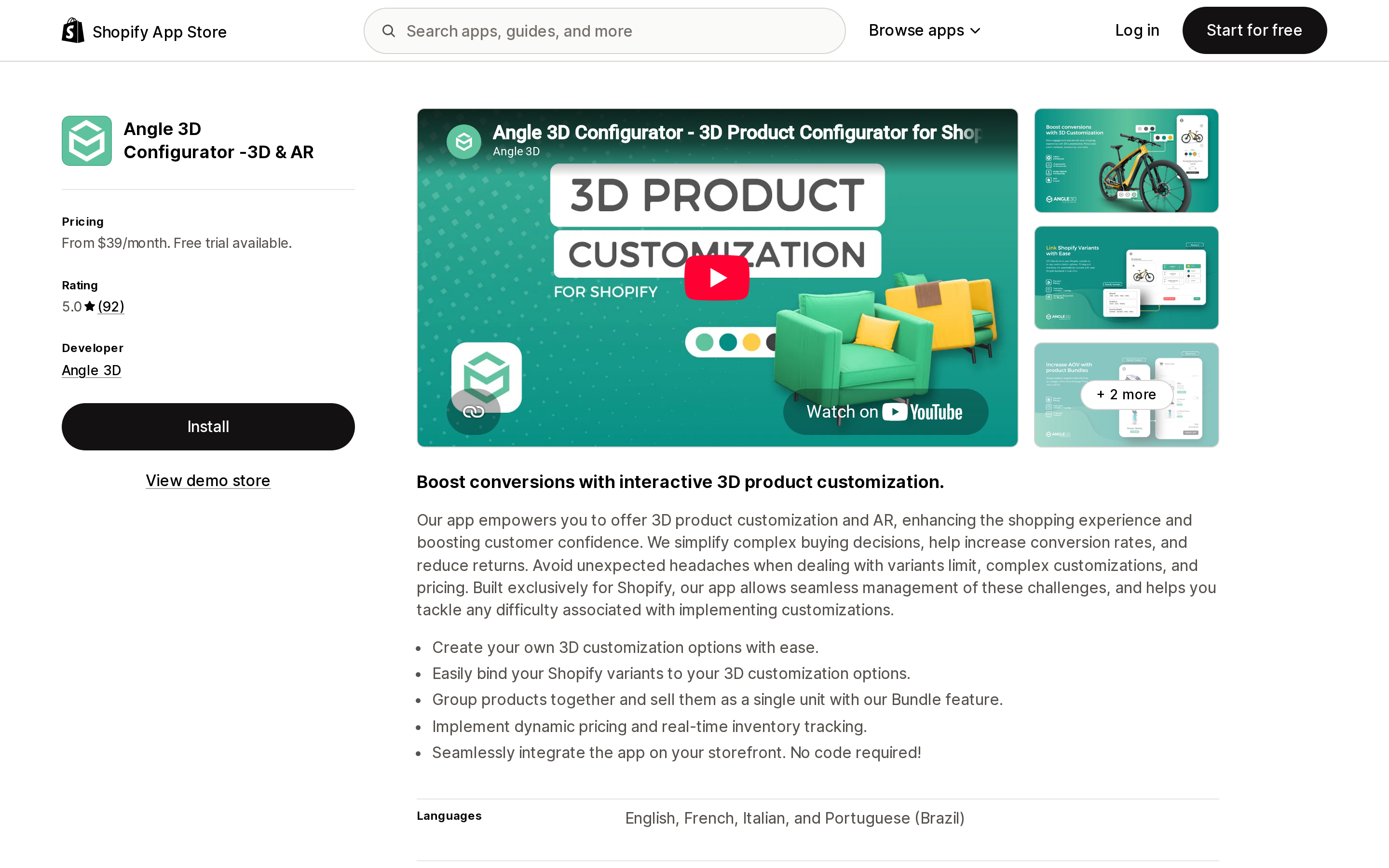
Source: Shopify App Store (Angle 3D Configurator ‑3D & AR), retrieved September 2, 2026
Angle 3D, based in Montreal, launched this on April 24, 2020 — the oldest app in the comparison — and it holds 5.0 across 92 reviews, the largest review base here.
Its listing is unusually honest about the actual job: "Avoid unexpected headaches when dealing with variants limit, complex customizations, and pricing." A configurable product with five options of four choices each explodes past what a merchant wants to manage as Shopify variants. Angle 3D binds 3D customization options to variants, supports conditional option logic, dynamic pricing, variant upcharges, real-time inventory tracking, and text engraving.
The variant ceiling moves with the plan: up to 250 Shopify variants per product on Basic ($39) and Premium ($69), up to 2,048 on Professional ($99) and Enterprise ($199). The product and texture counts move too — 10/10, 40/40, 100/100, then 500/500. Enterprise adds PDF export and quoting, animations, and bundles with unlimited total variants.
It works with Checkout, Downpay, and Translate & Adapt, and the interface is available in English, French, Italian, and Brazilian Portuguese.
Poor fit: you want customers to see themselves wearing something. Its feature list covers 3D models, AR, animations, textures, and configuration — not face or body tracking.
Camweara Virtual Try On — the narrowest permissions in the category
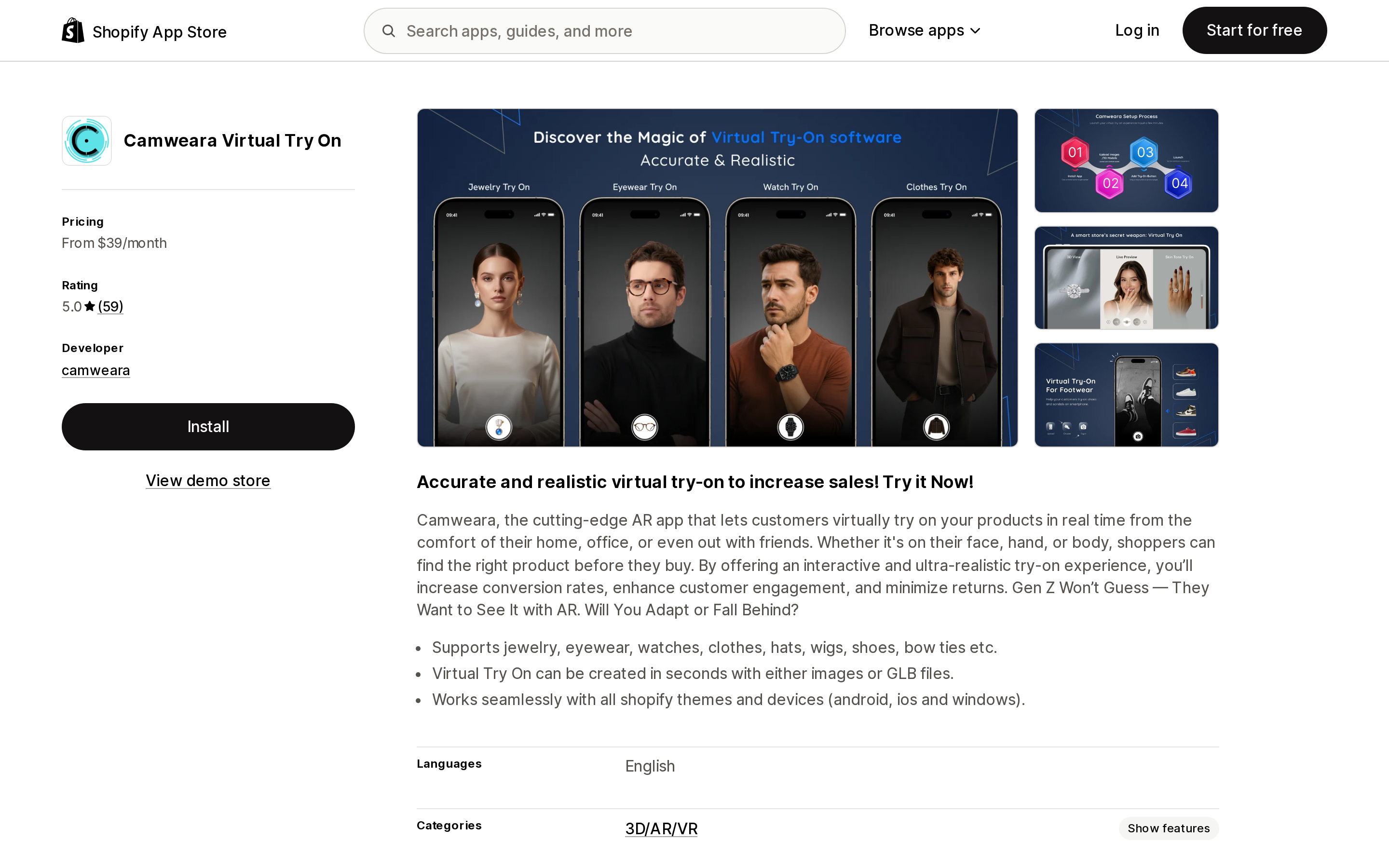
Source: Shopify App Store (Camweara Virtual Try On), retrieved September 2, 2026
Camweara, based in Bengaluru, launched June 30, 2021 and holds 5.0 across 59 reviews — the second-largest review base here and the largest among the try-on apps.
It covers face, hand, and body: jewelry, eyewear, watches, clothes, hats, wigs, shoes, and bow ties are all named on the listing. Its feature tags are the ones that matter for a mirror — Augmented reality, Virtual try-on, Face-tracking, Live previews.
Two details separate it. First, it works from images or GLB files, with automatic AI background removal, so a catalog of flat product photography can become try-on-ready without commissioning models. For jewelry and eyewear, where a photograph on a white background is what you already have, that removes the largest cost in this category.
Second, its Data access section is the shortest in this comparison: View products — products and collections — plus store owner details. No theme editing, no script tags, no customer data, no order access. If you are cautious about what an app touches, nothing else here comes close.
Pricing is three tiers: Lite $39/month (70 products), Starter $90/month (300 products, purchase tracking from try-on), Growth $200/month (3,000 products, priority support, website traffic up to 200K/month). Annual billing saves 8% on Lite and 17% above it. There is no free plan and no free trial stated on the listing.
Poor fit: stores wanting to test before paying. The listing shows From $39/month with no trial.
GlassOn — eyewear only, and it measures faces
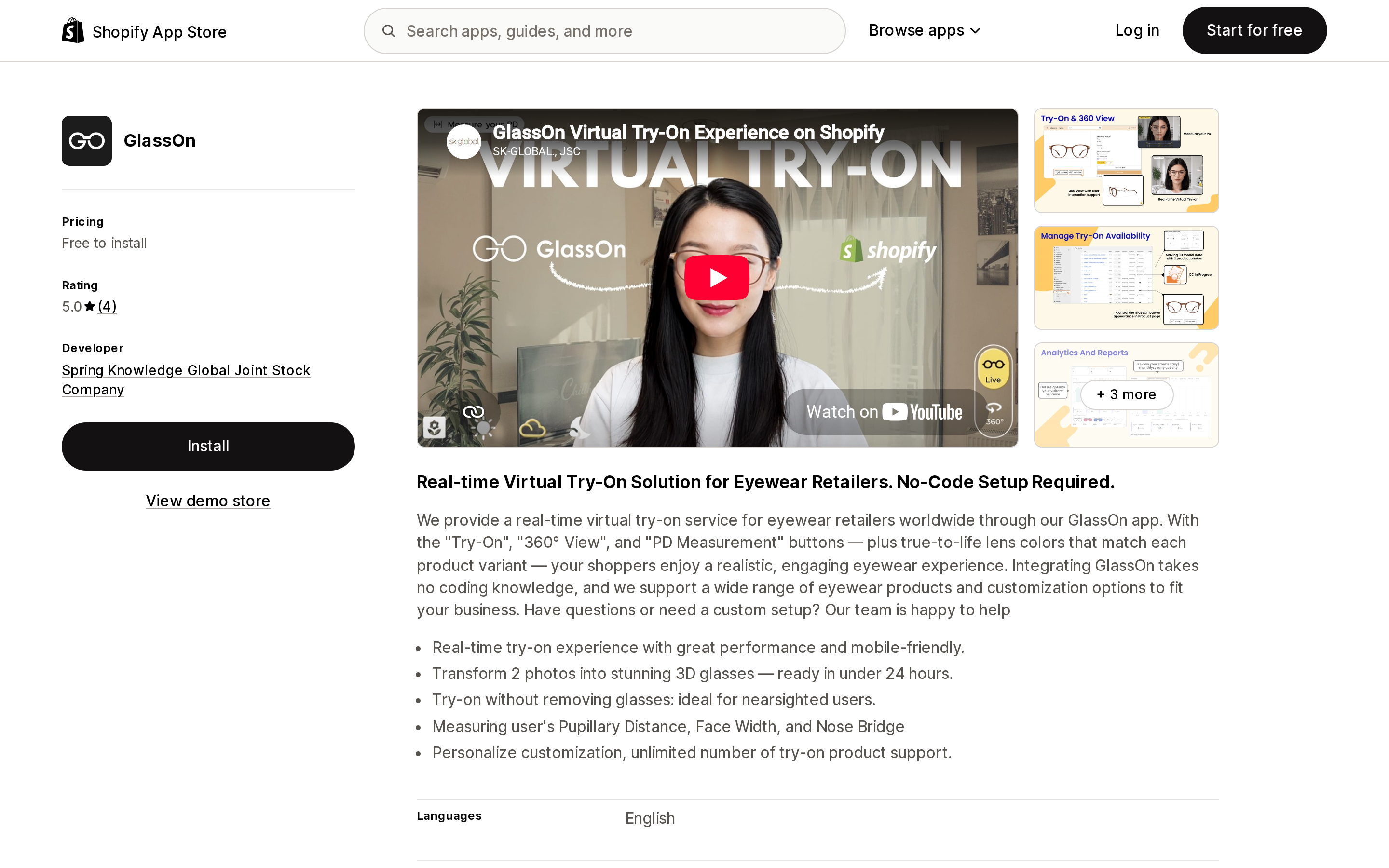
Source: Shopify App Store (GlassOn), retrieved September 2, 2026
Spring Knowledge Global Joint Stock Company, based in Ho Chi Minh City, launched GlassOn on March 8, 2024. 5.0 across 4 reviews.
This is the specialist. It does one product category and does things the generalists do not: PD measurement — pupillary distance, face width, and nose bridge — and try-on that works without removing your existing glasses, which is the single most practical detail on any listing in this comparison. Nearsighted customers cannot see the screen with their glasses off, and every try-on demo quietly ignores this.
The model pipeline is also explicit: two photos in, a 3D pair of glasses out in under 24 hours, and $1 per adjustment request handled by a human designer — the only per-request human-in-the-loop line item in the category. It is also the only listing that names true-to-life lens colors matched to each product variant.
Three tiers: Starter free to install (10 glasses models, usage limited to 2 months), Growth $49/month (50 models, plus the face measurement tool), Enterprise $199/month (300 models, dedicated customization support). Face measurement being a paid feature matters — for an eyewear store that is arguably the reason to install at all.
It requests Edit Online Store (theme) and, unusually, edit access to Shopify Markets settings.
Poor fit: anything that is not eyewear.
Touchtry Virtual Try On — the widest coverage, the highest floor, and a view meter
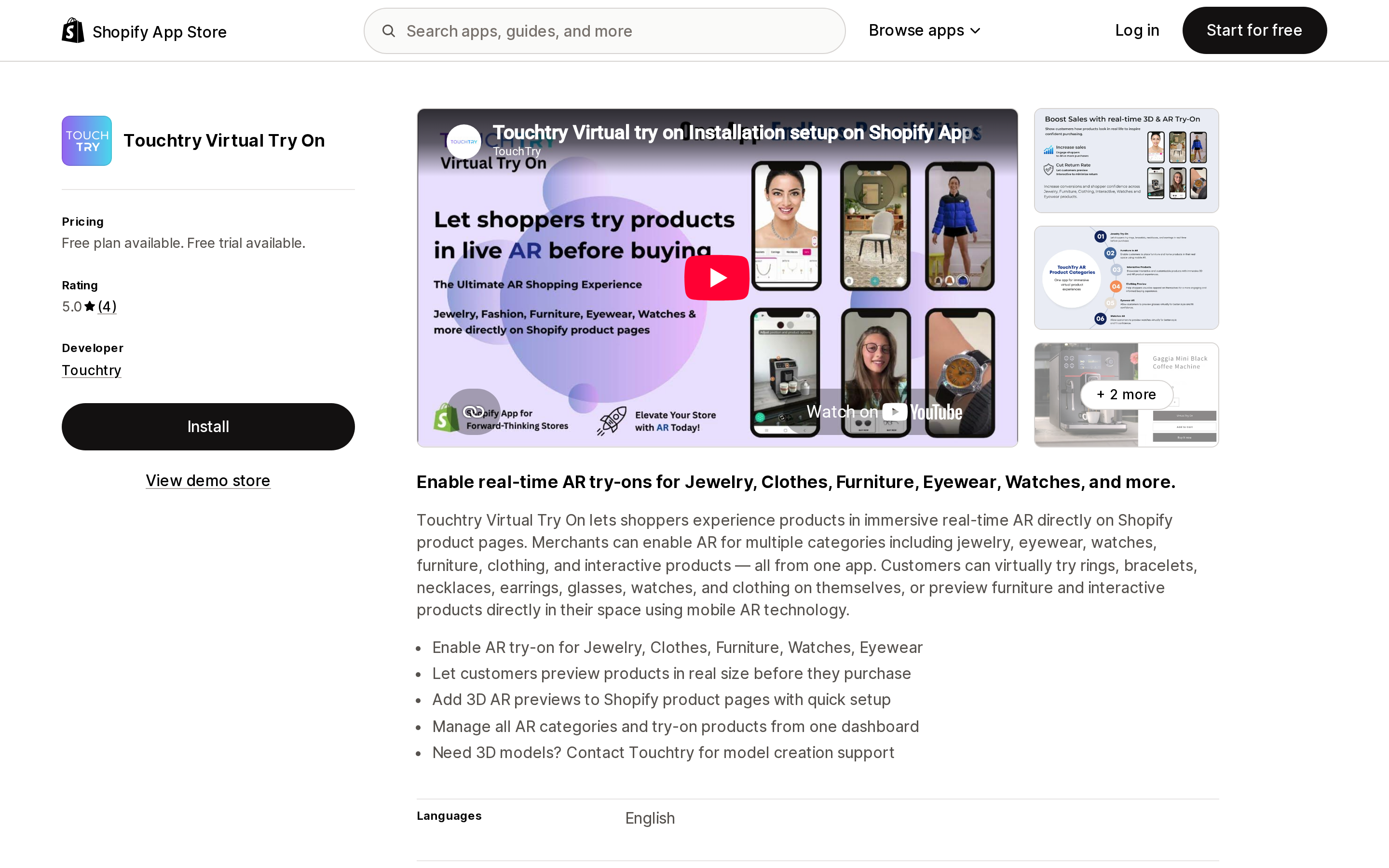
Source: Shopify App Store (Touchtry Virtual Try On), retrieved September 2, 2026
Touchtry, based in Jaipur, launched September 3, 2025 and holds 5.0 across 4 reviews. It covers both modes in one app — wearables on the person (jewelry, eyewear, watches, clothing) and objects in the room (furniture) — with Face-tracking and Virtual try-on among its feature tags.
It has the highest entry price in this comparison at $199/month, and the plan structure explains why: it is sold as an enterprise AR platform, with AR engagement analytics, Buy Now inside the AR experience, UI personalization, multi-store and multi-domain support at $649 Scale, and GA4 and Meta Pixel event tracking. Up to 75,000 AI-powered try-ons/month appears at $349 Grow as a meter separate from AR views.
There is a free plan, and it is development stores only — all features included, no production use. That is a developer sandbox, not a starter tier, and reading it as a free plan would be a mistake.
Model creation is not in the subscription. The listing says: "Need 3D models? Contact Touchtry for model creation support." Budget for it separately.
Poor fit: any store under real cost pressure. At $199/month it is five times Camweara's entry price for an overlapping job, and its evidence base is four reviews against Camweara's 59.
ARDisplay ‑ 3D & AR Viewer — model generation as the actual product
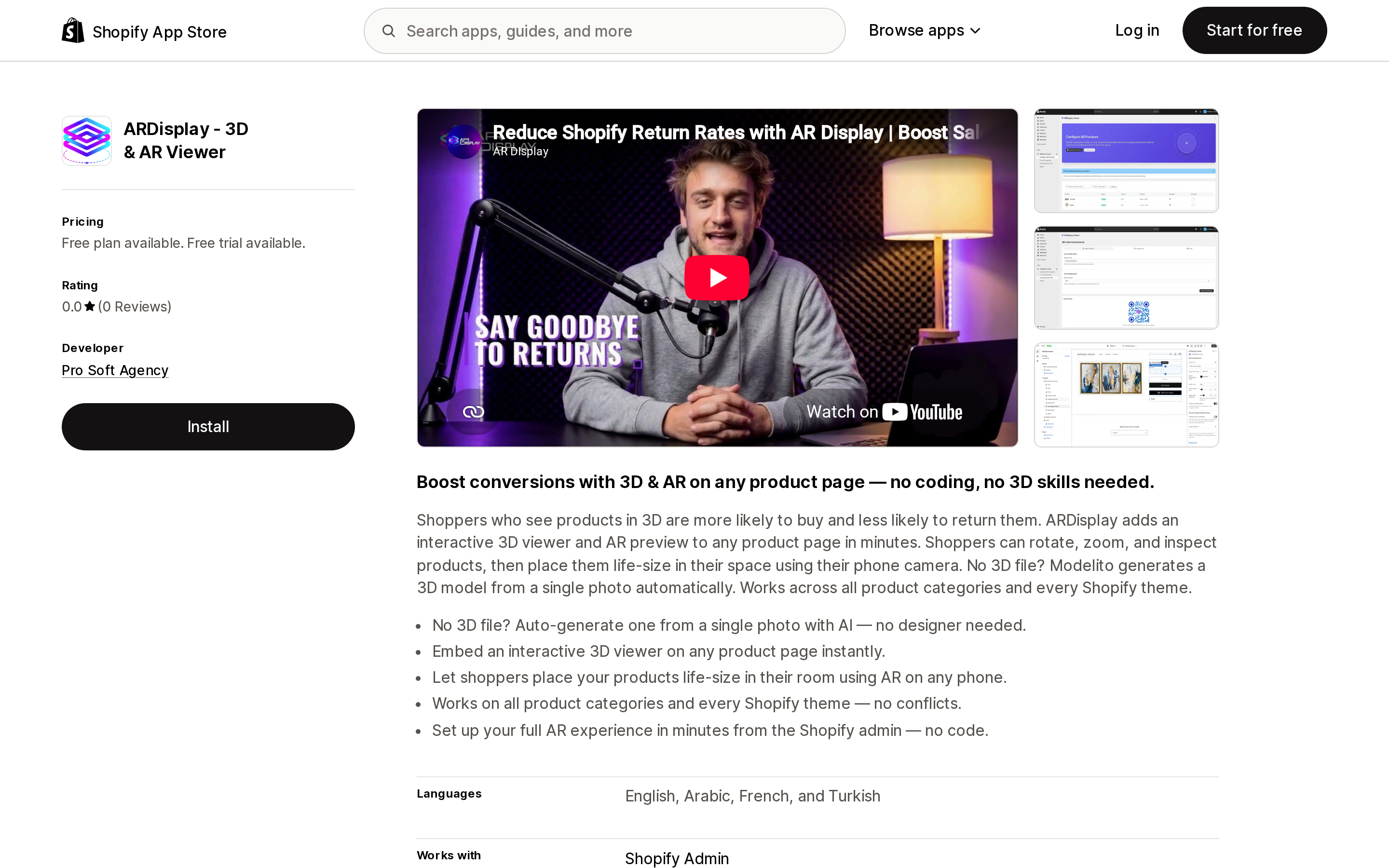
Source: Shopify App Store (ARDisplay ‑ 3D & AR Viewer), retrieved September 2, 2026
Pro Soft Agency, based in Casablanca, launched ARDisplay on May 27, 2025. No reviews to date.
The viewer is the wrapper; the product is Modelito, which generates a 3D model from a single photo. That is the answer to the question native Shopify leaves open, and ARDisplay is the only app here that puts model generation inside the subscription with published quantities.
The meter is a three-way: products, models per month, and credits, with output quality tiering alongside them. Free gives 5 products, 5 models/month, 375 credits at standard quality. Basic $29 gives 25/20/1,500 standard. Standard $109 gives 150/100/7,500 at premium quality. Professional $219 gives 300/200/15,000 at ultra. Credits reset monthly.
Two things are not stated: what a credit buys relative to a model, and what "standard," "premium," and "ultra" mean in terms of polygon count, texture resolution, or output file size. For a decision that determines whether the model looks acceptable next to your photography, that is the question to ask first.
Poor fit: stores that already own good GLB files. You would be paying for a generator you do not need, on top of a viewer Shopify gives you.
Premium AR/3D Viewer and Virtual AR Experience — the low-cost end
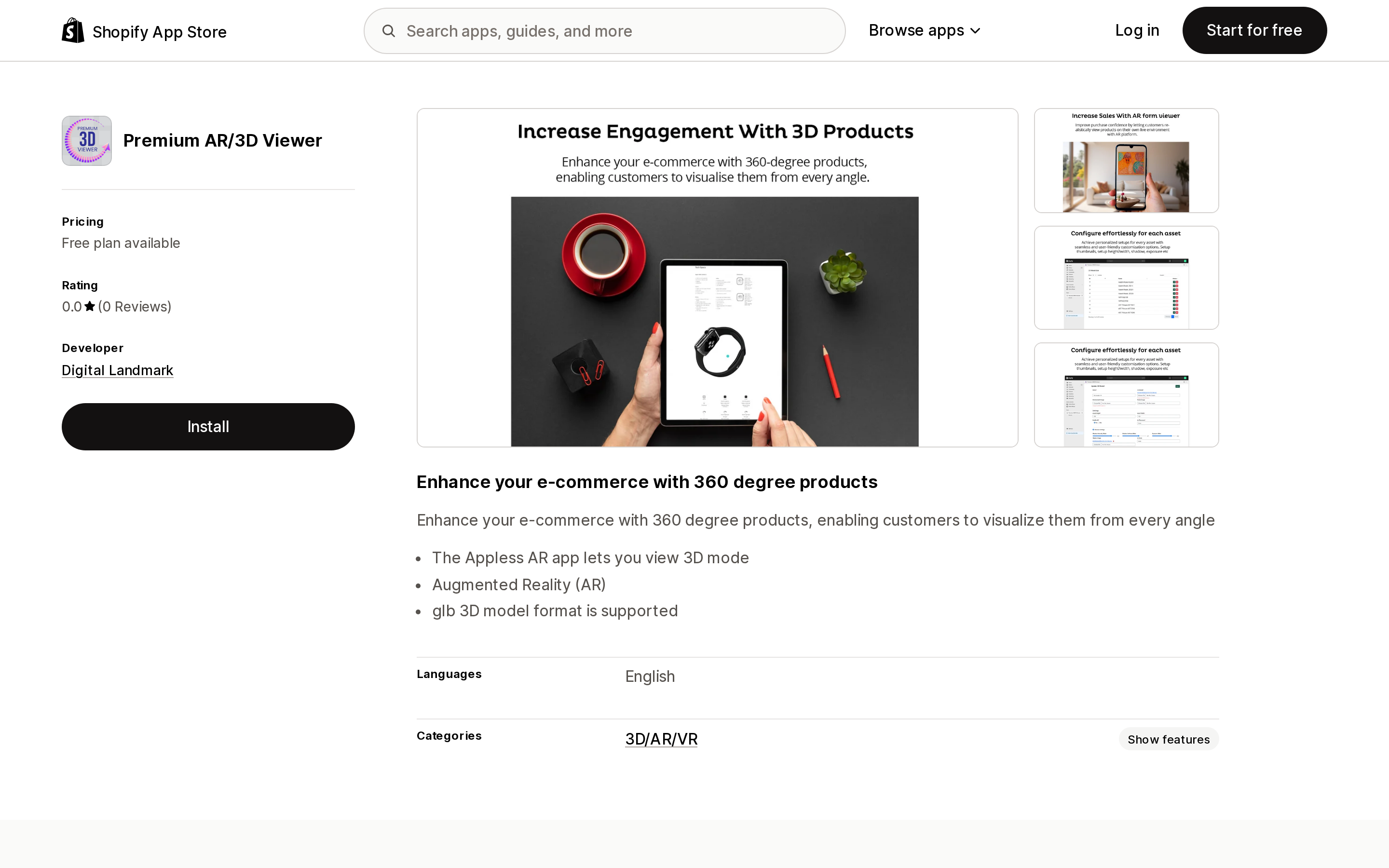
Source: Shopify App Store (Premium AR/3D Viewer), retrieved September 2, 2026
Digital Landmark, based in Indore, launched Premium AR/3D Viewer on December 12, 2023. No reviews. Four tiers metered purely on assets: free for 1, $9.99 for 10, $19.99 for 50, $99.99 for 100. The listing states GLB support and appless AR. This is the thinnest listing in the set, and at $99.99 for 100 assets it is more expensive per asset than ARDisplay's $109 tier, which includes 150 products and 100 generated models.
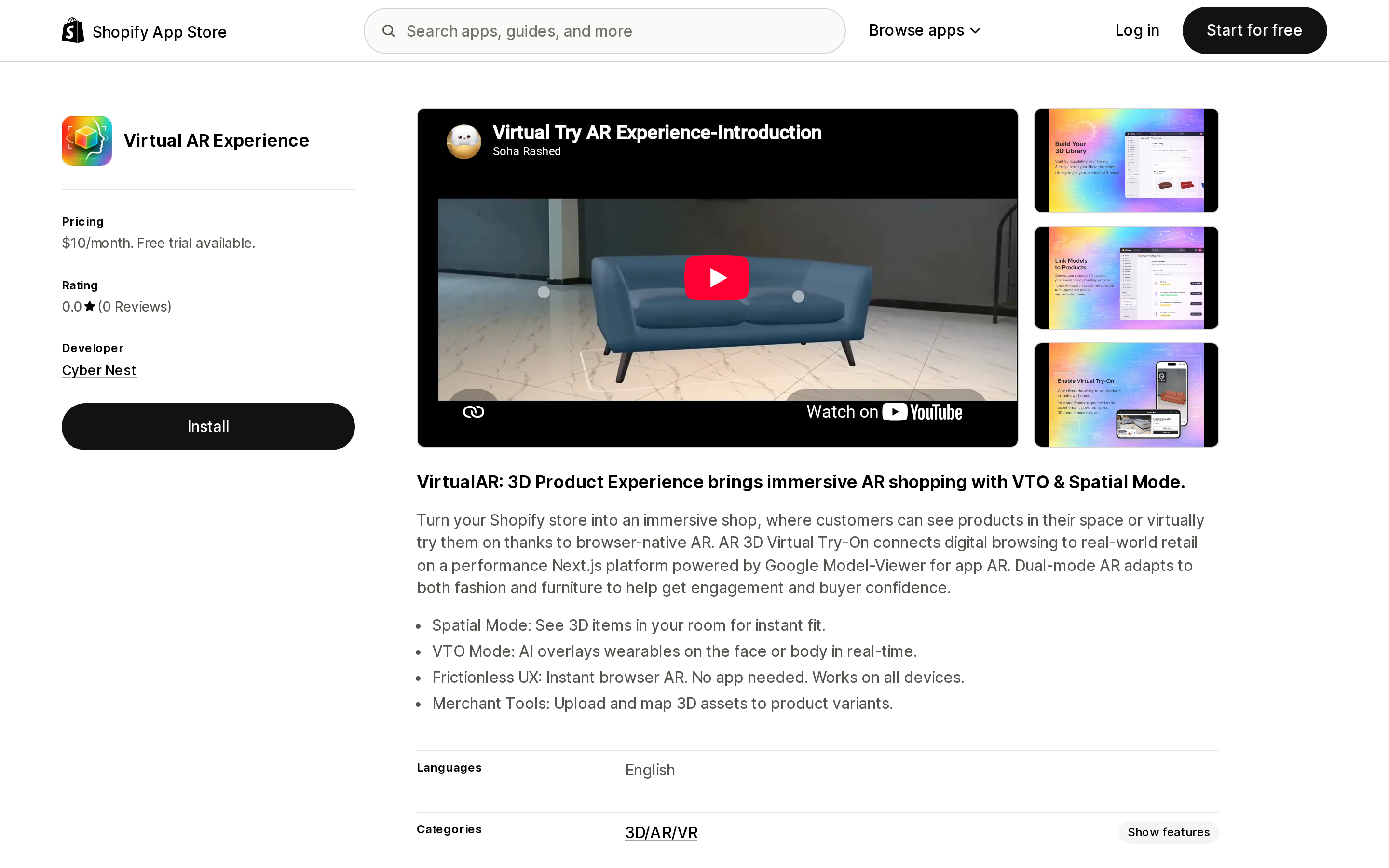
Source: Shopify App Store (Virtual AR Experience), retrieved September 2, 2026
Cyber Nest launched Virtual AR Experience on May 22, 2026 — the newest app here by three months — with no reviews and a single $10/month plan and 15-day trial. It is the only listing that names its underlying technology: Google Model Viewer on a Next.js platform, with a Spatial Mode for placement and a VTO Mode that overlays wearables on the face or body.
At $10/month with no published meter it is by far the cheapest way to get both modes. It also requests Edit Online Store covering theme, pages, and script tags — the broadest storefront write access in this comparison — from a developer with no review history and three months of App Store presence. Weigh those two facts together rather than separately.
Also worth noting for anyone reading older roundups: ShoppingIn3D returns "This app is not currently available on the Shopify App Store" as of September 2, 2026.
How to choose
- You sell furniture, hardware, or anything placed in a room, and you have or can commission GLB files: use native Shopify. 500 MB per model, both formats generated for you, no view cap, $0.
- Same, but you have no models and no budget for a 3D artist: ARDisplay's free tier generates 5 models a month for 5 products. Compare the output against your photography before you pay for a higher quality tier.
- You sell eyewear: GlassOn. PD measurement and try-on without removing existing glasses are not available anywhere else here, and $49/month for 50 models is the relevant tier since face measurement is not on the free plan.
- You sell jewelry, watches, or accessories and already have good product photography: Camweara Virtual Try On at $39/month. It works from images, and its permission request is view-only on products.
- You sell configurable or made-to-order products and are fighting the variant limit: Angle 3D Configurator. Take Professional at $99/month if you need more than 250 variants per product.
- You want a single vendor covering both wearables and room placement with analytics and pixel tracking: Touchtry Virtual Try On at $199/month — after you have modeled the cost of its AR view tiers against your actual product page traffic.
- You are testing the idea on a small catalog: Virtual AR Experience at $10/month, with the permission scope and review count understood.
What the listings do not say
What counts as an "AR view." Touchtry meters them and does not define them. Camweara names website traffic up to 200K/month at its top tier without defining that either.
What a Modelito credit buys. ARDisplay publishes credits and models separately without stating the relationship, and does not define its standard, premium, and ultra quality levels.
Whether app-injected viewers replace or duplicate native 3D media. If you upload a GLB to Shopify product media and install a viewer app, no listing states whether the shopper sees one viewer or two.
Try-on accuracy. Every listing in this category makes conversion and return-rate claims. None publishes a methodology, and none is repeated here for that reason.
Sources
- Product media types — Shopify Help Center
- Product media — Shopify Help Center
- Angle 3D Configurator ‑3D & AR — Shopify App Store
- Camweara Virtual Try On — Shopify App Store
- GlassOn — Shopify App Store
- Touchtry Virtual Try On — Shopify App Store
- ARDisplay ‑ 3D & AR Viewer — Shopify App Store
- Premium AR/3D Viewer — Shopify App Store
- Virtual AR Experience — Shopify App Store
Shop Pay Installments is free to activate, needs no app, and Shopify never publishes what it costs you — the rate is visible only inside your own admin. It also refuses Capital One and Chase credit cards, restricts monthly plans to debit cards only, excludes gift cards and subscriptions, and can't be turned off for individual products. Affirm can suspend your account for being password-protected, for having a non-English storefront, or for being primarily B2B. And Shopify's Getting paid page says disputes appear in your admin while its FAQ says they don't. If you fail the eligibility gates, the alternative is on-site messaging apps from Klarna, Afterpay, Sezzle, Zip, and PayPal — a category rated between 1.0 and 3.2 stars. Researched September 2, 2026.