
What you will learn
On this pageContentsCloseOpen
If you sell $4,000 dining tables, custom bikes, or six-week workshops, you have asked Shopify to take 30% now and the rest on delivery. The internet will tell you Shopify cannot do this without an app.
That is not quite right, and the exact shape of the wrongness is worth $200 a month.
Shopify can take a percentage deposit and collect the balance later. It has two separate mechanisms for it, both documented, both first-party. One of them is restricted to the Shopify Plus plan. The other is available on every plan, works only through an app because there is no admin screen for it, and comes with a limitations list that includes the sentence "Subscriptions, pre-orders and TBYB can't be used with B2B" — which means the two native paths are mutually exclusive.
Research date: September 2, 2026. All prices are the USD figures shown on each app's Shopify App Store listing in the en-US locale on that date.
The short version
- Native path one: B2B payment terms with a deposit requirement. Percentage deposit at checkout, balance on net terms. Shopify's help center: "Deposit requirements are available only on the Shopify Plus plan."
- Native path two: deferred purchase options (pre-order and Try Before You Buy) via selling plans. Charges a partial amount at checkout and the balance on a date or X days later. Every plan — but there is no admin UI, so you need an app to configure it.
- The two cannot be combined. shopify.dev states pre-orders and TBYB "can't be used with B2B," and separately "can't be used on draft orders."
- Shopify stores the card. Your app has to charge it. shopify.dev: "It's your app's responsibility to schedule the charge at the right time and automate any process around payment failures."
- Only four gateways qualify: Shopify Payments, PayPal Express, Adyen on Shopify, and Stripe "only available to some merchants."
- Four apps, four billing models. At $50,000 a month in deposit orders, the spread across them runs from $99 to roughly $399.
Native path one: B2B deposits, Plus only
If your store is on Shopify Plus and you use B2B, this is built in and no app is required.
Payment terms are set on a company, a company location, or an individual draft order. The available terms are net 7, net 15, net 30, net 45, net 60, net 90, due on fulfillment, and — on draft orders only — a fixed calendar date. On top of any of these you can tick Require deposit on orders created at checkout and enter a percentage.
The customer pays the deposit at checkout with a credit card or a manual payment method such as a bank transfer. The order moves to Partially paid in the admin. The deposit amount and the balance due date appear at checkout, on the Thank you page, and in customer accounts.
Two operational details that matter more than the feature list:
Nothing is captured automatically. Shopify's help center is explicit: "Payments aren't automatically captured when the payment terms expire. For example, if a B2B customer saves a credit card for an order, then you must manually capture the payment by charging that credit card in your Shopify admin." Terms tell you when the money is due; a human still has to collect it.
The plan gate is on the deposit, not on B2B. B2B itself is not Plus-only, but the help page carries a plan requirement notice above the deposit section: "Deposit requirements are available only on the Shopify Plus plan."
If you need conditional deposits — a different percentage by cart value, customer type, or metafield — Shopify points to the Payment Customization Function API or a third-party app.
Native path two: deferred purchase options, and its wall
The second mechanism is the one every deposit app in the App Store is actually built on. It is created with the sellingPlanGroupCreate mutation and configured through four policies: pricing, delivery, inventory, and billing.
The billing policy is the deposit. In Shopify's words: "When you set a checkout charge, a partial amount is charged at checkout, and the remaining balance amount is charged on a specific date (EXACT_TIME) or X days after checkout (TIME_AFTER_CHECKOUT)." And: "Shopify will store a customer's payment method so that merchants can collect the remaining balance amount without contacting the customer."
Then comes the division of labour, stated in one sentence on the same page:
It's your app's responsibility to schedule the charge at the right time and automate any process around payment failures.
Shopify vaults the card and holds the mandate. Scheduling the charge, retrying a decline, emailing the customer to update an expired card, and reconciling what was never collected — all of that is the app. That is the product you are paying for, and it explains why these apps price on the value of deposit orders rather than on their count: a failed balance collection on an $8,000 order is the entire commercial risk.
The limitations list on the same documentation page is where most merchants' plans break:
| Limitation | Consequence |
|---|---|
| Can't be used on draft orders | No deposits on phone or quote-based sales through this path |
| Can't be used with B2B | The two native deposit systems are mutually exclusive |
| Not available on Shopify POS | A showroom deposit taken in person is a different workflow |
| Local payment methods unsupported | Regional wallets and bank methods drop out |
| Gateway must be Shopify Payments, PayPal Express, Adyen on Shopify, or Stripe "only available to some merchants" | Everyone else is excluded |
Not supported on stores using checkout.liquid | Legacy checkout blocks the whole feature |
| No cart permalinks | Ad and email links that pre-fill a cart won't carry the plan |
| No "Buy X get Y" discounts | A BOGO promotion and a deposit can't coexist on the order |
| Order Edits API only supports removing a pre-order or TBYB product | You can take an item off; you can't add or swap one |
| One deferred due date per order | Multiple selling plans collapse to the earliest date |
That last row deserves an example. A cart holds a made-to-order sofa due in twelve weeks and an in-stock lamp due on fulfillment. Shopify's rule: when a cart contains multiple lines with a selling plan and at least one is due on fulfillment, due on fulfillment wins for the whole order. The sofa's twelve-week schedule disappears. Deposits, by contrast, are summed and all charged at checkout.
Note also that for pre-order selling plans, due on fulfillment is documented as available in the unstable API version with a stated plan to reach the 2026-01 stable release. Check the current status with any app that advertises it.
Four apps, four billing models
Every app below configures deferred purchase options and then runs the collection machinery on top. What differs is what they charge for.
| Downpay: Partial Pay & Deposit | SPD Split Payment & Deposit | Deposit & Partial Payment Depo | DP: Deposit & Partial Payments | |
|---|---|---|---|---|
| Developer | Downpay | FINLOOP SOLUTIONS LLC | Sidepanda Services LLP | TAG Apps |
| Billed by | Order value processed | Order value processed | Subscription + per-transaction fee | Free, or subscription + 1% above $5,000 |
| Tiers | $29 / $5k · $49 / $10k · $99 / $25k · $249 / $100k | $19 / $1k · $29 / $5k · $49 / $10k · $99 / $50k | $9 · $49 · $149 | Free · $19 |
| Extra fee | None stated | "No additional fees" stated on every tier | 1% + $0.20, 0.75% + $0.15, 0.5% + $0.10 by tier | 1% of deposit-order value above $5,000, capped at $99/month |
| Draft order deposits | Not stated on listing | Not stated on listing | Yes, stated | COD orders with deposits stated |
| Built for Shopify | Yes | Yes | Yes | No |
| Free trial | 7 days | 7 days | 14 days | Free plan · 14 days on Pro |
| Listing languages | English | English, German, Spanish, French | English, Spanish, French, German, Italian, Dutch | English |
| Launched | March 20, 2023 | Not shown in this capture | December 23, 2020 | July 29, 2026 |
| Rating (reviews) | 5.0 (84) | 4.8 (135) | 4.4 (93) | 5.0 (10) |
Downpay: Partial Pay & Deposit
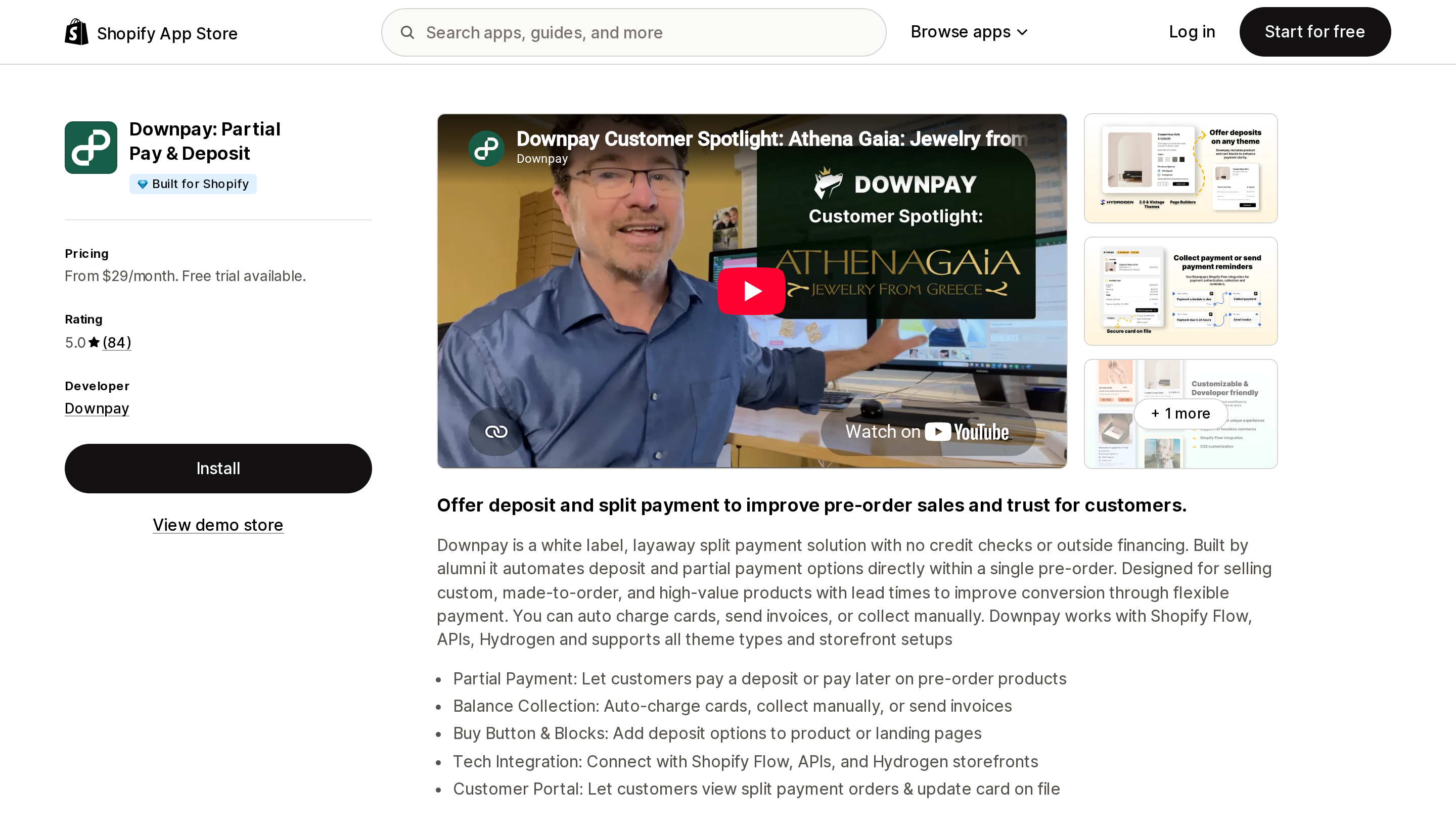
Source: Shopify App Store (Downpay: Partial Pay & Deposit), retrieved September 2, 2026
Downpay describes itself as "a white label, layaway split payment solution with no credit checks or outside financing" — meaning the merchant carries the credit risk, not a lender. Its positioning is explicitly high-value: "custom, made-to-order, and high-value products with lead times."
Every plan includes every feature. The only thing the tiers control is total order value processed with Downpay: $5,000 at $29, $10,000 at $49, $25,000 at $99, $100,000 at $249. A single $8,000 order therefore exceeds the entry tier by itself.
The feature set is the broadest here on the collection side: stored card per order, bulk balance collect and authorize, invoices, manual collection, a customer portal where buyers can update the card on file, and 15+ Shopify Flow integrations. It lists Hydrogen and headless storefronts, which none of the other three do.
Best fit: high-AOV made-to-order sellers, and anyone running Flow automations or a headless storefront.
Poor fit: high monthly volume at low margin — the $100,000 tier at $249 is the most expensive rung in this comparison.
SPD Split Payment & Deposit
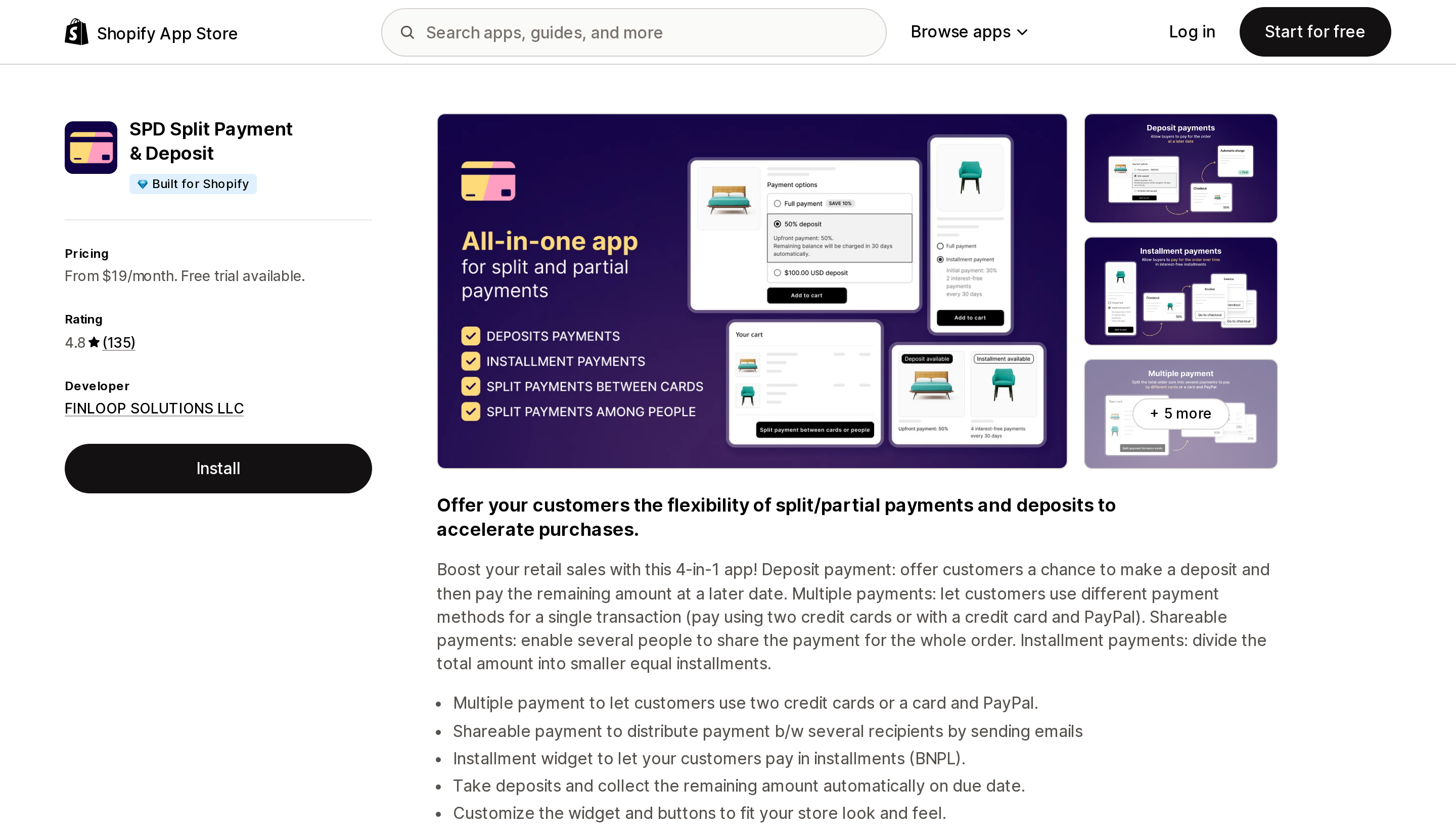
Source: Shopify App Store (SPD Split Payment & Deposit), retrieved September 2, 2026
SPD uses the same denominator as Downpay — order value processed per month — with a very different ladder: $19 up to $1,000, $29 up to $5,000, $49 up to $10,000, and $99 up to $50,000. Compare the top rungs: $50,000 of deposit orders costs $99 on SPD and $249 on Downpay. Every tier states "No additional fees."
It is a 4-in-1 app rather than a deposit app: deposits with automatic balance collection, multiple payments (two credit cards, or a card and PayPal, on one order), shareable payments split between several people by email, and installments. The shareable-payment feature is genuinely unusual — a wedding registry or a group gift can be paid by four people.
Four listing languages, and development stores are free.
Best fit: stores in the $10,000–$50,000 monthly deposit range, and anyone who needs split-between-people or two-card payment.
Poor fit: stores that will cross $50,000 a month — the listing does not publish a tier above it.
Deposit & Partial Payment Depo
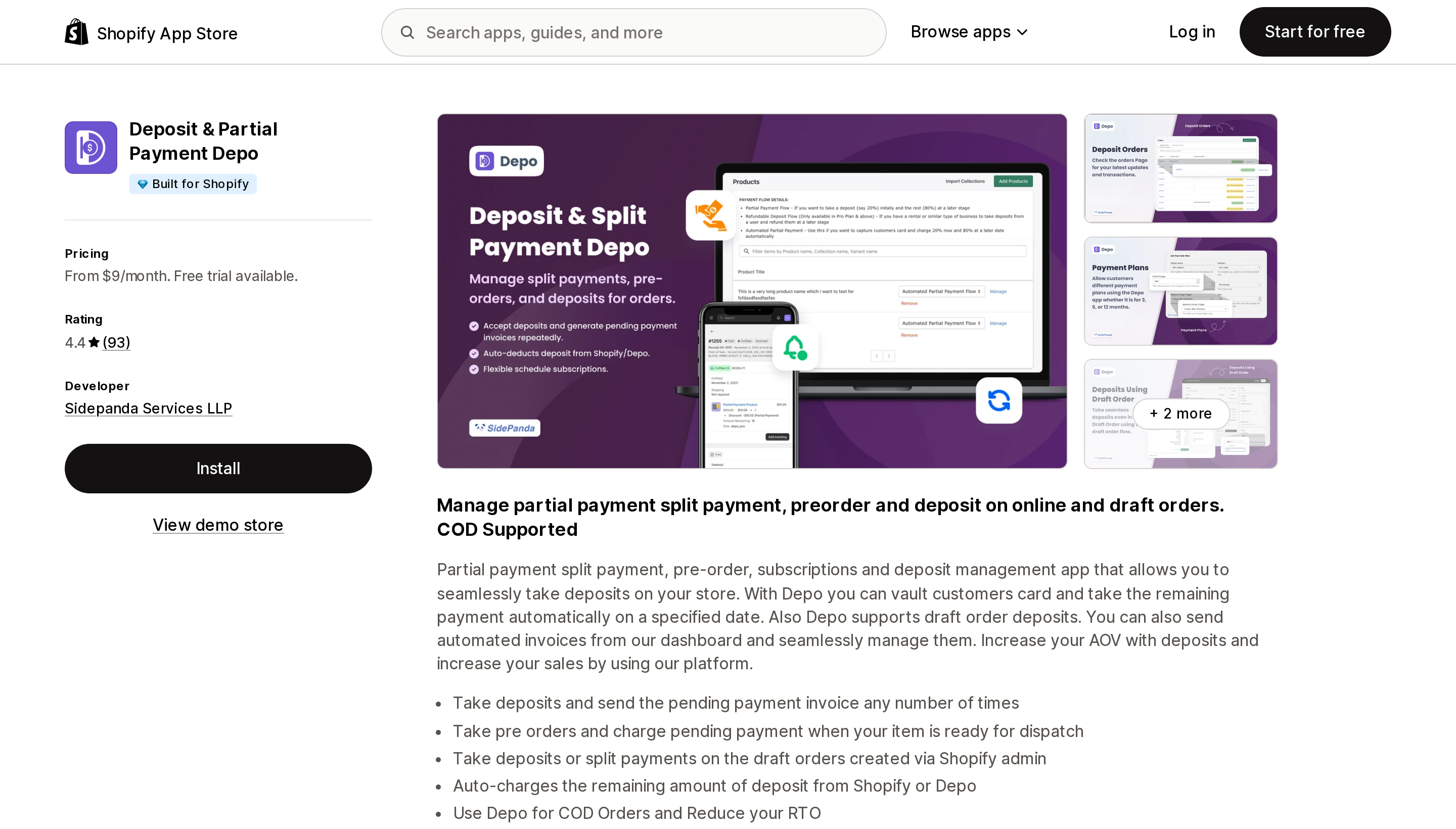
Source: Shopify App Store (Deposit & Partial Payment Depo), retrieved September 2, 2026
Depo carries the lowest headline price here, $9, and it is the only app of the four that charges a processing fee on top of the subscription: 1% + $0.20 on Starter, 0.75% + $0.15 on Lite ($49), 0.5% + $0.10 on Pro ($149). The listing does not state which amount the percentage applies to, so confirm the base before modelling it.
Take that at face value and $9 stops being $9. At $50,000 a month, the cheapest Depo configuration is roughly the $149 Pro plan plus 0.5%, around $399 — the most expensive outcome in this comparison by a wide margin.
Depo does something the others' listings do not claim, though: "Depo supports draft order deposits." Deferred purchase options cannot be used on draft orders, so a merchant who takes deposits over the phone or against a quote should look here first and ask how it is implemented. It also lists Shopify POS under Works with, and six interface languages.
At 4.4 across 93 reviews it has the lowest rating of the four, with 11 one-star ratings. One review from a merchant of over four years states that the billing model changed from subscription-only to a subscription plus a percentage of sale revenue; the developer replied disputing the account. The current listing does show a subscription plus a percentage. Read the recent reviews before installing.
Best fit: draft-order and phone-sales deposits, and low monthly volume where the percentage stays small.
Poor fit: any store with meaningful monthly deposit volume. The fee scales without limit.
DP: Deposit & Partial Payments
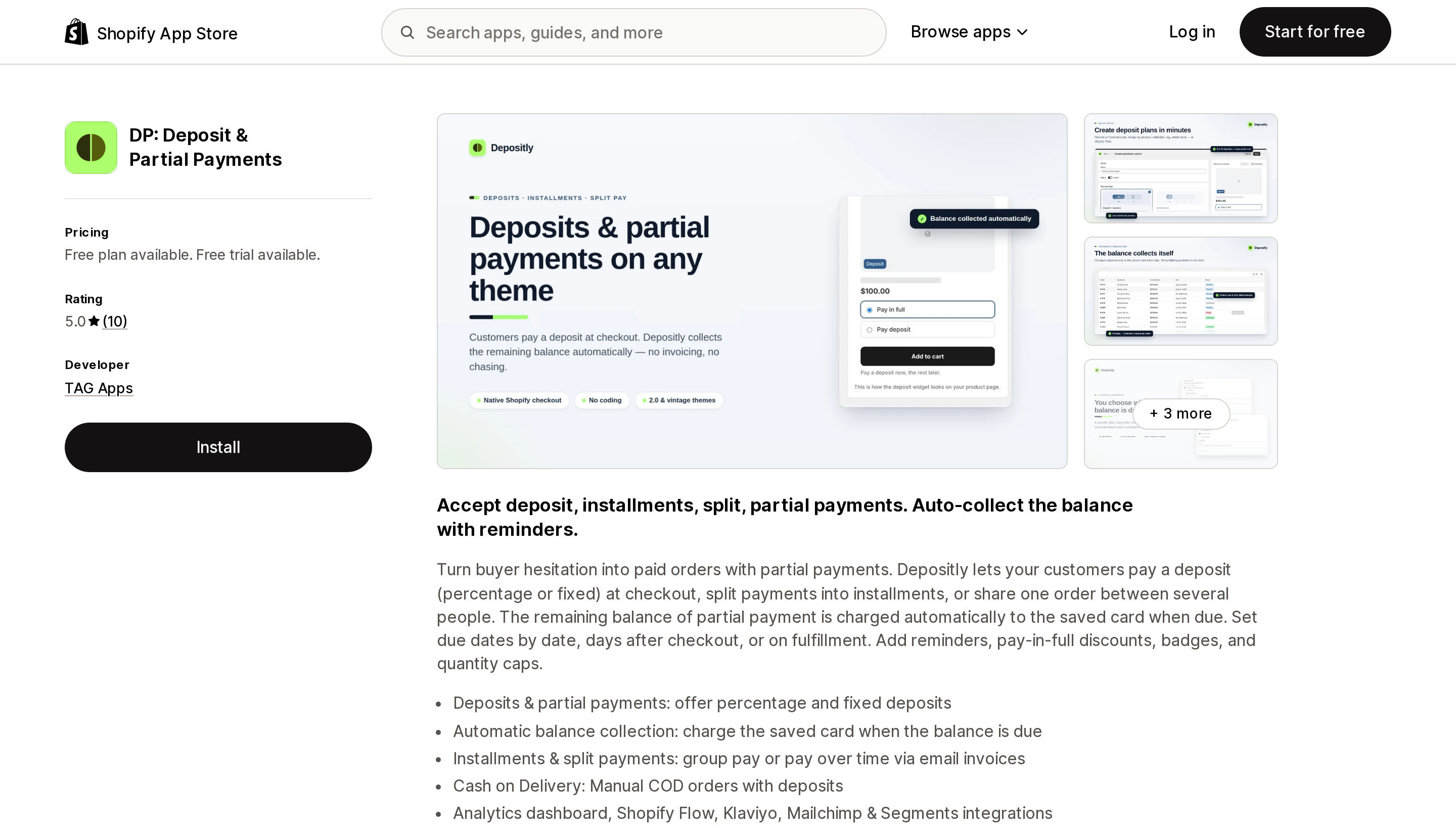
Source: Shopify App Store (DP: Deposit & Partial Payments), retrieved September 2, 2026
DP, branded Depositly, launched on July 29, 2026 — about five weeks before this article. It has 10 reviews, all five-star, several of which describe direct setup help from the founder. Treat both the rating and the reviews as a very small sample.
The pricing is the most aggressive here. The Free plan includes deposits, split payments and group pay, automatic balance collection, reminders, analytics, storefront translations, and a customer portal — the actual working feature set, not a trial. Pro at $19 adds marketing integrations (Klaviyo, Mailchimp, Segments) and priority support, plus 1% of deposit-order value above $5,000, capped at $99 a month.
That cap is the number to notice. The most DP can cost is $19 + $99 = $118 a month at any volume, against SPD's $99 ceiling at $50,000 and Downpay's $249 at $100,000. Above roughly $50,000 in monthly deposit orders, DP is the cheapest of the four by a distance — if you are willing to run a five-week-old app on money that has not been collected yet.
Due dates can be set by date, by days after checkout, or on fulfillment, and it lists pay-in-full discounts, badges, and quantity caps.
Best fit: stores testing deposits at any volume without committing budget, and high-volume stores that value the $99 fee cap.
Poor fit: anyone who needs a track record. Five weeks of history is five weeks of history.
What the same store pays
Modelled on monthly order value flowing through the app. Depo's figures assume the percentage applies to processed order value; the listing does not specify the base, so treat that column as an estimate.
| Monthly deposit-order value | Downpay | SPD | Depo (best tier) | DP |
|---|---|---|---|---|
| $1,000 | $29 | $19 | ~$19 | Free |
| $5,000 | $29 | $29 | ~$59 | Free |
| $10,000 | $49 | $49 | ~$109 | $69 |
| $50,000 | $249 | $99 | ~$399 | $118 |
| $100,000 | $249 | Not published | ~$649 | $118 |
Two things fall out of this table. The lowest headline price in the category, Depo's $9, produces the highest bill at every volume above about $5,000, because a percentage has no ceiling and a subscription does. And the ranking of the other three changes twice: DP is free at the bottom, SPD is cheapest in the middle, DP is cheapest at the top.
Before you use this table, check your own number. It is not revenue — it is only the value of orders that go through a deposit flow. A store doing $200,000 a month where 10% of orders are made-to-order is a $20,000 store for this purpose.
Choosing
- Shopify Plus and B2B. Use payment terms with a deposit requirement. It is built in, it works with draft orders, and it costs nothing extra. Just know that you capture the balance manually.
- Shopify Plus, B2B, and you also want DTC deposits. These are two separate systems and shopify.dev says they do not mix. Plan for B2B deposits natively and a selling-plan app on the DTC side, configured on different products.
- Deposits on phone or quote sales. Deferred purchase options cannot touch draft orders. Depo is the only one of the four whose listing states draft-order support; ask how before you rely on it.
- In-person deposits at a showroom. Pre-orders and TBYB are not available on Shopify POS. This is not a solved problem through this route.
- You are not on Shopify Payments, PayPal Express, or Adyen. Confirm gateway eligibility before anything else. Stripe is documented as available only to some merchants, and none of these apps can widen that list.
- Under about $10,000 a month in deposit orders. DP's free plan or SPD's lower tiers. Do not start at Downpay's $29 without checking SPD's $19.
- Above about $25,000 a month. SPD to $50,000, then DP for the fee cap. Downpay earns its higher price only if you need Flow automations, headless support, or its bulk collect and authorize workflow.
- Still on
checkout.liquid. None of this works. That is the first thing to fix.
Before you install
- Confirm your gateway is on the list of four. Everything else is academic if it is not.
- Write down your actual monthly deposit-order value, not your revenue. Three of the four apps bill on it.
- Decide whether you need draft orders or POS. Both are excluded from the native selling-plan path, and that exclusion is not something an app can override.
- Test a mixed cart during the trial — one deposit item and one normal item, then two deposit items with different due dates. One order carries one deferred due date, and the earliest one wins.
- Ask the app what happens when the balance charge declines. Shopify's documentation makes retries and failure handling the app's responsibility, so the answer is entirely product-specific.
- Ask what happens to an uncollected balance if you uninstall. The card mandate lives with Shopify, but the schedule and the collection logic live with the app.
Related reading
- Shopify pre-order and back-in-stock apps compared
- B2B is on every plan — but some of it is still Plus-only
- How Shopify apps actually bill you
Sources
- About pre-order and Try Before You Buy (TBYB) — shopify.dev
- Setting up payment terms in B2B — Shopify Help Center
- Draft orders and invoices — Shopify Help Center
- Downpay: Partial Pay & Deposit — Shopify App Store
- SPD Split Payment & Deposit — Shopify App Store
- Deposit & Partial Payment Depo — Shopify App Store
- DP: Deposit & Partial Payments — Shopify App Store
Shop Pay Installments is free to activate, needs no app, and Shopify never publishes what it costs you — the rate is visible only inside your own admin. It also refuses Capital One and Chase credit cards, restricts monthly plans to debit cards only, excludes gift cards and subscriptions, and can't be turned off for individual products. Affirm can suspend your account for being password-protected, for having a non-English storefront, or for being primarily B2B. And Shopify's Getting paid page says disputes appear in your admin while its FAQ says they don't. If you fail the eligibility gates, the alternative is on-site messaging apps from Klarna, Afterpay, Sezzle, Zip, and PayPal — a category rated between 1.0 and 3.2 stars. Researched September 2, 2026.