
What you will learn
On this pageContentsCloseOpen
Most retail continuity plans on Shopify stop at one question: can I still take money? The answer is yes, and that answer hides the problem. Shopify POS keeps selling when the internet drops, so the failure does not look like a failure — it looks like a normal shift until someone asks for a gift card, presents a discount code, or wants to return something.
Shopify documents exactly what stops. The list is worth reading before you need it.
What actually stops working
Offline checkout — accepting cash and manual payments without a connection — is available to all Shopify POS users, no setup required. Everything below is what you lose alongside it.
From Shopify's own table of features that require an internet connection:
- Gift cards. You can't accept gift cards, and you can't sell them. Both directions, no exceptions.
- Discount codes and automatic discounts. Neither works offline. Manual discounts still work — which is the workaround, and also the audit problem.
- Exchanges, returns, and voids. None of them can be processed offline.
- Customers. You can't search for, edit, or create a customer.
- Tips. Cannot be accepted offline.
- Creating new products. A new product can't be saved without a connection.
- Saving and sharing carts. Not available, and you can't view a recent cart created on another device.
- Ship-to-customer orders. Cannot be completed.
- Buy online, pick up in store. BOPIS orders cannot be fulfilled offline.
- Syncing with your admin. Orders and inventory don't sync until you reconnect.
Actions that need a connection are greyed out in the app, and tapping one explains why. That is good design, and it is also why a shift can run for two hours before anyone realises how much is unavailable.
Two consequences are easy to miss. First, offline orders get different order numbers: they appear in your Orders list as the register ID prefix plus receipt number — #1-1005, #2-1013 — rather than a normal sequential order number. That affects anyone reconciling by order number. Second, and more serious:
"If your POS device loses connection to the internet temporarily and you make sales when you're offline, then don't turn off the device, or sign out of Shopify POS. Logging out of Shopify POS, or turning off the device might cause loss of offline orders."
A staff member ending their shift the normal way — logging out — can lose the sales they just made. That belongs on a laminated card next to the register, not buried in a help page.
Offline card payments are a separate feature, and it has a list
Taking cards offline is not automatic. Offline payments is an opt-in extension of offline checkout that you activate in the Shopify admin. The requirements:
- POS app version 9.14.0 or later.
- A compatible reader: POS Go, POS Terminal, Tap & Chip, Chipper 2X BT, Wisepad 3, or Chip & Swipe Reader.
- Staff must hold the Accept offline credit and debit payments POS permission.
When you activate it, you set two numbers yourself:
- Device daily limit — the maximum total of all offline card payments on a single device.
- Transaction limit — the maximum per order. Multiple cards can be used on one order as long as the total stays under it.
Both limits apply across all of your store locations, and convert automatically to local currency for locations in other countries. There is no per-location override.
What is excluded
- Tap to Pay on iPhone, Tap to Pay on Android, swipe cards, and Manual card entry (MOTO) are all unsupported offline.
- Interac cannot be accepted offline by Canadian businesses.
- eftpos cannot be accepted offline by Australian businesses.
- Offline payments aren't available for retail locations in France at all.
If your store's card mix is mostly Tap to Pay on iPhone, activating offline payments does very little for you.
The risk you are accepting
Shopify states it plainly: "Offline transactions aren't routed to the payment processor. You might not know that a transaction has failed until you reconnect to the internet." Payments can decline for insufficient funds, or a lost or stolen card. Shopify's advice is to reconnect within 24 hours to reduce declines, and to collect a phone number or email at the time of sale so you can chase a declined payment afterwards. That collection step is not optional — it is a required part of the offline flow.
Orders show a Payment pending badge while offline, then flip to Paid or Card declined once you reconnect.
The POS Terminal exception, and its own catch
If you use a POS Terminal Reader with Shopify Payments, you may be able to authorize card-present payments in real time while offline checkout is on. But the offline-payments path for POS Terminal carries conditions that describe a very specific kind of outage:
- Your local Wi-Fi network must still be working. If the router is down or you have a full power outage, you cannot accept offline payments.
- You cannot restart your router while offline.
- You cannot change networks while offline.
In other words, it covers "the ISP is down" and not "the power is out." Those are the two scenarios retailers usually plan for together.
Shopify tells you to ask your app developers. Their listings don't say.
On POS apps, Shopify's guidance is this: some apps built with POS UI Extensions keep working offline, apps without offline support are unavailable until you reconnect, and "if you're unsure whether a specific app works offline, then contact the app developer to confirm offline support."
So we checked. On September 2, 2026 we read ten POS-relevant App Store listings in the en-US locale and searched each full listing page for the word "offline."
Zero of the ten mention it. Not the third-party apps, and not Shopify's own two.
| App | Developer | Rating (reviews) | Pricing | Listing mentions offline? |
|---|---|---|---|---|
| Point of Sale | Shopify | 3.2 (390) | Free plan available | No |
| Stocky | Shopify | 3.1 (187) | Free to install, additional charges may apply | No |
| Smile: Loyalty Program Rewards | Smile.io | 4.9 (4,234) | Free plan available, free trial available | No |
| Easyteam POS Time Clock In | Easyteam® | 4.9 (304) | Free to install, free trial available | No |
| Sesami Booking Platform | Sesami Inc. | 4.6 (262) | From $19/month, free trial available | No |
| Atomic POS Variable Price | Atomic POS | 5.0 (8) | Plan-based | No |
| POS2B: Native POS B2B Pricing | Riess Group | 3.0 (1) | Plan-based | No |
| CounterConnect | Bottleworks Labs | No reviews | Plan-based | No |
| Zon: Staff Management | Zon Staff | 4.8 (41) | Free plan available, free trial available | No |
| Time Tracker | A Team Apps LLC | 4.8 (49) | Plan-based | No |
The absence of a claim is not evidence that an app fails offline. It means the App Store is not where you can find out, which is exactly what Shopify's own instruction implies. Send the question to support before you rely on a POS app during an outage — and get the answer in writing.
The apps most exposed by the native limits
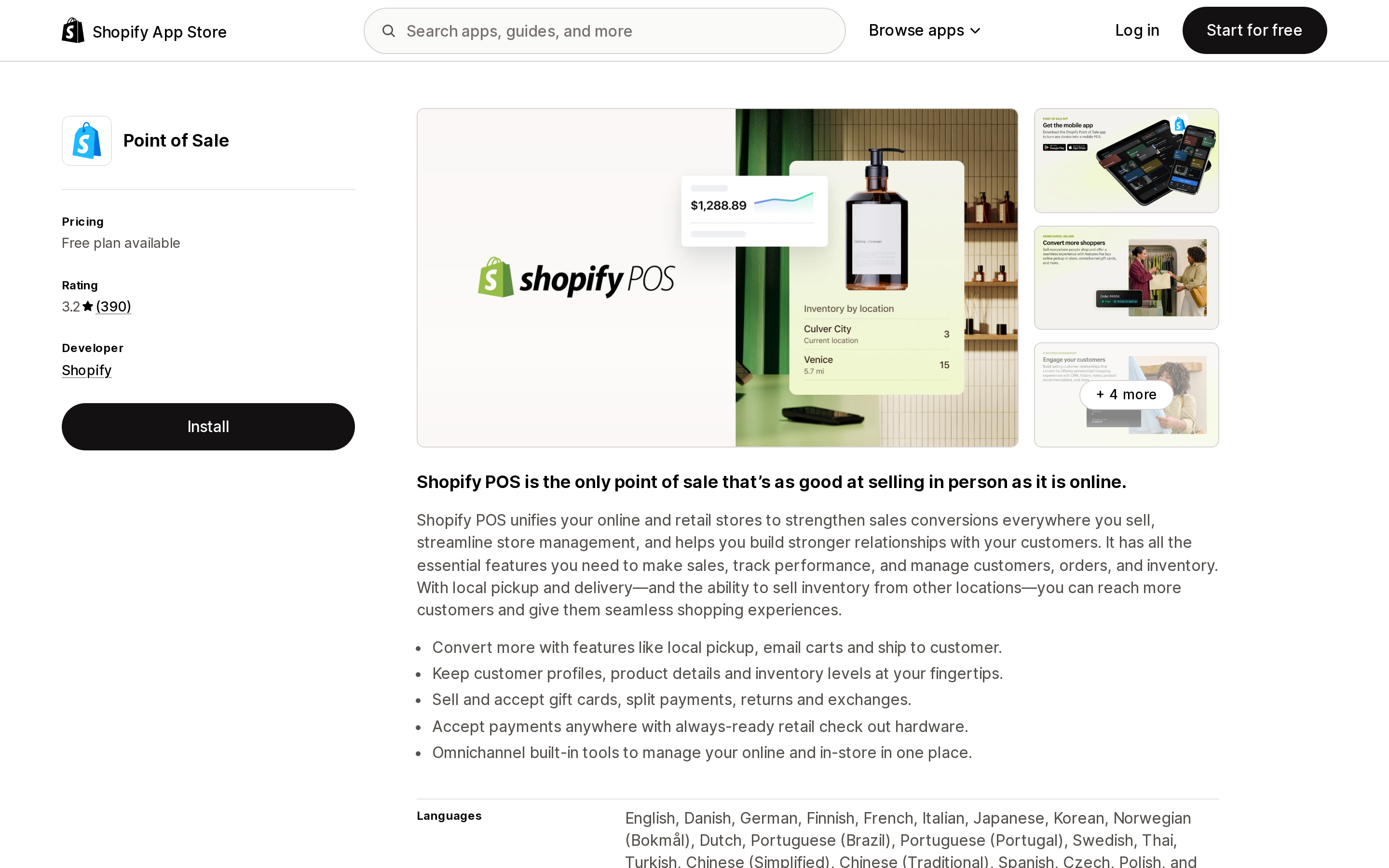
Source: Shopify App Store (Point of Sale), retrieved September 2, 2026
Shopify's own Point of Sale app sits at 3.2 from 390 reviews — a first-party app rated below almost every third-party app in the table above. The app itself is available on all subscription plans; POS Pro is a paid add-on that unlocks additional features, and Shopify gives Pro features a 3-day free trial when you start using Shopify POS. If you do nothing at the end of it, the app reverts to the free version automatically.
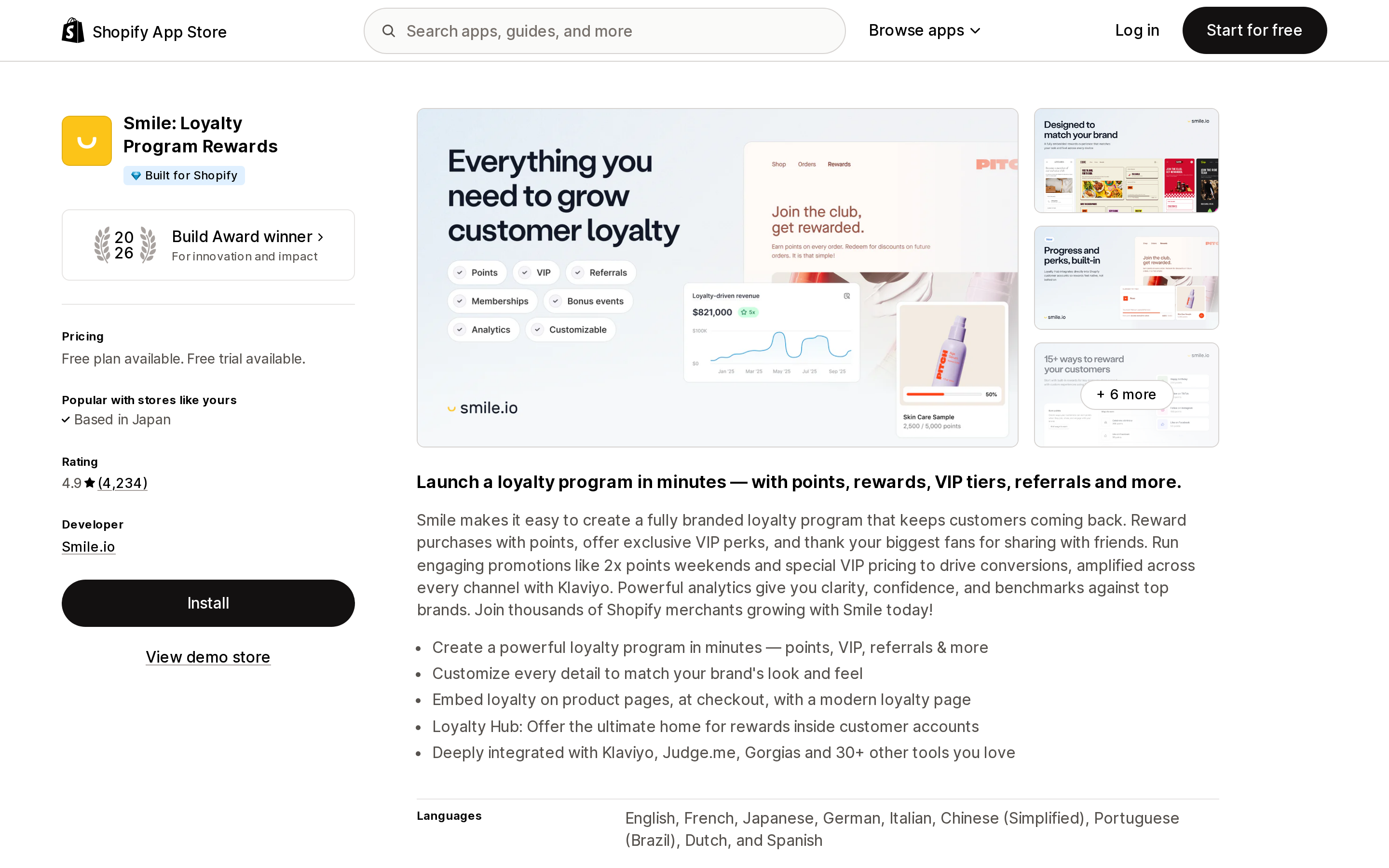
Source: Shopify App Store (Smile: Loyalty Program Rewards), retrieved September 2, 2026
Smile: Loyalty Program Rewards is the highest-rated app here at 4.9 from 4,234 reviews and carries the Built for Shopify badge. It is also structurally exposed by two of the native offline limits at once: loyalty depends on identifying the customer, and customer search and creation are unavailable offline; and redemption typically issues a discount, while discount codes and automatic discounts do not apply offline. A manual discount can approximate the value at the register, but it will not be recorded as a redemption.
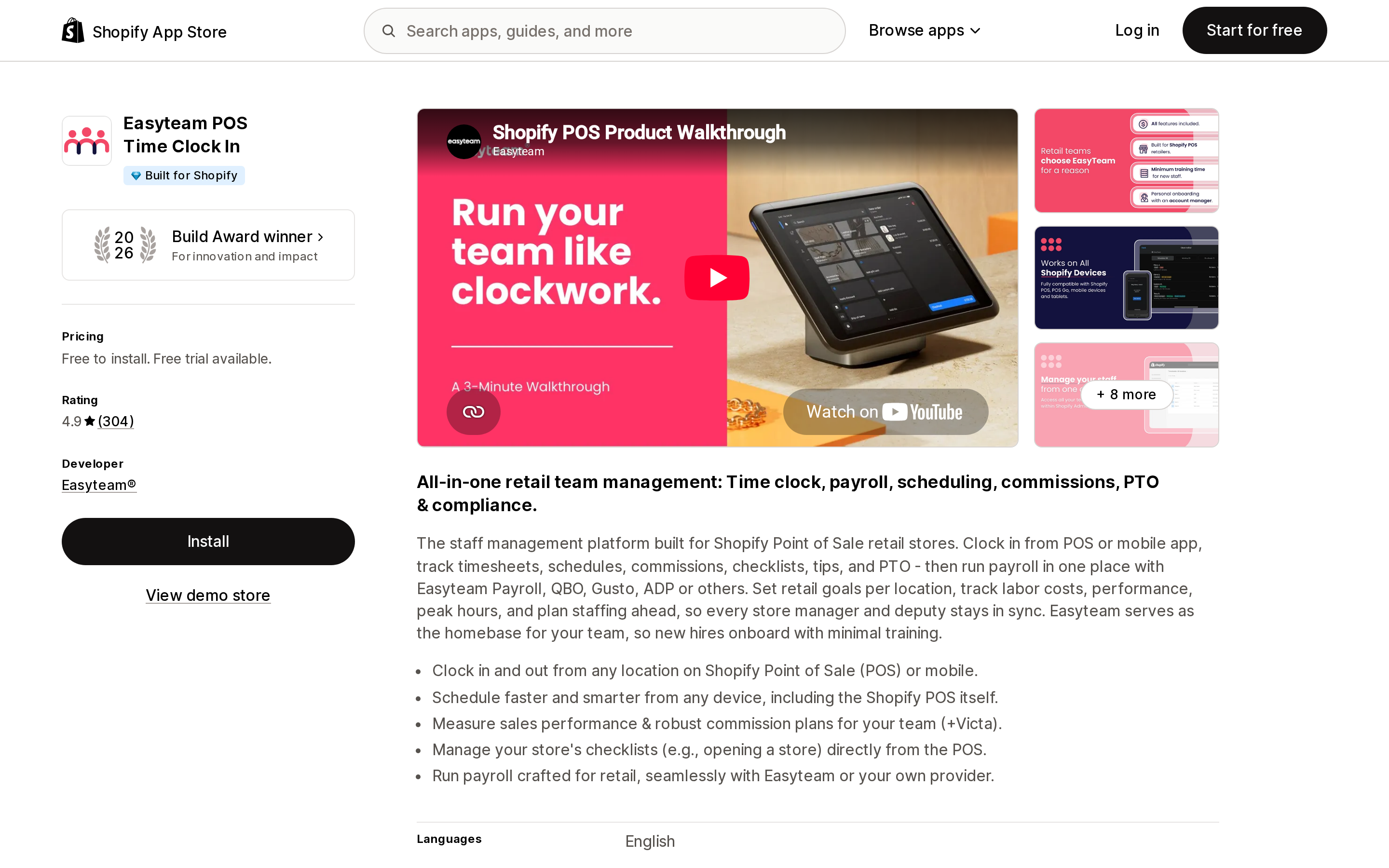
Source: Shopify App Store (Easyteam POS Time Clock In), retrieved September 2, 2026
Easyteam POS Time Clock In by Easyteam®, 4.9 from 304 reviews, free to install with a free trial. Time-clock apps sit in an awkward spot during an outage: staff still need to clock in and out, and that is exactly the moment nobody can verify whether the punch was recorded. Worth an explicit answer from the developer.
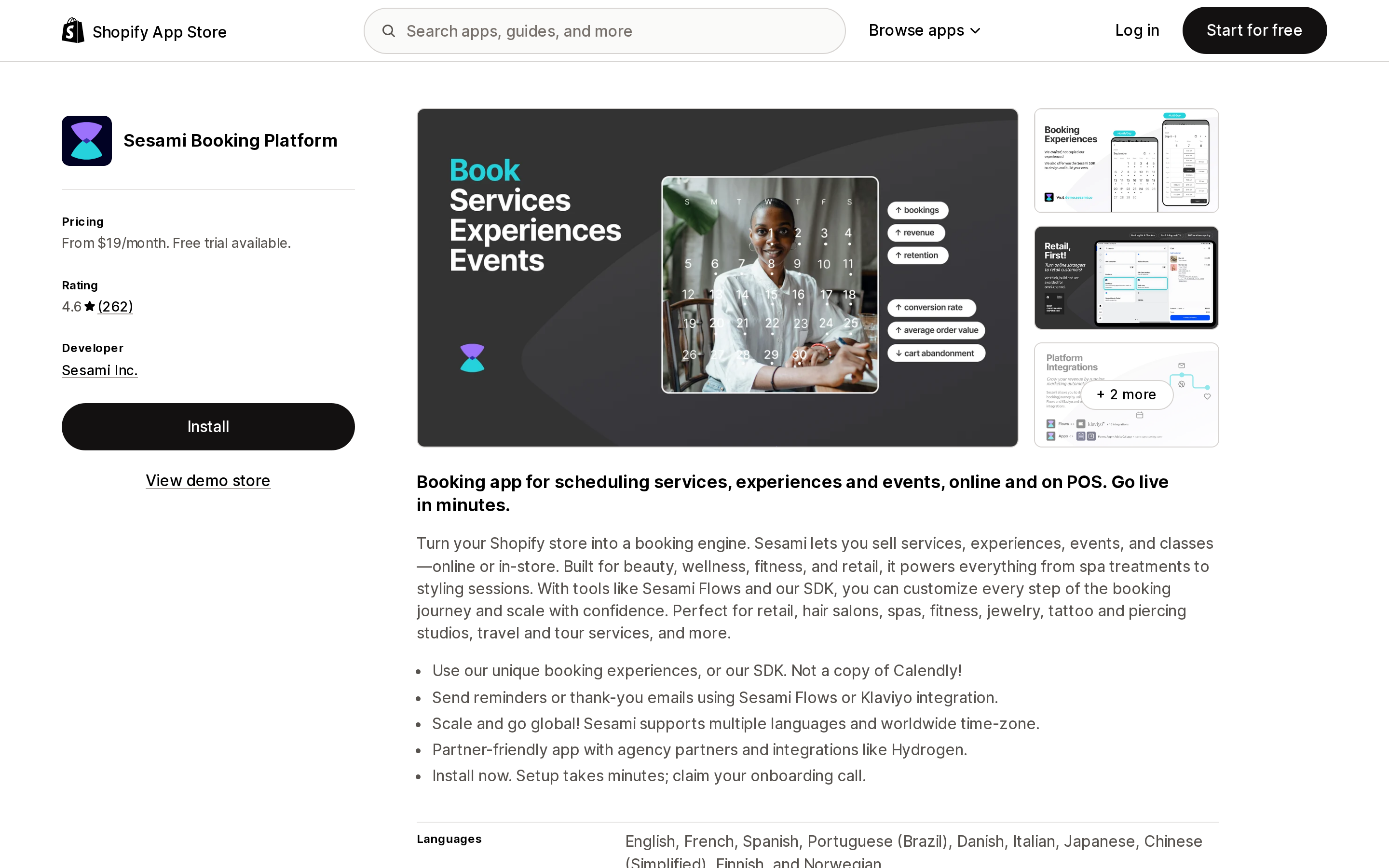
Source: Shopify App Store (Sesami Booking Platform), retrieved September 2, 2026
Sesami Booking Platform, 4.6 from 262 reviews, from $19/month, sells services, experiences, events, and classes online and on POS. Bookings are the category where an offline gap is least recoverable: a slot either exists or it doesn't, and a double-booking taken during an outage is a customer conversation, not a reconciliation.
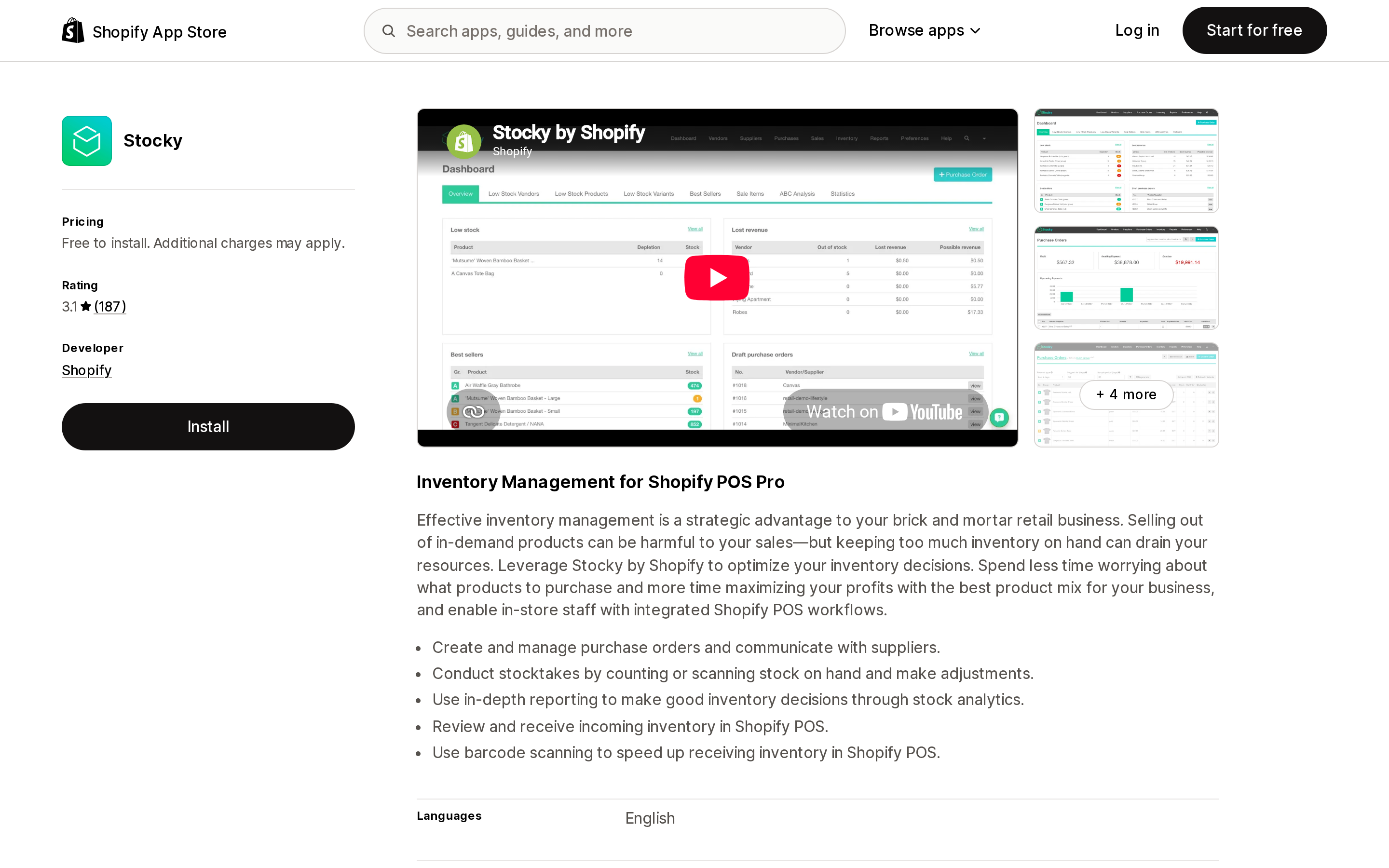
Source: Shopify App Store (Stocky), retrieved September 2, 2026
Stocky, Shopify's own inventory management app for Shopify POS Pro, is rated 3.1 from 187 reviews. Since POS cannot sync inventory with your admin while offline, anything downstream of inventory counts is working from stale numbers until you reconnect.
Hardware keeps working. That is the useful half.
Not everything depends on the internet, and the split is documented:
- Cash drawer — no internet needed. Opens manually with its key, or automatically when cabled to a receipt printer that is paired to the POS device by Bluetooth or LAN.
- Receipt printer — no internet needed. Bluetooth or LAN, depending on the model.
- Barcode scanner — no internet needed. Connects to POS over Bluetooth.
- Barcode printer — depends. Printing from the Shopify admin via the Barcode Printer app needs a connection; printing through Dymo Label Software does not.
- Card reader — needs a connection for most readers, unless offline payments are activated, with the POS Terminal caveats above.
So a till, a receipt, and a scanner survive an outage. Anything that has to ask a server a question does not.
One more requirement that isn't about outages
Shopify requires the POS app to be updated at least every 180 days: "To not lose access to the Shopify POS app, turn on automatic updates." A store that keeps a dedicated register iPad on an old build and never opens the App Store on it can lose access to the app entirely, with no outage involved. Offline card payments separately require version 9.14.0 or later, so an out-of-date register can fail the feature you activated it for.
Related device constraints worth checking once: POS runs on iOS 15.1+ and Android 10+ only, is not available for laptops, desktops, or Amazon Fire tablets, and is not supported on jailbroken or rooted devices.
What to actually do
Write down the manual-discount rule before an outage, not during one. Manual discounts are the only discount mechanism that works offline. Decide now who is allowed to apply them, at what value, and how they get reconciled — otherwise your outage procedure is "staff improvise on price."
Decide about gift cards in advance. They cannot be sold or accepted offline, full stop. If gift cards are a meaningful share of your revenue or your holiday plan, that is a business decision, not an IT one.
Set offline payment limits deliberately. The device daily limit and transaction limit are your loss ceiling on unverified cards, and they apply to every location. Set them to the amount you are willing to lose in a bad day, not to a number that feels convenient.
Check your card mix against the exclusion list. If your customers mostly use Tap to Pay on iPhone, offline payments will not save the shift. Cash and manual payment methods will.
Assume power outages are not covered. Offline payments through POS Terminal require your local network to still be up. Plan cash for a real power cut.
Email every POS app developer you depend on and ask directly. Shopify tells you to. Their listings do not answer it. Ten out of ten, including Shopify's own.
Sources
- Using Shopify POS offline — Shopify Help Center
- Shopify POS offline features — Shopify Help Center
- Accepting card payments offline using Shopify POS — Shopify Help Center
- Shopify POS FAQ — Shopify Help Center
- Selling in person with Shopify POS — Shopify Help Center
- Shopify App Store listings (en-US) for Point of Sale, Stocky, Smile: Loyalty Program Rewards, Easyteam POS Time Clock In, Sesami Booking Platform, Atomic POS Variable Price, POS2B: Native POS B2B Pricing, CounterConnect, Zon: Staff Management, and Time Tracker, retrieved September 2, 2026
Shop Pay Installments is free to activate, needs no app, and Shopify never publishes what it costs you — the rate is visible only inside your own admin. It also refuses Capital One and Chase credit cards, restricts monthly plans to debit cards only, excludes gift cards and subscriptions, and can't be turned off for individual products. Affirm can suspend your account for being password-protected, for having a non-English storefront, or for being primarily B2B. And Shopify's Getting paid page says disputes appear in your admin while its FAQ says they don't. If you fail the eligibility gates, the alternative is on-site messaging apps from Klarna, Afterpay, Sezzle, Zip, and PayPal — a category rated between 1.0 and 3.2 stars. Researched September 2, 2026.