
What you will learn
On this pageContentsCloseOpen
There is a sentence in Shopify's Help Center about adding category metafields that deserves more attention than it gets: "After you save your product, any unedited suggestions are confirmed."
The suggestion in question is a product category, generated by Shopify Magic from your product's name, description, and images. If you don't touch it, saving the product accepts it.
That would be unremarkable if the product category were a merchandising label. It isn't. Shopify's own documentation lists what the field controls, and tax is on the list: "Determine the rate at which the product is taxed when you're using Shopify Tax. Your products might be subject to special rates or exemptions... Collecting too much or not enough sales tax can create financial or legal liability for your business."
An AI suggestion, silently confirmed on save, sits upstream of your sales tax rate.
Everything the product category field controls
Shopify's Standard Product Taxonomy page lists four purposes for the category field, and other pages add more. Collected in one place:
- Category metafields. Assigning a category unlocks the attributes that map to it.
Apparel & Accessories > Clothing > Clothing Tops > Shirtsunlocks size, neckline, sleeve length type, top length type, age group, fabric, target gender, clothing features, and color. - Sales tax rates under Shopify Tax. Special rates and exemptions are applied by category.
- Sales channel compatibility. Channels like Facebook and Google require a standardized product type. Shopify warns that "new categories might not be compatible with sales channels" and to review a published product's channels before changing its category.
- Return-reason analytics. "Return reasons in the returns process are based on product category." Miscategorized products produce return reports you can't act on.
- Internal organization. Category works as a condition in automated collections and as a filter on the product list.
- Managed Markets product review. Covered in our piece on Managed Markets and its product review gate: a product needs a title, a description, and a product category before Global-e will review it at all, and category metafields are Shopify's documented fix for a product wrongly marked unsupported.
One category per product, one product type per product, and they are different fields: category is the standard taxonomy value, product type is your own free-text label.
The default when nobody chooses
Shopify is explicit about what happens when the field is left alone: "All products should be assigned a Shopify product category. If a category isn't assigned, then your product saves as uncategorized. This could also happen if a product is created with CSV or an app."
That last clause is the one to worry about. Products created by CSV import or by an app bypass the admin's suggestion flow entirely. If you've migrated a catalog, or you have a supplier feed app creating products, uncategorized is your default state — and with it, no category metafields, no category-based tax treatment, and no Managed Markets clearance.
The taxonomy also moves under you. Shopify notes that its release "means that some of the product categories that you previously used might have been modified or replaced," that a best-match category is suggested when one changes, and that "if there is no category, then your product saves as uncategorized." The changed-category log lives in the public taxonomy repository on GitHub, which is an unusual place for merchandising staff to be asked to look.
What survives a category change, and what doesn't
This rule is worth memorizing before anyone bulk-edits categories.
When you change a product's category:
- Category metafields that have values are carried to the new category.
- Category metafields connected to variant options are carried to the new category.
- Category metafields without values, and not connected to variant options, are not automatically added to the new category.
So a recategorization doesn't destroy the data you filled in — but it does silently drop the empty fields you had deliberately enabled. If your merchandising process is "turn on the eight attributes we care about, fill them in over the next sprint," a category change between those two steps takes the empty ones off the product.
The contradiction at the bottom of the page
Shopify describes category metafields in the same words on two pages: they "help you add the right information to your products to make them more discoverable by visitors on your site, on marketplaces, and on search engines."
Then, under Shopify's Standard Product Taxonomy limitations, the same Help Center page says:
Attributes aren't supported in the following Shopify apps: Search and Discovery and Shopify Bundles.
Shopify Search & Discovery is the free first-party app that builds storefront search and filters. It is how a Shopify merchant without a paid app adds faceted navigation. The attributes Shopify tells you to fill in so that visitors can find products on your site are not usable by Shopify's own tool for helping visitors find products on your site.
The other limitations on that list are worth reading in the same breath:
- Swatches on Dawn require the latest version of the theme.
- Unit of measurement and dimension type attributes "aren't currently available."
- "Custom attributes are currently not supported" — the taxonomy's value list is the value list.
- New categories might not be compatible with sales channels.
Shopify Search & Discovery is free and currently rated 2.7 across 464 reviews. We covered its published caps separately in why the free Search & Discovery app rates 2.7. The attribute gap is one more line in that ledger.
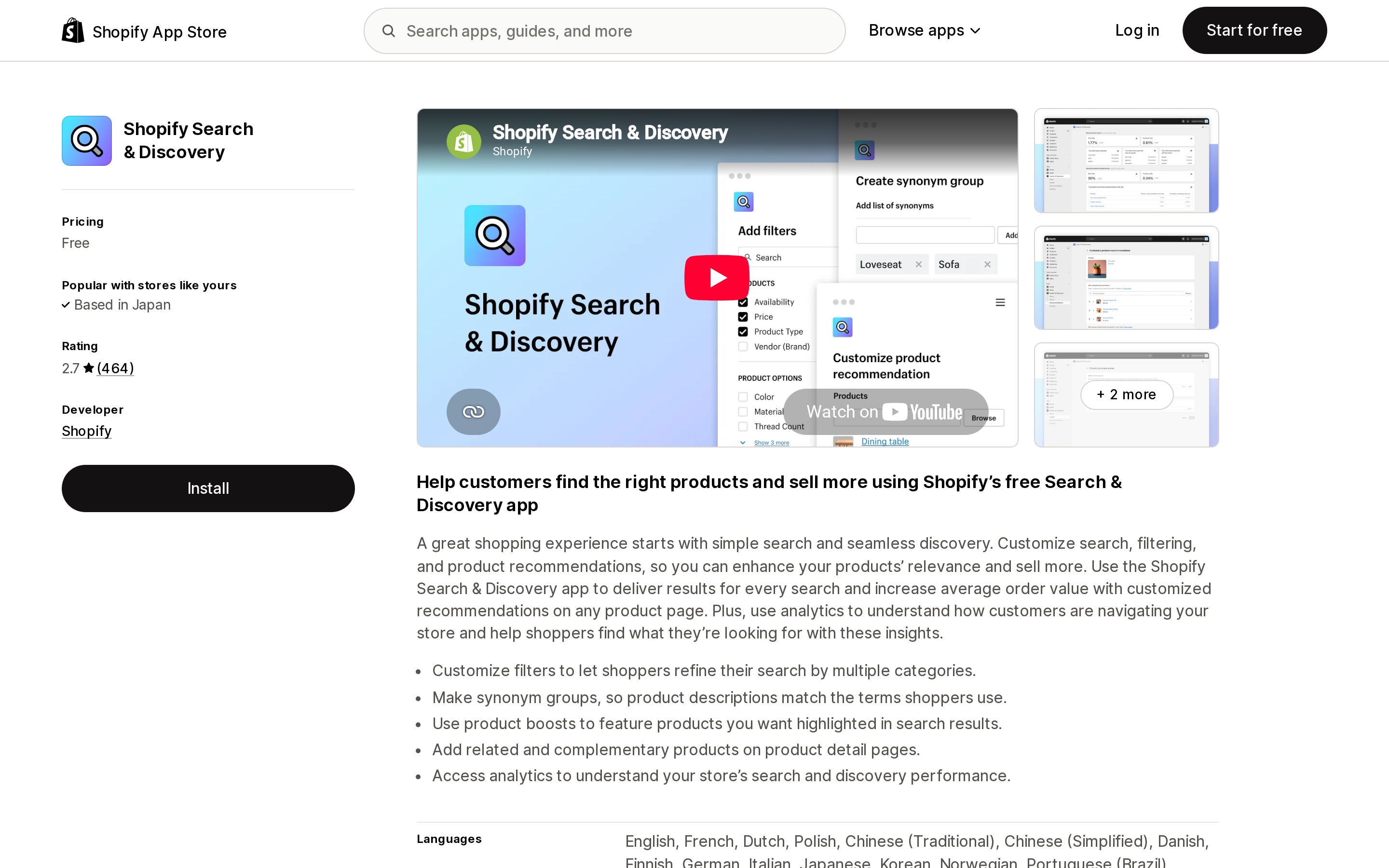
Source: Shopify App Store (Shopify Search & Discovery), retrieved September 2, 2026
What still works natively
Not everything is blocked, and it's worth being precise about what you get for free.
Color swatches on product pages. Connect the taxonomy's color entries to your variant options and Dawn will render swatches. You can rename entries — black to graphite — and the change propagates to every variant using that entry. This is genuinely useful and needs no app.
Consistent variant naming across the catalog. Because entries are metaobjects, editing one entry updates every product that references it.
Structured data for channels and search engines. The attributes flow to marketplaces and search engines even though Search & Discovery can't facet on them.
Bulk category editing. The admin bulk editor has a Product category column, and both category ID and breadcrumb are accepted in CSV — one or the other, not both.
Google category mapping. If you already maintain Google Product Categories, Shopify maps to its own taxonomy, but only when your value matches Google's English string exactly or you supply the ID. And if customers check out directly on Instagram or Facebook, Shopify says you must supply Google Product Categories for tax reasons even when a Shopify category is present.
The apps that can read what Shopify asks you to write
Three storefront filter apps advertise metafield-based filtering, and one bulk editor handles category metafields at volume. They meter on four different things.
| App | Rating (reviews) | Free tier | Metered on | Entry price |
|---|---|---|---|---|
| Shopify Search & Discovery | 2.7 (464) | Entire app | — | Free (attributes unsupported) |
| Smart Product Filter & Search | 4.9 (2,233) | Development stores only | Active products | $14/mo (500 products); metafields on PRO from $29 |
| Searchanise Search & Filter | 4.8 (1,071) | Dev stores and stores under 25 products | Products | $19/mo (1,500 products); $49/mo Plus equivalent |
| Boost AI Search & Filter | 4.8 (1,500) | Trial only | Online GMV | From $29/mo, up to $159/mo under $50K monthly GMV |
| Hextom: Bulk Product Edit | 4.9 (1,044) | 10 products per task | Products per task | $9.99/mo (500 per task) |
Smart Product Filter & Search
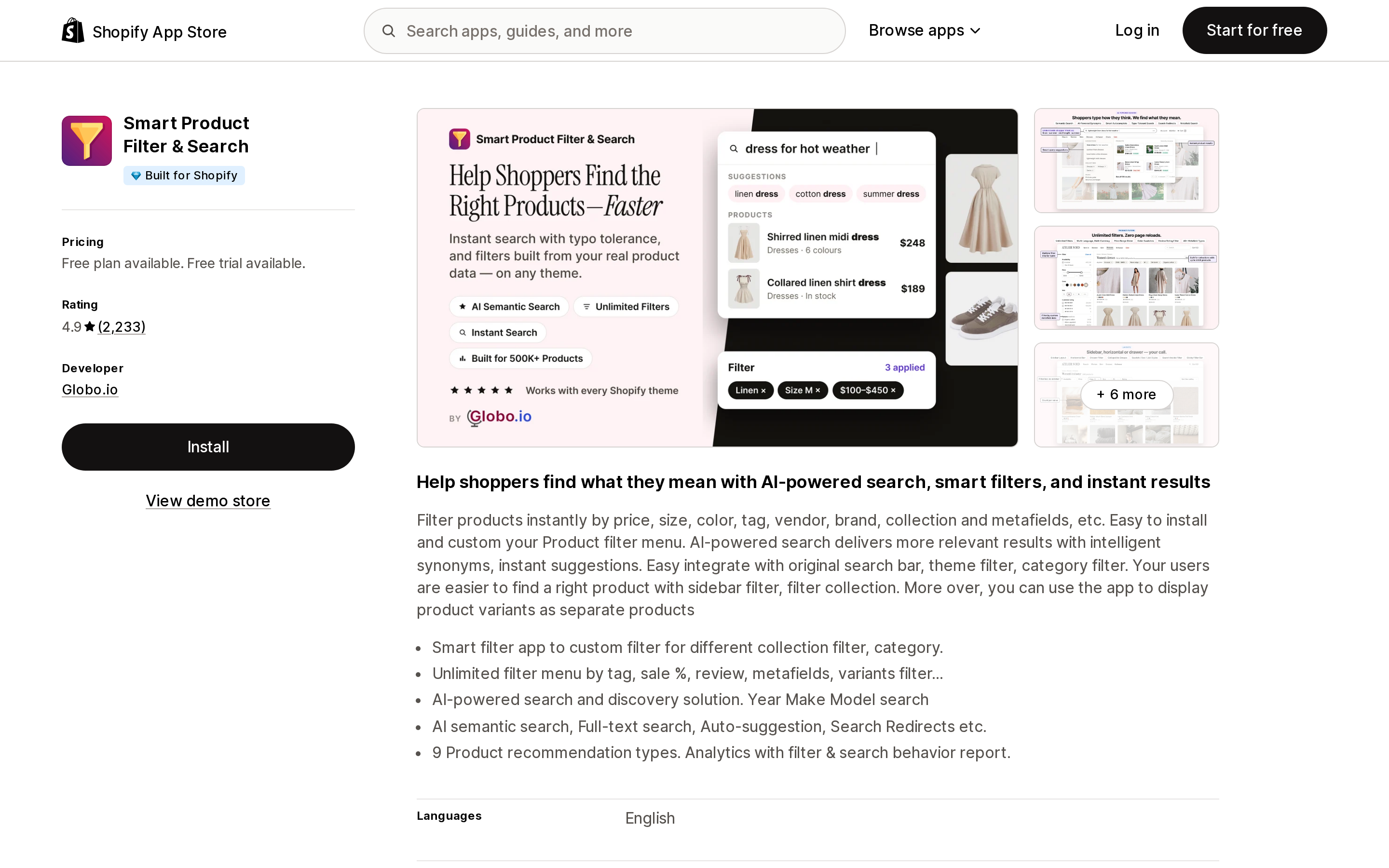
Source: Shopify App Store (Smart Product Filter & Search), retrieved September 2, 2026
Globo.io's app is Built for Shopify with the largest review count of the group — 2,233 at 4.9. Its listing states filtering "by price, size, color, tag, vendor, brand, collection and metafields" and promises an unlimited filter tree from the lowest paid tier.
Read the tier list carefully, though. Basic at $14/month (500 active products) and $19/month (1,000) lists unlimited filter trees, smart search, merchandising and real-time sync. "40+ Metafields" appears only from the PRO tier, which starts at $29/month for up to 500 active products and at $99/month for Shopify Plus. The free tier is explicitly for development, affiliate, and partner test stores — not a production free plan.
Searchanise Search & Filter
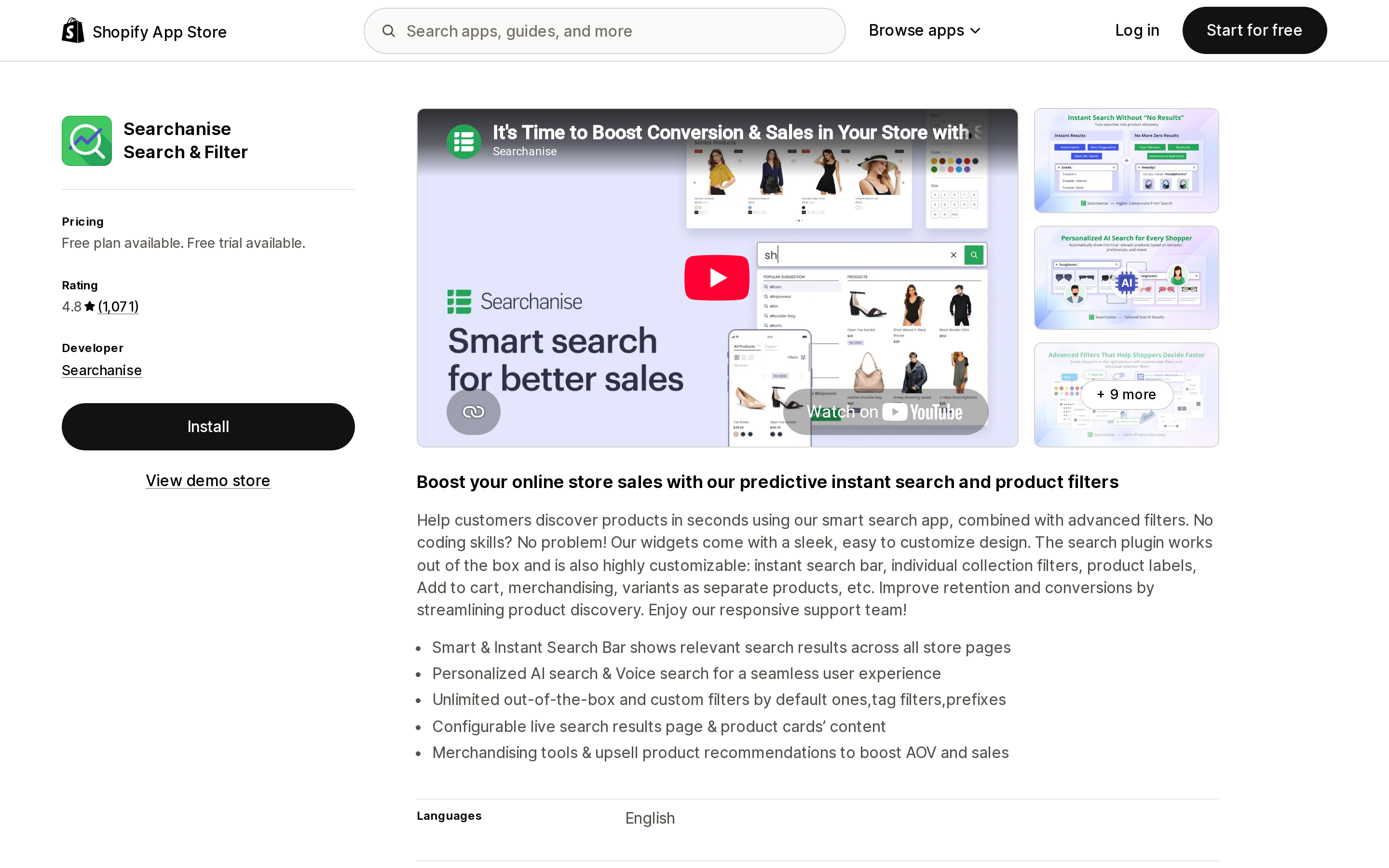
Source: Shopify App Store (Searchanise Search & Filter), retrieved September 2, 2026
Searchanise rates 4.8 across 1,071 reviews and is the only app here with a production free plan, though it is bounded tightly: dev stores and stores under 25 products, with a Searchanise copyright displayed. Paid tiers scale on catalog size — $19/month to 1,500 products, $39/month to 7,500 — and Shopify Plus stores pay a separate ladder starting at $49/month for the same 1,500 products.
The listing advertises "unlimited out-of-the-box and custom filters by default ones, tag filters, prefixes," AI personalization on every tier including free, and real-time sync throughout. The Plus premium for identical product volume is the number to check against your plan.
Boost AI Search & Filter
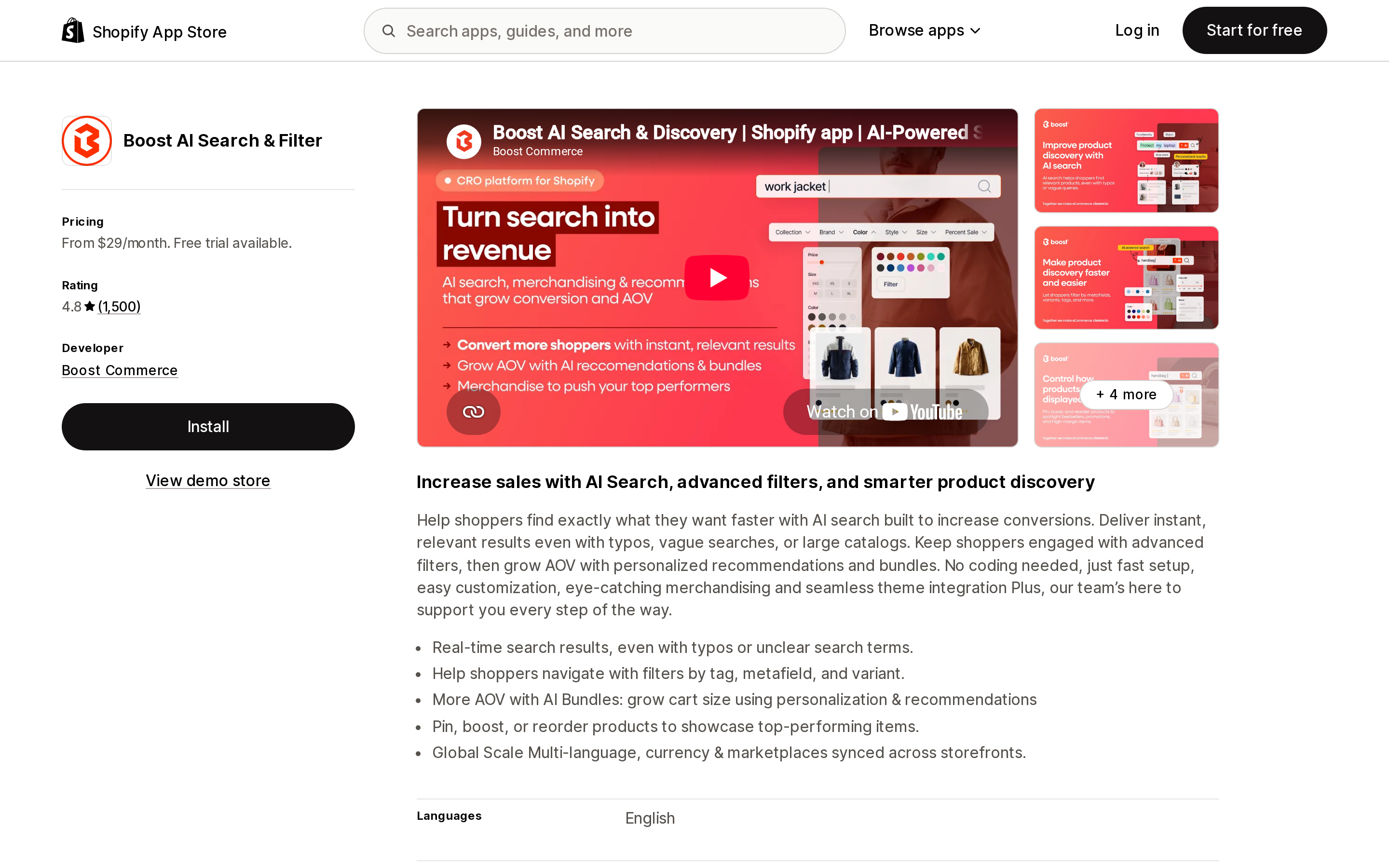
Source: Shopify App Store (Boost AI Search & Filter), retrieved September 2, 2026
Boost Commerce's app rates 4.8 across 1,500 reviews and names metafields directly: "Help shoppers navigate with filters by tag, metafield, and variant."
Its pricing is the odd one out, and the one most likely to surprise. Boost meters on online GMV, not catalog size. Launch runs "from $29/month… up to $159/month for stores under $50K monthly GMV." Convert runs from $299 up to $599 for stores under $400K monthly GMV. Accelerate runs from $699 up to $1,499 for stores under $2.5M monthly GMV.
That means a 200-SKU store doing $300K a month pays a Convert-tier price while a 40,000-SKU store doing $30K a month pays Launch. If your catalog is large and your revenue is modest, GMV pricing is in your favour; if the reverse, it isn't. Sync frequency is also tiered — up to 3× daily on Launch, 7× on Convert, real-time on Accelerate.
Hextom: Bulk Product Edit
Source: Shopify App Store (Hextom: Bulk Product Edit), retrieved September 2, 2026
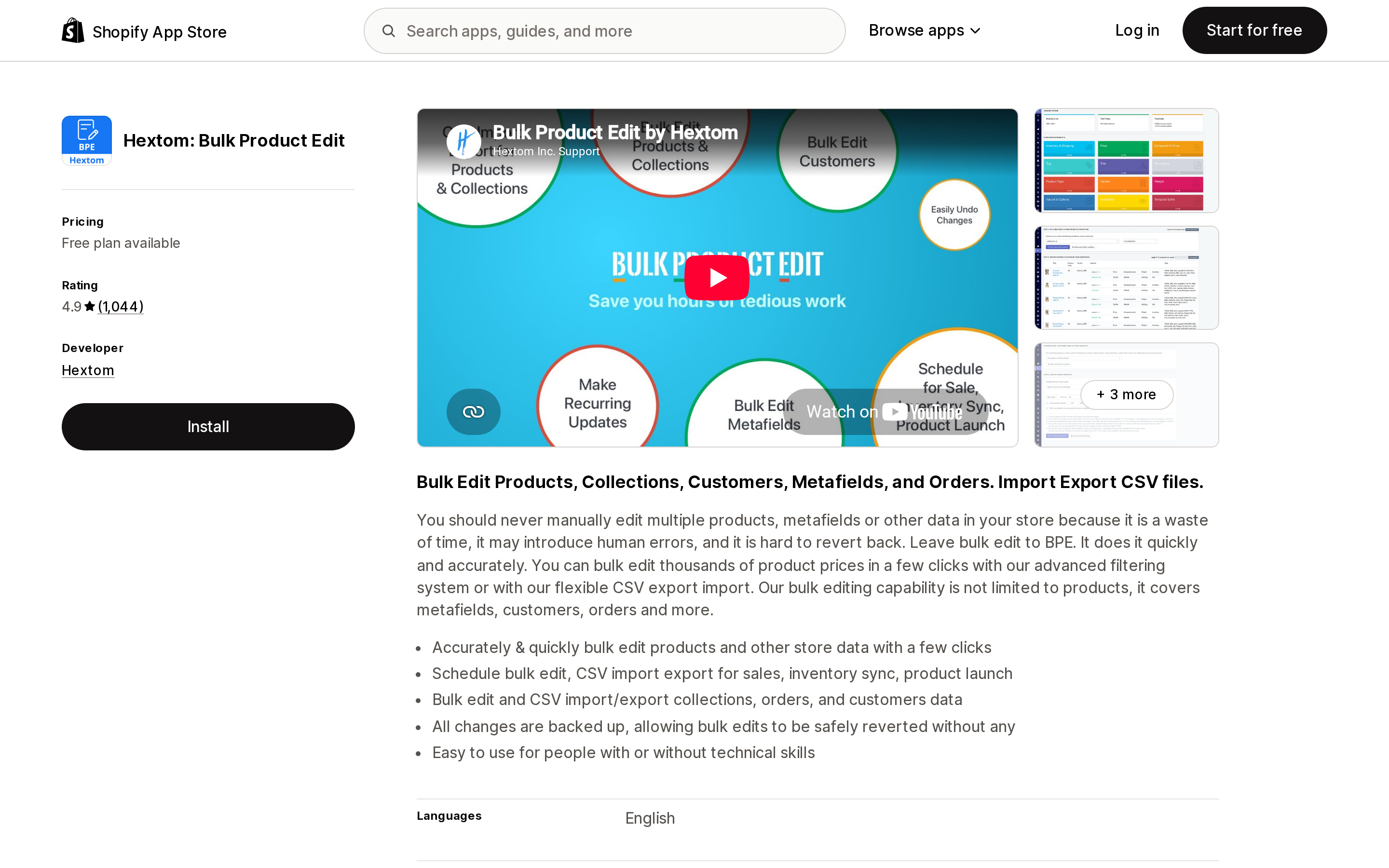
Filling in attributes is the other half of this problem, and it's a data-entry problem. Hextom's bulk editor rates 4.9 across 1,044 reviews and covers products, collections, customers, orders, and metafields, with CSV import and export.
It meters on products per task, not products in the store: 10 on the free Demo plan, 500 at $9.99/month, 5,000 at $19.99/month, 50,000 at $49.99/month. Scheduled tasks and backup retention scale with the same ladder — 30, 60, 90, and 180 days.
The revert capability is the feature that matters for taxonomy work. "All changes are backed up, allowing bulk edits to be safely reverted." Given that a category change silently drops empty category metafields, being able to undo a bulk recategorization is not a nice-to-have. Compare this against the CSV route, where Shopify's own bulk edit and CSV limits leave no import history at all.
What to actually do
Audit uncategorized first. Filter your product list for it. Every one of those products is outside category-based tax treatment, has no attributes available, and can't clear Managed Markets review. If you've ever imported a catalog by CSV or let an app create products, this number will be larger than you expect.
Review the AI suggestions rather than saving past them. The confirmation is silent, and the field feeds your sales tax rate. This is the cheapest control in the whole exercise.
Fill attributes before you change categories, not after. Values survive a recategorization; empty enabled fields don't.
Decide what you're buying a filter app for. If it's faceting on the attributes Shopify asked you to fill in, the native app can't do it and you need a paid one. Match the metering to your shape: active products (Smart Product Filter & Search), catalog size with a separate Plus ladder (Searchanise), or monthly GMV (Boost).
Don't buy a filter app to solve a data problem. If your attributes are empty, faceting on them returns nothing. Bulk-fill first, with something that can revert.
The taxonomy is the most consequential field in the Shopify product record that nobody owns. It's set by an AI, confirmed by inaction, and read by the tax engine.
Sources
- Shopify's Standard Product Taxonomy — Shopify Help Center, retrieved September 2, 2026
- Category metafields — Shopify Help Center, retrieved September 2, 2026
- Shopify/product-taxonomy — Shopify's public taxonomy repository, retrieved September 2, 2026
- Shopify App Store listings for Shopify Search & Discovery, Smart Product Filter & Search, Searchanise Search & Filter, Boost AI Search & Filter, and Hextom: Bulk Product Edit, retrieved September 2, 2026
Shop Pay Installments is free to activate, needs no app, and Shopify never publishes what it costs you — the rate is visible only inside your own admin. It also refuses Capital One and Chase credit cards, restricts monthly plans to debit cards only, excludes gift cards and subscriptions, and can't be turned off for individual products. Affirm can suspend your account for being password-protected, for having a non-English storefront, or for being primarily B2B. And Shopify's Getting paid page says disputes appear in your admin while its FAQ says they don't. If you fail the eligibility gates, the alternative is on-site messaging apps from Klarna, Afterpay, Sezzle, Zip, and PayPal — a category rated between 1.0 and 3.2 stars. Researched September 2, 2026.