
What you will learn
On this pageContentsCloseOpen
"Buy 3, save 10%" is one of the oldest merchandising tactics there is, and it is the first thing a lot of merchants go looking for in the Shopify admin. The search usually ends in confusion, because Shopify's answer is genuinely split: there is native volume pricing, it is real, and it almost certainly does not apply to the store you are running.
This article establishes exactly where that native boundary sits using Shopify's own documentation, then prices five real volume discount apps from the US App Store. The finding that matters most is not any app's monthly fee — it is what each vendor counts to decide which tier you land on.
Research date: September 2, 2026. All prices are USD from the English App Store listings.
The short version
- Shopify's native volume pricing exists only inside B2B catalogs. It applies to customers assigned to a company or company location. A regular DTC shopper never sees it.
- You get up to 10 price breaks per product, and they apply to each variant separately. A customer who orders 10 blue hats and 10 gray hats qualifies for nothing, even though the cart holds 20 hats.
- Once volume pricing is applied to a product, that price becomes fixed and any overall adjustment discount set on the catalog stops applying to it.
- Catalog count is capped by plan: 3 active catalogs across all B2B markets on Basic, Grow, and Advanced; unlimited on Shopify Plus.
- For DTC, the closest native tool is Buy X get Y — and Shopify's own docs are explicit that the discounted "get" item is never added to the cart automatically. The customer has to add it themselves.
- The five apps we priced meter on three incompatible denominators: your store's total order count, revenue the app attributes to itself, and a flat fee.
- That denominator can invert the ranking. A 40-order/month store pays $0 on one app and $29.99 on another. A 1,200-order/month store with modest bundle uptake pays the opposite way around.
What Shopify actually gives you natively
Volume pricing is a B2B catalog feature
Shopify's volume pricing lives under Markets → Catalogs, inside a B2B catalog, and Shopify describes it plainly: it lets you "offer price breaks to customers who purchase products in larger quantities." The setup path runs through Products and pricing → Manage → Volume pricing, per-product or per-variant.
The published example in Shopify's documentation looks like this:
| Setting | Quantity | Unit price |
|---|---|---|
| Minimum | 1 | $20 USD |
| Price break 1 | 20 | $18.50 USD |
| Price break 2 | 50 | $17.75 USD |
| Price break 3 | 100 | $16 USD |
You can add up to 10 price breaks per product.
This is a complete, well-built feature — for wholesale. It is attached to a catalog, and catalogs are assigned to companies and company locations. If your buyer is not in a B2B company profile, none of it renders.
The per-variant rule is the part that surprises people
This is the single most consequential detail, and it is easy to miss because it sits in a sentence about hats.
Shopify's documentation states that customers need to meet the required quantity for each variant to qualify. Its example: if a hat is sold in blue and gray, a customer needs to order at least 20 blue hats to qualify for the 20-unit break. The same rule governs quantity rules — Shopify spells out that customers "can't combine 5 gray hats and 5 blue hats to meet an increment of 10 hats."
For a wholesale account buying a case of one SKU, that is fine. For almost any consumer-facing "buy 3 of this shirt, any size" offer, it is fatal. Apparel, supplements in multiple flavors, candles in multiple scents — the whole point of the offer is that the customer mixes variants to reach the tier. Native volume pricing will not count a mixed cart.
Two more constraints worth knowing before you build on it
Once volume pricing is applied to a product, Shopify notes that the price becomes fixed and any overall adjustment discount set on the catalog no longer applies to that product. If your catalog strategy is "everything at 30% off list, plus deeper breaks on the fast movers," those two mechanisms do not stack the way you would expect.
Price break quantities also must be greater than the minimum order quantity and a multiple of any increment you set in quantity rules. If you sell in cases of 12 with a minimum of 24, a break at 30 is invalid.
And if you set a minimum order quantity, Shopify tells you to make sure your theme displays it on the product page. The enforcement is server-side; the communication is your job.
Plan limits on catalogs
On Basic, Grow, and Advanced you can assign up to 3 active catalogs across all your B2B markets. Shopify Plus gets an unlimited number plus direct assignment to companies and locations. If you were planning to model tiered pricing as "one catalog per customer tier," three is the ceiling outside Plus.
What DTC gets instead: Buy X get Y
For a non-B2B storefront, the native discount engine offers Buy X get Y, as either a discount code or an automatic discount. You can require a minimum quantity or a minimum purchase amount, and the reward can be a percentage, an amount off each, or free.
Shopify lists the considerations, and two of them decide whether this can substitute for a quantity break:
- Customers must add all items to their cart manually. The discounted or free "get" item is never added to the cart automatically.
- On POS Lite retail locations, Buy X get Y works only in online store checkout.
The first one is the deal-breaker for a tiered-pricing display. A quantity break UI works because the customer sees "3 for $45, 5 for $70" on the product page and clicks a tier. Buy X get Y has no product-page surface at all — it evaluates a cart that the customer has already assembled correctly by guesswork.
One historical workaround is now closed off: Shopify Scripts, which some Plus merchants used for cart-level tiered pricing, reached end of life on August 28, 2025. Shopify's guidance is to migrate to Shopify Functions.
Verdict on the native boundary
If you sell wholesale to B2B companies and each buyer orders deep on single variants, native volume pricing is sufficient and free. If you want mixed-variant tiers, a product-page tier selector, or any offer aimed at retail shoppers, you need an app.
Five real apps, priced on September 2, 2026
| App | Developer | Built for Shopify | Rating (reviews) | Entry price | What the tier is metered on |
|---|---|---|---|---|---|
| Qikify Volume Discounts Bundle | Qikify | Yes | 5.0 (75) | Free | Nothing — single free plan |
| Volume Discount Mojo | Eushopa | No | 5.0 (4) | $4.99/month | Flat fee, capped at 12 active offers |
| Dealeasy: Volume Discounts App | Logbase | Yes | 4.9 (598) | Free to install | Your store's total monthly order count |
| Pumper Bundles Quantity Breaks | Profit Pumper Bundle | Yes | 4.9 (3,357) | Free | Extra revenue the app attributes to itself |
| Hulk Bundles Quantity Breaks | HulkApps | Yes | 4.6 (614) | $12/month | Flat fee, listing notes "based on Shopify plan" |
Dealeasy: Volume Discounts App
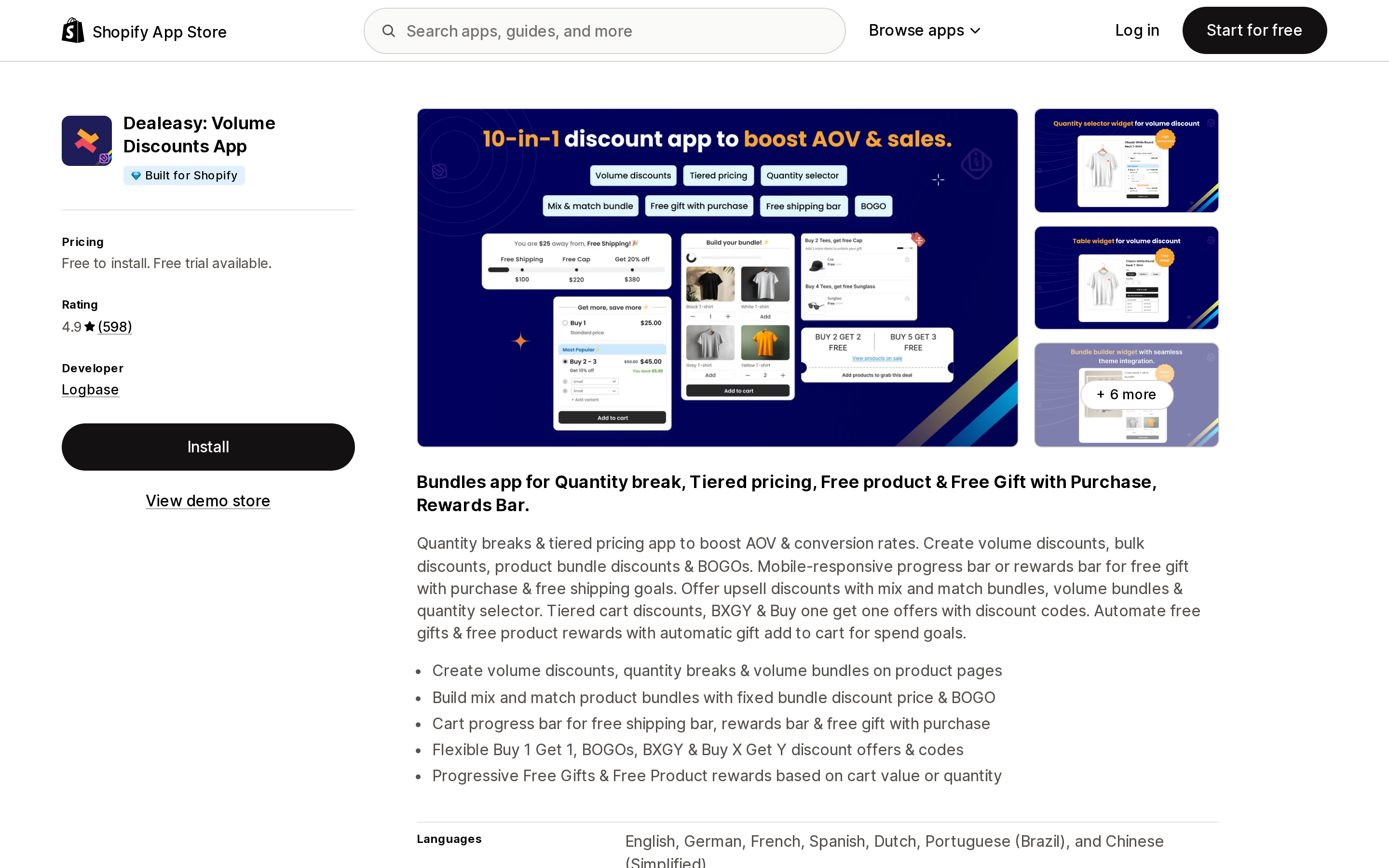
Source: Shopify App Store (Dealeasy: Volume Discounts App), retrieved September 2, 2026
Logbase's app carries the Built for Shopify badge and the largest well-reviewed install base in this set after Pumper. Its four tiers are Free to install (up to 50 orders/month), $9 (up to 500), $19 (up to 1,000), and $29 (1,000+). Paid tiers list a 30-day free trial.
The denominator is stated on every tier: "Your store's total order count will be considered." Not orders that used a discount — every order your store takes. A store doing 1,100 orders a month lands on the $29 tier even if only nine of those orders ever touched a quantity break.
That cuts both ways. A low-volume, high-ticket store — 40 orders a month at $400 each — pays nothing at all, regardless of how much of that revenue came through volume tiers.
Pumper Bundles Quantity Breaks
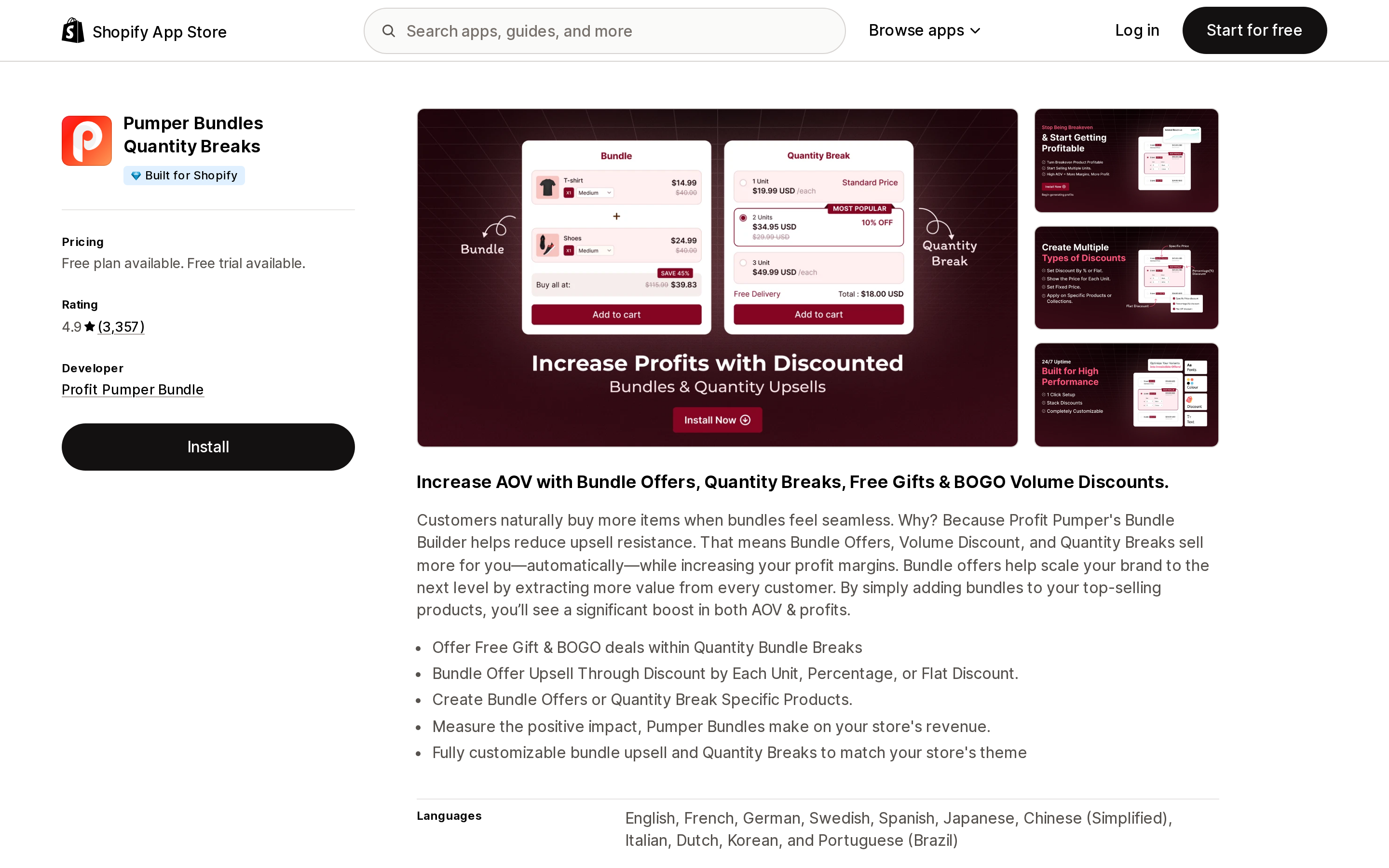
Source: Shopify App Store (Pumper Bundles Quantity Breaks), retrieved September 2, 2026
Pumper has the deepest review count in this comparison at 3,357 and holds a Built for Shopify badge. Every tier includes "Unlimited Bundles & Quantity Breaks," so features are not what you are buying up into.
What changes is the attribution ceiling. The free tier runs up to $300; Starter at $9.99/month (or $94.68/year) covers "up to $1,000 extra revenue generated by Pumper Bundle & Quantity Breaks"; Growth at $29.99/month (or $269.88/year) covers up to $5,000.
This is the exact inverse of Dealeasy's model. Your total order count is irrelevant. What matters is how much incremental revenue the app credits to its own offers — a number the app calculates.
Qikify Volume Discounts Bundle
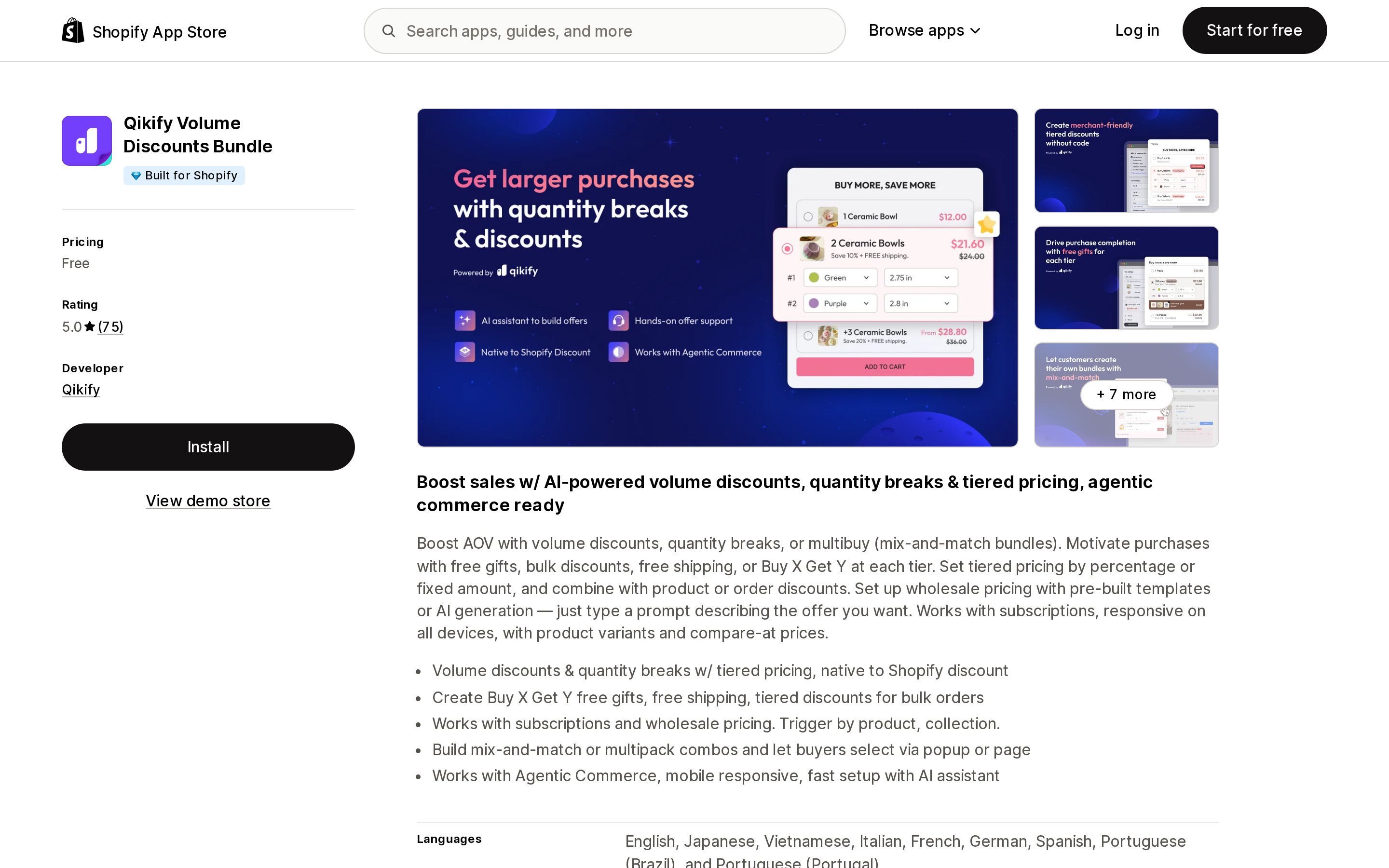
Source: Shopify App Store (Qikify Volume Discounts Bundle), retrieved September 2, 2026
Qikify's listing shows a single price: Free. It carries a Built for Shopify badge and a 5.0 rating across 75 reviews. The listing describes volume discounts and quantity breaks that are "native to Shopify discount," mix-and-match multibuy combos, and compatibility with subscriptions.
Seventy-five reviews is a much thinner evidence base than Pumper's 3,357 or Dealeasy's 598, and that is the honest trade-off here rather than any disclosed limit.
Hulk Bundles Quantity Breaks
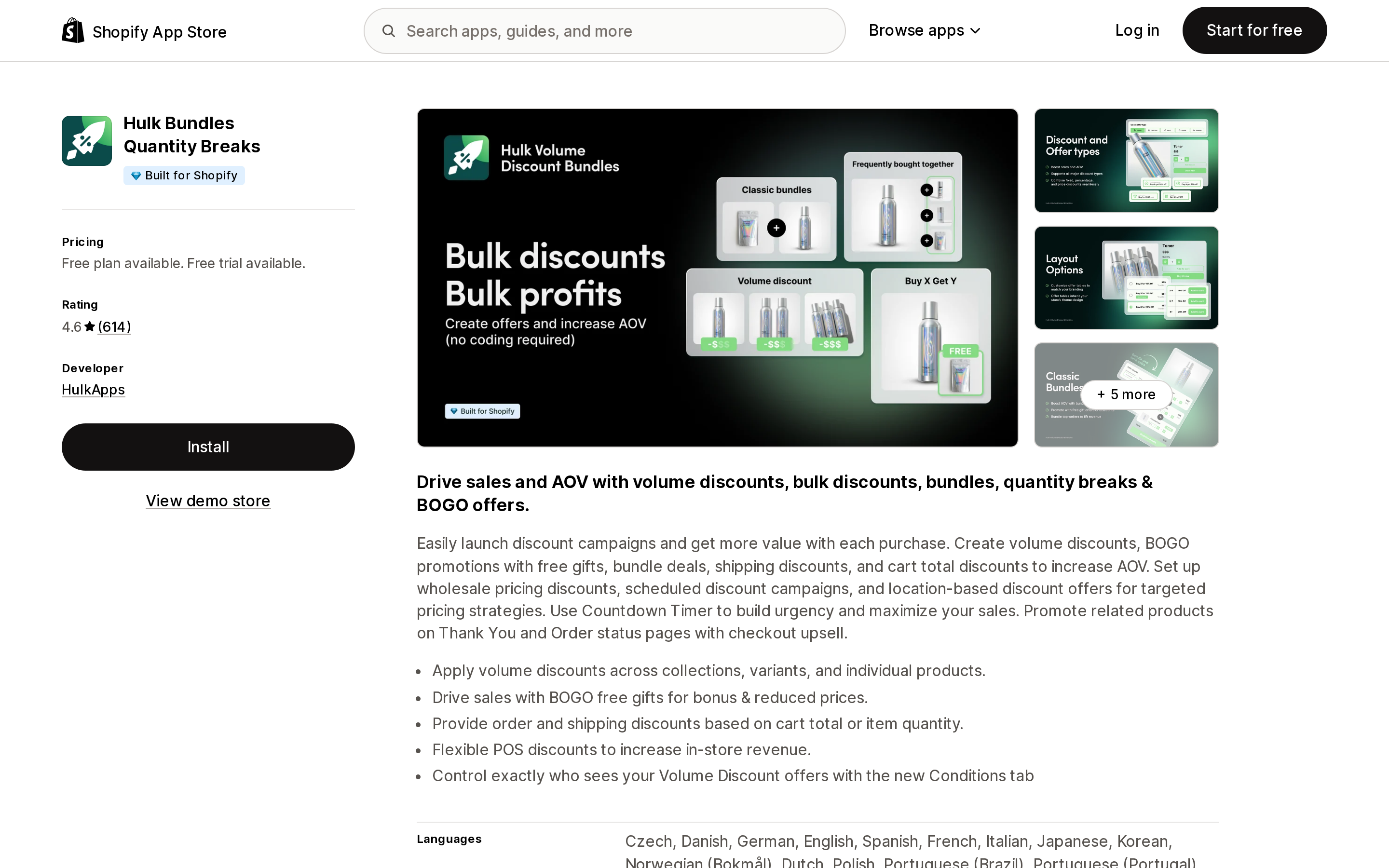
Source: Shopify App Store (Hulk Bundles Quantity Breaks), retrieved September 2, 2026
HulkApps prices at Basic $12/month ($120/year), Grow $27.90/month ($250/year), and Advanced $40/month ($400/year), with a 7-day free trial and a free plan restricted to partner development stores. All three paid tiers list the same 25 discount types; the listing annotates them with "* Based on Shopify Plan," which suggests the tier you belong on tracks your Shopify plan rather than your usage.
It is also the only app in this set with a visibly mixed review distribution — 520 five-star against 55 one-star out of 614. That spread is worth reading before installing rather than averaging away.
Volume Discount Mojo
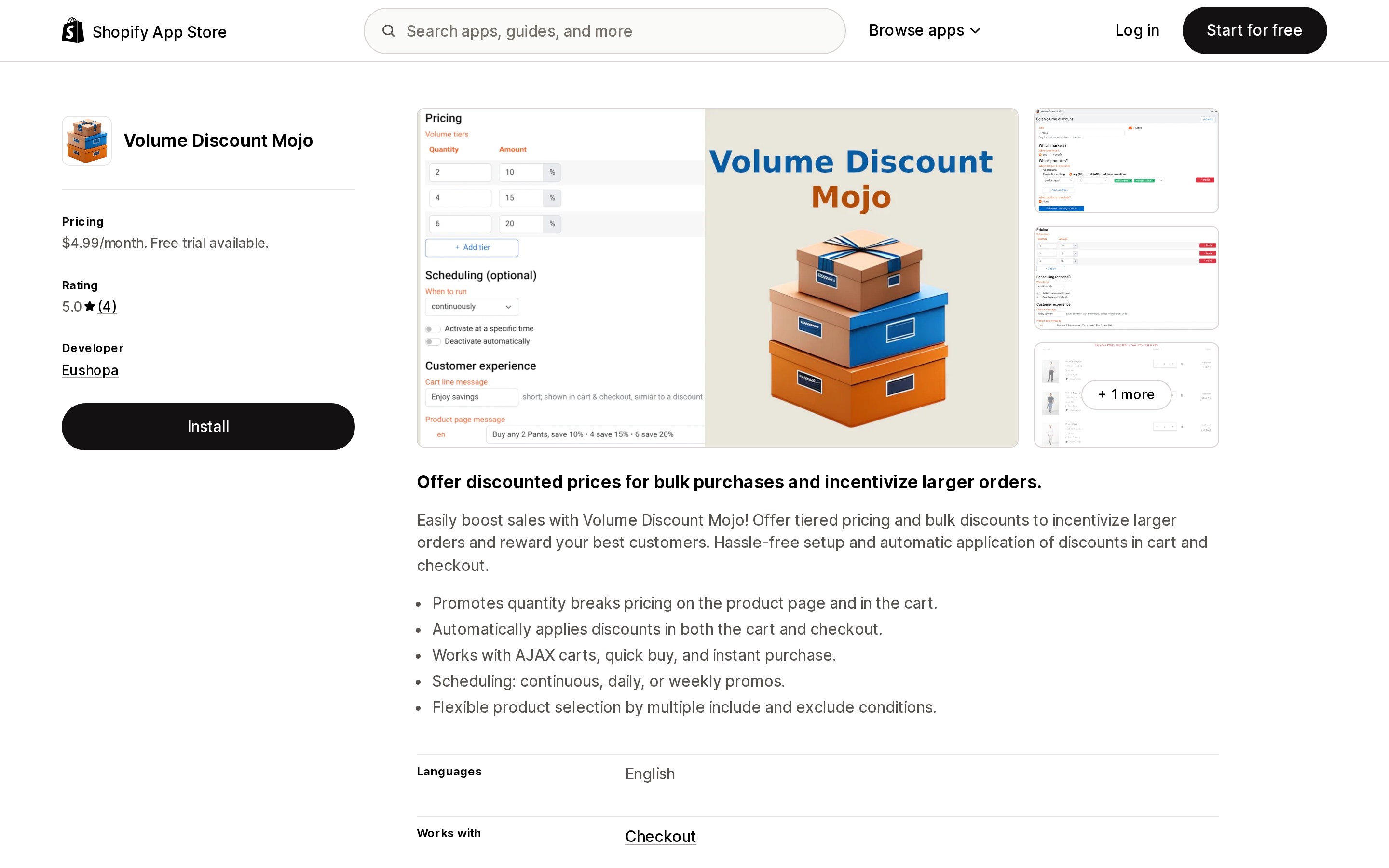
Source: Shopify App Store (Volume Discount Mojo), retrieved September 2, 2026
The simplest pricing in the set: $4.99/month, one plan, up to 12 active offers, 14-day free trial. The listing states it promotes quantity break pricing on the product page and in the cart, and applies discounts automatically in both cart and checkout.
Four reviews is not a base you can generalize from. One reviewer, a US store, notes it handles checkout display legibly and picks whichever of the volume discount or a coupon code is better for the buyer — but that is a single account, not a pattern.
The denominator decides, not the sticker price
Run two stores through the same five apps and the ranking flips.
Store A — 40 orders/month, $400 average order, strong bundle uptake ($2,000/month attributed):
- Dealeasy: $0 (under 50 orders)
- Pumper: $29.99 (over the $1,000 Starter ceiling)
- Qikify: $0
- Mojo: $4.99
- Hulk: $12+
Store B — 1,200 orders/month, $50 average order, light bundle uptake ($900/month attributed):
- Dealeasy: $29 (1,000+ tier, regardless of uptake)
- Pumper: $9.99 (under the $1,000 ceiling)
- Qikify: $0
- Mojo: $4.99
- Hulk: $12+
Same two apps, opposite answers. Dealeasy is free for the store doing the most bundle revenue and $29 for the store doing the least. Neither vendor is being unfair — they are just metering different things, and neither denominator is visible from a comparison table that lists "from $9" and "from $9.99."
Before you install anything, work out your own two numbers: monthly order count, and roughly how much monthly revenue you expect a quantity break to touch. Those two numbers pick the app.
How to choose
- You sell wholesale to B2B companies, deep on single variants. Use native volume pricing in B2B catalogs. It is free and it does the job. Watch the 3-catalog cap outside Plus.
- You want mixed-variant tiers for retail shoppers (any 3 shirts, any 5 flavors). Native cannot do this at all. You need an app.
- You want to spend nothing while you test the mechanic. Qikify is free outright; Dealeasy is free under 50 orders/month; Pumper is free under $300 attributed. Which of those "free" is actually free depends entirely on your shape.
- You are high-order-count with low bundle attribution. Avoid order-count metering. Pumper's attributed-revenue model or a flat fee will be cheaper.
- You are low-order-count with high bundle attribution. The reverse. Order-count metering is your friend.
- You want billing you can predict a year out. A flat fee — Mojo at $4.99 or HulkApps at $12 — removes the guesswork entirely, at the cost of Mojo's 12-offer ceiling and a much thinner review record.
One last check that costs nothing: confirm whether your offer really needs mixed-variant aggregation. If every quantity break you want to run is "buy 6 of this one SKU," and you already have B2B companies set up, you may not need any of these apps.
Sources
- Catalogs and pricing in B2B — Shopify Help Center
- Setting up quantity rules and volume pricing in B2B — Shopify Help Center
- Buy X get Y discounts — Shopify Help Center
- Discounts — Shopify Help Center
- Shopify App Store listings for Dealeasy: Volume Discounts App, Qikify Volume Discounts Bundle, Pumper Bundles Quantity Breaks, Hulk Bundles Quantity Breaks, and Volume Discount Mojo, all retrieved September 2, 2026
Shopify's admin address validation is on by default, free, on every plan, and supports the US. Checkout-time validation is one toggle away. Shopify's own documentation then warns that running a third-party address validation app at the same time can create conflicting suggestions and reduce checkout conversion — you are meant to pick one. That reframes the whole category: apps are not there to duplicate deliverability checking, they are there to enforce policy Shopify's validator does not enforce, like blocking PO boxes or requiring an apartment number. We priced four real apps from the US App Store on September 2, 2026, spanning $4.99/month flat, $0.04 per order, and one that requires a separate subscription billed outside Shopify.