
What you will learn
On this pageContentsCloseOpen
Export a month of Shopify orders, add up the totals, then open your bank statement. The two numbers will not match, and Shopify's own help center explains why in a list of eight items: processing fees, refunds, chargebacks, reserves, negative balances, payout holds, currency conversion, and taxes on fees. There is a ninth catch-all called "adjustments," and Shopify names six of those explicitly, including chargeback_protection, shopify_collective_debit, and tax_adjustment.
Read that list again. Not one entry is an order. Every one of them is deducted from the payout after the orders exist.
That is the whole reason the Shopify accounting-sync category exists — and it is also why the category is so confusing to shop for. Intuit publishes its own connector, free, with 3,221 reviews. Xero published its own free app in March 2026. Meanwhile A2X charges up to $115 a month, Synder up to $599, and every listicle you can find is written by one of the paid vendors.
Research date: September 2, 2026. All prices are the USD figures shown on each app's Shopify App Store listing in the en-US locale on that date.
The short version
- The gap between "sum of my orders" and "the deposit in my bank account" is not an error. Shopify documents eight named causes plus a set of adjustments.
- Intuit's QuickBooks Online connector is free to install and included with a QuickBooks subscription. Xero's own app is free too, launched March 24, 2026.
- Both free first-party apps now list payouts and bank reconciliation among their features. The paid apps are not selling reconciliation you cannot otherwise get.
- What the paid apps sell is breadth: other ledgers (Sage, NetSuite, Sage Intacct), other gateways (Stripe, PayPal, Klarna), other channels (Amazon), and COGS.
- Four billing denominators across six apps: orders per month, sales transactions per month, orders plus per-order overage, and nothing at all.
- Two features you will assume are included are frequently gated: COGS and historical import.
What Shopify's payout actually contains
Shopify's help page "Navigating your Shopify Payments payouts to resolve lower or missing payouts" is the clearest statement of the problem, and it is not written for accountants. Its list of potential reasons for a lower payout:
| Cause | What it does to the deposit |
|---|---|
| Shopify Payments processing fees | Deducted from earnings before payout |
| Refunds | Deducted from the next available payout |
| Chargebacks | Payment amount plus dispute fees deducted |
| Reserves | Funds temporarily held against potential disputes |
| Negative balance | Payout reduced to cover past fees or refunds |
| Payout holds | Part of the funds held back, the rest paid |
| Currency conversion | Payout converted; fees may apply |
| Taxes on fees | Deducted in certain regions |
| Adjustments | Named examples include chargeback_fee, chargeback_protection, shopify_collective_debit, shopify_collective_credit, seller_protection, and tax_adjustment |
There is a second consequence that trips people up more than the first: timing. Refunds hit the next payout, not the payout containing the original order. So even if you booked every fee correctly, a month of orders and a month of deposits describe different sets of money.
This is why every serious app in this category offers a payout-level mode — one journal entry per payout, itemised into sales, fees, refunds and adjustments, whose total equals the bank line — rather than only an order-level mode that writes one invoice per order.
Shopify does export the raw material for this. You can export transactions to CSV with Amount, Fee, and Net columns, and the Shopify Payments activity report shows gross activity, fees, payouts and ending balance for a date range. If your order volume is small and you have a bookkeeper, the free path is: export, summarise, one manual journal per payout. The apps below automate exactly that.
The two free apps most comparisons skip
QuickBooks Online, by Intuit
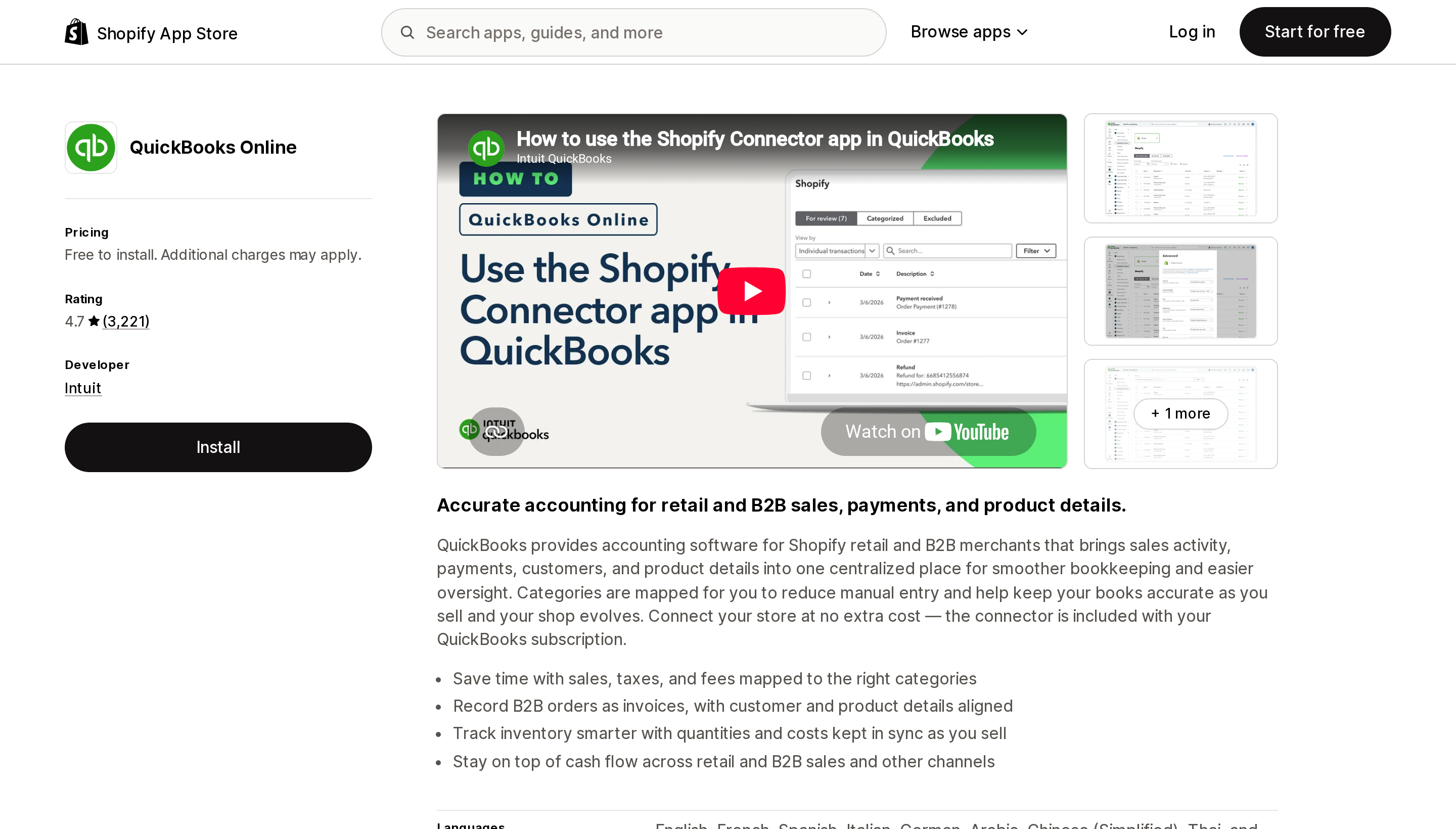
Source: Shopify App Store (QuickBooks Online by Intuit), retrieved September 2, 2026
QuickBooks Online is published by Intuit itself. It is free to install, and the listing states plainly: "Connect your store at no extra cost — the connector is included with your QuickBooks subscription." The feature tags include payouts, bank reconciliation, sales tax mapping, COGS tracking, error resolution, and historical data import. The listing plan detail says it can "Automatically reconcile up to 12 months," which is the longest historical window of any app here.
It also handles B2B: "Record B2B orders as invoices, with customer and product details aligned," with net terms and tax exemptions in the feature list. And it lists nine interface languages, more than any paid app in this comparison.
At 4.7 across 3,221 reviews it is by a wide margin the most-reviewed app in the category. It also has 68 one-star reviews, and the recent ones visible on the listing are about sync outages and SKU matching. A first-party app is not automatically a reliable one.
Best fit: stores that sell only on Shopify and keep books in QuickBooks Online. Start here. It costs nothing to try.
Poor fit: anyone on QuickBooks Desktop, or anyone whose money also arrives through Stripe, PayPal, or a marketplace.
Xero, by Xero
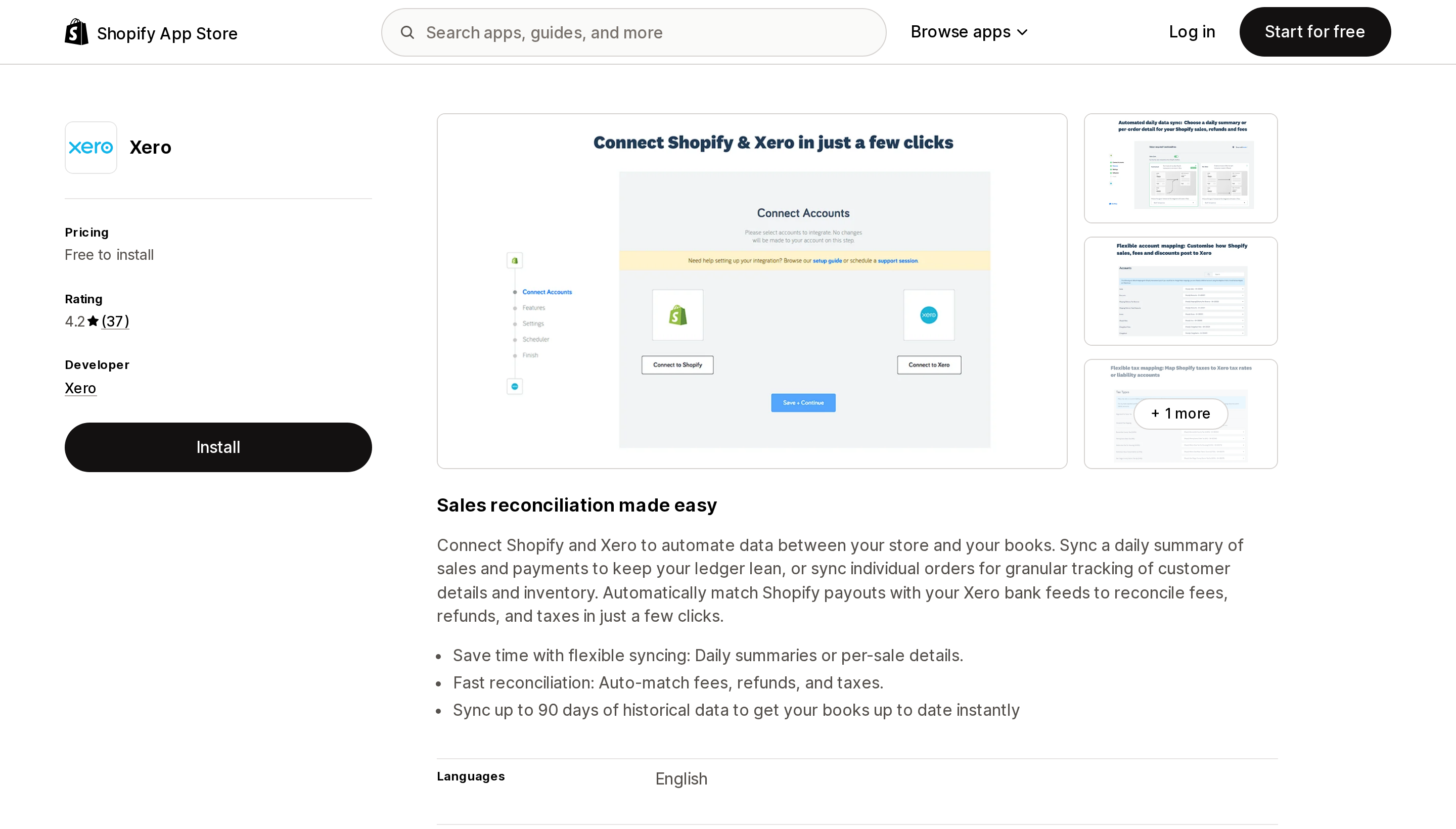
Source: Shopify App Store (Xero), retrieved September 2, 2026
Xero launched its own app on March 24, 2026 — recently enough that most comparison articles predate it. Free to install, 4.2 across 37 reviews.
The description covers both modes explicitly: "Sync a daily summary of sales and payments to keep your ledger lean, or sync individual orders for granular tracking," and "Automatically match Shopify payouts with your Xero bank feeds to reconcile fees, refunds, and taxes in just a few clicks."
Two things to note. The historical window is 90 days, against Intuit's 12 months — if you are migrating mid-year, that difference decides whether you backfill by hand. And the App Store feature tagging is unusually sparse: the only tag under Automated data sync is "Daily sales summary," while the free-text description claims more. Multiple recent reviews also reference an Amaka support team rather than Xero, although the listing states support is provided by Xero.
Best fit: Xero users on Shopify only, especially anyone who has been paying a third party for something Xero now ships.
Poor fit: migrations that need more than 90 days of history, and multi-gateway stores.
Four paid apps, four denominators
| A2X Sync for QuickBooks & Xero | QuickBooks Sync by MyWorks | Synder for QuickBooks & Xero | Bold QuickBooks Sync Pro | |
|---|---|---|---|---|
| Developer | A2X Software Limited | MyWorks | CloudBusiness Inc | Bold |
| Ledgers | QuickBooks, Xero, Sage, NetSuite | QuickBooks Online (Desktop and Xero are separate apps) | QuickBooks, Xero, NetSuite, Sage Intacct | QuickBooks |
| Billed by | Orders / month | Orders / month | Sales transactions / month | Orders + per-order overage |
| Entry | $29 (200 orders) | Free (20 orders) | $65 (500 transactions) | $19.99 (200 orders) |
| Next tiers | $45 / 500 · $79 / 2,000 · $115 / 5,000 | $24 / 100 · $49 / 300 · $89 / 1,000 | $129 / 3,000 · $299 / 20,000 · $599 / 40,000 | $39.99 / 500 · $59.99 unlimited |
| Overage | Not stated on listing | Not stated on listing | Not stated on listing | $0.15 then $0.10 per extra order, capped at $99.99 |
| COGS | From $45 (not on Mini) | Cost sync from $49 | From $129 (not on Basic) | Listed as a feature |
| Payout sync | All plans | From $49 only | All plans | Listed as a feature |
| Non-Shopify sources | Amazon, PayPal | — | Stripe, PayPal, Klarna, "30+ channels" | — |
| Built for Shopify | No | Yes | No | No |
| Free trial | 30 days | Free plan | 15 days | 14 days |
| Annual discount | Not shown | ~20–22% | 20% | Not shown |
| Rating (reviews) | 5.0 (342) | 4.6 (53) | 4.8 (207) | 3.2 (158) |
A2X Sync for QuickBooks & Xero
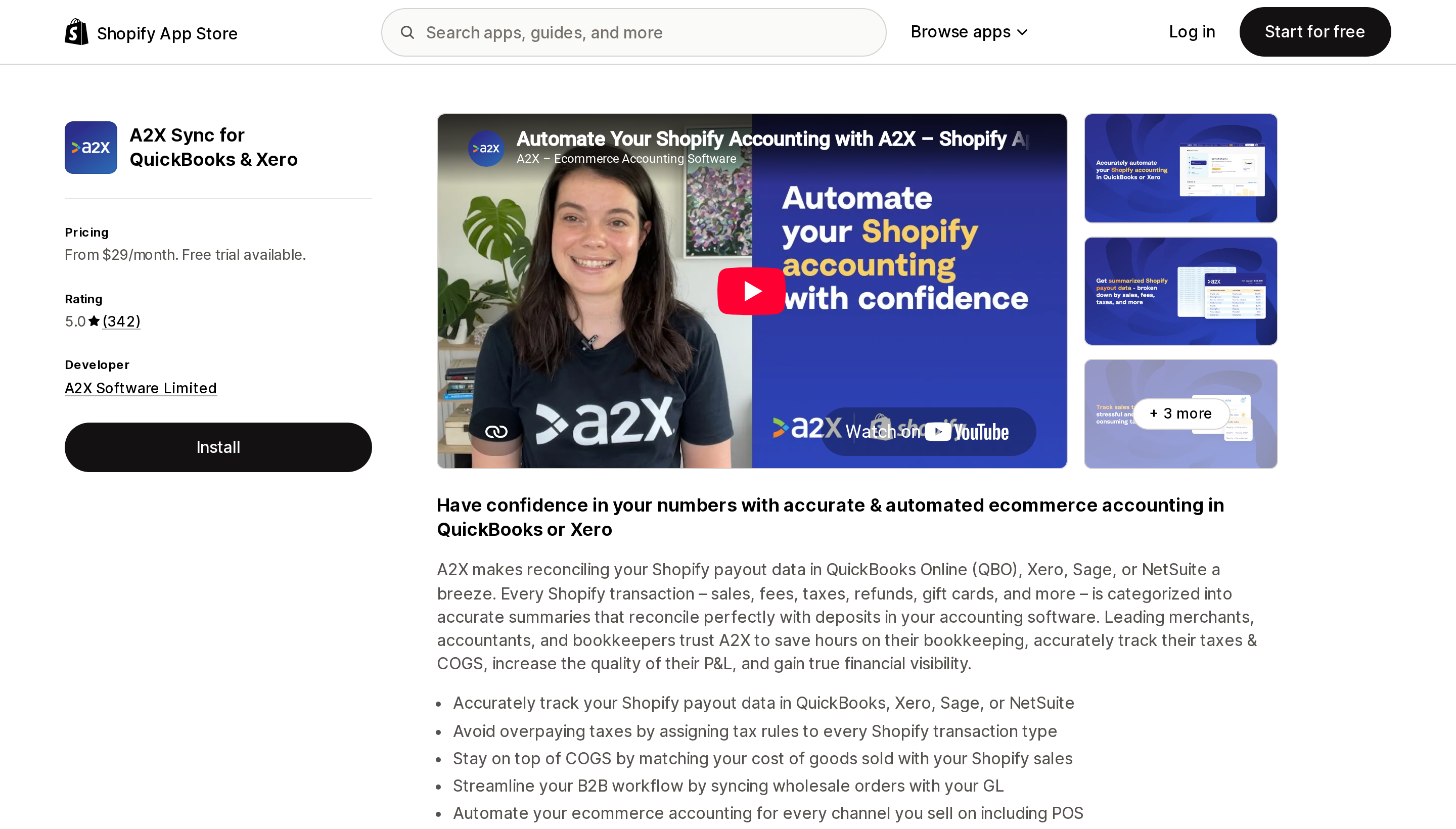
Source: Shopify App Store (A2X Sync for QuickBooks & Xero), retrieved September 2, 2026
A2X's listing describes the payout-level model directly: "Every Shopify transaction – sales, fees, taxes, refunds, gift cards, and more – is categorized into accurate summaries that reconcile perfectly with deposits in your accounting software."
Four tiers on orders per month: $29 up to 200, $45 up to 500, $79 up to 2,000, $115 up to 5,000. The important line is in the plan names, not the prices: the $29 Mini plan does not include COGS. COGS starts at $45. If you are comparing A2X's $29 against a free app, you are comparing something that does not track cost of goods sold.
A2X supports the widest set of ledgers here — QuickBooks, Xero, Sage, and NetSuite — plus Amazon and PayPal as sources. The trial is 30 days, the longest in this comparison. The listing also warns that "External charges may be billed by A2X Software Limited separately from your Shopify invoice."
At 5.0 across 342 reviews it has the highest rating of the six, and multiple recent reviews specifically praise onboarding calls and account mapping help, which is consistent with a product that requires configuration.
Best fit: stores on Sage or NetSuite, stores selling on Amazon as well as Shopify, and anyone whose accountant asked for clean payout-level journals.
Poor fit: a Shopify-only QuickBooks Online store under 200 orders a month — that is what Intuit's free connector is for.
QuickBooks Sync by MyWorks
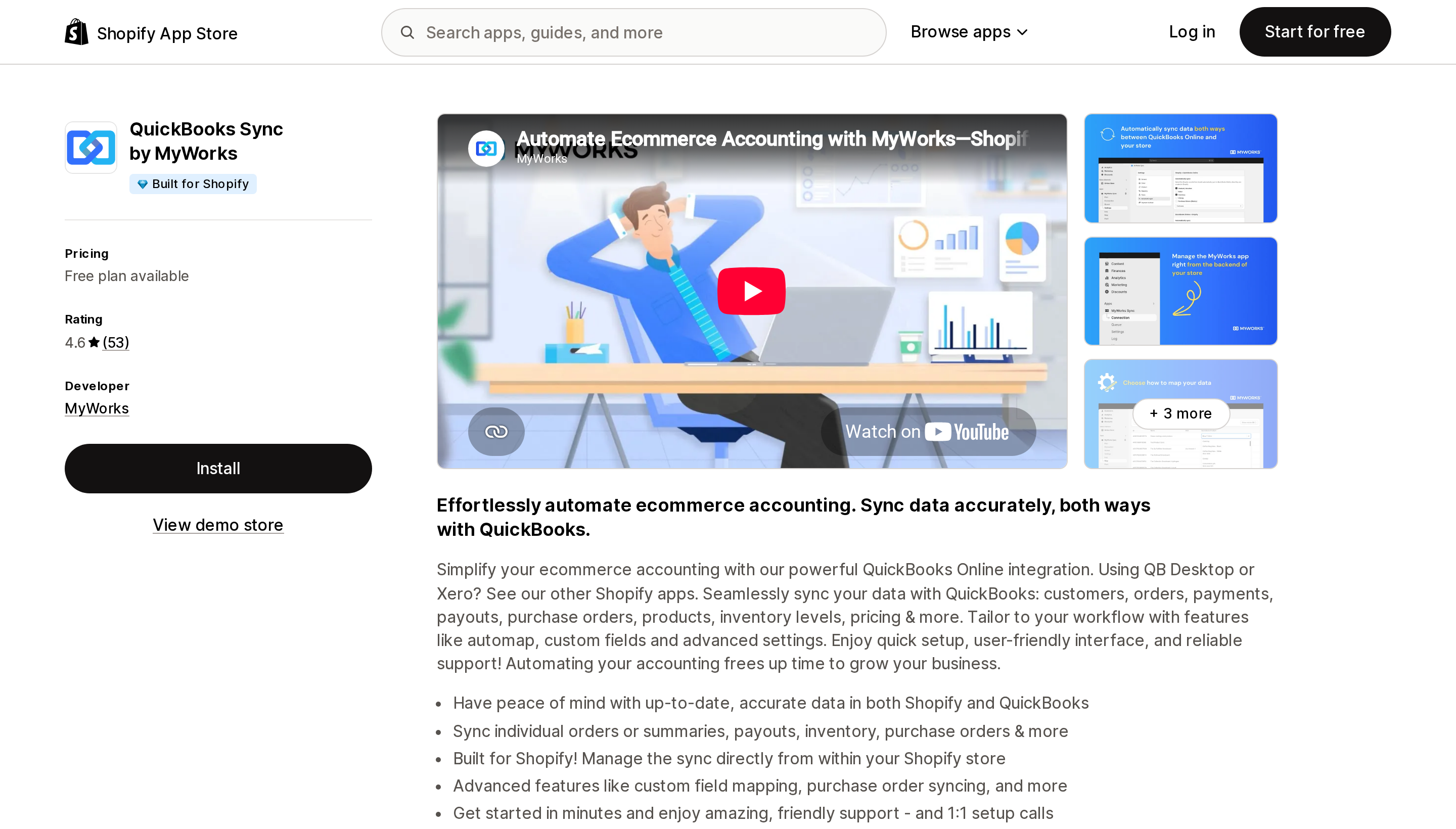
Source: Shopify App Store (QuickBooks Sync by MyWorks), retrieved September 2, 2026
MyWorks is the only paid app here carrying the Built for Shopify badge, and the only one with a genuinely free tier: 20 orders a month, product and inventory sync, hourly sync, historical data, and orders as invoices or sales receipts.
Read the plan ladder carefully, because the gating is unusual. "Sync Shopify Payouts & Refunds" appears only from the $49 Grow plan, as does "Sync Orders individually or as a Summary" and two-way inventory, price and cost sync. The Free and $24 plans push orders into QuickBooks but do not sync payouts — which is to say they do not solve the problem this article is about. Shopify Plus B2B features arrive at $89.
Sync is bidirectional, which none of the other five advertise: payments can flow from QuickBooks back to Shopify, and QuickBooks invoices can display in the storefront. Purchase orders sync from Stocky at the $89 tier.
Above 1,000 orders a month, MyWorks directs merchants to an unlimited "Soar" plan whose price is not shown on the App Store listing.
Best fit: QuickBooks Online stores that want two-way sync, custom field mapping, or purchase order sync, and are willing to land on the $49 tier.
Poor fit: anyone budgeting from the free or $24 plan expecting payout reconciliation.
Synder for QuickBooks & Xero
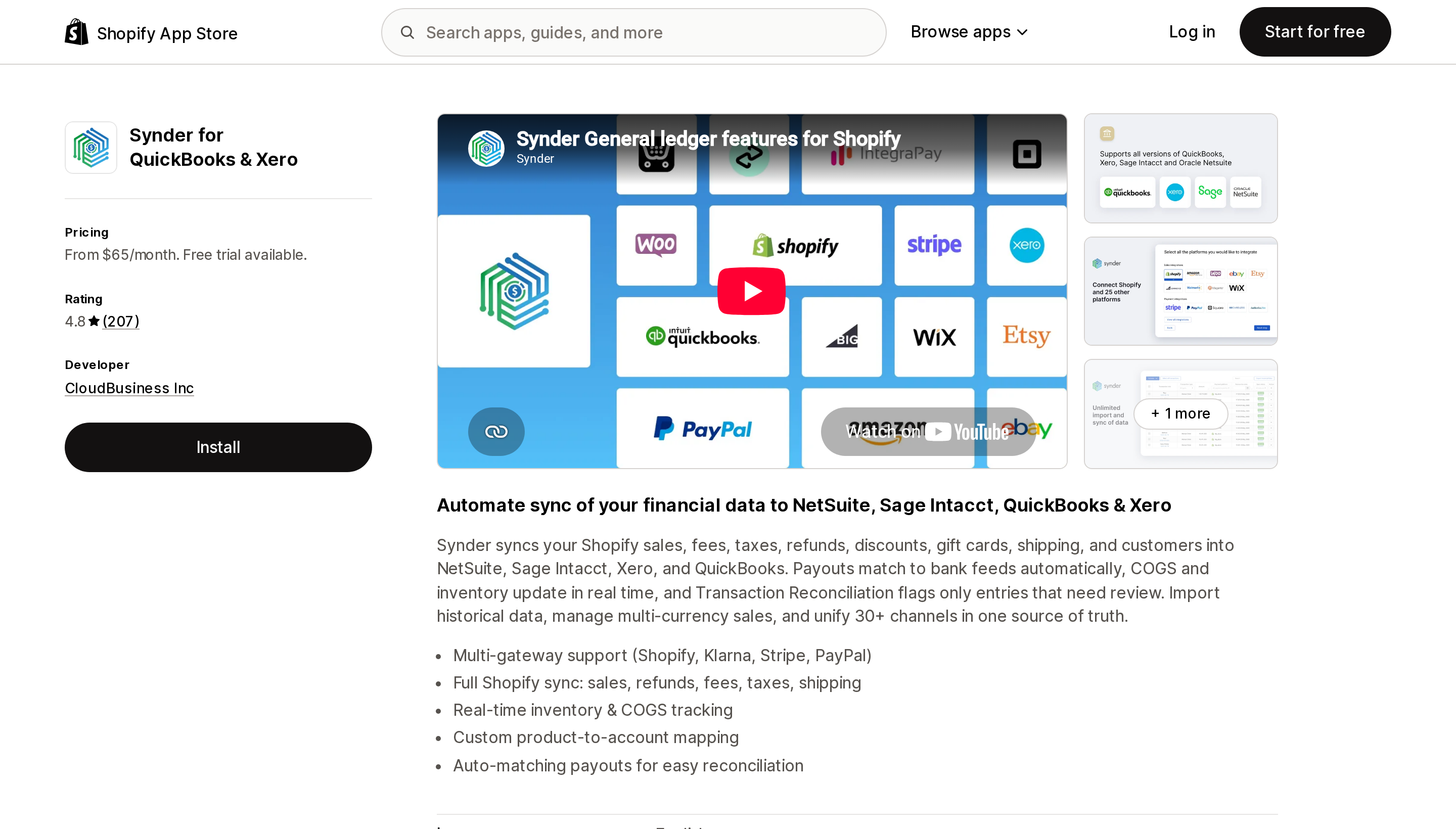
Source: Shopify App Store (Synder for QuickBooks & Xero), retrieved September 2, 2026
Synder is the most expensive app here and meters the one variable that is hardest to estimate in advance: sales transactions per month, not orders. $65 covers 500, $129 covers 3,000, $299 covers 20,000, $599 covers 40,000. A refund, a partial capture, or a gateway fee may each be a transaction, so a store doing 500 orders will not necessarily fit in the 500-transaction tier. Confirm the counting rule with Synder before choosing a plan.
What justifies the price is scope. Synder lists QuickBooks, Xero, NetSuite, and Sage Intacct as destinations and Stripe, PayPal, and Klarna as sources, and its description claims it unifies "30+ channels in one source of truth." For a business taking money through three gateways and two storefronts, that consolidation is the product.
Two gates worth pricing in: COGS tracking appears from the $129 Essential plan, and the $65 and $129 plans list "Paid unlimited historical data import" — historical import is an extra charge, not an included feature, at the two lower tiers.
Best fit: multi-gateway, multi-channel businesses on NetSuite or Sage Intacct.
Poor fit: single-storefront Shopify stores. You are paying for consolidation you are not using.
Bold QuickBooks Sync Pro
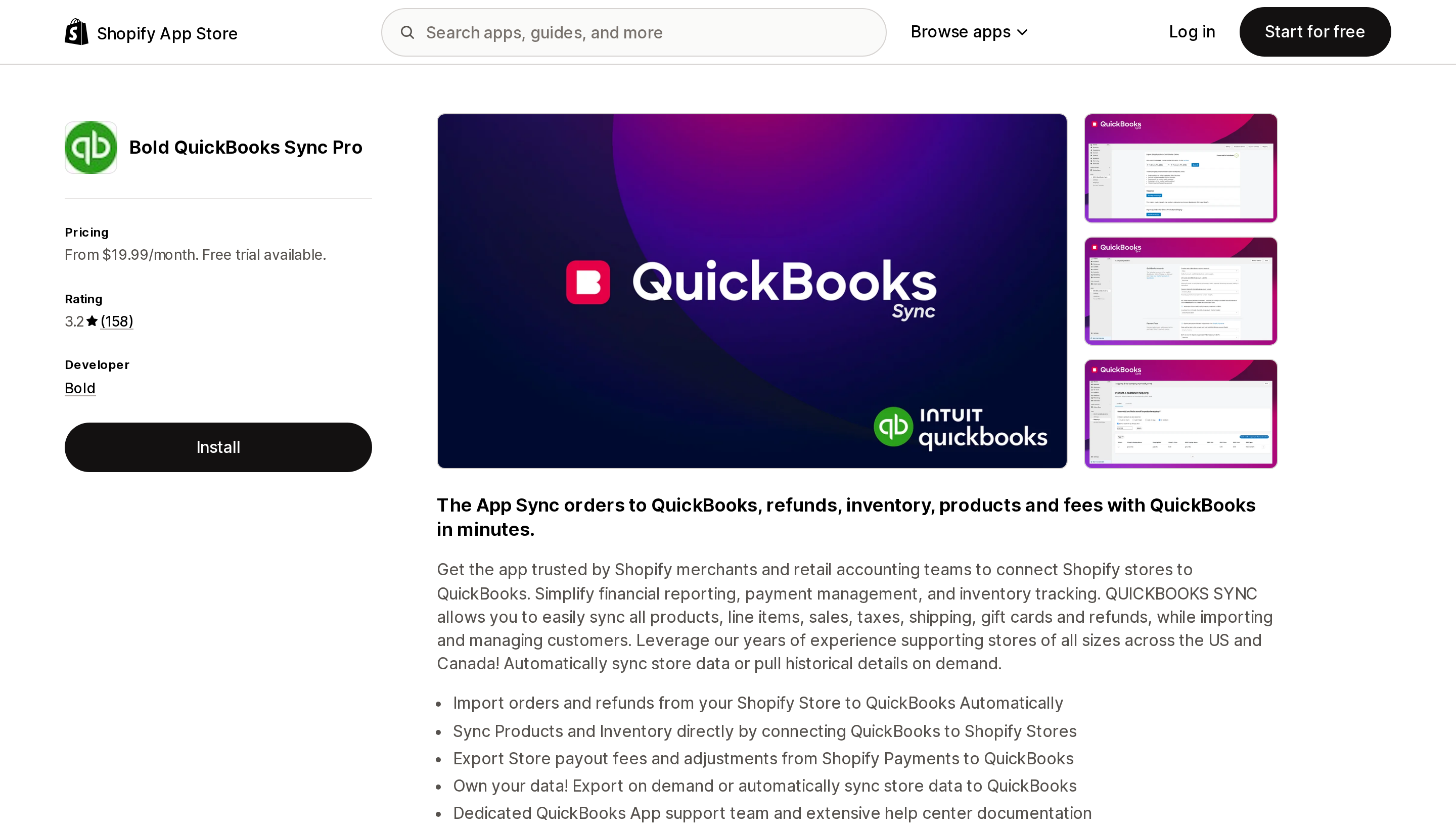
Source: Shopify App Store (Bold QuickBooks Sync Pro), retrieved September 2, 2026
Two things about this app are worth stating plainly.
First, it occupies the App Store URL apps.shopify.com/quickbooks-online while being published by Bold, not Intuit. Intuit's app lives at apps.shopify.com/qbconnector. If you are following a link from a comparison article, check the developer name before installing.
Second, the pricing model is the only usage-based one here: $19.99 for 200 orders then $0.15 per extra order, $39.99 for 500 orders then $0.10 per extra order, both capped at $99.99, or a flat $59.99 Enterprise tier with unlimited orders. That cap and that flat tier make it the cheapest paid option at high order volume — $59.99 unlimited is less than A2X at 5,000 orders.
The rating is 3.2 across 158 reviews, with 72 five-star and 50 one-star ratings. The most recent reviews visible on the listing report sync failures and slow support responses. Several of those reviewers list multi-year usage, so this is not a first-week impression. Weigh the price against that distribution yourself.
Best fit: high-order-volume QuickBooks stores for which the $59.99 flat tier is materially cheaper, with the review record read first.
Poor fit: anyone who cannot tolerate a sync outage during close.
What the same store pays
Modelled on order volume, ignoring transaction-count differences on Synder. Substitute your own numbers.
| Monthly orders | Intuit QBO | Xero | A2X (with COGS) | MyWorks (with payouts) | Synder | Bold |
|---|---|---|---|---|---|---|
| 150 | $0 | $0 | $45 | $49 | $65 | $19.99 |
| 800 | $0 | $0 | $79 | $89 | $129 | $69.99 |
| 4,000 | $0 | $0 | $115 | Soar (not published) | $299 | $59.99 |
The free column is not a trick. If you sell only on Shopify and keep books in QuickBooks Online or Xero, the first-party connector is a real answer, and its feature tags include payouts and bank reconciliation. Try it before you price anything else.
Where the paid apps earn their money is the column this table cannot show: a second gateway, a second sales channel, a ledger that is not QuickBooks or Xero, or a level of COGS and mapping control the free connectors do not expose.
Choosing
- Shopify only, QuickBooks Online. Install Intuit's free connector first. It costs nothing and it is the single most-reviewed app in the category.
- Shopify only, Xero. Install Xero's own free app — but check the 90-day historical limit against your migration date before you rely on it.
- QuickBooks Desktop. None of the apps above covers it. Desktop needs a separate app; MyWorks publishes one, and Bold's listing references Desktop support.
- You also take money through Stripe, PayPal, or Klarna. This is the strongest reason to pay. Synder for the widest gateway coverage, A2X if PayPal and Amazon are enough.
- Your ledger is Sage, Sage Intacct, or NetSuite. A2X or Synder. The free connectors do not go there.
- Your accountant asked for payout-level journals with COGS. A2X from $45, or MyWorks from $49. Do not budget from A2X's $29 or MyWorks' free tier.
- You are migrating and need more than a year of history. Ask before you buy. Intuit lists 12 months, Xero lists 90 days, and Synder bills historical import separately on its two lower plans.
Before you install
- Open Finance → Payouts, open one payout, and read the fee and adjustment breakdown. That is the shape of the journal entry you are trying to automate.
- Export a month of transactions to CSV and check the Amount, Fee, and Net columns against your bank statement. If they already reconcile, you may not need an app.
- Decide order-level or payout-level before comparing prices. Order-level gives you customer and product detail; payout-level gives you a number that matches the bank. Several apps do both, but the mode is often gated by plan.
- Confirm the counting unit in writing. "Orders" and "sales transactions" are not the same number, and only one of them is on your Shopify dashboard.
- Check whether COGS and historical import are on the tier you are pricing, not just somewhere in the feature list.
- Ask your accountant which ledger accounts they want each Shopify transaction type mapped to. Every app here makes you do that mapping; none of them can guess it.
Related reading
- How Shopify apps actually bill you
- Which data a Shopify app can see
- Shopify started filing US sales tax returns
Sources
- Navigating your Shopify Payments payouts to resolve lower or missing payouts — Shopify Help Center
- Getting paid with Shopify Payments — Shopify Help Center
- Viewing your Shopify Payments payout fees — Shopify Help Center
- QuickBooks Online — Shopify App Store
- Xero — Shopify App Store
- A2X Sync for QuickBooks & Xero — Shopify App Store
- QuickBooks Sync by MyWorks — Shopify App Store
- Synder for QuickBooks & Xero — Shopify App Store
- Bold QuickBooks Sync Pro — Shopify App Store
Shopify syncs nothing between two stores you own. Locations live inside one store, Markets serve many countries from one store, and Shopify Collective is a dropship relationship with a 100-variant cap that zeroes your inventory when you uninstall it. So multi-store sync is an app decision — and the six real apps meter six different things. Syncio charges the destination for products and the source for orders. Tipo charges for every variant in the destination store, including the ones you never sync. Synkro's $25 plan is $25 per connected store. Trunk bills a rolling three-month order average across all your channels. Priced against one identical two-store setup, the spread runs from about $10 to about $119 a month. Verified on the Shopify App Store September 2, 2026.