
What you will learn
On this pageContentsCloseOpen
If you sell coffee, supplements, filters, pet food, or anything else a customer buys on a rhythm, the shortest path to your next order is not a product page. It is a button that says "buy this again."
The common assumption is that Shopify makes you build that button yourself. It does not. Customer accounts ship with a Buy again button, and it has been there long enough that merchants have spent well over a year filing complaints about it.
The problem is narrower and more annoying than "it doesn't exist."
What the native Buy again button actually does
Shopify's changelog is blunt about it: "A Buy again button displays on your order status page and orders page, to let customers reorder items that they've purchased."
The button lives in the current version of customer accounts — the passwordless, one-time-code sign-in experience. A signed-in customer opens a past order, taps Buy again, and the items from that order are added to a cart.
You control it from the checkout and accounts editor:
- From your Shopify admin, go to Settings > Checkout.
- In the Configurations section, click Customize next to the configuration you want to change.
- In the checkout and accounts editor, click the Settings icon.
- Turn the Buy again button toggle on or off.
That toggle shipped on May 5, 2025. Before that date the button could not be disabled from the admin at all. Merchants who needed it gone had to open a support ticket and hope the agent knew about the internal beta flag; one merchant reported that support's best offer was to set the button label to a single space, leaving a still-clickable blank button on the page.
So the native answer to "does Shopify have one-click reorder" is yes. The real question is what the button does with your order data.
Where the native button breaks
It drops line item properties
This is the defect that drives the whole app category.
If your products carry line item properties — an engraving, an uploaded logo, a nickname on a pet tag, a chosen delivery date, a B2B PO reference — Buy again does not carry them into the new cart. The customer gets the right variant at the right quantity, with the customization silently gone.
This is not a rumor. A Shopify staff member confirmed it directly on the developer forums in February 2025: there is a current limitation that the buy again flow will not pick up the custom line items from the previous order, and it is on the roadmap with no ETA to share. Merchants were still posting about the same behavior in July 2026, seventeen months later.
The practical consequence is worse than a missing feature. A missing feature is visible. This one produces orders that look complete and are not — you ship a blank mug because the customer clicked a button that promised to repeat their last order.
The toggle is all or nothing
The setting is a single switch on a checkout configuration. There is no documented way to leave Buy again on for your plain consumables and turn it off for the twelve SKUs that require an uploaded file. If any part of your catalog is customized, you are choosing between a broken path and no path.
Legacy customer accounts are on the way out
If you are still on legacy customer accounts, Buy again is not part of your account pages. Legacy customer accounts were deprecated on February 26, 2026: no longer available to new stores or to existing stores that were not already using them, with no further feature updates or technical support, and a final sunset date to be announced later in 2026.
That deadline matters for app selection. An app that only decorates legacy account pages is buying you months, not years.
The Shop app is not yours to configure
Shop is a separate surface with a separate account system. Shopify's Help Center is explicit about what you cannot touch there: you cannot access information about the products a customer saves, cannot customize the notifications they receive, and cannot opt out of Shop search. It also notes that customers using agentic shopping experiences built on Shop can perform tasks such as reordering, with checkout landing back on your store.
Treat Shop as a channel that may produce reorders you did not design. Nothing you configure in the checkout and accounts editor changes it.
The free workaround: cart permalinks
Before you pay anyone, know what you can build with a URL.
A cart permalink loads a cart or checkout with items already in it:
https://your-store.myshopify.com/cart/70881412:1,70881382:1
Each pair is a variant ID and a quantity. Append ?storefront=true to land the customer on your online store cart instead of going straight to checkout. Append ?discount=CODE to apply a discount, or several codes separated by commas. Add a locale prefix like /fr/cart/... to open a localized checkout, or ?payment=shop_pay to route into Shop Pay.
You can generate one of these per past order in an email, an SMS, or a printed insert. For a store selling four SKUs with no customization, that is a genuinely complete reorder mechanism for zero dollars.
Now the ceilings, all of them from Shopify's own developer documentation:
- Line item properties attach to the first product only. You can pass up to 25 properties, Base64 URL-encoded as JSON in a
propertiesparameter — but only to the first line. A two-item order where both items are personalized cannot be reconstructed this way. - Selling plans do not work with cart permalinks. Anything on a subscription or a deferred purchase option is out.
- Discount codes containing a comma cannot be passed through the
discountparameter, because commas separate multiple codes. - Cart permalinks cannot bypass storefront passwords.
- Variant IDs are numeric and unstable across catalog changes. A link built last quarter points at whatever that variant is today, and Shopify's documentation does not describe what happens when a referenced variant is sold out or deleted — you should test that against your own theme rather than assume a graceful fallback.
The honest summary: cart permalinks handle simple repeat orders very well and personalized repeat orders badly. That is the same fault line as the native button, which is why the apps that matter are the ones that fix it.
How to compare reorder apps
Reorder apps split into three different products wearing similar names, and comparing them on price alone will mislead you.
- In-account reorder UI. Replaces or supplements the native button with a popup or a dedicated page listing previously bought products.
- Reorder reminders. Sends email timed to each customer's purchase, with a pre-filled cart link. No storefront UI at all.
- Commission-based reorder agents. Charges a percentage of attributed revenue instead of a monthly fee.
Six axes actually change the decision: which surfaces are covered (new customer accounts only, or also checkout, thank-you page, POS, B2B); whether line item properties survive; whether reminders are included or need a second app; the billing model (flat monthly, email volume tiers, or revenue share); whether "free plan available" means production or development stores; and whether the app carries the Built for Shopify badge.
Comparison table
| App | Developer | Starting price (USD) | Free plan | Built for Shopify | Line item properties | Reminders | Rating (reviews) |
|---|---|---|---|---|---|---|---|
| Buy Again & Reorder Reminders | Smiley Commerce | $8/month | No, 7-day trial | No | Yes, on Growth ($25/month) and above | Customer-defined, usage-based, AI-based | 5.0 (7) |
| Reorder Buy Again Repeat Order | HulkApps | $12/month | Development stores only | Yes | "Product Option Attribute" on PRO ($30/month) | Yes, on PRO | 4.7 (52) |
| Reorder Hero ‑ Repeat Order | veliora venture | $6.99/month | No, 7-day trial | No | Not stated on the listing | Not stated on the listing | 5.0 (29) |
| Reorderify | sbtdreams | $3.99/month | No, 7-day trial | No | Not stated on the listing | No | 5.0 (4) |
| Reorder Reminder Pro | AcePro Ai LLC | Free, then $12/month | Yes, 30 emails/month | No | Not applicable, email only | Yes, per-product usage days | 5.0 (1) |
| rePete: AI Reorder Sales Agent | Bold | Free to install, 3% of direct sales | Free to install | No | Not applicable, nudges only | Yes, AI-timed | 5.0 (6) |
All prices in USD, verified on the Shopify App Store on September 3, 2026.
The apps in detail
Buy Again & Reorder Reminders
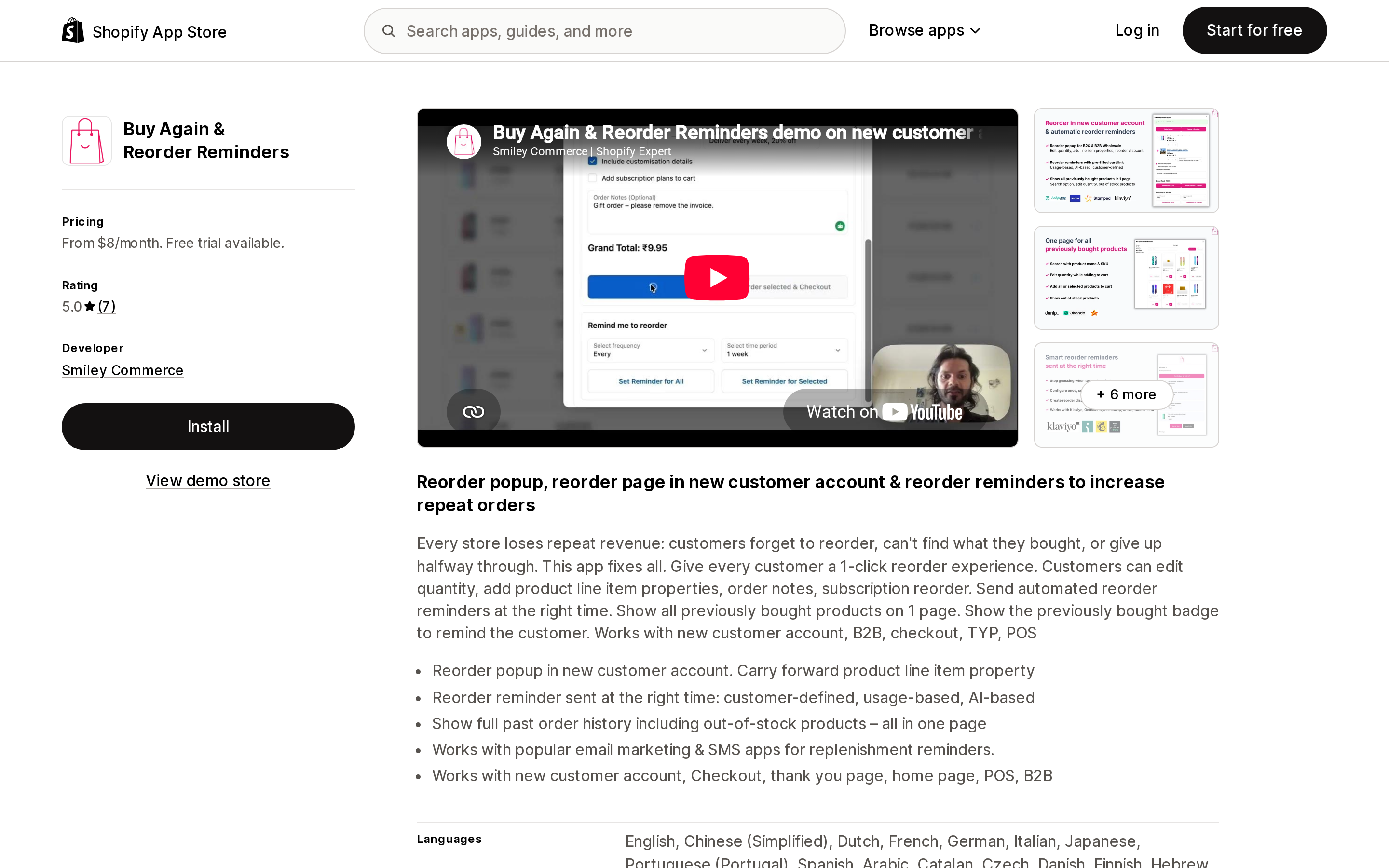
Source: Shopify App Store (Buy Again & Reorder Reminders), retrieved September 3, 2026
This is the app aimed squarely at the native button's defect. The listing leads with "Reorder popup in new customer account. Carry forward product line item property," and the surfaces named are new customer account, checkout, thank you page, home page, POS, and B2B.
Pricing runs Starter at $8/month, Growth at $25/month or $250/year, and Enterprise at $75/month or $750/year, each with a 7-day free trial. Read the tier boundary carefully: line item properties are a Growth feature, not a Starter feature. If properties are why you are here, your real entry price is $25/month, not $8. Growth also adds 2,000 reorder reminders; Enterprise adds AI-timed reminders and 10,000 reminders.
Two reviews specifically describe migrating to new customer accounts, finding that the native Buy Again would not carry line items, and installing this app to close that gap. That is a small sample — the app has 7 reviews and launched May 22, 2024 — so treat it as consistent with the documented limitation rather than as proof of scale.
Integrations listed include Klaviyo, Mailchimp, Omnisend, Judge.me, Stamped.io, and Yotpo.
Reorder Buy Again Repeat Order
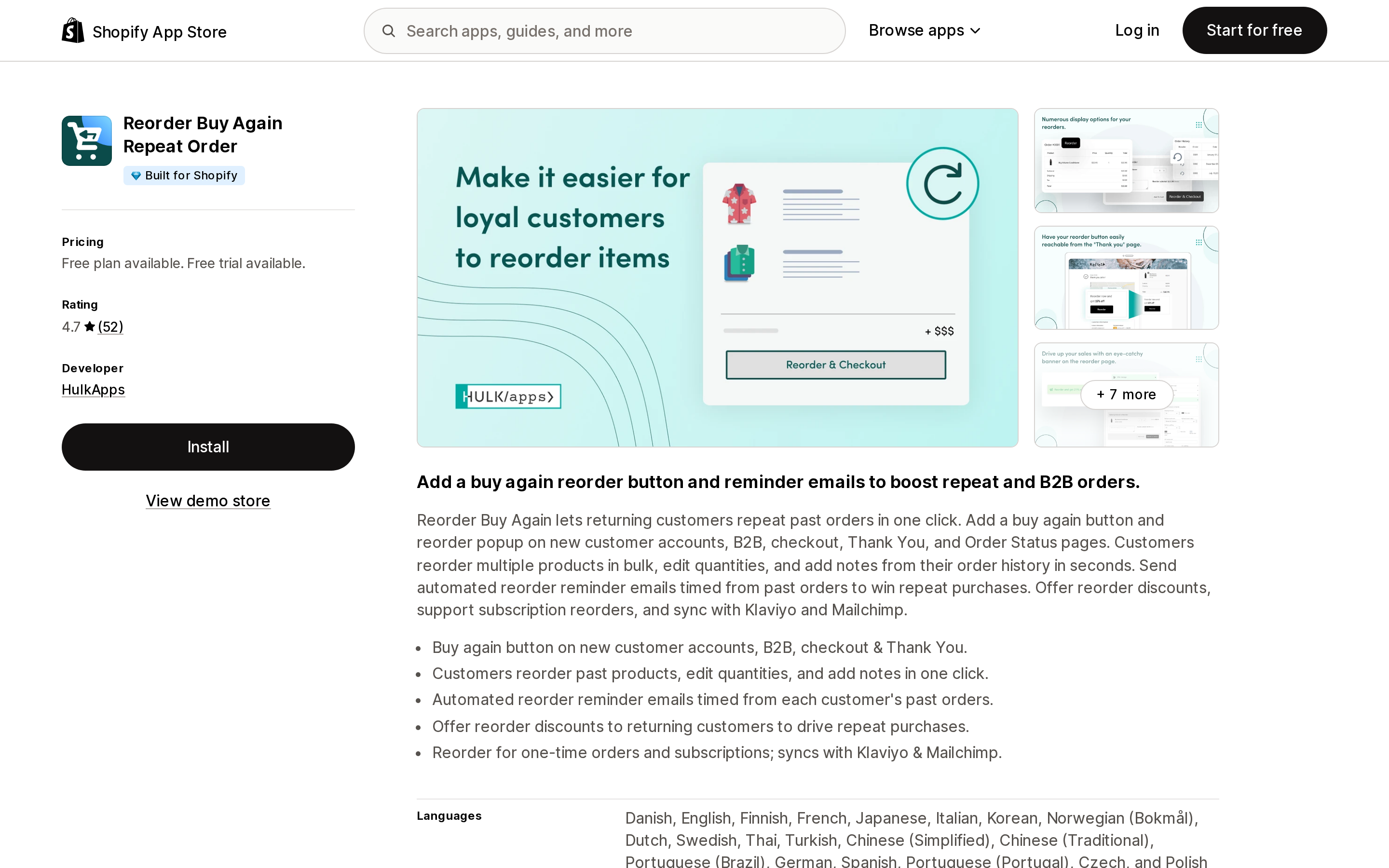
Source: Shopify App Store (Reorder Buy Again Repeat Order), retrieved September 3, 2026
The only app in this comparison carrying the Built for Shopify badge, and the one with a meaningful review history: 4.7 across 52 reviews, launched December 16, 2019.
Surfaces are broad — new customer accounts, B2B, checkout, Thank You, and Order Status. Customers can reorder in bulk, edit quantities, and add notes.
The pricing has a trap. The listing says "Free plan available," but the free tier is labelled DEVELOPMENT and reads "Free for all partner development stores." For a live store the entry point is BASIC at $12/month or $120/year, with an 8-day free trial. Reminder emails, Klaviyo and Mailchimp integration, subscription reorders, and "Product Option Attribute" all sit on PRO at $30/month or $300/year.
Not everything in the review history is positive. One merchant who had used the app for about five years edited their review in December 2025 to say responses were fast but product knowledge was lacking, and that the suggested fix was to uncheck the button display. One review is one data point, and it sits alongside 48 five-star ratings — but it is among the more recent detailed reviews the listing surfaces.
Reorder Hero ‑ Repeat Order
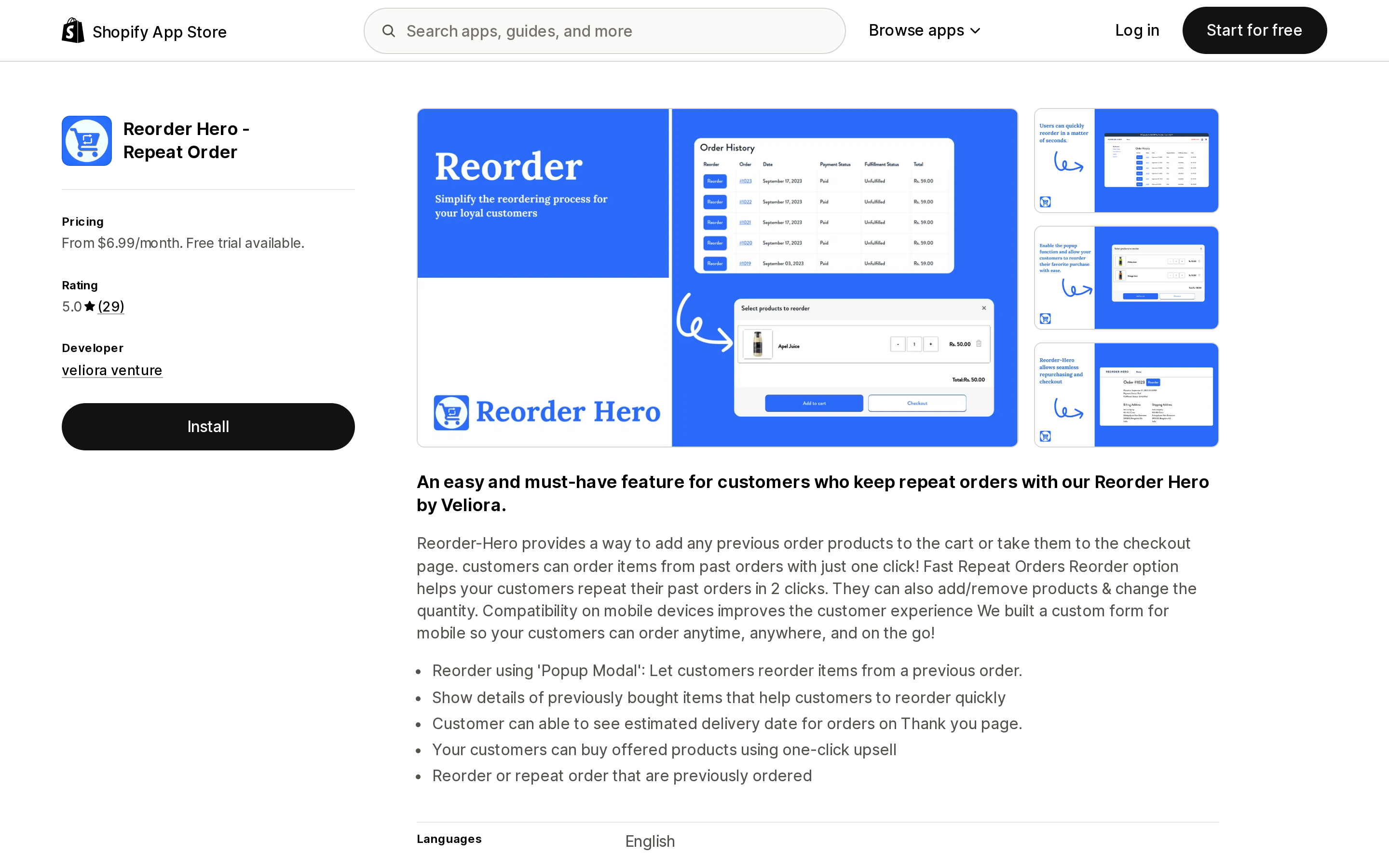
Source: Shopify App Store (Reorder Hero ‑ Repeat Order), retrieved September 3, 2026
A focused, inexpensive in-account reorder tool: a popup modal listing items from a previous order, with the ability to add or remove products and change quantities before adding to cart. Basic is $6.99/month; Grow at $9.99/month adds Klaviyo integration. Both include a 7-day free trial. Rating is 5.0 across 29 reviews, launched October 31, 2022.
The listing does not state line item property support. Given that this is the exact behavior that breaks the native button, treat its absence from the feature list as a question to ask support before installing, not as a yes.
Reorderify
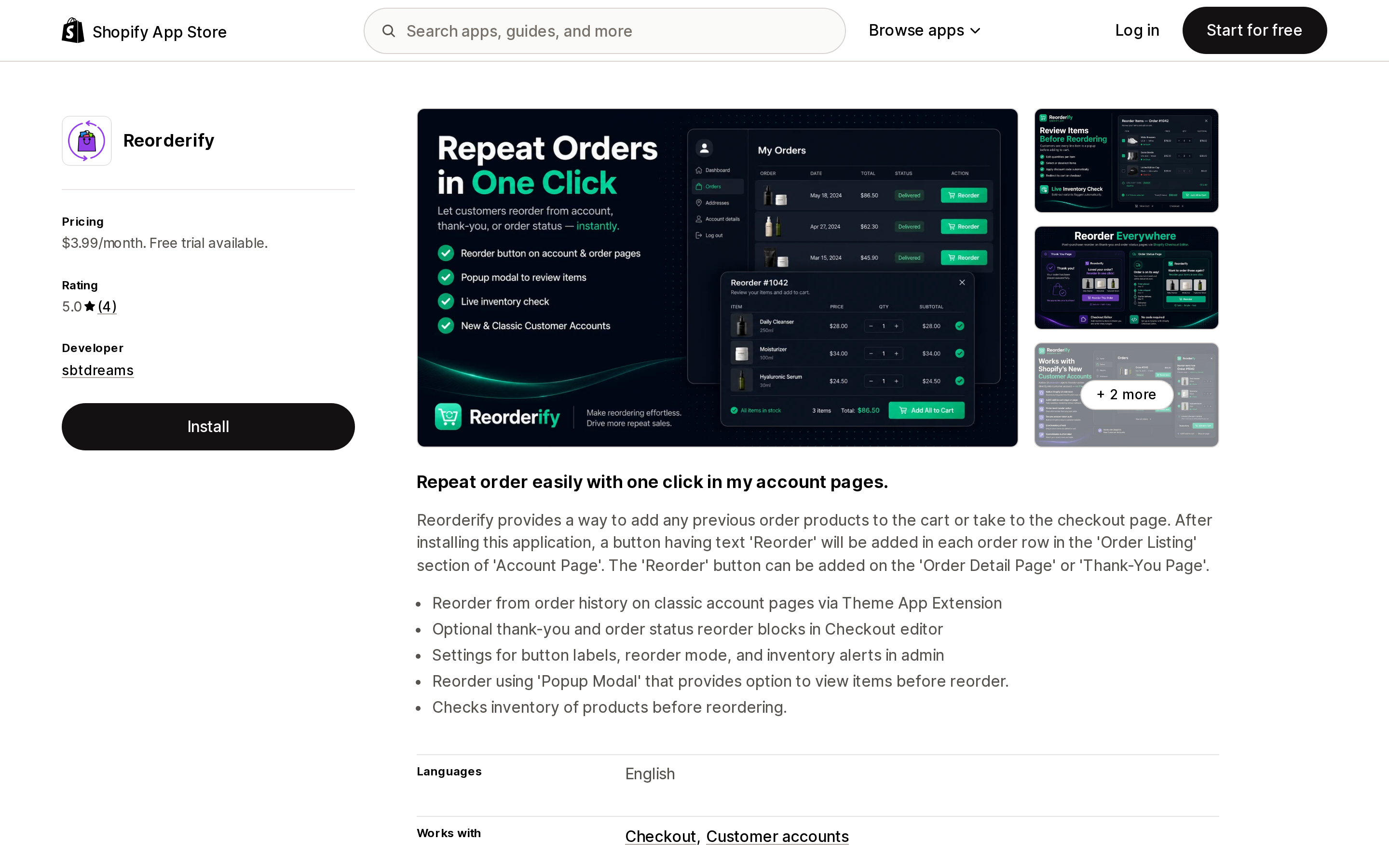
Source: Shopify App Store (Reorderify), retrieved September 3, 2026
The cheapest option here at a flat $3.99/month, single plan, 7-day free trial, 5.0 across 4 reviews, launched June 10, 2020.
Its distinguishing feature is where it puts the button: reorder from order history on classic account pages via a Theme App Extension, plus optional thank-you and order status reorder blocks in the checkout editor. Its listing also states that it checks inventory of products before reordering.
The classic-account-pages focus cuts both ways. If you are still on legacy customer accounts and need a reorder path today, this fits. Given the February 2026 deprecation and a sunset date coming later in 2026, do not treat it as a long-term architecture decision.
Reorder Reminder Pro
Source: Shopify App Store (Reorder Reminder Pro), retrieved September 3, 2026
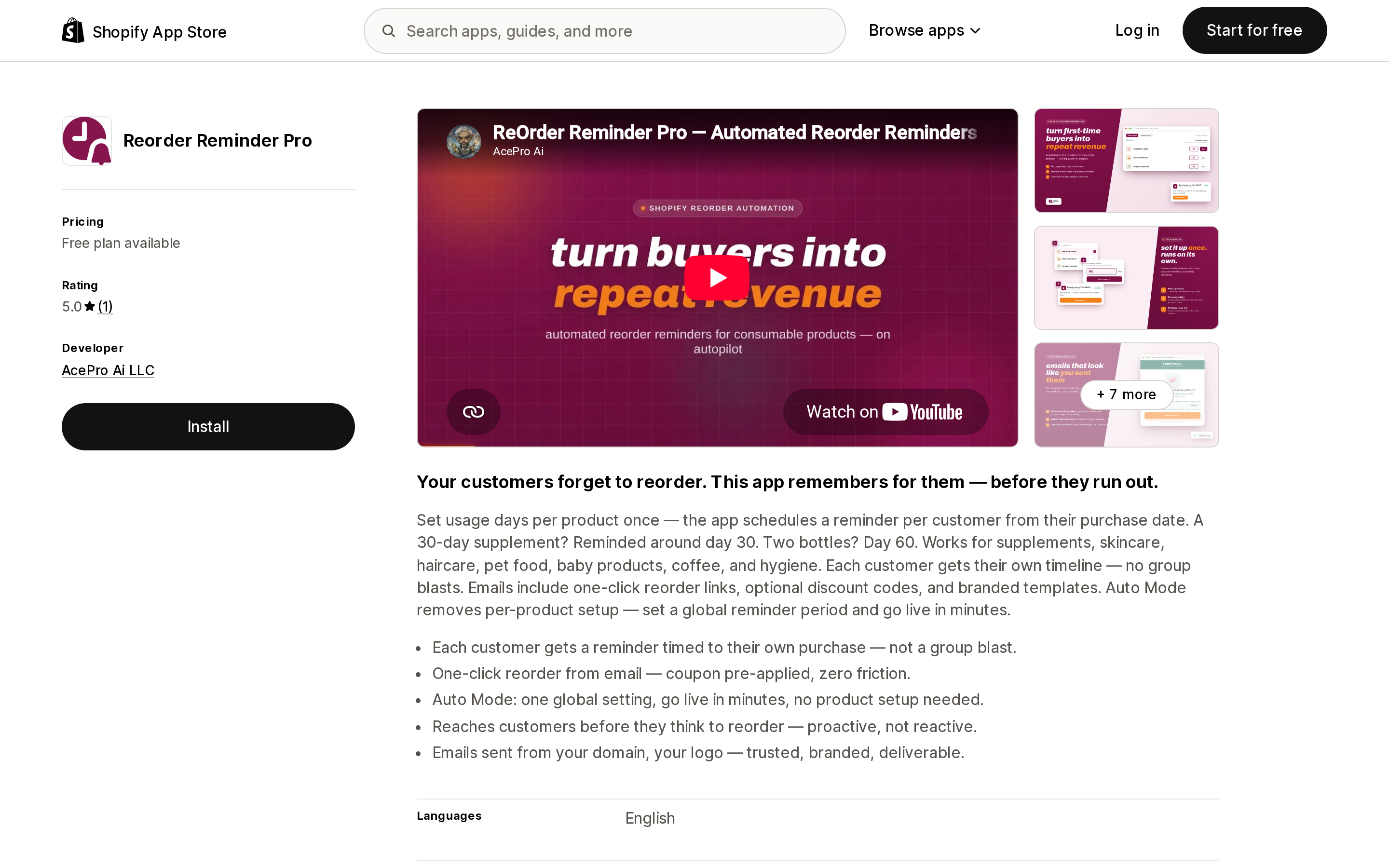
Not a button at all. You set usage days per product once, and the app schedules a reminder per customer counted from their purchase date — a 30-day supplement gets a nudge around day 30, two bottles around day 60. Emails carry one-click reorder links and optional discount codes. An Auto Mode skips per-product setup with a single global reminder period.
Billing is by email volume: Free at 30 reminder emails/month, Starter $12/month or $100/year at 500, Growth $39/month or $390/year at 5,000, Pro $89/month or $890/year at 15,000. It has 5.0 from a single review — the smallest review base of any app in this comparison.
The free tier is the useful part. Thirty emails a month is enough to test whether reminder timing moves anything in your category before you commit to a tier.
rePete: AI Reorder Sales Agent
Source: Shopify App Store (rePete: AI Reorder Sales Agent), retrieved September 3, 2026
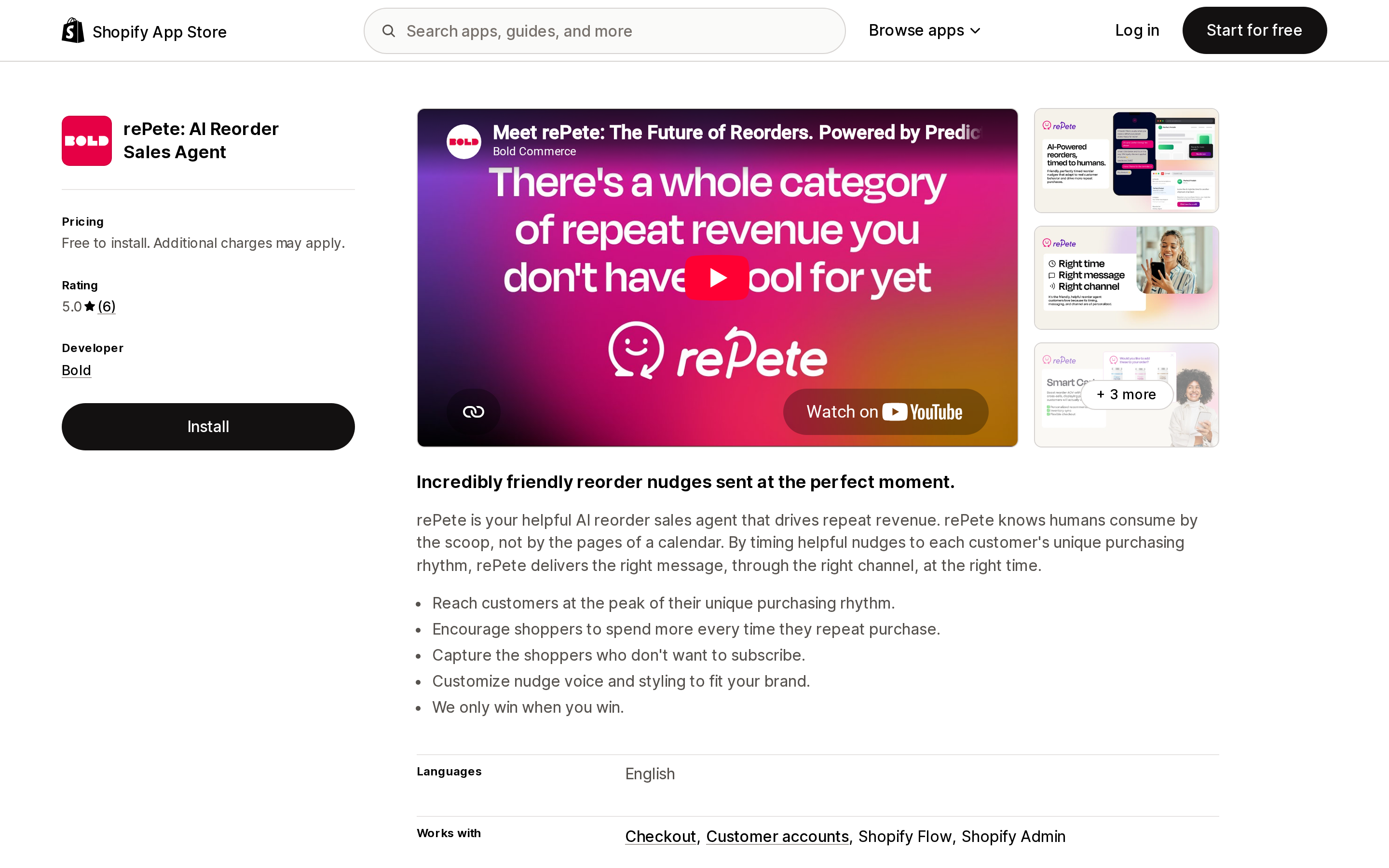
The odd one out on billing. rePete is free to install and charges commission: 3% on direct sales, 1% on assisted sales, 5% on upsells and cross-sells. It works with Checkout, Customer accounts, and Shopify Flow, and its stated purpose is timing nudges to each customer's purchasing rhythm — the listing describes capturing shoppers who do not want to subscribe. Rating is 5.0 across 6 reviews; launched July 4, 2025 by Bold.
Run the arithmetic before installing. At 3% of direct sales, $2,000/month of attributed reorder revenue costs $60 — more than the top tier of any flat-rate app here. The commission model is attractive when reorder volume is small or unproven, and expensive once it works. Also read the attribution definitions carefully, since "assisted sales" is the category where percentage billing quietly widens.
Which one fits your case
You sell plain consumables, no customization, and legacy accounts are behind you. Turn the native Buy again button on and stop. It does exactly what you need. Add cart permalinks to your existing email flows if you want a reorder path that skips the login step.
Your products carry line item properties. This is the case the native button cannot serve. Buy Again & Reorder Reminders names property carry-forward as a feature, at $25/month on Growth. Reorder Buy Again Repeat Order lists "Product Option Attribute" on PRO at $30/month. Whichever you trial, verify with an actual multi-line personalized order before you turn the native button off.
You want the widest surface coverage and a track record. Reorder Buy Again Repeat Order is the Built for Shopify option with 52 reviews and coverage across new customer accounts, B2B, checkout, Thank You, and Order Status. Budget for BASIC at $12/month, not the development-store free tier.
You want a reorder button, cheap, and nothing else. Reorder Hero at $6.99/month or Reorderify at $3.99/month. Ask about line item properties first.
Your problem is timing, not clicks. Your customers know how to reorder, they just forget. Reorder Reminder Pro's free tier costs nothing to test. rePete shifts the risk onto the vendor if you would rather not pay a monthly fee for an unproven channel.
You are B2B. Customer accounts work with Shopify B2B out of the box — signed-in B2B buyers place orders for their company and view orders across company locations. Reorder from order history is a different problem from bulk ordering off a catalog, which we cover separately in the B2B quick order list comparison.
You are considering subscriptions instead. Reorder tooling and subscriptions solve overlapping problems for different customers. If you want the recurring-billing route, see the subscription apps comparison. If you want to understand what else can be placed inside customer accounts, see customer account blocks and their limits.
Before you install anything
Do this in order.
- Place a test order that includes every kind of line item property your store uses.
- Sign in to customer accounts, open that order, and click Buy again.
- Look at the resulting cart.
If the properties survived, Shopify fixed the limitation and you may not need an app. If they vanished — the behavior confirmed by Shopify staff in February 2025 and still reported by merchants in July 2026 — you now know exactly which feature you are paying for, and you can hold every app in this comparison to that single test during its trial.
Sources
- Buy Again button on Order status page and Orders page can now be hidden — Shopify Changelog
- Line Item Properties NOT adding to cart when using 'Buy Again' button — Shopify Developer Community
- Buy again button on new customer account page — Shopify Developer Community
- Disable "Buy Again" in New Customer Accounts — Shopify Developer Community
- Legacy customer accounts are deprecated — Shopify Changelog
- Setting up and managing customer accounts — Shopify Help Center
- Create cart permalinks — Shopify.dev
- Shop app customer experience — Shopify Help Center
Shopify Flow adds and removes product tags for free on every paid plan, but its Get product data action returns at most 100 products per run, so backfilling an existing catalog becomes a scheduled loop. Flow also has no generic Product updated trigger, which means it structurally cannot re-tag a product after you edit its type, vendor, or price. Shopify Magic suggests a product category and fills category metafields, but product tag generation is not on its published feature list. The six apps compared here meter completely different units: Leap Auto Tags counts every tag added and every tag removed as one credit against 2,000 per month at $8, FilterTag meters 500 to 50,000 generated tags per month at $9 to $59, TAGit AI works out to 3 to 9 cents per generated tag, and Helium charges $9.99 one-time per 100 products. Mechanic and Matrixify charge flat fees of $16 to $199 and $20 to $200 with no per-tag metering at all. Check the denominator before you check the price. Researched September 3, 2026.