
What you will learn
On this pageContentsCloseOpen
The advice you will find on this is always the same. Put the restricted SKU in its own shipping profile, exclude the states you can't ship to, done.
It does not work, and the way it fails is worth understanding before you build your compliance process on top of it.
Shopify's Help Center is explicit. When an order contains products from different shipping profiles or locations, "the separate shipping rates for each product are combined and a single shipping rate is displayed to your customer at checkout."
Combined. One rate. So if the restricted item's profile returns nothing for Utah, the combined rate cannot be produced, and the customer's entire cart becomes unshippable — the t-shirt and the coffee beans along with the bottle. They get a generic "no shipping rate is available for your region" notice with no explanation of which item caused it.
You have not blocked a product. You have blocked a state.
The short version
- Shipping zones do go down to the US state level. But zones govern rates, not purchasability, and rates combine across the cart.
- There is no native "restrict this product in this region" feature. Not in shipping settings, not in Markets.
- Markets cannot do it either. Catalogs are country-level. Sub-region markets exist but are early access and shipping-only.
- Apps enforce at four different points. Only one — a Cart and Checkout Validation Function — is a server-side block that holds against express checkouts.
- Public App Store apps containing Shopify Functions work on every plan. Only custom apps need Plus. This is one of the most commonly misstated facts in the category, and it is worth $6/month versus a Plus upgrade.
- Shopify's own Acceptable Use Policy does not enumerate product categories. Your payment processor's list does.
A note on scope: this article is about what the software can and cannot enforce. Which products you may lawfully ship where, and what licenses you need, is a question for a compliance advisor, not a blog.
What Shopify natively gives you
Shipping zones to the state level. A zone is a group of countries or regions, and the Admin API exposes DeliveryCountry.provinces, which is how US states show up in the zone picker. Real granularity, genuinely there.
Product-scoped shipping profiles. Up to 99 custom shipping profiles. A product or variant belongs to exactly one at a time.
A hard stop when no rate exists. Two separate Help Center statements confirm this: customers entering an address outside your zones "receive a notice that no shipping rate is available for their region," and for shipping options by market, "if an order's total falls outside your ranges, then no rate applies and the customer can't complete checkout."
Every piece is there. What is missing is the ability to express "ship these three items and refuse the fourth." Shopify's cart is all-or-nothing.
One more thing on the horizon: Shopify is migrating stores to Shipping options by market, which changes rate combination from "add together" to "only the highest matching rate applies" within a shipping option. Anyone building a profile-based workaround today should expect it to be migrated underneath them.
Where each app actually enforces
This is the axis that decides everything, and almost no comparison article uses it. There are four possible enforcement points:
(a) Storefront or cart. The app hides the product from visitors in restricted states (usually IP-based) or blocks the add-to-cart button. VPN-defeatable, and it does nothing about the shipping address the customer types at checkout. This is marketing, not enforcement.
(b) The shipping-rate step. The app returns no rate for that destination. Better, but the customer sees a generic error rather than your message, and it inherits Shopify's carrier-calculated shipping plan requirement.
(c) A Cart and Checkout Validation Function. Server-side. Shopify's own wording: "To validate a cart and checkout, server-side, you can only use the Cart and Checkout Validation Function API." It covers express checkouts — Shop Pay, PayPal, Apple Pay, Google Pay — and you can show your own message. Maximum 25 activated validation functions per store.
(d) Post-order flagging. The order is placed, then flagged or cancelled. Useful for review. Not a restriction.
If the reason you need this is regulatory, you need (c). Everything else is a suggestion.
The plan requirement people get wrong
Two sentences from Shopify's Functions documentation decide which apps are even available to you:
"All plans: Except as noted in individual API pages, stores on any plan can use public apps that are distributed through the Shopify App Store and contain functions. Shopify Plus: Only stores on a Shopify Plus plan can use custom apps that contain Shopify Function APIs."
So a public App Store app that ships a validation Function works on Basic. You do not need Plus for a hard checkout block.
What does need Plus is different: "Checkout UI extensions for the information, shipping, and payment steps are available only to stores on a Shopify Plus plan." An app that builds its block as a checkout UI extension rather than a Function is Plus-only — and that is precisely the difference between ShipEmbargo at $6/month and ZIP Lock ‑ Restrict ZIP Codes, which is Plus-only.
The practical tell when you are evaluating a listing: look at its Data access section. Edit Shopify Functions → Cart and checkout validations means it is a real server-side block. Its absence means it is not.
Also note what Functions cannot do here. Delivery Customization Functions rename, sort and hide delivery options. They cannot block a checkout. An app built on those is doing (b), not (c).
The comparison
| App | From (USD/mo) | Enforcement | Per-product targeting | US state granularity | Plus required | Rating (reviews) |
|---|---|---|---|---|---|---|
| ShipEmbargo | $6 | (c) Function | product / collection / tag | Yes | No | 0.0 (0) |
| Cart Lock:Block Checkout Rules | $6.99 | (c) Function | product / variant / collection | Yes | No | 4.8 (80) |
| King Checkout Validation | $4.99 | (c) Function | product / collection | not stated | No | 5.0 (18) |
| Validify Checkout Guard | $3 | (c) Function | product / variant | not stated | No | 0.0 (0) |
| ZIP Lock ‑ Restrict ZIP Codes | $9.99 | checkout UI ext. (client-side) | product / collection | Yes (ZIP + state) | Yes | 5.0 (1) |
| Advanced Shipping Rules | $9 (hide/show from $29) | (b) rate step | product groups | Yes (+ZIP from $59) | No* | 4.9 (295) |
| Intuitive Shipping | $70 live | (b) rate step | 40+ conditions | Yes (+ZIP) | No* | 5.0 (461) |
| ZipGuard Shipping Restrictions | $4.99 | (b) rate step | not advertised | ZIP/region | No | 0.0 (0) |
Prices verified on the Shopify App Store September 3, 2026, all in USD. *Carrier-calculated shipping is required for the rate-step apps; see below. ZIP Lock blocks inside the checkout UI rather than through a validation Function, so it is not the server-side (c) path; its listing's Data access section does not declare Shopify Functions.
Three things this table is telling you that the vendors' own tables do not.
A hard block costs $3 to $10 a month
The four Functions apps are all cheap. What separates them is track record and stated capability, not price.
Source: Shopify App Store (ShipEmbargo), retrieved September 3, 2026
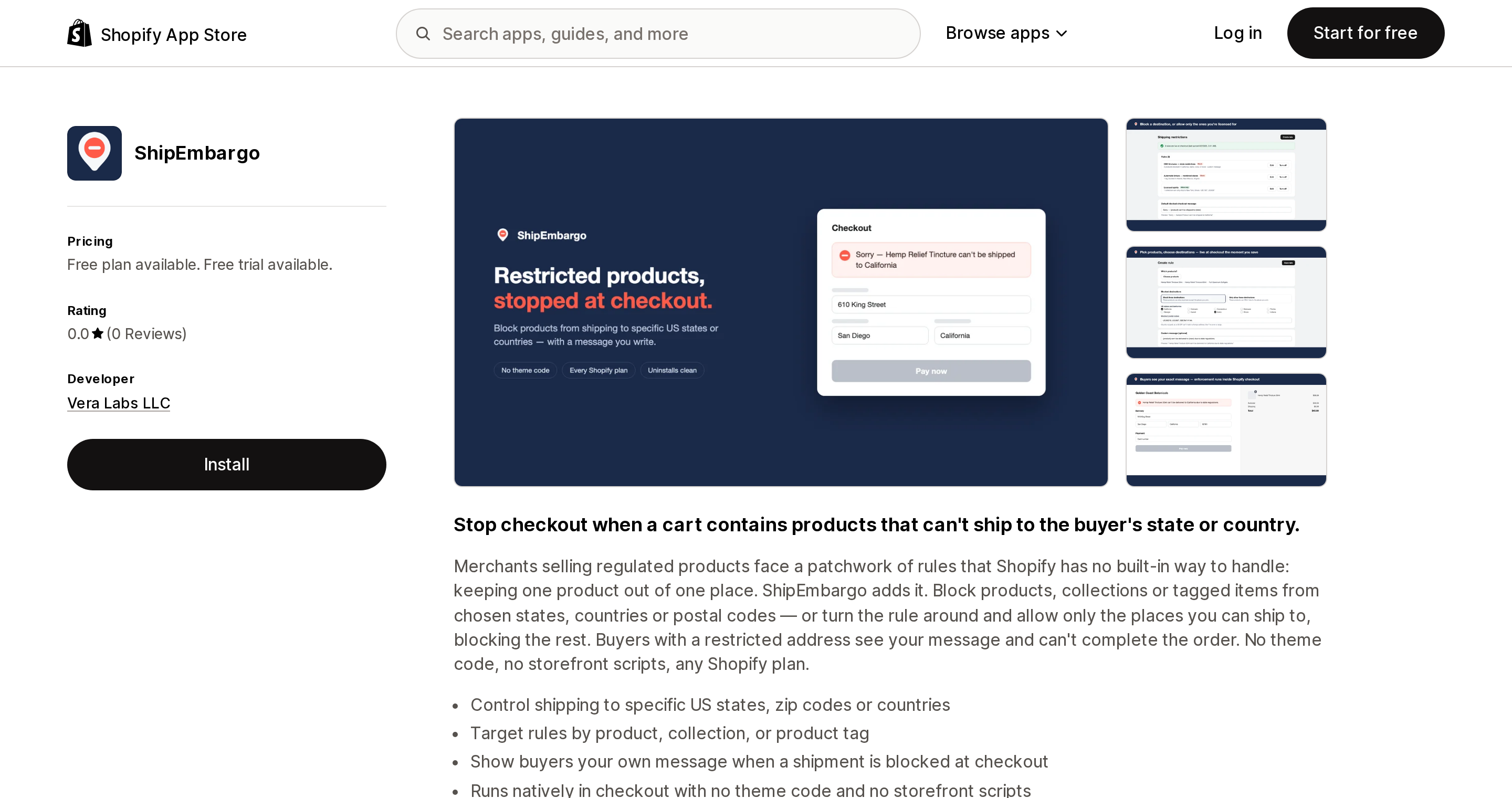
ShipEmbargo is the only app in this set built specifically for this problem — block products from shipping to specific US states, countries or ZIP codes, enforced at checkout, targeted by product, collection or tag. At $6/month it is the cheapest purpose-built hard block verified here. It also launched on August 7, 2026 and has zero reviews. There is no production track record at all. That is not a criticism, but it is a fact you should weigh before putting a compliance obligation on it.
Source: Shopify App Store (Cart Lock:Block Checkout Rules), retrieved September 3, 2026
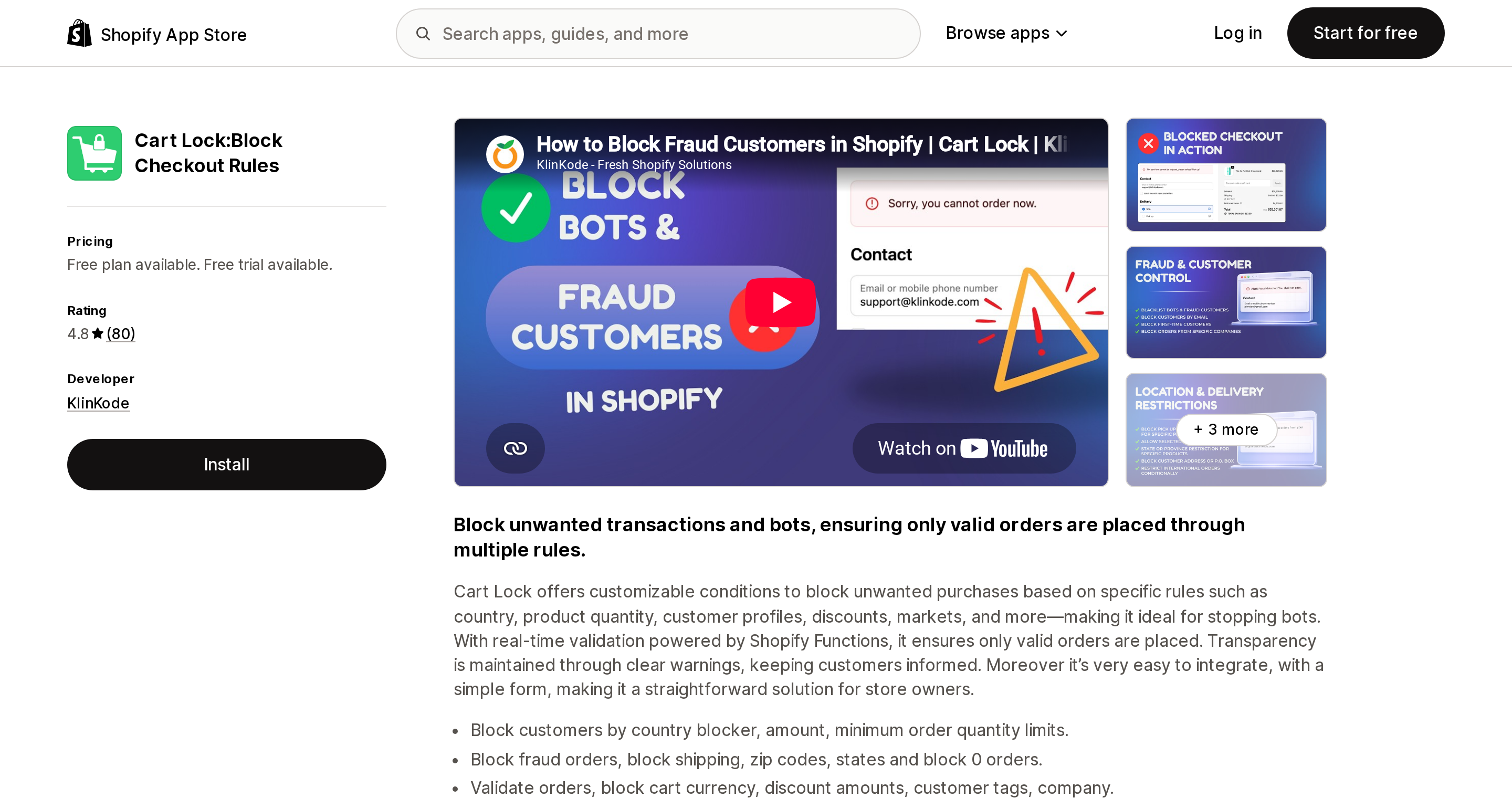
Cart Lock:Block Checkout Rules is the proven one: 4.8 across 80 reviews, 30+ conditions, states explicitly listed as a condition. It meters on active rules, not order volume — 5 rules at $6.99, 10 at $9.99, 25 at $19.99. Two things to know. OR logic is Elite-only at $19.99, which bites immediately if your rule is "state is X or Y or Z." And its free plan is development stores only, which has generated repeat one-star reviews; the developer confirms it in replies: "Our free plan applies to Dev stores, as mentioned in the pricing section."
Source: Shopify App Store (King Checkout Validation), retrieved September 3, 2026
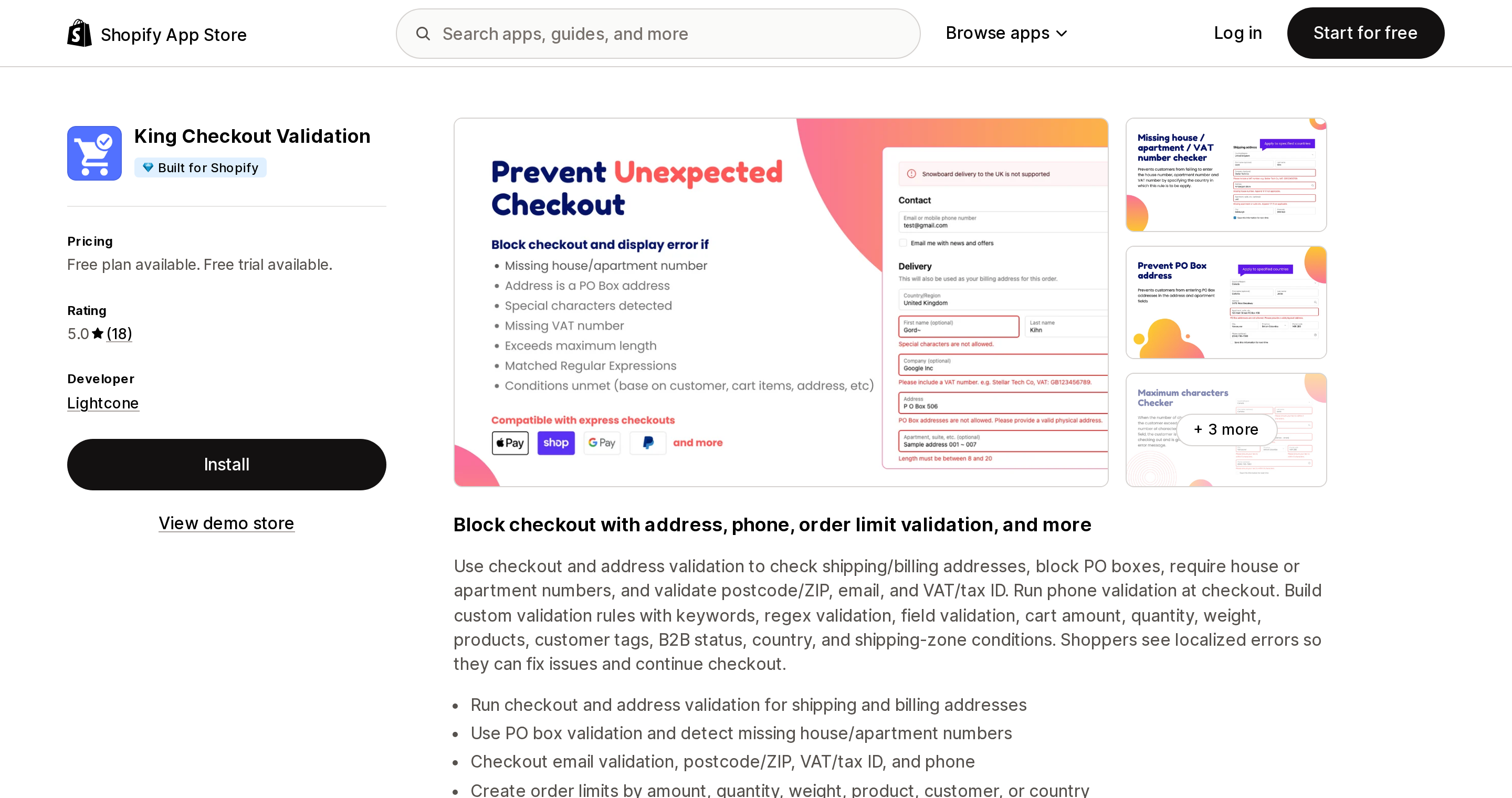
King Checkout Validation is the only Built for Shopify app among the hard blockers, at $4.99 with 5.0 across 18 reviews. One important caveat: its listing documents country and shipping-zone conditions, and does not explicitly list a per-US-state condition. Confirm state-level targeting with the vendor before you rely on it. The workaround, if it comes to that, is to build a shipping zone containing only the restricted states and target the zone.
Validify Checkout Guard is the cheapest at $3/month with unlimited validation policies and no rule cap — but like ShipEmbargo it has zero reviews, and its state-level support is not stated on the listing.
The rate-step apps have a Shopify charge attached
Source: Shopify App Store (Advanced Shipping Rules), retrieved September 3, 2026
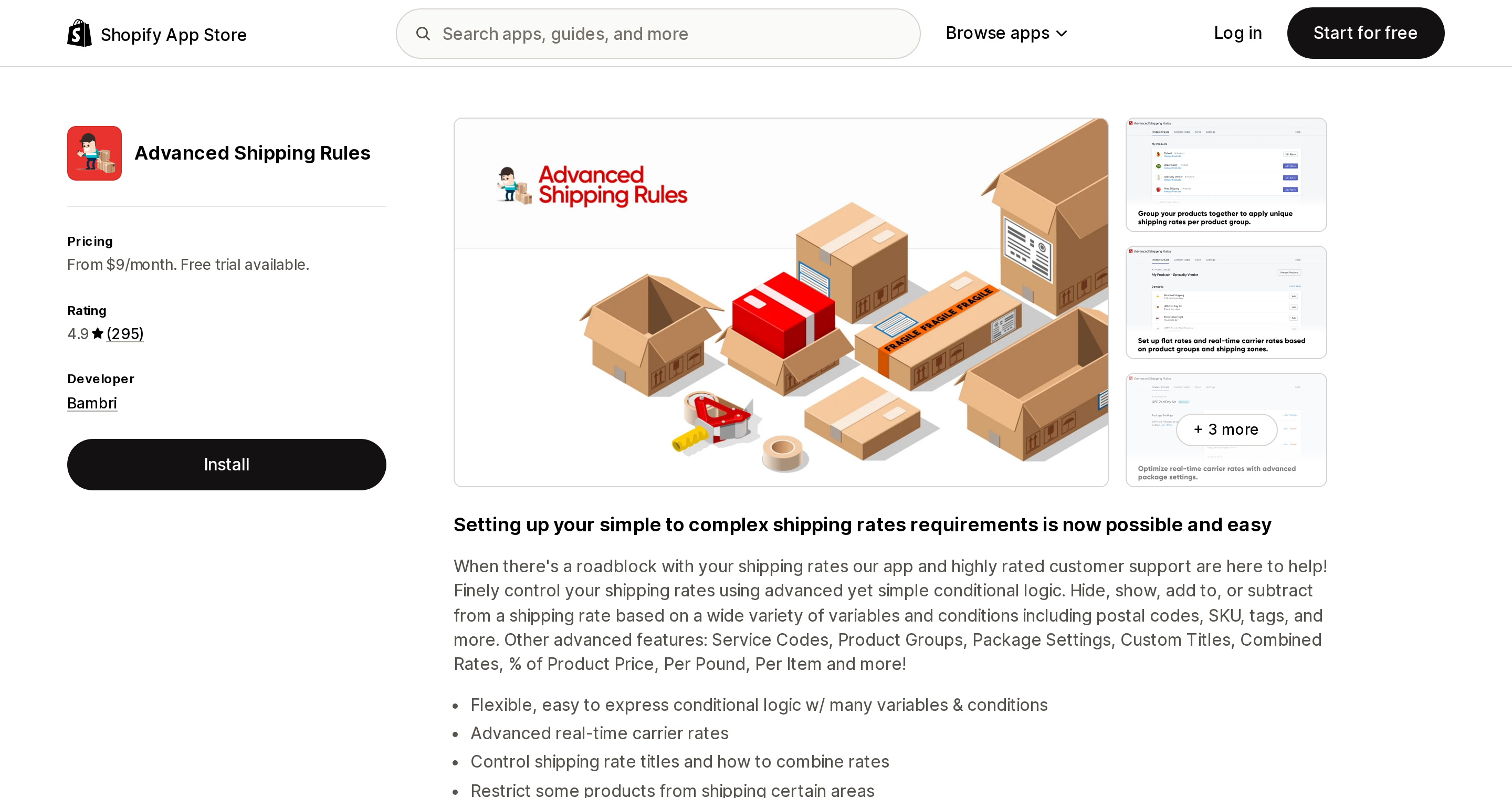
Advanced Shipping Rules (4.9 over 295 reviews) and Intuitive Shipping (5.0 over 461) are excellent shipping-rate engines. Neither is a compliance tool, and both carry a cost that is not on their pricing pages.
Third-party carrier-calculated shipping "is available on Shopify Advanced and Shopify Plus plans. Shopify Grow stores can add CCS for an additional monthly fee or by switching to annual billing." Bambri's own public reply to a two-star review says it plainly: "In order to use our app or any other carrier service app, a certain feature needs to be activated on your shop. This is the $20 charge that you received. This is a charge that came from Shopify, not our app."
Advanced Shipping Rules also excludes hide/show rules from its $9 Lite plan, so the real entry price for restriction work is $29, and ZIP subzones start at $59. Intuitive Shipping meters on monthly orders — $70 for 500, $150 for 2,000, $300 for 5,000 — with a free sandbox for setup.
And the customer experience is what you would expect from rate suppression. One Intuitive Shipping reviewer, describing what buyers saw when a product was missing its dimensions and no rate came back: "the customer will get an odd error at checkout which says 'we cannot ship to your region'. There is no further explanation for the customer." The vendor's public reply notes the wording is a store-wide Shopify setting and can't be made rule-specific.
Hiding the product is not restricting it
Apps that hide restricted products from visitors in certain states work on IP geolocation. A VPN defeats them, and more importantly they do nothing about the address the customer actually enters at checkout — the shopper who browses from Oregon and ships to a relative in a restricted state sails straight through.
There is a good use for this layer, just not this one: if you want the SKU not to appear at all for brand or marketing reasons, run it on top of a Functions app, never instead of one.
It is also worth knowing the ceiling here, stated by a vendor rather than by us. Blockify's support, explaining what their app cannot do: "the checkout page is a protected area… This is a platform-level limitation across the entire Shopify ecosystem." Only server-side validation operates inside checkout.
Two adjacent facts that catch people
Shopify's Acceptable Use Policy does not enumerate product categories; your processor's list does. The AUP is principle-based — it makes you responsible for the law where you do business rather than publishing a category list. (The Shop sales channel does maintain its own separate product eligibility rules.) The Shopify Payments terms delegate the Prohibited and Restricted Businesses lists to the payment processor, which for US Shopify Payments is Stripe. On Stripe's US list as of May 13, 2026: tobacco including e-cigarettes is Restricted; CBD with negligible THC is Restricted; CBD above the local THC limit and cannabis are Prohibited; legal firearms and regulated parts are Restricted with limited availability. Alcohol is not listed as prohibited or restricted.
You probably can't buy the label through Shopify Shipping. FedEx via Shopify Shipping: "You cannot ship alcohol, tobacco, vape products, firearms, or any other items or commodities that may be prohibited by law, or prohibited or limited by FedEx." UPS via Shopify Shipping prohibits vape products within, to or from the US, and marijuana-derived CBD — and notes that adult signature is no longer available. USPS through Shopify Shipping offers Signature Confirmation at $2.60 on several services but has no adult signature option at all. FedEx does offer Adult signature required through Shopify at $8.65 to $9.86, but not for alcohol. If you ship age-restricted goods, you are looking at a direct carrier agreement or a specialist carrier, regardless of which app you install.
How to choose
- You sell alcohol, vape, kratom, CBD or firearms accessories and the restriction has to hold → a Cart and Checkout Validation Function, full stop. ShipEmbargo if purpose-built matters more than track record; Cart Lock if track record matters more; King Checkout Validation if the Built for Shopify badge matters and the vendor confirms state support; Validify if price is the constraint.
- You're on Basic, Grow or Advanced → all four of those work. Do not buy ZIP Lock; it is Plus-only.
- You're on Plus and want a blocked-checkout audit log → ZIP Lock is the only app here advertising one. Verify express-checkout coverage first.
- Your real problem is rate accuracy and state restriction is secondary → Advanced Shipping Rules from $29, or Intuitive Shipping from $70, and budget for the carrier-calculated shipping requirement.
- Country-level is all you need → Shopify Markets does that natively, for free.
- You are genuinely willing to refuse every order from that state → then the native shipping-profile approach is fine, and you don't need any of this. Just know that is what you are choosing.
The one mistake with real consequences is assuming an app blocks checkout because its listing says "block." Read the Data access section, look for Cart and checkout validations, and if it isn't there, the block is advisory.
Sources
- Shopify Help Center: Setting up shipping zones and rates
- Shopify Help Center: Calculating shipping rates from different shipping profiles
- Shopify Help Center: Shipping profiles
- Shopify Help Center: Understanding shipping options by market
- Shopify Help Center: Understanding market types
- Shopify: Function APIs — API availability
- Shopify: Cart and Checkout Validation Function API
- Shopify: Delivery Customization Function API
- Shopify: Checkout UI extensions — availability
- Shopify Help Center: Third-party carrier-calculated shipping
- Shopify: Acceptable Use Policy and Shopify Payments Terms of Service
- Stripe: Prohibited and restricted businesses (US), last updated May 13, 2026
- Shopify Help Center: Shopify Shipping carrier pages for FedEx, UPS in the United States and USPS
- Shopify App Store listings for all apps named above,
?locale=en, retrieved September 3, 2026
Shopify Flow adds and removes product tags for free on every paid plan, but its Get product data action returns at most 100 products per run, so backfilling an existing catalog becomes a scheduled loop. Flow also has no generic Product updated trigger, which means it structurally cannot re-tag a product after you edit its type, vendor, or price. Shopify Magic suggests a product category and fills category metafields, but product tag generation is not on its published feature list. The six apps compared here meter completely different units: Leap Auto Tags counts every tag added and every tag removed as one credit against 2,000 per month at $8, FilterTag meters 500 to 50,000 generated tags per month at $9 to $59, TAGit AI works out to 3 to 9 cents per generated tag, and Helium charges $9.99 one-time per 100 products. Mechanic and Matrixify charge flat fees of $16 to $199 and $20 to $200 with no per-tag metering at all. Check the denominator before you check the price. Researched September 3, 2026.