
What you will learn
On this pageContentsCloseOpen
You install a review app, collect a few hundred reviews, and wait for stars to appear next to your store in Google. Weeks pass. Nothing happens — or stars appear on your product pages but never under your Search ads.
This is not a bug, and it is usually not the app's fault. "Getting stars into Google" is three different programs with three different owners inside Google, three different data paths, and three different approval processes. A review app can be excellent at one of them and completely absent from another.
The three mechanisms, side by side
| Product page rich results | Product Ratings (Google Shopping) | Store ratings (seller ratings) | |
|---|---|---|---|
| What the star rating describes | One product | One product, aggregated across sellers | Your business as a whole |
| Where it appears | Organic Search results for your product URL | Shopping ads and free product listings | Search Network ads, free listings, YouTube |
| Who owns the rules | Google Search Central | Google Merchant Center | Google Ads / Merchant Center |
| How data reaches Google | JSON-LD on your own page | Review feed or approved aggregator | Approved review partner, Google Customer Reviews, or Google evaluation |
| Minimum review count | None stated | 50 across all products | Varies; most merchants need roughly 100+ in a country |
| Can a review app do it for you? | Yes, any app that writes valid markup | Only apps on Google's aggregator list | Only apps on Google's review partner list |
The confusion is understandable, because Google's own naming has drifted. The Google Ads Help article most people still search for as "seller ratings" is now titled About store ratings, and Merchant Center calls the same thing Store ratings overview. Meanwhile Product Ratings is a capital-P program name in Merchant Center, distinct from the lowercase product ratings you mark up on your own site. Getting these three straight is most of the work.
Mechanism 1: stars on your own product pages
This one you control entirely, and it does not involve Merchant Center at all.
Shopify themes can emit product structured data through the structured_data Liquid filter, which converts a product object into schema.org Product (or ProductGroup when the product has variants). Worth noting: the sample output in Shopify's own documentation contains brand, name, image, description, offers, and URL — but no aggregateRating. The native filter does not carry a star rating.
That is what a review app supplies. Shopify defines two standard product metafields for exactly this purpose: reviews.rating (Product rating) and reviews.rating_count (Product rating count). Shopify's documentation states that product rating apps should write to these metafields and that themes displaying product ratings should reference them. Whether a given app writes to the standard metafields, injects its own JSON-LD block containing aggregateRating, or does both is generally not stated in the app's official documentation — worth asking support before you assume your theme is doing the work.
Google's requirements for review snippets are strict in ways that trip up Shopify stores:
- The aggregate rating you mark up must be visible to users on that page. Marking up a rating that is only in the code is a guideline violation.
- You may not aggregate reviews or ratings pulled from other websites into your own markup.
- Incentivized reviews must disclose the incentive prominently — relevant if you use a review app's discount-for-review workflow.
And the rule that catches almost everyone: if the entity being reviewed controls the reviews about itself, pages using Organization or LocalBusiness structured data are ineligible for the star review feature. In practice this means you cannot put a review widget on your homepage, mark it up as an Organization rating, and expect store-level stars in organic Search. That path is closed. Store-level stars come from mechanism 3 only.
Mechanism 2: product ratings in Google Shopping
This is the Merchant Center Product Ratings program, and it aggregates reviews of a product across many sellers — which is why a product you sell may already show a rating you did not contribute to.
Google's eligibility requirements are concrete:
- A minimum of 50 reviews across all of your products. Below that, ratings will not show on Google Shopping or Google Ads.
- Reviews reach Google either as a product reviews data source you upload in Merchant Center, or through an approved third-party reviews aggregator that submits on your behalf.
- If you upload the feed yourself, it must be uploaded at least monthly with updated reviews, and the domain in each
product_urlmust match the domain registered in your Merchant Center account. - You need a standalone Merchant Center account or a sub-account — not a Multi-Client Account.
- Expect a data quality and policy review; Google says reviews typically go live 2 to 4 weeks after a successful review.
Matching is the part that quietly fails. Google matches reviews to products primarily by GTIN. Without GTINs it falls back to SKU, Brand + MPN pairs, and product URLs, and Google states plainly that these are weaker signals that can leave reviews unmatched. If your Shopify catalog has no barcodes populated, expect a low match rate no matter which app you use.
One useful asymmetry: aggregate product reviews can appear on free listings whether or not you participate in the program. Participation is what makes you eligible on Shopping ads.
Mechanism 3: store ratings, the ones people mean by "seller ratings"
Store ratings are the star rating and review count that sit next to a merchant's name in Search ads and free listings. They reflect post-fulfillment experience with your business, calculated per country.
Google sources them from three places: Google Customer Reviews (free, run through Merchant Center, sends a post-purchase survey to customers who opt in), a fixed list of supported review partners, and Google's own research evaluation of selected merchants.
The thresholds, per Google Ads Help:
- Google needs enough unique reviews for a given country from the last 24 months. Google says most merchants obtain a rating after collecting 100 or more eligible reviews, while noting the number varies by business.
- Text ads require an average composite rating of 3.5 stars or above. Unpaid listings can show a store rating below 3.5.
- The ad's visible URL domain must match the domain the rating is attached to.
- Reviews from customers in one country only count toward that country's rating.
You do not need a Merchant Center account or Shopping campaigns for store ratings to appear on Search Network ads. And you can check your current status without any app by opening https://www.google.com/shopping/ratings/account/lookup?q={your-homepage-url} and swapping the c= country code in the resulting URL.
The critical constraint for app selection: the supported review partner list is short and closed. Google notes on the same page that typically only one or two new partners are added globally per year. If your review app is not on that list, no amount of reviews collected in it will produce a store rating.
Which Shopify review apps are on which list
All figures below are from each app's Shopify App Store listing (en) and from Google's own documentation, retrieved September 2, 2026.
| App | Rating (reviews) | Starting paid plan | Built for Shopify | On Google's Product Ratings aggregator list | On Google's store ratings partner list |
|---|---|---|---|---|---|
| Judge.me Product Reviews App | 5.0 (44,575) | $15/month | Yes | Yes | No |
| Loox ‑ Product Reviews App | 4.9 (9,176) | $49.99/month | Yes | Yes | No |
| Okendo: Reviews & Loyalty | 4.9 (1,333) | $19/month | No | Yes | Yes |
| REVIEWS.io Product Reviews App | 4.7 (702) | $19/month | No | Yes | Yes |
| Stamped Reviews & Loyalty | 4.7 (3,396) | $23/month | No | Yes | Yes |
| Yotpo: Product Reviews App | 4.8 (4,392) | $15/month | No | Yes | Yes |
That last column is the whole point of this article. Judge.me and Loox — the two apps here carrying the Built for Shopify badge, and the two with the highest App Store review counts of the six — do not appear on Google's supported review partner list for store ratings. They are both approved Product Ratings aggregators, so they can put stars in Google Shopping. They cannot deliver the store-level stars under your Search ads.
If you want store ratings and prefer Judge.me or Loox for everything else, the answer is not to switch apps. It is to run Google Customer Reviews alongside them, which is free and feeds the same store rating.
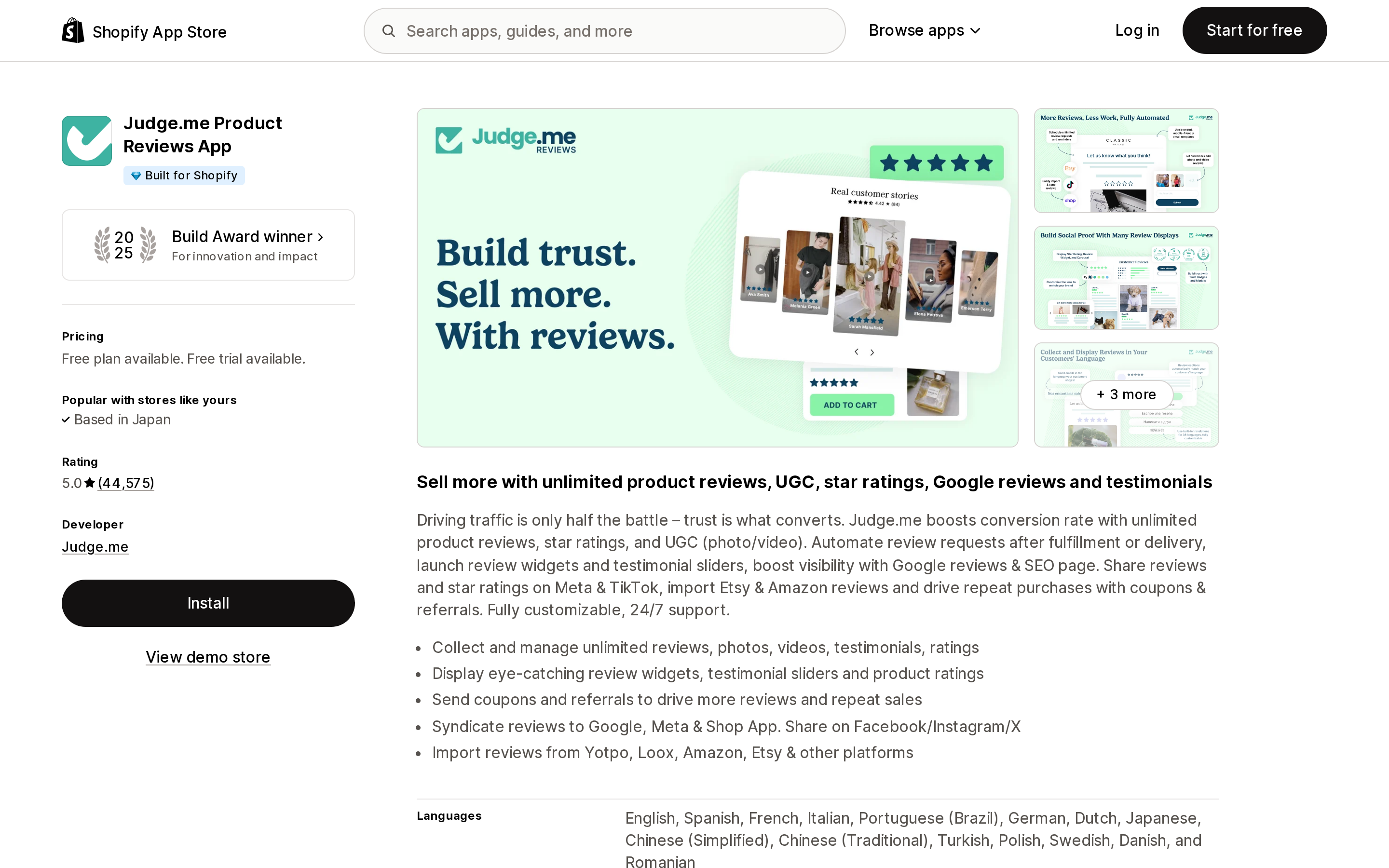
Judge.me Product Reviews App
Source: Shopify App Store (Judge.me Product Reviews App), retrieved September 2, 2026
The Forever Free plan includes unlimited reviews plus Google rich snippets. The listing places Google Shopping syndication on the Awesome plan at $15/month, with a 15-day free trial. Google's aggregator table adds one requirement: at least 50 product reviews collected through Judge.me before the Google Shopping feed can be enabled. Best fit for stores whose goal is product-page stars and Shopping ad stars at the lowest cost. Not an option if store ratings are the objective.
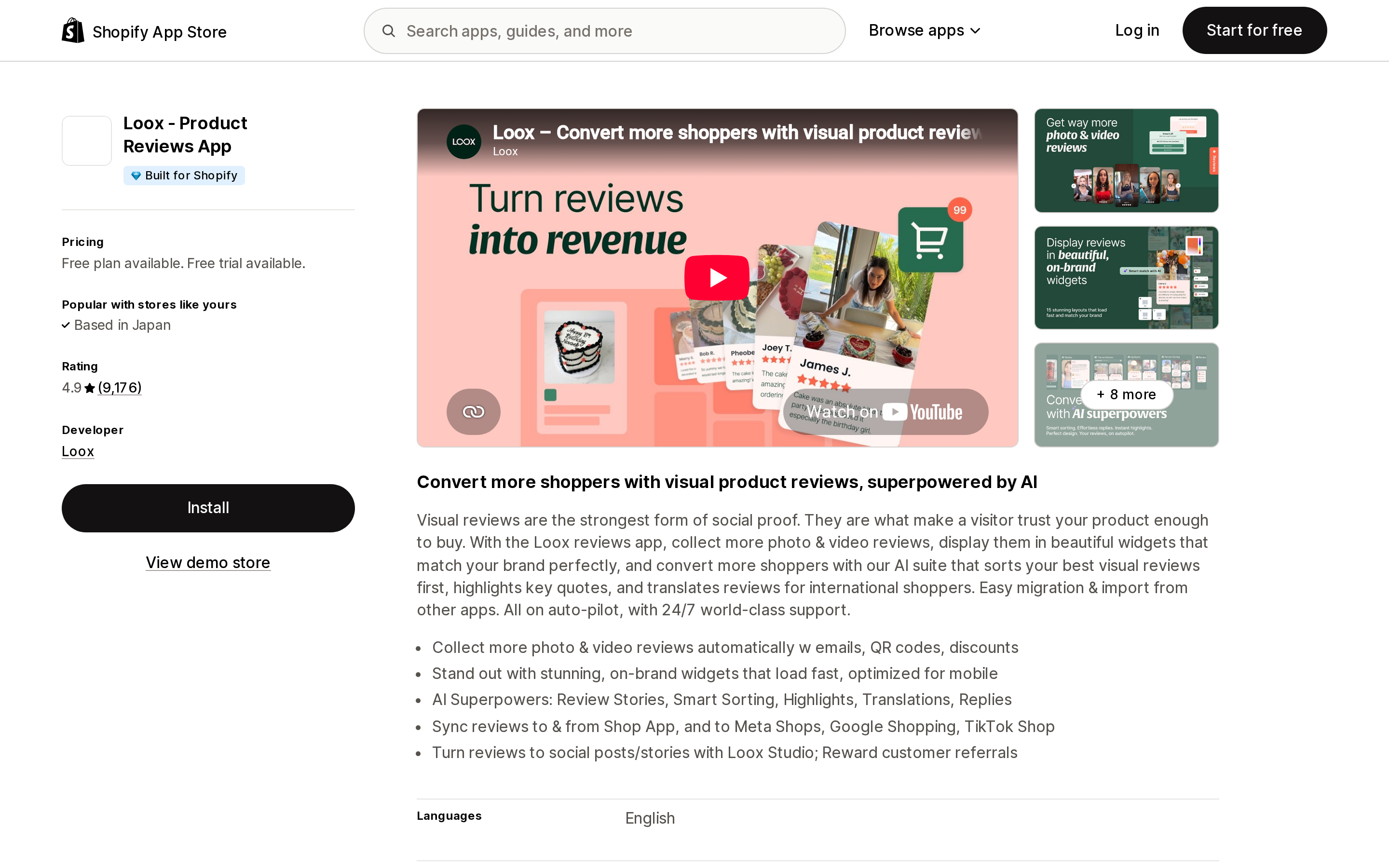
Loox ‑ Product Reviews App
Source: Shopify App Store (Loox ‑ Product Reviews App), retrieved September 2, 2026
The Beginner plan is free up to 500 orders and includes Google rich snippets and schema. Google, Meta, and TikTok syndication sits on the Convert plan at $49.99/month (300 orders included, then $50 per additional 300 orders), with Unlimited at $299.99/month. Note a naming mismatch: Google's aggregator table says a Loox plan of Scale or Unlimited is required, while the current listing shows Beginner, Convert, and Unlimited. Confirm the current plan requirement with Loox before committing.
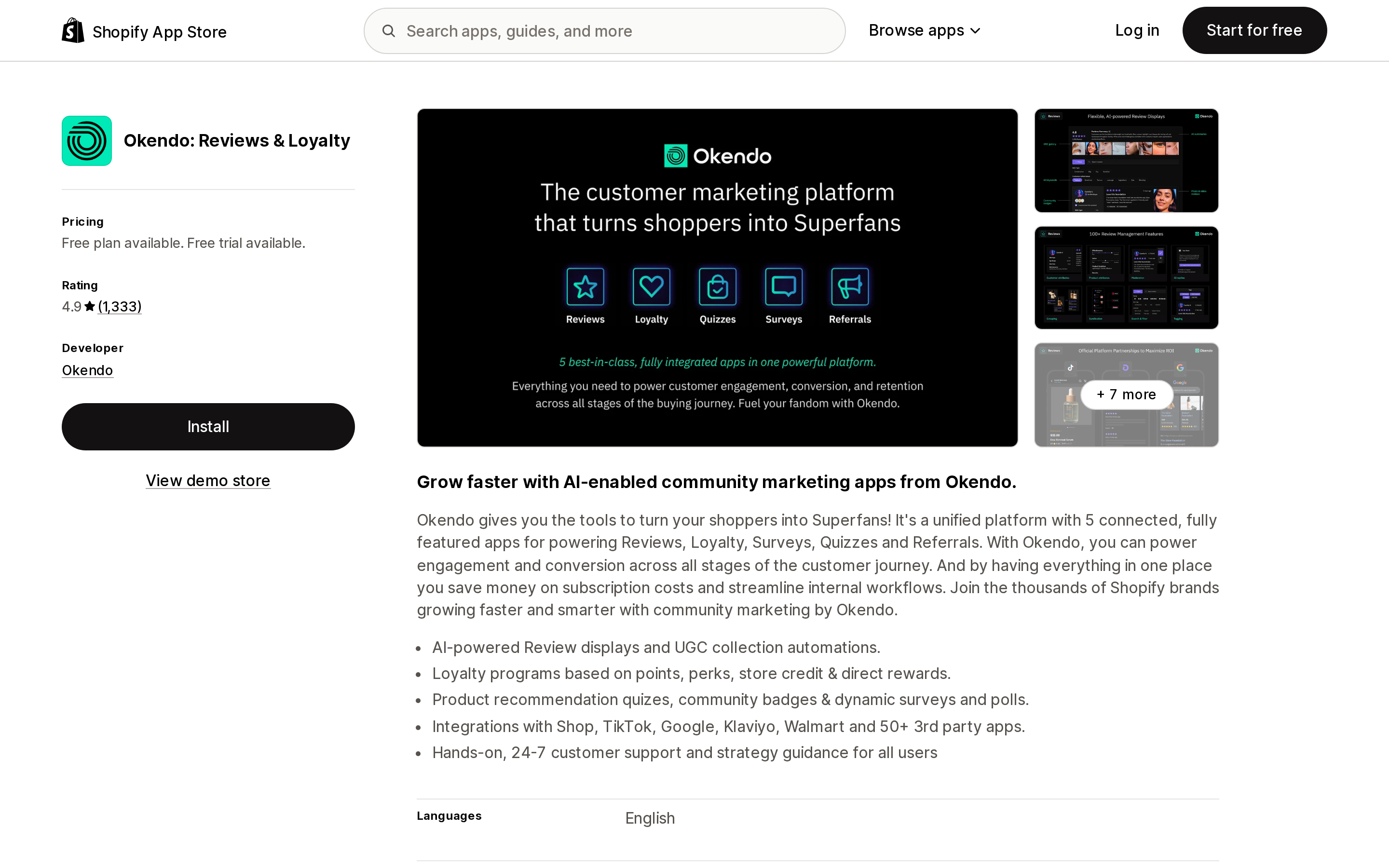
Okendo: Reviews & Loyalty
Source: Shopify App Store (Okendo: Reviews & Loyalty), retrieved September 2, 2026
Okendo appears on both Google lists. Plans run Free (up to 50 orders/month), Essential $19/month, Growth $119/month, and Power $299/month, each paid tier with a 14-day free trial. Google's aggregator table states Okendo requires a minimum of 50 published reviews and MPN or GTIN set in Shopify, and that Product Ratings is free on Growth plans and above or an additional monthly add-on charge. The explicit GTIN/MPN requirement is a useful signal — it is the matching constraint every merchant hits eventually.
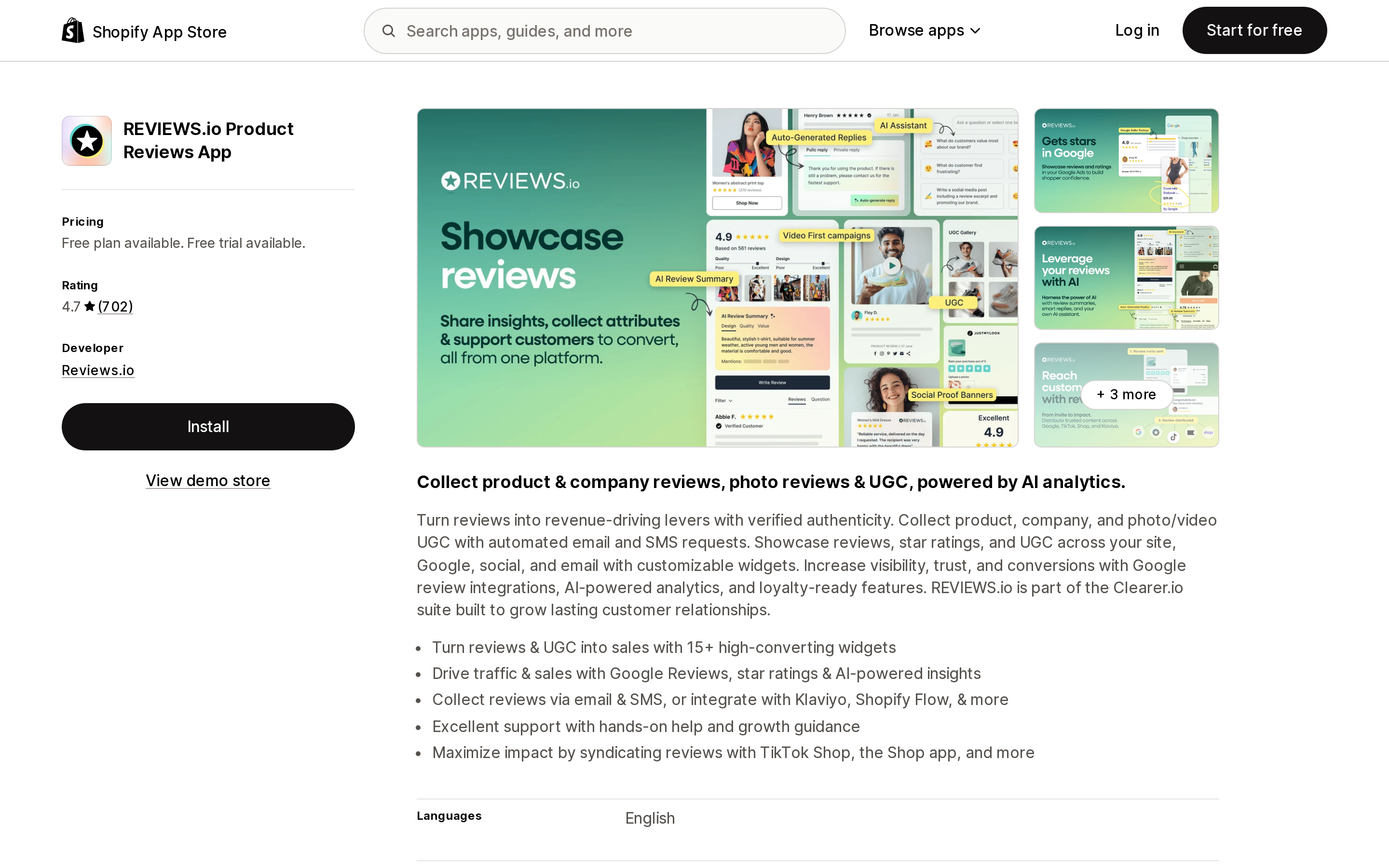
REVIEWS.io Product Reviews App
Source: Shopify App Store (REVIEWS.io Product Reviews App), retrieved September 2, 2026
REVIEWS.io separates product reviews from company reviews in its product design, which maps cleanly onto the mechanism split. The listing puts Google Seller Ratings (Google Shopping) and Google Rich Snippets on the LAUNCH plan at $19/month, above a free tier limited to 25 monthly review invites. Google's Product Ratings aggregator table, however, states that a Reviews.io Premium plan is required and that Free or Pro plans are not supported — plan names that do not appear on the current App Store listing. Treat the two Google features as separately gated and verify both with the vendor.
Stamped Reviews & Loyalty
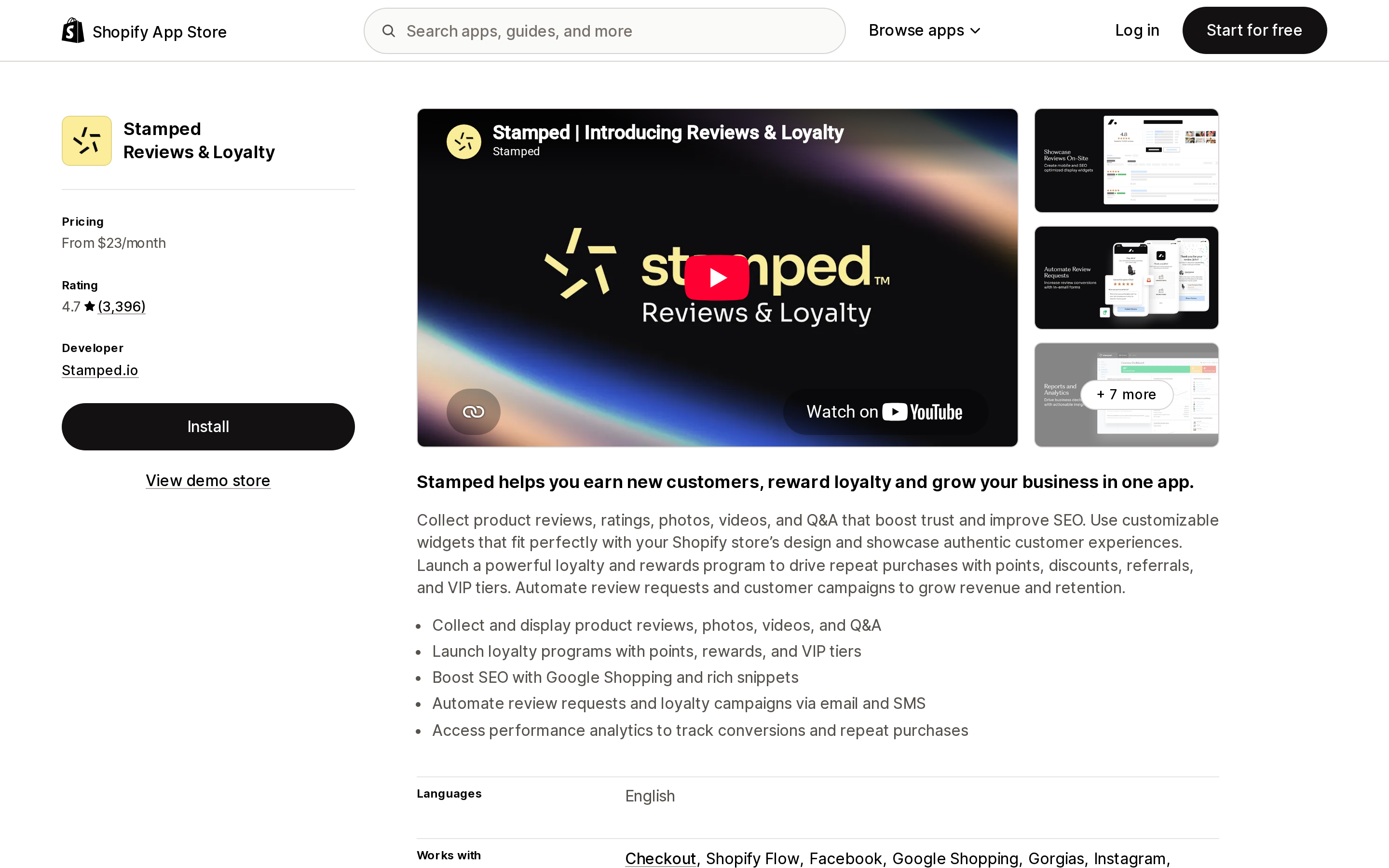
Source: Shopify App Store (Stamped Reviews & Loyalty), retrieved September 2, 2026
Stamped is on both Google lists. Listing pricing starts at $23/month for 200 orders, rising to $99/month at 1,000 orders and $199/month at 5,000 orders, with a separate Loyalty plan at $299/month. Google's aggregator table specifies a Stamped plan of Business or higher for Product Ratings, with Basic and Premium not supported — again, plan names not visible on the App Store listing. There is no free plan here, which makes Stamped a poor fit for stores still under 50 reviews.
Yotpo: Product Reviews App
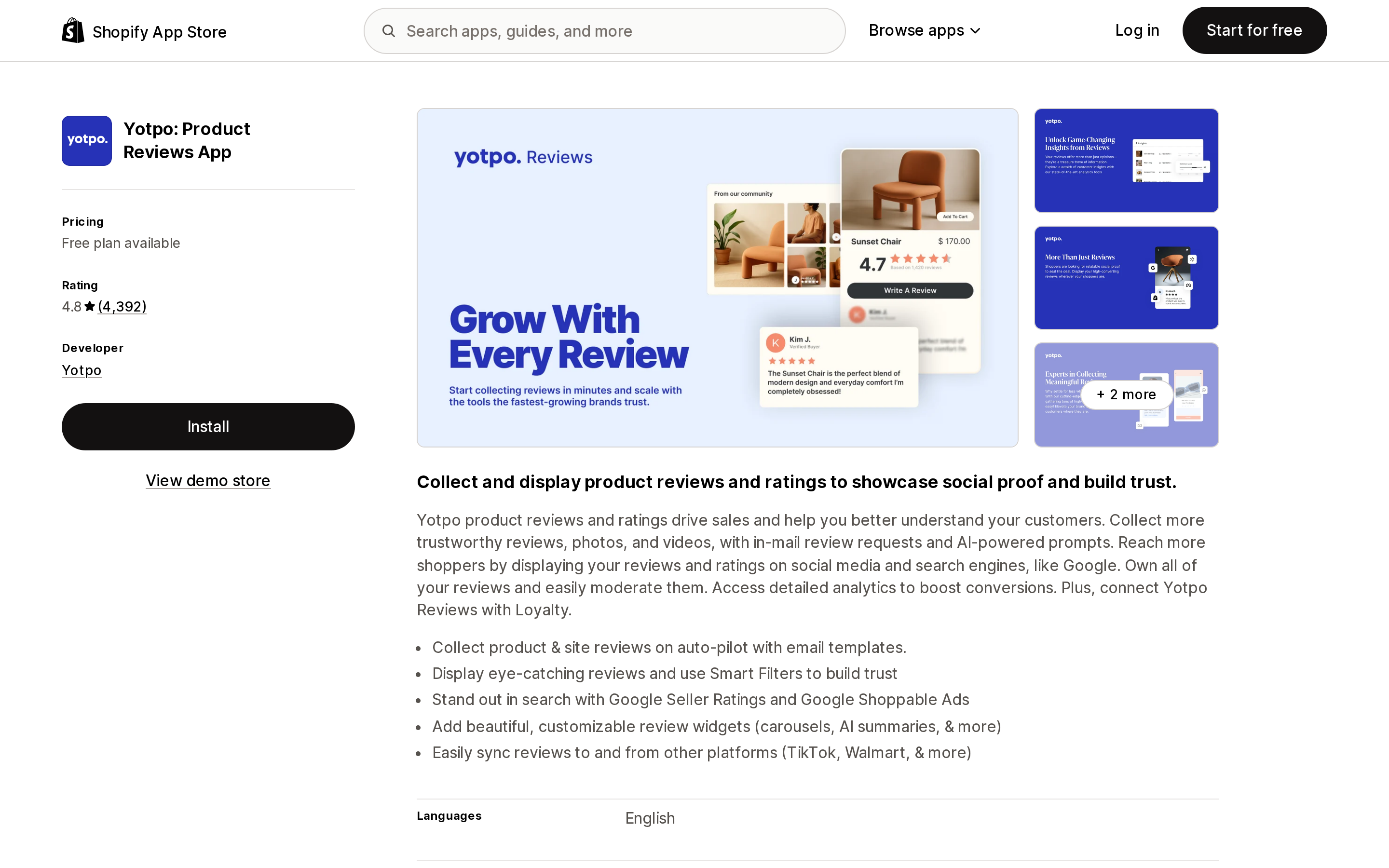
Source: Shopify App Store (Yotpo: Product Reviews App), retrieved September 2, 2026
Yotpo's listing is the only one of the six that puts a price on each Google mechanism separately and in the same place. Google Rich Snippets and Google Shopping Ads sit on the Starter plan at $15/month; Google Seller Rating sits on Pro at $119/month. The Free plan (up to 50 monthly orders) includes neither, and Google's aggregator table confirms the Yotpo free plan is not supported for Google Shopping syndication. Note that the gap between the two tiers is entirely a vendor pricing decision, not a Google one — REVIEWS.io lists its own Google Seller Ratings feature at $19/month. Compare the specific plan, not the concept.
How to choose
- You only want stars on your product pages in organic Search. Any of the six will do it. The free tiers of Judge.me, Loox, and Okendo all list Google rich snippets; on REVIEWS.io and Yotpo, rich snippets start at the first paid tier. Choose on widget quality and collection rate, not on Google features.
- You run Shopping ads and want product stars there. All six are approved aggregators. Populate GTINs in Shopify first — Google's own matching hierarchy makes that at least as important as the app choice. Budget for the paid tier that unlocks syndication and for 50 reviews minimum.
- You want store ratings under your Search ads. Start Google Customer Reviews today; it is free, it feeds the same rating, and it works regardless of which review app you use. Only pay for a partner-listed app (Okendo, REVIEWS.io, Stamped, Yotpo) if you also want that data owned in your review platform.
- You are under 50 reviews. None of the Google programs will show anything yet. Spend the next quarter on collection rate, not on app migration.
Before you commit
- Check whether you already have a store rating using Google's lookup URL, per country.
- Count populated barcodes in your Shopify catalog. No GTINs means poor Product Ratings matching.
- Confirm with the vendor which plan currently unlocks Google Shopping syndication — for three of the six, the plan name in Google's table does not match any plan on the current App Store listing.
- Confirm the app is still on the relevant Google list. Both lists change, and Google notes that store rating partners are added roughly one or two per year globally.
- Decide explicitly whether you need store ratings at all. If your paid search spend is small, Google Customer Reviews plus a cheap product review app is the rational stack.
Everything above is verifiable in Google's and Shopify's own documentation. Where an app's plan requirements differ between Google's table and the App Store listing, that difference is noted rather than resolved — it is not stated in the app's official documentation which version is current.
Sources
- About store ratings — Google Ads Help
- Store ratings overview — Google Merchant Center Help
- Product Ratings eligibility — Google Merchant Center Help
- How to submit product reviews data — Google Merchant Center Help
- Review snippet structured data — Google Search Central
- structured_data Liquid filter — Shopify.dev
- Standard metafield definitions — Shopify.dev
Shop Pay Installments is free to activate, needs no app, and Shopify never publishes what it costs you — the rate is visible only inside your own admin. It also refuses Capital One and Chase credit cards, restricts monthly plans to debit cards only, excludes gift cards and subscriptions, and can't be turned off for individual products. Affirm can suspend your account for being password-protected, for having a non-English storefront, or for being primarily B2B. And Shopify's Getting paid page says disputes appear in your admin while its FAQ says they don't. If you fail the eligibility gates, the alternative is on-site messaging apps from Klarna, Afterpay, Sezzle, Zip, and PayPal — a category rated between 1.0 and 3.2 stars. Researched September 2, 2026.