
What you will learn
On this pageContentsCloseOpen
There is a specific moment where every growing Shopify store hits this. Someone in finance wants payout reconciliation in a spreadsheet every Monday. Someone in ops wants inventory in Looker Studio. Someone senior wants order data in BigQuery next to the ad spend. And the answer, three times over, is a person clicking Export in the admin and waiting for an email.
The native export is genuinely better than its reputation. Shopify's custom reports export to "Comma Separated Values (CSV) / Extensible Markup Language (XML) / JSON Lines (JSONL) / Apache Parquet (.parquet)" — Parquet, the columnar format warehouses actually want, straight out of the admin. That is not a weak feature.
It has one gap, and it is total: none of it can be scheduled. Every export is a manual action. That single missing property is what this entire app category sells.
Research date: September 2, 2026. All prices USD as published on the Shopify App Store.
What the native export actually does
Worth getting exact, because the limits differ by object and most summaries flatten them.
Customers. "Exported CSV files are limited to 15 MB in size." And the delivery rule: "If you export up to 50 customers, then the CSV file is downloaded by your browser. If you export more than 50 customers, then the CSV file is emailed to you."
Orders. "If you select to export up to 50 orders or the current page of orders, then the CSV file is downloaded to your device." Beyond that: "If you select to export more than 51 orders or to export orders by date, then the CSV file is emailed to you and the store owner." Shopify also publishes the runtime, which is useful for planning: "an export with fewer than 100,000 items might complete in under an hour, whereas an export with 400,000 items might take around 4 hours."
Products. Only the Current page and Selected products options can download to your browser, and only when every product has fewer than 100 variants. Exporting All products, or products matching a filter, always emails. There is a documented failure mode too — "There was an error exporting your products. Try again in a few minutes" — which "can occur when you attempt to export a CSV file that would contain thousands of variants." The fix is manual: filter into smaller batches and export several times.
Reports. From Shopify's Reports page: "Reports display a maximum of 1,000 rows. … If you need to access all the rows of a large report, then you can export the report." And per the Exporting reports page, exports land "in the default downloads folder on your device."
The pattern is clear once you line them up. Anything non-trivial gets emailed to the store owner as an attachment, on a human's schedule, to a mailbox. That is a fine mechanism for a quarterly cleanup and a bad one for a weekly finance routine — and there is no recurring export or recurring report email documented anywhere in the admin.
The constraint that changed, and that everyone still gets wrong
If you go looking for why apps can't simply pull everything continuously, you will find dozens of articles stating that Shopify allows only one bulk operation at a time. That is out of date.
From shopify.dev: "In API versions 2026-01 and higher, each app can run up to five bulk query operations per shop simultaneously. In API versions prior to 2026-01, each app can run only one bulk operation of each type (bulkOperationRunMutation or bulkOperationRunQuery) at a time per shop."
Five, not one, on a current API version. Two other bulk-operation facts matter when you are evaluating a sync tool: a bulk query "has to complete within 10 days," and the result URLs "will expire after one week."
Ordinary API access is still governed by the leaky bucket, and the ceiling depends on your Shopify plan: 100 points per second on Standard, 200 on Advanced, 1000 on Plus, 2000 on Commerce Components — with a hard rule that "a single query may not exceed a cost of 1,000 points, regardless of plan limits." There is also a pagination ceiling: "Shopify limits pagination of arrays of objects to 25,000 objects." Bulk operations exist precisely to escape those limits; they "don't have the max cost limits or rate limits that single queries have."
The 60-day wall your app may be sitting behind
This one silently shapes what a sync tool can even see. Per Shopify's access scopes documentation, "By default, you have access to the last 60 days' worth of orders for a store. To access all the orders, you need to request access to the read_all_orders scope from the user." And approval is not automatic: "If Shopify approves your request, then you can add the read_all_orders scope to your app along with read_orders or write_orders."
If you install an export app and your historical backfill stops at 60 days, that is not a bug in the app. It is an approval the vendor either has or does not. Ask before you buy. Customer PII is gated separately: name, address, phone and email sit in Level 2 protected customer data and require review for public apps, with unapproved fields returned null.
Finally, on the destination side: Shopify does not document a first-party BigQuery or data-warehouse connector. Everything below is third-party.
Seven apps, seven different meters
This category is unusually bad at making pricing comparable, because almost no two apps count the same thing.
| App | Rating (reviews) | Built for Shopify | What the plan meters | Warehouse destination | Entry |
|---|---|---|---|---|---|
| SyncRange ‑ Sheets + BigQuery | 5.0 (3) | No | Number of scheduled exports + rows + frequency | BigQuery, Sheets, Excel, Looker Studio, Power BI | Free: 1 export, 2,000 rows/month, daily |
| Coupler.io: export&report data | 2.9 (6) | No | Source accounts + destinations + refresh rate | BigQuery, Snowflake, Supabase, Sheets, Power BI | $32/month, no free plan |
| Matrixify | 4.9 (1,450) | Yes | Rows per file, per entity type | None — files, Drive, Dropbox, FTP/SFTP | Free: 10 rows per file |
| Report Pundit: Custom Reports | 5.0 (1,891) | No | Your Shopify plan tier | None | Free below 1,000 lifetime orders |
| Mipler ‑ Advanced Reports | 5.0 (601) | Yes | Report count + your Shopify plan tier | None | Free below 1,000 lifetime orders |
| eCommix ‑ Google Sheets Sync | 4.9 (23) | Yes | Rows per spreadsheet + refresh rate | Sheets only | Free: 15 rows per spreadsheet |
| Power BI Connector by Tempo | 4.2 (5) | No | Data sources + rows per table | Power BI only | $29/month, no free plan |
Two of those meters deserve calling out because they are rare and easy to misread.
Report Pundit and Mipler price by your Shopify plan, not your usage — but differently. Report Pundit's three tiers are one per Shopify plan: $9 for "Stores currently subscribed to the Basic Shopify plan," $19 for the Shopify plan, $35 for Advanced Shopify. Mipler instead quotes both of its tiers, $14.99 and $29.99, for Basic Shopify only — "The price is for stores on the BASIC SHOPIFY plan. See All Pricing options for details." Both defer to off-site pricing for everything else, so treat every figure on those listings as a floor, not a quote.
Matrixify meters rows per file, per entity type. Basic at $20/month allows 1,000 orders and 5,000 products per file; Big at $50 raises that to 10,000 and 50,000; Enterprise at $200 is unlimited. That is a completely different shape from a per-sync or per-row-per-month meter, and it means a store's cost depends on how it batches, not how much data it has.
The same job, thirteen times the price
Take a store doing 2,000 orders a month — enough to blow past both free reporting tiers, since Report Pundit and Mipler cap theirs at 1,000 lifetime orders.
A daily Google Sheets refresh:
| App | Monthly |
|---|---|
| eCommix | $39.99 (the $14.99 tier's 1,000 rows per spreadsheet won't hold 2,000 orders) |
| SyncRange | $19 (the free tier's 2,000 rows/month breaks at exactly this volume) |
| Matrixify | $20 if you export daily slices, $50 if you re-export the whole month in one file (Basic caps at 1,000 orders per file) |
| Mipler | $14.99 and up, depending on your Shopify plan |
| Report Pundit | $9 and up, depending on your Shopify plan |
An hourly sync to BigQuery:
| App | Monthly |
|---|---|
| SyncRange | $19 |
| Coupler.io | $259 |
| Everything else | not possible at any price — no BigQuery destination |
That $19 versus $259 is the sharpest number in this article. Coupler.io's $32 and $132 tiers are daily-refresh only; hourly is exclusive to Pro at $259. SyncRange's $19 Starter includes hourly sync, BigQuery, and unlimited rows. The two products are not identical — Coupler.io pulls from many non-Shopify sources and writes to Snowflake and Supabase as well — but if the job is this Shopify store, hourly, into BigQuery, you are choosing between $19 and $259 for the same outcome.
The apps worth a closer look
SyncRange ‑ Sheets + BigQuery
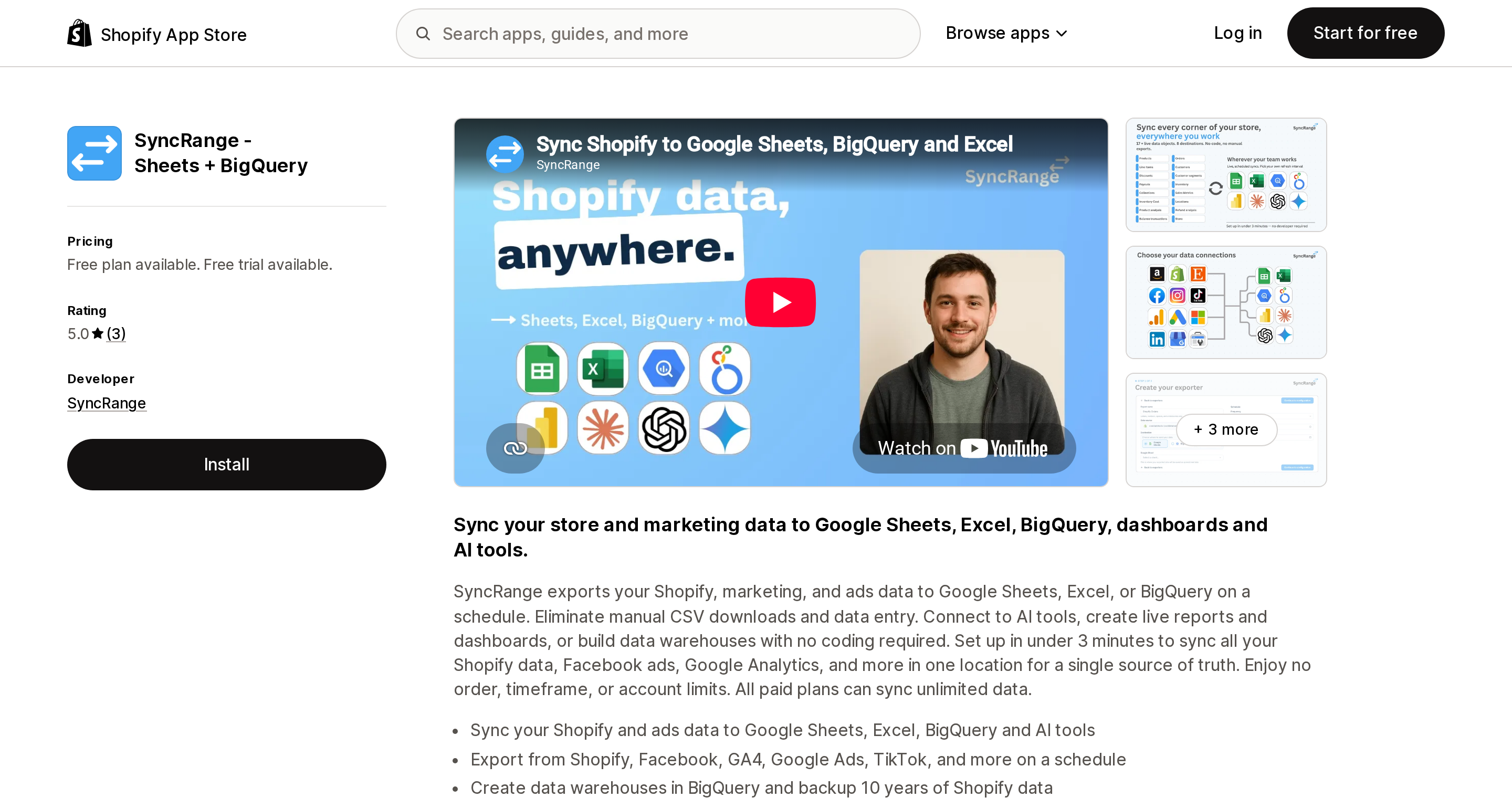
Source: Shopify App Store (SyncRange ‑ Sheets + BigQuery), retrieved September 2, 2026
The cheapest published path from Shopify to a warehouse on an hourly schedule. Free gives one scheduled export, 2,000 rows a month and daily syncing to Sheets, Excel and BigQuery. Paid tiers are $19, $39 and $79/month (or $190/$390/$790 annually), scaling on the number of scheduled exports (1, 2, 5, 10) and frequency — hourly at $19 and $39, every 30 minutes at $79. Ten-year backup starts at $39.
The caveat is evidence, not features: three reviews. Treat that as anecdote. An August 17, 2026 review from UPlay in Singapore, three months in, says "It effortlessly pulls everything we require, including metaobjects and custom fields"; the other two are days-old installs. Whether it does incremental or full refreshes is not stated on the listing — ask, because it determines your BigQuery bill.
Coupler.io: export&report data
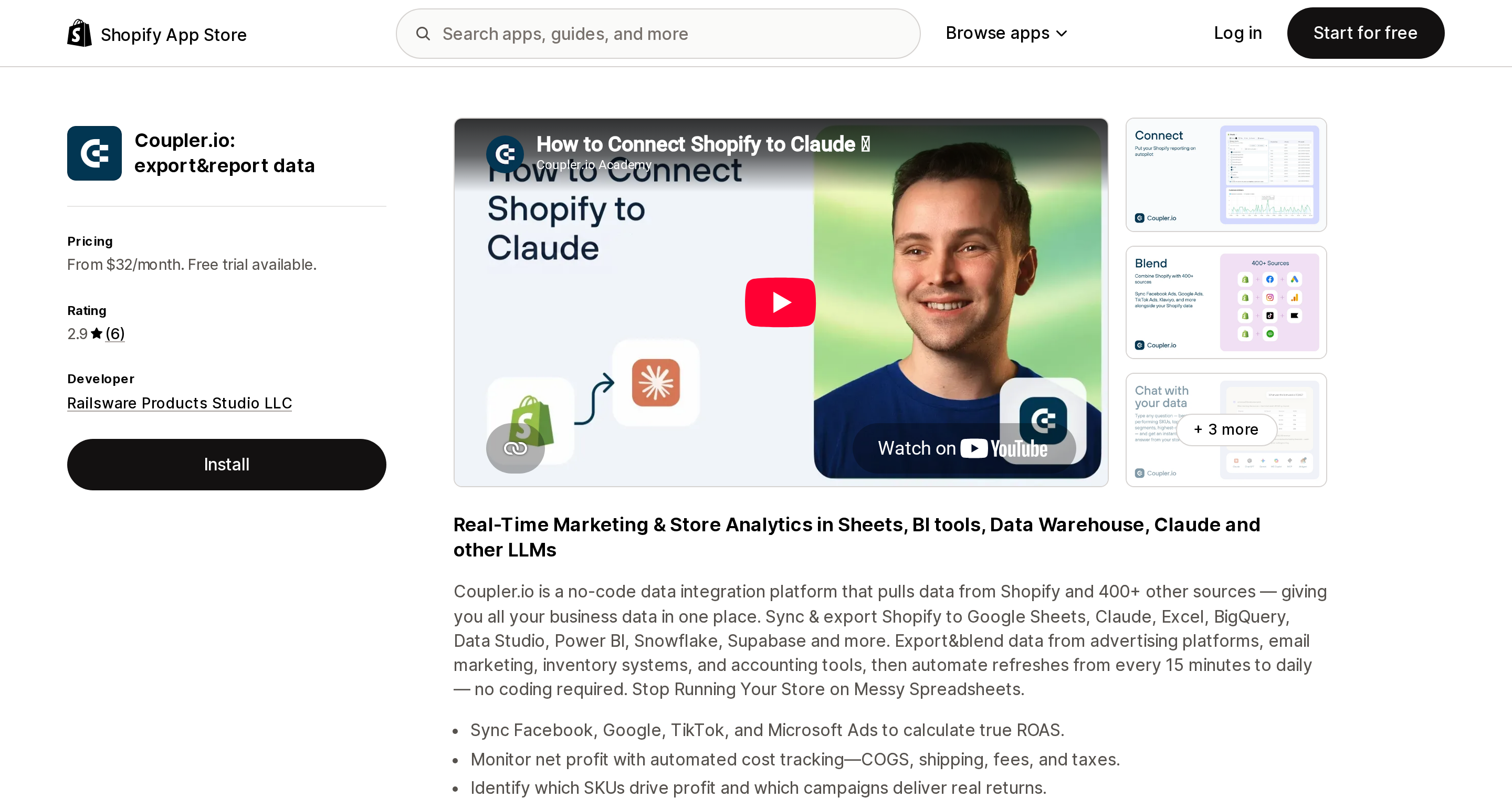
Source: Shopify App Store (Coupler.io: export&report data), retrieved September 2, 2026
Railsware Products Studio's tool is the most capable on destinations — Sheets, Excel, BigQuery, Looker Studio, Power BI, Snowflake, Supabase — and the only one here with net-negative sentiment on the App Store: 2.9 across 6 reviews, three of them one-star.
Tiers are $32, $132 and $259/month, metering source accounts (3/15/50), destinations (1/3/unlimited), users and refresh rate, with extra sources at $5.99/month. There is no free plan and a 7-day trial.
Two things to weigh. The complaints are about reliability rather than capability — a July 1, 2026 review from Wrong Shop in the UK, 16 days in: "Links between data flows, sources and destinations fragile and not always working," with the vendor replying that a billing glitch had been fixed that day. And the listing's marketing copy claims refreshes "every 15 minutes" while its own pricing table gives Pro as "Hourly data refresh." Plan against the pricing table.
Coupler.io earns its price when Shopify is one of many sources feeding one warehouse. For a single Shopify store it is expensive.
Matrixify
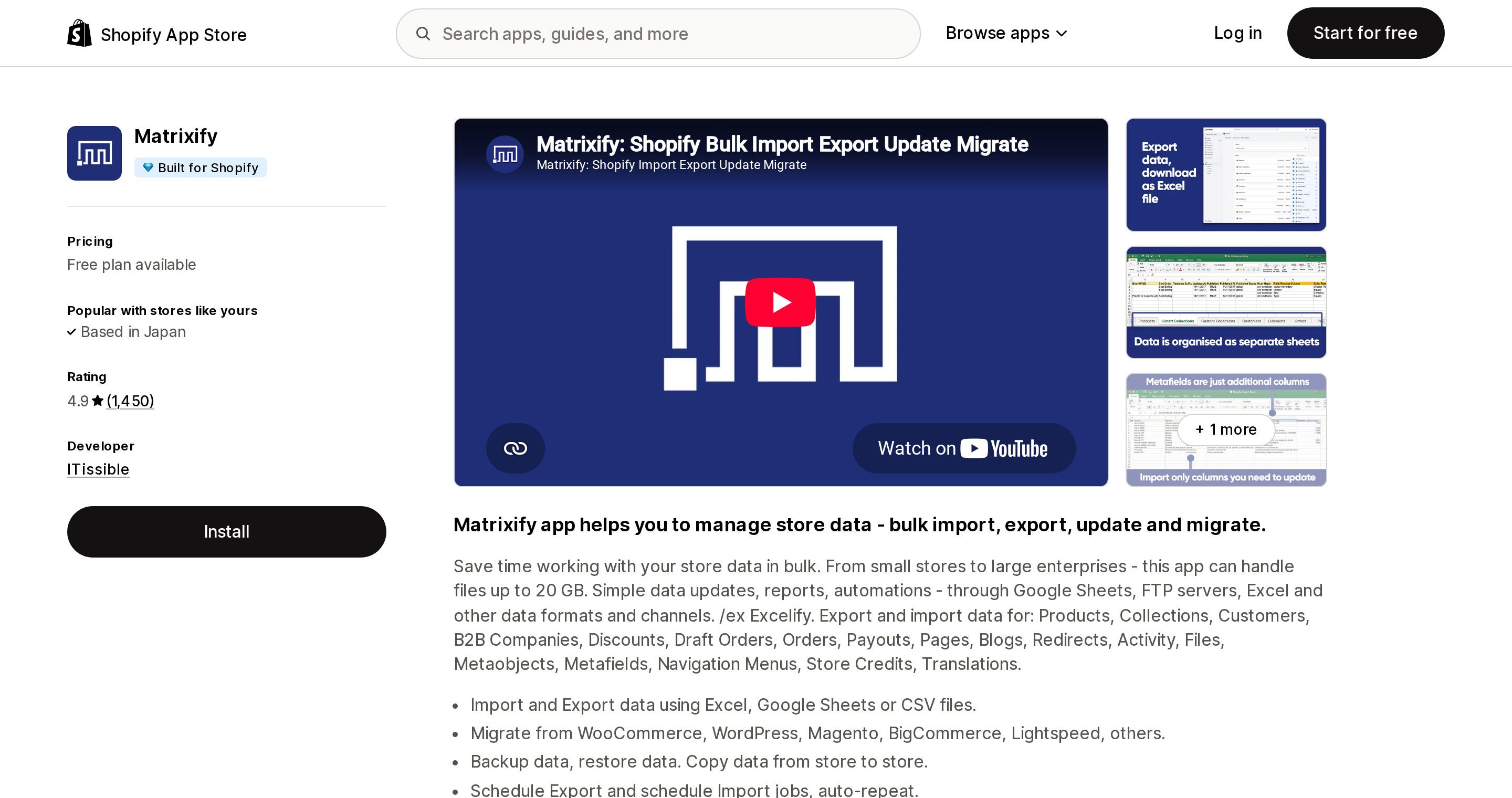
Source: Shopify App Store (Matrixify), retrieved September 2, 2026
The heavyweight of the category — 1,450 reviews at 4.9, Built for Shopify, and the only app here that both imports and exports at scale. It schedules jobs and writes to Google Sheets, Google Drive, Dropbox and FTP/SFTP. BigQuery is not stated anywhere on the listing as a destination.
It is also the most polarising app in this comparison: its one-star bucket (28) is larger than its four-star bucket (27). Two opposing themes recur. From an August 27, 2026 review by Epic Offroad in Australia, after about 18 hours: "Unless you are an XL guru this app is rubbish… they limit the use to nothing more than a few listings so you can't even trial it for real" — the free tier is 10 rows per file, which is genuinely too small to evaluate a real workflow. Against that, an August 6, 2026 review from Rare Beauty Brands Wholesale in the US, six-plus years in: "Shopify doesn't have a free bulk import tool, so I'm using this."
Both are true. Matrixify is the right answer for bulk migration and editing and the wrong answer for feeding a BI stack.
Report Pundit and Mipler
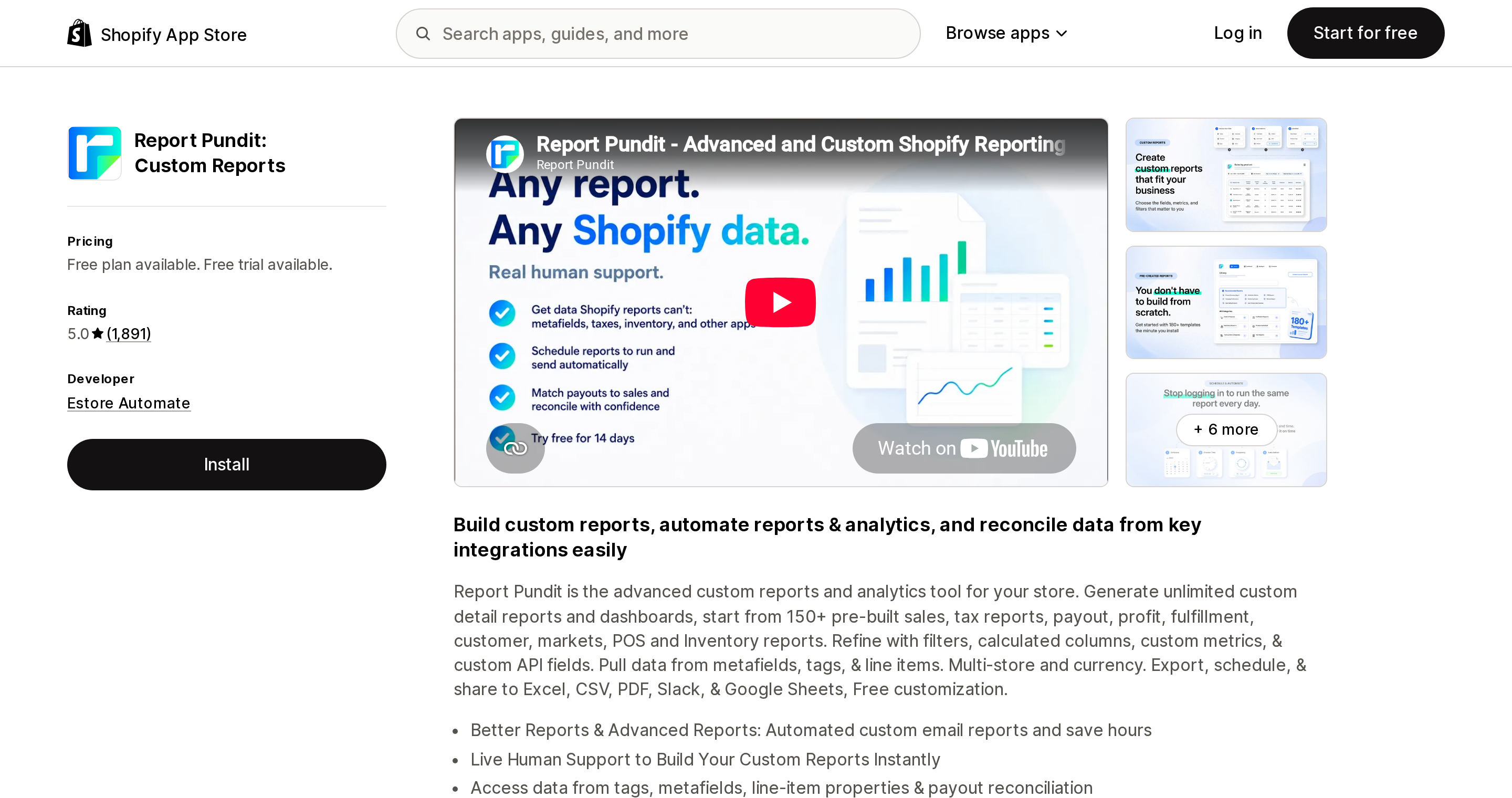
Source: Shopify App Store (Report Pundit: Custom Reports), retrieved September 2, 2026
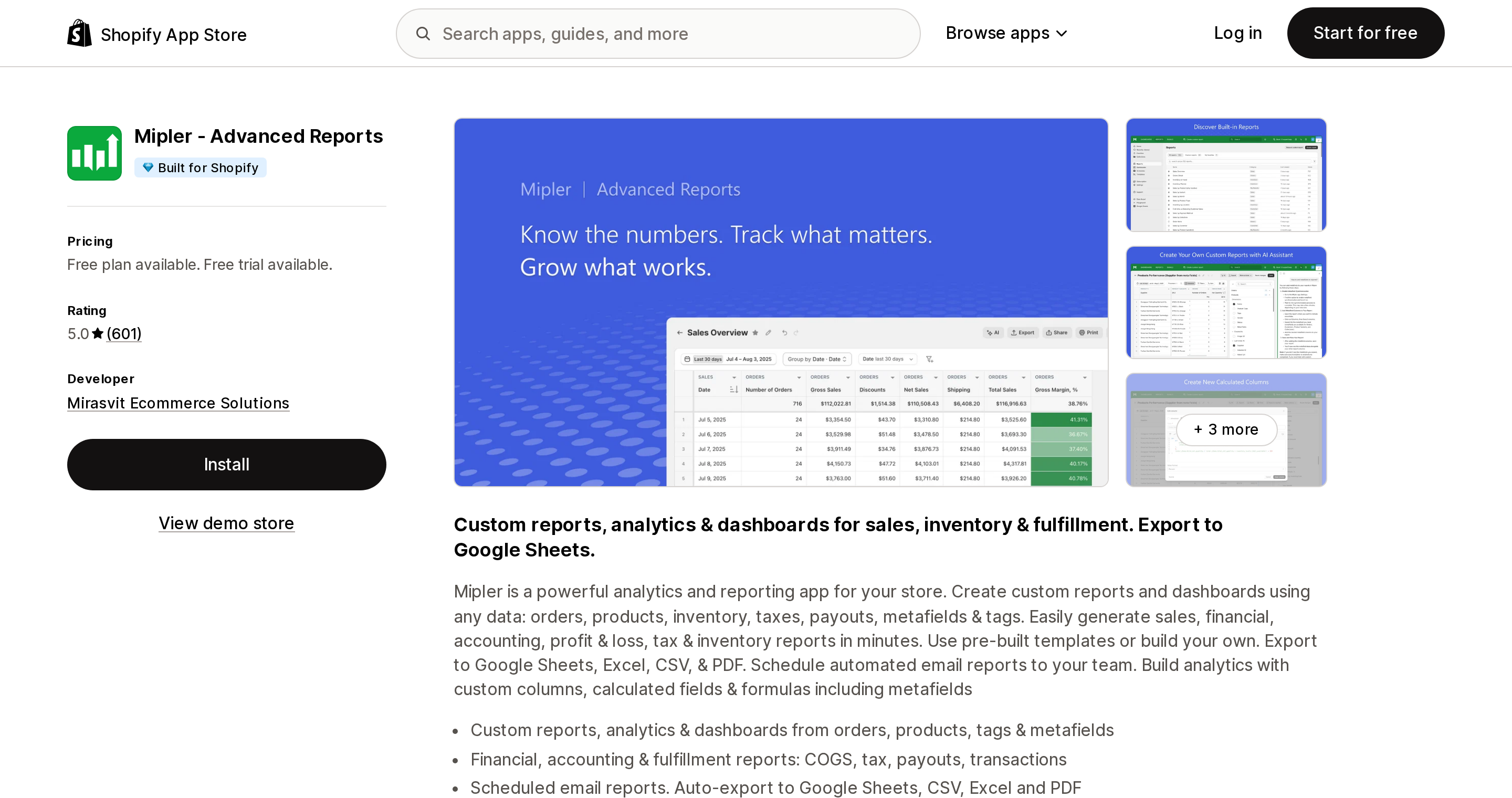
Source: Shopify App Store (Mipler ‑ Advanced Reports), retrieved September 2, 2026
These two are reporting apps that happen to solve the scheduling problem — Report Pundit lists "Automated Report Scheduling" from $9, Mipler includes "Daily Email Reports" even on its free tier and auto-export to Google Sheets on paid ones. Neither reaches a warehouse.
What is striking is what their reviews are actually about. Both have enormous, near-perfect scores (1,891 at 5.0 and 601 at 5.0), and in both cases the dominant theme is that a human builds your report for you. An August 28, 2026 review of Report Pundit from Whatever! Company in the US: "We needed a specific custom report to reconcile our weekly Shopify payouts by item, quantity, fees, shipping, and discounts… something Shopify's native reports can't do." A July 29, 2026 Mipler review from NECO Popup Shop: "20 minutes later had the report completed and ready for me to run."
That is a real service, and it is worth knowing you are buying it. If your problem is "I need a report Shopify can't build," these are the answer. If your problem is "I need rows in a warehouse," they are not.
eCommix and Power BI Connector by Tempo
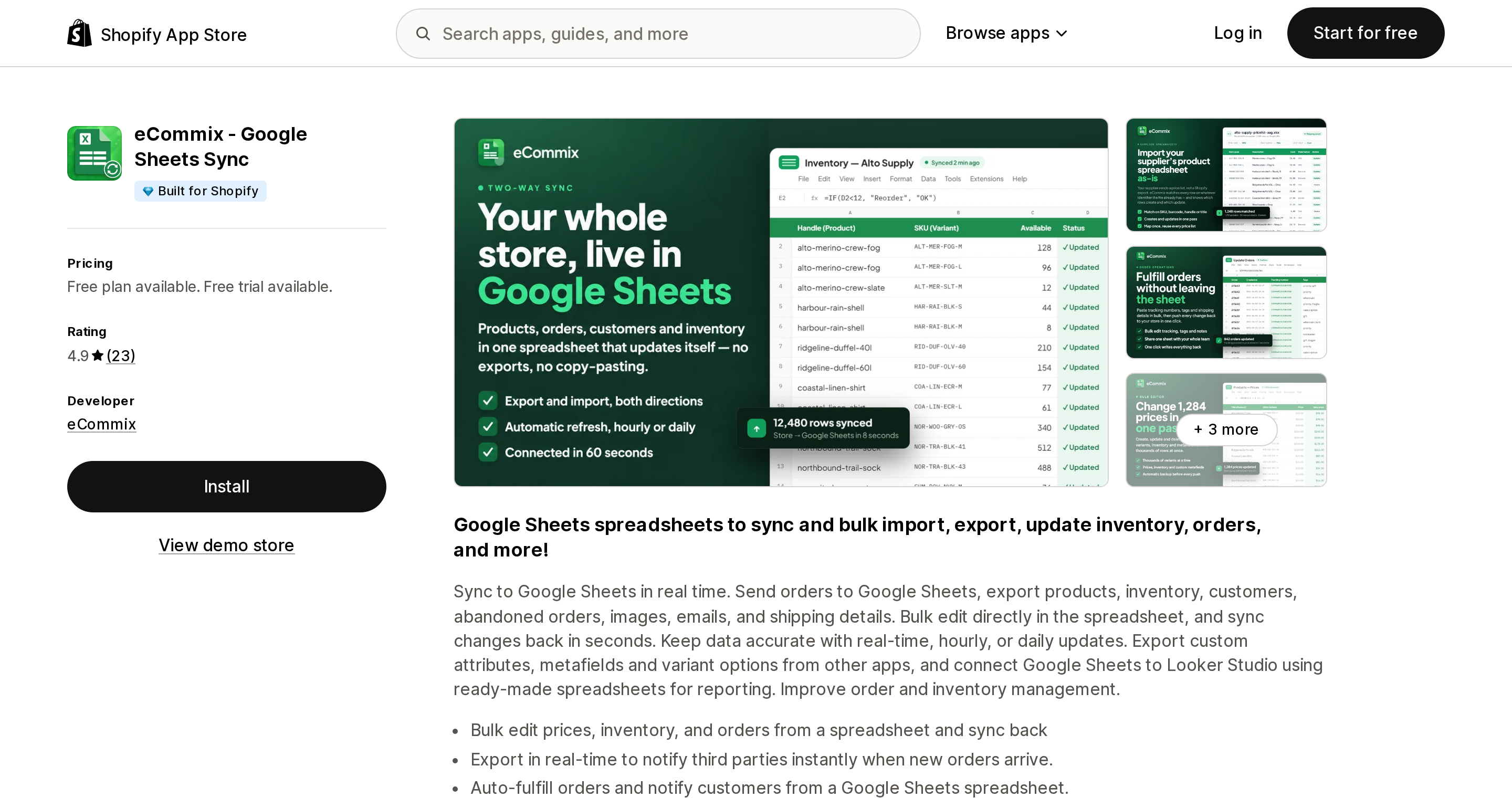
Source: Shopify App Store (eCommix ‑ Google Sheets Sync), retrieved September 2, 2026
eCommix ‑ Google Sheets Sync is Sheets-only, Built for Shopify, 4.9 across 23 reviews, and meters rows per spreadsheet with separate export and import caps: export is 15 free, then 1,000 at $14.99, 5,000 at $39.99, unlimited at $59.99, while import is tighter at 15/200/1,000/unlimited. Refresh is hourly on the two middle tiers and as fast as every 10 minutes at the top. It supports two-way sync, so you can write back to Shopify from a sheet. An April 29, 2026 review from levin.com.bd captures the use case: "hourly refresh trigger of business data feature such as inventory, order… helped us build our spreadsheet based MIS!"
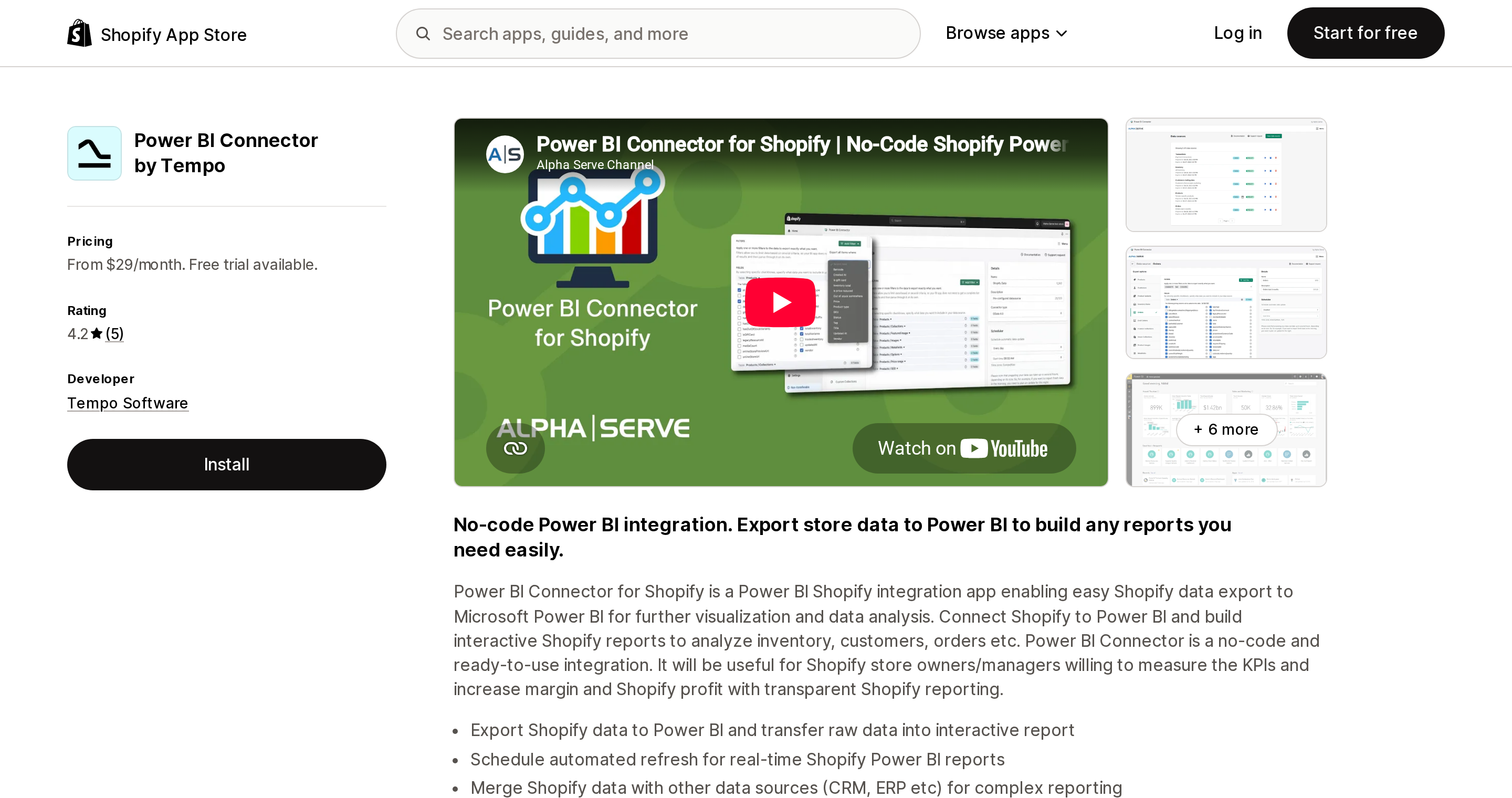
Source: Shopify App Store (Power BI Connector by Tempo), retrieved September 2, 2026
Power BI Connector by Tempo does one destination, Power BI, at $29, $89 and $249/month, metering data sources (2/5/unlimited) and rows per table (5,000 on Basic, unlimited above). Continuous updates start at $89.
Its five reviews contain the single most useful warning in this research. From Shop Saver Express in the US, February 21, 2025: "we only had 5K rows per table… it took my team 2 months to figure out the 'bug.'" A row cap that truncates silently is worse than one that errors. If you buy an entry tier anywhere in this category, reconcile the row count against Shopify's own numbers on day one.
Choosing
You need Shopify data in a warehouse on a schedule. SyncRange at $19/month is the cheapest published hourly-to-BigQuery route. Verify incremental behaviour and historical order access before committing.
Shopify is one of several sources feeding one BI stack. Coupler.io, at $259 if you need hourly. Read its reviews first and pilot it before it becomes load-bearing.
You need a spreadsheet that refreshes itself. eCommix at $39.99 for a 2,000-order store, or SyncRange at $19 if you also want BigQuery later.
You need reports Shopify cannot build, emailed on a schedule. Report Pundit or Mipler. Assume the listed price is a floor tied to your Shopify plan.
You need bulk import, editing and migration, and export is secondary. Matrixify. At 2,000 orders a month the $20 Basic tier works if you export in daily slices; budget $50 if you want the whole month in one file.
Everything is Power BI. Tempo's connector — and skip the $29 tier unless your tables genuinely fit in 5,000 rows.
You export once a quarter and email is fine. Use the native export. It does Parquet, it does JSONL, it costs nothing, and no app improves on it for one-off work.
What we could not verify
- Whether SyncRange, Coupler.io and the Power BI Connector do incremental or full refreshes. None state it on their listings, and it is the main driver of warehouse cost.
- Matrixify's exact scheduling granularity, and whether scheduling is gated by plan. The listing says only "Schedule Export and schedule Import jobs, auto-repeat."
- Report Pundit and Mipler prices for stores above the Basic Shopify plan.
- Which of these vendors hold Shopify's
read_all_ordersapproval. App Store listings do not publish scope approvals. SyncRange and Matrixify show a Data access section citing all order history; Coupler.io and the Power BI Connector publish no such section at all. The scope requirement itself is confirmed in Shopify's access scopes documentation. - Actiondesk has no Shopify App Store listing and is excluded on that basis.
Shopify's lack of a first-party warehouse connector is a finding from absence of documentation, not an explicit statement by Shopify. Nothing on help.shopify.com or shopify.dev documents one.
Sources
- Exporting orders — Shopify Help Center
- Importing and exporting customers — Shopify Help Center
- Exporting products — Shopify Help Center
- Reports — Shopify Help Center
- Exporting reports — Shopify Help Center
- Bulk operation queries — Shopify.dev
- API rate limits — Shopify.dev
- Shopify API access scopes — Shopify.dev
- Protected customer data — Shopify.dev
- SyncRange ‑ Sheets + BigQuery — Shopify App Store
- Coupler.io: export&report data — Shopify App Store
- Matrixify — Shopify App Store
- Report Pundit: Custom Reports — Shopify App Store
- Mipler ‑ Advanced Reports — Shopify App Store
- eCommix ‑ Google Sheets Sync — Shopify App Store
- Power BI Connector by Tempo — Shopify App Store
Every Shopify variant has a barcode field, and Shopify now has native bin locations and a native pick list. What it still has no screen for is the one moment that actually prevents a mispick: scanning an item at the packing bench and having Shopify say yes or no. Shopify POS barcode scanning is documented for adding products to a cart, searching, and receiving transfers — not for verifying the line items of an online order. We priced seven real US App Store apps on September 2, 2026 and found they meter five different things: orders, scanning stations, users, fulfillments, and flat rate. At 5,000 orders a month the same job costs $14.99 with Fulfil-IT ‑ Scan & Pack and $938 with Pickware ERP & WMS.