
What you will learn
On this pageContentsCloseOpen
A speed audit hands you a list: enable text compression, serve images in next-gen formats, add a content delivery network, lazy-load offscreen images, minify CSS and JavaScript. Search the Shopify App Store and you will find apps selling every item on it.
Shopify's own help center says the platform already does four of the five, and the reference theme does the fifth.
That suggests a better comparison axis. "Which speed app is fastest" is unanswerable without controlled testing on your own theme. "Which specific technique does this app claim, and does Shopify or my theme already do that thing for free" is answerable today, from primary documentation and theme source code. The matrix below does exactly that across nine apps, and most rows turn out to be filled in before you install anything.
What Shopify already does at the platform level
Shopify's help center page on improving web performance carries a section headed "Optimizations already included in Shopify": a CDN run by Cloudflare with all assets served over HTTP/2 at no additional charge, browser caching set to one year — "the maximum possible duration" — gzip compression on CSS, JavaScript, documents and pages, and automatic JPG compression with images "often served in WebP format." The same page states that suggestions to add a CDN are unnecessary.
The line that matters most for this category, quoted verbatim:
"Shopify automatically minifies CSS and JavaScript files when they're requested by your storefront, reducing file sizes without affecting functionality."
Image format selection is documented separately, in the shopify.dev reference for the Liquid image_url filter:
"Shopify automatically detects which image formats are supported by the client (e.g.
WebP,AVIF, etc.) and selects a file format for optimal quality and file size."
The same page adds a caveat that changes how you should read image compression apps: the filter "doesn't guarantee byte-identical output, even when the requested dimensions match the source image, because Shopify's CDN might re-encode the image or negotiate a different output format." Whatever bytes an app produces at upload time, the CDN decides what ships. That is a reading of documented behavior, not a measurement.
What Dawn already does at the theme level
Dawn is Shopify's open-source reference theme. We checked its main branch on GitHub on September 3, 2026.
| Technique | Present in Dawn | How it appears |
|---|---|---|
| Lazy loading | Yes | loading="lazy" appears 20 times across the theme's Liquid files |
| LCP prioritization | Yes | fetchpriority="high" in sections/main-article.liquid |
| Script deferral | Yes | Every script src tag in layout/theme.liquid carries defer="defer" |
| ES modules | Yes | A <script type="module"> block at line 31 of layout/theme.liquid |
| Responsive images | Yes | srcset and sizes generated from image_url with multiple widths; image_url appears 140 times |
| Font preload | Yes | link rel="preload" as="font" with type="font/woff2" and crossorigin |
| Font display | Yes | font_face called with font_display: 'swap' |
| Preconnect | Yes | link rel="preconnect" to https://fonts.shopifycdn.com |
| Critical CSS inlining | No | base.css and components load through a plain stylesheet_tag |
| Third-party script control | No | Out of scope for a theme |
Two caveats. Dawn is no longer the default theme for new stores — Horizon is. Shopify's help center states that "All the Horizon family of themes, and Online Store 2.0 themes by Shopify are free and optimized for web performance," so a Horizon store should not be worse off on these rows, but we verified Dawn's source, not Horizon's. And if you are on a Vintage or Online Store 1.0 theme, none of this applies to you; a theme migration is the higher-leverage move.
The matrix
One row per technique. S means Shopify's platform provides it, T means the Dawn reference theme does, and a dot means the app's listing explicitly claims it. A blank means the listing does not claim it — not that the app cannot do it.
| Technique | Shopify | Theme | Hyperspeed | Thunder | Tiny SEO | Avada Speed Up | Swift | Booster | SEOWILL | Crush | Rocket |
|---|---|---|---|---|---|---|---|---|---|---|---|
| CDN + HTTP/2 | S | ||||||||||
| One-year browser caching | S | ||||||||||
| gzip compression | S | ||||||||||
| CSS/JS minification | S | • | • | • | |||||||
| Automatic image compression | S | • | • | • | • | • | • | ||||
| WebP / AVIF selection | S | ||||||||||
Responsive srcset | T | • | • | ||||||||
| Lazy loading | T | • | • | • | • | • | |||||
| JavaScript deferral | T | • | • | • | • | ||||||
| Font preload / display swap | T | • | |||||||||
| Preconnect | T | • | |||||||||
| Critical CSS inlining | • | • | |||||||||
| Third-party / app script control | • | • | • | ||||||||
| Preloading / link prefetch | • | • | • | • | • | • | |||||
| Removing leftover app code | •¹ | ||||||||||
| RUM Core Web Vitals reporting | S | • |
¹ Rocket Page Speed Optimizer's listing describes an uninstall button that removes its own code from your theme, not another app's.
Everything from the CDN down through preconnect is already provided by Shopify or the reference theme. Two rows are not: critical CSS inlining and third-party script control. Among the nine apps compared here, only Hyperspeed EXTREME Page Speed and Thunder Page Speed Optimizer claim critical CSS, and only Hyperspeed, Thunder and Rocket Page Speed Optimizer claim control over third-party or app scripts.
The cleanest illustration is Avada Image & Page Speed Up, whose headline technical claim reads: "Defer JS/CSS, and use preconnect and font-display swap to reduce load time." All three are in Dawn's source today.
One boundary on all of this. The App Store's SEO and site optimization category alone listed 1,089 apps on September 3, 2026, and its search endpoint is not server-rendered, so it could not be enumerated. Nine apps is a sample, not the category. Superspeed: Mobile Speed Boost was excluded because its listing carries a single review, dated February 18, 2020.
What the admin performance surface actually measures
One misreading is worth correcting before you measure anything. The performance data in your Shopify admin is not a Lighthouse run on a schedule. It is Real User Metrics: Core Web Vitals — Largest Contentful Paint, Interaction to Next Paint, Cumulative Layout Shift — collected from actual visitors and evaluated at the 75th percentile, summarized on the Themes page and broken out across nine reports under Analytics.
The documented caveats matter more than the numbers:
- The data "might be delayed by up to 36 hours."
- "Web performance data is available for only the last 90 days."
- Collection covers Chromium browsers (Chrome, Opera, Edge, Samsung Internet) and Firefox. Safari is not included.
- The Reports staff permission is required to see it.
- Stores in private mode produce no data at all.
- Low-traffic stores fluctuate: "If your site has less traffic, then there might be larger fluctuations displayed."
Shopify also explains why these numbers disagree with PageSpeed Insights: the reports gather "a broader data set from all Chromium browsers... and Firefox," while PSI uses the CrUX report for opted-in Chrome only, and Shopify's data is UTC-based. It sets expectations directly, too: "There's no such thing as a perfect speed score, and the closer you get to 100, the more difficult it becomes to improve further."
One inconsistency to flag rather than resolve. The metric summary is described as based on the past 30 days of real user data, while a FAQ answer on another help center page describes a score combining the home page, most visited product page and most visited collection page over the last 7 days. Both are current Shopify documentation as of September 3, 2026. Do not quote a period; read the date picker in your own admin.
Lighthouse is still real, in two other places. The Shopify Lighthouse CI GitHub Action runs against a theme's home page, a product page and a collection page on every pull request, with a default performance pass threshold of 0.6. And App Store review applies a ceiling: "your app must not reduce storefront Lighthouse performance scores by more than 10 points." That bounds the "speed apps make you slower" argument at 10 points — neither zero nor unlimited.
App-by-app notes
Ratings, review counts and prices below were verified September 3, 2026.
Hyperspeed EXTREME Page Speed
Source: Shopify App Store (Hyperspeed EXTREME Page Speed), retrieved September 3, 2026
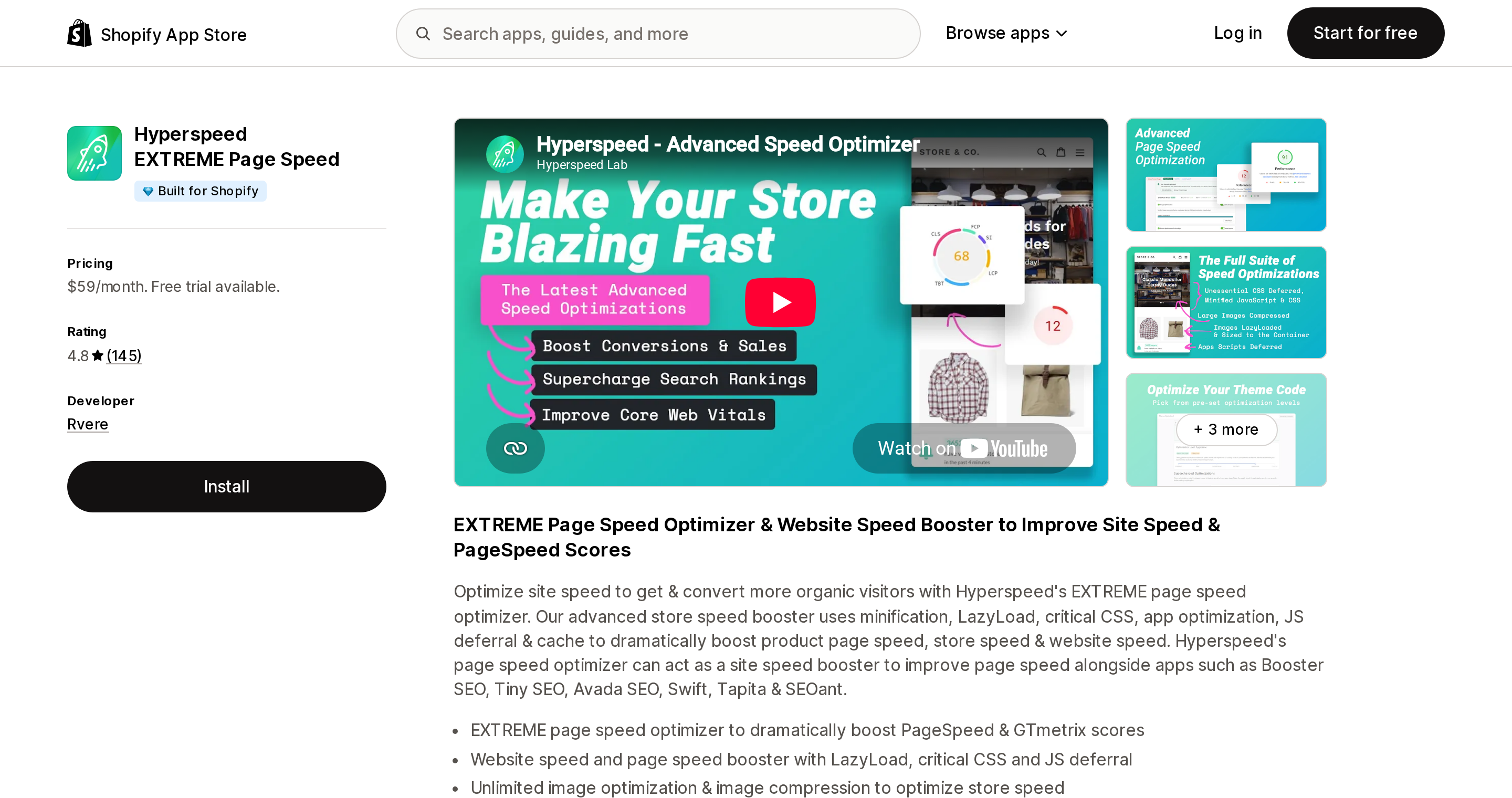
Hyperspeed EXTREME Page Speed from Rvere carries a Built for Shopify badge in its header and rates 4.8 across 145 reviews. One plan: Essentials at $59/month, "or $564/year and save 20%," with a 7-day free trial and no free plan. The plan names Critical CSS Inlining, Smart JS Defer, App Optimization, Unlimited Image Compression, Image LazyLoad, Responsive Images, Minification and Preloading, and the listing describes reducing "the SEO impact of 3rd party apps."
It fills both rows Shopify and the theme leave empty — that is what the $59 buys. The lazy loading, responsive images and minification beside them are duplicates. The listing renders no Data access section, and the three reviews shown focus on support quality rather than measured improvement.
Thunder Page Speed Optimizer
Source: Shopify App Store (Thunder Page Speed Optimizer), retrieved September 3, 2026
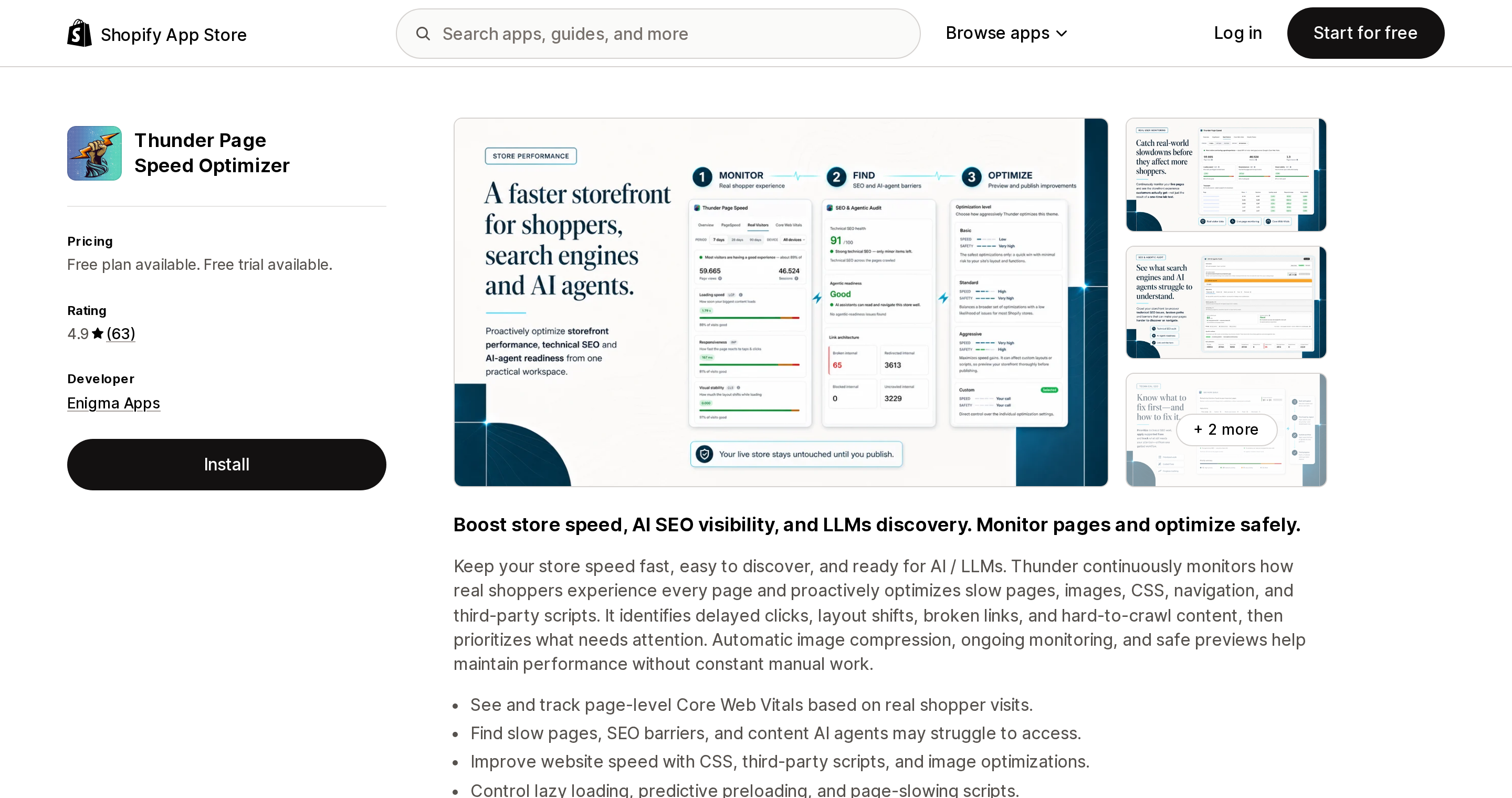
Thunder Page Speed Optimizer from Enigma Apps shows no Built for Shopify badge in its header and rates 4.9 across 63 reviews — a thin base. It also fills both empty rows, claiming "Critical CSS," "Defer JS, CSS & 3rd-party apps scripts" and "Stop apps from slowing your store," plus predictive link preloading and page-level Core Web Vitals from real visitors.
Pricing needs care. There is a free plan; Advanced lists at $19.99/month, "or $180/year and save 25%" — but the same card adds "$29.99/m or $270/year for Advanced, $39.99/m or $360/year for Plus," so the entry price depends on your Shopify plan. Visitor Insights is $69/month with 500K visitor pageviews included and $10 per additional 100,000; an AI Agent tier is $199/month. Two listed features address failure modes that recur in this category's reviews: previewing optimizations before publishing, and re-applying them after theme updates.
Tiny SEO Speed Image Optimizer
Source: Shopify App Store (Tiny SEO Speed Image Optimizer), retrieved September 3, 2026
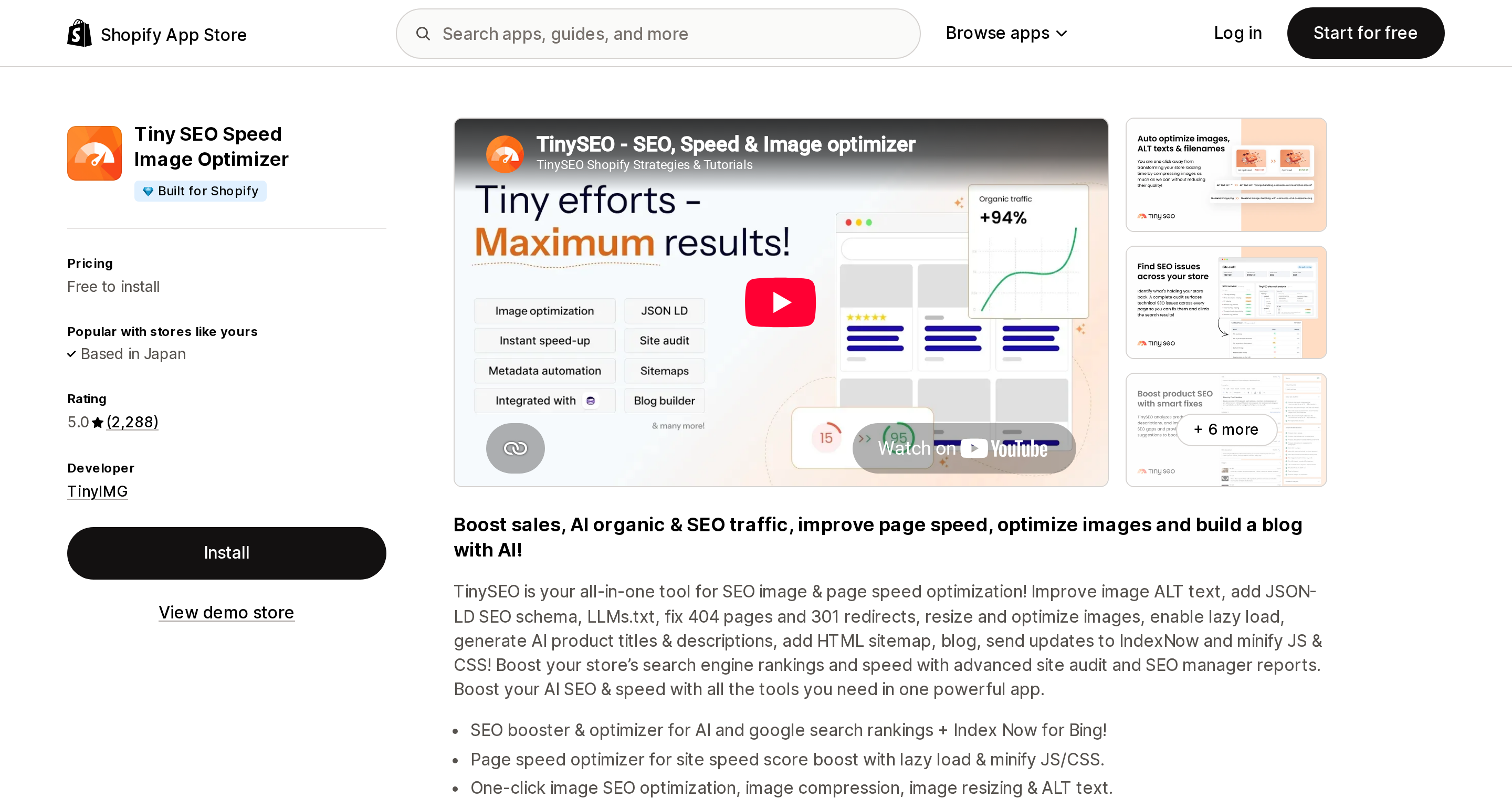
Tiny SEO Speed Image Optimizer from TinyIMG has a Built for Shopify badge and the largest review base here at 5.0 across 2,288 reviews. Pricing is Pay as you go (free to install, 50 images/month, 3¢ per extra image), Beginner $14/month (1,500 images, 2¢), Advanced $23/month (5,000, 1¢) and Expert $49/month (15,000, 0.8¢). A free trial is not stated on the listing.
Note where its speed features sit. Lazy loading and asset preloading start at $14; CSS and JavaScript minification starts at $23. Shopify minifies CSS and JavaScript automatically and Dawn ships lazy loading, so on a modern theme those gates bill you for rows already filled. The stronger case here is image SEO: alt text, filenames, structured data, IndexNow, 404 and redirect handling.
Avada Image & Page Speed Up
Source: Shopify App Store (Avada Image & Page Speed Up), retrieved September 3, 2026
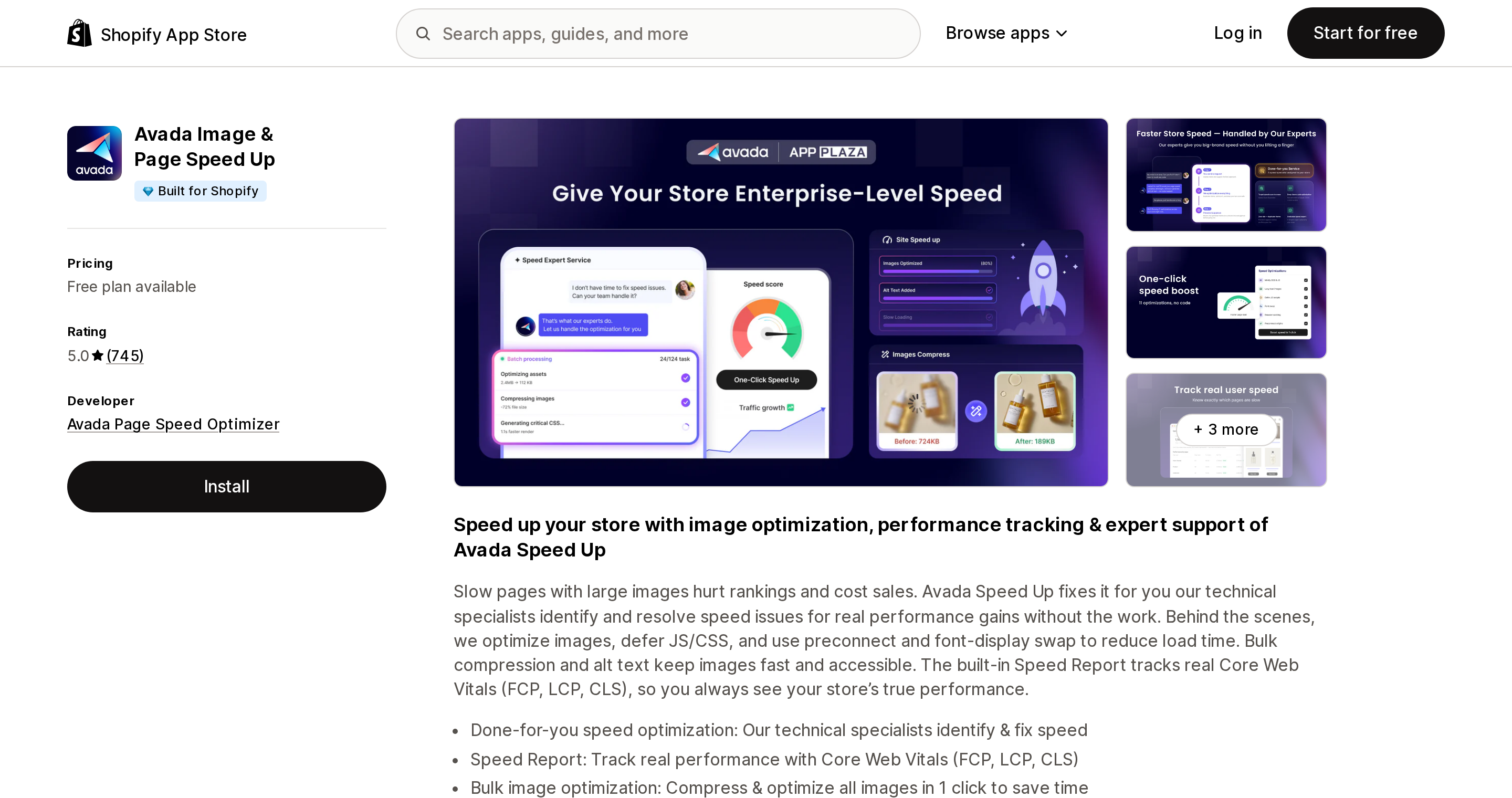
Avada Image & Page Speed Up has a Built for Shopify badge and rates 5.0 across 745 reviews, having launched November 29, 2024 — the newest app here. Free covers 100 images and alt text per month; Basic is $19/month "or $190/year and save 17%" for 10,000 images; Pro is $49/month for 50,000 and is where "Basic speed optimization" begins; Expert is $99/month for unlimited, with done-for-you optimization by specialists, hand-written theme code, monthly re-optimization, a "Speed Score Increase guarantee" and a "Theme break guarantee."
Its headline technical claim — defer JS/CSS, preconnect, font-display swap — is the set Dawn already ships. The distinctive offer here is not the technique list but the human service at $99 with two named guarantees. Read the tiers carefully: speed optimization begins at $49, not $19, and the expert-run automatic optimization is the $99 tier. The listing renders no Data access section.
Swift SEO Page Speed Optimizer
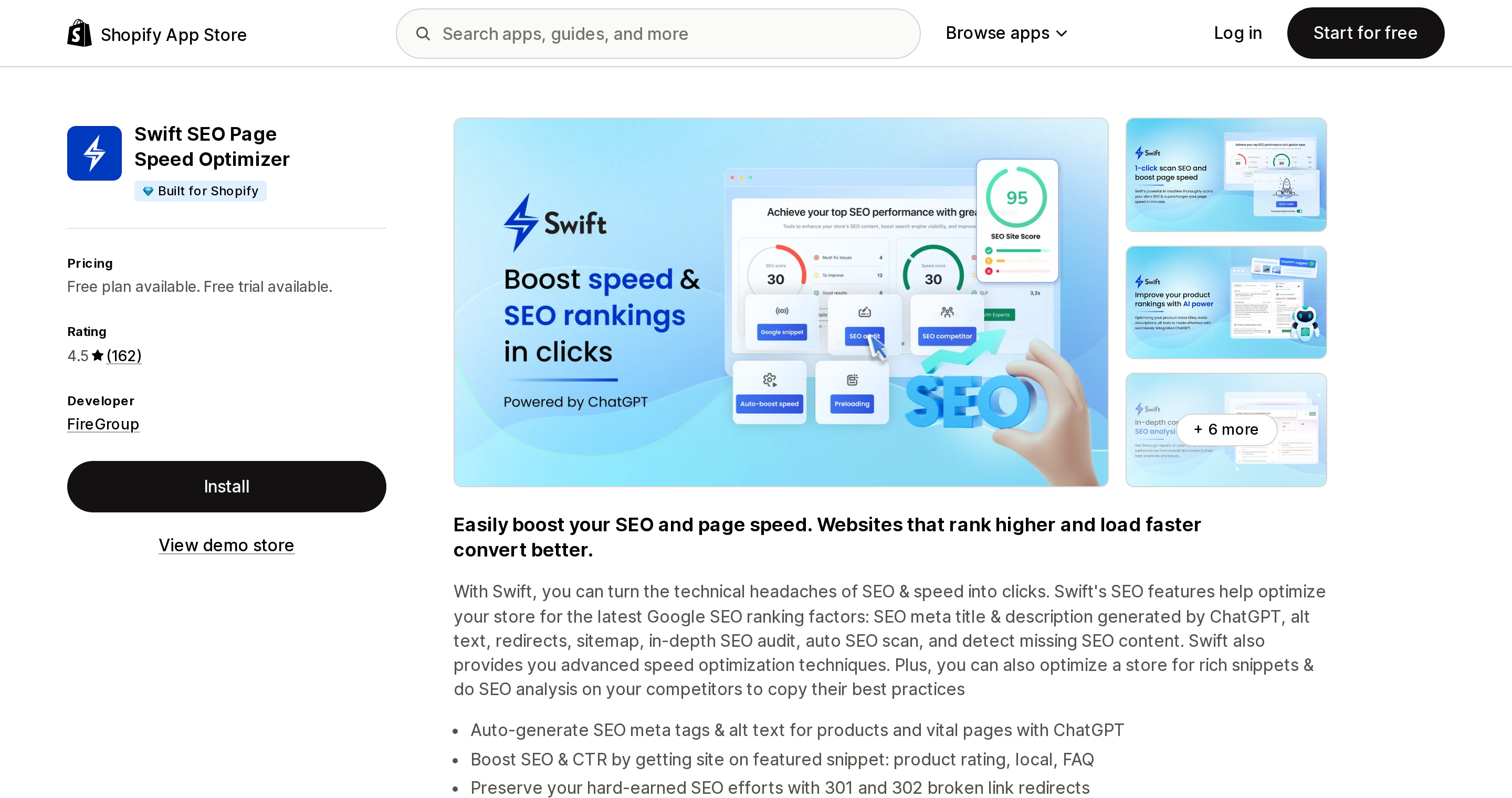
Source: Shopify App Store (Swift SEO Page Speed Optimizer), retrieved September 3, 2026
Swift SEO Page Speed Optimizer from FireGroup carries a Built for Shopify badge and rates 4.5 across 162 reviews, with 13 one-star reviews. Free, then $9/month ("or $84/year and save 22%"), $19 and $29, each with a 3-day free trial — the shortest here. It claims minification of JavaScript, CSS and HTML, lazy loading, preloading and lossless image compression. HTML is the one item Shopify's automatic minification does not cover, since that applies to CSS and JavaScript.
A single self-reported merchant review, not an independent measurement, states: "Installed the Free Verison. After install the app slowed down my LCP on mobile by 10 seconds. Exactly the opposite what the app claims to do." That is Canadian Preparedness, Canada, December 6, 2024, after 28 minutes of use; the developer replied five days later. One review is not a verdict, but a 3-day trial leaves little time to detect that outcome yourself.
Booster Page Speed Optimizer
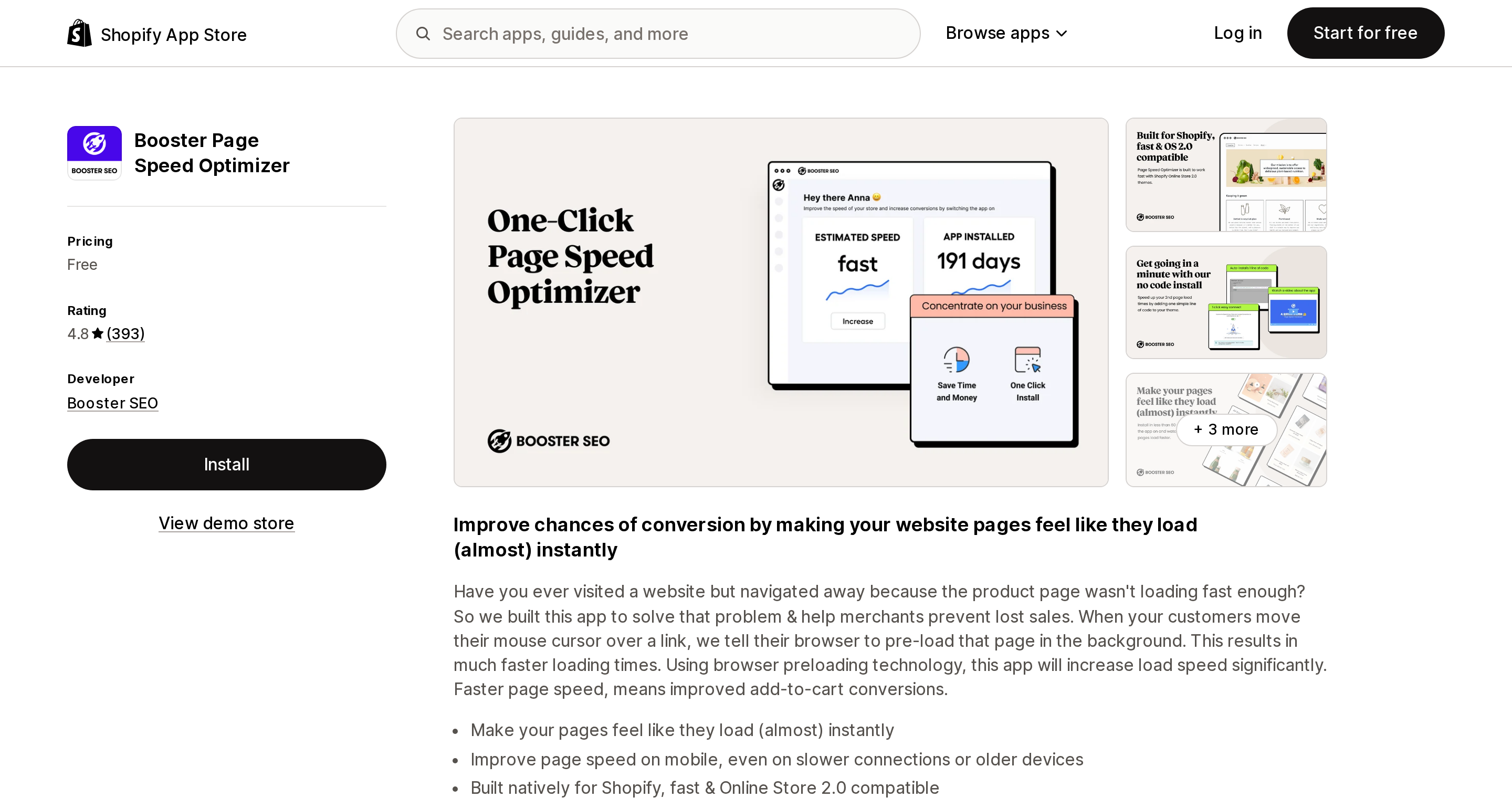
Source: Shopify App Store (Booster Page Speed Optimizer), retrieved September 3, 2026
Booster Page Speed Optimizer from Booster SEO — no colon in the name — rates 4.8 across 393 reviews, shows no Built for Shopify badge, and has no pricing table at all: the app is free, not free-to-start.
It does one thing and says so plainly: "When your customers move their mouse cursor over a link, we tell their browser to pre-load that page in the background." Note the wording of its own headline — "Make your pages feel like they load (almost) instantly." Feel like. This does not change the LCP of the page a visitor lands on and will not move a PageSpeed Insights score; it changes the perceived speed of the next navigation. Whether hover-based prefetch triggers on touch devices is not explained on the listing.
SEOWILL‑ Page Speed Optimizer
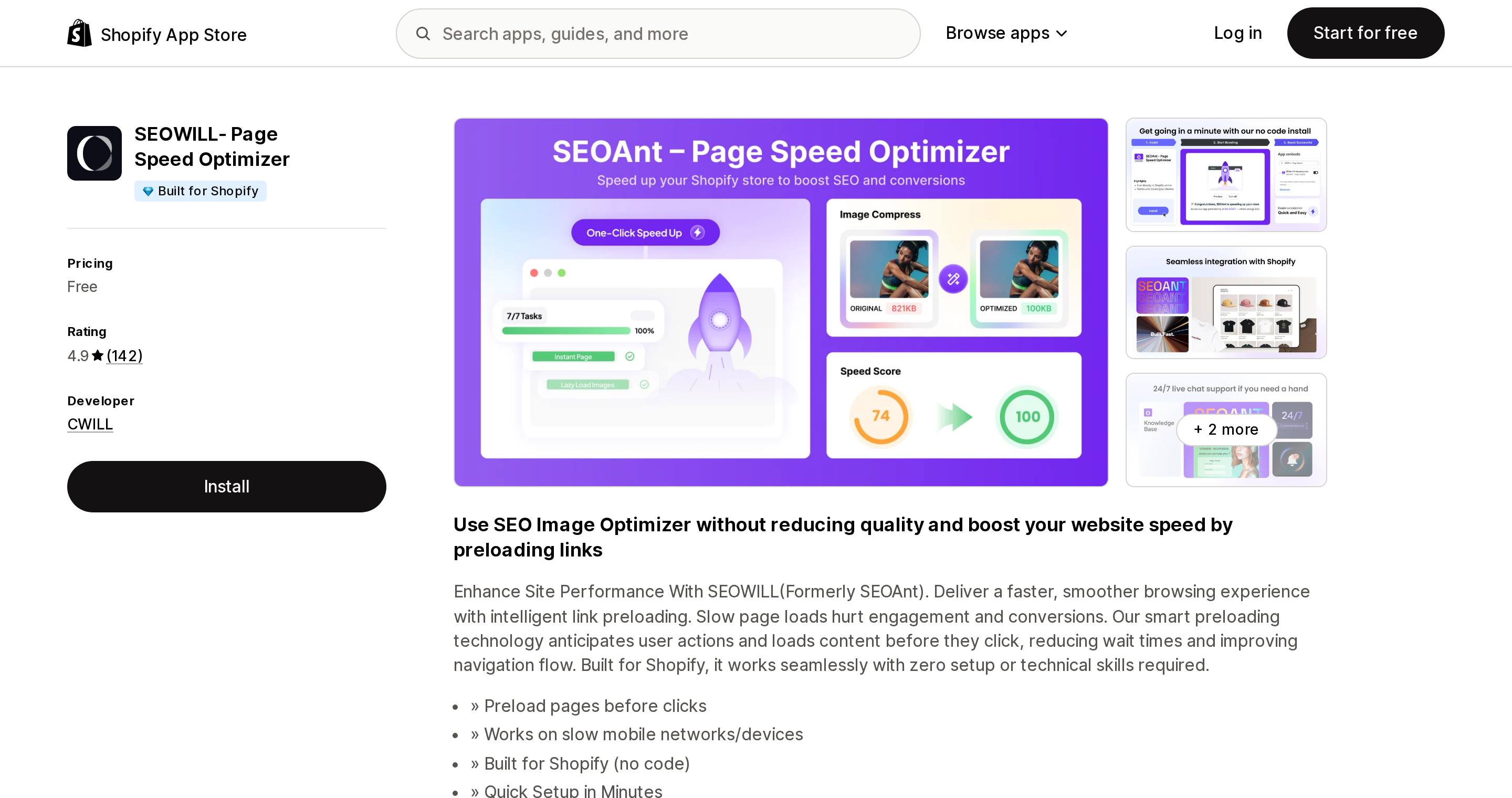
Source: Shopify App Store (SEOWILL‑ Page Speed Optimizer), retrieved September 3, 2026
SEOWILL‑ Page Speed Optimizer from CWILL, based in Cary, North Carolina, states "Formerly SEOAnt" on its own listing. It has a Built for Shopify badge, rates 4.9 across 142 reviews, and like Booster has no pricing table — entirely free.
The only technique described in the listing prose is link preloading: "Our smart preloading technology anticipates user actions and loads content before they click." There is an internal inconsistency worth noting — the title and a heading promote image optimization and alt text, but nothing in the body explains an image feature. Its Data access section does include Online Store script tags, which matters for the deadlines below. Two negative reviews exist under the SEOAnt name, both old: an alt-tag bug report from February 27, 2023, and one reading "I added the app. The page speed fell from 40 to 26 instantly," dated February 18, 2020. Neither describes the current build.
Crush: Speed & Image Optimizer
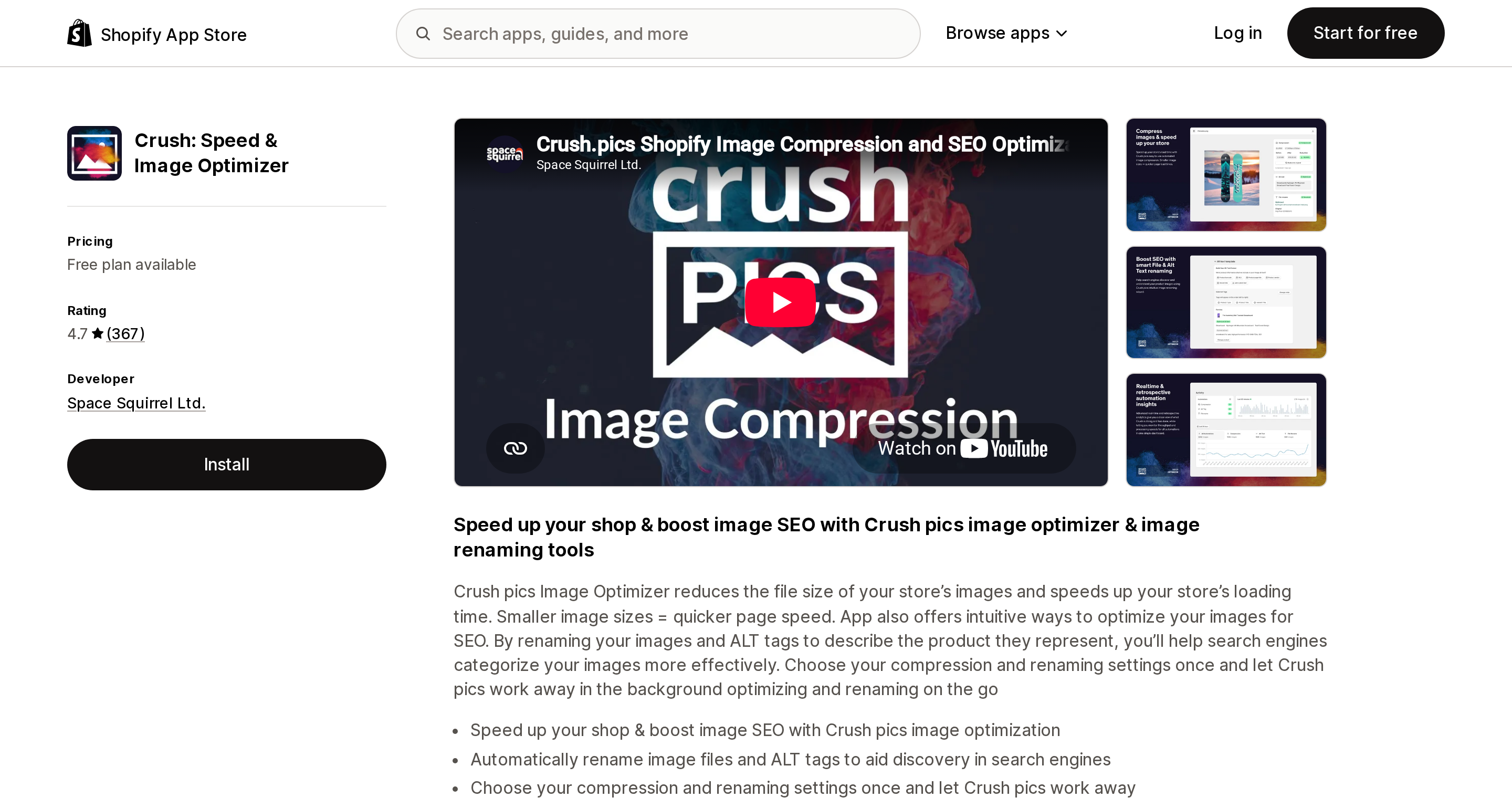
Source: Shopify App Store (Crush: Speed & Image Optimizer), retrieved September 3, 2026
Crush: Speed & Image Optimizer from Space Squirrel Ltd. has been on the store since June 6, 2016, rates 4.7 across 367 reviews and shows no Built for Shopify badge. Free covers 25 MB once; Micro is $4.99/month for 500 MB and 100 images/hour; Pro $9.99 for 2 GB and 200/hour; Advanced $19.99 for 5 GB and 500/hour, with a 30-day backup on every plan. Both storage and throughput limits are stated, which is the clearest disclosure in this set.
It compresses images and nothing else, making it the purest test of the CDN overlap above. Its most useful line is a candid one: "Manually add & compress images, as Shopify doesn't provide access to all images" — theme assets outside the product catalog are a real gap. Several 2026 reviews, including one from a merchant of over seven years, criticize a recent interface redesign.
Rocket Page Speed Optimizer
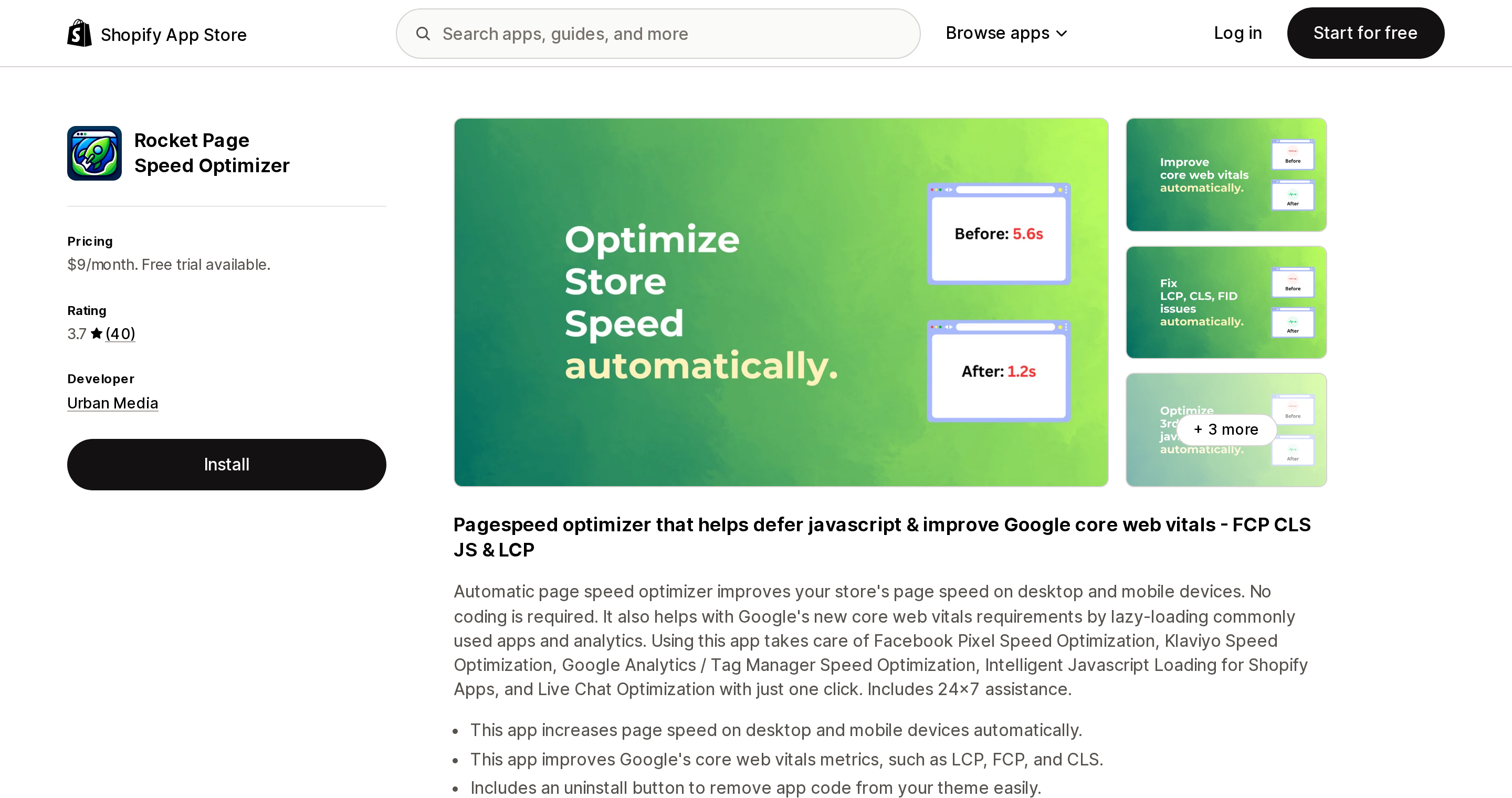
Source: Shopify App Store (Rocket Page Speed Optimizer), retrieved September 3, 2026
Rocket Page Speed Optimizer from Urban Media rates 3.7 across 40 reviews, with 11 of those at two stars or below — the lowest rating here. One plan at $9/month with a 7-day free trial, no free plan, no Built for Shopify badge.
It is also the most specific app here about what it defers, naming Klaviyo, Facebook Pixel, Google Analytics and Tag Manager, and live chat — a US operations stack neither Shopify nor most of these apps addresses by name. Its listing states it "Includes an uninstall button to remove app code from your theme easily."
Its reviews describe both sides of that trade-off, and they are merchant accounts, not our findings. A merchant of about three years wrote on November 13, 2025 that it "breaks other apps with no way of whitelisting them" and "it updates your theme daily (or more) to change an expiry date" (Affengeile Bilder, Germany). Another, on March 14, 2025, wrote that "after a while more and more issues parts of the website/theme will break" (Japan Scissors, Australia). Against that, a US merchant on January 28, 2025 self-reported "pushing my Page Speed Insight performance score up from the 40s and 50s to the 90s" (2xEDGE) — one unverified account, not a measurement we can confirm. Deferring third-party JavaScript can move a synthetic score substantially and can also break the things being deferred; both sets of reports are consistent with that.
The uninstall problem, and two dates
Whatever you install, plan the exit. Shopify states it directly:
"Uninstalling an app doesn't automatically remove its code from your theme. You might need to contact the app developer for complete removal instructions."
An app can delete its own script tags. Removing another app's leftover theme code is a theme edit, and no listing checked here claims to do it automatically; treat any such claim skeptically and ask how it works.
Two dates now sit close enough to matter. From October 1, 2026, script tags can no longer be created or updated — those API calls return permission errors on every API version, and Shopify notes that "Pinning to an older API version won't defer it." Existing script tags keep running until March 1, 2027, when "Shopify will stop injecting script tags into storefronts." From October 2026, installing an app that relies on script tags without an app embed block or web pixel also shows a dismissible warning banner.
Among the apps here, SEOWILL‑ Page Speed Optimizer lists Online Store script tags in its Data access section; Thunder Page Speed Optimizer's lists pages and theme with no script tags. Hyperspeed, Avada Image & Page Speed Up, Swift, Booster and Rocket render no Data access section at all, so their delivery method cannot be determined from public information — absence of a statement is not evidence either way. Asking a developer about their script tag migration is a reasonable pre-install question.
Choosing by situation
| Your situation | What to do |
|---|---|
| On a Vintage or Online Store 1.0 theme | Migrate before you buy anything. Lazy loading, deferred scripts, srcset, font preload and preconnect all arrive with the theme |
| An audit told you to add a CDN, enable gzip, minify CSS/JS, or serve WebP | Ignore it. Shopify's help center lists all four under optimizations already included. Lazy loading is the theme's job, and Dawn already does it |
| LCP is Poor and your theme is current | Critical CSS is the row nothing else fills — Hyperspeed at $59/month or Thunder from $19.99/month |
| INP is Poor and you run Klaviyo, Meta Pixel, GA4 or live chat | Third-party script control: Thunder, which previews changes before publishing, or Rocket at $9/month with the breakage reports above factored in |
| You have thousands of product images and no alt text | This is image SEO, not speed. Tiny SEO Speed Image Optimizer from $14/month |
| You only want image compression, cheaply | Crush from $4.99/month, remembering the CDN re-encodes what it serves |
| Nobody on your team can edit theme code | Avada Image & Page Speed Up Expert at $99/month is the only done-for-you option here, with a stated theme break guarantee |
| Budget is zero and you want smoother navigation | Booster or SEOWILL‑, both free — accepting that neither is likely to move a synthetic score |
| Your home page has a dozen sections and a 500-product collection | No app fixes theme architecture. Shopify's own advice is to avoid too many sections and to activate pagination |
Whatever you pick: record your Core Web Vitals and a PageSpeed Insights run first, duplicate your theme as a backup, and re-measure inside the trial window. Since admin data can lag 36 hours, use the synthetic tool for trial-period decisions and the RUM reports for the trend.
Sources
- Shopify Help Center — Improving your online store performance: https://help.shopify.com/en/manual/online-store/web-performance/improving-web-performance
- Shopify Help Center — Web performance overview: https://help.shopify.com/en/manual/online-store/web-performance/overview
- Shopify Help Center — Web performance reports: https://help.shopify.com/en/manual/online-store/web-performance/web-performance-reports
- Shopify.dev — Liquid
image_urlfilter: https://shopify.dev/docs/api/liquid/filters/image_url - Shopify.dev — App performance requirements: https://shopify.dev/docs/apps/build/performance
- Shopify.dev — Lighthouse CI for themes: https://shopify.dev/docs/storefronts/themes/tools/lighthouse-ci
- Shopify.dev — Script tag deprecation for storefronts: https://shopify.dev/docs/apps/build/online-store/script-tag-deprecation/storefront
- Shopify developer changelog — Online Store script tags deprecation: https://shopify.dev/changelog/online-store-script-tags-deprecation
- Shopify/dawn on GitHub,
mainbranch, inspected September 3, 2026: https://github.com/Shopify/dawn - Shopify App Store listings, all retrieved September 3, 2026: Hyperspeed EXTREME Page Speed, Thunder Page Speed Optimizer, Tiny SEO Speed Image Optimizer, Avada Image & Page Speed Up, Swift SEO Page Speed Optimizer, Booster Page Speed Optimizer, SEOWILL‑ Page Speed Optimizer, Crush: Speed & Image Optimizer, Rocket Page Speed Optimizer
All ratings, review counts and prices verified September 3, 2026. App Store listings change frequently; confirm on the listing before committing.
The Customer object has no date-of-birth field, but Shopify ships a standard metafield definition named Birth date with the reserved key facts.birth_date, a customer segment function anniversary('metafields.facts.birth_date') that ignores the year, and a Celebrate customer birthday automation in Shopify Messaging. The native chain works end to end — storage, segment, send. What it does not solve is collection: Shopify Forms writes to a metafield you configure, the Plus-only Checkout Blocks Birthday template writes to an order metafield and, per Shopify's own note, does not apply it to the customer profile, and letting customers edit their own birth date in new customer accounts needs an extension or an app. Five real apps compared with USD pricing. Researched September 3, 2026.