
What you will learn
On this pageContentsCloseOpen
If you sell through retail partners, dealers, or your own storefronts, at some point you go looking in the Shopify admin for the page that puts a searchable map of those locations on your site. It isn't there.
What is there looks close enough to cause trouble. Settings → Locations manages physical places, and each location has a checkbox worded "List this location as a physical store to help customers find it." That reads like a store locator toggle. It is not one — it surfaces the location through the Shop sales channel, not on your theme.
This article establishes exactly where the native boundary sits using Shopify's own documentation, then prices five real store locator apps from the US App Store. The number that matters most is not on any of their pricing pages.
Research date: September 2, 2026. All prices are USD from the English App Store listings.
The short version
- Shopify has no native, customer-facing store locator page. The two adjacent features — the Locations "physical store" checkbox and Pickup in store — solve different problems.
- Pickup in store lives inside checkout. It lets a buyer choose a pickup location after deciding to buy. It does not help someone who wants to find your product on a shelf near them.
- Location count is capped by plan: 2 on Starter, 10 on Basic, Grow, and Advanced, and 200 on Shopify Plus. A dealer network with 400 stockists cannot be modeled as Shopify Locations at all.
- Metaobjects give you structured, reusable store records. They do not give you geocoding, radius search, or a map.
- Entry-tier cost per location across the five apps runs from $0.02 to $0.50 — a 25x spread that has nothing to do with feature quality and everything to do with how each vendor tiers location counts.
- The app subscription is often not the whole bill. Storemapper and Stockist both state in their own help centers that you supply the Google Maps or Mapbox API key and carry the billing relationship. Google requires billing details even inside its free usage tier.
- One of the five, TA MAPPY: Store Locator & Maps, defaults its free plan to OpenStreetMap with no API key required — the only app in this set where the advertised price is unambiguously the whole price.
Why the native features don't cover this
Locations is inventory infrastructure
The Locations documentation describes what Locations are for: stocking inventory, fulfilling orders, selling in person. The "physical store" checkbox is a Shop sales channel feature. Nothing in the page describes rendering a map, geocoding an address, or searching by radius on your online store.
The location cap is the harder constraint. Shopify allows 2 locations on Starter, 10 on Basic, Grow, and Advanced, and 200 on Shopify Plus. If your locator is meant to list independent retailers who carry your product — the common case for wholesale brands — those retailers are not your inventory locations anyway, and there can be hundreds of them. The two concepts don't overlap.
Pickup in store is a checkout step
Pickup in store lets a customer choose Ship or Pick up at checkout and select a location. Some themes also show pickup availability on the product page. Both are useful. Neither is discovery: the customer has already chosen a product and reached checkout. A store locator answers an earlier question — where can I go see this?
One plan note: replacing the default pickup behavior with a custom pickup service is a Shopify Plus feature.
Metaobjects get you halfway and stop
Metaobjects are genuinely useful here. You can define a "Store" object with name, address, hours, and an image, then render those records in your theme. If you have eight locations and want a styled list page, that is a reasonable no-app build.
What metaobjects do not include is the machinery a locator actually runs on: converting addresses to coordinates, sorting results by distance from the visitor, drawing a map, and handling "near me." Shopify's metaobject documentation makes no mention of any of it. You can build that yourself with a map provider's JavaScript SDK — and at that point you are building the app rather than buying it.
Verdict: an app is the realistic path for anything involving a map, a search box, or more than a handful of locations.
The cost nobody puts on the pricing page
Before the comparison table, the finding that changes how you read it.
Storemapper's own getting-started guide states that you set up a Google Maps or Mapbox account and that billing for usage beyond the free quota is yours. Stockist's help center is equally direct — Google requires an API key for your website, and Google requires billing details on the account even within the free tier.
For RP ProMap ‑ Store Locator, the developer said so themselves in a public review reply, noting the app works on Google Maps and needs an API key. For SC Store Locator Map, multiple merchant reviews from 2020 and 2022 describe entering and re-entering a Google API key, which is consistent with the same model, though we did not find the requirement stated on the listing itself.
This is not a scandal. Map tiles cost money and someone has to pay for them. But it means that for four of these five apps, the monthly figure on the App Store is the app's price, not the locator's price. A low-traffic brand may never exceed Google's free quota. A brand running a national dealer map through a holiday season should model the map usage separately before signing up.
The exception is TA MAPPY: Store Locator & Maps, whose free plan lists "OpenStreetMap - no API key required" alongside optional Google Maps and Mapbox styles. That is the only listing in this set that removes the second bill by default.
The five apps
Stockist Store Locator
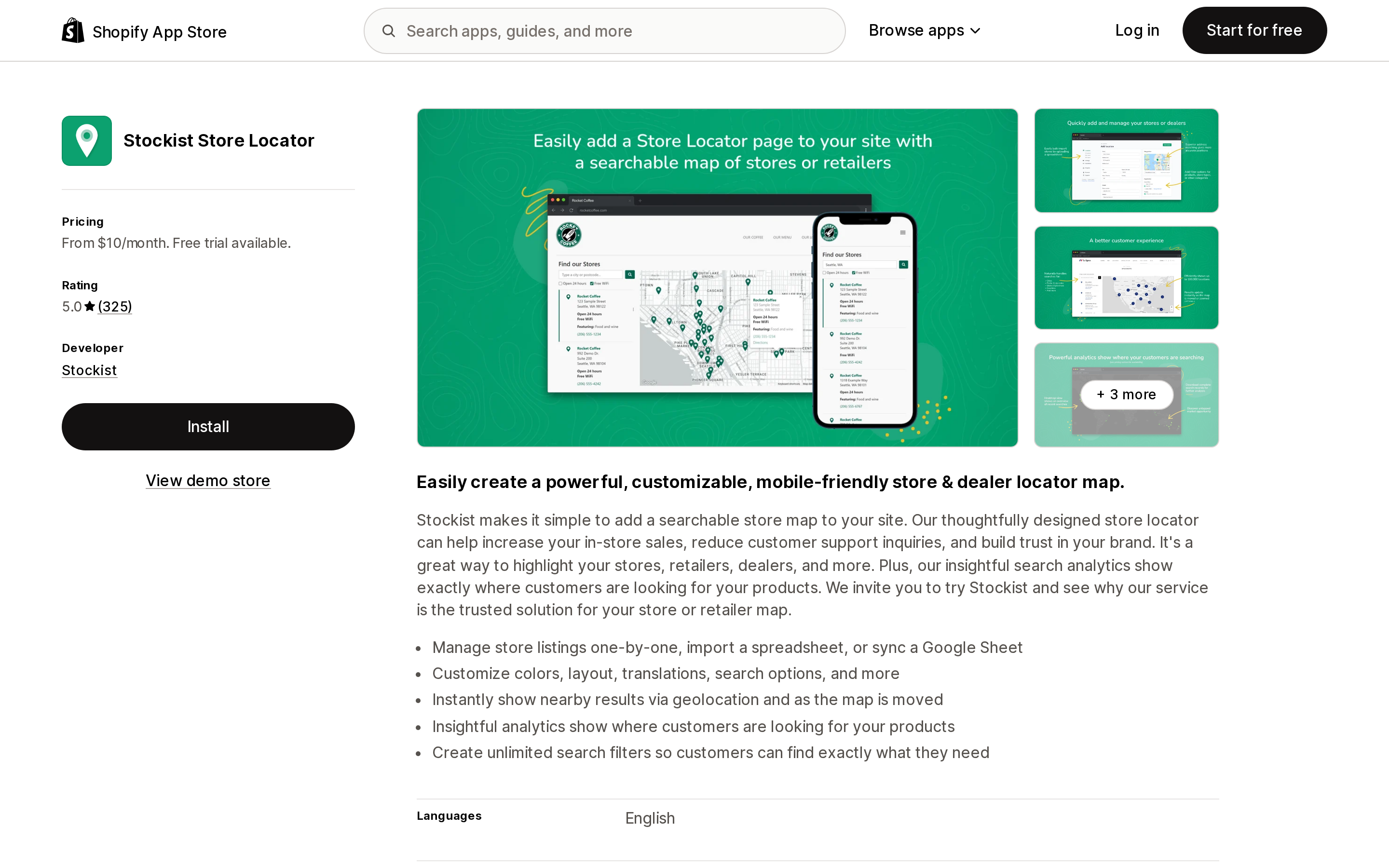
Source: Shopify App Store (Stockist Store Locator), retrieved September 2, 2026
Stockist Store Locator runs three flat tiers: Basic at $10/month for up to 100 locations, Plus at $20/month for 500, Premium at $40/month for 2,000. The 14-day trial is the only free access — there is no permanent free plan. Premium adds Google Sheets sync and removes the powered-by link.
At 325 reviews it holds a 5.0 rating, and only one review sits in the 1–2 star range. That is an unusually clean distribution for an app of this age. The single negative review, from January 2026, argues that $40/month is too much for what the merchant saw as a Google Maps integration — which is exactly the tension this article is about, since the merchant is also paying Google.
The listing shows English as the only supported language. If you run a multi-language storefront, check this before anything else.
There is no Built for Shopify badge in the listing header.
TA MAPPY: Store Locator & Maps
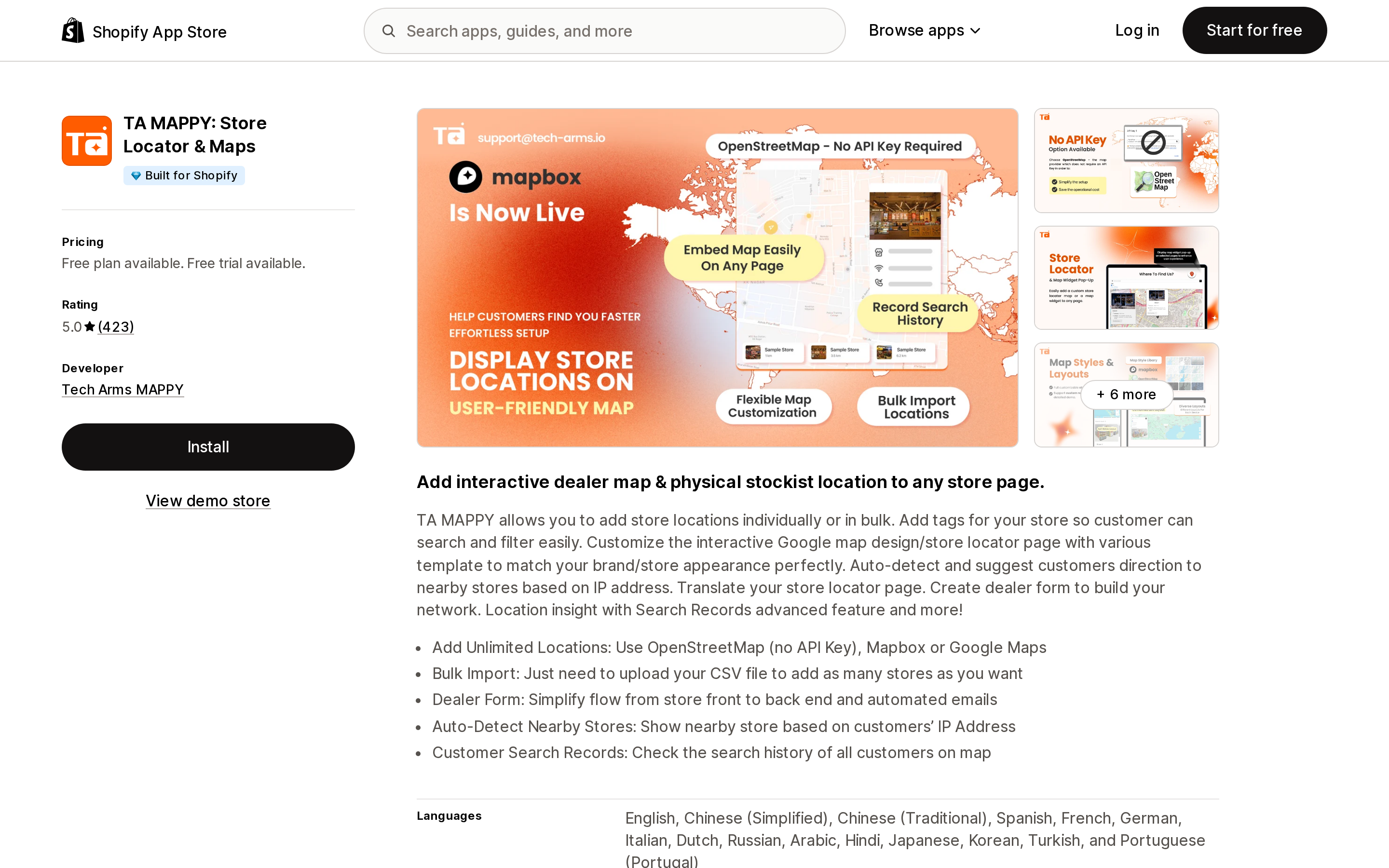
Source: Shopify App Store (TA MAPPY: Store Locator & Maps), retrieved September 2, 2026
TA MAPPY carries a Built for Shopify badge in its header and a 5.0 rating from 423 reviews, the largest review count in this group. Pricing: a free plan capped at 2 locations, Startup at $9.99/month for 50, Pro at $19.99/month for 500, Advanced at $39.99/month for 1,000.
The free plan is the interesting part. Two locations is small, but it is a real free tier that renders a real map without any Google account — enough to validate placement and design before committing. The listing also names B2B Solution among its integrations, the only app here that does.
Two caveats from reviews, both single mentions rather than patterns. A February 2023 review describes having to register a Google API key after a plan change, with billing consequences; the developer disputed how generally that applied. An April 2024 review reports a CSV import of 89 dealers failing to plot. Neither recurs in 2025 or 2026 reviews.
Storemapper Store Locator Map
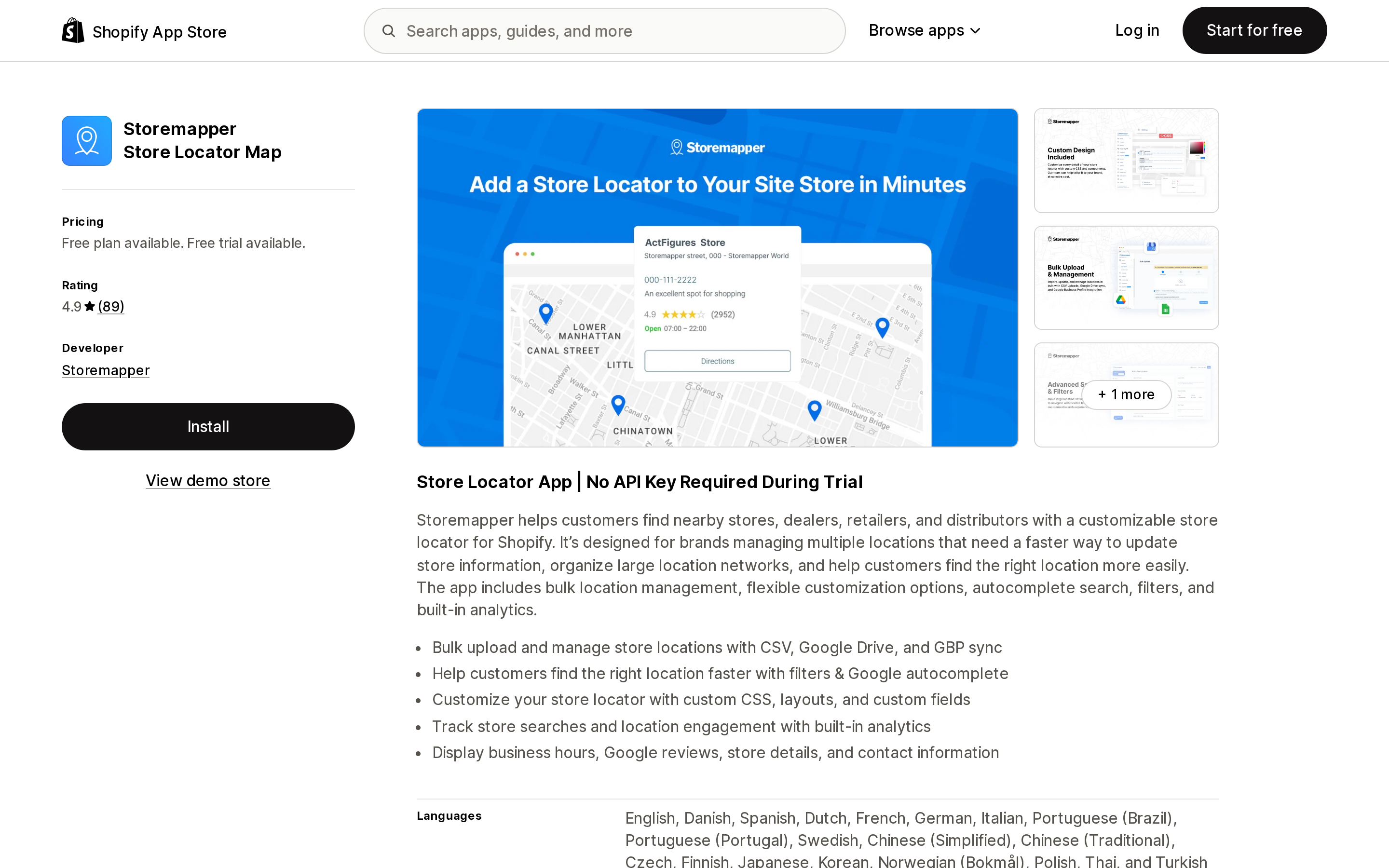
Source: Shopify App Store (Storemapper Store Locator Map), retrieved September 2, 2026
Storemapper Store Locator Map is the highest-ceiling option: Premium at $69.99/month covers 10,000 locations, five users, Google Drive sync, business hours, and Google Reviews display. Below that, Micro is $24.99/month for 100 and Pro is $49.99/month for 1,000. Annual billing saves 17%. The free plan holds exactly one location, which makes it a demo rather than a tier.
Its entry paid price is the highest here by a wide margin — $24.99 for the same 100 locations Stockist covers at $10. What you get for the difference at the top end is real: nothing else in this set reaches 10,000 locations, and the Google Business Profile and Google Drive sync paths matter when store data is maintained by someone outside the Shopify admin.
4.9 rating across 89 reviews, with only two negative reviews, both from 2021 and 2023. No Built for Shopify badge in the header.
RP ProMap ‑ Store Locator
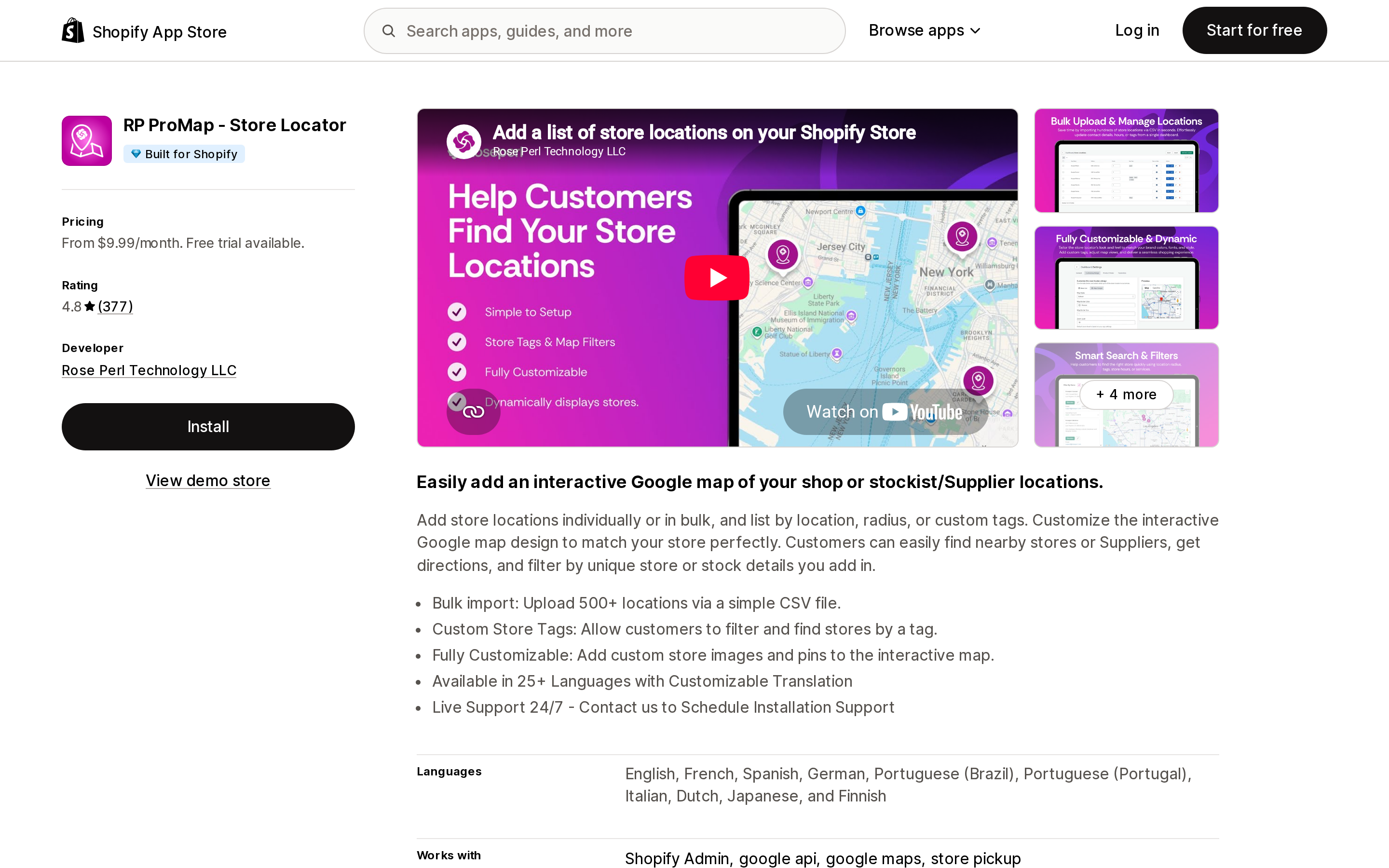
Source: Shopify App Store (RP ProMap ‑ Store Locator), retrieved September 2, 2026
RP ProMap has a Built for Shopify badge and the only unlimited-location tier in this set: $69.99/month with no cap. Below it, Lite is $9.99/month for 20 locations, Basic $19.99/month for 200, Pro $39.99/month for 500. There is no free plan, only a 7-day trial.
Lite's 20-location ceiling makes it the most expensive entry tier per location in this comparison at $0.50.
The review history needs a fair reading. The 4.8 average across 377 reviews is strong, and recent five-star reviews consistently praise support speed. But two negative themes recur across multiple reviews and multiple years rather than appearing once: slow or unresolved support (reviews in 2018, 2020, 2021, 2023, and January 2025) and degraded performance as location counts grow (2019 and 2022). If you are the merchant most attracted to the Unlimited tier — because you have thousands of dealers — that second theme is the one to test during the trial rather than after.
SC Store Locator Map
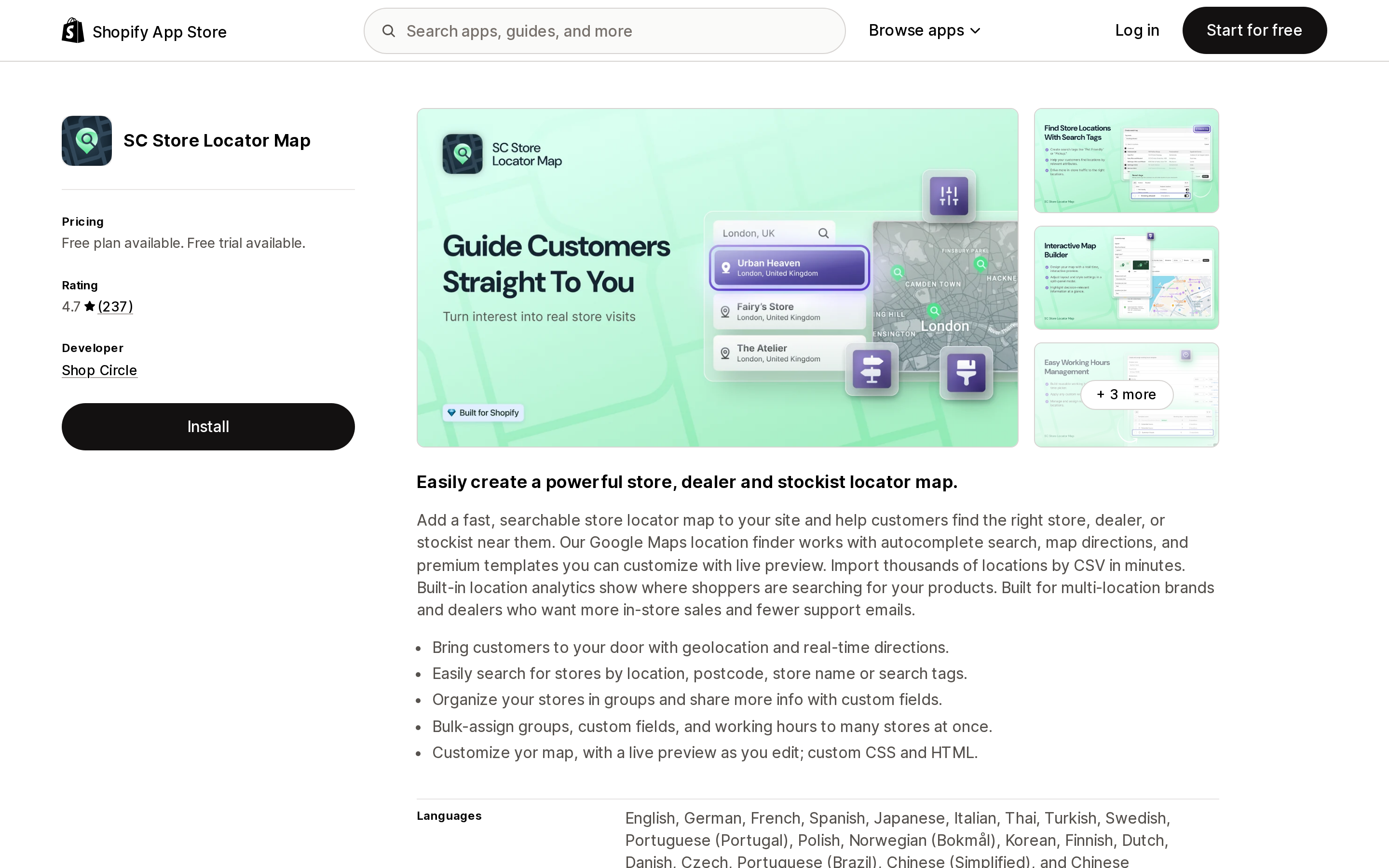
Source: Shopify App Store (SC Store Locator Map), retrieved September 2, 2026
SC Store Locator Map, from Shop Circle, is the oldest listing here (October 2012). Free plan at 1 location, Starter $9.99/month for 50, Growth $19.99/month for 500, Pro $39.99/month for 2,000, with 17% off annual. It lists Theme Customizer among its integrations and includes a "Where to buy" feature from the Starter tier.
4.7 across 237 reviews. Recent reviews from August 2026 credit fast support. The recurring negative theme, across multiple 2020 and 2022 reviews, involves entering and saving a Google API key — which is the second-bill problem showing up as a support ticket. We did not find that pattern repeating in 2025 or 2026 reviews. No Built for Shopify badge in the header.
Comparison
| Stockist Store Locator | TA MAPPY | Storemapper | RP ProMap | SC Store Locator Map | |
|---|---|---|---|---|---|
| Built for Shopify (header) | No | Yes | No | Yes | No |
| Rating / reviews | 5.0 / 325 | 5.0 / 423 | 4.9 / 89 | 4.8 / 377 | 4.7 / 237 |
| Free plan | None | 2 locations | 1 location | None | 1 location |
| Free trial | 14 days | 7 days | 7 days | 7 days | 7 days |
| Entry paid tier | $10 / 100 | $9.99 / 50 | $24.99 / 100 | $9.99 / 20 | $9.99 / 50 |
| Cost per location, entry tier | $0.10 | $0.20 | $0.25 | $0.50 | $0.20 |
| Best cost per location | $0.02 (Premium) | $0.04 (Advanced) | $0.007 (Premium) | n/a (Unlimited) | $0.02 (Pro) |
| Top tier | $40 / 2,000 | $39.99 / 1,000 | $69.99 / 10,000 | $69.99 / unlimited | $39.99 / 2,000 |
| Map key you supply | Google or Mapbox | Optional — OSM by default on Free | Google or Mapbox | Google (per reviews) | |
| Languages listed | English only | 15 | 19+ | 25+ | 19+ |
| Annual discount | Not listed | Not listed | 17% | Not listed | 17% |
Cost per location is the tier price divided by its stated location cap. It is a planning number, not a billing metric — nobody charges per location — but it exposes how differently these vendors slice the same product. Storemapper is the most expensive way to host 100 locations and by far the cheapest way to host 10,000.
How to choose
Fewer than 10 of your own stores, and you mainly need a nice list page. Try metaobjects plus a theme section first. If a customer scanning a list of eight addresses is a fine experience, you don't need a map, a subscription, or a Google account.
You want to test placement and design before paying anything. TA MAPPY's free plan is the only one that renders a working map without a Google account. Two locations is enough to see it on your theme.
Under 100 locations, English storefront, and you want the fewest moving parts. Stockist at $10/month is the cheapest entry tier per location and has the cleanest review distribution in this set. Confirm the English-only listing is acceptable first.
A dealer network in the thousands. Only two options reach that far: Storemapper Premium at $69.99/month for 10,000, and RP ProMap Unlimited at $69.99/month with no cap. Same price, different risk — Storemapper has a hard ceiling you can verify, RP ProMap has an unlimited claim alongside recurring reviews about performance degrading at scale. Load your real dataset during the trial.
Store data maintained outside Shopify. Storemapper's Google Drive and Google Business Profile sync, and Stockist's Google Sheets sync on Premium, both remove the CSV re-upload loop. If a regional manager owns the store list in a spreadsheet, this is worth more than the price difference.
Multi-language storefront. Stockist lists English only. The other four list 15 to 25+ languages.
Before you install
Four things worth settling first, because they are hard to unwind later.
Decide whose Google account it is. If the app needs a key, someone has to create a Google Cloud project and attach billing to it. Do that under a company account, not a personal one — this is the single most common way a locator quietly breaks eighteen months later when someone leaves.
Load real data in the trial, not five sample rows. Both of the CSV-related problems in these reviews appeared at real volume: 89 dealers failing to plot, performance degrading as locations grew.
Check the theme placement yourself. None of these five listings states in its App Store description whether it installs as an Online Store 2.0 app block or requires a code edit, and none documents what happens to the locator on uninstall. Install on a duplicate theme, then uninstall from it, and see what's left.
Match the tier to your real ceiling, not today's count. The per-location math swings by an order of magnitude across tiers. Adding 40 dealers can be free or can force an upgrade, depending entirely on which app you picked and where the cap sits.
Sources
- Shopify Help Center — Set up and manage your locations
- Shopify Help Center — Pickup in store
- Shopify Help Center — Connecting metaobjects to your online store
- Shopify App Store — Stockist Store Locator
- Shopify App Store — TA MAPPY: Store Locator & Maps
- Shopify App Store — Storemapper Store Locator Map
- Shopify App Store — RP ProMap ‑ Store Locator
- Shopify App Store — SC Store Locator Map
- Storemapper Help — Getting started with Storemapper
- Stockist Help — Getting started with Stockist Store Locator
Prices, ratings, and review counts were verified against the English App Store listings on September 2, 2026 and change often. Re-check the listing before you commit to a tier.
Shopify's admin address validation is on by default, free, on every plan, and supports the US. Checkout-time validation is one toggle away. Shopify's own documentation then warns that running a third-party address validation app at the same time can create conflicting suggestions and reduce checkout conversion — you are meant to pick one. That reframes the whole category: apps are not there to duplicate deliverability checking, they are there to enforce policy Shopify's validator does not enforce, like blocking PO boxes or requiring an apartment number. We priced four real apps from the US App Store on September 2, 2026, spanning $4.99/month flat, $0.04 per order, and one that requires a separate subscription billed outside Shopify.