
What you will learn
On this pageContentsCloseOpen
The pitch for every AI shopping assistant app is that it gives an AI model access to your catalog so it can help customers buy. That access is already there, it is free, and it does not require an app.
Shopify documents it as Storefront MCP. Every store exposes an endpoint at https://{shop}.myshopify.com/api/mcp, and the documentation is direct about the access model: "Storefront MCP servers don't require authentication."
We wanted to know what that actually returns in production rather than in a docs example, so we called it from the browser on two live merchant storefronts. Both answered. A third — a well-known brand running a custom headless frontend — returned HTML instead of JSON, which turns out to be the single most useful thing we learned.
Research date: September 2, 2026. The endpoint calls below were read-only requests to public, unauthenticated endpoints on publicly reachable storefronts.
The short version
- Every Shopify-hosted storefront serves two agent endpoints:
/api/mcpand/api/ucp/mcp. Neither requires authentication. /api/mcpreturned five tools on both stores we tested:search_catalog,get_cart,update_cart,search_shop_policies_and_faqs, andget_product_details./api/ucp/mcpreturned thirteen:get_checkout,create_checkout,update_checkout,complete_checkout,cancel_checkout,get_cart,create_cart,update_cart,cancel_cart,get_order,search_catalog,lookup_catalog, andget_product.- Shopify's docs list
get_productandlookup_catalog; the live/api/mcpendpoint exposesget_product_detailsinstead. The documented and deployed tool names do not match one-to-one, so build against the livetools/listresponse. - These implement the Universal Commerce Protocol catalog capability. Responses carry a
ucpblock; ours reported version2026-08-25and capabilitydev.ucp.shopping.catalog.search. - Each product object an agent receives contains
id,title,description,url,price_range,variants,options,media,categories, andtags. Your product description is passed through as written. - The policy tool returns structured answers derived from your store's own policy settings — return window, restocking fee, who pays return shipping.
- A brand running a headless storefront on its own domain returned an HTML page for both endpoints. The endpoint lives on the Shopify-served domain, not on whatever you put in front of it.
- Shopify's caution: "Some stores may restrict access. Always test with your specific store."
What we called, and what came back
Calling tools/list on /api/mcp from two live storefronts returned an identical set of five tools:
| Tool | What it does |
|---|---|
search_catalog | Natural-language or filtered product search |
get_product_details | Full detail for one product |
get_cart | Read a cart, including its checkout URL |
update_cart | Add, change quantity, or remove items; creates a cart if none is passed |
search_shop_policies_and_faqs | Answer questions about policies, shipping, returns, FAQs |
The second endpoint, /api/ucp/mcp, returned thirteen tools spanning the whole purchase: cart lifecycle, checkout lifecycle including complete_checkout, and order lookup, alongside the UCP-conforming catalog tools.
Read that list once more with the access model in mind. Product discovery, cart construction, and checkout completion are addressable over an unauthenticated HTTP endpoint that exists on every store by default. That is the platform, not a feature you turned on.
The documentation and the deployment disagree
Shopify's Storefront MCP page describes search_catalog, lookup_catalog, and get_product as the UCP catalog tools on /api/ucp/mcp, and get_cart, update_cart, and search_shop_policies_and_faqs as the standard tools on /api/mcp.
The live /api/mcp we called returns search_catalog and get_product_details alongside the three standard tools — so catalog search is present on both endpoints, and the single-product tool has a different name on each. The docs also show an update_cart example whose body uses an add_items array while the parameter list above it describes a lines array.
None of this is fatal. It is a reminder that the surface is moving fast and that tools/list against a real store is the authority, not the guide.
What the agent actually reads is your product copy
We ran a search_catalog call for "dark roast whole bean coffee" against a live coffee brand's storefront. Ten products came back with cursor-based pagination, each one carrying the fields listed above.
The first result's description field ended like this:
This product is not available for sale on [the brand's own domain]. Please visit …
That sentence was written for a human reading a product page, presumably one syndicated to a retail partner. An AI agent asked "where can I buy this" now receives it as authoritative product information about the merchant's own store.
This is the practical consequence of the whole architecture and it is worth stating plainly: your product descriptions, tags, categories, and options are now an API response consumed by machines that will quote them. Merchandising copy written for a landing page — cross-channel disclaimers, "see size guide below," "as seen on our Instagram," placeholder text a supplier shipped you — is being read out by shopping agents with none of the surrounding page to make sense of it.
The policy tool has the same property in a cleaner form. Asked "What is your return policy?", a live store returned structured question-and-answer pairs derived from Shopify's own return settings: whether returns are accepted, the return window in days, whether a restocking fee applies, and who pays return shipping. Those are admin settings, not marketing copy — which means the fastest way to improve what an agent tells shoppers about your returns is to fix the settings, not to write a page.
The one lever Shopify gives you, and it is free
Shopify's own documentation points at a first-party app for this: Shopify Knowledge Base. It is free, published by Shopify, and rated 3.2 stars across 20 reviews — a notably low score for a first-party app, and worth reading the reviews before you commit.
What it does, in its own words: "View and customize the FAQs that AI shopping agents use to answer questions about your store." Three capabilities are listed — view Shopify-generated FAQs derived from your store's settings and policies, monitor buyer inquiries about your store, and create custom FAQs to cover questions Shopify's generated set does not answer.
The middle one is the interesting one. It is a log of what AI agents are being asked about your store, which is a category of demand data that did not exist eighteen months ago and that no analytics tool is currently showing you. One reviewer describes exactly that use: seeing the questions, then writing custom FAQs to fill the gaps.
Two limitations to note. The listing shows English as its only language, and a 3.2 rating means the experience is uneven. Install it as an instrument first — read what buyers are asking — and treat the FAQ authoring as the second step.
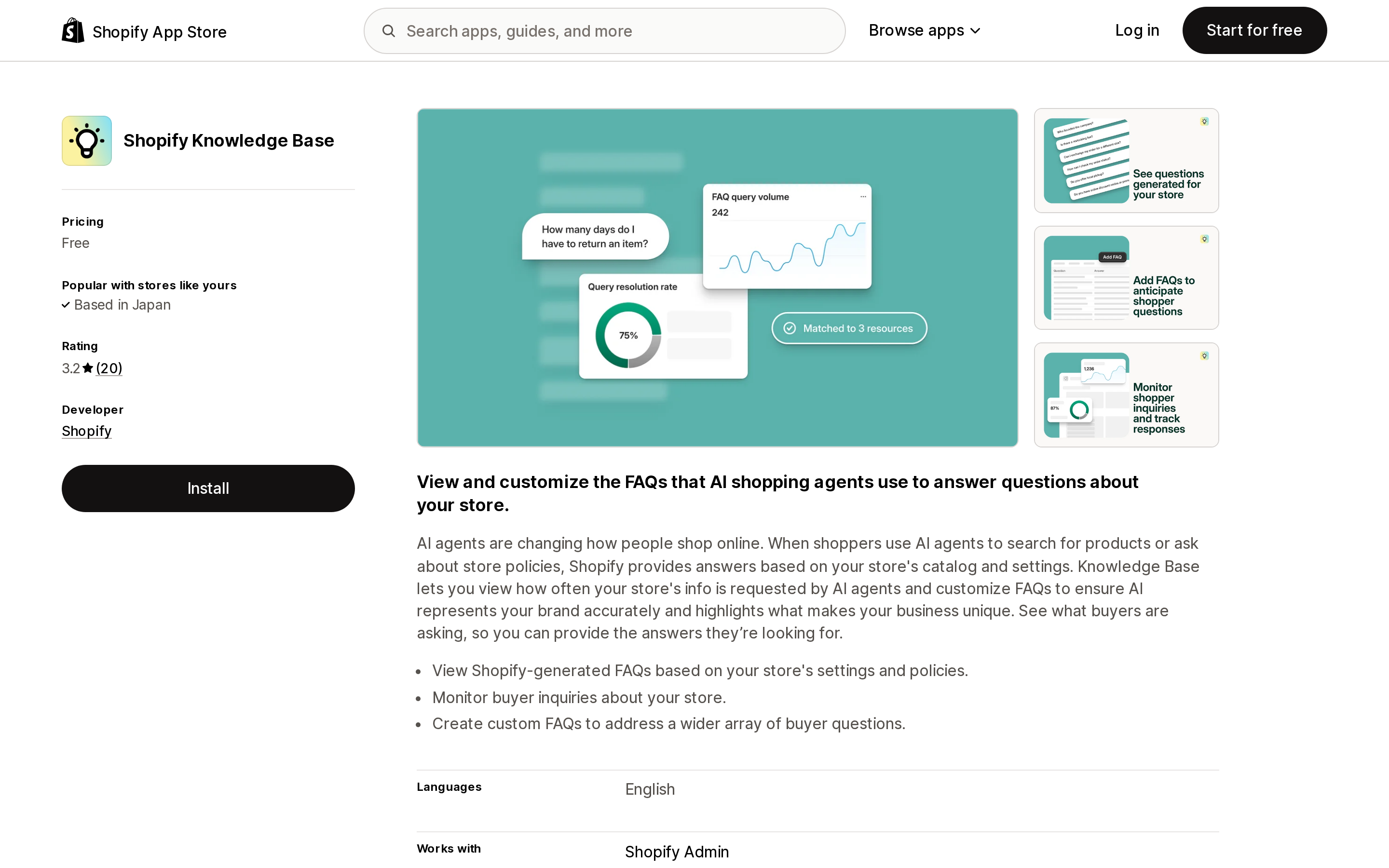
Source: Shopify App Store, Shopify Knowledge Base listing. Retrieved September 2, 2026.
So what are AI shopping assistant apps selling?
If catalog search, cart operations, policy answers, and checkout are all reachable for free on a public endpoint, the honest question is what the apps charge for. Published pricing from two real ones:
| App | Entry tier | Next tiers | Metered on |
|---|---|---|---|
| Rep AI: AI Agent & Live Chat | Free to install — 100 visitors/mo, up to 100 products | $104/mo (10K visitors, 1,000 products), $209/mo (25K, 2,000), $368/mo (50K, 5K) | Visitors, +$12 per additional 1,000 |
| iAdvize: AI Shopping Assistant | 30-day free trial, up to 3,000 conversations | $290/mo (500 conversations, 1,000 SKUs), $520/mo (1,000 conversations, 10,000 SKUs), $1,330/mo (3,000 conversations, 50,000 SKUs) | Conversations and SKU count |
Note what the meters are: visitors, conversations, SKUs. Nobody is charging for commerce data access, because commerce data access is free. What you are buying is everything stacked above it — the on-site chat interface, the model and its cost, proactive engagement rules, merchandising and upsell logic, conversation analytics, brand tone control, human handoff, and someone to hold accountable when the assistant says something wrong.
That is a real product and for many stores it is worth $290 a month. But it changes the evaluation question. You are not asking "can this app let AI see my catalog." You are asking whether this app's conversation layer converts better than the free endpoint plus good product data, and whether its per-conversation or per-visitor meter matches how your traffic actually behaves.
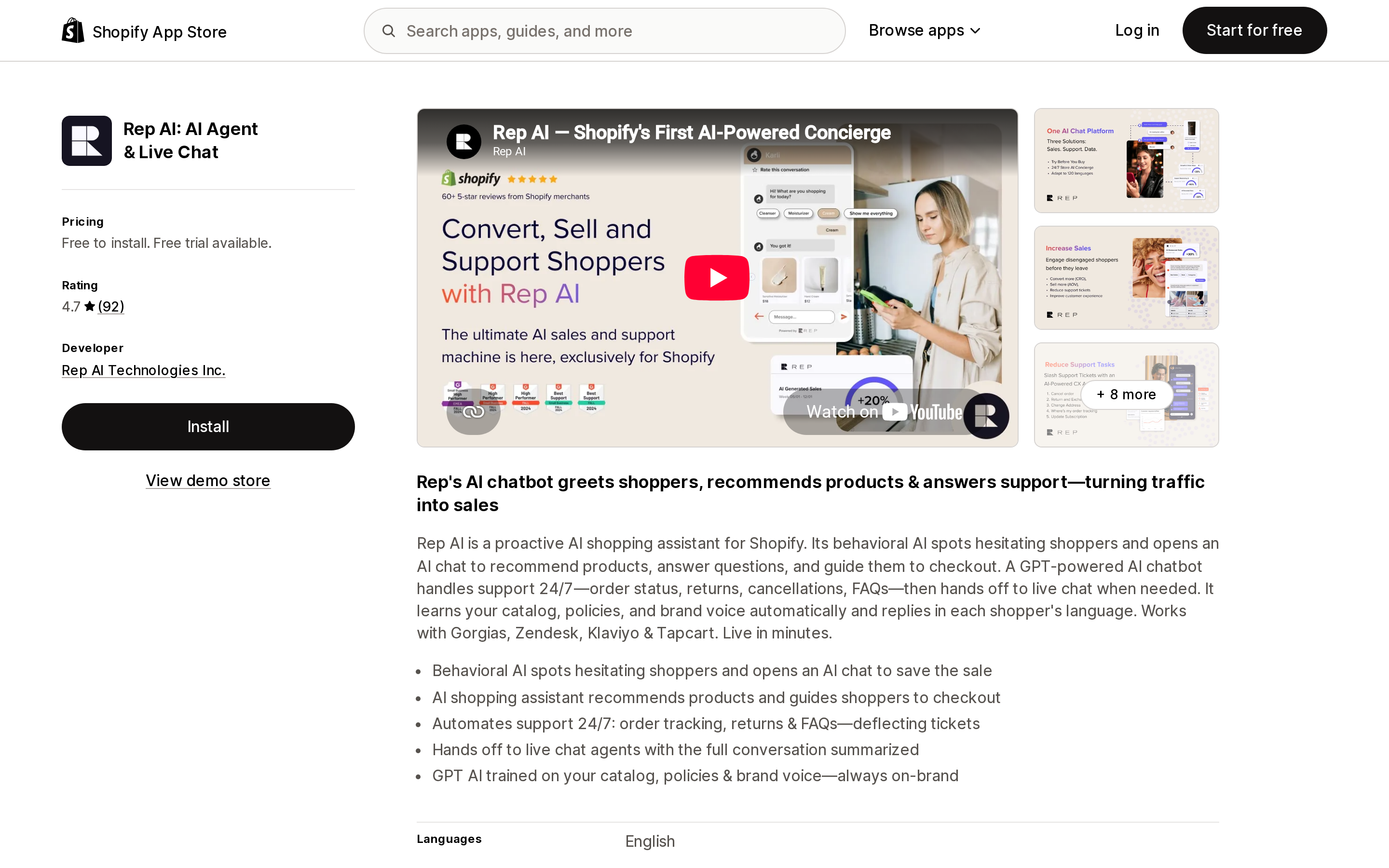
Source: Shopify App Store, Rep AI listing. Retrieved September 2, 2026.
One structural detail worth knowing if you are considering building rather than buying: Shopify's Storefront MCP guide describes the customer-facing chat window as a theme app extension. That means the chat UI is a Liquid app block on an Online Store 2.0 theme. If your storefront is headless, that piece does not exist for you — the same constraint that removes review widgets and app embeds from a Hydrogen build.
The headless result, and why it matters
We ran the same two calls against a large apparel brand's storefront on its own domain. Both returned HTML, not JSON — the endpoint path was simply not there.
That is consistent with Shopify's documentation, which specifies the endpoint as https://{shop}.myshopify.com/api/mcp. The store's Shopify-served domain answers; a custom frontend on a custom domain does not, because a request to /api/mcp on that domain never reaches Shopify's routing.
So if you are headless, work out where an agent that discovers your brand by domain name will land. Shopify's own agent surfaces still see your catalog through Shopify's infrastructure, but an agent that resolves your public domain and probes the standard path finds nothing. That is a gap to test rather than assume.
What to actually do this week
1. Call your own endpoint. Open your storefront in a browser and run a tools/list POST to /api/mcp from the console. You will see exactly which tools your store exposes today, which is more reliable than any documentation including this article.
2. Run a search_catalog call for your three most important queries. Read the descriptions that come back as though you were a shopping agent with no other context. Anything that references another page, another channel, or a retail partner is now actively misleading.
3. Fix product descriptions with cross-channel disclaimers first. These do the most damage per word because they contradict the merchant's own store.
4. Check your policy settings, not your policy pages. Return window, restocking fee, and return shipping responsibility come out of Shopify settings. If those are wrong or empty, the agent's answer will be wrong or empty.
5. Install Shopify Knowledge Base to read the buyer-inquiry log before deciding whether you need a paid assistant at all. It is free, it is Shopify's own, and it tells you what agents are being asked.
6. If you are evaluating an AI assistant app, price its meter against your traffic. Visitor-metered and conversation-metered plans behave very differently on a store with high browse volume and low chat engagement.
Sources
- About Storefront MCP and Storefront MCP server — shopify.dev
- UCP catalog specification — ucp.dev
- Live
tools/listandtools/callresponses from two publicly reachable Shopify storefronts, retrieved September 2, 2026 - Shopify App Store listings for Shopify Knowledge Base, Rep AI, and iAdvize, retrieved September 2, 2026
Most articles claim Shopify has no native RFM. Shopify's own documentation says otherwise: RFM analysis assigns every customer a 3-digit score with each digit from 1 to 5, sorts them into 11 named RFM groups, and exposes them through an RFM customer analysis report, an RFM customer list, and an rfm_group filter in the customer segment query language — with a Preview segment button that turns a report row into a live segment. The real limitation is different: Shopify says specific RFM scores for individual customers aren't displayed anywhere in the admin. This article verifies all of that against help.shopify.com and shopify.dev as of September 2, 2026, then shows why the actual buying decision is refresh behavior, audience sync, and metering unit — and prices the same hypothetical store at 450 and 6,000 orders per month across four live apps whose bills range from $49 to $750+ per month for overlapping work.