
What you will learn
On this pageContentsCloseOpen
The TikTok sales channel carries 4.8 stars across 15,513 reviews on the Shopify App Store, is free to install, and is published by TikTok Inc. rather than by a third-party developer. For a US merchant who wants to sell on TikTok Shop, installing it is the default starting point.
It is also the app whose limits people discover after the first LIVE sells out. Four of them are written down in TikTok's own onboarding guide and Shopify's own help center, and none of them are bugs. They are how the integration is designed.
The short version
- Refunds and returns can only be initiated in TikTok Seller Center. TikTok's onboarding guide is explicit that a refund or return started in the Shopify order admin is not supported and its status will not reach TikTok Shop, even though Shopify still shows you the buttons.
- Orders that existed before you connected never sync. TikTok advises finishing every pending order, return, and refund before connecting, because they will only ever be manageable in Seller Center.
- Catalog and inventory sync is event-triggered, not guaranteed instant. TikTok lists the change types that fire a sync, then adds: "It might take some time for product updates to be reflected in TikTok Shop."
- A TikTok order only becomes a Shopify order if inventory is available at the moment of the check. If it isn't, TikTok auto-cancels the order and emails the buyer. You never see it.
- Shopify Marketplace Connect does not connect TikTok Shop. It connects Amazon, Target Plus, Walmart, and eBay. This is a common and expensive mix-up.
First, the app that does not do this job
If you searched for a Shopify multichannel app and landed on Marketplace Connect, stop. Its App Store listing names four integrations — Amazon, eBay, Target Plus, Walmart — and TikTok Shop is not among them. We covered its actual coverage and its 1%-per-order fee structure in Shopify Marketplace Connect covers four US marketplaces, not six. TikTok Shop lives in an entirely separate app built by TikTok, on entirely different plumbing, and nothing in this article transfers to the marketplace side.
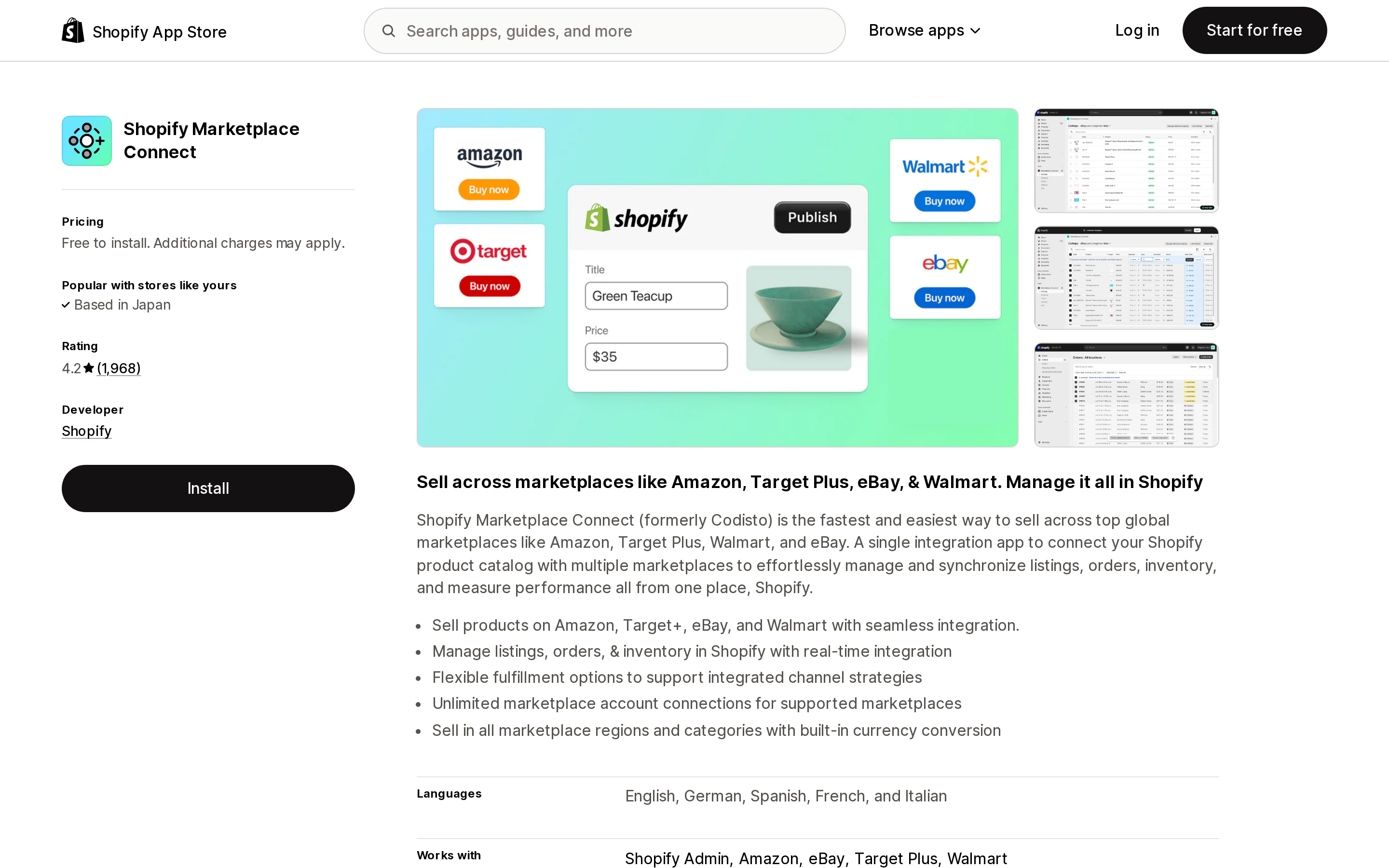
Source: Shopify App Store (Shopify Marketplace Connect), retrieved September 2, 2026
The official channel: TikTok
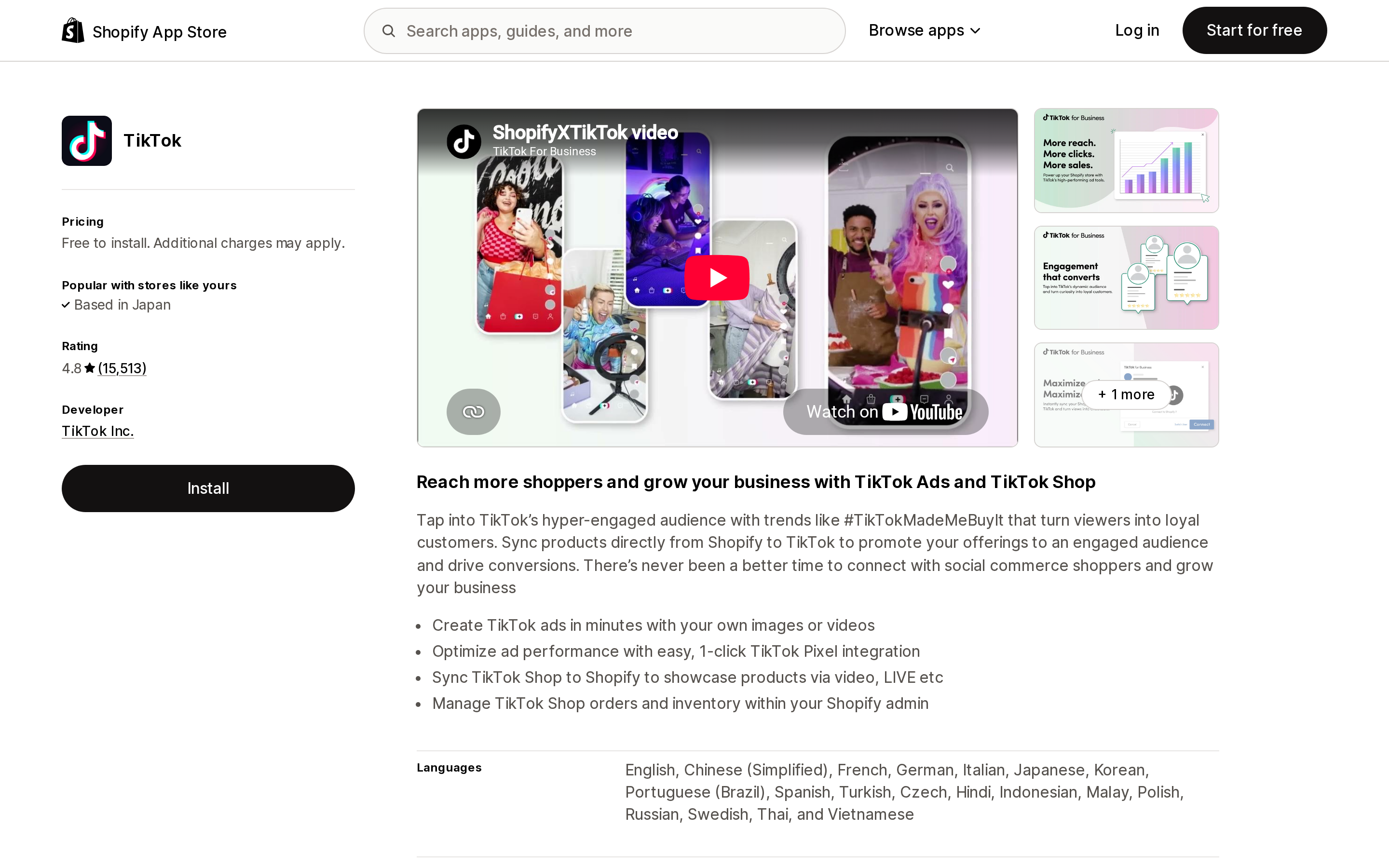
Source: Shopify App Store (TikTok), retrieved September 2, 2026
TikTok is free to install, published by TikTok Inc., and launched October 14, 2020. It handles TikTok Ads and the TikTok Pixel as well as TikTok Shop, and it is the route Shopify documents for LIVE shopping, shoppable in-feed videos, and the product showcase on your profile.
Shopify's help center lists the entry requirements: a verifiable address in your Locations settings, a store located in one of ten countries (United States, United Kingdom, Spain, Ireland, France, Italy, Germany, Mexico, Japan, or Brazil), an online store plus a TikTok for Business account, and a published return policy page. TikTok's US onboarding guide is stricter still for US sellers: only US-based businesses and US warehouse addresses are supported, P.O. boxes are rejected, phone numbers must be in 10-digit format, and ZIP codes must be 5 digits. Shopify separately publishes troubleshooting for a "Your products couldn't be synced to TikTok due to a location address issue" error: shorten the location name to 35 characters or fewer, and make the Shopify address match what Google Maps shows.
Shopify's own summary of who owns support is worth reading twice: "TikTok Shop is operated and supported directly by TikTok."
Limit 1: pre-connection orders are stranded
From TikTok's onboarding checklist for existing TikTok Shop sellers: existing TikTok Shop orders and any updates to existing orders, refunds included, will not be synced to Shopify and can only be managed in Seller Center. TikTok's advice is to complete every pending or unfulfilled order — including pending returns and refunds — before connecting.
This is a migration constraint, not a running one, but it is the most expensive one to discover late. If you have been selling on TikTok Shop through Seller Center or a third-party connector and you connect the official app mid-week, you are running two order systems until the old queue drains.
The same checklist adds a second migration note: if you already use connector apps to manage TikTok Shop in Shopify, confirm they are compatible with the TikTok for Shopify app or disconnect them first, because incompatible apps can cause order status issues.
Limit 2: refunds and returns are Seller Center only
Shopify's help pages say refunds, returns, and cancellations are completed in TikTok Seller Center. TikTok's guide goes further and explains the failure mode:
Returns and Refunds can ONLY be initiated in Seller Center. Returns or refunds initiated in the Shopify Order Admin are NOT supported.
Shopify still renders its normal refund and return controls on a TikTok order. Using them produces a Shopify-side record that TikTok Shop never receives. That is a reconciliation problem, not just an inconvenience.
Cancellations behave differently and this distinction matters: a seller-initiated cancellation can be performed in the Shopify order admin, and it does propagate to TikTok Shop. TikTok-initiated and buyer-initiated cancellations flow into Shopify automatically, with one exception — a buyer cancellation on an already-shipped order fails and the order status stays as it was.
Limit 3: sync is event-driven, and Shopify always wins
The initial catalog push happens automatically during onboarding and includes every product currently Active in Shopify. After that, TikTok lists exactly which changes trigger an incremental sync: product field updates including inventory, variant field updates, variants added or deleted, and publishing or unpublishing a product to the channel.
Two consequences follow. First, TikTok's own note is "It might take some time for product updates to be reflected in TikTok Shop" — the guide publishes no latency figure and no sync interval, so there is nothing documented to plan a flash-sale inventory cutover around. Second, Shopify is declared the source of truth, and TikTok states plainly that product updates you make in Seller Center will get overridden. The exception is the small set of attributes TikTok requires that Shopify does not model well: product weight, product dimensions, and category certifications.
Limit 4: the inventory check silently cancels orders
When a TikTok Shop order is created, TikTok passes it to Shopify for an inventory check before creating anything. If inventory is available — or you have disabled the inventory check in Shopify — the order appears in your Shopify orders list with TikTok in the Channel column. If inventory is not available, or the product does not exist in Shopify, the order is never created in Shopify. TikTok auto-cancels it and notifies the buyer.
The order never enters your Shopify reporting. During a LIVE, that is precisely the window where sync latency and inventory accuracy compound, and it is the strongest practical argument for paying for a dedicated sync app once your volume rises.
One newer behavior worth knowing: orders in TikTok's Awaiting Shipment status now land in Shopify as On-Hold, released after one hour. If your fulfillment automation triggers on unfulfilled orders, build for that hour.
Limit 5: payouts and fees never touch Shopify
Checkout for TikTok Shop is powered by TikTok. TikTok processes the payment and settles to the bank account you bind in Seller Center, on TikTok's Settlement Period. Shopify Payments is not involved. TikTok has also charged a referral fee on qualified transactions since April 16, 2024. Nothing on this list is something an integration app can change.
Where the free channel app is genuinely enough
Skip the paid apps if all of the following are true:
- You are a new TikTok Shop seller, so the pre-connection order problem does not apply.
- You sell in one TikTok Shop region.
- Your order volume is low enough that handling refunds and returns in a second browser tab costs you less than $15 to $50 a month in labor.
- You do not need refund or return status visible inside Shopify for accounting.
- Your catalog does not need per-channel titles, prices, or images.
As a rough threshold, below about 100 TikTok Shop orders a month the second browser tab usually costs less than the subscription. The free app is built by TikTok itself, it is the documented path to LIVE and shoppable video listings, and adding a connector on top of it introduces the exact compatibility risk TikTok warns about.
Four apps, four different meters
The reason price comparisons in this category are so unreliable is that no two apps bill on the same denominator. One charges a flat fee, one charges by orders per month, one charges by SKU count, and one does not publish its prices at all.
DPL ‑ TikTok Shop Integration
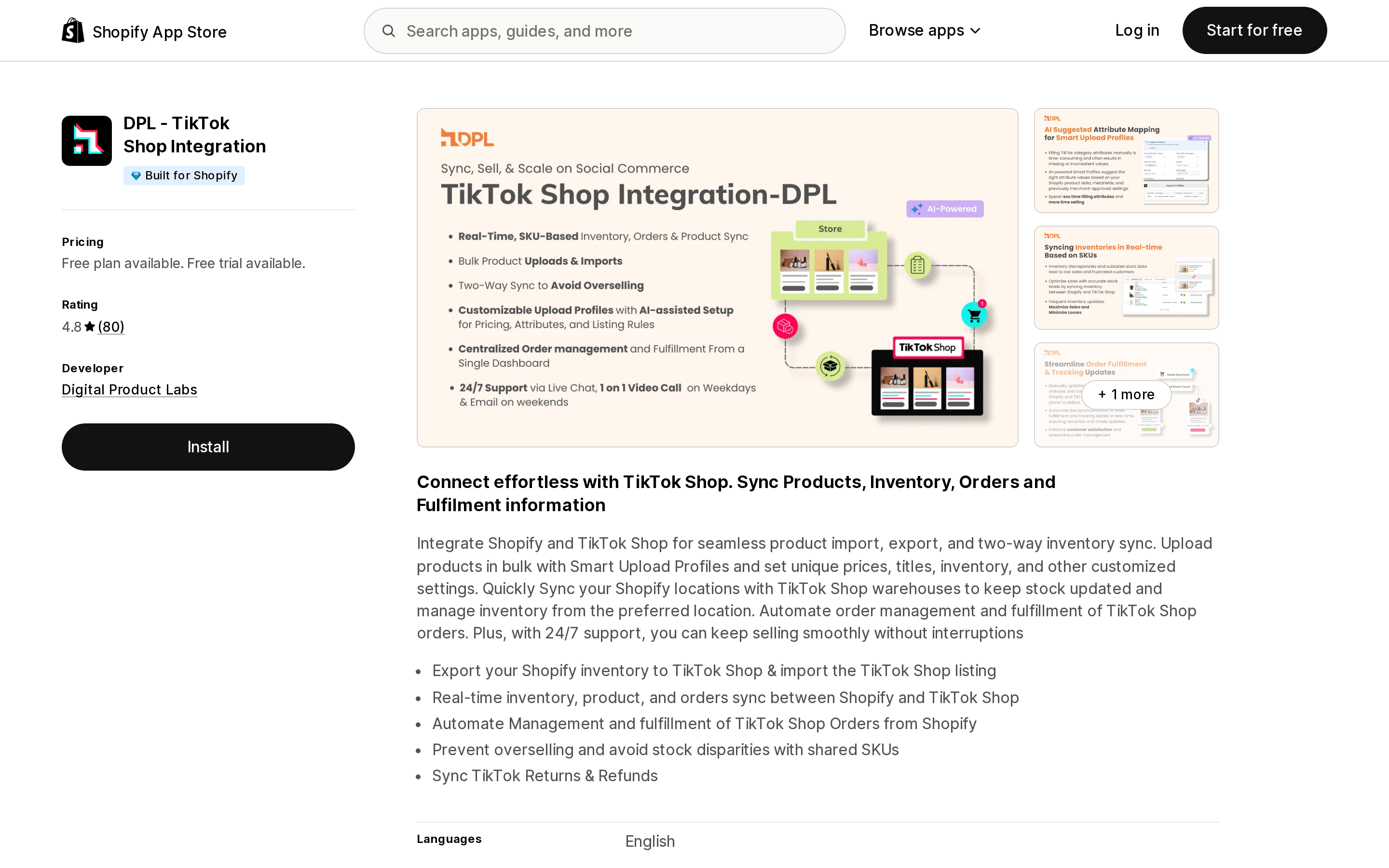
Source: Shopify App Store (DPL ‑ TikTok Shop Integration), retrieved September 2, 2026
DPL ‑ TikTok Shop Integration is built by Digital Product Labs, carries the Built for Shopify badge, and rates 4.8 across 80 reviews. Its free plan allows up to 50 total product uploads or imports and 30 synced orders per month. The single paid tier, All-In at $14.99/month with a 7-day free trial, covers up to 50,000 products, unlimited synced orders, mapping of Shopify locations to TikTok Shop warehouses, automated order management and fulfillment, and — the item that matters against Limit 2 — syncing of TikTok returns and refunds.
It is the only meter here that does not scale with your business. At 30 orders or 3,000, the bill is $14.99.
CedCommerce TikTok Shop
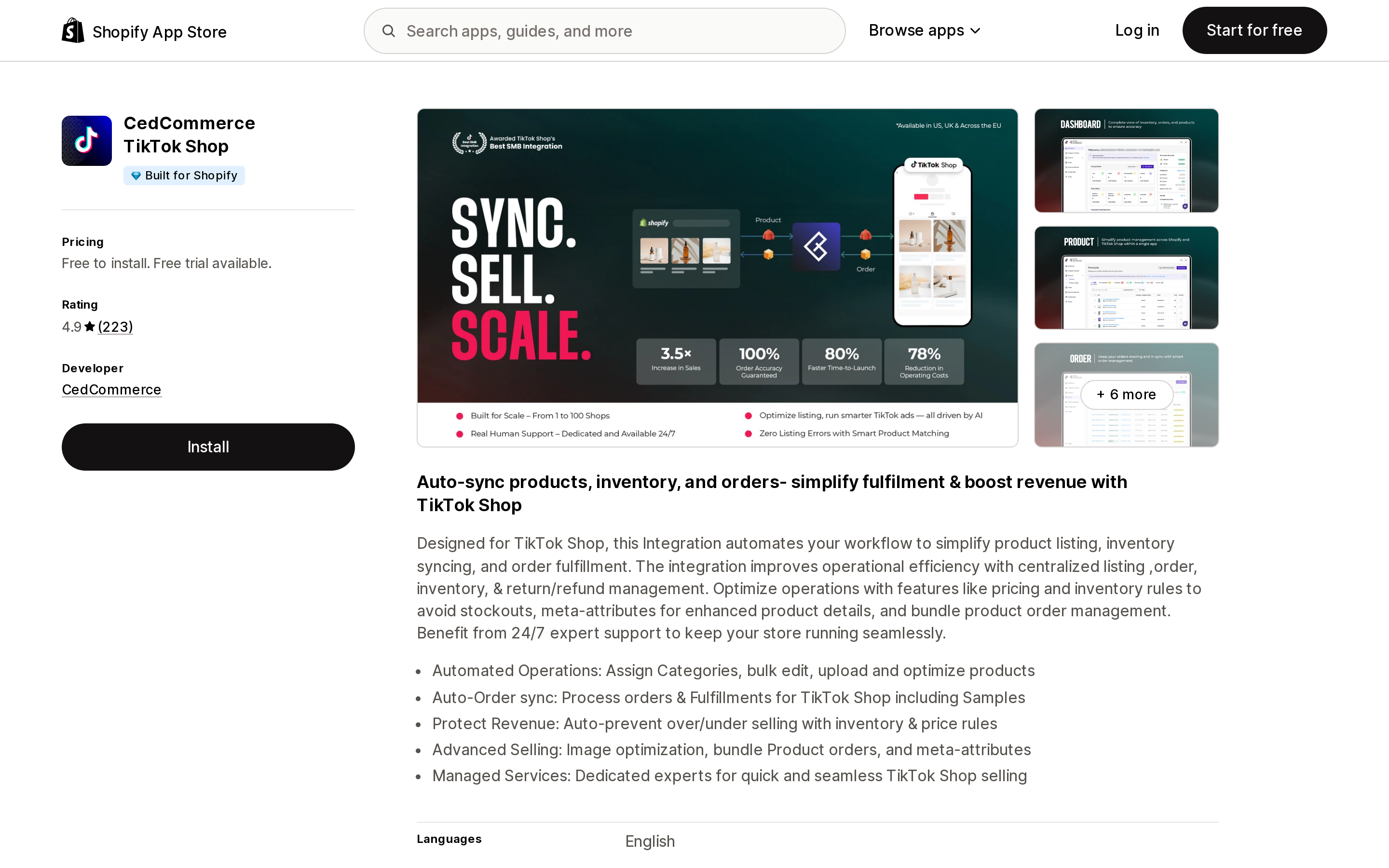
Source: Shopify App Store (CedCommerce TikTok Shop), retrieved September 2, 2026
CedCommerce TikTok Shop also carries the Built for Shopify badge and rates 4.9 across 223 reviews. It bills strictly on synced orders per month: a permanently free tier for listing and syncing products in one region (US or UK only), then $19/month for up to 100 orders, $49/month for up to 500 orders, and Growth at $89/month for up to 1,000 orders. Annual pricing is $189, $499, and $899 respectively. Refund and cancelled-order sync starts at the $19 tier; existing-product linking and bulk mapping templates start at $49; multi-warehouse management and multi-region support across the US, UK, and EU start at $89.
If you only sell in one region, you are paying for the order ceiling, not the region list.
TikTok Shop Integration — SPL
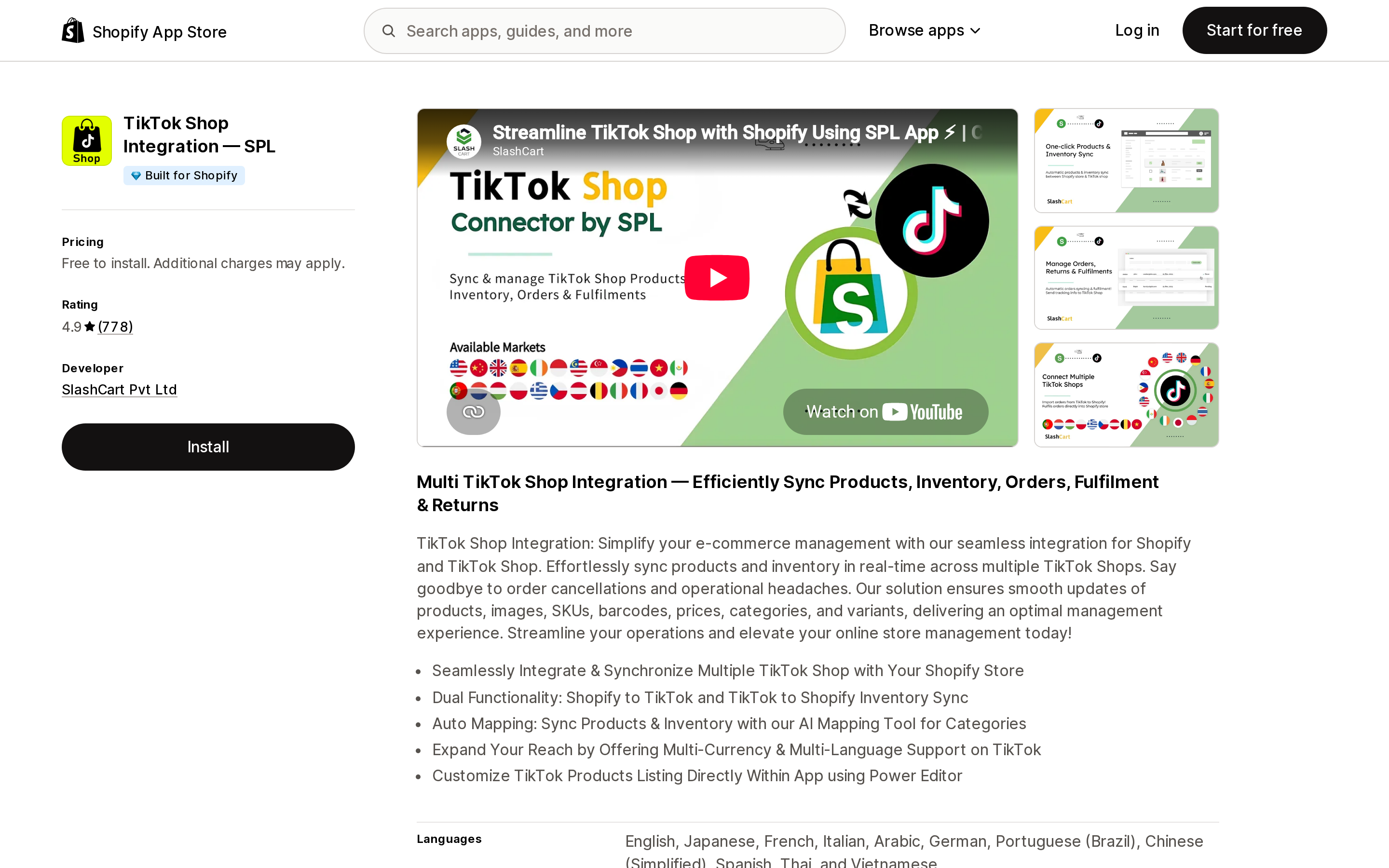
Source: Shopify App Store (TikTok Shop Integration — SPL), retrieved September 2, 2026
TikTok Shop Integration — SPL from SlashCart Pvt Ltd shares the highest rating in this group at 4.9, across the largest review count among the paid apps (778), and carries a Built for Shopify badge. Its distinguishing feature is connecting multiple TikTok Shops to one Shopify store, with two-way inventory sync in both directions.
Its pricing block is also the one you cannot plan against. The listing reads "Free to install. Plans start from $9.99. Regional pricing and feature details are available after connecting your TikTok Shop." There is no published tier table, so the real cost for a given store is not knowable before installation. One recent review, in Dutch, reports that the free trial capped uploads at 20 products.
QuickSync for TikTok Shop
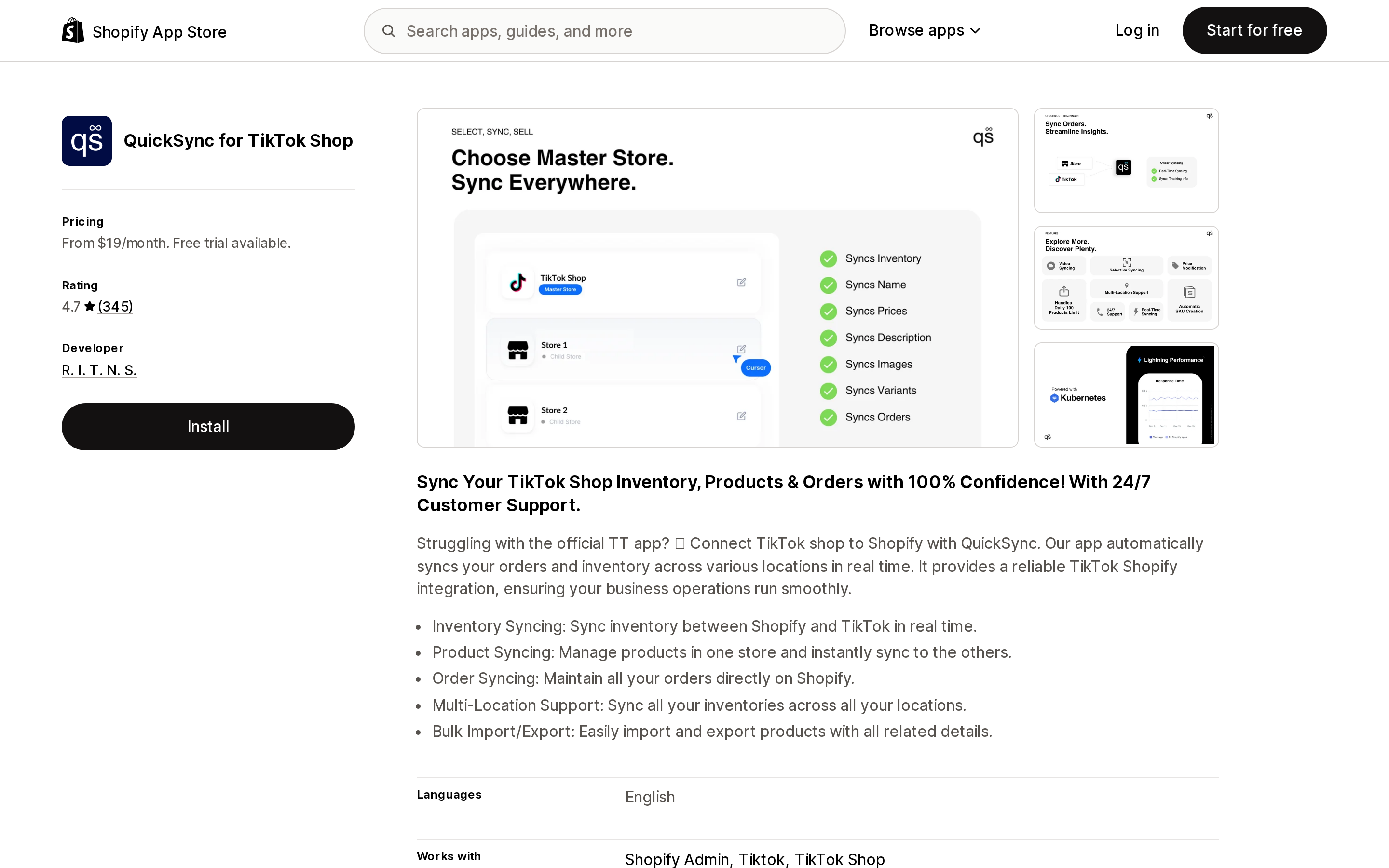
Source: Shopify App Store (QuickSync for TikTok Shop), retrieved September 2, 2026
QuickSync for TikTok Shop rates 4.7 across 345 reviews and has no Built for Shopify badge. It meters on item count, not orders: Lite $19/month up to 1,000 items, Pro $29/month up to 2,500 items, Ultra $69/month up to 10,000 items, and Ultra+ $99/month up to 20,000 items, all with a 14-day free trial.
Read the Lite plan carefully. It lists inventory syncing and product import/export only. Order syncing first appears on the $29 Pro plan. If you install Lite expecting TikTok orders to land in Shopify, they will not.
Same store, four bills
Take a US store with 3,000 SKUs and 400 TikTok Shop orders a month:
| App | Meter | Plan required | Monthly cost |
|---|---|---|---|
| TikTok | none | Free to install | $0 |
| DPL ‑ TikTok Shop Integration | flat | All-In | $14.99 |
| CedCommerce TikTok Shop | orders/month | $49 tier (500 orders) | $49 |
| QuickSync for TikTok Shop | item count | Ultra (10,000 items) | $69 |
| TikTok Shop Integration — SPL | undisclosed | not published | from $9.99, not quotable |
Now shrink the catalog and the volume — 1,200 SKUs, 90 orders a month:
| App | Plan required | Monthly cost |
|---|---|---|
| DPL ‑ TikTok Shop Integration | All-In | $14.99 |
| CedCommerce TikTok Shop | Basic (100 orders) | $19 |
| QuickSync for TikTok Shop | Pro (2,500 items, order sync) | $29 |
The ranking barely moves, but the reason changes completely. In the first scenario QuickSync is expensive because of catalog size; in the second it is expensive because order sync is gated behind the second tier. Neither has anything to do with how much syncing you actually do.
Comparison
| TikTok | DPL ‑ TikTok Shop Integration | CedCommerce TikTok Shop | TikTok Shop Integration — SPL | QuickSync for TikTok Shop | |
|---|---|---|---|---|---|
| Developer | TikTok Inc. | Digital Product Labs | CedCommerce | SlashCart Pvt Ltd | R. I. T. N. S. |
| Rating (reviews) | 4.8 (15,513) | 4.8 (80) | 4.9 (223) | 4.9 (778) | 4.7 (345) |
| Built for Shopify | No | Yes | Yes | Yes | No |
| Billing denominator | — | Flat | Orders/month | Not published | Item count |
| Entry price | Free | Free plan; $14.99 | Free plan; $19 | From $9.99 | $19 |
| Free trial | — | 7 days | 7 days | — | 14 days |
| Returns/refunds synced | No | Yes (All-In) | Yes (from $19) | Yes (listed) | Not stated |
| Multiple TikTok Shops | No | Not stated | One shop below Growth | Yes | Not stated |
| LIVE, shoppable video, showcase | Yes | Not advertised | Not advertised | Not advertised | Not advertised |
The last row is the one people forget. None of the paid listings advertise LIVE, shoppable video, or the product showcase. They sit alongside the channel app as data pipes, not as replacements for it.
How to choose
- New to TikTok Shop, under ~100 orders a month, one region — install TikTok and stop. Handle refunds in Seller Center.
- You need refund and return status inside Shopify at the lowest fixed cost — DPL ‑ TikTok Shop Integration at $14.99/month is the cheapest fully published plan that lists it, and it does not get more expensive as you grow. (SPL's floor is $9.99, but its tiers are not published.)
- You need US, UK, and EU shops in one place, with multi-warehouse handling — CedCommerce TikTok Shop's $89 Growth tier is the only plan here that names all three regions.
- You run several separate TikTok Shops against one Shopify catalog — TikTok Shop Integration — SPL is built for that specifically, but budget for a price you cannot see until you connect.
- You have a small catalog and want the longest trial — QuickSync for TikTok Shop gives 14 days, but confirm you are on Pro or above if you want order syncing.
- You were already selling on TikTok Shop before today — whichever you pick, drain your existing order queue in Seller Center first. That constraint applies to the official app regardless of what else you install.
What none of these apps fix
Payouts still settle from TikTok to your bank on TikTok's Settlement Period, not through Shopify Payments. Referral fees are still charged by TikTok. Category approvals, product disapprovals, and restricted-category documentation are handled by TikTok, and Shopify's own documentation routes you to TikTok Support for all of it. The 1-star reviews on the TikTok listing cluster around exactly those areas — bot-only support, unresolved category approvals, and orders cancelled and refunded by TikTok after the merchant had already shipped. Those are platform-policy outcomes, and no connector app sits in that path.
If TikTok is part of a broader short-video strategy rather than a marketplace strategy, the on-site half of it is a separate problem with a separate app market — see six Shopify shoppable video apps and their six incompatible meters. And if your inventory has to stay correct across TikTok plus other channels or stores at the same time, Shopify has no native multi-store inventory sync to fall back on.
Research date: September 2, 2026. All prices in USD as published on the US Shopify App Store on that date.
Sources
- TikTok Shop — Shopify Help Center
- Setting up TikTok Shop — Shopify Help Center
- Manage product availability — Shopify Help Center
- Managing TikTok Shop orders — Shopify Help Center
- Getting paid for TikTok Shop orders — Shopify Help Center
- TikTok for Shopify — Onboarding guide, TikTok Shop Academy US
- TikTok — Shopify App Store
- DPL ‑ TikTok Shop Integration — Shopify App Store
- CedCommerce TikTok Shop — Shopify App Store
- TikTok Shop Integration — SPL — Shopify App Store
- QuickSync for TikTok Shop — Shopify App Store
- Shopify Marketplace Connect — Shopify App Store
Shop Pay Installments is free to activate, needs no app, and Shopify never publishes what it costs you — the rate is visible only inside your own admin. It also refuses Capital One and Chase credit cards, restricts monthly plans to debit cards only, excludes gift cards and subscriptions, and can't be turned off for individual products. Affirm can suspend your account for being password-protected, for having a non-English storefront, or for being primarily B2B. And Shopify's Getting paid page says disputes appear in your admin while its FAQ says they don't. If you fail the eligibility gates, the alternative is on-site messaging apps from Klarna, Afterpay, Sezzle, Zip, and PayPal — a category rated between 1.0 and 3.2 stars. Researched September 2, 2026.