
If product links get clicks but purchases appear low, adding more product cards may miss the problem. Inspect what readers expect when they click and what the destination actually provides.
This article focuses on the step after the click. The related guide on posts that get readers but few purchases covers earlier parts of the journey.
Check the measurement context first
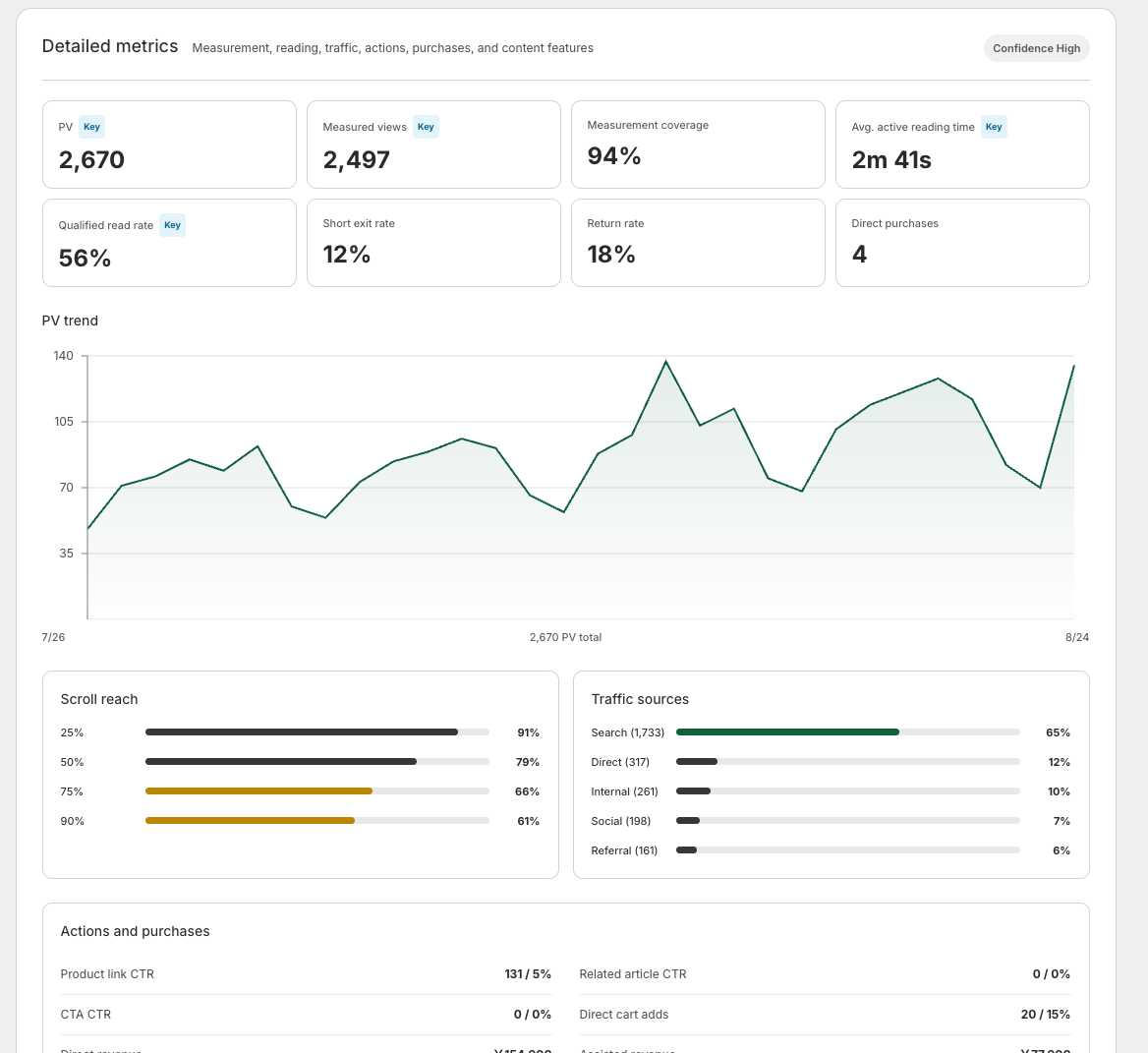
A click and a purchase are different events. Someone may inspect a product for later or buy from another device. An absent recorded purchase does not prove that the article had no value.
Check the period, measurement coverage and distinction between direct and assisted purchases. Read counts as well as rates so a few events do not become a sweeping conclusion.
The steps before and after the click are covered in turning blog readers into buyers.
Compare the promise with the destination
| Expectation created by the post | Check on the product page |
|---|---|
| Buy the featured color or size | The option exists and is available |
| Stay within a budget | Price and additional-cost information agree |
| Use the item by a particular date | Dispatch and delivery conditions are clear |
| Confirm suitability | Dimensions and limitations are explained |
Inspect outdated claims in the article too. The mismatch may begin in the post rather than on the product page.
Follow the link as a reader would
Open the article on a phone and follow the product link. Check variant selection and the information needed to decide. You do not need to complete an order to review the route.
In a fictional gift guide, “ideal for gifting” may leave questions about wrapping or delivery. Explain only the services and conditions your store actually offers. Do not promise an unsupported option in the article.
Improve the part controlled by the blog
Before the product block, explain the intended use and what buyers should verify. Correct the inserted item or destination if it is wrong, save and test the actual page.
Stock, delivery operations and product-page specifications may require changes in Shopify or store processes. Blog editing does not resolve every issue between interest and purchase.
Fix one concrete mismatch
Record an observable problem such as an unavailable featured size or a hard-to-find shipping policy. Compare results under similar conditions after the correction. Before strengthening the promotion, make sure readers can inspect the promised product with the information needed to choose it.
Read the detailed steps in the user guide
Related reading: Your blog gets readers but few purchases: five things to review