
What you will learn
On this pageContentsCloseOpen
Search for Shopify checkout customization and you land in two contradictory worlds. Shopify's developer docs say checkout UI extensions are "available only to stores on a Shopify Plus plan." The App Store shows dozens of listings promising checkout upsells and checkout rules, most of which install fine on a Basic plan.
Both are accurate, because the Plus requirement is scoped to individual checkout pages, not to apps as a category. Three pages are gated. The rest of the flow is not.
Below: that line drawn exactly from Shopify's own availability table, then seven real apps mapped to the surfaces a Basic, Grow, or Advanced store can reach. Plan requirements come from Shopify Help Center and shopify.dev; app pricing and ratings were checked on the Shopify App Store on September 2, 2026.
The short version
- Plus-gated: checkout UI extensions on the
information,shipping, andpaymentpages. Nothing else in the extension model. - Basic and higher: UI extensions on the Thank you and Order status pages, UI extensions on all customer accounts pages, post-purchase app extensions, web pixel app extensions, and public apps built with Shopify Functions.
- Basic, Grow, and Advanced are identical for checkout app extensibility. Advanced adds per-market customization and nothing else on this list.
- Functions split on distribution, not plan. Public App Store apps work on any plan; custom apps you build yourself require Plus.
- US and Canada carry an extra restriction: on a non-Plus plan, payment method customizations are limited to non-credit card payment methods.
- Styling is not Plus-gated. Logo, colors, typography, and one-page vs. three-page layout are in the free checkout and accounts editor.
The gate is per page, not per app
Shopify's availability table, from the Help Center page on customizing checkout and customer accounts with apps:
| App type | Basic plan or higher | Shopify Plus |
|---|---|---|
| Apps built with web pixel app extensions | ✔ | ✔ |
| Apps built with post-purchase app extensions | ✔ | ✔ |
| Public apps built with Shopify Functions | ✔ | ✔ |
| Custom apps built with Shopify Functions | ✘ | ✔ |
| UI extensions for the Thank you and Order status pages | ✔ | ✔ |
| UI extensions for all customer accounts pages | ✔ | ✔ |
| UI extensions for the information, shipping, and payment pages | ✘ | ✔ |
| Checkout Blocks | ✔ (with some feature restrictions) | ✔ |
One row is the whole story. Custom UI on the information, shipping, and payment pages needs Plus. Everything after the customer clicks Pay now — post-purchase page, Thank you page, Order status page — plus the entire customer accounts area, is open to every plan above Shopify Starter.
Non-Plus access to the Thank you and Order status pages is recent: Shopify opened it on May 21, 2024. Before that, those pages were Plus-only, and plenty of blog posts still describe the old state.
A trap if you verify this yourself: the shopify.dev/docs/api/checkout-ui-extensions/latest/targets reference does not flag the information, shipping, and payment targets as Plus-gated — its only plan note on that page covers the pickup points beta. The Plus requirement lives on the API overview page and in the checkout-extensions docs, separately. Reading only the targets list is how "all checkout UI extensions require Plus" keeps getting repeated.
Basic, Grow, and Advanced are the same checkout
Merchants often assume Advanced buys checkout access. It does not.
| Capability | Basic | Grow | Advanced | Plus |
|---|---|---|---|---|
Checkout Branding API (checkoutBrandingUpsert) | ✘ | ✘ | ✘ | ✔ |
| Per-market checkout and accounts customization | ✘ | ✘ | ✔ | ✔ |
| Payment customization on credit card fields (US/CA) | ✘ | ✘ | ✘ | ✔ |
Cart Transform lineUpdate / update operations | ✘ | ✘ | ✘ | ✔ |
Payment Customization orderReviewAdd (B2B only) | ✘ | ✘ | ✘ | ✔ |
| Functions or post-purchase extensions via a custom app | ✘ | ✘ | ✘ | ✔ |
If checkout is your reason for upgrading, the only meaningful step is Plus.
Shopify Functions: public apps run on any plan
The Functions availability note reads: "Except as noted in individual API pages, stores on any plan can use public apps" containing functions, while "Only stores on a Shopify Plus plan can use custom apps" that contain Function APIs.
That sentence is why free apps can legitimately give a Basic store conditional shipping rules, payment method filtering, checkout validation, and custom discount logic — configured in the admin under Settings → Shipping and delivery, Settings → Payments, Settings → Checkout, and Discounts.
The "except as noted" clause matters. Two documented exceptions: Cart Transform API apps using lineUpdate or update operations are restricted to development stores and Plus, and the Payment Customization API orderReviewAdd operation is available only for B2B purchases on Plus. So "Functions work on every plan" is correct for delivery customization, payment customization, validation, and discounts, and wrong as a blanket claim.
The US catch nobody puts in a listing
Shopify's Help Center states that for non-Plus stores "in the United States and Canada, these customizations are limited to non-credit card payment methods."
A US store on Basic can install a payment customization app and use it on PayPal, Cash on Delivery, or a manual method. It cannot hide, rename, or reorder the credit card option. If your requirement is "block credit card for high-risk orders" or "push Visa below Shop Pay," no app on a non-Plus US store will deliver it. This is a platform restriction and applies identically to every app in the category. Shopify documents the geographic limit only for payment method customization, not for delivery customization, so shipping method rules are not covered by it.
What you can change for free, before installing anything
In Settings → Checkout → Configurations → Edit, the checkout and accounts editor lets you set the logo image, width, and alignment; header background and accent colors; main content background color; input field style and error color; order summary background color or image; heading and body typography; accent and button colors; a reusable color palette; and one-page vs. three-page layout. You can also toggle the Buy again button on the Order status page and force the discount code field to show on mobile.
Two limits. Since February 5, 2026 you can no longer add a background image to the checkout header or main content area — existing images can be removed but not replaced. And the Checkout Branding API, which drives custom fonts, corner radius, letter case, and header alignment, is Plus-only: "Checkout styling customizations are available only to Shopify Plus merchants." A meaningful share of "we need a checkout app" requests are styling requests the native editor already covers.
Post-purchase offers work on every plan, not on every order
The post-purchase page — the one-click upsell screen between payment and the Thank you page — is the highest-leverage surface available without Plus, and its constraints are severe enough that most listings skip them.
Post-purchase offers do not appear when the order was paid with Klarna, Affirm, AfterPay, Apple Pay, Amazon Pay, Google Pay, a gift card, or anything other than a credit card. They also exclude local delivery, orders with duties, and multi-currency orders, and are limited to the Online Store channel. "Orders need to be $0.50 or more to qualify for post-purchase offers." A customer can accept a maximum of three post-purchase offers per checkout, and only one app can be selected for post-purchase offers per store. Orders in a post-purchase flow get a fulfillment hold, released when the customer reaches the Order status page or, if they abandon the flow, one hour after the initial checkout submission.
For a US DTC store, Shop Pay and Apple Pay routinely account for a large share of orders. Model your eligible-order rate before you model AOV lift.
One detail for Thank you page apps: when a purchase.thank-you.block.render extension runs, the order has not been created yet — only the order id is available. On the Order status page the order is always available.
Every legacy escape hatch is now closed
checkout.liquidand additional scripts were sunset on the Thank you and Order status pages on August 28, 2025.- Script tags on those pages were sunset for Plus on August 28, 2025, and for non-Plus stores on August 26, 2026.
- "As of June 30, 2026, Shopify Scripts has been deprecated." Any Scripts still published were deactivated.
There is no fallback left. Shipping, payment, and discount logic that used to live in Scripts has to be rebuilt on Shopify Functions, which in practice means installing a public app.
Seven apps, mapped to the surfaces you can use
| App | Price (USD) | Rating (reviews) | Non-Plus surfaces | What needs Plus |
|---|---|---|---|---|
| Shopify Checkout Blocks | Free | 4.3 (213) | Thank you and Order status content blocks | Blocks on checkout, custom fields, delivery and payment method hide/rename/reorder, custom order and shipping discounts, branding editor |
| SMART Checkout Rules & Upsells | Free | 5.0 (667) | Delivery, payment, validation, discount Functions; post-purchase; Thank you | Blocks on checkout itself |
| BeSure Checkout Rules | Free / $4.99 / $12.99 / $29.99 per month | 5.0 (178) | Delivery, payment, validation, discount Functions | n/a — no checkout-page UI |
| Upsell.com ‑ ReConvert Upsell | From $4.99/month | 4.8 (2,808) | Post-purchase, Thank you, product page, cart | Checkout upsell (stated in listing) |
| One Click Upsell ‑ Zipify OCU | $8/month, scales with upsell revenue | 4.5 (503) | Post-purchase, Thank you / Order status, pre-purchase | In-checkout upsells (stated in listing) |
| Aftersell Post Purchase Upsell | $34.99 / $54.99 / $99.99 per month by order tier | 4.8 (915) | Post-purchase, Thank you | Checkout widgets (stated in listing) |
| Rebuy Personalization Engine | From $25/month | 4.7 (748) | Cart, recommendations, post-purchase, Thank you | In-checkout recommendations (platform rule) |
Shopify Checkout Blocks
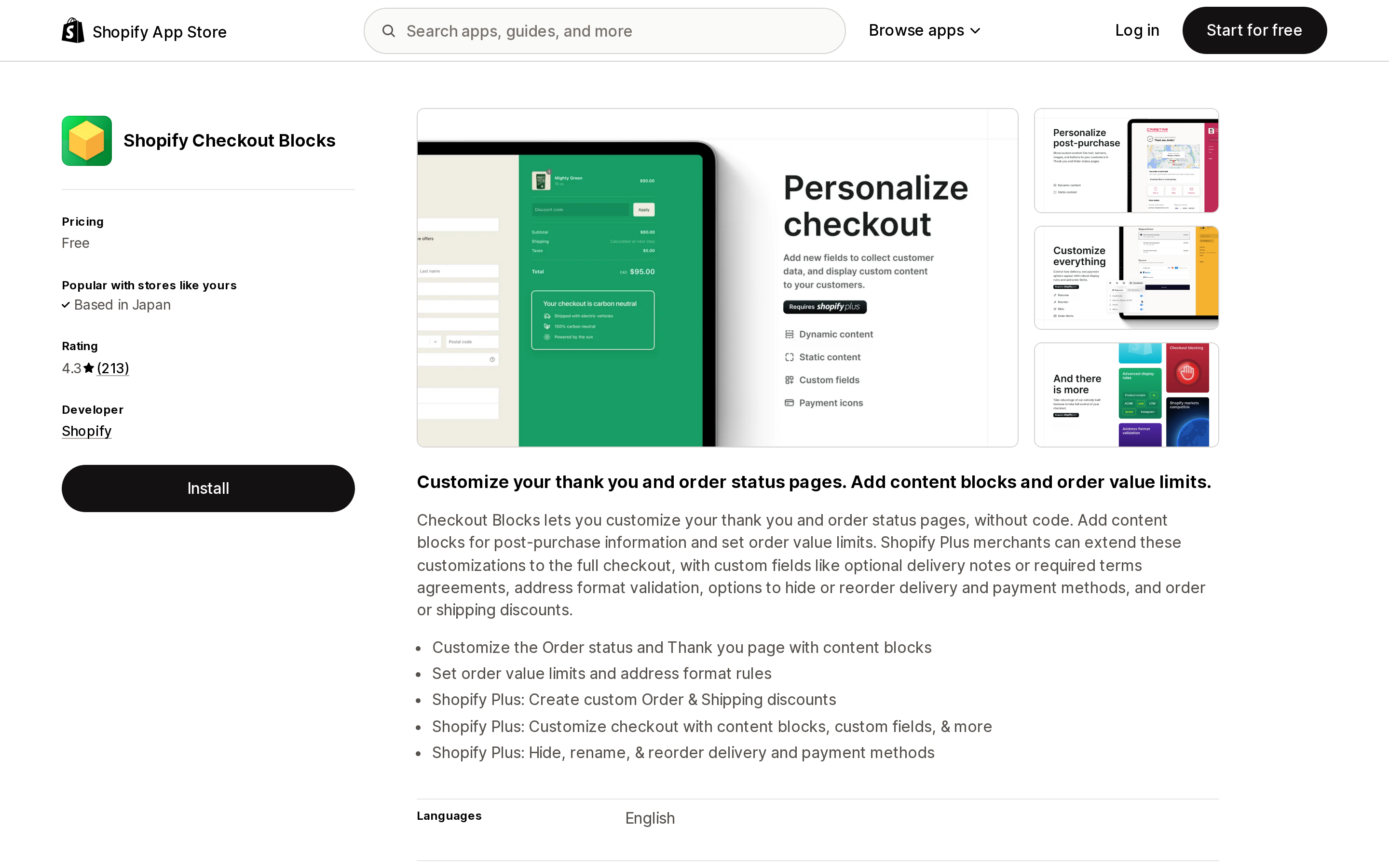
Source: Shopify App Store (Shopify Checkout Blocks), retrieved September 2, 2026
Shopify's own free app, launched September 28, 2022. On Basic and higher, merchants get the dynamic and static content blocks and "can place them only on their Thank you and Order status pages." Blocks on checkout itself, custom fields, hiding or renaming delivery and payment methods, custom order and shipping discounts, and the branding editor are Plus-only.
Order value limits and address format rules are the one gray area. The App Store listing presents them next to the non-Plus content blocks, but the Help Center says every Checkout Blocks feature other than the dynamic and static content blocks is available only to Shopify Plus, and the app's Functions documentation places delivery and payment method customizations behind Plus as well. Availability of those two features on a non-Plus plan is not stated consistently in the app's official documentation, so confirm it in your own admin before planning around it.
Its 4.3 rating with 26 one-star reviews out of 213 is low for a first-party app, and the gap between the name and the non-Plus reality shows up in them — an August 13, 2026 review calls the title misleading because blocks cannot be added to the checkout page without Plus.
SMART Checkout Rules & Upsells
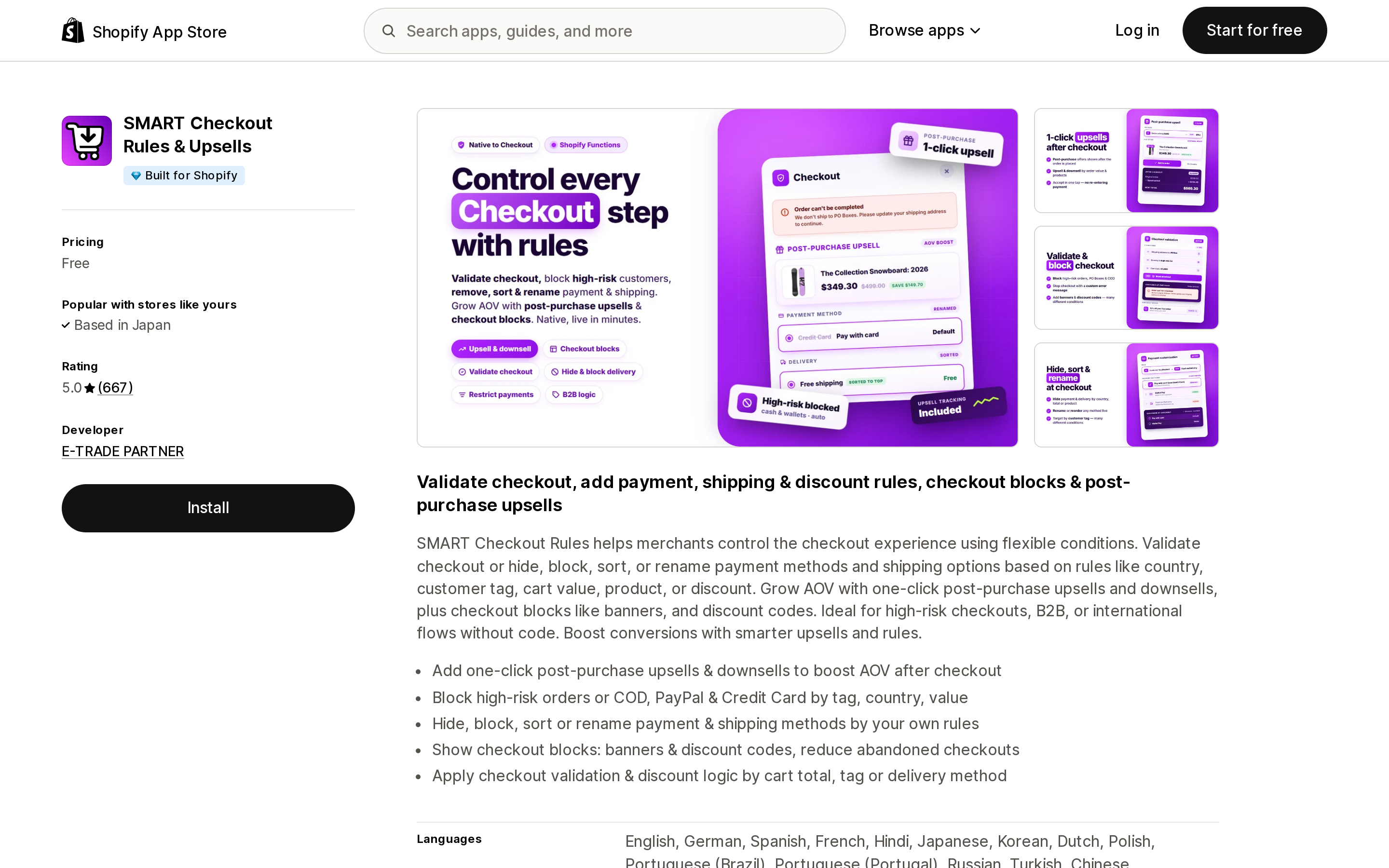
Source: Shopify App Store (SMART Checkout Rules & Upsells), retrieved September 2, 2026
Free, Built for Shopify, 5.0 from 667 reviews, from E-TRADE PARTNER in Warsaw, launched September 11, 2024. It has the widest non-Plus coverage here: all four Functions surfaces plus post-purchase upsells and Thank you page blocks in one install.
The US caveat applies in full — its listed ability to block credit card payments by tag, country, or order value will not affect the credit card fields on a US or Canadian non-Plus store. US reviews describe mixed carts where sample-only, parts-only, and combined orders get different payment and shipping options, which is Functions working as intended. The listing shows no paid plan at all, so the revenue model is unknown.
BeSure Checkout Rules
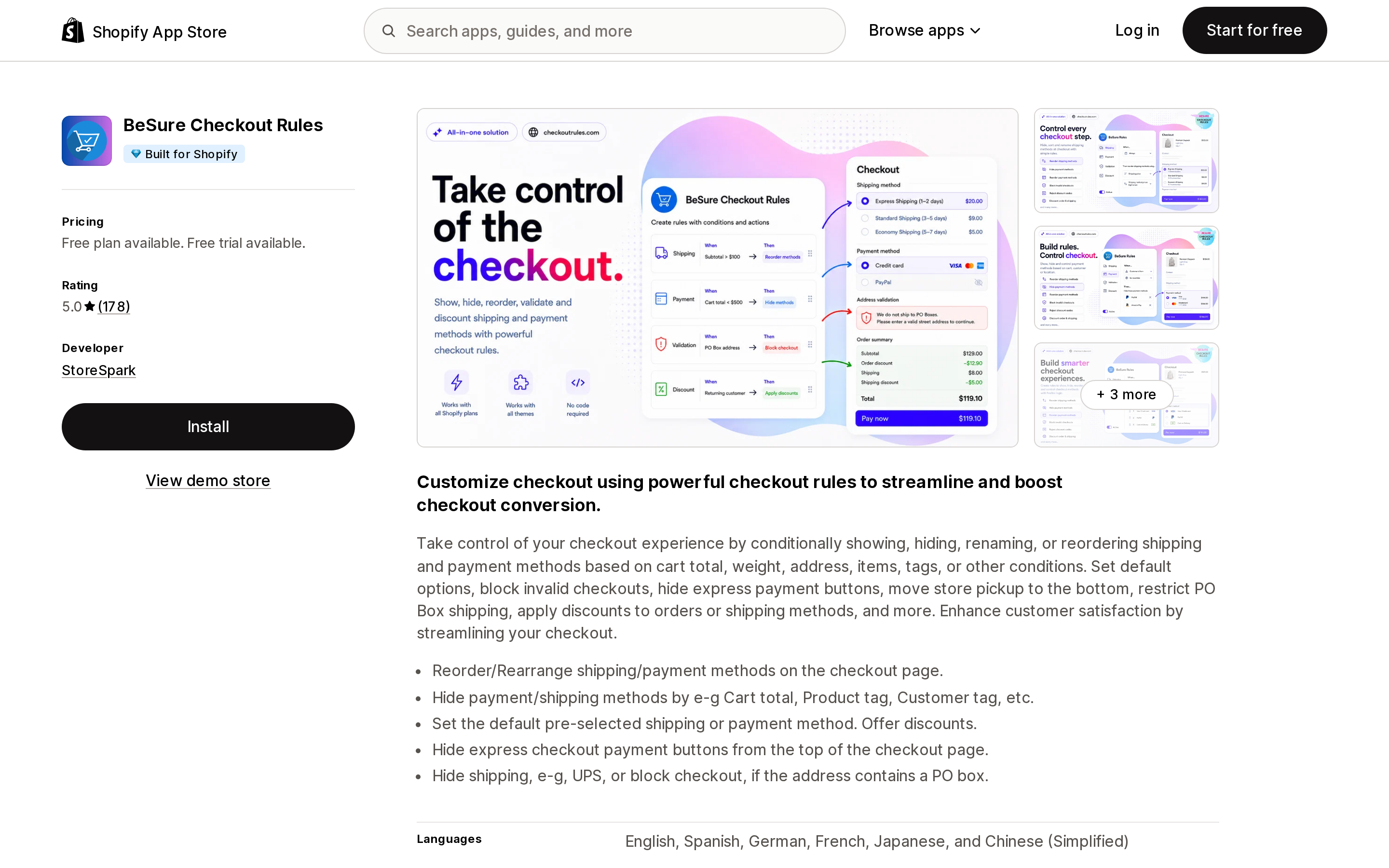
Source: Shopify App Store (BeSure Checkout Rules), retrieved September 2, 2026
Built for Shopify, from StoreSpark, 5.0 from 178 reviews with zero one-star ratings. Same Functions territory — show, hide, rename, reorder shipping and payment methods, set a pre-selected default, block invalid checkouts such as PO Box addresses, apply discounts, move store pickup to the bottom — with a different billing model.
Pricing is by rule count, not order volume: Starter $4.99/month for 2 rules, Advanced $12.99/month for up to 5 rules of each type, Premium $29.99/month for up to 25 of each, with 17% off annually ($49.90, $129.90, $299.90 per year). Two caveats: the free trial is 5 days, the shortest here, and the listing's claim about hiding express checkout buttons is documented by Shopify only in a Plus custom-app context, so its behavior through a public app on a non-Plus plan is not confirmed.
Upsell.com ‑ ReConvert Upsell
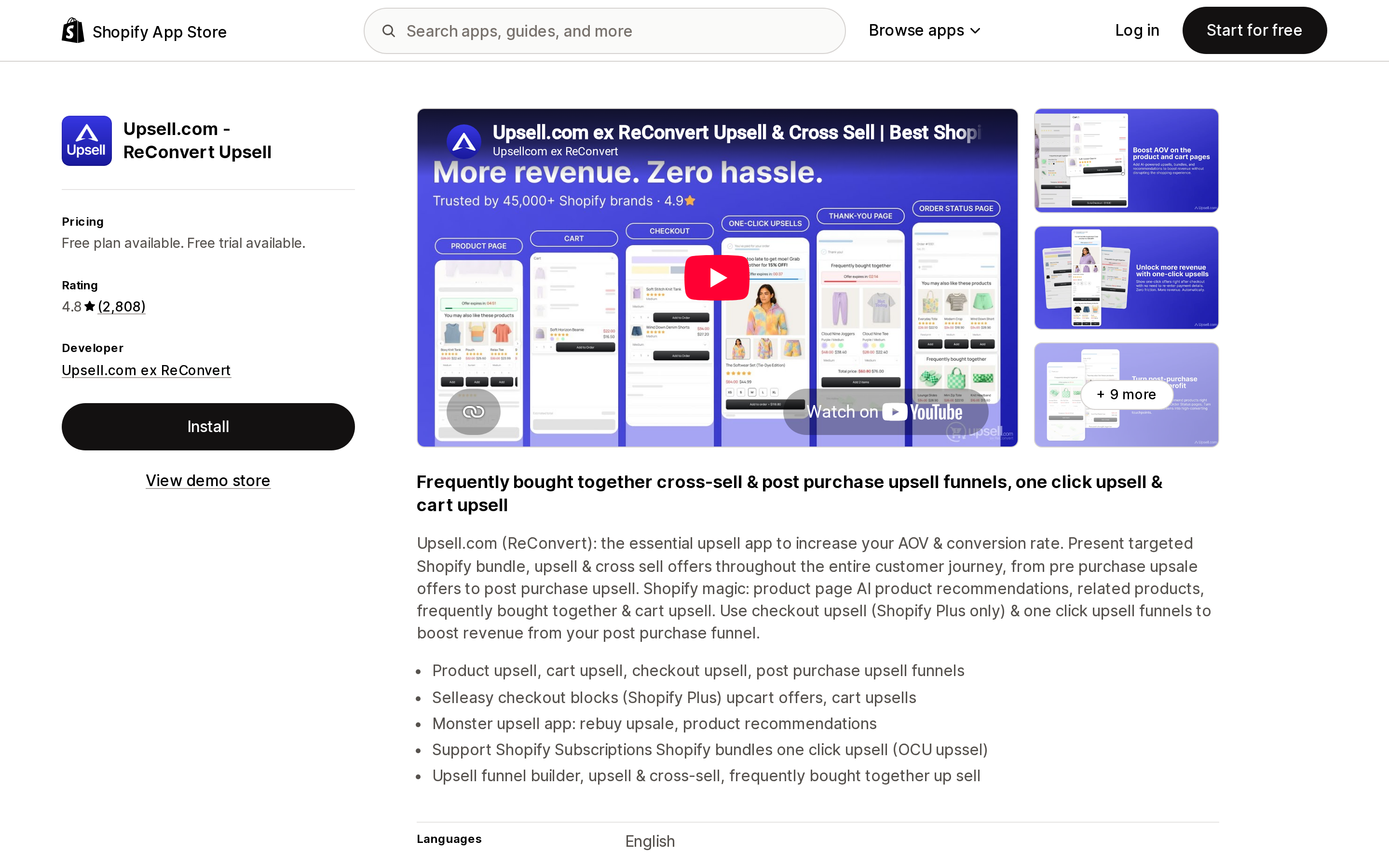
Source: Shopify App Store (Upsell.com ‑ ReConvert Upsell), retrieved September 2, 2026
Formerly ReConvert Upsell & Cross Sell; the developer now appears as Upsell.com ex ReConvert, based in New York, and the slug is still reconvert-upsell-cross-sell. Launched September 26, 2018, 4.8 from 2,808 reviews — the largest review base here. No Built for Shopify badge.
Entry price is $4.99/month, the cheapest paid route onto the post-purchase and Thank you pages, then $9.99 and $19.99, with a 14-day trial. Read the billing basis carefully: tiers advance on monthly orders or upsell revenue, whichever hits first, so cost is harder to forecast than a flat plan. A July 21, 2026 review from a US store reports being charged $39.99 after the trial, and the developer replied offering to review the plan. That is one review out of 2,808, but it is the predictable failure mode of revenue-linked tiers. Checkout upsell is marked Shopify Plus only.
One Click Upsell ‑ Zipify OCU
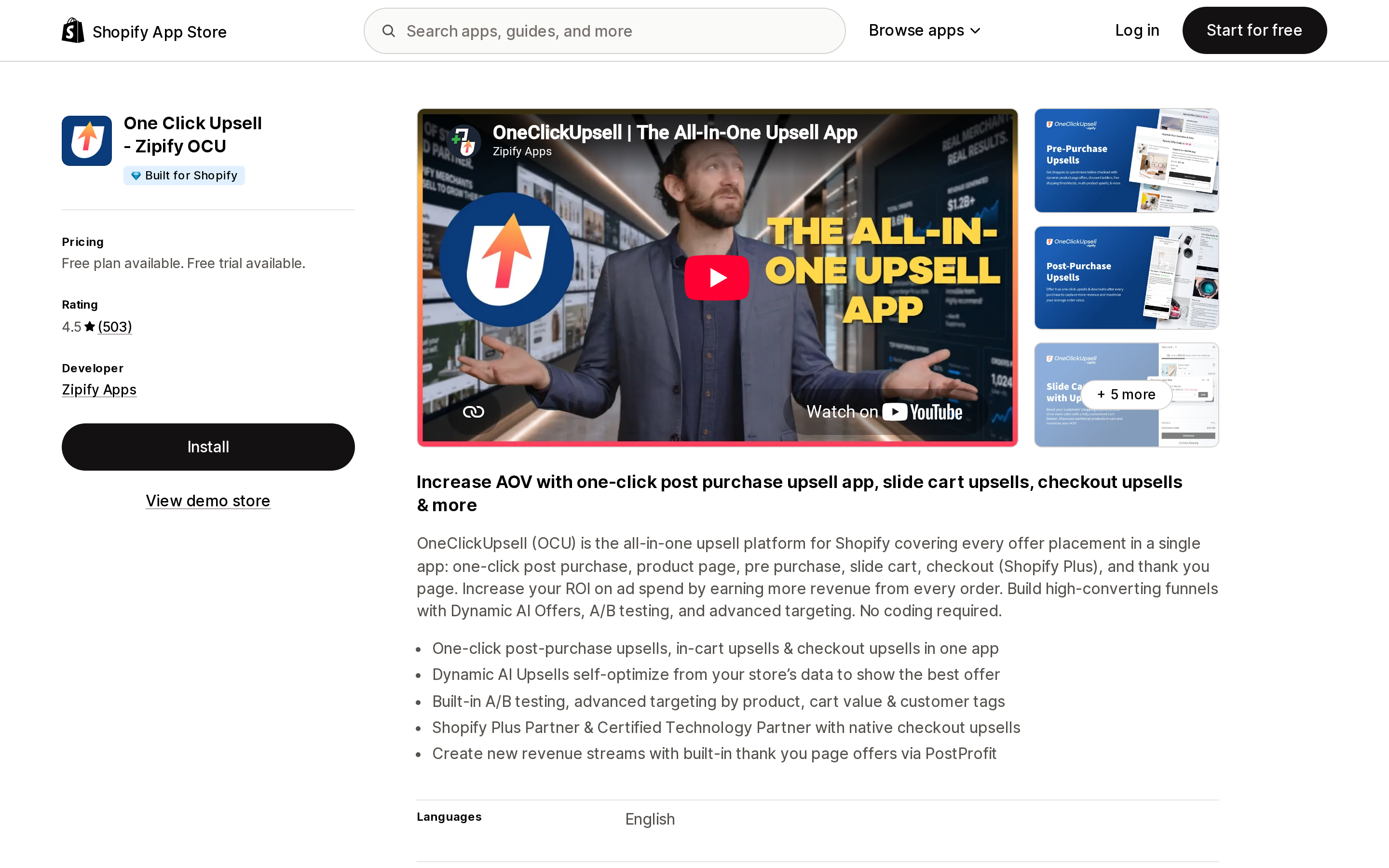
Source: Shopify App Store (One Click Upsell ‑ Zipify OCU), retrieved September 2, 2026
From Zipify Apps, Built for Shopify, 4.5 from 503 reviews. A single Unlimited plan at $8/month that scales with generated upsell revenue, with a 30-day free trial — tied for the longest here. It covers one-click post-purchase upsells, Thank you and Order status offers, and pre-purchase widgets; in-checkout upsells are labeled Shopify Plus.
Two marks against it: 4.5 is the lowest average among the upsell apps in this set, with 30 one-star reviews out of 503, and the listing does not show where the $8 base tops out as upsell revenue grows.
Aftersell Post Purchase Upsell
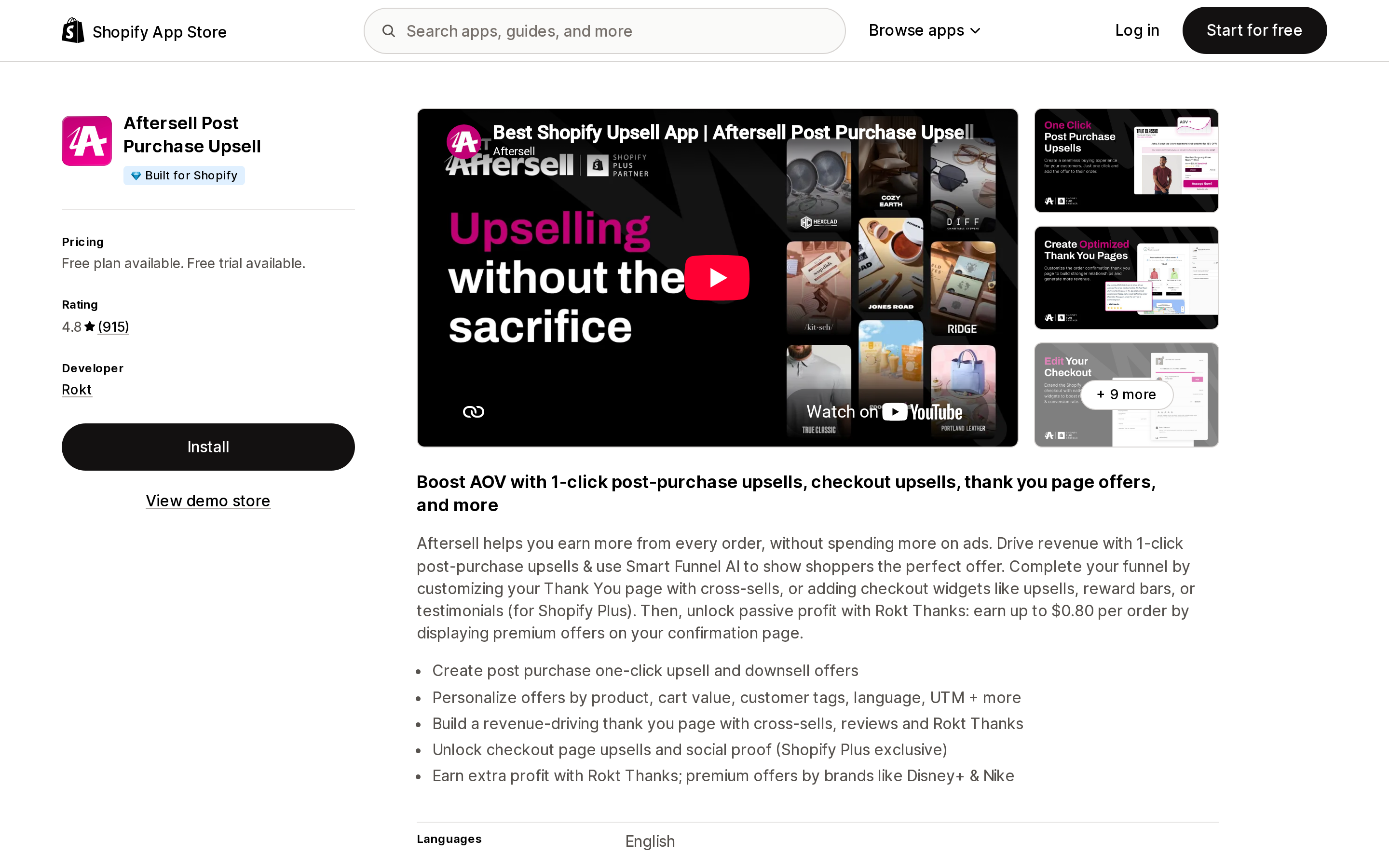
Source: Shopify App Store (Aftersell Post Purchase Upsell), retrieved September 2, 2026
Now developed by Rokt, Built for Shopify, 4.8 from 915 reviews, launched December 31, 2019. Order-tiered pricing: $34.99/month to 500 orders, $54.99/month to 1,000, $99.99/month to 2,000, with a 30-day trial. The 2,000+ tier is not shown on the listing.
Its design fits the non-Plus reality — post-purchase and Thank you page are the core, and checkout widgets are explicitly flagged "Checkout upsells (Shopify Plus only)." Listed integrations include Klaviyo, Nosto, ReCharge, Skio, UpCart, and Yotpo, and Rokt Thanks adds a second revenue path by placing third-party offers on the confirmation page. The floor price is the constraint: $34.99/month needs enough eligible post-purchase orders to clear it, which loops back to your wallet payment mix.
Rebuy Personalization Engine
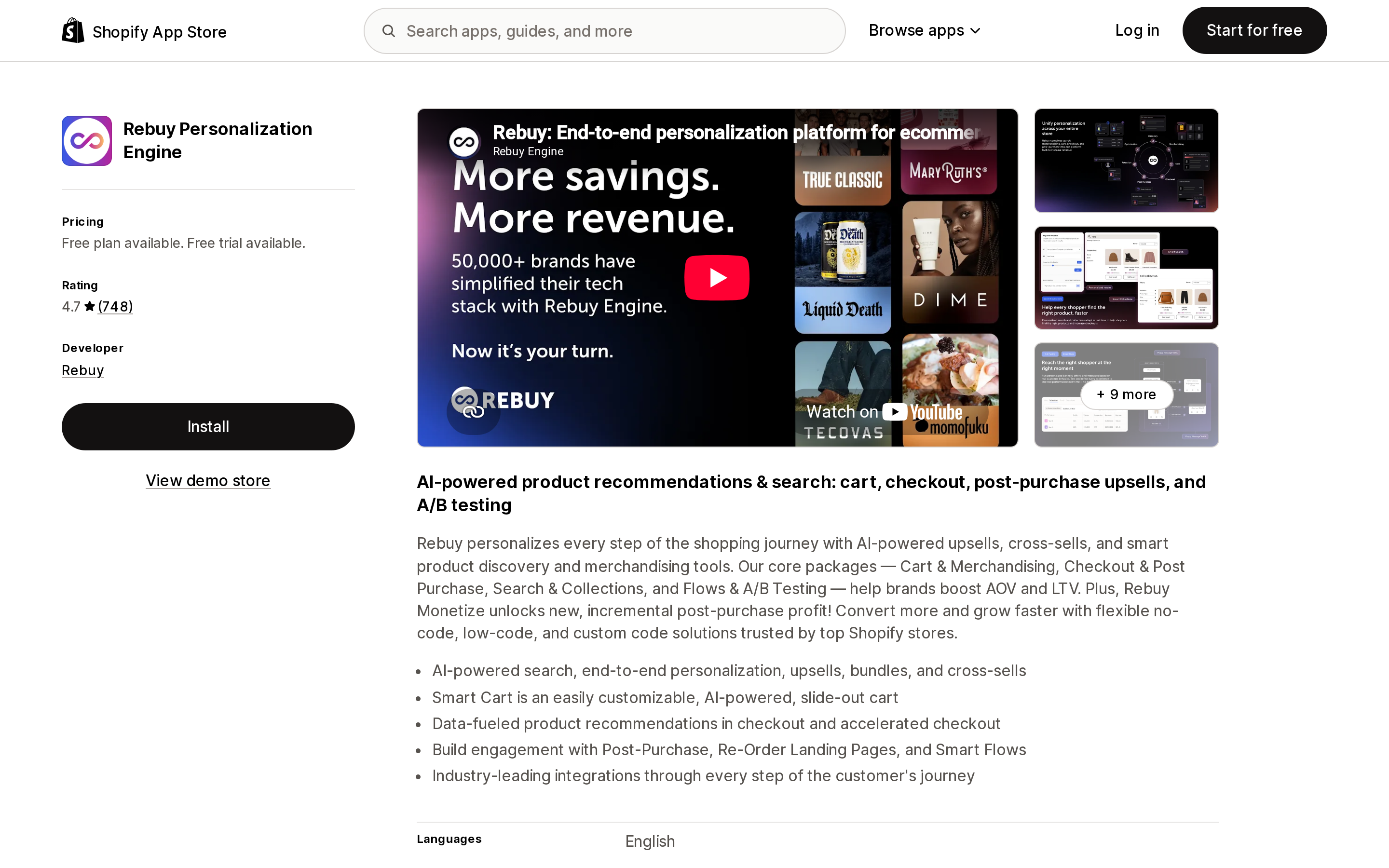
Source: Shopify App Store (Rebuy Personalization Engine), retrieved September 2, 2026
4.7 from 748 reviews, no Built for Shopify badge, paid plans from $25/month scaling by orders per month, 14-day trial. It spans smart cart, AI recommendations, search and collections, post-purchase offers, and Thank you page upsells, and lists Attentive, Klaviyo, Okendo, Recharge, and Route as integrations.
Its listing advertises recommendations "in checkout and accelerated checkout" without flagging a Plus requirement for that line. The platform rule applies regardless: a checkout UI extension on the information, shipping, or payment pages will not render on a non-Plus plan. If in-checkout personalization is your reason for buying Rebuy, you need Plus. Per-tier pricing is not published on the listing.
How to choose
- Custom UI on the information, shipping, or payment page — no app solves this; Plus is the only path.
- Free content on the Thank you and Order status pages — Shopify Checkout Blocks.
- Free conditional shipping, payment, validation, and discount rules — SMART Checkout Rules & Upsells, with the US credit card limitation understood upfront.
- The same rules with a fixed, predictable bill — BeSure Checkout Rules, priced by rule count.
- The cheapest post-purchase test — Upsell.com ‑ ReConvert Upsell at $4.99/month, or One Click Upsell ‑ Zipify OCU at $8/month if a Built for Shopify badge and a 30-day trial matter more than entry price.
- Past roughly 500 orders a month, investing seriously in post-purchase — Aftersell Post Purchase Upsell.
- Cart, search, recommendations, and post-purchase on one platform — Rebuy Personalization Engine, accepting that in-checkout recommendations stay dark until Plus.
- You only want checkout to look like your brand — install nothing; use the checkout and accounts editor.
- Different checkout experiences per market — Advanced or Plus. No app fills this on Basic or Grow.
The question before any install is not "does this app work without Plus" — most do. It is "which of this app's features survive the page gate, and is that subset worth the monthly price."
Sources
- Customizing your checkout and customer accounts with apps
- Customizing payment methods and delivery options at checkout
- Customizing the style of your checkout
- Using the checkout and accounts editor
- Checkout Blocks app and Functions in Checkout Blocks
- Shopify Scripts and the Script Editor app, and the changelog entry Shopify Scripts deprecation: editing ends April 15, execution ends June 30, 2026
- Checkout UI extensions and About checkout app extensions
- Function APIs, Cart Transform API, Payment Customization API
- About product offers
- About checkout styling
- checkout.liquid sunset schedule
- New checkout functionality for merchants on Basic, Shopify, and Advanced plans (May 21, 2024). Shopify has since removed this changelog entry; the wording above is taken from an archived copy.
App listings linked in the table above were checked on September 2, 2026. Pricing and ratings change frequently — verify before you commit.
Shop Pay Installments is free to activate, needs no app, and Shopify never publishes what it costs you — the rate is visible only inside your own admin. It also refuses Capital One and Chase credit cards, restricts monthly plans to debit cards only, excludes gift cards and subscriptions, and can't be turned off for individual products. Affirm can suspend your account for being password-protected, for having a non-English storefront, or for being primarily B2B. And Shopify's Getting paid page says disputes appear in your admin while its FAQ says they don't. If you fail the eligibility gates, the alternative is on-site messaging apps from Klarna, Afterpay, Sezzle, Zip, and PayPal — a category rated between 1.0 and 3.2 stars. Researched September 2, 2026.