
What you will learn
On this pageContentsCloseOpen
Adding "round up for charity" to checkout sounds like a small feature. It is a small feature. What makes it worth an article is that the apps implementing it disagree, fundamentally, about whose money it is.
Three of the five apps below route donations through their own 501(c)(3) foundation. All three then answer the question who is the donor of record, and who gets the tax receipt differently. One sends the receipt to the merchant. One emails it to the shopper. One tells shoppers plainly that they will not receive a charity receipt and should keep their order confirmation.
That choice determines what you can honestly say on your storefront. It is not a detail you discover after installing.
Research date: September 2, 2026. Prices are USD from the English App Store listings. Nothing here is tax advice — the receipt mechanics below are quoted from each vendor's own documentation, and how any of it applies to your business is a question for your accountant.
The short version
- Shopify has no native donation or round-up feature at checkout.
- The nearest built-in is Tipping. Shopify's help center explicitly describes relabeling it for charity. It has real limits: tips can't exceed 100% of the order total, are capped at $1,000, aren't available with Shop Pay Installments, aren't supported by the Subscription API, and tip refunds must be entered manually.
- Tipping has no charity selection, no disbursement, and no receipt. It collects money into your account and stops.
- Inserting UI into the checkout's information, shipping, or payment steps requires Shopify Plus. Thank you and Order status extensions are available on every plan except Starter.
- The old free standby, Round Up for Charity, is no longer on the Shopify App Store. Its listing now reads: "This app is not currently available on the Shopify App Store."
- Fee models split into two shapes. ShoppingGives and Zestard charge you and leave the donation whole. Give & Grow and Shop for Good deduct their fees from the donation by default.
- On $1,000 of donations in a month, the nonprofit receives roughly $1,000, $841, or $870 depending on which of those three you chose. Math below.
What Shopify actually gives you
Tipping, relabeled
Shopify's tipping documentation does not hide this use case. It suggests customizing the labels "to suit your goals, such as supporting your business financially, or collecting donations for a charity," and shows an example using the title Donations with the tip label Donation.
For a single-cause store this is a legitimate zero-app starting point. Enable tipping in checkout settings, set up to three preset percentages of the subtotal, rewrite the copy. A custom-amount field is added automatically. It works today, at no cost.
The constraints, quoted from the same page:
- "Customers can't tip more than 100% of the order total."
- "Tips are limited to $1000 USD for both pre-selected and custom tip options."
- "Customers can't add tips when they place orders using Shop Pay Installments."
- "The Subscription API doesn't support tipping."
- "To include the tip portion in a refund, you must add the tip amount manually."
The last one is the operational one. Every refund on an order with a donation becomes a manual decision about whether the donation comes back too.
And the bigger gap is what tipping does not attempt: it does not let a shopper pick among causes, does not send money anywhere, and does not produce anything a donor could treat as documentation. The money lands in your Shopify payout like any other revenue.
Selling a "donation" as a product
The other no-app route is a $5 product called Donation. It works, with caveats you have to handle by hand. Shopify has no donation-specific accounting treatment: whether it charges tax depends on the Charge tax on this product setting, whether it triggers shipping depends on unchecking This is a physical product, and third-party transaction fees apply to the order total regardless of what's in it if you aren't using Shopify Payments.
Nothing is broken here. It's just that every safeguard is one you configure and remember.
Where an app can put its UI
This is the plan question. Per Shopify's developer documentation, "Checkout UI extensions for the information, shipping, and payment steps are available only to stores on a Shopify Plus plan." Post-purchase surfaces are broader — extensions on the Thank you and Order status pages are available on all plans except Shopify Starter.
Practically: on a non-Plus store, a donation widget lives on the product page, in the cart, or after the order is placed. Getting it into checkout itself means Plus. The one app below that puts a prompt in front of the checkout button rather than inside checkout is doing that on purpose.
The question the pricing pages don't answer
Three of these apps operate a 501(c)(3) that receives the money and grants it onward. Here is what each one's own documentation says happens next.
ShoppingGives ‑ Donation App routes donations to ShoppingGives Foundation, an Illinois 501(c)(3) with Federal Tax ID 83-1352270, which manages disbursement — for charities enrolled with PayPal Giving Fund, through PPGF. Its merchant terms state that the Foundation "will provide Merchant with a Donation receipt, and Merchant will disregard any additional tax receipts received related thereto." The receipt goes to you. The shopper is not the donor of record.
Give & Grow Donations, from Pledge, is the opposite. Pledgeling Foundation receives the donation directly, and its help center states: "Since we received the original donation and we're a 501c(3), we issue the tax receipt – it is sent via email as soon as the card charge is processed." The shopper gets documentation, automatically, at the moment of payment.
Shop for Good Donation App, from DailyKarma, routes through The DailyKarma Foundation, EIN 86-3353394, and is candid about the outcome: shoppers "will not receive receipts for charities but can use the order confirmation or purchase receipt that itemized their donation as proof of donation." Its documentation also notes the customer's receipt shows the donation but not the charity's name.
The other two apps in this comparison — Zestard ‑ Easy Donation and Donation Pop — do not operate a charitable intermediary at all. They are collection widgets. Zestard's site says merchants can receive a donation receipt copy; what happens to the money after it lands in your account is entirely your process.
None of these designs is wrong. They serve different intents. But "we donate to X" and "you donated to X" are different sentences, and only one of them is available to you depending on which app you installed.
What the charity actually receives
The second split is fees, and it runs along the same line. Two apps bill the merchant and leave the donation intact. Two deduct from the donation.
Take a store collecting $1,000 in donations across 100 orders in one month — 100 donations of $10 each. Using each vendor's stated rates:
| Merchant pays | Nonprofit receives | Arithmetic | |
|---|---|---|---|
| ShoppingGives | $34.00 | $1,000.00 | $29/month + 0.5% of $1,000 = $29 + $5 |
| Zestard ‑ Easy Donation | $7.49 | not stated | $6.99/month + 0.05% of $1,000 = $6.99 + $0.50 |
| Give & Grow (default) | $0 | $841.00 | card 2.9% ($29) + $0.30 × 100 ($30) + 10% tech fee ($100) = $159 deducted |
| Shop for Good (Startup Brands) | $0 | $870.00 | 10% donation processing + 3% card = 13% of $1,000 |
| Donation Pop | $0 or $9.99 | not stated | Free tier, or $9.99/month Premium |
Two things fall out of this that are easy to miss.
The per-transaction fee punishes small donations. In the Give & Grow row, the $0.30-per-charge component alone is $30 — as much as the card percentage. At 100 donations of $10 the fees are 15.9% of the total. At 10 donations of $100, the same $1,000 would carry roughly $103 in fees, or 10.3%. Round-up campaigns generate exactly the small-donation pattern that this fee shape treats worst.
Give & Grow lets you close the gap. Its help center describes an in-app option to cover the fees so the nonprofit receives 100%. Covering the $159 above costs the merchant more than ShoppingGives' $34 for the same outcome — but Give & Grow has no monthly floor, so at low donation volume the ranking flips. The crossover is worth computing against your own numbers rather than assuming.
The five apps
ShoppingGives ‑ Donation App
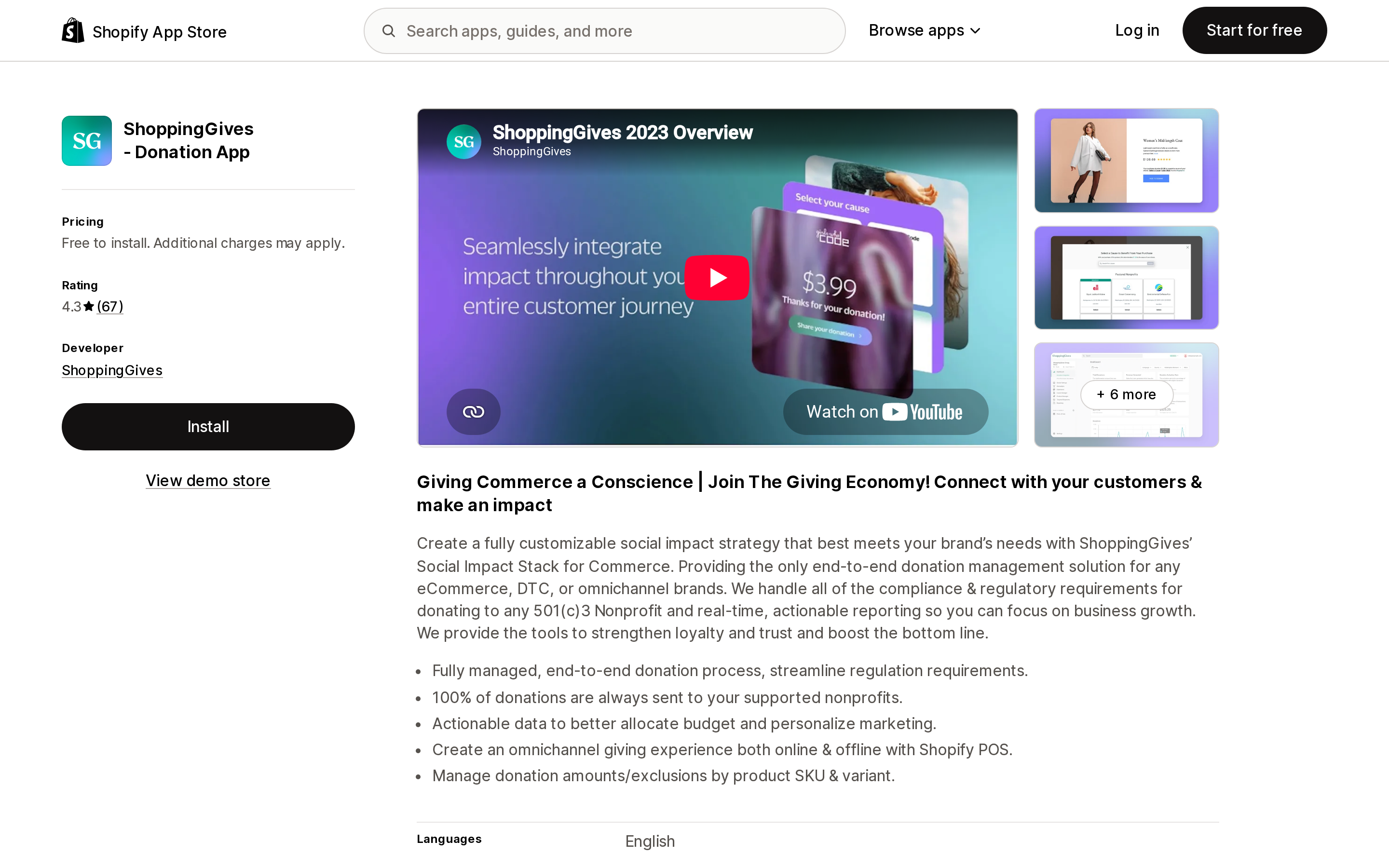
Source: Shopify App Store (ShoppingGives ‑ Donation App), retrieved September 2, 2026
Free to install; a 7-day trial includes 20 donation credits, after which the listing states 0.5% plus $29/month. Higher tiers on the vendor's own pricing page run to $1,493/month. Add-ons are priced separately, including $50 per additional POS store per month and a 5% processing fee on customer add-on donations.
This is the most complete option and the only one where a Plus requirement is documented rather than inferred: the vendor's pricing page marks the Checkout Widget Shopify Plus Only. Cart and product-page placement carry no such note.
Its round-up is calculated pre-tax, pre-shipping, and post-discount, and creates a dedicated Round-Up Donation product in your store that must not be deleted. One refund note that will surprise US merchants: following California AB488, since January 1, 2025 donation amounts are no longer automatically adjusted via API on returns and exchanges. Cancellation from the admin is limited to fraudulent or test orders.
4.3 across 67 reviews. The recurring negative theme, across several reviews, is the introduction of the $29/month charge to what had previously been free. The recurring positive theme is unusually hands-on support, including replies from the founder. No Built for Shopify badge in the header.
Give & Grow Donations
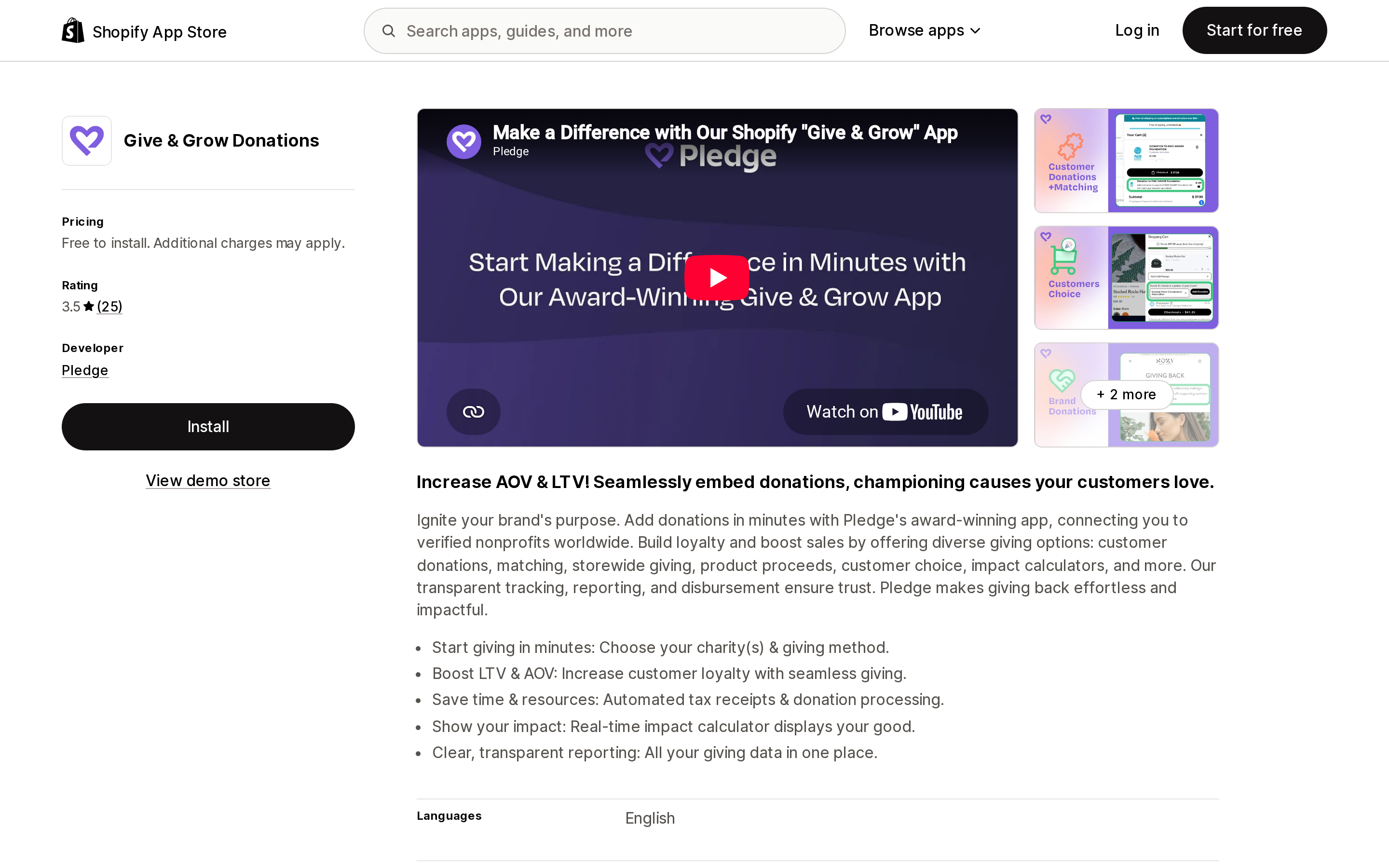
Source: Shopify App Store (Give & Grow Donations), retrieved September 2, 2026
Free to install, with external charges billed by Pledge. There is no monthly subscription tier on the listing — the model is fees on donations, deducted by default, coverable at your option. Shopify POS is supported.
Its distinguishing feature is the one described above: Pledgeling Foundation issues the tax receipt directly to the shopper by email at the moment the card is charged. If your campaign's premise is that your customer is the donor, this is the only app in this set that backs that claim with automated documentation.
Two things to weigh against it. Processed donations are not automatically refunded, since the money has already moved to the nonprofit; only pending donations can be cancelled. And disbursement to organizations outside the US 501(c)(3) registry runs through a partner nonprofit with an additional 5% fee.
3.5 across 25 reviews, the lowest rating here. No Built for Shopify badge in the header.
Shop for Good Donation App
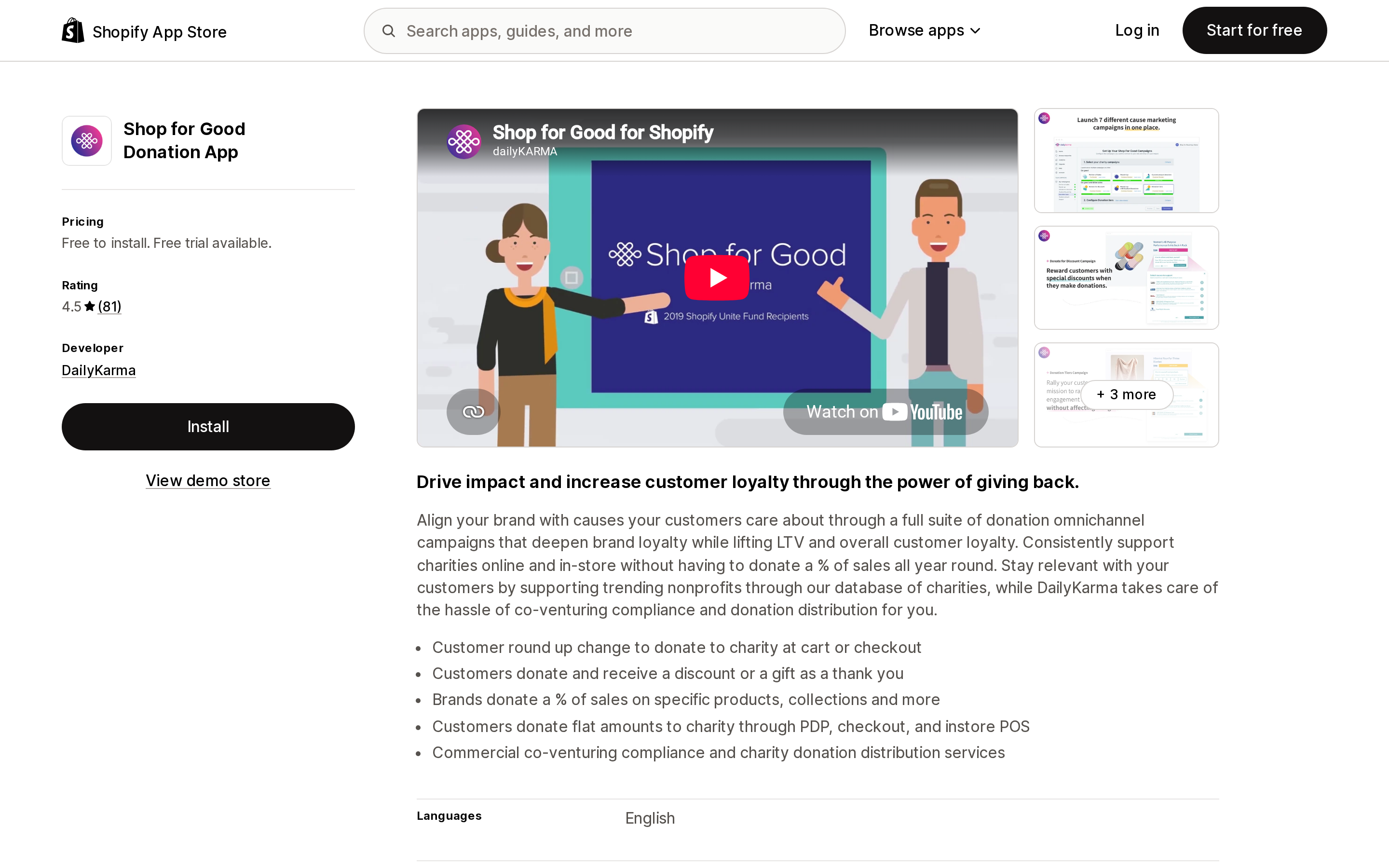
Source: Shopify App Store (Shop for Good Donation App), retrieved September 2, 2026
Three tiers. Startup Brands is free to install, with 10% donation processing plus 3% card fees deducted from each donation, and includes Portion of Sales, Round Up on Cart, $1 Donation, and Smile.io and Shopify Markets integrations. Emerging Brands at $299/month ($3,180/year, 11% off) adds custom amounts, donation tiers, and Round Up on Checkout. Scaling Brands at $700/month ($7,140/year, 15% off) adds API integrations and custom branded widget placement.
Read those two round-up entries together, because the gap between them is $299/month. Round-up on the cart is free. Round-up at checkout is not.
Refund handling is unusual and worth planning around: a full refund issued before the 1st of the month automatically removes the donation, but partial refunds do not adjust it — the donation is still billed.
4.5 across 81 reviews. The recurring negative theme across multiple reviews is the jump in price to the paid tiers; the recurring positive theme is responsive support. No Built for Shopify badge in the header.
Zestard ‑ Easy Donation
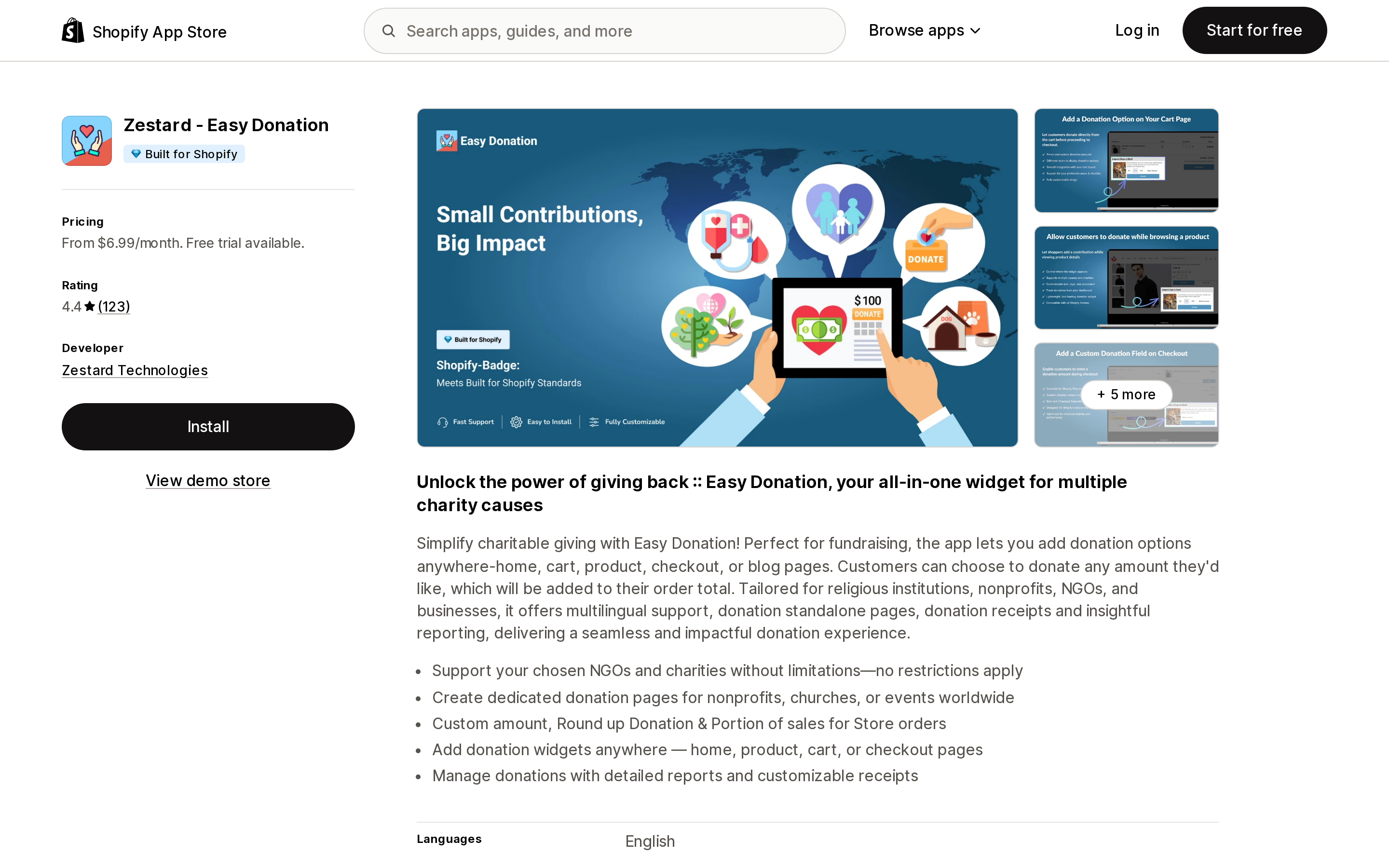
Source: Shopify App Store (Zestard ‑ Easy Donation), retrieved September 2, 2026
The only app here with a Built for Shopify badge in its header, and the largest review count in the group at 123. Basic is $6.99/month and Advance is $9.99/month, both plus 0.05% commission on collected donations, both with a 7-day trial. There is no free plan. Advance adds multiple donation widgets and multiple landing pages.
It is also the cheapest by a wide margin, and the reason is structural: there is no charitable foundation behind it. It collects donations into your store and reports on them. Distributing the money and handling any acknowledgement is your process. For a merchant supporting one cause with an established relationship and a finance team that already cuts the check, that is a feature, not a gap.
The reviews carry a real caution. Across multiple reviews and multiple years, merchants report loading failures, 500 errors, donations not appearing in the dashboard, and slow support. The five-star reviews are equally consistent in naming individual support staff who resolved things quickly. Both patterns are recurring; neither is a single voice.
Donation Pop | Pop‑up in cart
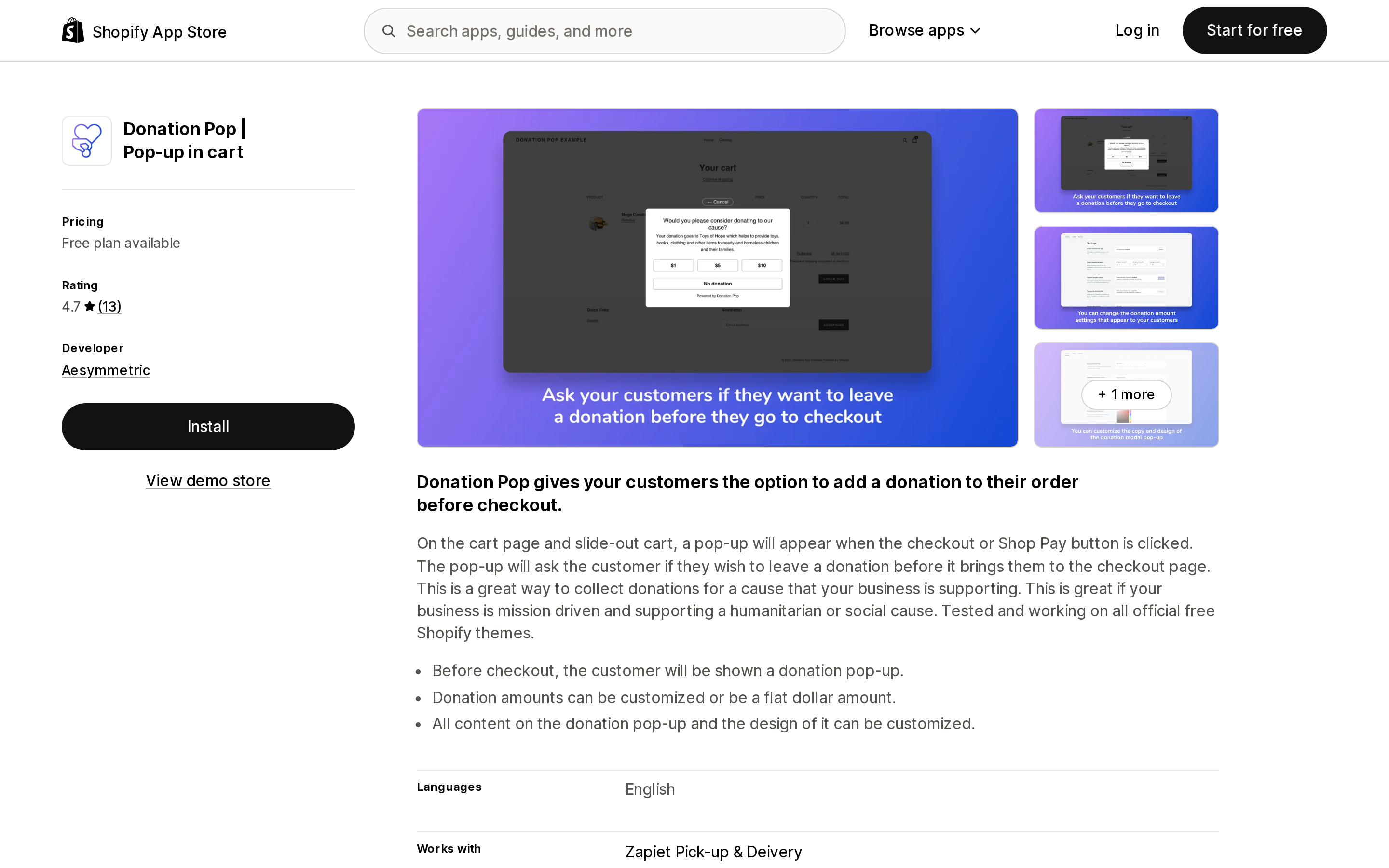
Source: Shopify App Store (Donation Pop | Pop‑up in cart), retrieved September 2, 2026
Genuinely free, with a $9.99/month Premium tier that adds custom donation amounts and hides the powered-by text. The mechanism is narrow and clever: the pop-up fires when the Checkout or Shop Pay button is clicked, catching the shopper on the way out of the cart rather than inside checkout.
That design sidesteps the Plus requirement entirely — there is no checkout extension because it never enters checkout — and it is the only listing here that explicitly names Shop Pay in its trigger, meaning accelerated checkout buttons don't route around it.
What you don't get is everything behind the widget: no foundation, no charity directory, no receipts, no disbursement. 4.7 across 13 reviews, which is a small sample. No Built for Shopify badge in the header.
Comparison
| ShoppingGives | Give & Grow | Shop for Good | Zestard ‑ Easy Donation | Donation Pop | |
|---|---|---|---|---|---|
| Entry price | Free install, then $29/mo | Free install | Free install | $6.99/mo | Free |
| Fee taken from donation | None | 2.9% + $0.30 + 10% (coverable) | 13% on free tier | None | None |
| Fee charged to merchant | 0.5% of GMV | Optional fee cover | Tier price | 0.05% | $0 or $9.99/mo |
| Charity receives 100%? | Yes | Only if fees covered | No, on free tier | Merchant-dependent | Merchant-dependent |
| Donor of record / receipt | ShoppingGives Foundation → merchant | Pledgeling Foundation → shopper | DailyKarma Foundation → no charity receipt | No foundation | No foundation |
| Round-up placement | Cart, product, checkout | Product, cart, POS | Cart free; checkout from $299/mo | Anywhere | Before checkout button |
| Checkout placement needs Plus | Yes, stated | Not stated | Not stated | Not stated | N/A |
| Shopify POS | Yes | Yes | Yes | Yes | Not stated |
| Built for Shopify (header) | No | No | No | Yes | No |
| Rating / reviews | 4.3 / 67 | 3.5 / 25 | 4.5 / 81 | 4.4 / 123 | 4.7 / 13 |
How to choose
Start with the sentence you want on your storefront. It narrows the field faster than price does.
"Our customers donated $X this year," with documentation they can keep. Give & Grow is the only option here that emails the shopper a receipt from a 501(c)(3) automatically. Budget for covering the fees if you also want to say 100% reached the cause.
"We donate $X on your behalf." ShoppingGives fits cleanly — the receipt comes to you, the nonprofit receives 100%, and your cost is a predictable $29/month plus half a percent. It is also the only app with a documented Plus requirement for checkout placement, so confirm your plan before scoping.
You want to test whether customers will donate at all. Donation Pop's free tier costs nothing, requires no plan upgrade, and fires on both Checkout and Shop Pay. If conversion is flat after a month, you learned that for free.
One cause, an existing relationship, and a finance team that already handles giving. Zestard at $6.99/month is the cheapest way to collect. Test it hard during the trial — the reliability complaints in its reviews are recurring, not isolated.
Round-up at checkout specifically, on a budget. Note the shape of the trap. Shop for Good's free tier gives you round-up on the cart; round-up on checkout starts at $299/month. If cart placement converts acceptably, you have saved $3,588 a year.
None of the above, and you support exactly one charity. Turn on Tipping, relabel it, and skip the app. Then set an internal rule for what happens to the donation line on refunds, since Shopify won't handle it for you.
Before you install
Write the storefront copy first, then pick the app. The donor-of-record model is the one thing you cannot change later without changing vendors.
Model your fees on real donation sizes. Round-up campaigns produce many small donations, which is the worst case for per-transaction fees. Run the arithmetic at your average order count, not on a round $1,000.
Decide your refund rule before launch. Every option here handles it differently: ShoppingGives no longer auto-adjusts on returns, Shop for Good ignores partial refunds, Give & Grow can't reverse a processed donation, and native tipping requires manual entry.
Check your plan against your placement. If the campaign design depends on the donation appearing inside checkout, that is a Shopify Plus conversation, not an app conversation.
Don't rely on an app staying available. Round Up for Charity was a widely used free option, and as of this research its listing states it is not currently available on the App Store. Know where your donation data lives and how you would export it.
Sources
- Shopify Help Center — Tipping
- Shopify Help Center — Types of charges
- Shopify.dev — Checkout UI extensions
- Shopify.dev — Checkout extensions
- Shopify App Store — ShoppingGives ‑ Donation App
- Shopify App Store — Give & Grow Donations
- Shopify App Store — Shop for Good Donation App
- Shopify App Store — Zestard ‑ Easy Donation
- Shopify App Store — Donation Pop | Pop‑up in cart
- ShoppingGives — Pricing
- ShoppingGives — Merchant terms and conditions
- Pledgeling Help — Does Pledgeling Foundation send a tax receipt to the donor?
- Pledgeling Help — What fees are taken out of my Give & Grow donation?
- DailyKarma Help — Are my donations tax-deductible?
- DailyKarma Help — Who is the DailyKarma Foundation?
Prices, fee rates, ratings, and review counts were verified against the English App Store listings on September 2, 2026 and change often. This article describes what each vendor documents about receipts and disbursement; it is not tax or legal advice.
Shopify's admin address validation is on by default, free, on every plan, and supports the US. Checkout-time validation is one toggle away. Shopify's own documentation then warns that running a third-party address validation app at the same time can create conflicting suggestions and reduce checkout conversion — you are meant to pick one. That reframes the whole category: apps are not there to duplicate deliverability checking, they are there to enforce policy Shopify's validator does not enforce, like blocking PO boxes or requiring an apartment number. We priced four real apps from the US App Store on September 2, 2026, spanning $4.99/month flat, $0.04 per order, and one that requires a separate subscription billed outside Shopify.