
What you will learn
On this pageContentsCloseOpen
The most repeated claim about Shopify's native segmentation — that it only knows what people bought — is out of date. Shopify's help center currently documents 27 customer segment filters, and they include on-site browsing behavior, email engagement, an 11-value RFM group, and a predicted spend tier. None of that requires an app.
The real ceiling is somewhere else, and it is a specific number. Research date: September 2, 2026. All prices are USD figures shown on each vendor's US pricing page or Shopify App Store listing in the en-US locale on that date.
The short version
- Shopify's segment editor exposes 27 filters plus metafield-based filters. Browsing events, email engagement,
rfm_group, andpredicted_spend_tierare all in there. - The hard published ceiling is 10 clauses per segment query. An eleventh clause returns
Invalid query: Too many clauses (>10). - Klaviyo documents 100 criteria per segment and 1,000 active segments per account — ten times the clause budget. That is the single most quantitative reason to move segmentation into an app.
- Behavioral history stops at 26 months. Email events start March 2022; storefront events start May 2023.
- An
INlist holds a maximum of 500 IDs. - Segments are not real-time. Counts refresh when you open the segment or when an app uses it.
- Shopify does not publish a cap on how many segments you can create, how many customers a segment can hold, or how many rows you can export. The widely repeated "250 segments" figure is a GraphQL API pagination limit, not a creation cap.
The 27 filters, in full
Segments are written in a subset of ShopifyQL that exposes only the WHERE clause. The FROM customers and SHOW ... parts of the query are fixed and not editable. Here is the complete filter list from Shopify's reference guide.
| Filter | What you can condition on |
|---|---|
abandoned_checkout_date | Date of the most recent abandoned checkout |
anniversary | A yearly date held in a metafield, matched ignoring the year |
amount_spent | Lifetime spend |
customer_cities | City, in US-NY-NewYorkCity form |
companies | B2B company IDs — Shopify Plus only |
customer_countries | ISO two-letter country codes |
created_by_app_id | Which app created the customer record |
customer_account_status | Account status (legacy customer accounts only) |
customer_added_date | When the customer record was created |
customer_email_domain | Email domain, such as gmail.com |
customer_language | ISO 639-1 language, locale forms allowed |
customer_tags | Customer tags, case-insensitive |
customer_within_distance | Radius from a coordinate, in distance_mi or distance_km |
shopify_email.EVENT | bounced, clicked, delivered, marked_as_spam, opened, unsubscribed, with activity_id, count, date |
email_subscription_status | SUBSCRIBED, NOT_SUBSCRIBED, PENDING, INVALID, UNSUBSCRIBED, REDACTED |
first_order_date | Date of first order |
last_order_date | Date of most recent order |
number_of_orders | Lifetime order count |
orders_placed | count, amount, sum_amount, date, location_id, app_id |
predicted_spend_tier | HIGH, MEDIUM, LOW — stores with more than 100 sales only |
product_subscription_status | SUBSCRIBED, CANCELED, EXPIRED, FAILED, NEVER_SUBSCRIBED, PAUSED — subscription app required |
products_purchased | id, tag, quantity, sum_quantity, date |
rfm_group | DORMANT, AT_RISK, PREVIOUSLY_LOYAL, NEEDS_ATTENTION, ALMOST_LOST, LOYAL, PROMISING, ACTIVE, NEW, CHAMPIONS, PROSPECTS |
sms_subscription_status | SUBSCRIBED, PENDING, REDACTED, UNSUBSCRIBED, NOT_SUBSCRIBED |
customer_regions | ISO 3166-2 state or province, such as US-NY |
store_credit_accounts | balance, currency, next_expiry_date, last_credit_date |
storefront.EVENT | product_viewed, collection_viewed, with id, tag, count, date |
On top of these you can filter on metafields, but only four data types are supported: date and time, number, text, and true or false. A loyalty point balance or a birth date works. A JSON metafield does not.
A few combinations are stronger than the "purchase data only" reputation suggests. orders_placed MATCHES (app_id = 129785, sum_amount >= 500) isolates customers who spent $500 or more specifically through Shopify POS. storefront.product_viewed MATCHES (tag CONTAINS 'jeans') finds people who browsed a product tag without buying. store_credit_accounts MATCHES (next_expiry_date <= +7d) finds credit about to expire. None of those need a third-party tool.
One naming note: the help center writes these storefront filters as storefront.product_viewed, while the attribute table on shopify.dev writes them as storefront_event.product_viewed. The help center form matches what the admin editor accepts.
The one hard number: 10 clauses
This is the ceiling that decides most native-versus-app arguments, and it is published with an explicit error message. A segment query may contain at most ten clauses. Shopify's segment query language reference shows an eleven-clause example — eleven countries joined with OR — and labels the result Invalid query: Too many clauses (>10).
Ten clauses sounds generous until you write a real campaign audience. "Subscribed, in one of eleven states, who bought from one of three collections, viewed a fourth in the last 30 days, has not opened an email in 60 days, and is not in the DORMANT RFM group" runs past ten before you finish the geography.
The comparison that matters: Klaviyo's help center documents up to 100 criteria per segment and up to 1,000 active segments per account, with inactive segments uncapped and the limit raisable on request. Klaviyo describes these as the default limits for most accounts, and notes that some accounts differ because of legacy configurations or approved overrides. That is a tenfold difference in expressible conditions, from a vendor that publishes the number. It is the clearest quantitative line between native segmentation and an app.
Three more limits that rarely get written down
Event data goes back 26 months, and no further. Shopify's reference guide states that email events are available for the last 26 months with data starting on March 2022, and that storefront events are available for the last 26 months with data starting on May 2023. If you want a browsing-behavior or email-engagement cohort older than that, native segments cannot express it. Order-based filters carry no stated retention limit, so rewriting a behavioral condition as an order condition is often the fix.
An IN list holds 500 IDs. That applies to product IDs in products_purchased, product and collection IDs in storefront.EVENT, and marketing activity IDs in shopify_email.EVENT. Large catalogs hit this on "bought anything from this category" queries.
The query language is deliberately small. Aggregate functions such as COUNT, SUM, MAX, and MEDIAN are not supported for querying segments, and neither are string functions such as CONCAT, SUBSTR, LOWER, UPPER, and TRUNCATE. String attributes support only = and !=; CONTAINS applies to list attributes such as tags, cities, countries, and regions. So you cannot match an email domain by partial string.
Segments are not real-time
Membership updates on its own — customers who start matching are added, customers who stop matching are removed. But the number you see is lagged. Shopify's help center: "The count on the segments index is updated when you view the segment by going to the segment details page or when an app, such as Shopify Messaging, uses the segment."
That is a batch design, not an event-trigger design. If your requirement is "send within minutes of the browse event," native segments are the wrong layer, and a flow engine in an email or SMS app is the right one. Test orders and deleted orders are also excluded from segmentation calculations.
What Shopify does not publish — including the 250 myth
Several competing articles state that Shopify caps you at 250 segments. That number comes from shopify.dev's GraphQL Admin API documentation: "You can query a maximum of 250 segments. The maximum value that first and last arguments accept is 250." That is a pagination limit on a single API request. It is not a limit on how many segments you can create.
Shopify does not publish a figure for any of the following, and you should treat claims about them with suspicion:
- The maximum number of segments a store can create
- The maximum number of customers a single segment can hold
- A row limit on CSV export
- A specific recalculation interval in minutes or hours
- Whether set operations between segments (segment A minus segment B) are supported
Plan gates: what Plus actually adds
The segment engine itself does not change by plan. The 27 filters and the 10-clause ceiling are identical on Basic, Grow, Advanced, and Plus. Upgrading does not buy you a larger clause budget.
Three gates do exist, and only one of them is a plan gate:
companies— the B2B filter — is available only to stores on the Shopify Plus plan. Shopify adds one exception: if you added companies while on Plus and later moved to a lower plan, you can still create and use segments with this filter.predicted_spend_tieris available only when your store has made more than 100 sales. That is a store-state gate, not a plan gate.product_subscription_statusis available only if you use a subscription app.
Shopify Audiences is a different product and worth separating explicitly, because the names invite confusion. It is an advertising audience feature available to eligible Shopify Plus stores that use Shopify Payments and are based in the United States or Canada, with Shopify Network Intelligence enabled. It exports audiences to ad platforms. It is not a more powerful version of the segment editor, and it does nothing for email targeting.
The fork that decides everything: where do you send email from?
This is the question to answer before comparing any apps.
The shopify_email.EVENT filters key on activity_id, which is a Shopify marketing activity ID. They describe messages sent through Shopify Messaging — the feature formerly called Shopify Email. (The rename landed, but the filter prefix is still shopify_email.) Messages you send through Klaviyo, Omnisend, Postscript, or Attentive do not appear there.
So the six email events that make native segmentation look competitive — they are grouped as a single filter, shopify_email.EVENT, in the reference guide — are only populated if you send from Shopify. If you already send from Klaviyo, that entire filter is empty on the Shopify side, and your engagement data lives in the app. Building segments natively in that setup means building them on partial data.
The cost side runs the other way. Shopify Messaging is available on the Basic, Grow, Advanced, and Plus plans, and all stores on these plans get 10,000 free emails at the beginning of every month. Overage is $1 per 1,000 emails, dropping to $0.65 per 1,000 above 300,000 and $0.55 per 1,000 above 750,000. Unused emails do not carry over, and abandoned checkout automations do not count against the allowance. Klaviyo bills on active profiles; Omnisend bills on contacts and sends. Below roughly 10,000 emails a month, native is not merely adequate — it is structurally cheaper, because you are billed for what you send rather than for the size of your list.
Four ways to get under the 10-clause ceiling
Before paying for more conditions, try compressing the ones you have.
- Roll conditions up into a customer tag. Compute the complex part elsewhere, write the result back as a tag, and reference it as
customer_tags CONTAINS 'x'— one clause instead of six. Shopify Flow can do this, and so can tagging apps. - Roll numbers up into a metafield. A calculated LTV or churn score in a number metafield becomes a single clause such as
customer.score >= 100. - Prefer
INoverOR. Eleven countries joined withORis eleven clauses.products_purchased MATCHES (id IN (...))is one clause carrying up to 500 IDs. Move enumerations into sets wherever the filter supports it. - Use operator precedence.
ANDbinds tighter thanORby default; restructuring with that in mind removes redundant clauses.
The apps, and what each one actually buys
Note that none of the five apps below carries a Built for Shopify badge on its listing as of September 2, 2026.
Klaviyo: Email Marketing & SMS
Source: Shopify App Store (Klaviyo: Email Marketing & SMS), retrieved September 2, 2026
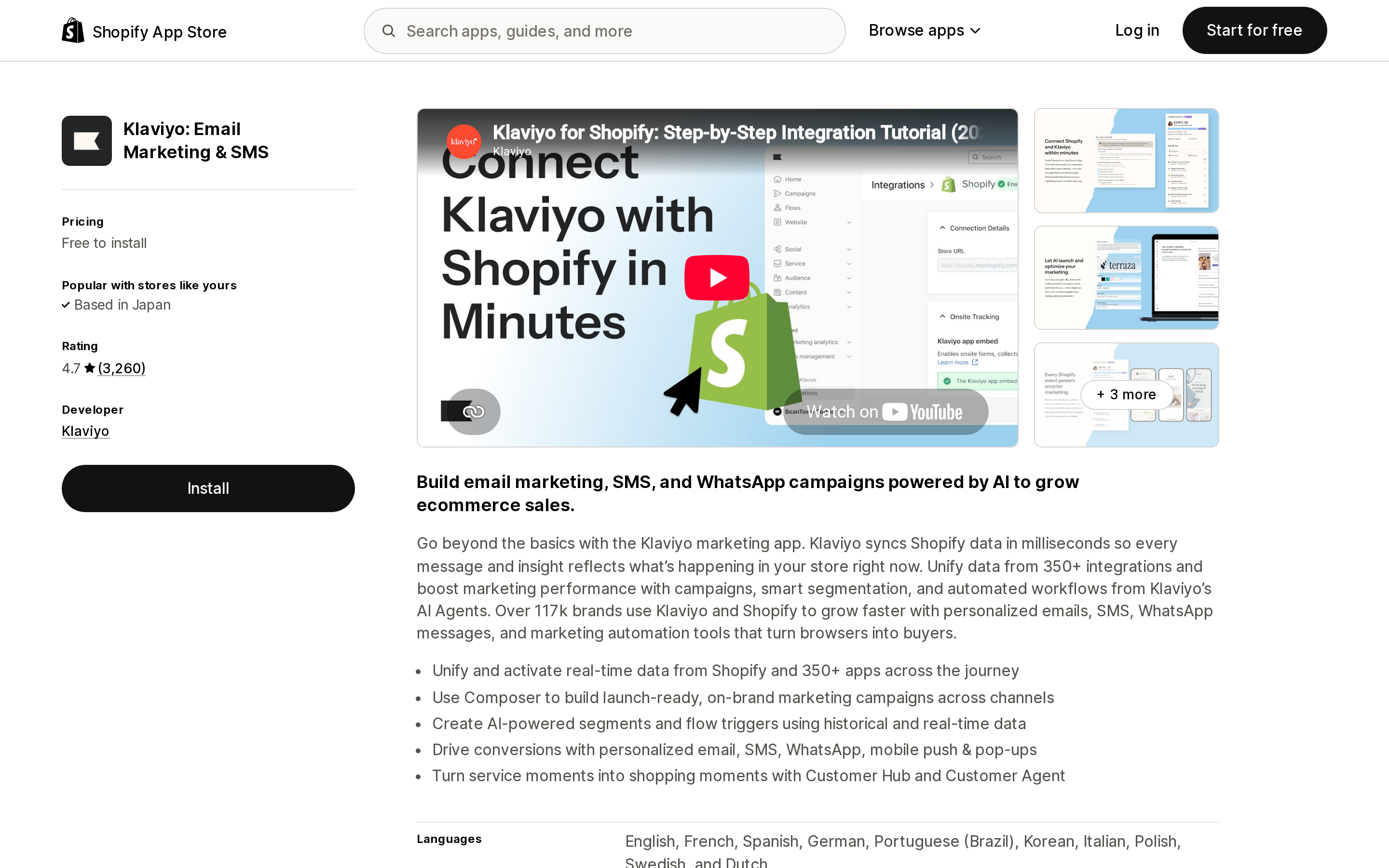
Klaviyo: Email Marketing & SMS is the direct answer to the clause ceiling: 100 criteria per segment, 1,000 active segments per account, and its own store of open, click, and non-response data because it sends the messages itself. Rated 4.7 from 3,260 reviews, with 259 one-star reviews in that total. Free to install; Klaviyo's own free plan covers up to 250 active profiles, 500 email sends per month, and $5 of mobile messages per month. Paid tiers are priced by active profile count, but Klaviyo's pricing page does not publish a static tier table — you have to build a plan there to see a figure, so check it directly. Listed integrations include Checkout, Customer accounts, and Shopify Flow.
The trade-off is the billing unit: profile-based pricing rises as the list grows whether or not you send more, the opposite of Shopify Messaging. Recent reviews split on that — one merchant writes "It is expensive, but it makes me money so all good!", another calls the pricing "genuinely affordable" — while segmentation itself draws consistent praise.
Omnisend Email Marketing & SMS
Source: Shopify App Store (Omnisend Email Marketing & SMS), retrieved September 2, 2026
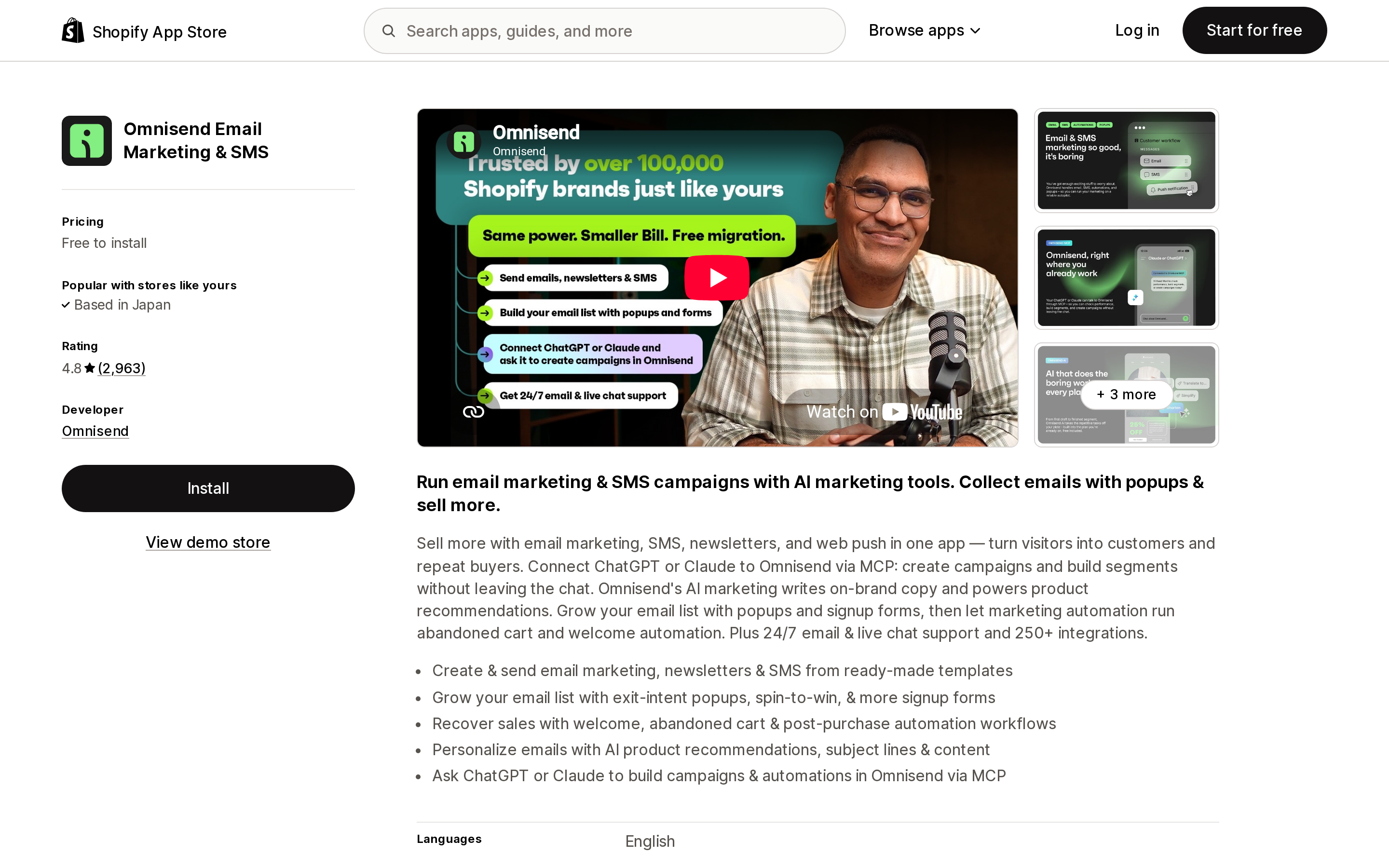
Omnisend Email Marketing & SMS is the lower-cost entry point, rated 4.8 from 2,963 reviews. Its free plan covers 500 monthly emails and 250 contacts, and Omnisend's FAQ states that with the free plan you can use all the features of its paid plans — the limits are volume, not capability, so you can evaluate the segmentation engine at no cost. Paid pricing scales with list size, so quote it carefully: at the smallest list tier, Standard is shown at $11.20/month when paying three months upfront at 30% off ($48.00 per three months at list price, or $16/month) for 6,000 emails a month and 500 contacts, and Pro at $41.30/month discounted from $177.00 per three months ($59/month) for 2,500 contacts with unlimited monthly emails under a fair use policy. SMS starts at $0.007 per message. Listed integrations include Checkout and Shopify Flow.
The gap for this article: Omnisend does not publish a maximum number of criteria per segment or segments per account. If your reason for switching is a specific condition count, Klaviyo is the only one of the two with a documented number to compare against Shopify's ten.
Twilio Segment by Littledata
Source: Shopify App Store (Twilio Segment by Littledata), retrieved September 2, 2026
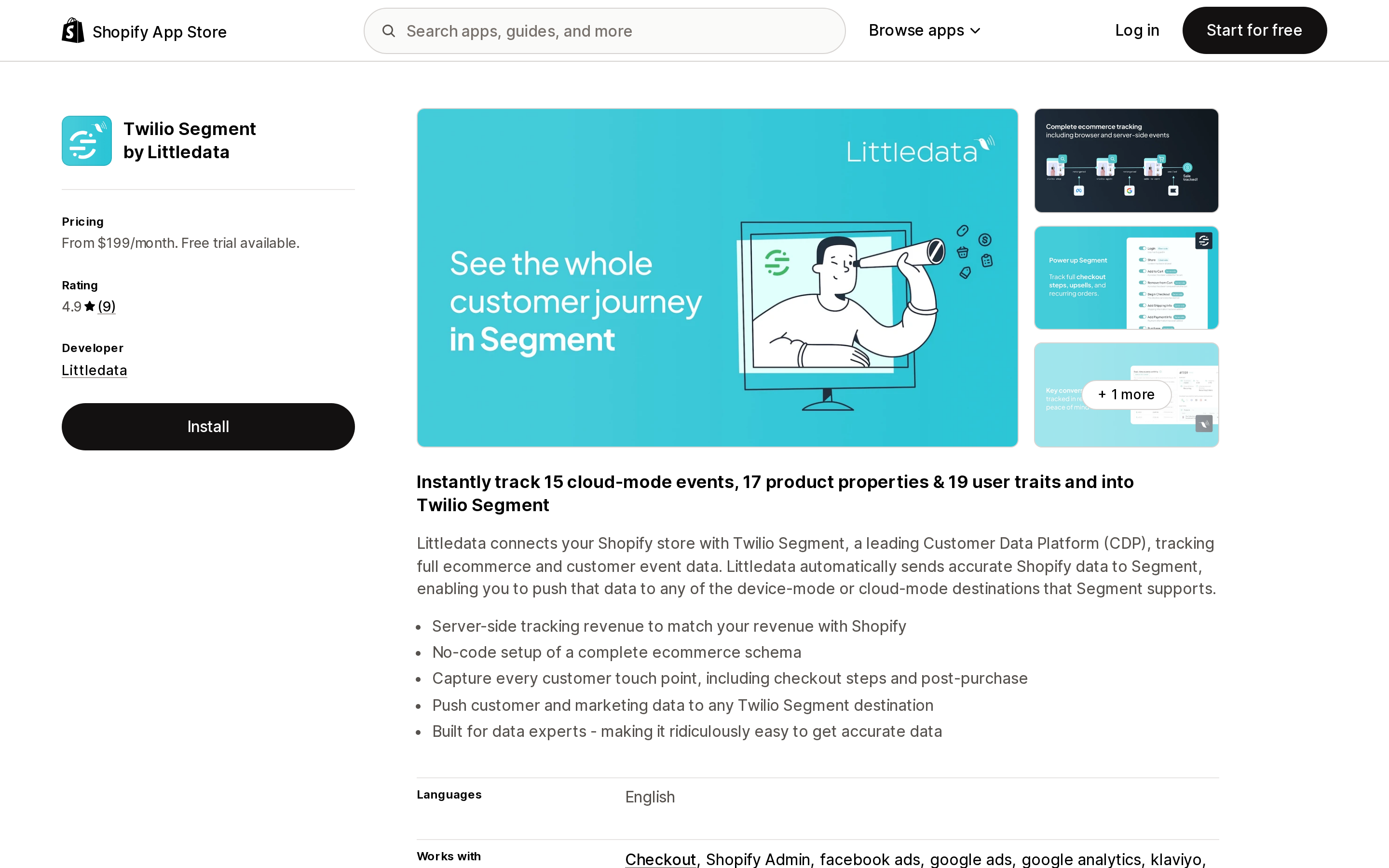
Twilio Segment by Littledata is not a segmentation tool. It is plumbing: it sends Shopify events server-side into Twilio Segment, a customer data platform, where the segments actually get built. That is the only structure here that escapes all four native limits at once — clauses, 26-month retention, 500-ID sets, and lagged counts — because none of them apply outside Shopify.
Pricing starts at $199/month, and it is not flat: the Scale plan includes 1,500 orders a month, then charges $0.15 per order from 1,501 to 3,000 and $0.06 per order above 3,000. The Plus plan is $990/month, or $9,504/year, includes 10,000 orders, adds $0.04 per order beyond that, and is the tier that carries multi-store rollups. Both plans come with a 30-day free trial. All of that is the connector only; Twilio Segment's own subscription is separate, and its current USD tiers are not stated in the App Store listing. The listing offers multi-store reports and describes the app as built for data experts. Rated 4.9, but from only 9 reviews, which is too small a base to generalize from. If you do not have a data engineer, this is the wrong shelf.
Loyal • Customer Segments
Source: Shopify App Store (Loyal • Customer Segments), retrieved September 2, 2026
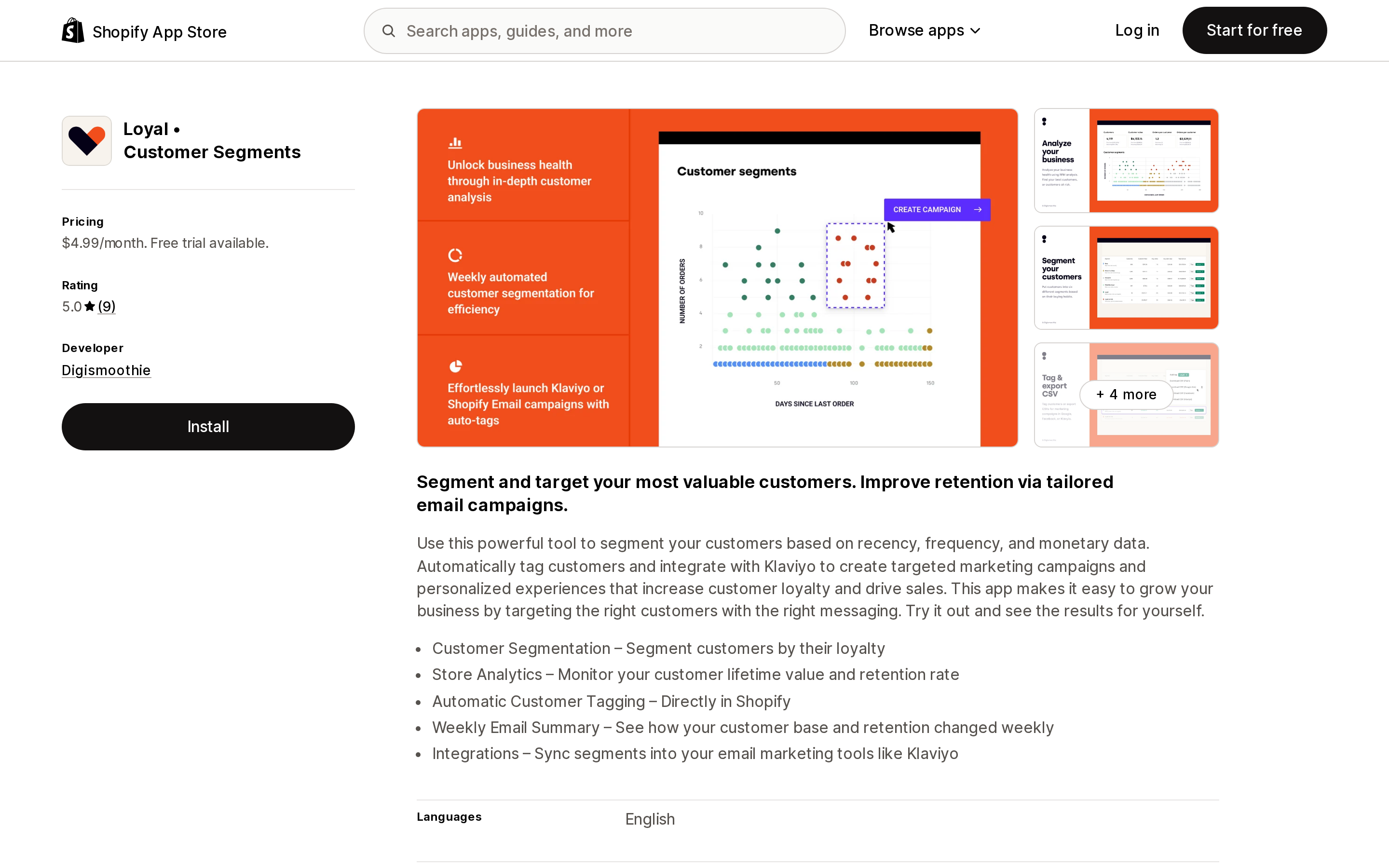
Loyal • Customer Segments from Digismoothie is the cheapest useful lever on this list at $4.99/month or $49.99/year with a 7-day free trial. It builds RFM segments and — this is the part that matters structurally — writes the result back as Shopify customer tags, and syncs segments into email tools including Klaviyo.
That tag write-back is exactly tactic one from the previous section, automated. A finer-grained RFM definition than the fixed 11 values of rfm_group becomes a single customer_tags clause inside a native segment. You are buying clause budget for $4.99. It has no sending features, and its rating of 5.0 rests on 9 reviews, the most recent from December 2024.
ECPower Segment CRM & Insights
Source: Shopify App Store (ECPower Segment CRM & Insights), retrieved September 2, 2026
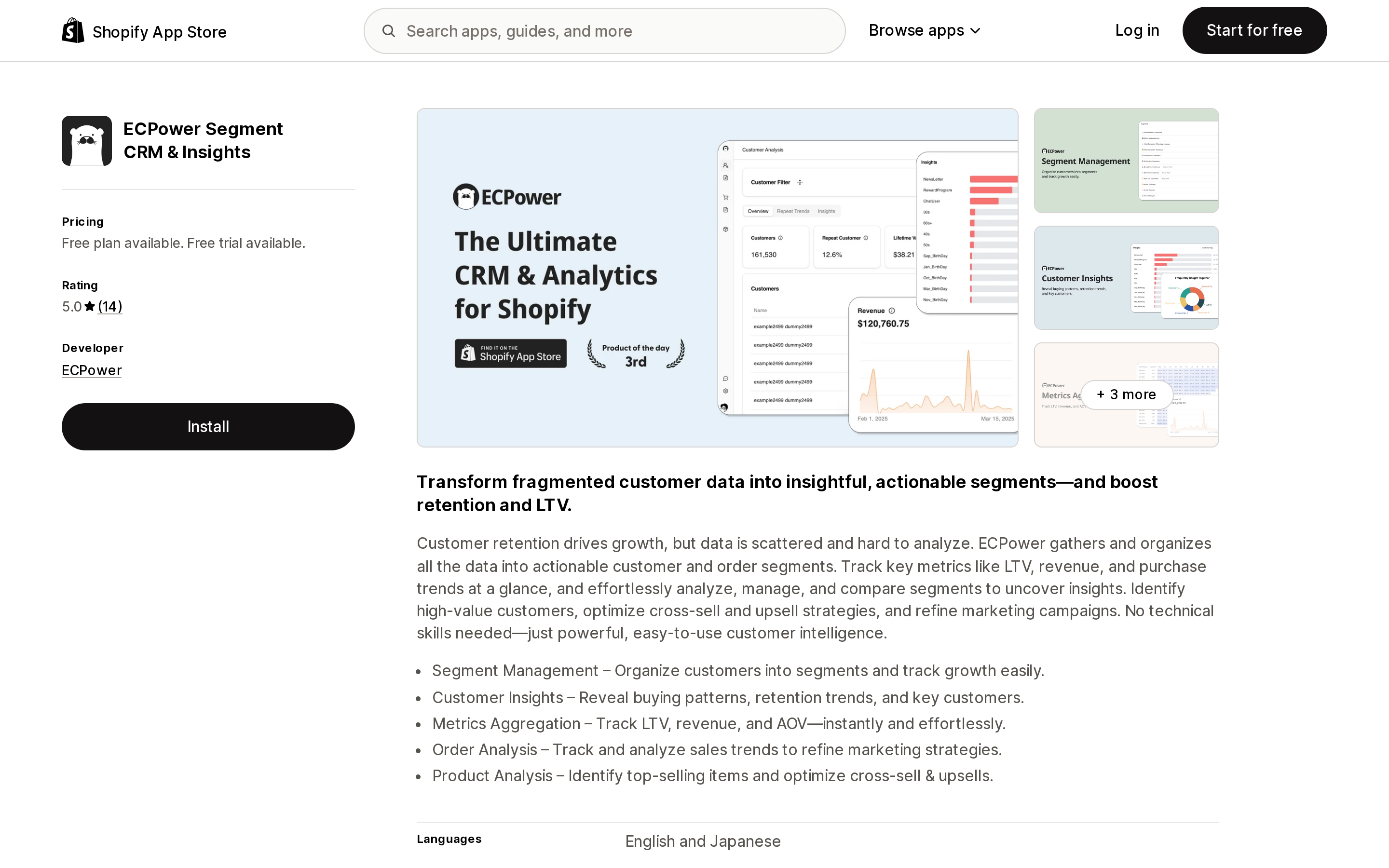
ECPower Segment CRM & Insights answers a different question. Shopify shows you how many customers are in a segment; it does not show you that segment's LTV, AOV, or retention curve. ECPower does, with cohort analysis, benchmarking, and per-segment metric aggregation.
There is a free plan described as free forever with no credit card required, then Starter at $80/month for up to 5,000 active customers, Growth at $240/month for 5,001 to 20,000, and Scale at $400/month for 20,001 to 100,000. The paid tiers carry a 14-day free trial. Rated 5.0 from 14 reviews — again, a small base. The listing describes integration categories (email and SMS platforms, loyalty apps, point of sale apps, subscription apps) rather than named apps, so verify your specific stack before committing.
Side by side
| Shopify native | Klaviyo | Omnisend | Twilio Segment by Littledata | Loyal • Customer Segments | ECPower Segment CRM & Insights | |
|---|---|---|---|---|---|---|
| Max conditions per segment | 10 clauses | 100 criteria (default) | Not published | CDP-side | n/a (analysis) | n/a (analysis) |
| Max segments | Not published | 1,000 active (default) | Not published | CDP-side | n/a | n/a |
| Starting price | $0 | Free plan, then profile-based | $0, then $16/month at the smallest list tier | $199/month plus per-order fees, plus CDP | $4.99/month | $0, then $80/month |
| Billing unit | Emails sent | Active profiles | Contacts and sends | Monthly fee plus orders tracked, plus CDP usage | Flat | Active customers |
| Sends campaigns | Yes | Yes | Yes | No | No | No |
| Rating (reviews) | — | 4.7 (3,260) | 4.8 (2,963) | 4.9 (9) | 5.0 (9) | 5.0 (14) |
How to decide
- You send through Shopify Messaging and your audience fits in ten clauses using behavior from the last 26 months. Native segmentation is complete and free. Install nothing. This covers more stores than the "Shopify segments are basic" genre of article suggests.
- You already send from Klaviyo or another external tool. Build segments there. Shopify's engagement filters stay empty for those sends, so native segments are best reduced to discount code generation and CSV export.
- You keep hitting the clause ceiling. Try tag and metafield roll-ups first, then
INlists; Loyal at $4.99/month automates the RFM version. Only after those fail is 100 criteria worth a profile-based bill. - You need behavior older than 26 months, real-time triggers, or data from outside Shopify. No amount of query rewriting helps. That is a CDP problem, and Twilio Segment by Littledata is the documented path — from $199/month plus per-order fees plus the platform itself, with a data person attached.
- You can build the segments but cannot tell which ones perform. The missing layer is measurement, not creation. ECPower has a free tier to test that before spending $80/month.
Sources
- Shopify-based customer segment filters — Shopify Help Center
- Segment query language reference — shopify.dev
- Metafield-based customer segment filters — Shopify Help Center
- Creating customer segments — Shopify Help Center
- Managing customer segments — Shopify Help Center
- Shopify Messaging email pricing — Shopify Help Center
- Setting up Shopify Audiences — Shopify Help Center
- List and segment limits in Klaviyo — Klaviyo Help Center
- Klaviyo pricing
- Omnisend pricing
Shop Pay Installments is free to activate, needs no app, and Shopify never publishes what it costs you — the rate is visible only inside your own admin. It also refuses Capital One and Chase credit cards, restricts monthly plans to debit cards only, excludes gift cards and subscriptions, and can't be turned off for individual products. Affirm can suspend your account for being password-protected, for having a non-English storefront, or for being primarily B2B. And Shopify's Getting paid page says disputes appear in your admin while its FAQ says they don't. If you fail the eligibility gates, the alternative is on-site messaging apps from Klarna, Afterpay, Sezzle, Zip, and PayPal — a category rated between 1.0 and 3.2 stars. Researched September 2, 2026.