
What you will learn
On this pageContentsCloseOpen
If you search for Shopify SEO advice, you will be told that Shopify has a duplicate content problem: every product is reachable at both /products/blue-shirt and /collections/sale/products/blue-shirt, this splits your ranking signals, and you should install an SEO app to fix the canonical tags.
We went and checked. Almost none of that survives contact with the actual pages.
Shopify already emits a canonical tag pointing collection-scoped product URLs back to the bare /products/ URL. Dawn and Horizon — Shopify's two first-party themes — contain zero uses of the Liquid filter that generates collection-scoped links. Eight live merchant collection pages linked to bare product URLs and nothing else. Three sitemaps contained zero collection-scoped URLs.
And the five SEO apps most likely to appear in that advice do not claim to fix it. Across all five listings, the words canonical, noindex, robots, and duplicate content appear zero times in feature copy.
That does not make SEO apps useless. It means they sell something other than what the advice says they sell, and it is worth knowing which is which before paying $39 a month.
Everything below was verified on September 2, 2026 against shopify.dev, help.shopify.com, developers.google.com, the English (US) Shopify App Store, and live storefront HTML. Prices are USD as published on the English listings.
What we actually observed on live stores
We requested the same product through several URL forms on Shopify's official theme demo stores and on live merchant stores, and read the HTML that came back.
On theme-dawn-demo.myshopify.com, product art-deco-cyclamen:
| URL requested | Status | Redirected | Canonical emitted |
|---|---|---|---|
/collections/bags/products/art-deco-cyclamen | 200 | No | /products/art-deco-cyclamen |
/collections/sale/products/art-deco-cyclamen | 200 | No | /products/art-deco-cyclamen |
/collections/all/products/art-deco-cyclamen | 200 | Yes → bare URL | /products/art-deco-cyclamen |
/products/art-deco-cyclamen | 200 | No | /products/art-deco-cyclamen |
/products/art-deco-cyclamen?variant=6920725692505 | 200 | No | /products/art-deco-cyclamen |
The Horizon demo store behaved identically on its own product. So did magicspoon.com, where /collections/all/products/healthy-cinnamon-cereal-case 301-redirected to the bare product URL and served the same canonical.
Three things worth pulling out of that table. Real collection handles serve a 200 rather than a redirect, so the collection-scoped URL genuinely exists. The canonical on every one of those responses points at the bare product URL, including the self-referential case. And the ?variant= parameter is stripped from the canonical entirely — a ?variant= URL canonicalizes to the clean product URL, which is the behaviour most of the "variant canonical" advice claims you need to build.
The link that supposedly causes the problem is not in the themes
The collection-scoped URL is produced by a Liquid filter, | within:. Shopify documents what it does and, in the same page, warns about it:
"Because a standard product page and a product page in the context of a collection have the same content on separate URLs, you should consider the SEO implications of using the
withinfilter."
That warning is aimed at theme developers, and Shopify's own theme developers took it. We grepped both first-party themes:
- Dawn v16.0.0 — zero occurrences of
withinin the entire theme.snippets/card-product.liquidlinks products withhref="{{ card_product.url }}". - Horizon v4.1.5 — zero occurrences.
snippets/product-card.liquidcarries a comment explaining the choice:{% # Link to product.url so algorithmic variant relevance and tracking params are maintained. %}.
product.url on its own returns the bare /products/ path. The collection prefix only appears if a developer explicitly adds | within: collection.
We then read eight live merchant collection pages — deathwishcoffee.com, drinkolipop.com, kyliecosmetics.com, graza.co, magicspoon.com, jenis.com, hiutdenim.co.uk, and partakefoods.com. Collection-scoped product links found across all of them: zero.
Sitemaps told the same story. Dawn demo: 33 product URLs, zero collection-scoped. Horizon demo: 101, zero. magicspoon.com: 97, zero. That matches Shopify's help centre, which describes the sitemap as containing "links to all your products, primary product image, pages, collections, and blog posts" — products, not product-in-collection combinations.
So on a current Shopify theme, the collection-scoped URL is reachable if someone types it or links to it externally, but your own site does not generate it, your sitemap does not list it, and when it is requested it hands Google a canonical pointing elsewhere.
What Google says about the remaining risk
Google's canonicalization documentation, updated August 20, 2026, is direct about the size of the problem:
"Some duplicate content on a site is normal and it's not a violation of Google's spam policies."
It is equally direct that a canonical is not a command:
"You can indicate your preference to Google using these techniques, but Google may choose a different page as canonical than you do, for various reasons. That is, indicating a canonical preference is a hint, not a rule."
Google ranks the consolidation methods by influence: redirects are strong, rel="canonical" annotations are strong, sitemap inclusion is weak. Shopify's /collections/all/products/ behaviour is a redirect — the strongest signal available — and the rest is served by canonical annotations plus a sitemap that only lists bare URLs.
Google also warns against the fix people reach for next:
"We don't recommend using
noindexto prevent selection of a canonical page within a single site, because it will completely block the page from Search.rel="canonical"link annotations are the preferred solution."
And on faceted navigation, the named harms are crawl-side, not ranking-side: "Overcrawling" and "Slower discovery crawls." There is also no URL Parameters tool to reach for; it does not appear anywhere in current Google documentation.
So what do the SEO apps actually sell?
We fetched five listings and searched each for the vocabulary the advice uses.
"Canonical" appears exactly once per listing — in the App Store page's own <link rel="canonical"> head tag. Never in feature copy. "Noindex," "robots," and "duplicate content" appear zero times across all five.
Here is what they do claim.
| App | Rating (reviews) | Built for Shopify | Entry price | Metered on | Redirects | Structured data | Bulk meta | Alt text |
|---|---|---|---|---|---|---|---|---|
| SearchPie: SEO, Speed & Schema | 4.9 (2,356) | Yes | Free | Images + AI tags | Yes | Yes | Yes | Yes |
| BOOSTER AI SEO + AEO OPTIMIZER | 4.8 (5,264) | Yes | Free | Image sync volume | Yes | Yes | Yes | Yes |
| Tiny SEO Speed Image Optimizer | 5.0 (2,288) | Yes | Free to install | Per-image optimizations | Yes | Yes | Yes | Yes |
| SEO Manager | venntov | 4.7 (389) | No | $9/month | Feature tier | Yes | Yes | Yes | Yes |
| Yoast SEO ‑ Store optimization | 4.5 (157) | No | $19/month | Flat, one plan | No | Yes | Yes | No |
SearchPie: SEO, Speed & Schema
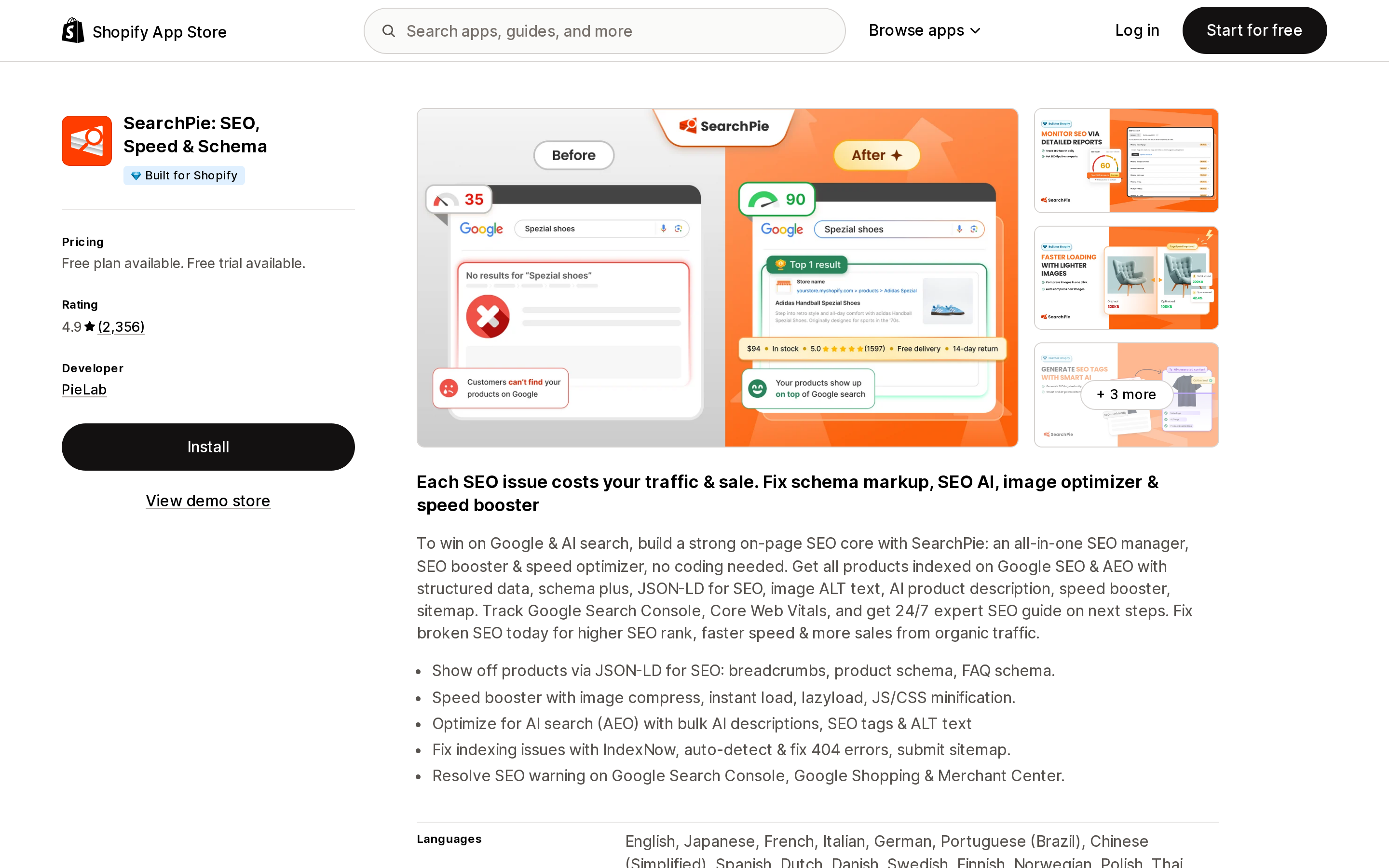
Source: Shopify App Store (SearchPie: SEO, Speed & Schema), retrieved September 2, 2026
Free, $39/month Premium, $99/month Enterprise, with 20% off annual and a 7-day trial on paid tiers. The meter is two-dimensional: images compressed and AI-generated SEO tags. Free gets 50 images and 50 AI tags; Premium 500 and 250; Enterprise unlimited compression and 5,000 AI tags. It claims JSON-LD for breadcrumbs, product schema, and FAQ schema, automatic 404 and broken-link fixing, and bulk meta tags and alt text with templates.
BOOSTER AI SEO + AEO OPTIMIZER
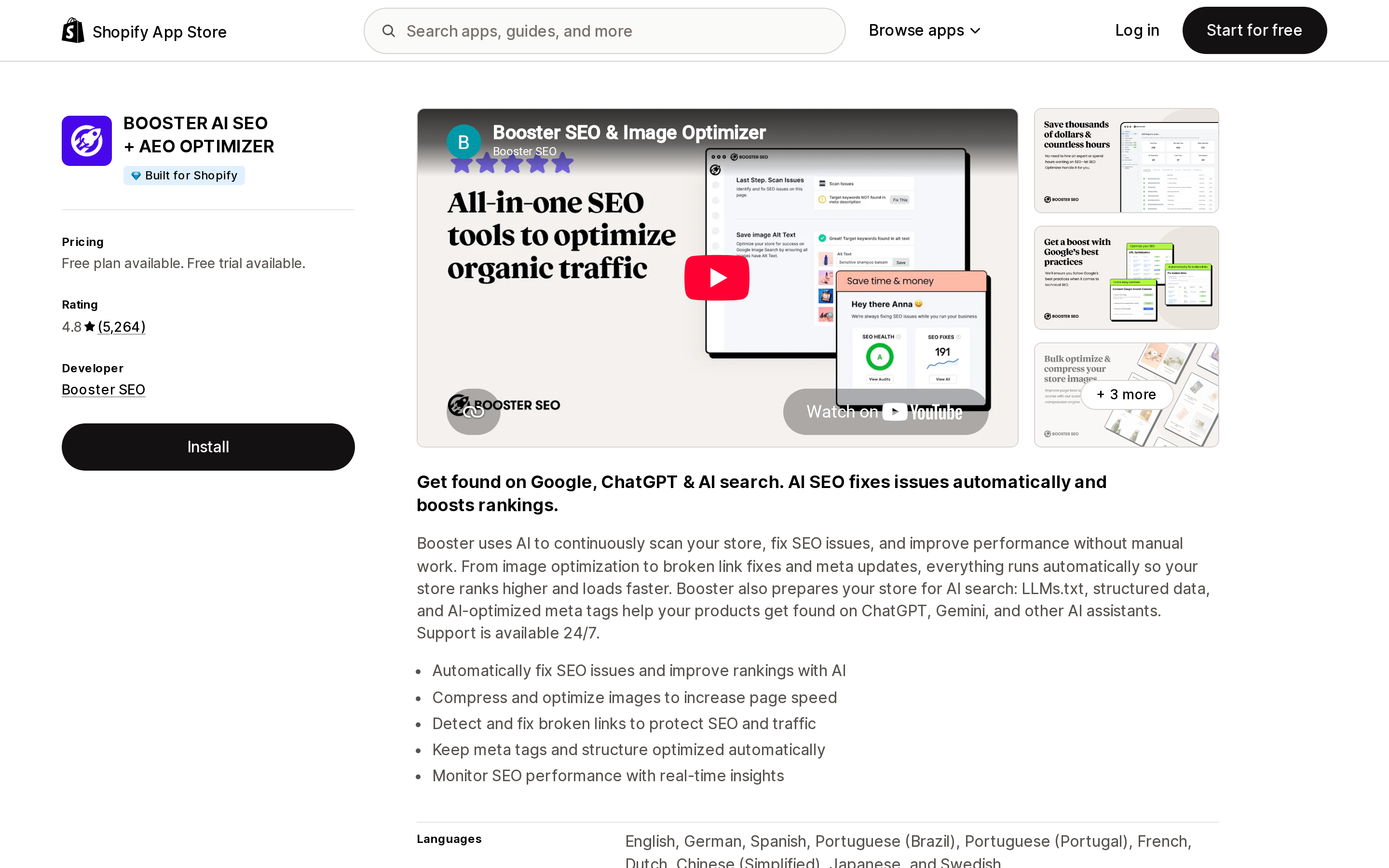
Source: Shopify App Store (BOOSTER AI SEO + AEO OPTIMIZER), retrieved September 2, 2026
Free, $39/month Pro, $69/month Premium, 25% off annual, 14-day trial. The free tier's meter is "Weekly Image Sync (50 Images)"; Premium adds "Image Compression (5GB Storage/month)" and 365 days of Google Search Console metrics. Claims cover rich snippets and structured data, broken link detection and fixes, meta tag templates with bulk actions, alt text templates, and automated sitemap submission.
Tiny SEO Speed Image Optimizer
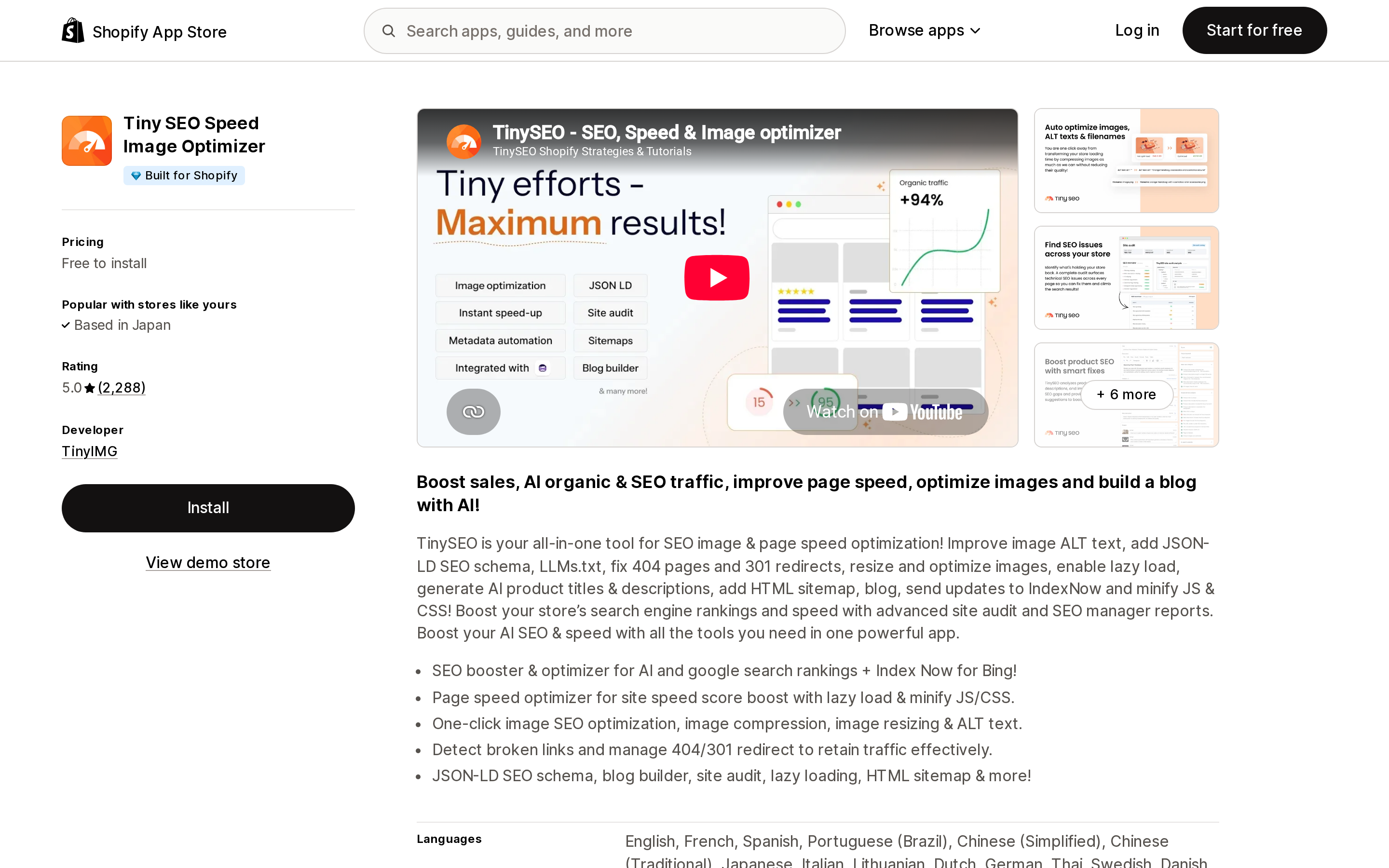
Source: Shopify App Store (Tiny SEO Speed Image Optimizer), retrieved September 2, 2026
The only genuinely usage-priced app of the five, and the only one where you can compute unit economics from the listing. Pay as you go is free to install with 50 free optimizations a month and 3¢ per image after that. Beginner is $14/month with 1,500 free and 2¢ per extra image. Advanced is $23/month with 5,000 free and 1¢. Expert is $49/month with 15,000 free and 0.8¢. It claims extended JSON-LD including return policy and shipping details, 404 detection with redirects, and auto-redirects on product deletion.
One detail worth reading carefully: the sitemap feature is an HTML sitemap, not control over Shopify's XML sitemap. SEO Manager's is the same. Nobody sells XML sitemap control, because Shopify generates it automatically and does not expose it.
SEO Manager | venntov
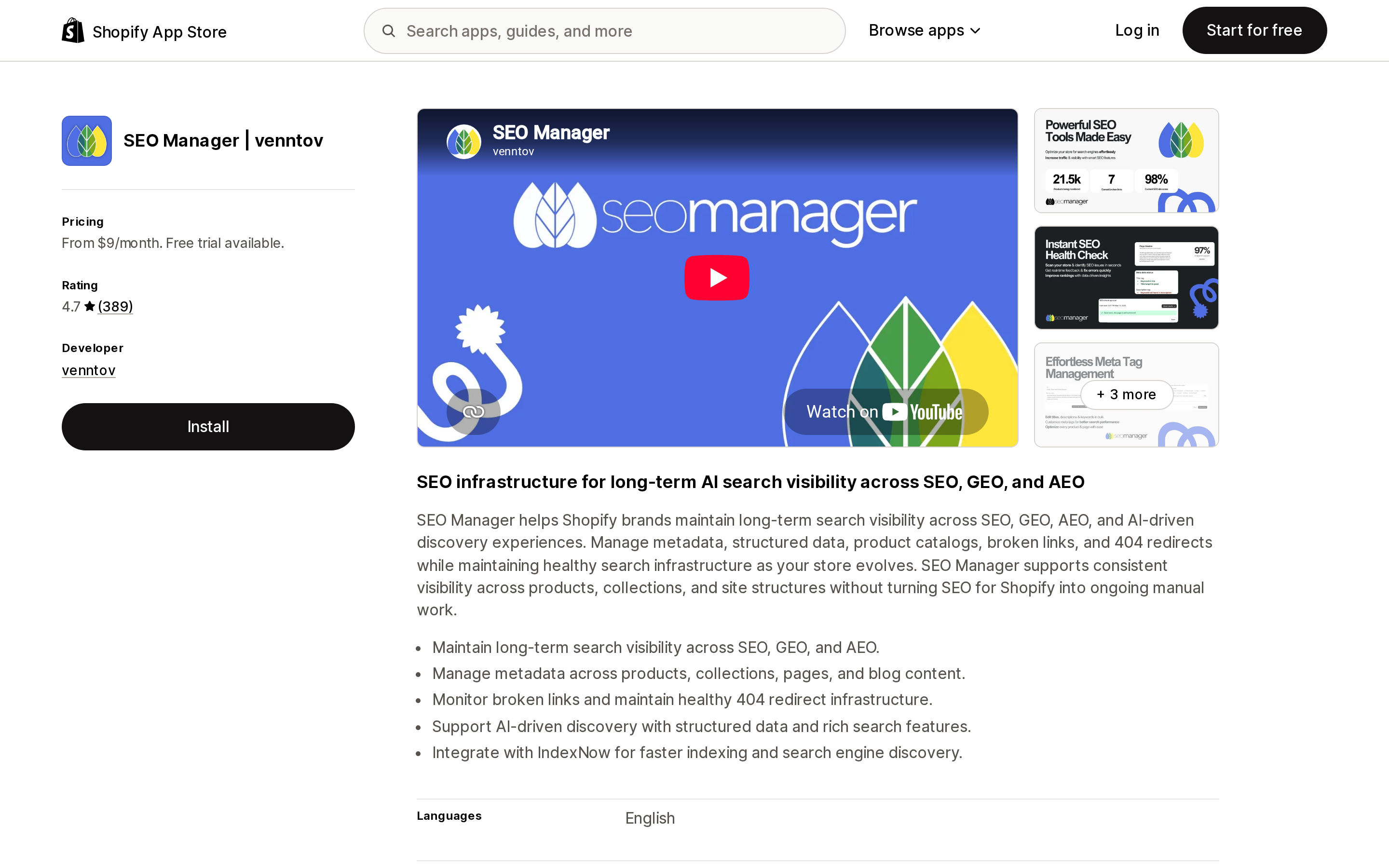
Source: Shopify App Store (SEO Manager | venntov), retrieved September 2, 2026
$9, $29, and $59 per month, all with a 7-day trial, priced by feature tier with no volume meter on the cards. Claims include advanced meta tag control, structured data testing, broken link management, out-of-stock redirects, and image and page optimization. It is the oldest-feeling toolset here and the only listing on which the string "Built for Shopify" appears zero times anywhere.
Yoast SEO ‑ Store optimization
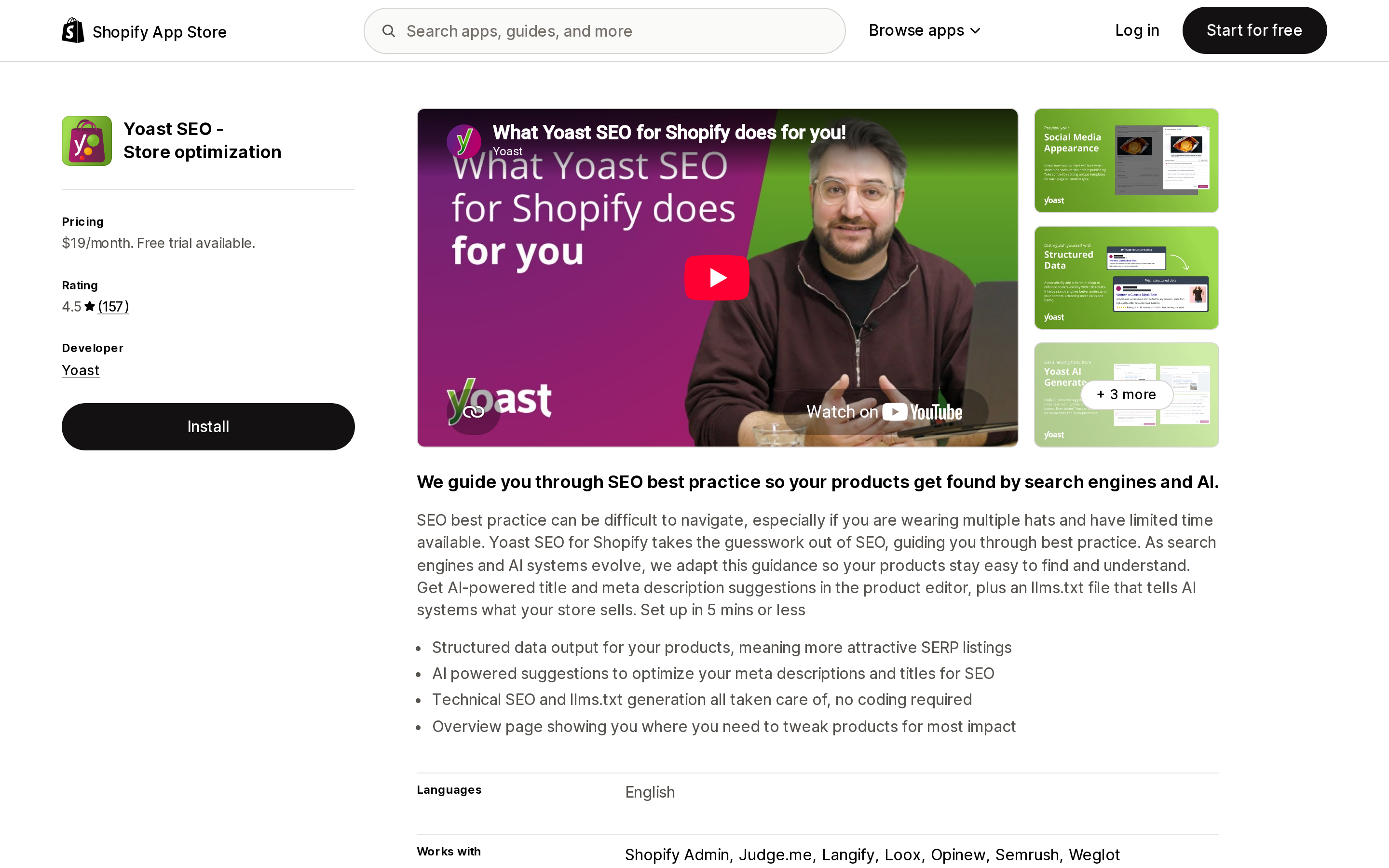
Source: Shopify App Store (Yoast SEO ‑ Store optimization), retrieved September 2, 2026
One plan, $19/month or $190/year, 14-day trial, no meter at all. It is also the narrowest: structured data output for products, AI-assisted meta titles and descriptions, and a bulk editor with import and export. No broken-link management, no alt text, no image work. If you know the Yoast workflow from WordPress and want the writing assistance, that is what you are buying. It is not a technical-SEO toolkit for Shopify.
The three-tier reality of what can be changed
This is the part the advice gets wrong, and it is structural rather than a matter of which app you pick.
An app can change these. Meta titles and descriptions on products, collections, and pages, because those are admin fields writable through the API. Image alt text. URL redirects and 404 handling, through the redirect API. Additional JSON-LD, injected via a theme app extension. Image compression, by re-uploading files. And one indexing lever: the seo.hidden metafield, which Shopify explicitly documents as "a system metafield that can be used by third-party apps for data storage when they're hiding a resource from search engines and sitemaps." Note what that does — it hides the entire product from sitemaps, search engines, and your own storefront search. It cannot target one URL form of a product.
Only theme code can change these. The <link rel="canonical"> tag itself. Shopify computes canonical_url and exposes it to themes as a global Liquid object; the theme prints it in <head>. Shopify documents no way to set that value — there is no Liquid setter for it and no field for it in the admin. The <meta name="robots"> tag — Shopify's documented method is hand-editing a conditional into theme.liquid. Whether product links use | within:. And robots.txt.liquid, which shopify.dev says "isn't included in any themes by default," so a merchant has to create the file before editing it.
An app could inject a canonical with JavaScript, but Google closes that door explicitly: "The best way to do this is to specify the canonical URL in the HTML source code and make sure that JavaScript doesn't change the canonical link element." A JS-injected canonical fighting a server-rendered one is the documented worst case, not a fix. That is very likely why no app in this category advertises it.
Nobody can change these. That /collections/<handle>/products/<product> resolves 200 instead of redirecting — that is platform routing. The structure of the auto-generated sitemap.xml. And whether Google honours your canonical at all, since it is "a hint, not a rule."
What to do instead
If duplicate product URLs were your reason for shopping, you can stop. Confirm it takes two minutes: open a product on your live store through a collection, view source, and search for rel="canonical". If it points at /products/<handle>, the thing you were about to pay to fix is already done.
If you use a heavily customized or older third-party theme, that check is worth running anyway. Our verification covers Dawn, Horizon, and live stores running current themes. A theme that predates the current conventions, or one a developer modified, could use | within: in its collection cards or omit the canonical tag. If it does, the fix is a theme edit — replacing {{ product.url | within: collection }} with {{ product.url }} — not an app subscription.
If you want to buy an SEO app, buy it for what it does. Bulk meta tag editing across a few thousand products is real work an app genuinely saves. So is alt text at scale, redirect management as your catalogue changes, and extended structured data beyond what your theme emits. Shopify's help centre notes that current themes already include product microdata by default, so the structured-data pitch is about going further, not starting from nothing.
And if you are choosing on price, note that four of these five meter on images rather than on SEO. Two of the "SEO apps" here are image optimizers with SEO features attached. If your catalogue is small and your images are already compressed, you are paying a monthly fee for a meter you will never touch.
Sources
- Shopify.dev —
canonical_urlLiquid object - Shopify.dev —
withinfilter - Shopify.dev —
productLiquid object - Shopify.dev — SEO metadata in themes
- Shopify.dev —
robots.txt.liquid - Shopify Help Center — Hide a page from search engines
- Shopify Help Center — Find and submit your sitemap
- Google Search Central — Canonicalization
- Google Search Central — Consolidate duplicate URLs
- Google Search Central — Faceted navigation
Shop Pay Installments is free to activate, needs no app, and Shopify never publishes what it costs you — the rate is visible only inside your own admin. It also refuses Capital One and Chase credit cards, restricts monthly plans to debit cards only, excludes gift cards and subscriptions, and can't be turned off for individual products. Affirm can suspend your account for being password-protected, for having a non-English storefront, or for being primarily B2B. And Shopify's Getting paid page says disputes appear in your admin while its FAQ says they don't. If you fail the eligibility gates, the alternative is on-site messaging apps from Klarna, Afterpay, Sezzle, Zip, and PayPal — a category rated between 1.0 and 3.2 stars. Researched September 2, 2026.