
What you will learn
On this pageContentsCloseOpen
Shopify's own documentation answers the question faster than any comparison post. From the expansion stores page: "Store settings, products, collections, and inventory aren't synced between stores. They don't share data by default." The next sentence points merchants at "third-party apps or Enterprise Resource Planning (ERP) systems to sync certain data, such as inventory, between stores if required."
That is the whole native story. Shopify Plus includes nine expansion stores on top of your main store, ten in total under one contract. It does not include one inventory.
What follows is what that actually costs to fix — and why the five leading sync apps can't be compared on price, because no two of them meter on the same unit.
What Shopify does and doesn't share across stores
It helps to separate three things that get conflated.
Locations inside one store are fully native. One store can track stock at up to 10 locations on Basic, Grow, and Advanced, or 200 on Plus, with the same SKU at each and transfers between them. If your problem is two warehouses, you don't need a second store or a sync app.
Reporting across stores is native on Plus. The Plus plan page describes "holistic data and insights" and reporting across all stores from the organization admin.
Inventory across stores is not native on any plan. Two separate .myshopify.com stores — whether they're expansion stores under one Plus contract or two unrelated Basic stores — hold two separate inventory records for the same physical shelf.
The gap is sharper than it sounds because the organization admin looks unified. Users and billing are centralized. Reporting is centralized. Products and stock are not.
The one-time import, and what it leaves behind
When you create an expansion store, Shopify offers a one-time copy from an existing store in the organization: themes, products and collections with their metafields, and files.
Two conditions matter.
First, the timing. Shopify states it plainly: "You can import data only from another store in your organization when you create the store. After you create the store, you can no longer import data and you must manually manage your store data." There is no second run. If you launch the EU store in March and add 400 SKUs in June, those 400 go in by hand, by CSV, or by app.
Second, the exclusions. The import covers products, variants, collections and their metafields — excluding reference types and category metafields. Category metafields are the taxonomy-driven fields that Shopify itself uses for product review in Managed Markets and that feed structured data to search engines and marketplaces. If you've invested in filling those in, they don't travel to the expansion store.
Themes bring their own trap. Shopify warns that hard-coded file references in an imported theme keep pointing at files in the original store. Delete a file there and the link breaks in the new store.
The cost multipliers nobody prices in
Three lines from Shopify's documentation change the arithmetic of running multiple stores.
Apps are billed per store, not per organization. "Apps are billed on a per-store basis rather than for the entire organization." Whether a given sync app charges once or once per connected store isn't stated on the App Store listings, so it is a question to put to the vendor before you model the cost of a four-store organization.
Theme licenses are per production store. Staging stores are exempt; live expansion stores are not.
Expansion stores must bill in USD or INR. This one catches European and Australian merchants: "Only stores billed in USD or INR can be added to a Plus agreement." That's the billing currency, not the selling currency — but if your existing store bills in EUR or AUD, you have to switch it, and Shopify notes that changing billing currency immediately bills any pending charges.
There are also eligibility conditions people discover late. Expansion stores must be extensions of the main brand, identical in store name and branding, and carry the same types of goods. A genuinely different brand isn't an expansion store — it's a multi-brand agreement, meaning a separate Plus subscription.
The App Store filter that doesn't filter
Shopify's Inventory sync category is where merchants go to solve this. It lists 521 apps.
Apply the category's own Multi-store feature filter and the header changes to "521 apps with Multi-store." The count is identical, and the result list is identical: TikTok Shop Integration, CedCommerce Amazon Channel, eBay Integration, LitCommerce, Etsy Integration. Marketplace connectors, not Shopify-store-to-Shopify-store sync.
That is worth knowing before you browse. "Inventory sync" in App Store terms mostly means syncing Shopify to a marketplace or a supplier feed. Store-to-store sync is a minority of the category, and the filter that ought to isolate it doesn't narrow the list at all.
Five apps, five different units of measure
Here is the comparison that actually matters. Note that no two rows count the same thing.
| App | Rating (reviews) | Free tier | Metered on | Paid tiers |
|---|---|---|---|---|
| Syncio Inventory Sync | 4.8 (153) | 25 imported products, 5 order pushes/mo | Imported products | $19 / $29 / $39 per month |
| Multi‑Store Sync Power | 4.6 (128) | 25 products per connected store | Products per connected store | $19.99 / $29.99 / $49.99 per month |
| Inventory Sync, Multi store TP | 4.8 (115) | 250 variants (no real-time) | Variants | $9 / $29 / $79 per month |
| Easify Inventory Sync | 4.5 (69) | 50 multi-store products | Multi-store products | $9.99 / $29.99 / $59.99 per month |
| syncX: Stock Sync Migrate Bulk | 4.7 (816) | 2,000 products, manual updates only | Products + feeds + schedule frequency | $7 / $10 per month, plus add-ons |
Two of those distinctions decide most of the outcome.
Products versus variants. An apparel store with 250 styles in four colors and five sizes has 250 products and 5,000 variants. On Inventory Sync, Multi store TP that store needs the $29 plan (10,000 variants); on Multi‑Store Sync Power it needs the $49.99 Platinum plan (1,001–5,000 products per connected store) only if it's counting products the same way. Merchants routinely compare a variant limit against a product limit and conclude the cheaper app is cheaper.
Real-time versus scheduled. If the reason you're syncing is to stop overselling, a nightly update doesn't solve it. On syncX: Stock Sync, the Free plan is manual updates only, Starter schedules once daily with a 24-hour minimum, and Expert schedules 12 times daily with a 2-hour minimum. Inventory Sync, Multi store TP puts real-time sync on paid plans and leaves the free tier without it. Syncio, Multi‑Store Sync Power, and Easify Inventory Sync all describe real-time inventory sync on their free tiers.
Syncio Inventory Sync
Source: Shopify App Store (Syncio Inventory Sync), retrieved September 2, 2026
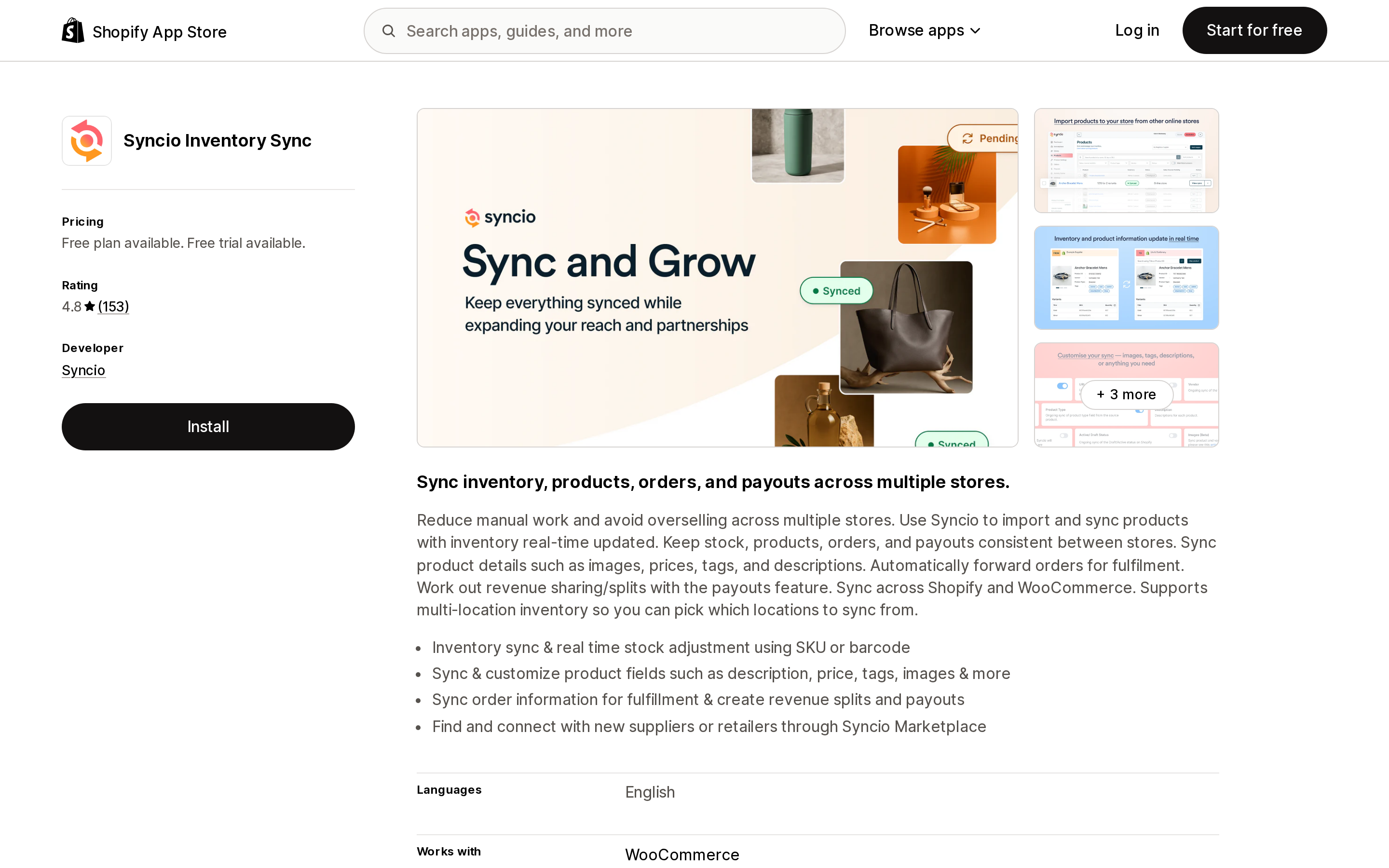
Syncio has the highest rating in the group at 4.8 across 153 reviews, and the model that most clearly assumes a supplier–retailer relationship rather than two of your own stores. The free plan imports 25 products with real-time inventory sync, unlimited source-store connections, 5 order pushes a month, and 5 payouts a month. Paid tiers scale purely on imported products: $19 for 26–100, $29 for 101–500, $39 for 501–1,000.
The complication is on the listing itself: "Orders, Product Settings, and Payouts Add-on charges apply separately. See website for Source store plans." So the Shopify-billed price covers the destination store's product import, and the order-push, product-settings, payout, and source-store costs are quoted elsewhere. If you are the source store in a Syncio relationship, the App Store price isn't your price.
Multi‑Store Sync Power
Source: Shopify App Store (Multi‑Store Sync Power), retrieved September 2, 2026
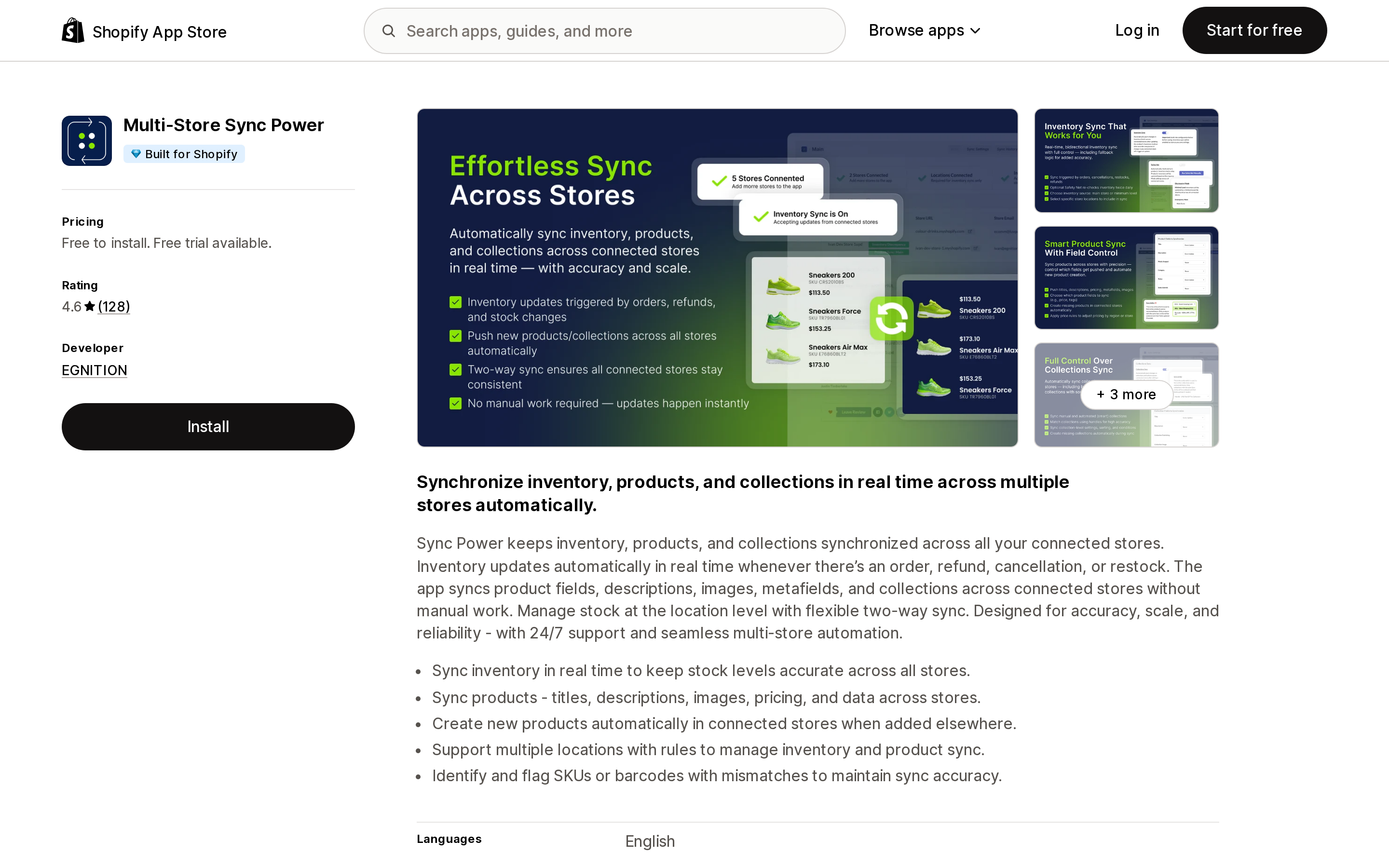
EGNITION's app carries the Built for Shopify badge and rates 4.6 across 128 reviews. Every tier — including the free Bronze tier — lists the same feature set: real-time inventory sync, real-time product and collection sync, two-way auto-synchronization, pricing rules on synced fields, multi-location inventory sync, and duplicate detection by SKU. Only the product ceiling changes: 25, 100, 1,000, then 5,000.
Read the ceiling wording carefully. It is "per connected store," not per account. Connecting a fourth store doesn't consume the same allowance; it needs its own headroom.
Two-way synchronization is the feature that distinguishes this from a one-directional feed. If a sale in the EU store should decrement stock visible to the US store, one-directional sync won't do it.
Inventory Sync, Multi store TP
Source: Shopify App Store (Inventory Sync, Multi store TP), retrieved September 2, 2026
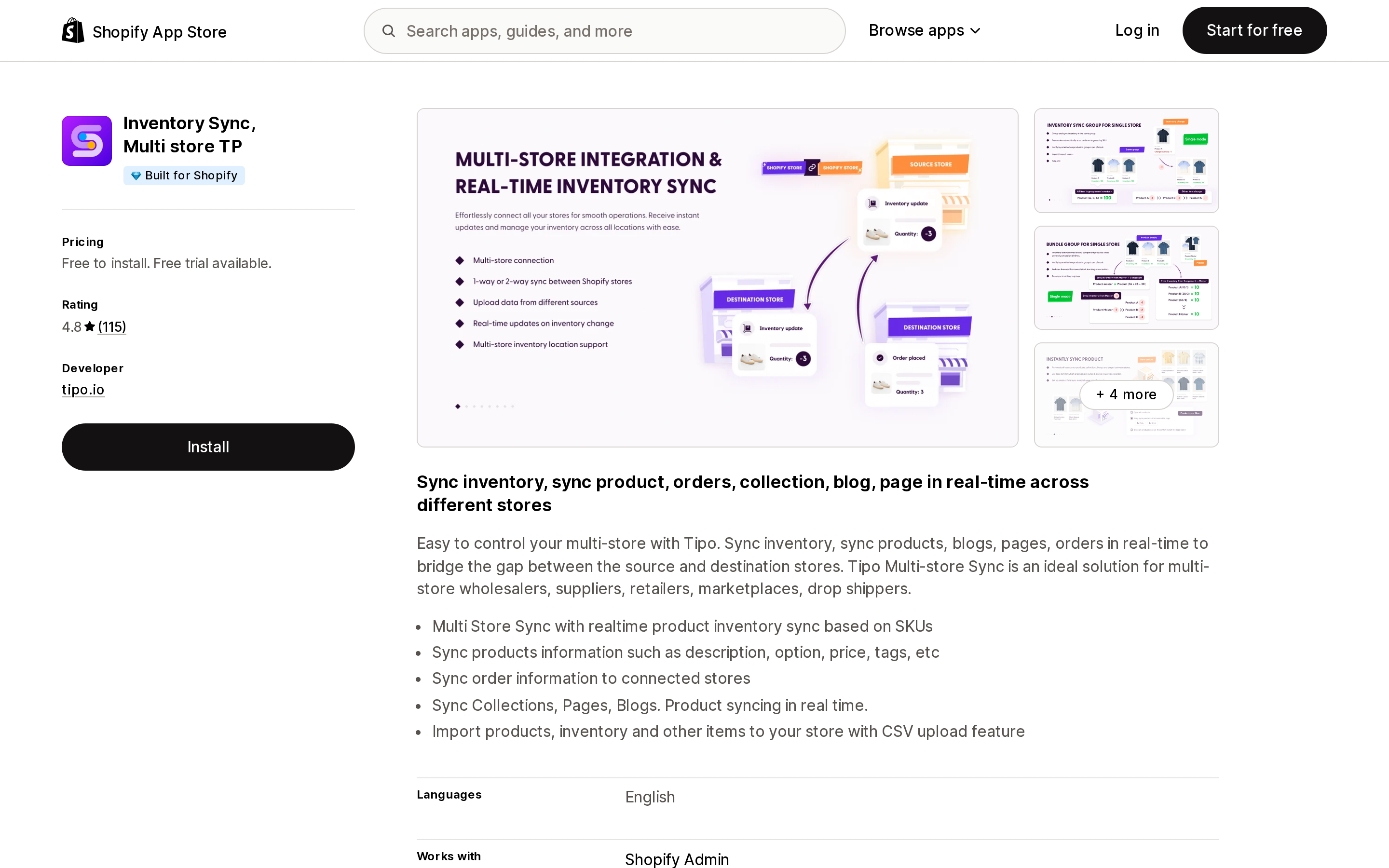
tipo.io's app is Built for Shopify, rated 4.8 across 115 reviews, and syncs the widest range of objects here: inventory, products, collections, orders, pages, and blogs. Blogs and pages are unusual in this category and directly relevant if you run a content-heavy expansion store and don't want to write every article twice.
The pricing ladder is by variants: free up to 250, $9 up to 1,000, $29 up to 10,000, $79 up to 50,000. It is the cheapest entry point of the five for a catalog with modest variant depth — and the fastest to get expensive for one with deep variant matrices.
The free tier omits real-time sync and CSV uploads, both of which appear from the $9 plan up.
Easify Inventory Sync
Source: Shopify App Store (Easify Inventory Sync), retrieved September 2, 2026
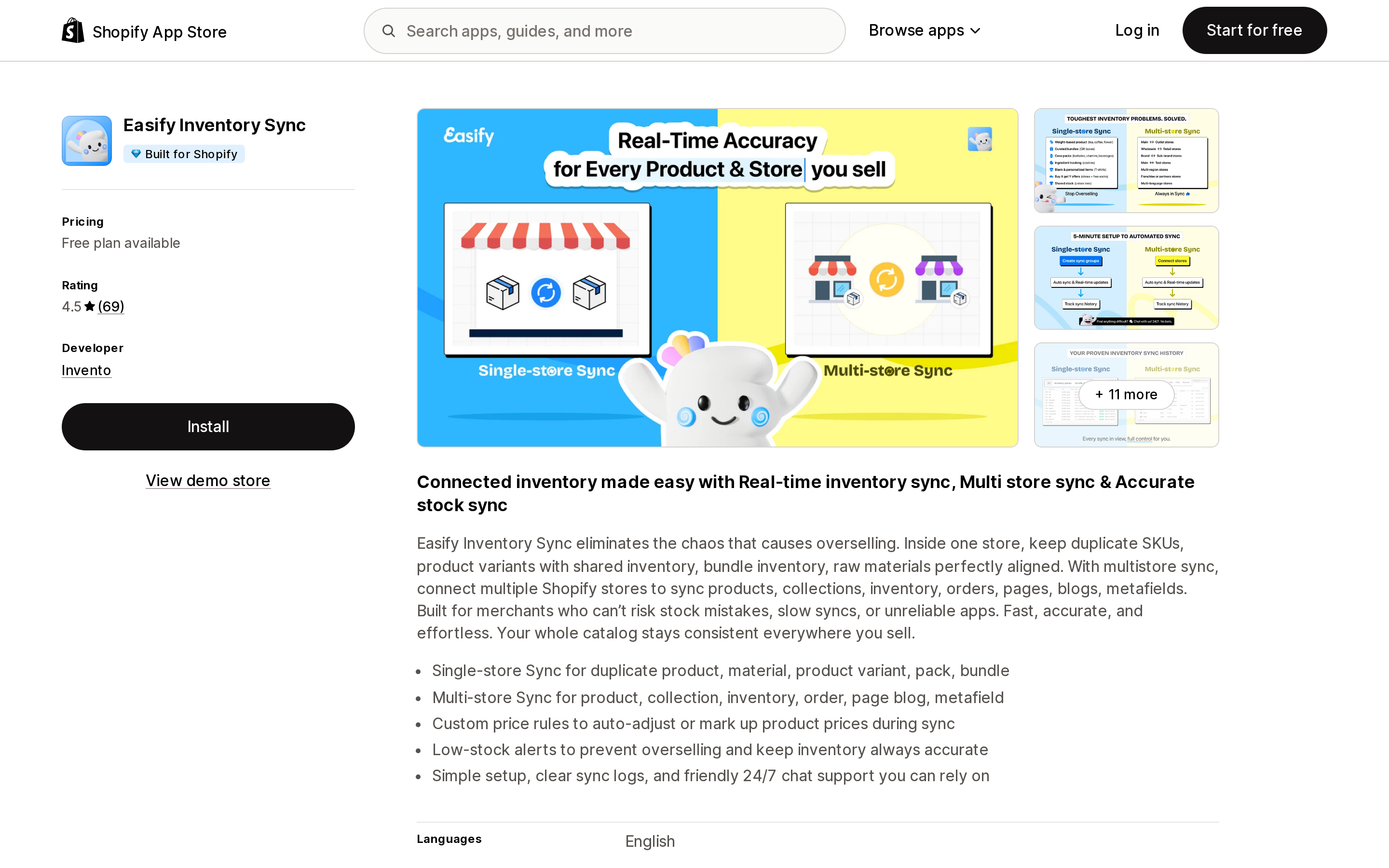
Invento's Easify Inventory Sync is Built for Shopify and rated 4.5 across 69 reviews. It splits its allowances into two different units on the same plan: single-store sync is metered in syncs (150 free, then unlimited on any paid tier), while multi-store sync is metered in products — 50 free, 500 on Pro at $9.99, 5,000 on Premium at $29.99, unlimited on Enterprise at $59.99.
That split matters if your use case is both. "Single-store sync" here covers things like keeping bundle components and duplicate SKUs consistent inside one store; multi-store sync is the cross-store case. The free tier gives you a genuine trial of the first and a very small taste of the second.
Metafield sync is included at every tier, including free — worth noting given that Shopify's own store-creation import excludes category metafields.
syncX: Stock Sync Migrate Bulk
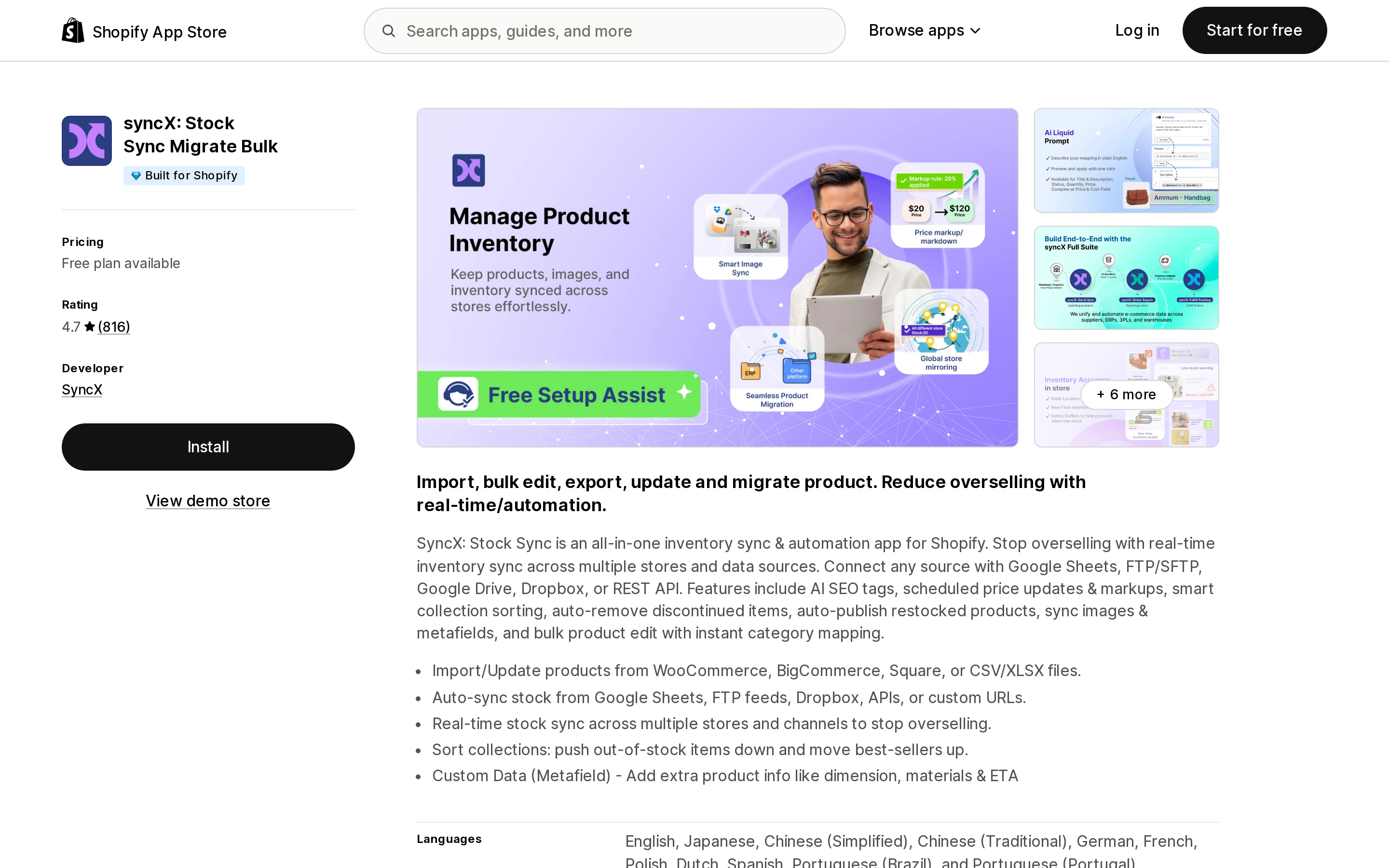
Source: Shopify App Store (syncX: Stock Sync Migrate Bulk), retrieved September 2, 2026
With 816 reviews at 4.7, syncX has more review volume than the other four combined, and the widest input surface: the listing cites 80+ connection methods across its paid plans. It is really a feed engine — CSV, FTP/SFTP, Google Drive, Dropbox, API — that happens to include store-to-store as one source type.
Its pricing is the most conditional of the five and the easiest to underestimate. Starter at $7/month covers 500–2,500 products, 1 to 5 update feeds, and one scheduled update per day with a 24-hour minimum interval, plus "from $5 per additional feed." Expert at $10/month covers 5,000–50,000 products, 1–30 feeds, and 12 daily updates at a 2-hour minimum, with add-ons "from $7 per additional feed," "$2 per additional 5,000 products," and "$1 per additional faster schedule."
Three stackable meters — feeds, products, and schedule speed — means the headline $10 is a floor, not a price. If your requirement is near-real-time protection against overselling, price the schedule add-ons before comparing this to a real-time app.
How to decide
You don't need any of this if your problem is multiple warehouses rather than multiple stores. Native multi-location handles that up to 10 locations on Basic through Advanced and 200 on Plus.
Start with the free tiers as a real test, not a demo. Every app here has one, and the ceilings differ by two orders of magnitude: 25 imported products (Syncio), 25 products per connected store (Multi‑Store Sync Power), 50 multi-store products (Easify), 250 variants (Tipo), 2,000 products with manual updates only (syncX).
If overselling is the driver, filter on sync frequency first. Real-time on the tier you'd actually buy, not real-time somewhere in the pricing table.
If your catalog has deep variant matrices, convert every ceiling into variants before comparing. A products limit and a variants limit are not the same number, and apparel and cosmetics catalogs are where the gap is widest.
If you need more than inventory — orders, pages, blogs, metafields — Inventory Sync, Multi store TP and Easify Inventory Sync cover the widest object range on the App Store's own listings.
If you're syncing to something other than a Shopify store, syncX is the one built for that, and the per-feed and per-schedule add-ons are the price of that flexibility.
And before you sign off on a number, ask the vendor whether the subscription covers the organization or repeats per store. Shopify bills apps per store as a platform rule; whether this particular app follows that is the difference between one $29 line and four.
Sources
- Overview of expansion stores for organizations on the Shopify Plus plan — Shopify Help Center, retrieved September 2, 2026
- Shopify Plus plan — Shopify Help Center, retrieved September 2, 2026
- Inventory sync apps — Shopify App Store category, with and without the Multi-store feature filter, retrieved September 2, 2026
- Shopify App Store listings for Syncio Inventory Sync, Multi‑Store Sync Power, Inventory Sync Multi store TP, Easify Inventory Sync, and syncX: Stock Sync Migrate Bulk, retrieved September 2, 2026
Shop Pay Installments is free to activate, needs no app, and Shopify never publishes what it costs you — the rate is visible only inside your own admin. It also refuses Capital One and Chase credit cards, restricts monthly plans to debit cards only, excludes gift cards and subscriptions, and can't be turned off for individual products. Affirm can suspend your account for being password-protected, for having a non-English storefront, or for being primarily B2B. And Shopify's Getting paid page says disputes appear in your admin while its FAQ says they don't. If you fail the eligibility gates, the alternative is on-site messaging apps from Klarna, Afterpay, Sezzle, Zip, and PayPal — a category rated between 1.0 and 3.2 stars. Researched September 2, 2026.