
What you will learn
On this pageContentsCloseOpen
Every Shopify product has a Vendor field. It sits in the Product organization card, right next to Product type and Tags, and it is the reason a lot of merchants assume Shopify has some notion of a vendor account waiting to be switched on.
It does not. The Vendor field is a text label. Shopify's own documentation describes it as "the manufacturer, wholesaler, or other vendor for the product," useful because "you can filter your product list by vendor" and display it on a product page as a dynamic source. No login, no permissions, no commission, no payout attaches to it.
That gap is what the multi-vendor marketplace app category exists to fill. This article establishes exactly where Shopify's boundary sits using its own documentation, then prices five real apps from the US App Store — and then goes after the number that decides the whole thing, which is not on any of their pricing pages.
Research date: September 2, 2026. All prices are USD from the English App Store listings.
The short version
- The Vendor field is a product organization text attribute. It is not an account.
- Staff seats are capped hard and low: 0 on Starter and Basic, 5 on Grow, 15 on Advanced, unlimited on Shopify Plus. So the obvious workaround — give each vendor a staff login — is unavailable on Basic and runs out at five vendors on Grow. Staff permissions are also store-wide, not vendor-scoped.
- Shopify Payments has no split payout. Nothing in Shopify's documentation describes paying two parties out of one order. Every app in this category calculates a split and then instructs an external rail to move the money.
- The five apps meter their prices on four different units — monthly orders, active sellers, collaborators, and products. At 25 vendors the two cheapest headline prices are the most expensive per vendor. At 100 vendors the ranking inverts.
- The rail is a second bill and a second approval. Puppet Vendors' help center states PayPal charges $0.25 per US payout and that PayPal must approve your account for the Payouts API — an approval that can be denied, after which "there is typically no re-course."
- The fact almost nobody prices in: Shopify runs a managed Stripe account, so your Shopify Payments revenue does not land in the Stripe Connect balance you pay vendors from. You have to top that balance up from your own bank, ahead of payouts.
- If all your vendors already run US Shopify stores on Shopify Payments, Shopify Collective moves the money for free — and most merchants evaluating this category have never checked whether they qualify.
- None of the five apps carries a Built for Shopify badge.
Where Shopify actually stops
Staff accounts are not vendor accounts
Shopify publishes an exact seat table: Pause and Build 1 user, Starter 0, Basic 0, Grow 5, Advanced 15, Shopify Plus unlimited. The plan requirements page is blunt about it — "Users are available only on the Grow plan and higher" — and notes that the 0-user limit on Basic and Starter "applies to staff accounts only."
Two categories sit outside the cap, and neither helps. Collaborator accounts are unlimited but are meant for Shopify Partners and freelancers. POS only staff are unlimited but have no Shopify admin access at all.
Even where seats exist, they are the wrong shape. A staff account is scoped by permission type, not by vendor. There is no way to say "this person sees only the orders containing their own products." That single limitation is why every app in this category runs its vendor portal outside the Shopify admin.
There is no split payout
Shopify Payments pays out to your payout bank account, in your store's currency. No Help Center or shopify.dev page describes a split-payout, marketplace-payout, or on-behalf-of construct. This is an argument from absence rather than an explicit denial, but the absence is total, and it is consistent with what every app in the category actually does: calculate, then instruct an outside rail.
The one native exception: Shopify Collective
There is exactly one way Shopify will move money between two parties, and it is easy to miss because it is filed under dropshipping rather than marketplaces.
With Shopify Collective automatic payments, "the cost price of any Shopify Collective product that you sell is automatically debited from your Shopify Payments balance. The funds then transfer to your supplier's Shopify Payments account automatically when they mark the order as fulfilled." And: "There are no extra charges for using Shopify Collective's automatic payments feature."
The constraints are real. Both stores must be on Shopify, in the same supported country, using the same supported currency, both with Shopify Payments configured in that region. The US and USD are both supported. It does not handle digital products or gift cards, and it is incompatible with Managed Markets, Pickup in store, and metafields.
But if you are curating a US marketplace of brands that already sell on Shopify — which describes a great many of them — you may be about to pay $49 a month plus Stripe fees for something Shopify does for nothing. Check this first.
What Collabs and Marketplace Connect are not
Two Shopify-built apps get mistaken for marketplace tooling. Shopify Collabs (4.1, 396 reviews) is influencer and affiliate management — free to install, with "2.9% commission processing fee on automatic payments may apply." It has no vendor product management and no order routing. Shopify Marketplace Connect (4.2, 1,968 reviews) sells your products on Amazon, Walmart, eBay and Target Plus; first 50 synced orders per month free, then 1% per synced order capped at $99/month. Neither helps you run a marketplace of your own.
The five apps
Multi Vendor Marketplace Pro+
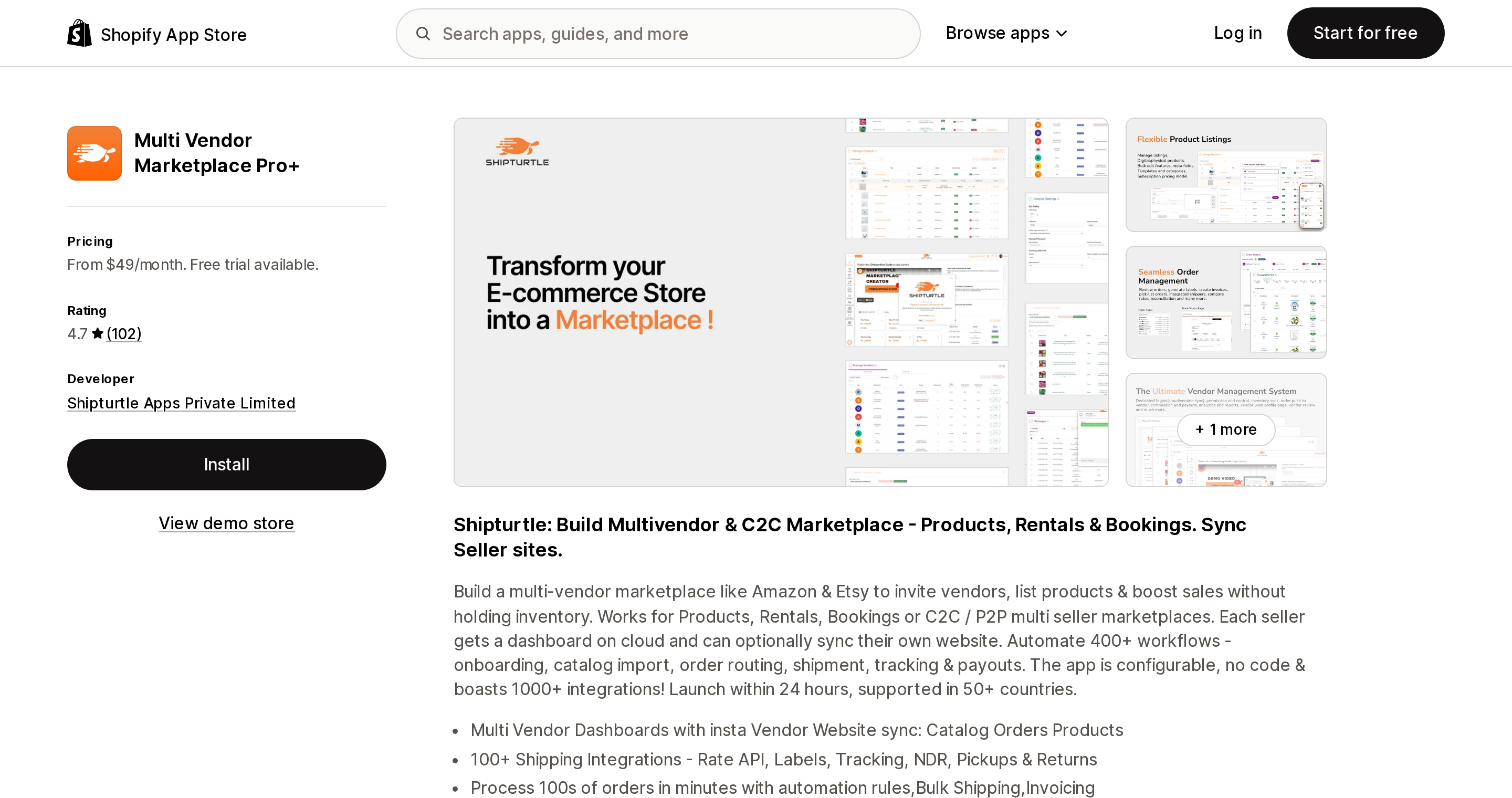
Source: Shopify App Store (Multi Vendor Marketplace Pro+), retrieved September 2, 2026
Multi Vendor Marketplace Pro+ from Shipturtle Apps Private Limited is the heaviest operations layer in the set — vendor dashboards, order routing, 100+ shipping integrations, and vendor website sync. Rated 4.7 across 102 reviews; launched September 15, 2020.
Four tiers, each with a 14-day free trial: Business $49/month (up to 1,000 monthly orders, 5K products, 25 vendors, dedicated vendor dashboards, automatic commission calculation), Peak $149/month (3,000 orders, 10K products, 100 vendors, custom vendor permissions), Enterprise $229/month (5,000 orders, 20K products, unlimited vendors, white label), and elite $399/month (60+ add-ons "worth $700+/mo" included, vendor sync across Shopify and other platforms, 200+ shipper integrations).
The catch is in the metering. This is the only app in the set where order volume alone can force an upgrade: order number 1,001 on the Business tier moves you to $149, tripling the bill without adding a single vendor. Every tier is also annotated "Plus Optional Add-Ons (Charges Apply)," and on Shipturtle's own pricing page a "Payment Package (Paypal + Stripe)" appears in the add-ons section, with the elite tier the one that reads "PayPal & Stripe payouts — included." Read that carefully before assuming payouts are in your $49.
Webkul MultiVendor Marketplace
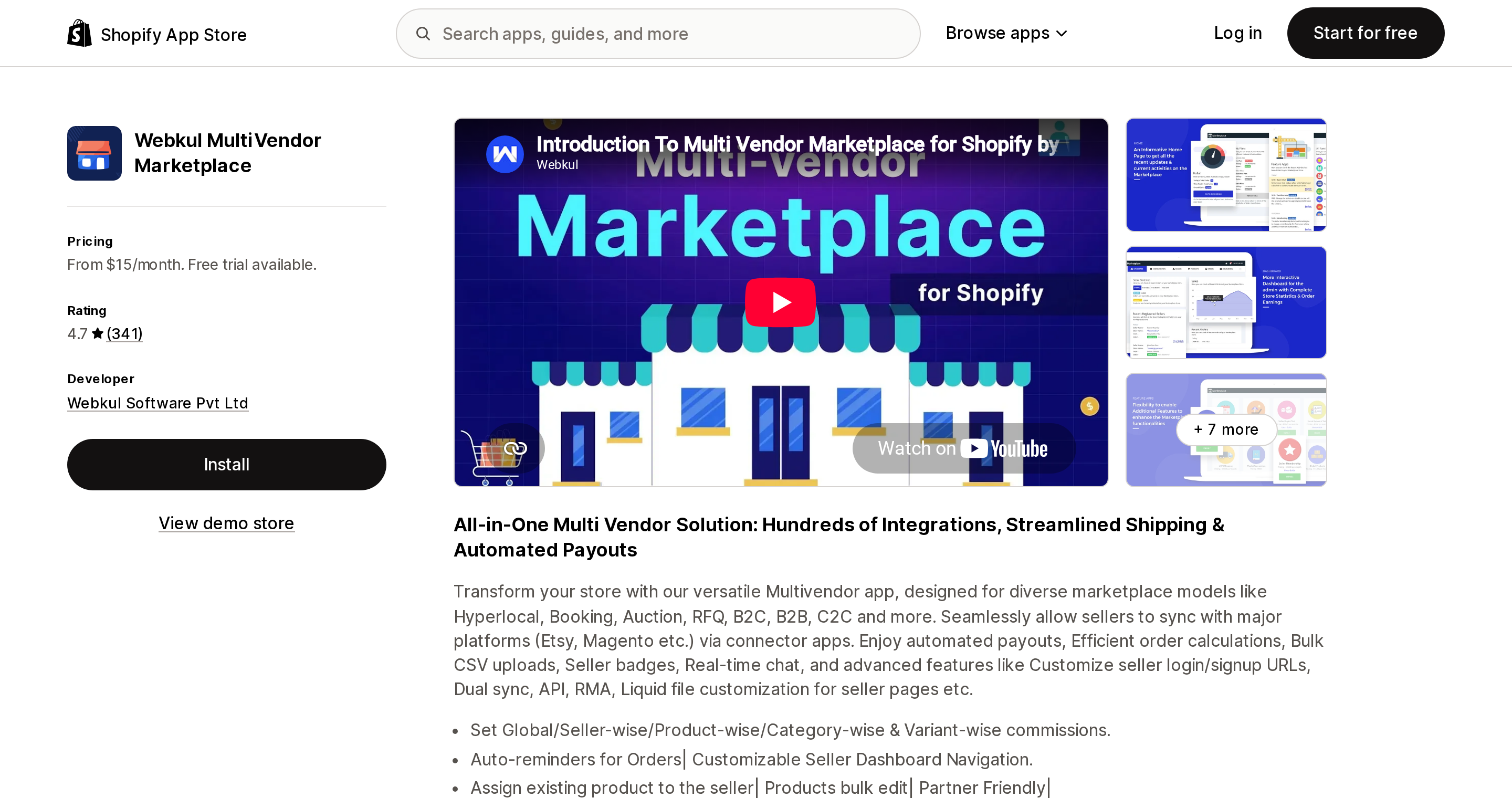
Source: Shopify App Store (Webkul MultiVendor Marketplace), retrieved September 2, 2026
Webkul MultiVendor Marketplace is the oldest listing here — launched April 20, 2015 — and at 4.7 across 341 reviews it has by far the deepest track record. Three tiers with a 15-day trial: Basic Plan $15/month (3 Active Sellers, unlimited products and orders), Executive $40/month (10 Active Sellers), Pro $60/month or $650/year (unlimited sellers, seller shipping, white label, live chat on IST hours).
Meters on active sellers only. Products and orders are unlimited at every tier, which makes it the structural opposite of Shipturtle. The trade is that the base product is deliberately thin: every tier carries the note "Add-ons for Advanced feature available (with extra pricing)," and the documentation lists a large add-on catalogue — seller KYC, split cart, hyperlocal, marketplace API — each priced separately. Payout rails documented there are Stripe, Stripe Transfer, PayPal, Razorpay-X, and network payout.
Multi Vendor ‑ Puppet Vendors
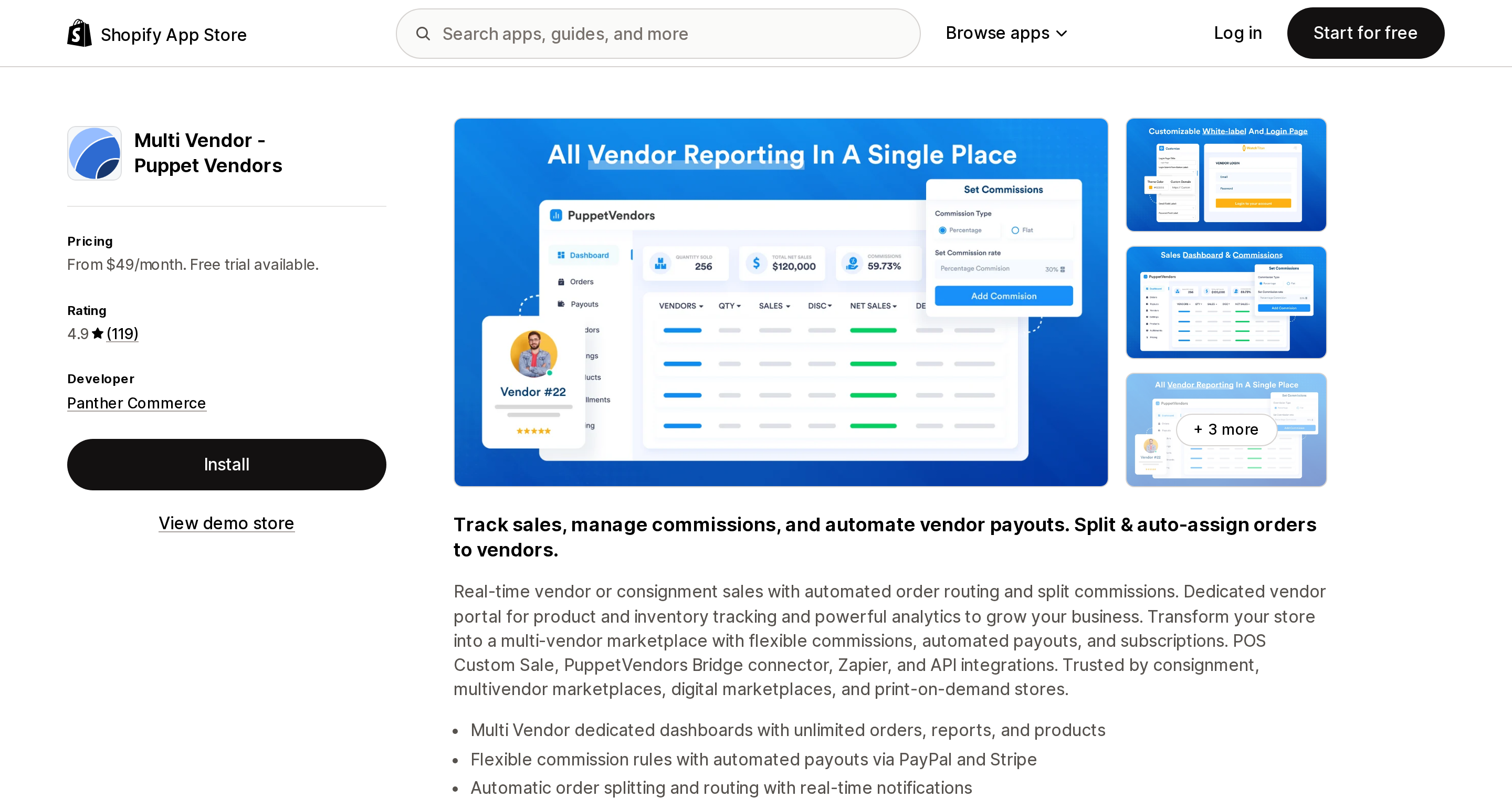
Source: Shopify App Store (Multi Vendor ‑ Puppet Vendors), retrieved September 2, 2026
Multi Vendor ‑ Puppet Vendors from Panther Commerce is the highest-rated in the set at 4.9 across 119 reviews, with no 1-star or 2-star ratings at all. Launched March 18, 2020. Tiers, 14-day trial, 17% off annual: Launch $49/month (up to 25 vendors, 5,000 products, unlimited orders and reports, flexible commission rules and payouts), Growth $119/month (100 vendors, 15,000 products, white-label branding, Shopify POS tile), Scale $249/month (400 vendors, 50,000 products, Zapier/webhook/API automations), Enterprise from $599/month.
One caution on the Scale tier: "Vendor as a Shopify store" is listed as coming soon. Do not buy on it.
Puppet Vendors earns its place here for a different reason, though — its help center is the most honest documentation in the category about what happens after the app calculates a split. More on that below.
Garnet Multivendor Marketplace
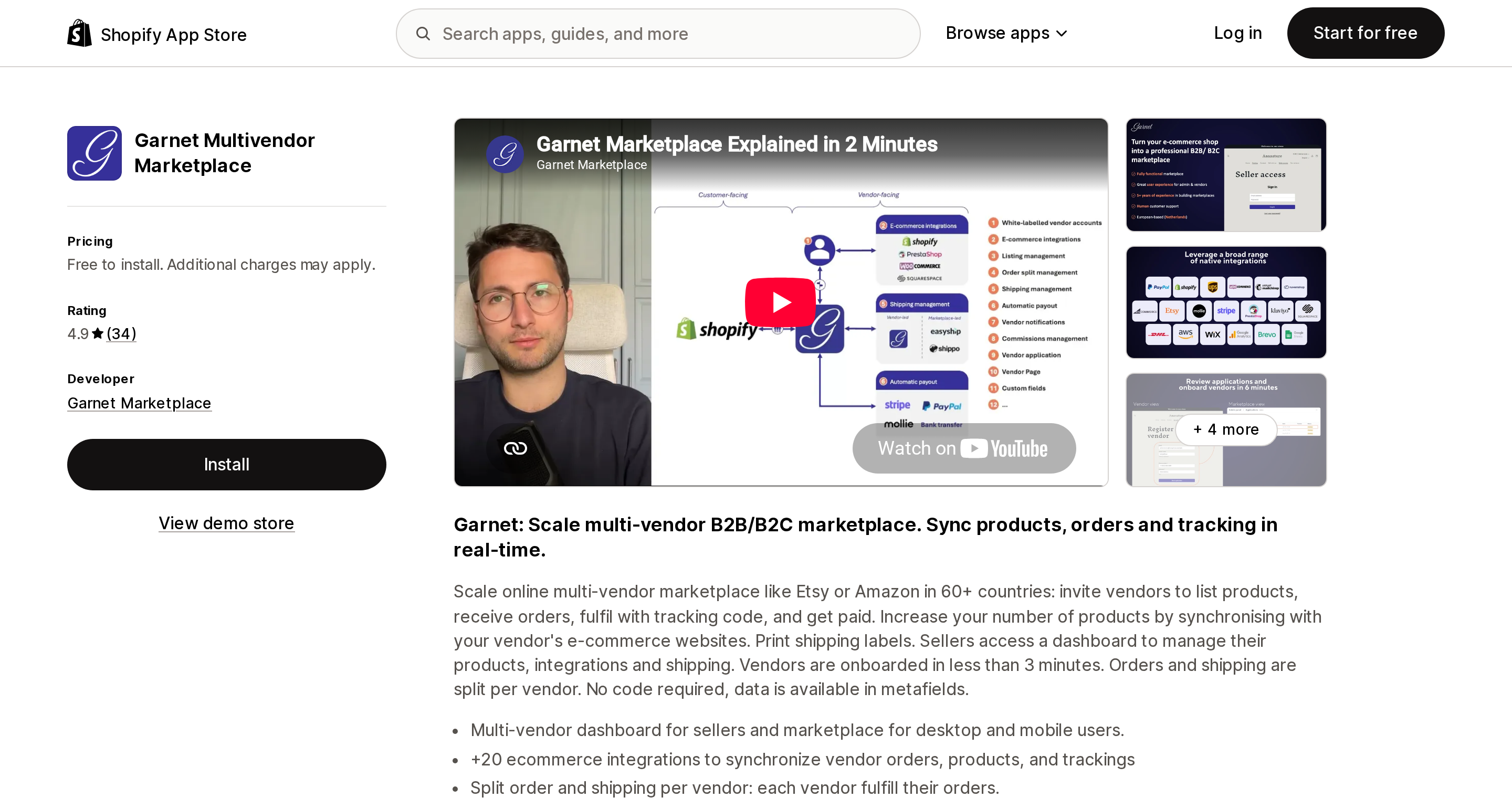
Source: Shopify App Store (Garnet Multivendor Marketplace), retrieved September 2, 2026
Garnet Multivendor Marketplace (Garnet Marketplace, Amsterdam) is 4.9 across 34 reviews, launched March 17, 2023, English only. Its pricing block is a single line: "Free to install. Please contact us for pricing information," with features listed as all features included, unlimited vendors, pay per products, and no hidden costs.
That makes it the only app here metering on catalogue size rather than vendors or orders — structurally the right shape for a marketplace with many vendors each carrying few SKUs. It also makes it the only one you cannot price without a sales call. The actual per-product rate is not stated on the listing.
CollabPay: Multi Vendor Payout
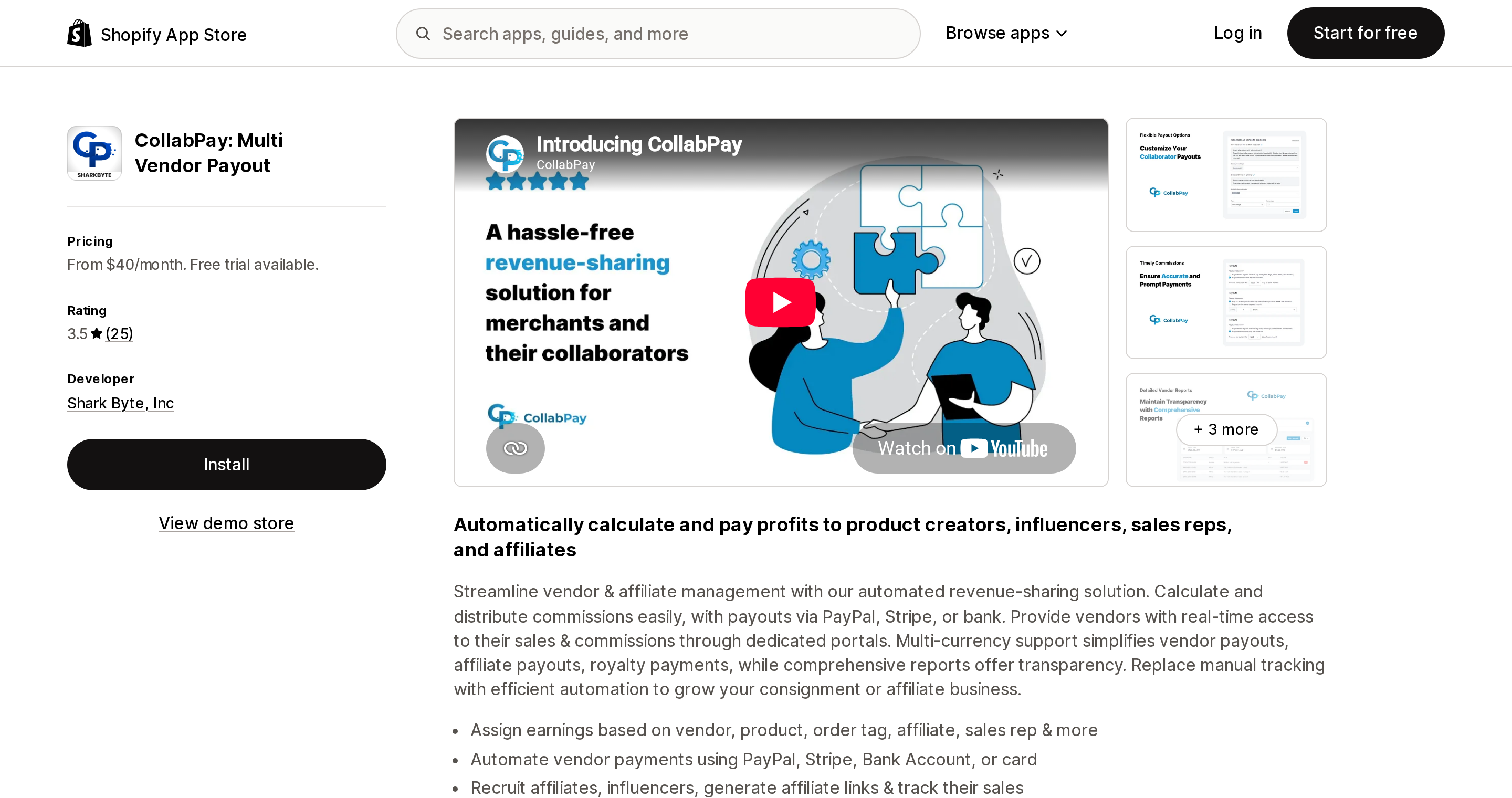
Source: Shopify App Store (CollabPay: Multi Vendor Payout), retrieved September 2, 2026
CollabPay: Multi Vendor Payout from Shark Byte, Inc — the only US-domiciled developer in the set — is a narrower product, and deliberately so. It splits revenue and pays collaborators; it does not give vendors product upload, order routing, or fulfillment. Rated 3.5 across 25 reviews, launched January 10, 2022. Essential $40/month (10 collaborators, unlimited payouts, automatic payouts via PayPal or Stripe, vendor login, reports), Premium $60/month (50 collaborators, adds bank and card payouts, API access, white label), Plus $80/month (unlimited collaborators). 17% off annual.
If your vendors are consignors, creators, or sales reps who only need to see their numbers and get paid, this is the right shape of tool and $80/month for unlimited payees is the cheapest unlimited tier in the set. If your vendors need to manage their own catalogue, it is the wrong tool entirely.
The metering problem
Here is what the five apps actually charge per vendor, using only figures stated on their listings.
| App | Entry price | Price scales on | Entry vendor cap | Cost per vendor at entry | Cost per vendor at ~100 vendors |
|---|---|---|---|---|---|
| Multi Vendor Marketplace Pro+ | $49 | Monthly orders and products and vendors | 25 | $1.96 | $1.49 (Peak $149) |
| Multi Vendor ‑ Puppet Vendors | $49 | Vendors and products; orders unlimited | 25 | $1.96 | $1.19 (Growth $119) |
| Webkul MultiVendor Marketplace | $15 | Active sellers only | 3 | $5.00 | $0.60 (Pro $60, unlimited) |
| CollabPay: Multi Vendor Payout | $40 | Collaborators only | 10 | $4.00 | $0.80 (Plus $80, unlimited) |
| Garnet Multivendor Marketplace | Contact | Products; vendors unlimited | Unlimited | Not published | Not published |
At the entry tier, the two cheapest headline prices — $15 and $40 — are the most expensive per vendor, at $5.00 and $4.00. The two $49 apps are the cheapest, at $1.96. Move to 100 vendors and it flips: Webkul at $0.60 and CollabPay at $0.80 beat Shipturtle's $1.49 by roughly two to two and a half times.
No two apps in this category can be compared on price until you fix three numbers: vendors, monthly orders, and SKUs. A marketplace with 200 vendors and 300 orders a month and one with 20 vendors and 4,000 orders a month will pick opposite winners from the same table.
The rail is a second bill
Every app here is a ledger, not a rail. The subscription buys commission math, a vendor portal, and a payout instruction. The money is moved by Stripe or PayPal, under a contract you sign separately, at fees the apps explicitly disclaim.
Puppet Vendors' help center is unusually specific, and what it documents applies well beyond that one app.
On PayPal: you need "permissions from PayPal to use their payouts feature," and if you are based in the US "you are charged a fee of USD $0.25 for each payout. These are fees charged by PayPal and not PuppetVendors." International payouts run 2% per payout, capped at $90; domestic caps at $14. The setup article also names the most common failure: PayPal "has not approved their PayPal account to use the Payouts API." If PayPal declines, "there is typically no re-course and we recommend you switch to Stripe Payouts or manual bank transfers." PayPal Payouts is an approval, not a setting.
On Stripe, the finding that catches almost everyone: "Shopify operates under a managed Stripe account meaning each Shopify store has their own Stripe account that is managed completely by Shopify. To fund your Stripe Connect account to pay your vendors, you are required to top-up the balance from your bank account and not rely on what Shopify sends you." That is from Puppet Vendors' Stripe setup guide. Their top-up article adds that top-ups require a US platform on a manual payout schedule with an approved profile, and can carry a seven-day hold.
Read together: you must hold working capital in a Stripe balance ahead of paying vendors, funded from your bank, while your Shopify Payments revenue arrives on its own separate schedule.
CollabPay documents a constraint of its own in its FAQ: "Can PayPal Payouts pay using a bank account or card? No, PayPal Payouts does not allow payouts to take place using your bank account or card. They only allow payouts from your PayPal funds." And only one PayPal account can be attached per CollabPay account. CollabPay is also explicit that it "never holds your funds."
Put a number on it. Twenty-five vendors paid weekly through PayPal in the US costs 0.25 × 25 × 52 = $325 a year in rail fees, on top of $588 a year in subscription. The rail is more than half the app's price again.
Three of CollabPay's most recent reviews are worth reading before you commit to cross-currency payouts. In November 2025 an Australian merchant wrote that "it should be clearly stated that you cannot easily automatically pay collaborators out via paypal — it's not a feature on paypal by default, you have to contact them and be approved." A Canadian merchant reported in August 2025 that a CAD store paying a USD collaborator was "doing the payout in USD without converting the value, resulting in overpayment."
The 1099 gap
None of the five apps states that it handles 1099-NEC issuance, 1099-K, or W-9 collection. I checked all five listings, plus Shipturtle's pricing page, Webkul's documentation index, Puppet Vendors' full help center, and CollabPay's FAQ. Two of them ship India-specific GST add-ons. None ships US information reporting.
Meanwhile, Shopify's own US tax reporting page states that "the Form 1099-K that Shopify issues to you accounts only for transactions processed through Shopify Payments," with a 2025 federal threshold of more than $20,000 and more than 200 transactions, and lower thresholds in several states.
The arithmetic that follows is uncomfortable: gross marketplace volume lands on your 1099-K, including the portion you pass through to vendors. Collecting W-9s and issuing 1099-NECs to those vendors is then a separate obligation, and no app in this set automates it. Budget for a bookkeeper, not a plugin.
How to choose
All your vendors already run US Shopify stores on Shopify Payments. Check Shopify Collective before anything else. Free payments, no rail fees, no Stripe top-ups. Blockers are digital products, gift cards, metafields, Pickup in store, and Managed Markets.
Vendors never touch products or orders; you just split revenue. Consignment, creators, sales reps. CollabPay Plus at $80/month is the cheapest unlimited-payee option; Puppet Vendors Launch at $49 gives you a stronger ledger and a real vendor portal at a much better review profile.
Vendors self-manage catalogue, orders, and fulfillment. Now pick by denominator. High order volume with few vendors favours Puppet Vendors or Webkul, both of which leave orders unlimited. Heavy shipping and label work favours Shipturtle. The largest vendor count on the smallest fixed base is Webkul Pro at $60.
Vendors sync from their own storefronts. Shipturtle elite at $399, or Webkul's seller store connector, or Garnet. Do not buy Puppet Vendors Scale for a feature marked coming soon.
Fewer than five vendors, low volume, no vendor self-service. You may not need an app at all. Grow gives you five staff seats; invoice your vendors and pay them by bank transfer. Note that Basic and Starter give you zero.
Any cross-currency payout program. Treat as a red zone and pilot with one vendor before scaling.
Sources
- Product details page — Shopify Help Center
- User and permission plan requirements — Shopify Help Center
- Shopify Collective payments — Shopify Help Center
- Shopify Collective requirements and considerations — Shopify Help Center
- United States tax reporting — Shopify Help Center
- Set up PayPal payouts — Puppet Vendors Help
- Set up Stripe payouts — Puppet Vendors Help
- How to add funds to your Stripe balance — Puppet Vendors Help
- CollabPay FAQ
- Shipturtle pricing
- Webkul marketplace documentation
Shop Pay Installments is free to activate, needs no app, and Shopify never publishes what it costs you — the rate is visible only inside your own admin. It also refuses Capital One and Chase credit cards, restricts monthly plans to debit cards only, excludes gift cards and subscriptions, and can't be turned off for individual products. Affirm can suspend your account for being password-protected, for having a non-English storefront, or for being primarily B2B. And Shopify's Getting paid page says disputes appear in your admin while its FAQ says they don't. If you fail the eligibility gates, the alternative is on-site messaging apps from Klarna, Afterpay, Sezzle, Zip, and PayPal — a category rated between 1.0 and 3.2 stars. Researched September 2, 2026.