
What you will learn
On this pageContentsCloseOpen
You upload a GLB file to a product, and a "View in your space" button appears on the product page. No app, no code, no monthly fee. At which point the obvious conclusion is that the 3D and AR apps in the App Store are selling something Shopify already gives away.
That conclusion is half right, and the half that's wrong is expensive. Shopify's native 3D support is a display feature. It is not a creation feature, a configuration feature, a try-on feature, or a measurement feature. Those four gaps are the entire market the apps compete in, and they meter those gaps on four incompatible denominators.
This article establishes exactly where the native boundary sits using Shopify's own documentation, then prices six live apps and shows which meter matches which kind of store.
Research date: September 2, 2026. All prices are USD from the English App Store listings.
The short version
- Shopify accepts GLB and USDZ up to 500 MB and converts every upload so both formats exist — one file covers iOS and Android.
- That 500 MB is an upload ceiling, not a target. Shopify's own partner guidance says a production GLB should be about 4 MB and must not exceed 15 MB.
- 3D models cannot be used as variant media. A red sofa and a blue sofa need two separate products to each carry their own model.
- A product holds a maximum of 250 media items, and Shopify states plainly that this limit can't be raised.
- Shopify reports no 3D or AR engagement metric at all. You cannot measure whether the feature paid for itself.
- Shopify does not build models for you. The native 3D scanner is iOS-only and needs an iPhone 12 Pro or newer.
- Two apps that dominate older "best Shopify AR apps" roundups — Sayduck and Nextech's ARitize3D — are no longer listed on the App Store.
What Shopify natively does
The display side is genuinely good, and it is worth knowing precisely how good before paying for anything.
Shopify accepts GLB and USDZ files up to 500 MB, and converts every upload so that both a .USDZ and a .GLB version exist. You upload one file and iOS and Android are both covered. Files larger than 15 MB are automatically optimized — geometry and textures reduced — while files under 15 MB are left untouched.
Rendering uses Google's <model-viewer> component. AR is launched through the Shopify-XR library, which hands off to AR Quick Look on iOS Safari and Scene Viewer on Android. There is no Shopify-proprietary AR runtime. Support covers all Online Store 2.0 themes built by Shopify plus the Horizon family; third-party themes need confirming with their developer.
The number of 3D models and videos you can store scales with your plan — 250 on Basic, 1,000 on Grow, 5,000 on Advanced, 50,000 on Plus — and for most small catalogs Basic's allowance is not the binding constraint.
Where it stops
The 500 MB number is misleading
Shopify's guidance for merchants commissioning a model from a partner says the total GLB file size should be about 4 MB and must not exceed 15 MB. Partner documentation adds that textures should not exceed 2048 × 2048 pixels for mobile web.
So uploading your 200 MB CAD export technically works, and what happens next is Shopify decimating it on your behalf, with no control over the result. The usable target is two orders of magnitude below the headline.
3D can't go on a variant
This is the constraint that ends the most native-only projects. Shopify states directly that 3D models and videos can't be used for product variant media. If you sell one sofa in eight fabrics, native 3D gives you one model for the product, not eight models bound to eight variants. Per-variant 3D requires either eight separate products or an app.
The same page notes the 250-media-per-product cap and adds, without qualification, that this limit can't be raised.
There is no configurator
Nothing native lets a shopper change material, colour, engraving, or components on a model and see the result. Native media is a static asset.
There is no try-on
No face, hand, wrist, or body tracking. No camera overlay of a garment or a pair of glasses. AR Quick Look places an object in a room; it does not place an object on a person.
There is no measurement
Shopify reports no "3D rotations," no "AR launches," and no "converted after viewing in AR." If you need to justify the work internally, the native path gives you nothing to justify it with. For a lot of merchants this alone decides the question.
Getting a model made is your problem
Shopify does not produce models. It routes you to the Partner Directory with a photo-and-measurement spec, or to the free 3D scanner in the Shopify mobile app — which is iOS only, requiring an iPhone 12 Pro or newer on iOS 17+, or an iPad Pro 2021 or newer. Android merchants get no native scanner.
The scanner also has real limits: products must be at least 3 inches (8 cm) in every dimension, each model takes three separate scans and roughly 10 to 15 minutes, and quality degrades on smooth, reflective, monochrome, soft, thin, or gappy products. Anyone selling jewellery, glassware, or knitwear should assume it will not work.
The apps, and their four different meters
| App | Built for Shopify | Rating (reviews) | From | Meter |
|---|---|---|---|---|
| Camweara Virtual Try On | No | 5.0 (59) | $39/month | Products enabled |
| Angle 3D Configurator ‑3D & AR | No | 5.0 (92) | $39/month | Products × textures |
| Zakeke ‑ Customizer 2D & 3D | No | 4.7 (95) | $69.90/month + fee | Products + % of revenue |
| Antla AI Virtual Try On | Yes | 5.0 (52) | $19.99/month | Try-on generations |
| GenLook: AI Virtual Try On | Yes | 5.0 (35) | Free / $19.99 | Try-on generations |
| Picture It: AR & Art Previews | Yes | 4.7 (47) | $19/month | Activated products |
Before the detail, one finding worth stating on its own. Sayduck 3D & AR Configurator and Nextech AR's ARitize3D both return "This app is not currently available on the Shopify App Store." Both appear in widely-shared roundups of the best Shopify AR apps. Neither is installable. If you are working from a 2024 or 2025 listicle, check the links before you plan around them.
Camweara Virtual Try On
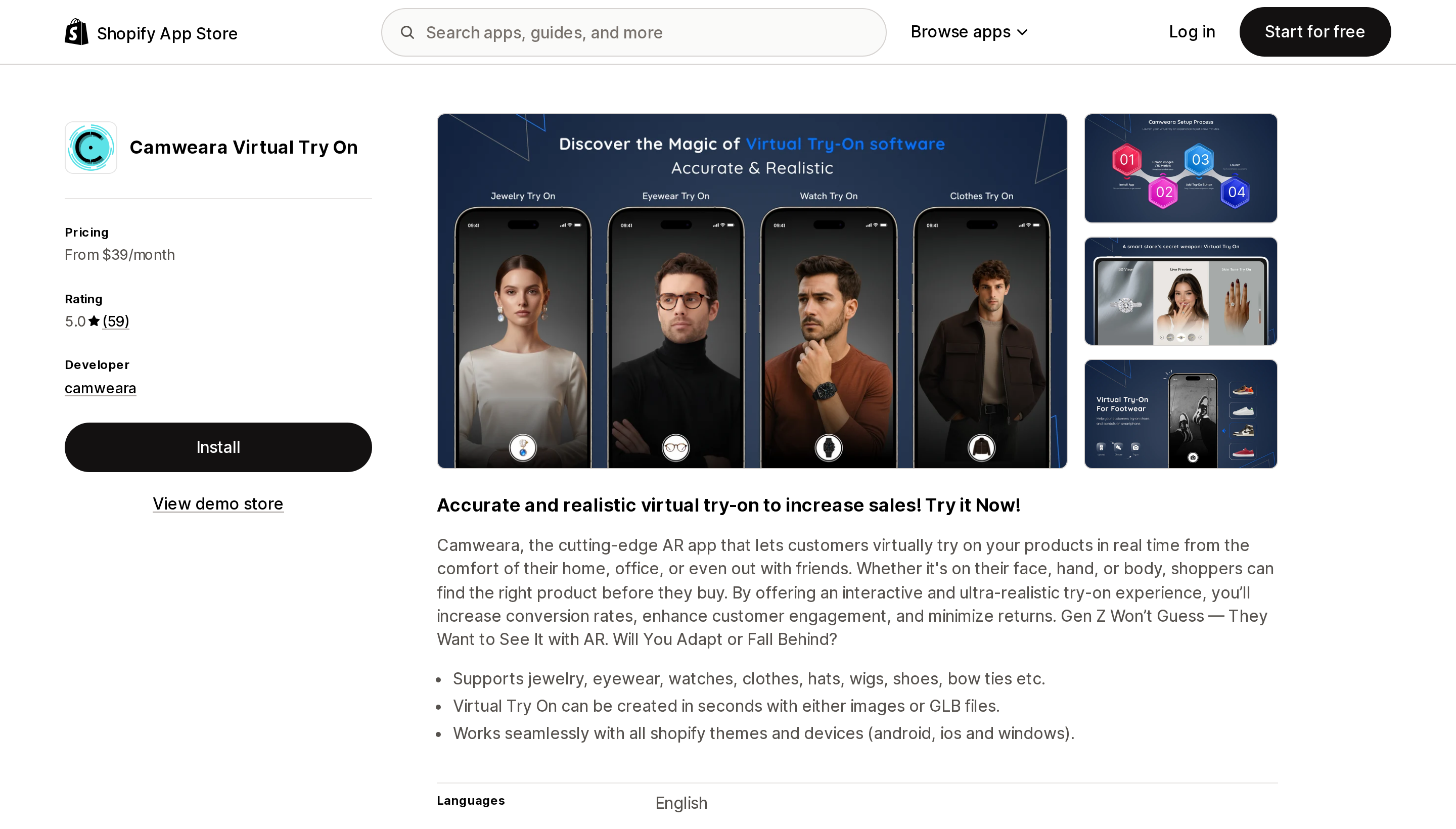
Source: Shopify App Store (Camweara Virtual Try On), retrieved September 2, 2026
Camera-based try-on for jewellery, eyewear, watches, clothes, hats, wigs, shoes, and bow ties — the only app here covering hand, wrist, and head placement rather than full-body garments. Live since June 30, 2021.
Lite is $39/month for 70 products, Starter is $90/month for 300 and adds purchase tracking from try-on, and Growth is $200/month for 3,000 products with site traffic capped at 200,000 monthly visits. The meter is catalogue size; try-ons themselves are not metered.
The practical differentiator is that try-on assets can be built from either a plain product image or a GLB. A jeweller with 500 SKUs and no 3D pipeline is not blocked, which addresses the single biggest native obstacle directly. Across its 59 reviews the consistent pattern is hands-on integration work by the vendor, with merchants describing custom code written for them. Claims about sales lift and return reduction in those reviews are merchant self-report, not measured data — one US reviewer had used the app for 17 days.
Poor fit for furniture and decor, which need room placement rather than body placement.
Angle 3D Configurator ‑3D & AR
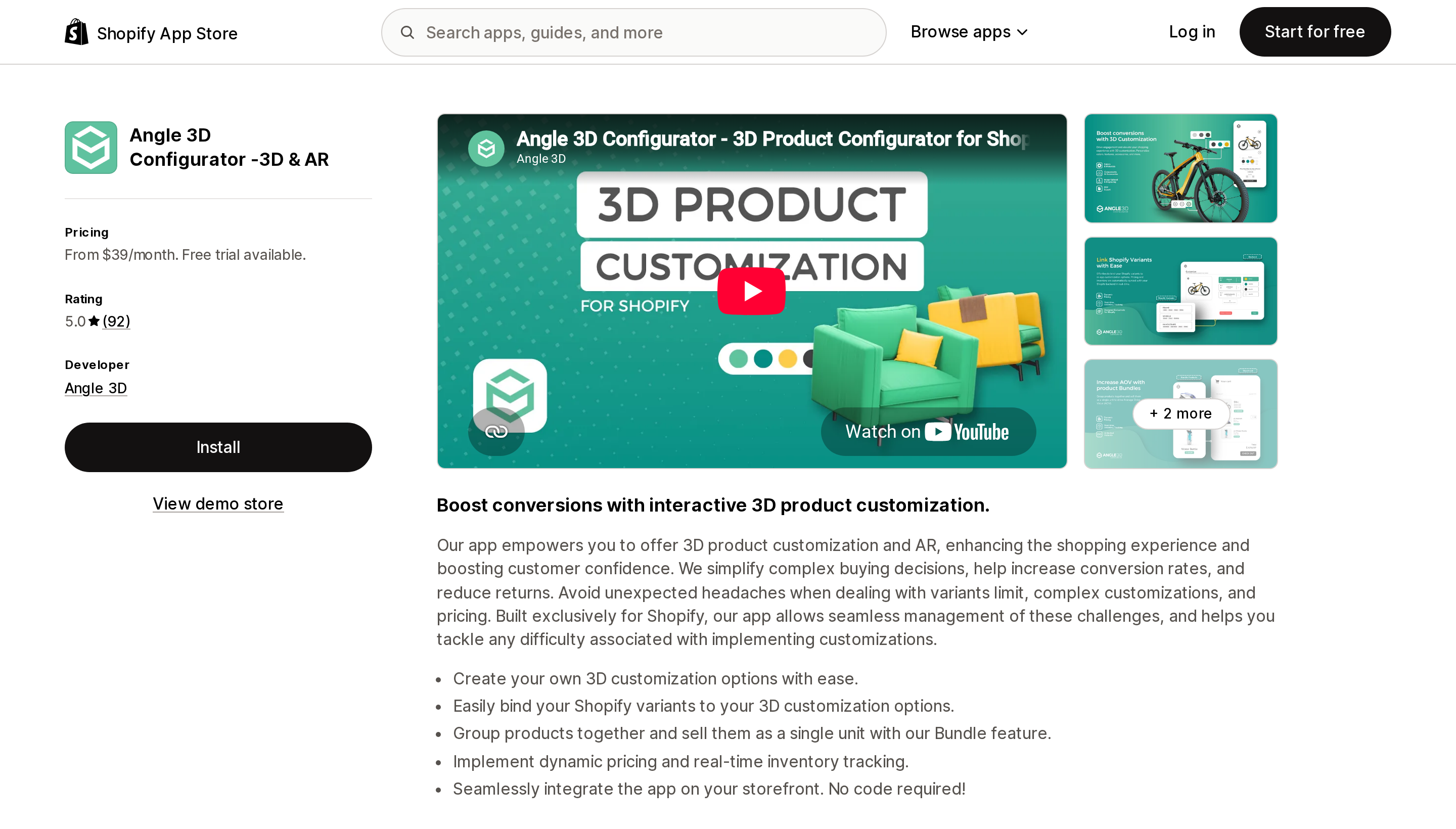
Source: Shopify App Store (Angle 3D Configurator ‑3D & AR), retrieved September 2, 2026
The purest answer to the variant gap. Basic is $39/month for 10 products with up to 10 textures each and up to 250 Shopify variants per product; Premium is $69 for 40 products and adds text engraving and conditional option logic; Professional is $99 for 100 products and lifts the variant ceiling to 2,048; Enterprise is $199 for 500 products and adds animations, PDF quote export, and bundles.
The meter is products multiplied by textures — and critically, "3D/AR Configurator (Unlimited views)" appears on all four tiers. Traffic never raises the bill. That makes Angle the cheapest option for a high-traffic store with a narrow catalogue and the most expensive for a broad one.
It binds configuration options directly to Shopify variants with dynamic pricing and real-time inventory tracking against configured combinations, and it lists Checkout compatibility. Reviews cluster on front-end load speed and on support that extends to building the 3D models themselves — one US reviewer states the team handled "3D model creation, to the setup and integration," which is a single observation but directly on the native blocker.
Wrong tool if you just want to spin a model. Native already does that free.
Zakeke ‑ Customizer 2D & 3D
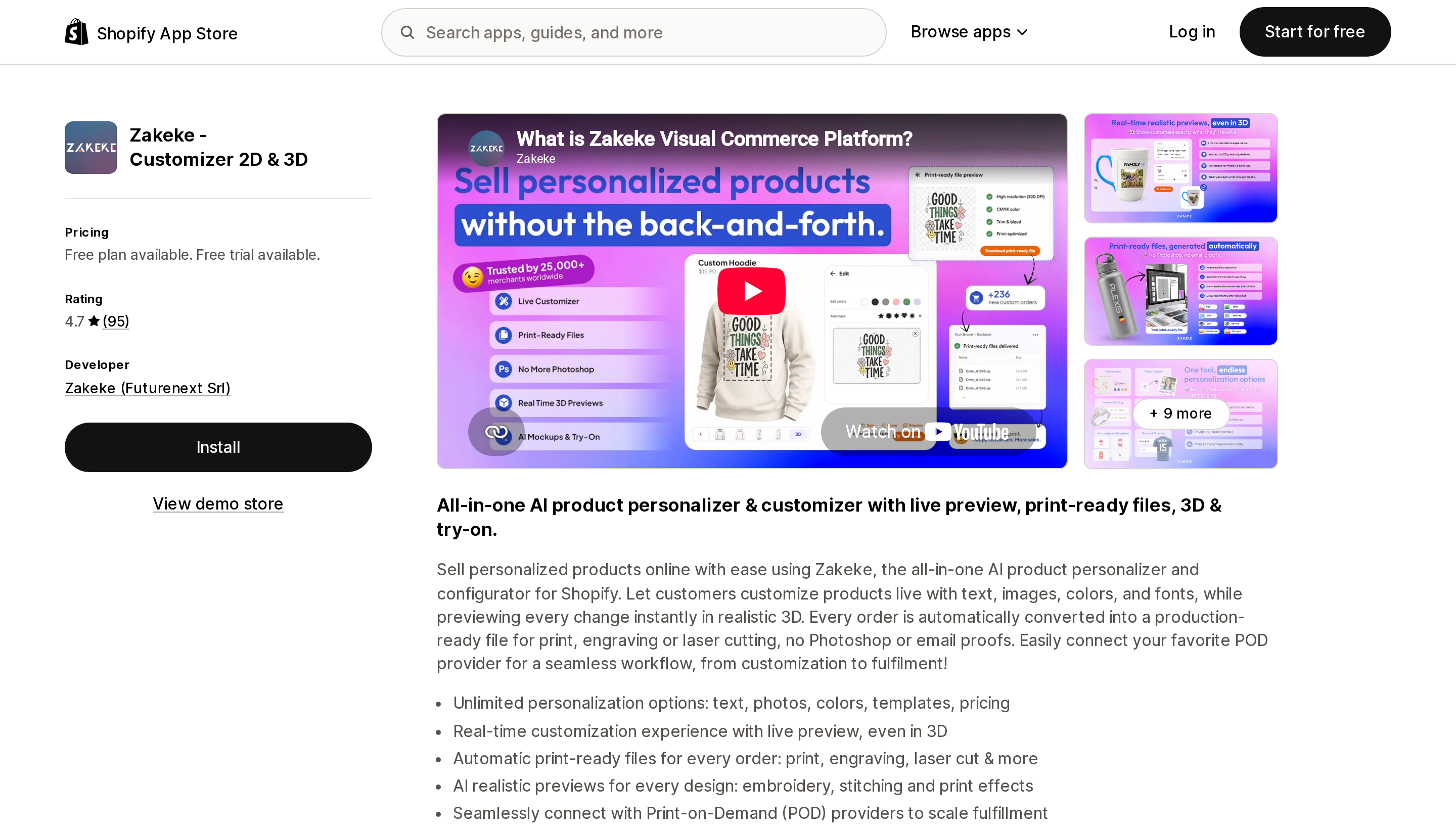
Source: Shopify App Store (Zakeke ‑ Customizer 2D & 3D), retrieved September 2, 2026
The broadest platform here: 2D personaliser, 3D configurator, AR viewer, virtual try-on, and automatic print-ready file generation, live since November 17, 2017.
Its meter is the one that changes the ROI maths. Starter is $69.90/month for up to 10 published products plus a 1.9% transaction fee on products sold through Zakeke; Grow is $129.90 for 50 products at 1.7%; Scale is $299.90 for 100 products at 1.5%. It is the only revenue-share model in this comparison, which means the app gets more expensive precisely as it succeeds. For a high-AOV merchant, 1.5% of GMV can exceed a flat competitor's entire bill.
What justifies it is the production file. Zakeke generates the print-ready output per order, removing email proofs and Photoshop from a personalisation workflow, and it is the only app here listing a Shopify POS extension. It also carries the only material negative tail in this set — four one-star reviews out of 95 — alongside reviewers at roughly four years' tenure, the strongest longevity signal here.
Antla AI Virtual Try On and GenLook: AI Virtual Try On
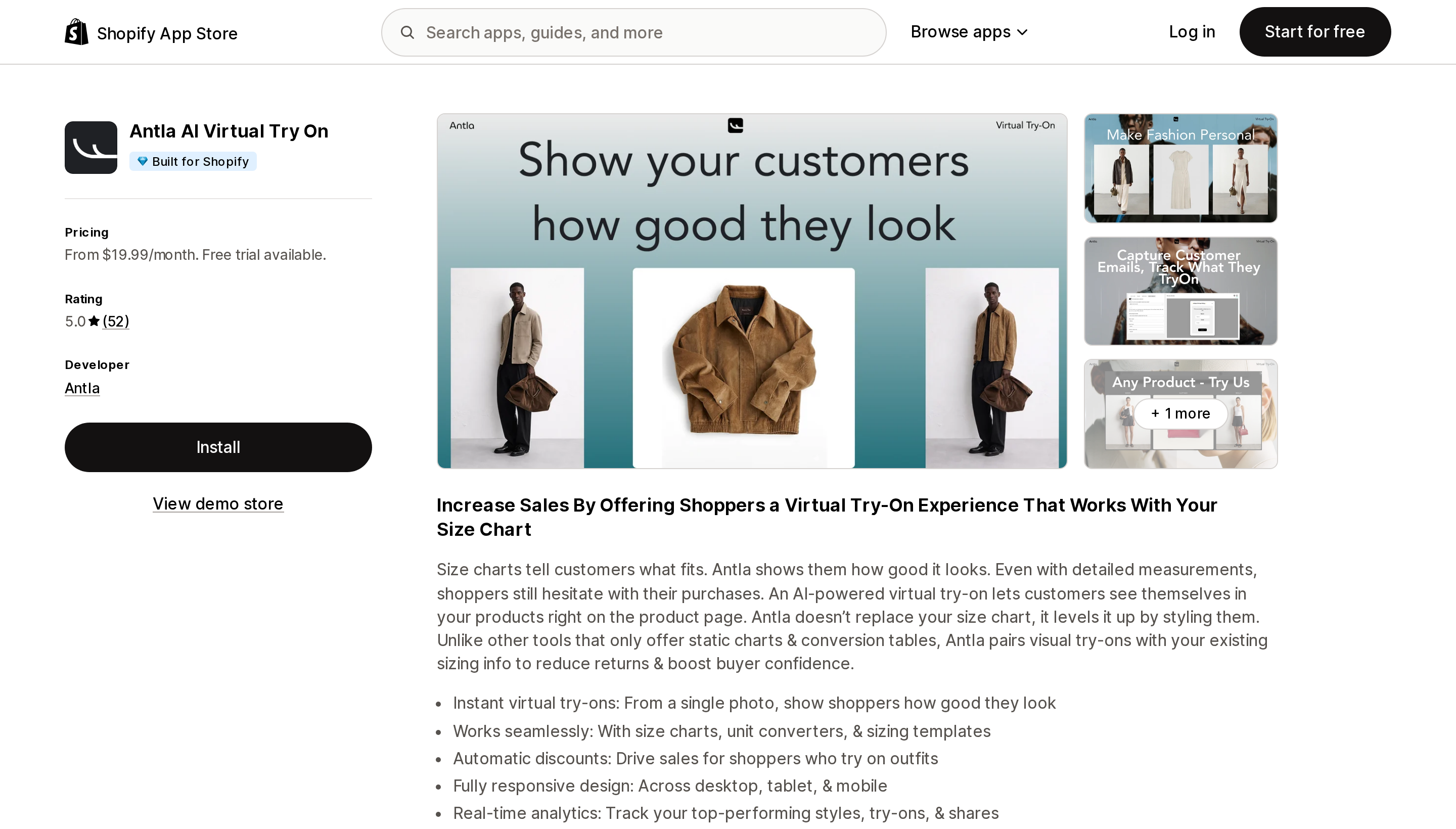
Source: Shopify App Store (Antla AI Virtual Try On), retrieved September 2, 2026
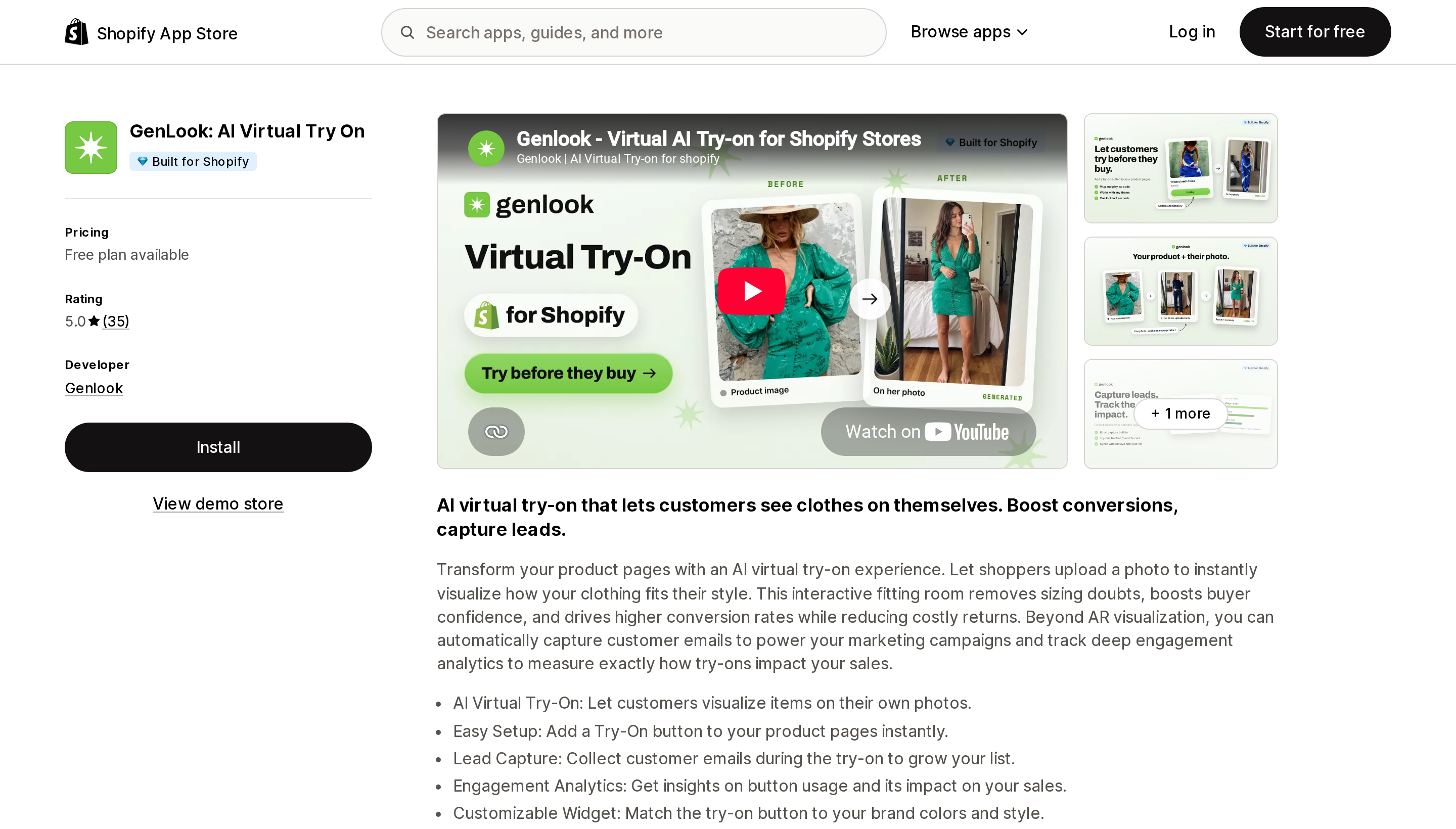
Source: Shopify App Store (GenLook: AI Virtual Try On), retrieved September 2, 2026
Both are Built for Shopify, both do AI photo try-on for apparel — the shopper uploads a photo and sees the garment on themselves — and both meter on try-on generations, which means shopper behaviour sets your bill, not your catalogue.
Antla is $19.99 for 100 try-ons with $0.16 overage, $49.99 for 500 at $0.12, and $199.99 for 2,000 at $0.09. It lists Checkout, Shopify Flow, Klaviyo, Postscript, Attentive, and Segments, and can trigger automatic discounts for shoppers who complete a try-on. GenLook has a free tier of 10 try-ons a month, then $19.99 for 100 at $0.17, $29 for 250 at $0.12, and $99 for 1,000 at $0.10, with 46 storefront languages and email capture inside the try-on flow.
The crossover is straightforward: GenLook is cheaper below roughly 400 try-ons a month, Antla above that — and Antla is the one to pick if Checkout extensibility and retention flows matter. Both carry perfect 5.0 ratings, and both should be read carefully: several Antla reviewers had used the app for hours or days when writing, so those reviews measure onboarding, not sustained results. GenLook launched on September 26, 2025 and has under twelve months of track record.
Neither does room placement. Neither does jewellery or eyewear.
Picture It: AR & Art Previews
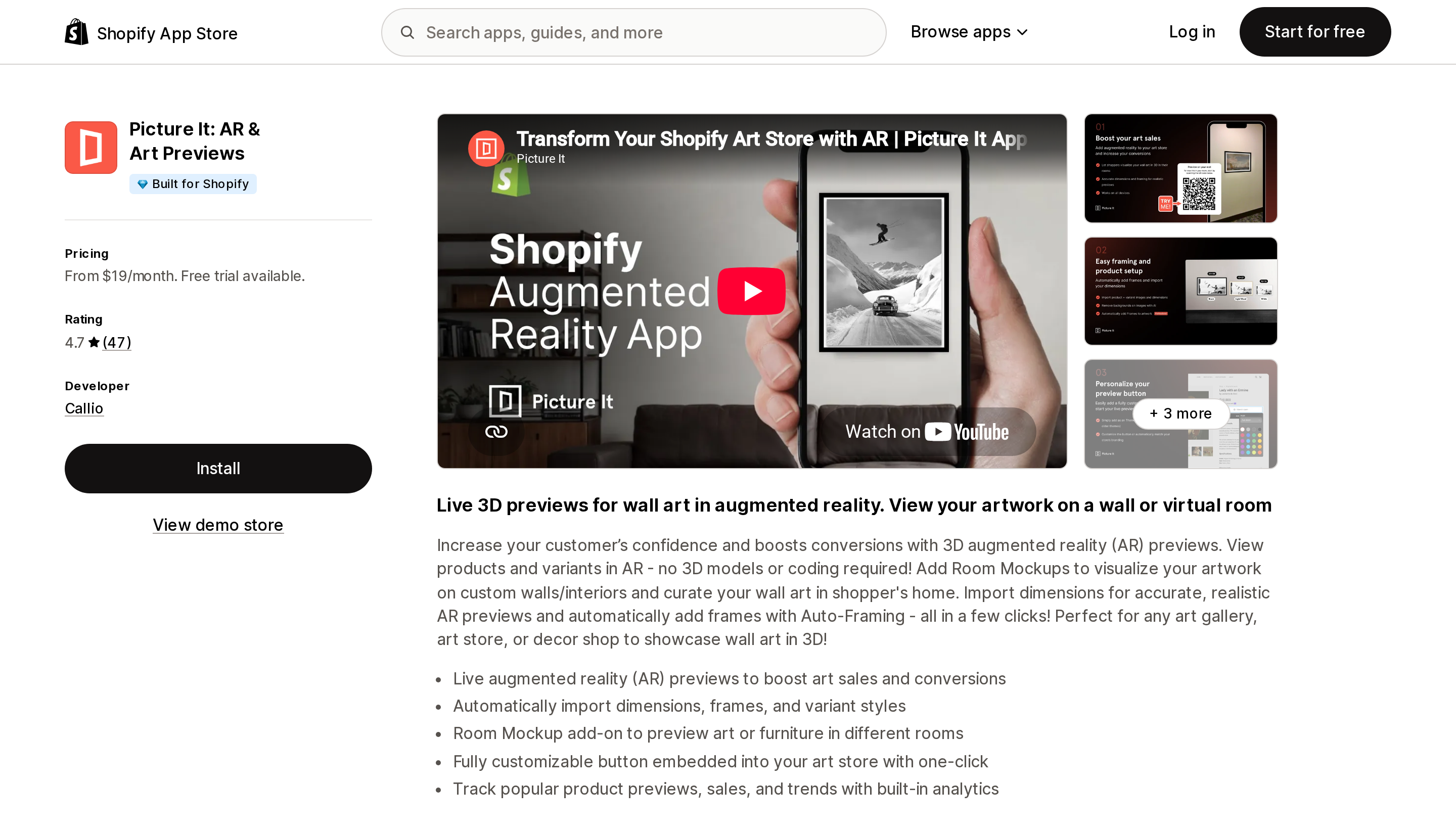
Source: Shopify App Store (Picture It: AR & Art Previews), retrieved September 2, 2026
Built for Shopify, developed in Atlanta, and the most interesting app relative to the native question because it requires no 3D models at all. It builds AR wall previews from your existing product images plus imported dimensions, and it imports frames and variant styles — so unlike native, it does render per-variant.
Starter is $19/month for 200 activated products with unlimited AR previews and unlimited background removals, Professional is $39 for 2,500 and removes branding, Premium is $199 for unlimited. Like Angle, previews are unmetered, so traffic never moves the bill.
One US reviewer running Fineartcanvas.com states they launched a catalogue of over 8 million variants on it after testing alternatives, and specifically that it did not hurt load times. That is a single review, but it is the most concrete performance claim available across any app here. Another reviewer notes variant setup takes time to understand.
Useless outside flat wall-mounted goods, and its install writes script tags plus theme edits, which is worth knowing if you audit storefront performance.
How to choose
Native alone is enough when you can get GLB files at around 4 MB, your product has one appearance with no options to preview, you're on a Shopify-built OS 2.0 or Horizon theme, and you don't need to prove the feature works with numbers. That describes a lot of furniture and hard-goods catalogues, and those merchants should not be buying an app.
You can't get models made. This is the most common real blocker and the cheapest to solve. Camweara works from product images; Picture It works from images plus dimensions. Neither requires a 3D pipeline.
Shoppers must configure before buying. Angle 3D if you need variant binding and inventory accuracy; Zakeke if you also need the production file for printing or engraving.
Wearables try-on — jewellery, eyewear, watches. Camweara. Neither AI photo app covers hand or wrist placement.
Apparel try-on. GenLook below roughly 400 try-ons a month; Antla above that, or whenever Checkout extensions and Klaviyo flows matter.
Wall art. Picture It, which is the only app here handling per-frame and per-size AR at very large variant counts.
You need to prove it earns its keep. Any app. Native reports nothing.
Match the meter to your growth
The sticker prices in this category cluster between $19 and $69, which makes them look interchangeable. They are not, because they are counting different things.
At 50 products and 5,000 monthly try-ons, the same catalogue costs $39 on Angle if only ten products are configurable, $90 on Camweara, and $199.99 plus roughly $270 in overage on Antla. Nothing about those three numbers is visible on a pricing page comparison.
The rule that falls out of it: pick the meter least correlated with the growth you expect. High traffic and a narrow catalogue points to per-product pricing, where views are free — Angle or Picture It. A wide catalogue with modest traffic points to per-generation pricing, where dormant SKUs cost nothing — Antla or GenLook. High average order value argues against Zakeke's percentage; low AOV at real volume may make it the cheapest thing here.
And check that the app still exists. Two of the most-recommended names in this category no longer do, which is a more useful durability signal than five apps clustered at 4.7 to 5.0 stars on 35 to 95 reviews each.
Sources
- Shopify Help Center — Product media types
- Shopify Help Center — Adding product media
- Shopify Help Center — Getting a 3D model from an expert
- Shopify Help Center — Shopify 3D scanner
- Shopify Help Center — File upload limits
- Shopify.dev — Support product media in themes
- Shopify App Store listings, retrieved September 2, 2026: Camweara Virtual Try On, Angle 3D Configurator ‑3D & AR, Zakeke ‑ Customizer 2D & 3D, Antla AI Virtual Try On, GenLook: AI Virtual Try On, Picture It: AR & Art Previews
Shop Pay Installments is free to activate, needs no app, and Shopify never publishes what it costs you — the rate is visible only inside your own admin. It also refuses Capital One and Chase credit cards, restricts monthly plans to debit cards only, excludes gift cards and subscriptions, and can't be turned off for individual products. Affirm can suspend your account for being password-protected, for having a non-English storefront, or for being primarily B2B. And Shopify's Getting paid page says disputes appear in your admin while its FAQ says they don't. If you fail the eligibility gates, the alternative is on-site messaging apps from Klarna, Afterpay, Sezzle, Zip, and PayPal — a category rated between 1.0 and 3.2 stars. Researched September 2, 2026.