
What you will learn
On this pageContentsCloseOpen
Most guides to selling courses on Shopify start by telling you the native app can't do it. That is half right, and the half they skip is the interesting one.
Shopify Digital Products — the free first-party app, still on the digital-downloads slug, renamed from Digital Downloads — is better at raw file delivery than almost anything you would pay for. Its help page states plainly: "There is no bandwidth limit for downloads. The bandwidth statistic in the app's main menu is for your information only." Files can be up to 5 GB. You can cap how many times each customer downloads. It costs nothing.
Compare that with a paid app like Sky Pilot, which bills you precisely for storage and bandwidth. If your product is "a 4 GB video file people buy once and keep," you are done. Install the free app and stop reading.
A course is not that, and the gap between the two is specific and documented. Research date: September 2, 2026. All prices USD as published on the Shopify App Store.
The three native behaviours that break a course
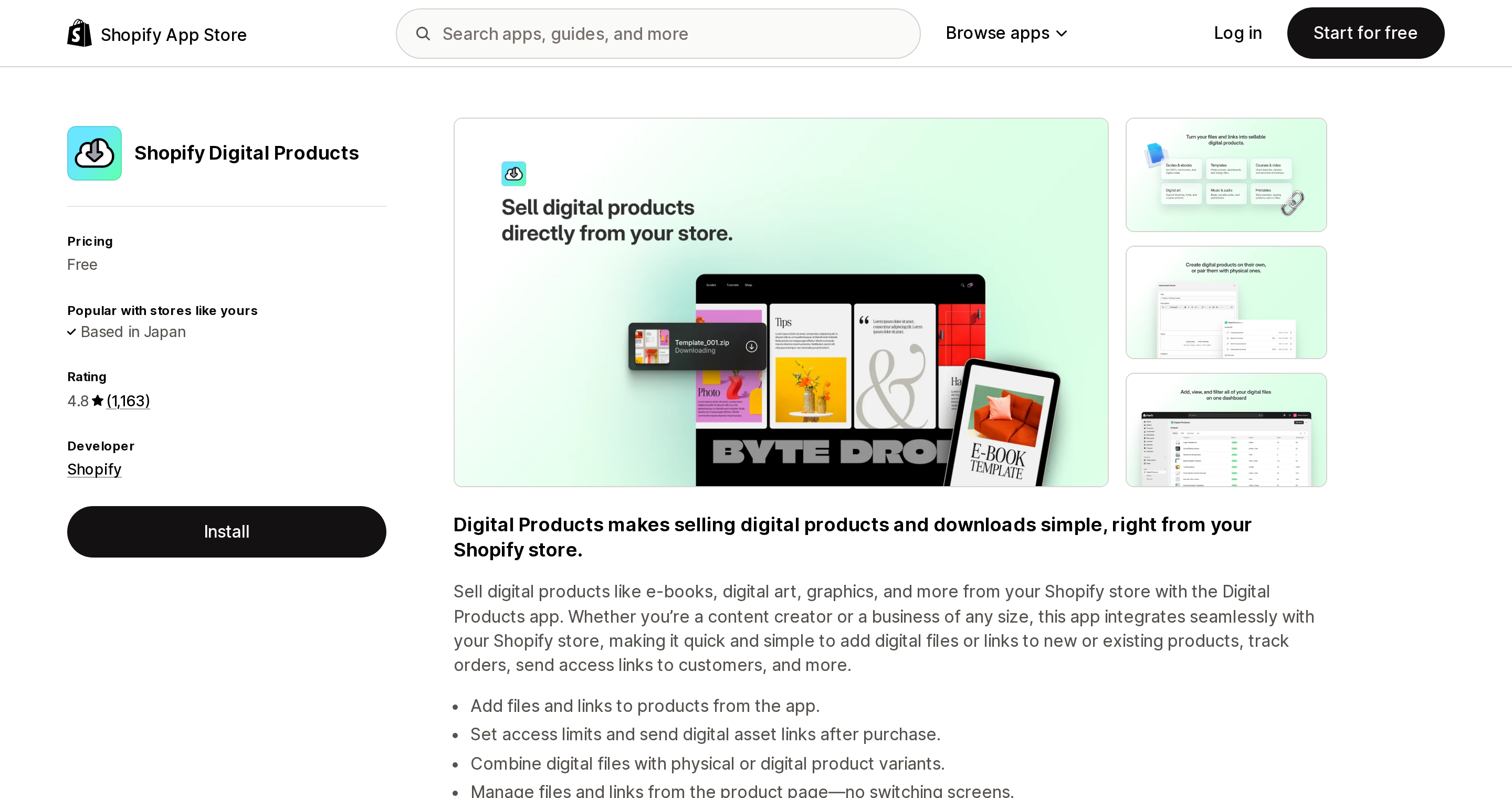
Source: Shopify App Store (Shopify Digital Products), retrieved September 2, 2026
Editing a lesson revokes past students
This is the one that catches people, and it is stated outright in the Help Center: "If you edit or delete a digital file, then any customer that's previously purchased your product won't be able to access their digital download using their download link."
For a static PDF that is a footnote. For a course it is structural. Courses get updated — you re-record Lesson 3 because the UI you demoed changed, you fix an audio problem, you swap a worksheet. Every one of those edits, on the native app, breaks the link for everyone who already paid you. The support ticket volume alone makes this unusable at any scale beyond a handful of buyers.
Your "course" is a link to somewhere else
The native app has two delivery modes: upload a file, or add a link. The link mode is deliberately narrow. Per the Help Center, "You can add links only from the following supported providers: Notion, Calendly, Acuity, Kajabi, Teachable, Thinkific, Google Drive/Docs, Dropbox, Canva, YouTube, Vimeo, and Figma."
Note who is on that list. Teachable, Thinkific, and Kajabi are on it because Shopify's intended native path for courses is to sell a product whose asset is a URL pointing at a real LMS you pay for separately. The student checks out on your Shopify store and then leaves it.
And there is a trap in that model: "Each time a customer opens a link counts toward the variant's download limit." If you set a download limit of 3 thinking of file downloads, a student who opens their course link on Monday, Wednesday and Friday is locked out by the weekend.
There is no video hosting to gate
Shopify does host video, but as public product media, capped at "Video length: Up to 10 minutes / Video size: Up to 1 GB / Video resolution: Up to 4K." And the Files admin is explicit about its nature — you should only upload files there "when they're intended for public access on your store." Shopify's product-media documentation describes no way to restrict who can view an uploaded video, and no concept of a logged-in student.
You can gate a theme section in Liquid using customer.tags, which is genuinely available when a customer is logged in. But the customer account pages themselves are not Liquid — the customizable pages are Sign-in, Orders, Order status, and Profile, extended only "with apps." There is no native place for a lesson list, no progress state, no completion, no certificate, and no quiz. Shopify Subscriptions, the free first-party subscriptions app, will bill a membership recurringly — and nothing in its documentation describes revoking content access when someone cancels.
Four apps, four completely different meters
This is the part worth reading before you shortlist. These apps look interchangeable and price on incompatible axes.
| App | Rating (reviews) | Built for Shopify | What the plan meters | Entry point |
|---|---|---|---|---|
| Tevello Courses & Communities | 5.0 (687) | Yes | Nothing — unlimited courses, members, communities | $29/month (no free plan for live stores) |
| Courses Plus | 4.9 (214) | Yes | Lessons per store | Free up to 5 lessons |
| Inflowkit Courses & Membership | 4.0 (37) | No | Courses + enrollments + revenue | Free up to 2 courses / 100 enrollments / $300 sales |
| Sky Pilot ‑ Digital Downloads | 4.8 (417) | Yes | Storage + bandwidth (GB) | Free: 100 MB storage, 1 GB/month |
The number that decides most of this
Take a modest course: one course, 50 students, 10 GB of video.
| App | Monthly cost |
|---|---|
| Tevello | $29 |
| Courses Plus | $0 if it fits in 5 lessons, else $19.99 |
| Inflowkit | $0 until the $300 sales cap, then $19 |
| Sky Pilot | $54.99 base + ~$300 bandwidth overage = $354.99 |
That Sky Pilot figure is not a mistake, and it is not a criticism of the app — it is a category error waiting to happen. Sky Pilot meters gigabytes. Fifty students streaming 10 GB of video is roughly 500 GB of egress; its top published tier includes 200 GB and bills $1/GB above that. A video course is the single worst-shaped product for a bandwidth-metered app, which is why the apps built for courses bundle video hosting instead of metering it.
Now scale to 2,000 students. Tevello is still $29 — it advertises unlimited members. Courses Plus is unchanged too, because every tier including the free one says unlimited students; only lesson count moves you up the ladder. Inflowkit's published enrollment cap is 5,000. Sky Pilot has no student meter at all; your bill is purely a function of how much video moved.
The practical rule: if your course is video-heavy, never choose a bandwidth-metered app. If your course is lesson-heavy but light on students, avoid a per-lesson meter.
The apps individually
Tevello Courses & Communities
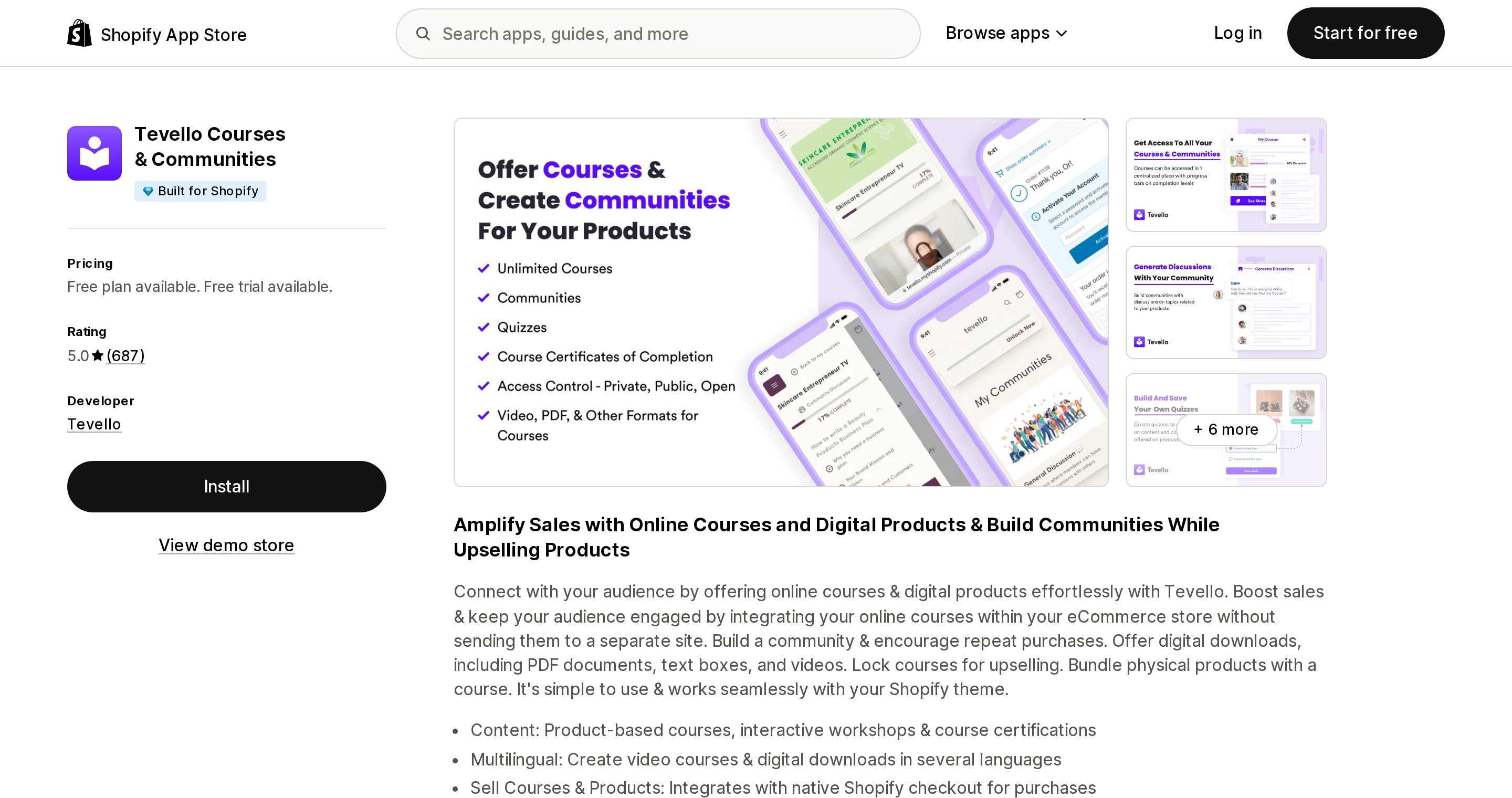
Source: Shopify App Store (Tevello Courses & Communities), retrieved September 2, 2026
From Tevello in Sheridan, Wyoming, launched February 2023. It carries the Built for Shopify badge and holds a 5.0 rating across 687 reviews, 99% of them five-star — the strongest combination of volume and score in this comparison.
Pricing is one number: $29/month, with a 14-day trial and a free plan available only on development stores. Unlimited courses, unlimited members, unlimited communities, certificates and quizzes included, checkout stays in native Shopify. Its own FAQ states there is no revenue share: "we don't take a piece of the money you earn." Video hosting is included at 100 GB of storage with 500 GB/month of bandwidth by default; more is quoted case by case.
The recurring friction in reviews is video workflow rather than price. An August 27, 2026 review from Stitching Kitchen in the UK: "my last system had video built in, I am not sure if I am being silly but I am currently using zoom separately and then dropping the recording back into the lessons." Worth a trial run with your actual footage before you migrate a catalogue.
Courses Plus
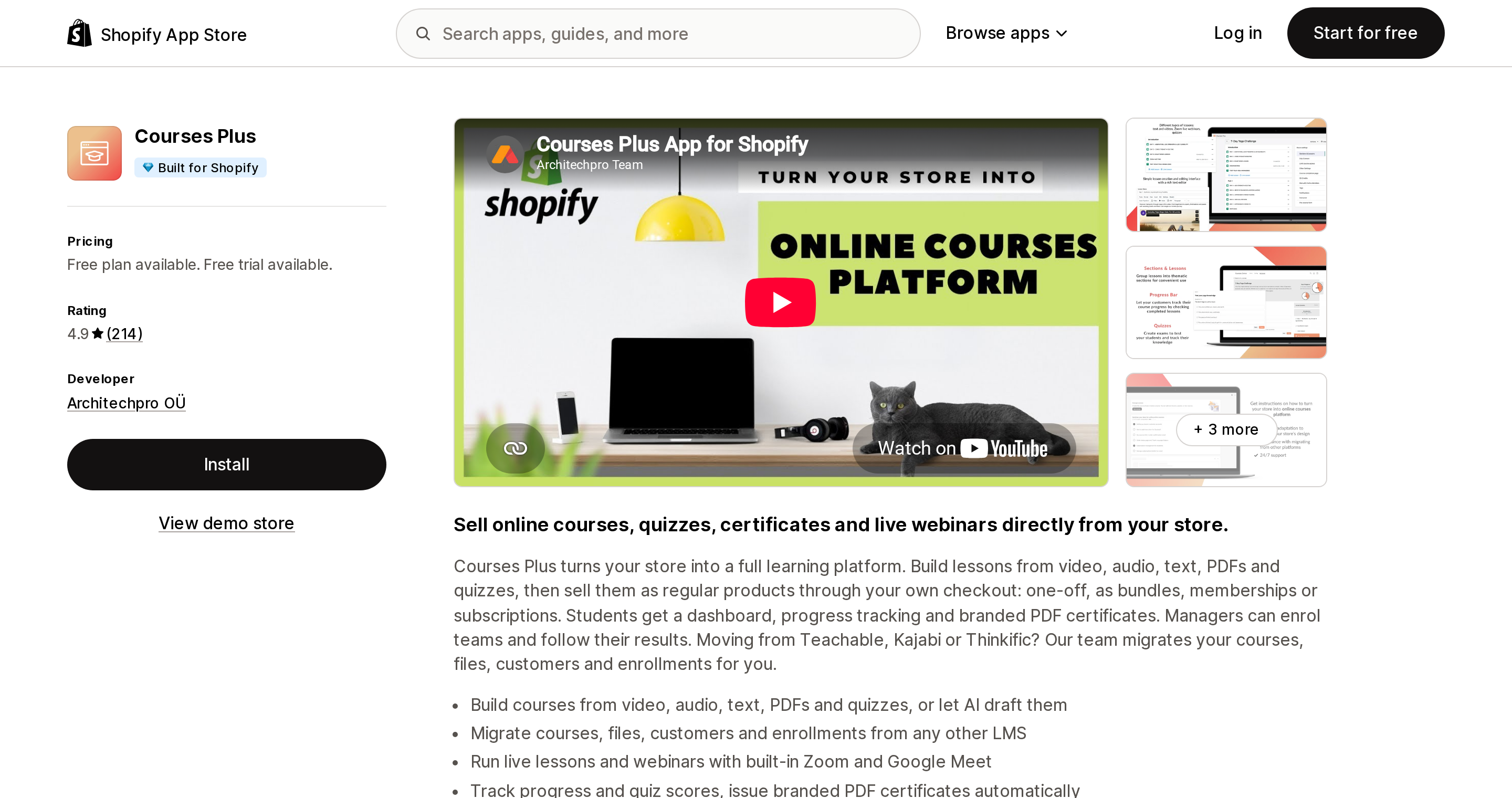
Source: Shopify App Store (Courses Plus), retrieved September 2, 2026
Architechpro OÜ in Tallinn, launched January 2020, Built for Shopify, 4.9 across 214 reviews. Its Demo plan is the most permissive free tier on a live store among the four apps here — Inflowkit's free Lite plan also runs on a live store, but adds a $300 sales cap. Demo gives 5 lessons, unlimited students, PDF and audio uploads, video hosting, SCORM import, AI course generation, and course progress tracking, at no cost.
Paid tiers are $19.99, $79.99 and $199.99/month (or $200, $800, $2,000 annually), gated by lessons per store: 20, 100, then unlimited. Certificates start at $19.99; quizzes are held back to $79.99, which is a meaningful jump if assessment is core to what you sell. The top tier, Enterprise at $199.99/month, adds unlimited storage and lessons; there is no higher published tier.
The recurring review theme is that support quality depends on the channel. From an August 20, 2026 review by Uviña Holistic Wellness in the US, eleven months in: "found the app to be confusing at first… While I did not find the chat representative to be helpful, I did appreciate the ability to schedule a video call with support." That is one reviewer's experience against a review base that is overwhelmingly positive about support, so treat it as a single data point rather than a pattern.
Inflowkit Courses & Membership
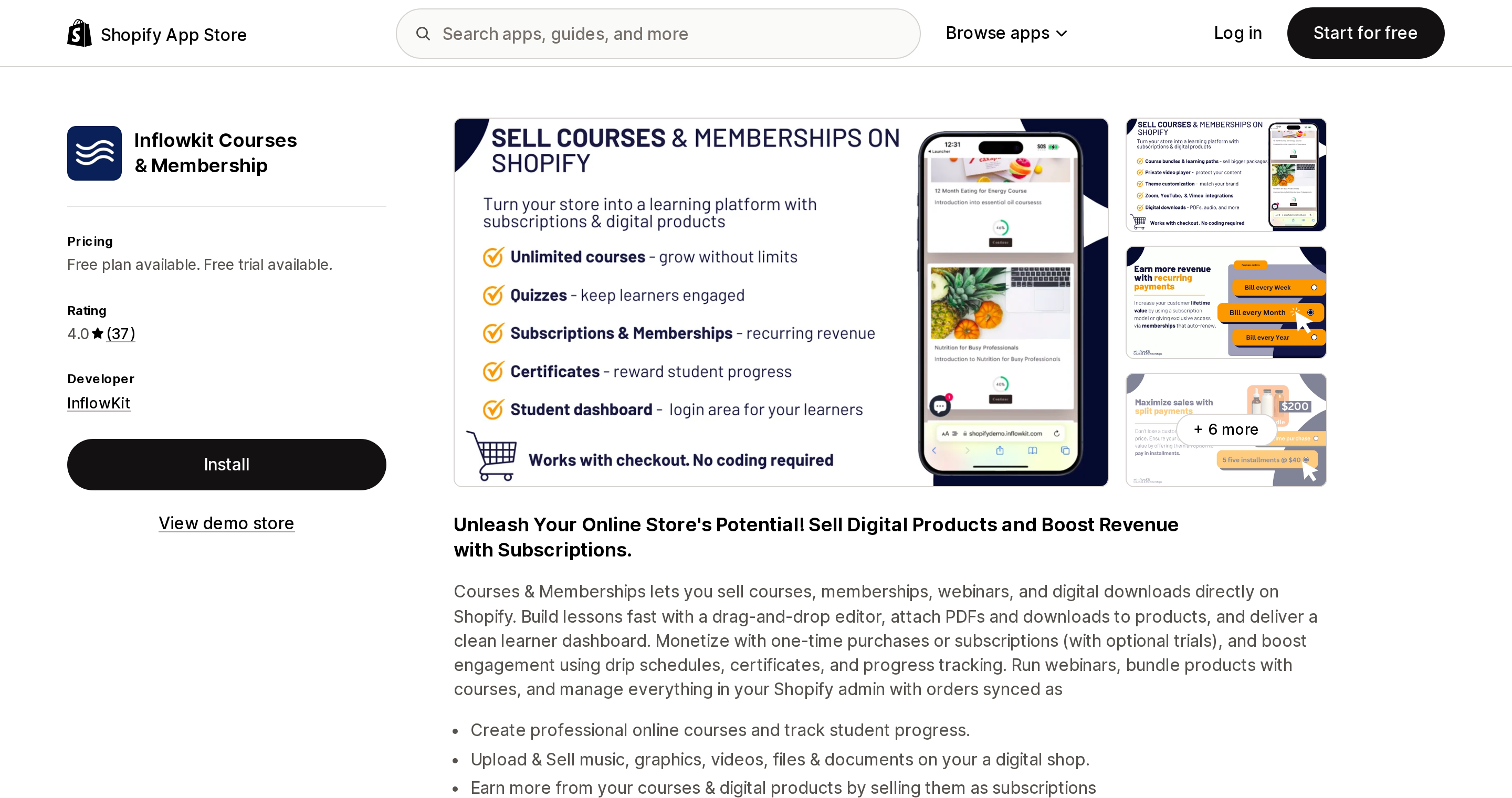
Source: Shopify App Store (Inflowkit Courses & Membership), retrieved September 2, 2026
InflowKit, launched July 2020, 4.0 across 37 reviews — the lowest score here, with four ratings at one or two stars. Its Lite plan is free with 2 courses, 10 lessons, 100 enrollments and a $300 sales cap through the app; paid tiers are $19 (50 courses, 5,000 enrollments) and $49.99 (drip content, bundles, trials).
The reason to read the reviews carefully is that two negative themes recur across multiple reviewers, not one. The first is support silence — a March 26, 2026 review from Katy in the UAE: "I waited 7–8 hours without any response. The next day, the entire chat disappeared." An edited May 29, 2026 review from Emilie Shapiro Studio in the US, a customer of roughly four years, reads: "for the last 3 months we've been trying to get in touch with customer service and have had zero response." The same reviewer later appended that InflowKit did respond and was helping resolve the issue.
The second is recurring billing. An edited February 28, 2026 review from Knot Another Hat in the US: "We've been trying to get subscriptions to work correctly for over a year… we have customers still being billed incorrectly every month that we have to manually refund." If your model is a paid membership rather than one-off course sales, weigh that heavily.
Sky Pilot ‑ Digital Downloads
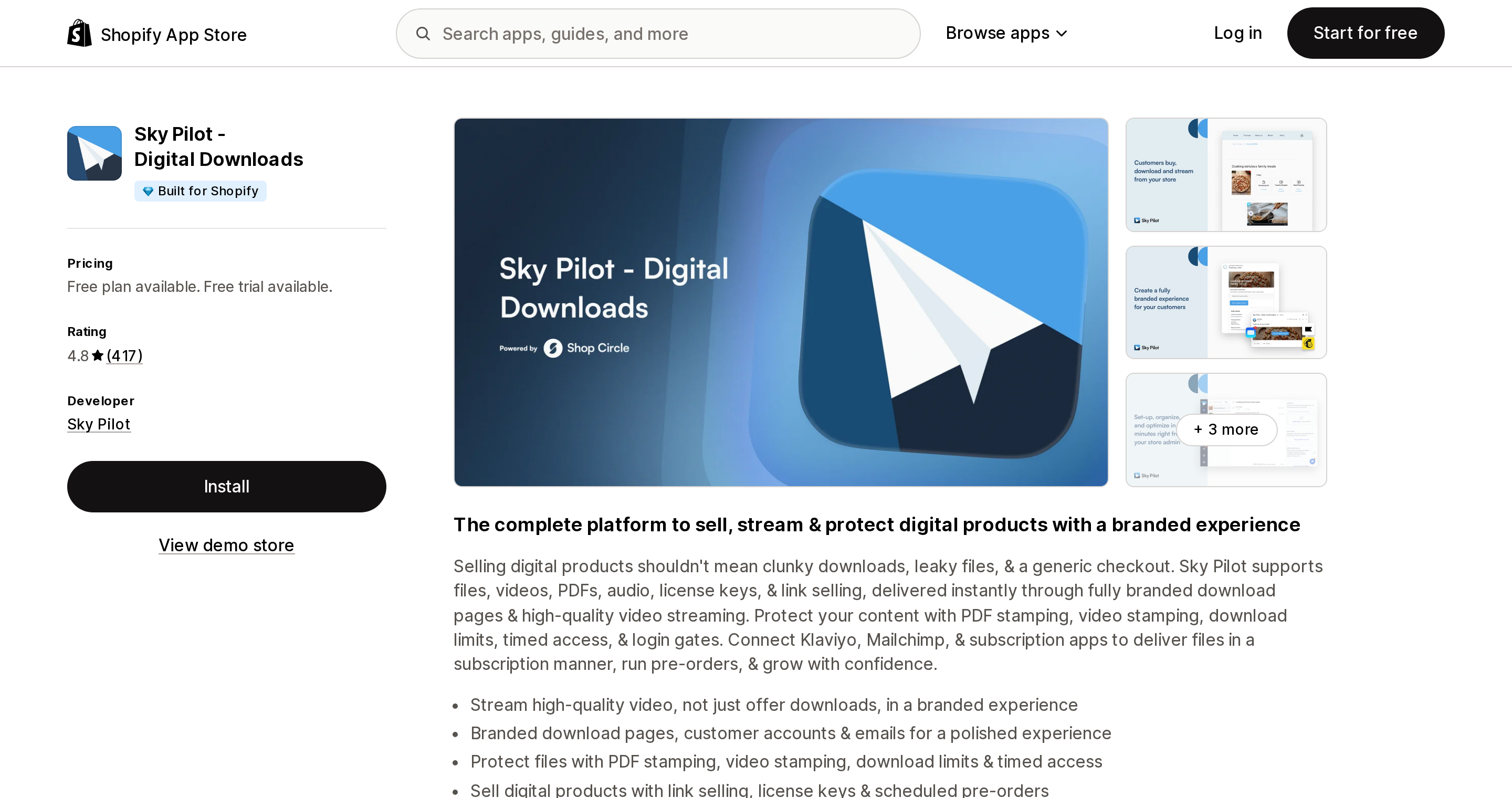
Source: Shopify App Store (Sky Pilot ‑ Digital Downloads), retrieved September 2, 2026
Sky Pilot from Whistler, British Columbia, launched May 2013, Built for Shopify, 4.8 across 417 reviews. It belongs in this article as the clearest example of the wrong tool used correctly.
It is positioned as a digital delivery app rather than a course app: its listing states no lesson structure, progress tracking, quizzes or certificates, though it does carry a "Courses" product-type tag. Tiers are $9, $24.99 and $54.99/month on storage and bandwidth (100 MB/1 GB free, up to unlimited storage with 200 GB/month at the top), and video streaming only arrives on the $54.99 Growth plan. Custom plans start at $149/month.
For selling a library of files with more control than the free native app — expiring access, per-customer delivery, a branded portal — it is a strong, long-established choice. One complaint worth reading is about delivery rather than the app: a June 26, 2026 review from Employment with Amy in the UK notes "the adding of files is great and easy but the emails go to customer's spam." If your content is a lesson sequence, you are paying gigabyte rates for something that does not track a single lesson.
The external LMS route, and a delisting worth knowing about
Selling through Thinkific or Teachable and pointing at them from Shopify is the model the native app's link list implies. One thing has changed: the Thinkific app page now reads "This app is not currently available on the Shopify App Store," and there is no Teachable listing at the obvious slug either.
Thinkific's own documentation still describes the integration — published courses "will automatically be added as Products in Shopify," so checkout does stay in Shopify — but its blog also states that through the Shopify integration "you can currently only offer free or 1-time payments courses." That rules out memberships, and it is vendor documentation that may lag. If an external LMS is your plan, confirm the current state with Thinkific directly before building on it.
Choosing
You sell files, not lessons. Use Shopify Digital Products. It is free, has no bandwidth limit, and handles a 5 GB file. Just never edit a file after someone has bought it.
You sell a video course and want one predictable bill. Tevello at $29/month flat, with video hosting bundled and no metering on students or courses. The strongest review profile here by a distance.
You want to test a course before paying anything. Courses Plus. Five lessons free on a live store with progress tracking is the most generous real free tier in the category. Budget $79.99/month if you need quizzes.
You need drip content or bundles on a small budget. Inflowkit at $19–$49.99 — but read the support and subscription-billing reviews first, and do not build a recurring membership on it without testing renewals yourself.
You need controlled delivery of large files, not a curriculum. Sky Pilot. Do the bandwidth arithmetic first: students × file size × repeat views, then check it against 200 GB.
You already run a mature LMS elsewhere. Keep it, sell one-time access as a Shopify product with a link, and confirm the current integration status directly with the vendor.
What we could not verify
- Whether Shopify Digital Products has any total storage cap across all files. Only the 5 GB per-file limit is documented.
- Whether order-tied download links expire. The Help Center only documents that share links do not.
- Whether Tevello's 100 GB / 500 GB video allowance is per store or per account, and its overage price.
- What Courses Plus counts toward its "lessons per store" limit — whether archived or unpublished lessons count against the tier.
- Inflowkit's enrollment cap on the $49.99 Basic plan.
- Whether the Thinkific app still functions for merchants who installed it before delisting, and whether a Teachable app exists under a different slug.
- Whether any of these apps automatically revoke course access when a Shopify Subscriptions contract is cancelled. No listing states it.
Sources
- Shopify Digital Products — Shopify App Store
- Digital downloads — Shopify Help Center
- Product media types — Shopify Help Center
- Customize customer accounts — Shopify Help Center
- Subscriptions — Shopify Help Center
- customer object — Shopify.dev Liquid reference
- Tevello Courses & Communities — Shopify App Store
- Courses Plus — Shopify App Store
- Inflowkit Courses & Membership — Shopify App Store
- Sky Pilot ‑ Digital Downloads — Shopify App Store
- Uploading and managing files — Shopify Help Center
- Tevello FAQ
- Thinkific ‑ Online Courses — Shopify App Store
- Launch Your Thinkific Course on Shopify — Thinkific Support
- Introducing the Thinkific Shopify App — Thinkific
Shop Pay Installments is free to activate, needs no app, and Shopify never publishes what it costs you — the rate is visible only inside your own admin. It also refuses Capital One and Chase credit cards, restricts monthly plans to debit cards only, excludes gift cards and subscriptions, and can't be turned off for individual products. Affirm can suspend your account for being password-protected, for having a non-English storefront, or for being primarily B2B. And Shopify's Getting paid page says disputes appear in your admin while its FAQ says they don't. If you fail the eligibility gates, the alternative is on-site messaging apps from Klarna, Afterpay, Sezzle, Zip, and PayPal — a category rated between 1.0 and 3.2 stars. Researched September 2, 2026.