
What you will learn
On this pageContentsCloseOpen
Before you shop for an order routing app, open Settings > Shipping and delivery > Shipping > Order routing. If you have two or more active locations, there is a rule list there, and you can add to it, edit it, drag it into a different order, and delete from it. Three rules are on by default: Minimize split fulfillments, then Stay within the destination market, then Ship from closest location. Two more are available to add: Use ranked locations and Use location metafields.
None of the four Shopify Help Center pages covering order routing mentions a plan restriction on any of that. The Plus requirement that gets quoted in blog posts applies to something narrower — and that something is not generally available yet anyway.
What the five native rules actually do
Rules apply top to bottom, and each rule operates on the result of the one above it. That ordering is the whole configuration surface.
| Rule | What it does |
|---|---|
Minimize split fulfillments | Prefers locations that can ship the entire order in one package. If no single location has everything, prefers the smallest set of locations. With no other rule to break the tie, it falls back to the location with the most available inventory |
Stay within the destination market | Prefers locations inside the same market as the shipping address |
Ship from closest location | Prefers the location closest to the destination in a straight line — not driving distance, not transit time. Shopify recommends putting it last, as a tiebreaker. If two locations share an address, the older one wins |
Use ranked locations | Ranks location groups that you define. Locations inside the same group share a rank. Can be added more than once |
Use location metafields | Ranks by a location metafield value. Only Integer, Decimal, and True or false types are supported. Can be added more than once |
Two configurations that Shopify documents outright, and that people routinely install an app to get:
Always ship from the closest location. Delete the other rules and leave Ship from closest location alone. You accept more split shipments in exchange for shorter distances.
Prioritize your warehouse over your retail stores. Put Use ranked locations at the top, place the warehouse or 3PL in the top group and the stores in a lower group. If you have several warehouses, add Ship from closest location at the bottom to break ties.
If your complaint is "orders keep shipping from the wrong place," there is a real chance the answer is a five-minute reorder of that list, not a monthly subscription.
What the native rules cannot express
The rule list is the whole vocabulary, so the gaps are precise rather than vague. Shopify has no rule for any of these:
- Shipping cost or carrier zone. There is no "cheapest to ship from" and no "same zone as the customer."
Ship from closest locationis straight-line distance, which is neither. - Transit time. Same reason. Distance is a proxy, not a promise.
- Cutoff times, business hours, or holidays. The rules have no concept of time or calendar.
- Daily capacity or picking limits. You can approximate this with a boolean location metafield like
has_capacityand theUse location metafieldsrule — but nothing native updates that value for you. You set it manually or via the API. - Product, SKU, or collection conditions. No rule takes a product attribute.
- Order tags or customer tags. Same.
- Backorder logic. There is no concept of intentionally assigning a location that lacks stock.
- If/then branching. The rules are a priority ordering, not a decision tree. "Send to the 3PL, but fall back to stores if it's out" is not expressible.
One more thing worth knowing before you debug a routing complaint: Shopify itself warns that with straight-line distance, the chosen location is sometimes not the one you expected.
The Plus requirement, and why it does not lead where you think
Shopify's developer documentation is explicit: "Only stores on the Shopify Plus plan can use custom order routing location rules." That sentence is about the order_routing_location_rule Shopify Function — an app-supplied rule that slots into the same list as the five above and runs at assignment time.
Both notices sit on the same shopify.dev page, About location rules, where the feature is also marked Beta: "Location rules is a new feature that's only available by request. Reach out to Shopify Plus Support to know more about your eligibility and the requirements for the beta program." The Help Center is stricter still: "Routing rule extensibility is in early access, and is available only to Partners enrolled in the early access program. Shopify Plus merchants must join the Partners program to deploy custom location rules they have developed for themselves."
So the practical situation as of September 3, 2026 is this. Native routing: all plans, five rules, configurable in the admin. Custom Function rules: Plus, plus a beta invitation, plus Partners enrollment. And in between — nothing. We could not confirm a single generally available App Store app using that Function.
Which means the apps run after checkout
Four of the five apps below request an Edit orders scope that includes Assigned fulfillment; the fifth requests order edits and order fulfillments instead. That is the signature of the Admin API fulfillmentOrderMove mutation: Shopify assigns a location using its own five rules at checkout, and the app moves it afterward.
This is not a footnote. It has three consequences you should design around.
Shipping was already calculated. The rate the customer paid was quoted before the app touched anything. Re-routing to a farther location does not re-price the order; it just changes who eats the difference.
The move can fail, and the failure conditions are strict. fulfillmentOrderMove fails if the destination location does not stock the inventory item, if the fulfillment order is closed, if progress was already reported manually, or if the request status is SUBMITTED, ACCEPTED, CANCELLATION_REQUESTED, or CANCELLATION_REJECTED. In plain terms: once a fulfillment request has gone to your 3PL, the app cannot pull it back. If your 3PL integration submits fast and your routing app polls on a schedule, you have a race condition.
Three of the apps below also request Edit Online Store: Online Store script tags. For a routing app, the reason is not stated in the listing. It is worth asking support about, because script tags are the classic source of leftover code after an uninstall.
The five apps
A caution on the whole category first: it is small and thinly reviewed. Only one of these has more than 21 reviews. Four of them launched within the last five years and two within the last four months. Treat the trial period as mandatory testing, not as a formality.
All prices verified on the US App Store listing on September 3, 2026, and identical on the Japanese locale listing. All charges are billed in USD.
| App | From | Plan structure | Built for Shopify | Rating (reviews) | Routes by |
|---|---|---|---|---|---|
| AFR Advanced Fulfillment Rules | $19.99/mo | $19.99 (100–500 orders/mo), $39.99 (500+) | Yes | 4.8 (8) | Address, order tags, distance, stock |
| OrderSplit Pro ‑ Split Order | $19.99/mo | $19.99 / $49.99 / $199.99 by split volume | Yes | 4.7 (21) | Vendor, type, SKU, weight, location |
| Order Routing & Stock Balance | $19.99/mo | $19.99 (3,000 orders), $55.99 (unlimited) | No | 5.0 (1) | Location priority with daily picking caps |
| Order Routing Plus | $19.95/mo | $19.95 + 100 orders, then $20 per 200 | No | — (0) | Routing and splitting across warehouses and 3PLs |
| Order Fulfillment Guru | Free / $9.95/mo | Free, $9.95, $19.95, $29.95 — routing rules need the top plan | Yes | 4.8 (101) | Supplier and multi-store distribution |
AFR Advanced Fulfillment Rules
Source: Shopify App Store (AFR Advanced Fulfillment Rules), retrieved September 3, 2026
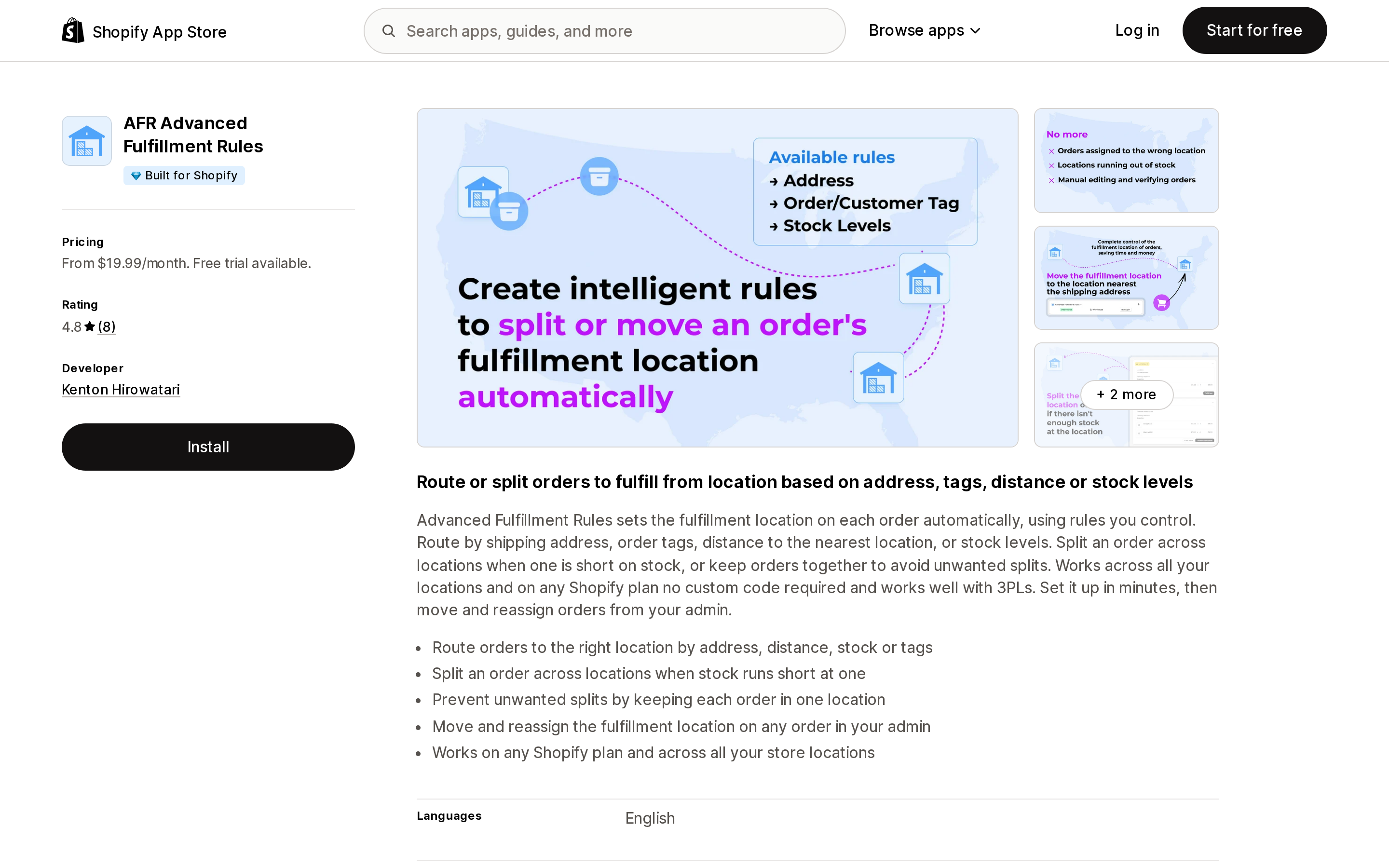
The closest match to the problem this article is about. The listing describes it plainly: "Advanced Fulfillment Rules sets the fulfillment location on each order automatically, using rules you control. Route by shipping address, order tags, distance to the nearest location, or stock levels."
Order tags and shipping-address conditions are exactly what native routing has no rule for, and that is the reason to buy this. It also handles both directions of the split problem — splitting when one location runs short, and forcing an order to stay in one location when native's Minimize split fulfillments isn't strict enough for you.
Two plans, $19.99/month for stores doing 100–500 orders monthly and $39.99/month above 500, with a 14-day trial and no free plan. The difference between the plans is order volume and support priority; the listing states no feature difference. Behavior above a few thousand orders a month is not stated in the listing.
Its scope request is the narrowest of the group in one meaningful way: it does not ask for Edit Online Store, so there is no theme code to leave behind. Its order-editing scope is limited to all order history for the last 60 days, narrower than Order Fulfillment Guru, OrderSplit Pro and Order Routing Plus, which all request all order history — unlikely to matter for routing, which runs right after checkout, but worth knowing if you plan to bulk-reassign old orders.
Eight reviews, seven of them five-star. One from a US merchant reads: "We needed a very simple and easy to manage app that would route orders based on shipping address and inventory availability. This app has worked great for us!" Another user reports almost three years on the app across three stores. That is genuinely useful signal, and it is also eight data points. The developer is an individual in Abbotsford, BC, which is a continuity consideration and a support-hours question the listing does not answer.
OrderSplit Pro ‑ Split Order
Source: Shopify App Store (OrderSplit Pro ‑ Split Order), retrieved September 3, 2026
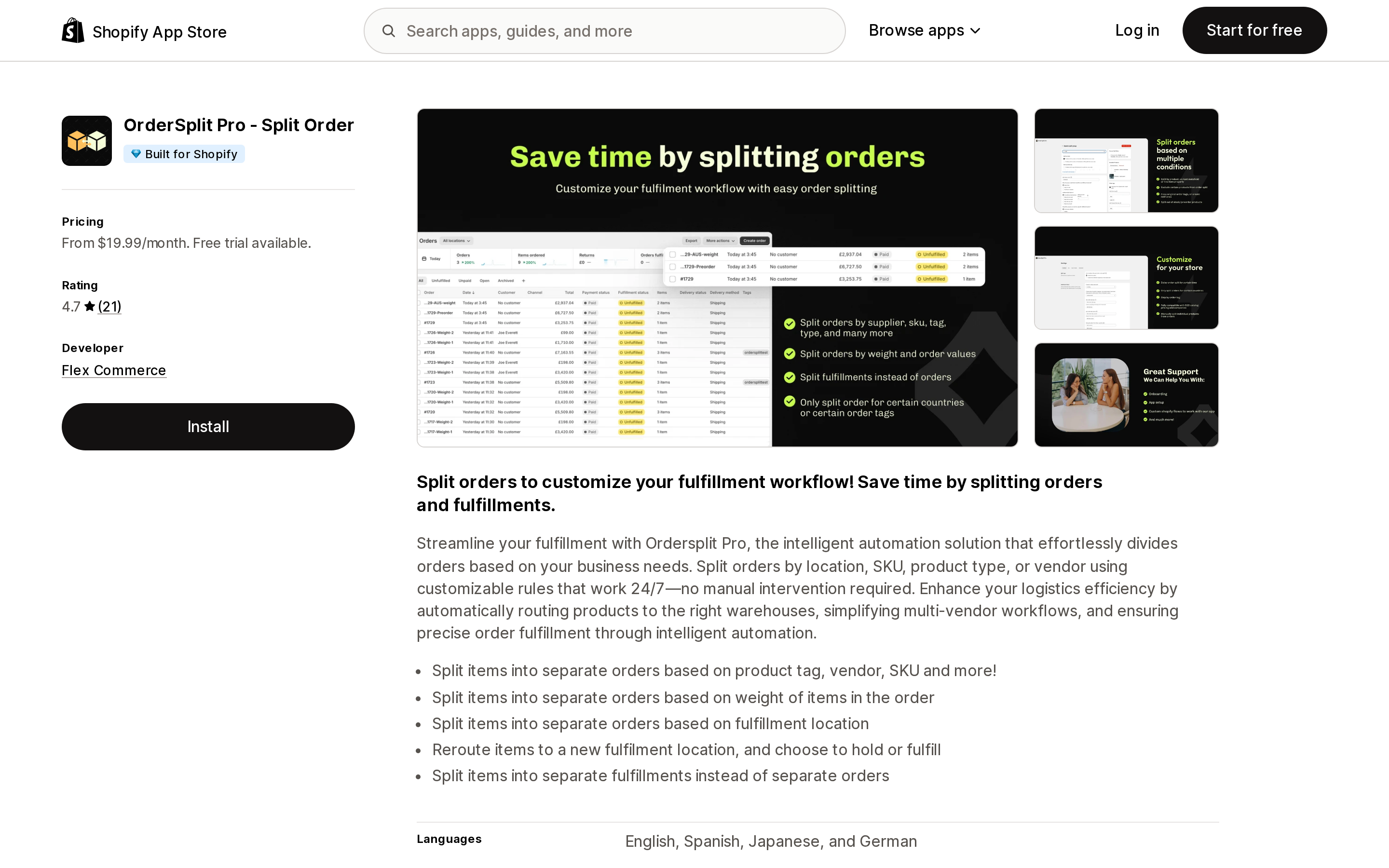
This one is about splitting first and routing second, but it belongs here because it can "reroute items to a new fulfilment location, and choose to hold or fulfill." That hold option is the interesting part given the fulfillmentOrderMove race condition described above — being able to hold a fulfillment order is how you stop it reaching the 3PL before your rules have run.
It splits by product tag, vendor, SKU, weight, and fulfillment location, and can split into separate fulfillments rather than separate orders. Pricing is metered on split orders per month: $19.99 for up to 300, $49.99 for up to 3,000, $199.99 for unlimited, with a 7-day trial. It is the only app here with a published annual discount — $180/year on the entry plan, a 25% saving. Development stores are free.
Notably, Assigned fulfillment does not appear in its data access list, unlike the others; it appears to work through order edits and order fulfillments instead. The listing does not explain the mechanism.
Twenty of its 21 ratings are five-star. The single one-star, from a US merchant in July 2026, reports promotional items being split into a separate order and bundles not splitting — worth reproducing in the trial if you run either.
Order Routing & Stock Balance
Source: Shopify App Store (Order Routing & Stock Balance), retrieved September 3, 2026
Note the name. The URL slug is still location-priority, but the app displayed there is now Order Routing & Stock Balance by HOMEMADE.IO, relaunched on May 21, 2026. If you find an older article recommending "Location Priority," it is describing something else.
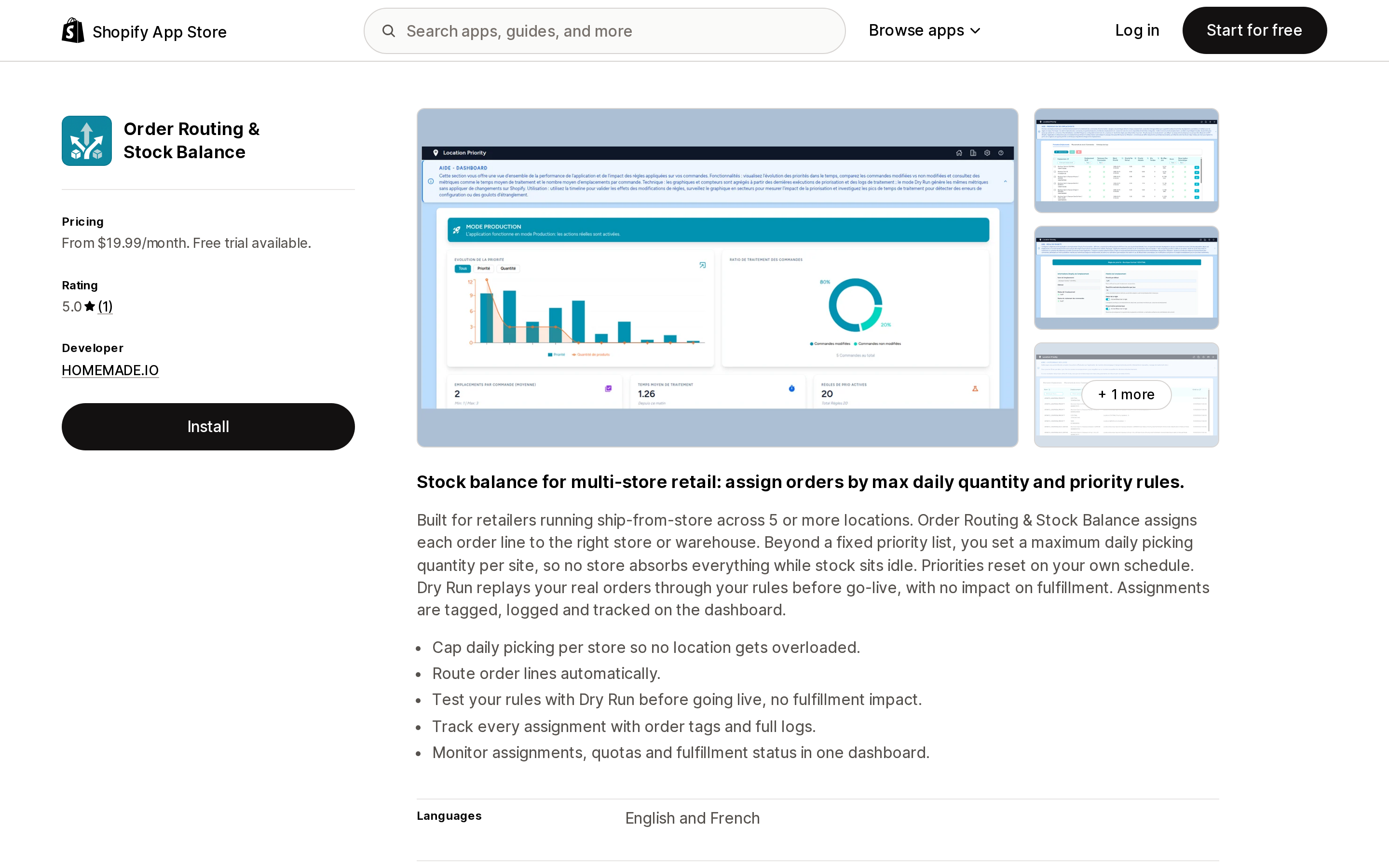
Its positioning is narrow and honest: "Built for retailers running ship-from-store across 5 or more locations." Two features here do not exist natively or in the other four apps:
Daily max picking limit per store. The listing puts the problem well: "you set a maximum daily picking quantity per site, so no store absorbs everything while stock sits idle." You can approximate a capacity flag with Use location metafields, but nothing native resets it daily.
Dry Run simulation mode. "Dry Run replays your real orders through your rules before go-live, with no impact on fulfillment." In a category this thinly reviewed, being able to test against real order history before committing is worth more than a feature checkbox.
$19.99/month up to 3,000 orders, $55.99/month unlimited, with a 14-day trial on the lower plan and 30 days on Pro — the longest trial of the five. No Built for Shopify badge, no Shopify Flow integration listed, and it requests Online Store script tags for reasons the listing does not give.
The caution is straightforward: one review, in French, from a French retailer. No US merchant reviews, no US support hours stated, and three and a half months of production history. The 30-day Pro trial exists for a reason — use it.
Order Routing Plus
Source: Shopify App Store (Order Routing Plus), retrieved September 3, 2026
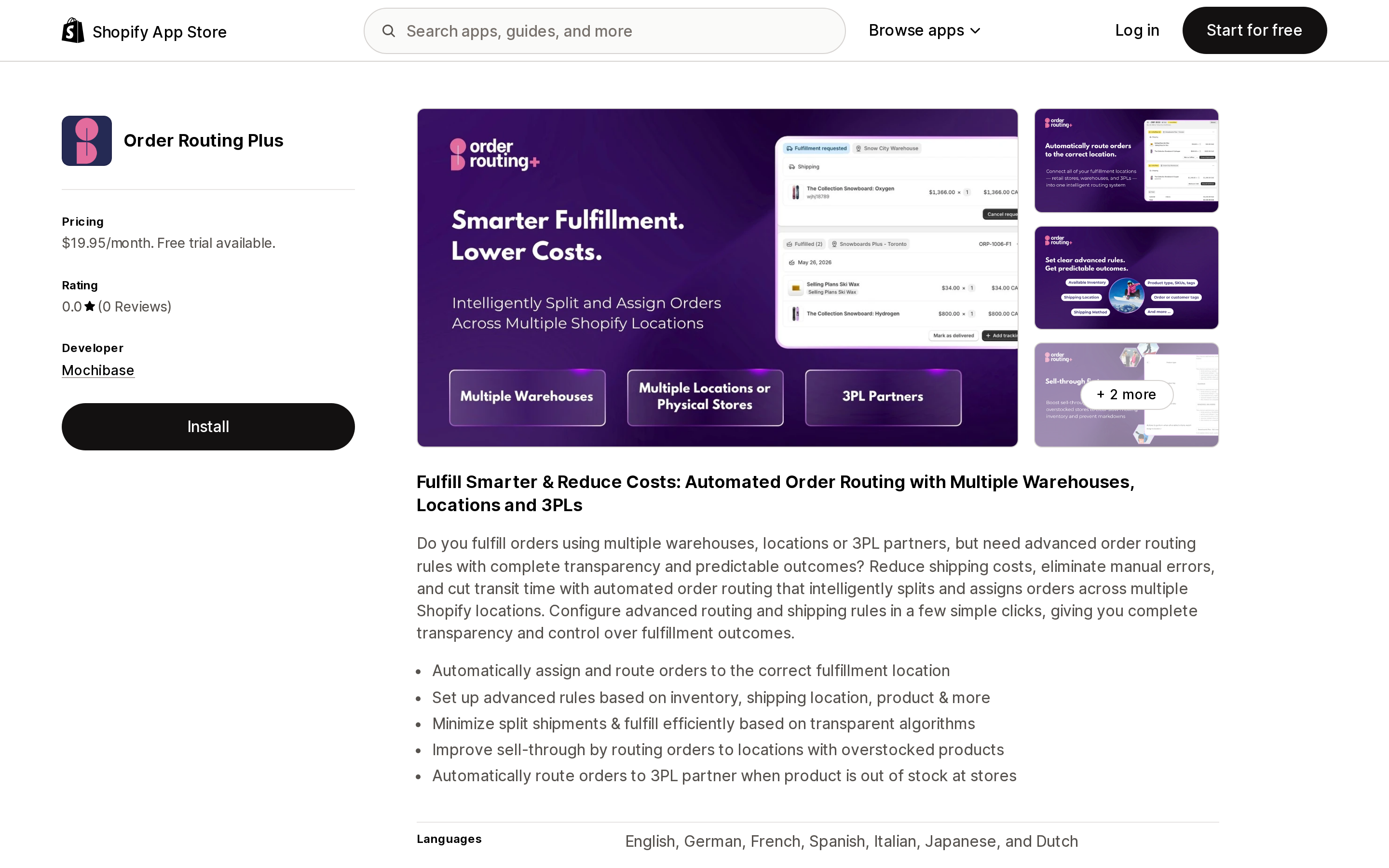
Launched May 27, 2026 by Mochibase of Richmond, VA. One plan: $19.95/month including 100 orders, then $20 per additional 200, with volume discounting above 2,000 orders a month and a 14-day trial.
It is also one of the three apps here that requests Edit Online Store script tag access, again without stating why.
Zero reviews. That is not a criticism of the software, but it is a fact you should weigh, and it means every claim about it here comes from its own listing rather than from anyone's production experience. If its feature set is the one you need, the 14-day trial has to carry the entire evaluation — run real order volume through it, including a 3PL handoff.
Order Fulfillment Guru
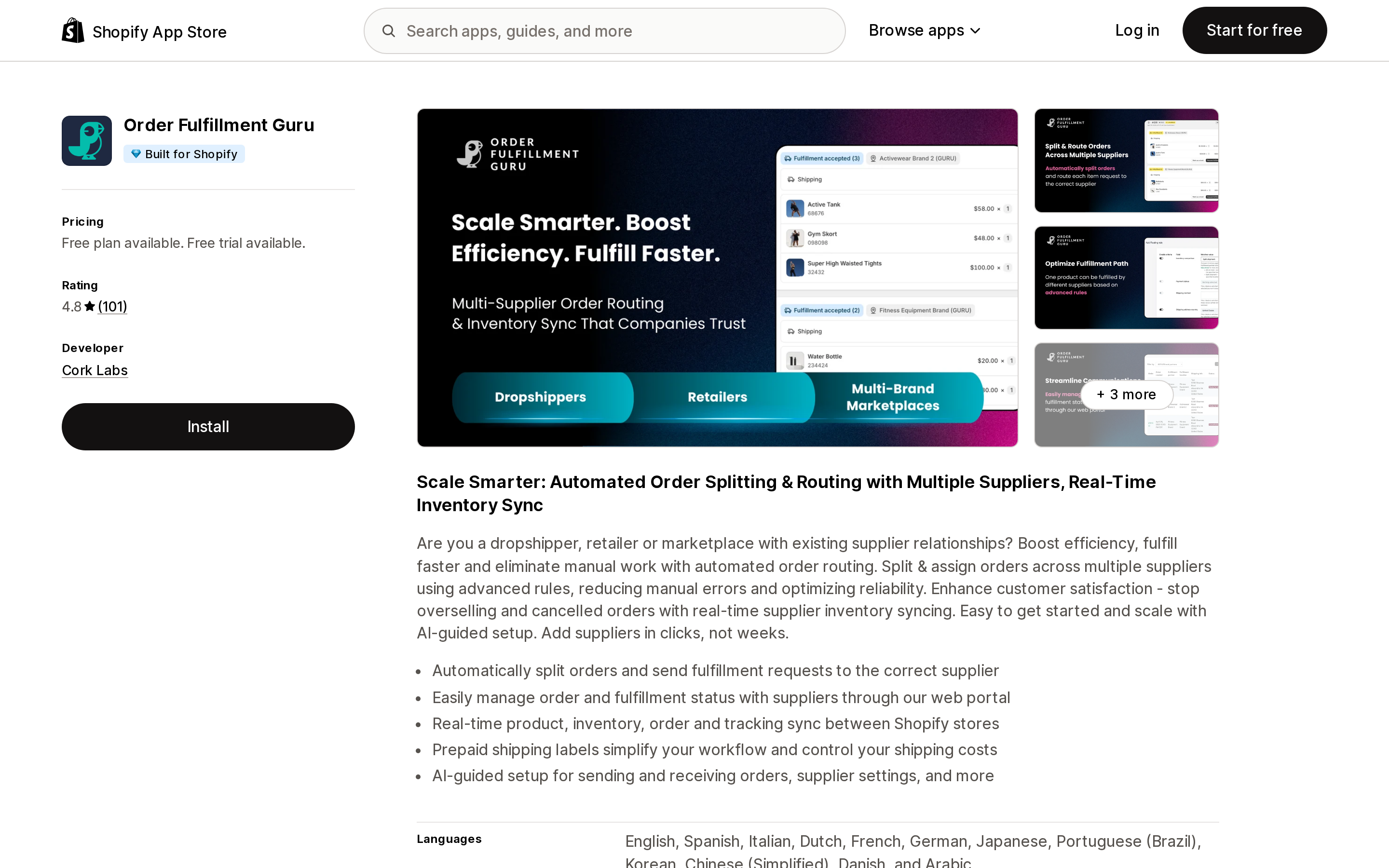
Source: Shopify App Store (Order Fulfillment Guru), retrieved September 3, 2026
The only app in this category with a review base large enough to mean anything: 4.8 from 101 reviews, 98% of them five-star, running since August 2020, Built for Shopify, developed by Cork Labs in Richmond, VA.
But read what it is before you read the rating. This is multi-supplier and multi-store distribution — splitting an order and sending line items to different suppliers, other Shopify stores, ShipStation, or an email and web portal, with two-way product and inventory sync. It is not primarily a location reassignment tool.
The pricing detail that matters: Advanced order routing rules appear only on the Professional Plan at $29.95/month. The Free, $9.95 Starter, and $19.95 Essential plans do not include them. If routing is why you are installing this, the lower tiers will not do it. All paid plans include 100 orders and add usage on top — $10, $20, or $30 per additional 200 orders depending on tier, up to 2,000 orders a month, custom pricing above that.
Support quality comes up repeatedly across the positive reviews, with several long-term users at a year or more. There is also one detailed one-star review from a US merchant in August 2026 describing a three-week two-store sync onboarding and a requirement to zero out main-store inventory that they say was not communicated clearly; the developer replied publicly the next day. One review is one review, but the theme — that multi-store setup is genuinely involved — is consistent with what the app does.
Decide in this order
- Do you have two or more active locations? If not, order routing does not run at all. Fix locations first.
- Open the rule list before anything else. Most "wrong location" complaints are a rule ordering question. Look at what is there and in what order.
- Warehouse or 3PL should beat stores? Add
Use ranked locationsat the top. No app. - Never split, or always closest? Reorder the rules, or delete down to
Ship from closest location. No app. - Capacity-based, but you can update the values yourself? Create an
Integer,Decimal, orTrue or falselocation metafield and addUse location metafields. No app. If you need the value reset daily and automatically, that is Order Routing & Stock Balance. - Order tags, shipping address, or product attributes? Native cannot express these at all. AFR Advanced Fulfillment Rules is the direct answer; OrderSplit Pro if the requirement is really about splitting by vendor, SKU, type, or weight.
- Line items going to different suppliers or stores? Order Fulfillment Guru, on the Professional plan.
- Shipping cost, carrier zone, cutoff times, or real branching at checkout time? None of these apps does it, because none of them runs at checkout. That is Shopify Plus plus a beta invitation for the
order_routing_location_ruleFunction, or an OMS layer above Shopify.
Whatever you pick, test the 3PL handoff specifically. The apps in this category move a location after Shopify has already assigned one, and that move stops being possible the moment your fulfillment request is submitted. A routing rule that works perfectly in a quiet week can silently do nothing during the hour that matters.
Sources
- Shopify Help Center: Understanding order routing, Setting up order routing, Order routing location metafields, Order routing rules, Setting up order fulfillment for locations
- Shopify.dev: Apps in order routing, About location rules, Order Routing Location Rule Function API, fulfillmentOrderMove mutation
- Shopify App Store listings, pricing tabs, data access sections, and public reviews for all five apps, retrieved September 3, 2026
Shopify Flow adds and removes product tags for free on every paid plan, but its Get product data action returns at most 100 products per run, so backfilling an existing catalog becomes a scheduled loop. Flow also has no generic Product updated trigger, which means it structurally cannot re-tag a product after you edit its type, vendor, or price. Shopify Magic suggests a product category and fills category metafields, but product tag generation is not on its published feature list. The six apps compared here meter completely different units: Leap Auto Tags counts every tag added and every tag removed as one credit against 2,000 per month at $8, FilterTag meters 500 to 50,000 generated tags per month at $9 to $59, TAGit AI works out to 3 to 9 cents per generated tag, and Helium charges $9.99 one-time per 100 products. Mechanic and Matrixify charge flat fees of $16 to $199 and $20 to $200 with no per-tag metering at all. Check the denominator before you check the price. Researched September 3, 2026.