
What you will learn
On this pageContentsCloseOpen
Open your Shopify admin, go to Growth, and look at the channel performance report. Every dollar in it arrived through a click that Shopify could see. Shopify offers five attribution models — last non-direct click, last click, first click, any click, and linear — and the word "click" appears in all five. A customer who heard your founder on a podcast, typed your domain into a browser, and bought is recorded as direct traffic. There is no model that can find the podcast.
That gap is the entire reason post-purchase survey apps exist. You ask the customer directly, on the order confirmation screen, where they heard about you.
What the listicles do not tell you is that Shopify has two different surfaces with nearly identical names, that survey apps run on the one you probably are not thinking of, and that the four leading apps meter the same survey in four completely different ways — so the cheapest option flips three times as a store grows.
Research date: September 2, 2026. All prices are the USD figures shown on each app's Shopify App Store listing in the en-US locale on that date.
The short version
- Shopify's native marketing attribution is click-based across all five models. Word of mouth, podcasts, TV, and offline referrals cannot appear as themselves.
- The post-purchase page and the Thank you / Order status pages are different surfaces. Survey apps run on the latter.
- The post-purchase page is documented as a beta, allows only one app per store, and never renders for Apple Pay, Google Pay, Amazon Pay, Klarna, Affirm, Afterpay, gift-card orders, local delivery orders, or orders under $0.50.
- Thank you and Order status page extensions work on Basic Shopify and up — this is not a Plus feature — but you can place a maximum of three app blocks per highlighted area.
- Pricing denominators: Fairing bills by monthly orders, Zigpoll by responses, KNO by number of surveys and questions, Grapevine by nothing ($25 flat).
What Shopify already gives you, and where it stops
Shopify's Growth section is more capable than most merchants use. It gives you a marketing summary, traffic insights, a top channel performance report, a channel performance report, and a campaigns report. You can switch between five attribution models, and since March 1, 2023 all storefront data includes cross-device reporting.
The mechanism is stated plainly in Shopify's documentation: "Traffic that comes to your store with utm_campaign parameters in the URL is attributed to marketing." Everything else is inferred from the referrer. The five models differ only in which click gets the credit:
| Model | Credit goes to |
|---|---|
| Last non-direct click | The last non-direct channel (default) |
| Last click | The last channel, including direct |
| First click | The first channel, including direct |
| Any click | Every channel the customer clicked |
| Linear | Split evenly across every click |
Read that table again with a specific customer in mind. She listens to a podcast in the car, remembers your brand name three days later, types it into Safari, and buys. There was no click. Under last non-direct click, the order is attributed as direct because there is no non-direct source to attribute to. Under first click, it is direct. Under linear, it is direct. The podcast never appears in any of the five.
This is not a bug in Shopify's reporting. It is the boundary of what click data can know. If your spend is entirely on channels that generate trackable clicks, native reporting is enough and you do not need a survey app. If you are spending on podcasts, influencer mentions, retail, print, events, or you suspect a large share of your revenue is word of mouth, native reporting cannot answer the question you are asking.
Shopify also has no native survey feature. Shopify Forms handles lead capture on the online store, and as of September 2, 2026 we could not find a first-party Shopify app that places a question on the order confirmation screen. Every option below is third-party.
The two surfaces, and why the distinction costs money
Search the App Store for "post-purchase survey" and you get apps. Read Shopify's own documentation and you find two separate technologies:
| Post-purchase page | Thank you and Order status pages | |
|---|---|---|
| When the customer sees it | After payment, before order confirmation | The order confirmation screen and afterwards |
| Extension type | Post-purchase extension (Checkout::PostPurchase::Render) | Checkout UI extension block target |
| Shopify's stated purpose | "post-purchase interstitials for cross sell applications" | General customization, including surveys |
| Plan requirement | Basic and up | Basic and up |
| How many apps | One app per store, store-wide | Up to 3 app blocks per highlighted area |
| Status | Beta; live stores must request access | Generally available |
The post-purchase page is the interstitial that upsell apps use. Shopify's help documentation is unambiguous about the constraint: "You can use only one checkout app to add post-purchase features at a time." If you already run a post-purchase upsell app, that single slot is taken.
The post-purchase page also has a limitations table in Shopify's developer documentation that should stop anyone from putting a survey there. It "won't be surfaced" when:
- The customer paid with an installment or wallet service — Klarna, Affirm, Afterpay, Apple Pay, Amazon Pay, or Google Pay are named explicitly
- The purchase used a gift card, or any payment method other than a credit card
- The order includes duties and multiple currencies
- The order is for local delivery
- The order total is under $0.50
- The order came from any sales channel other than the Online Store
On a typical US direct-to-consumer store, wallet payments alone would silence a large share of responses — and, critically, they would silence them non-randomly. The customers who use Apple Pay are not a random sample of your customers.
There is one more consequence most merchants never hear about: "Shopify places a hold on fulfillment for all orders undergoing a post purchase cross-sell flow." The hold releases when the customer reaches the Order status page, or one hour after checkout if they abandon the flow.
Every app compared below runs on the Thank you and Order status pages instead. That is the right surface for a survey, and it is available on Basic Shopify — the assumption that post-purchase surveys require Shopify Plus is wrong. Checkout UI extensions on the information, shipping, and payment steps are Plus-only. The Thank you and Order status pages are not.
The constraint that does apply is placement: "There is a maximum limit of 3 apps per highlighted area" in the checkout and accounts editor. If your Thank you page already carries a loyalty block, a referral block, and a tracking block, the survey has nowhere to go until something is removed.
Four apps, four pricing denominators
This is where headline prices become actively misleading. All four apps do broadly the same job. None of them charges for the same thing.
| Fairing Post Purchase Surveys | Grapevine Post Purchase Survey | Zigpoll Customer Surveys | KNO Post Purchase Surveys | |
|---|---|---|---|---|
| Developer | Fairing | Union Works Apps | Argonautic Labs | KnoCommerce Inc |
| What you are billed for | Monthly orders | Nothing — flat | Responses per month | Surveys and questions |
| Entry price | Free up to 200 orders | $25/month | Free up to 100 responses | $19/month |
| Highest tier shown on listing | $149 (1,001–5k orders) | $25 (only plan) | $259 (unlimited responses) | $299 (4 surveys) |
| Response cap | None on any plan | None on any plan | 100 / 500 / 2,000 / unlimited | None on any plan |
| Survey count cap | Not stated on listing | Not stated on listing | Unlimited on every plan | 1 / 2 / 4 by plan |
| Built for Shopify badge | No | Yes | No | No |
| Free trial | 14 days | 14 days | Free plan | 7 days |
| Annual discount shown | Not shown | Not shown | ~25–26% | Not shown |
| Listing languages | English | English, French, Spanish, German, Italian, Portuguese (BR), Portuguese (PT) | English | English |
| Rating (reviews) | 5.0 (180) | 5.0 (194) | 5.0 (508) | 4.9 (110) |
Fairing Post Purchase Surveys
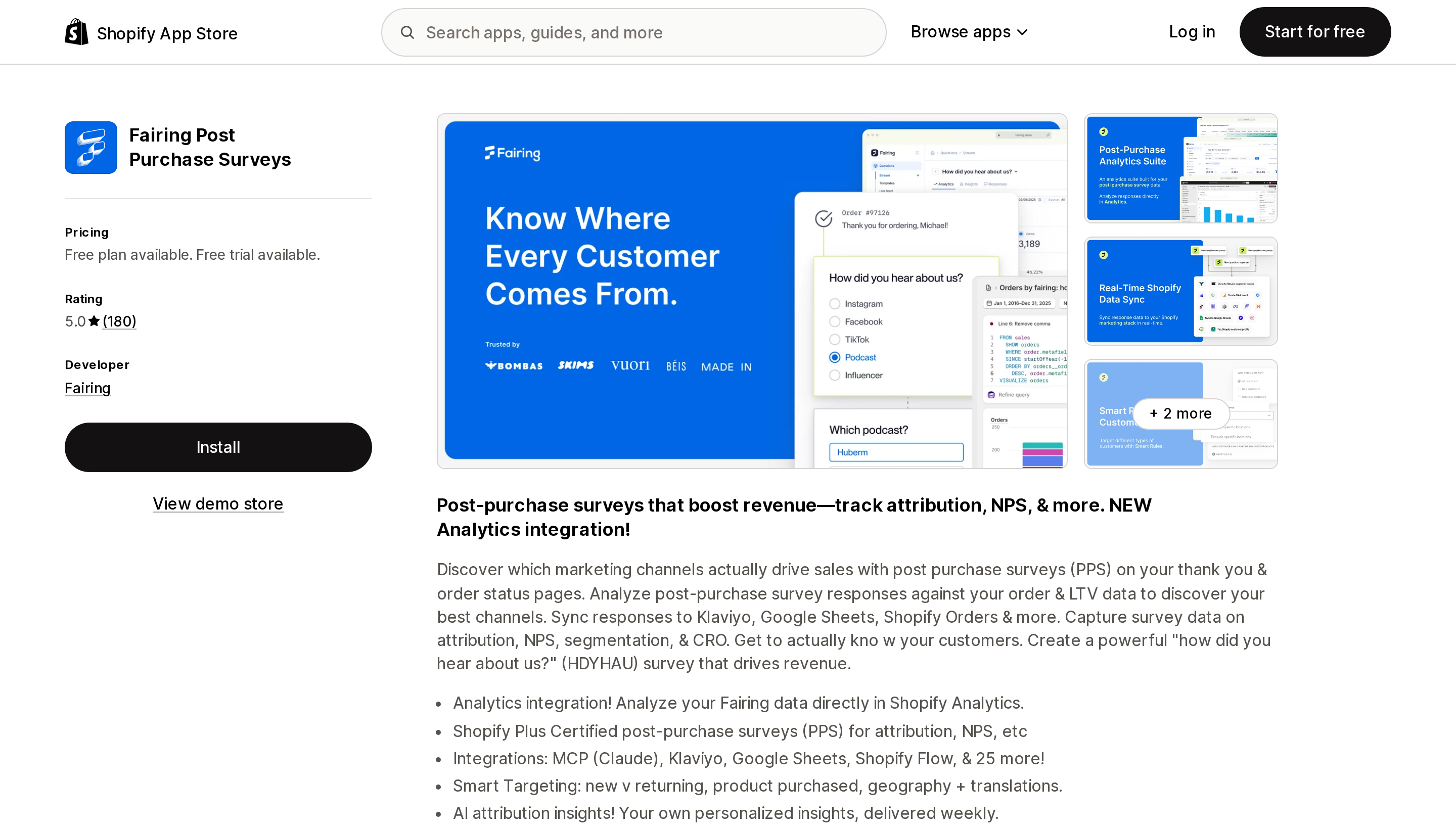
Source: Shopify App Store (Fairing Post Purchase Surveys), retrieved September 2, 2026
Fairing bills on order volume, not on how much data you collect. The listing shows four tiers: free up to 200 orders, $49 for 201–500, $99 for 501–1,000, and $149 for 1,001–5,000. Every tier carries the same feature list — unlimited questions and responses, LTV analysis against responses, NPS, and 25+ integrations. Plans above 5,000 orders are not shown on the App Store listing.
The consequence is unusual: on Fairing, collecting more survey data never costs more, but selling more does. A store whose orders grow while its response rate stays flat pays more for identical data.
Fairing's own listing copy describes the app as "Shopify Plus Certified" and mentions an Analytics integration that surfaces Fairing data inside Shopify Analytics. Note that this is the developer's description, not the Built for Shopify badge, which Fairing's listing does not carry.
Best fit: stores under 200 orders a month that want a genuinely capable free tier, and stores that would blow through response caps elsewhere.
Poor fit: high-order-volume stores with low response rates, which pay for orders they never surveyed.
Grapevine Post Purchase Survey
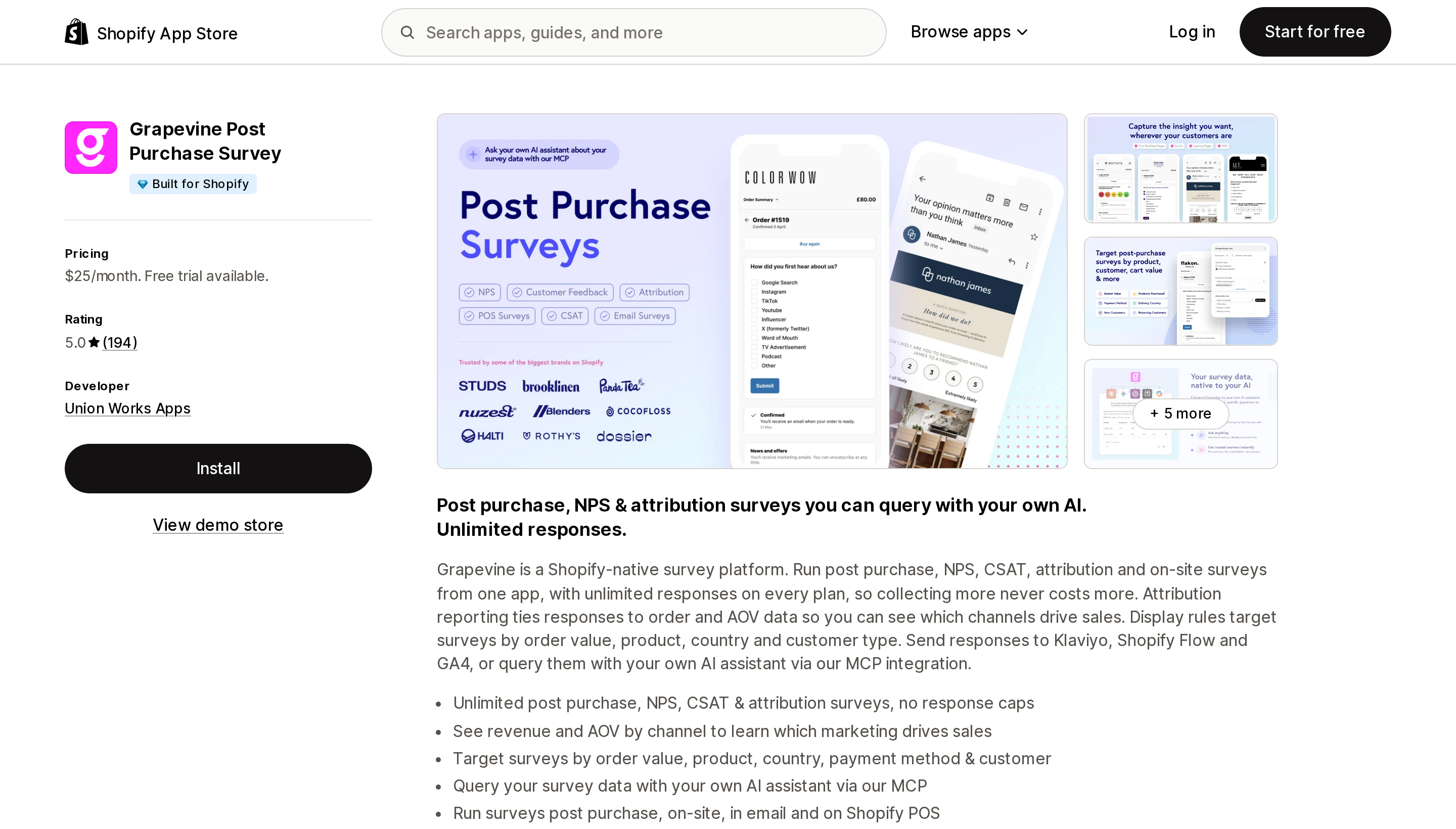
Source: Shopify App Store (Grapevine Post Purchase Survey), retrieved September 2, 2026
One plan, $25 a month, described on the listing as "Unlimited responses, no overage fees." There is no volume tier to cross and no response meter to watch. Grapevine is the only app of the four whose listing carries the Built for Shopify badge, and the only one listing more than one interface language — English, French, Spanish, German, Italian, and both Portuguese variants.
The listing states the app runs surveys post purchase, on-site, in email, and on Shopify POS, and that display rules can target by order value, product, country, payment method, and customer type. Responses can be sent to Klaviyo, Shopify Flow, and GA4.
Best fit: any store large enough that a per-response or per-order meter would push it past $25, and any store that wants its monthly cost to stop being a variable.
Poor fit: a store doing 50 orders a month, where Fairing and Zigpoll both have free tiers.
Zigpoll Customer Surveys
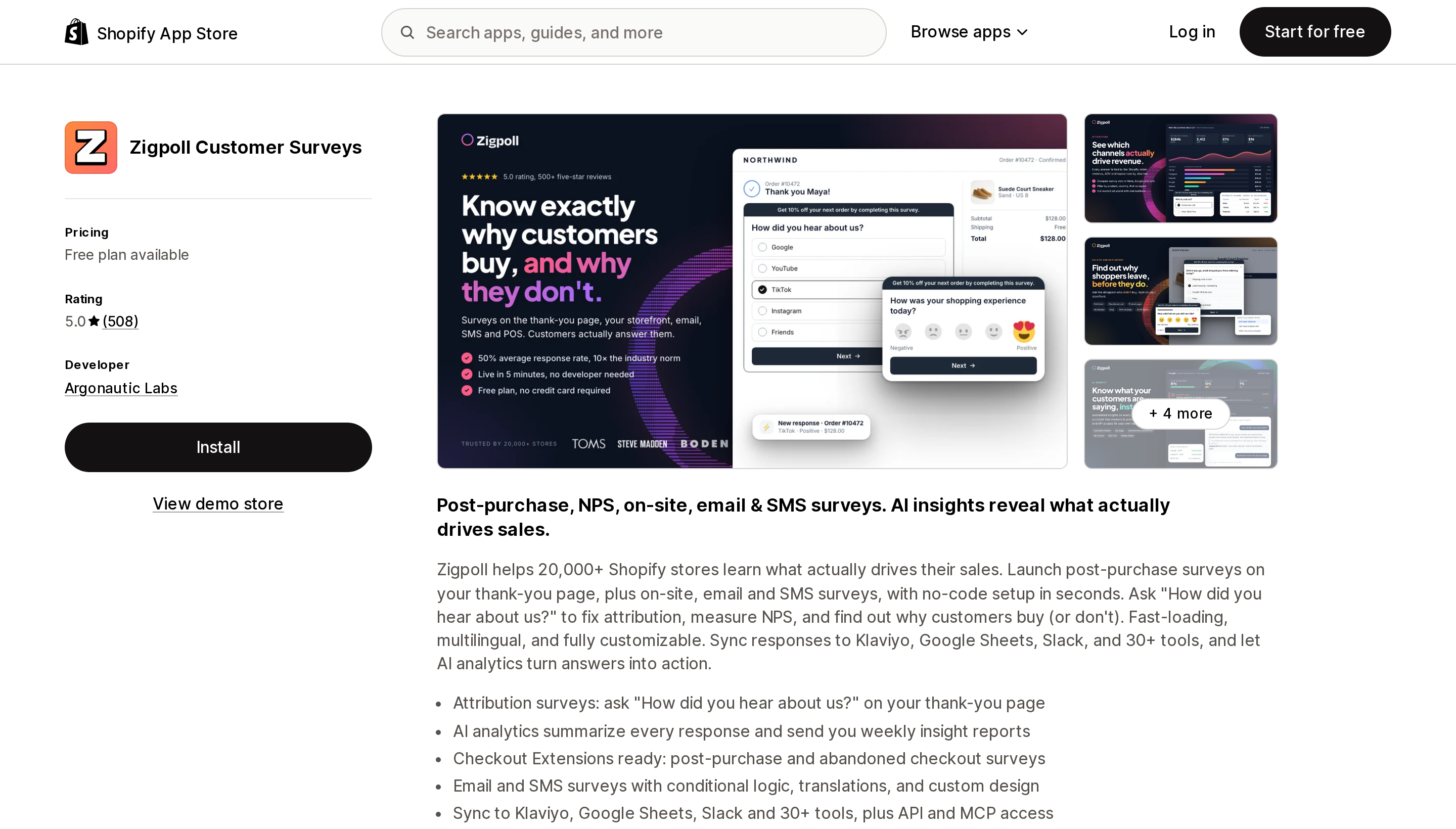
Source: Shopify App Store (Zigpoll Customer Surveys), retrieved September 2, 2026
Zigpoll meters the one thing a survey app exists to produce: responses. Free covers 100 per month, Standard is $39 for 500, Advanced is $129 for 2,000, and Ultimate is $259 for unlimited. Annual billing is offered at roughly a 25–26% discount ($348, $1,164, and $2,328 respectively). Surveys are unlimited on every plan, including the free one.
This denominator has an awkward property. A successful survey — good question, high response rate — moves you up a tier. Improving the thing you installed the app for is what makes it more expensive.
Zigpoll has by far the most reviews of the four (508, rated 5.0) and its listing states it is used by more than 20,000 Shopify stores. Its listing also names abandoned-checkout surveys and email/SMS surveys, which the other three do not all offer.
Best fit: stores testing whether survey data is useful at all, and stores whose response volume is genuinely low.
Poor fit: stores that expect high response rates, where the meter works against you.
KNO Post Purchase Surveys
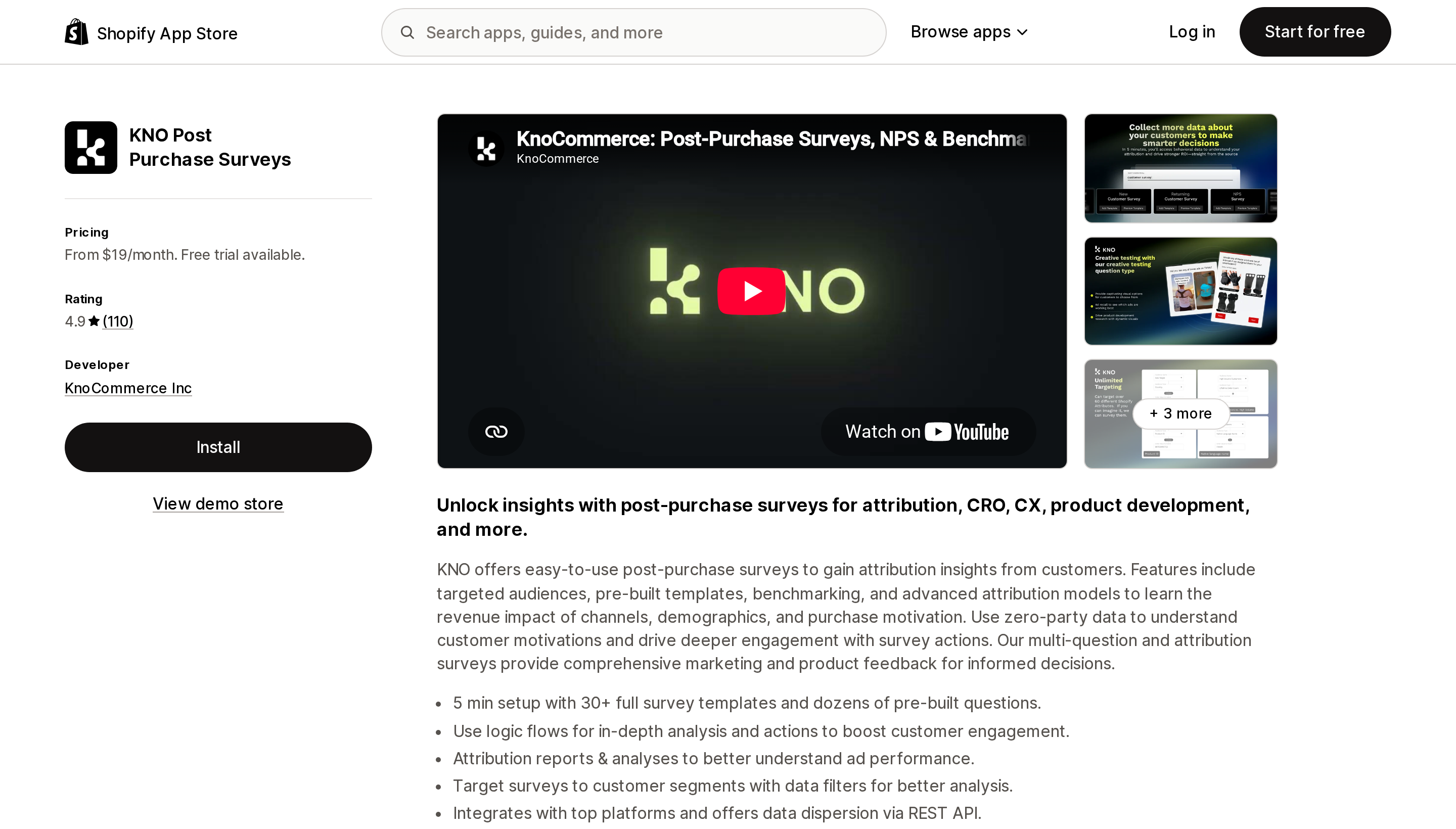
Source: Shopify App Store (KNO Post Purchase Surveys), retrieved September 2, 2026
KNO's $19 headline is the lowest paid entry point of the four, and it is the least comparable number in this article. The Starter plan is 1 survey with 3 questions. Responses are unlimited, which sounds generous until you notice that what is rationed is the research itself.
Analyst at $119 raises that to 2 surveys with up to 999 questions each, 12 question types, 4 audiences, actions, benchmarks, and 2 active integrations. Pro at $299 gives 4 surveys, survey links, unlimited audiences, and 4 active integrations. All three plans note that the NPS add-on carries additional fees. The free trial is 7 days, the shortest of the four.
So "from $19/month" is accurate and nearly useless for comparison. If you want to run an attribution survey and an NPS survey and a product-development survey — which is the normal reason to buy a survey platform — the relevant KNO number is $119 or $299.
Best fit: teams that want audience targeting, benchmarking, and survey actions, and will use them.
Poor fit: anyone comparing $19 to $25 and concluding KNO is cheaper.
What the same store actually pays
The table below prices identical usage across the four apps. Orders and responses are modelled inputs, not benchmarks — substitute your own numbers. The point is the shape of the curve, not the specific figures.
| Monthly orders | Responses | Fairing | Grapevine | Zigpoll | KNO |
|---|---|---|---|---|---|
| 150 | 60 | Free | $25 | Free | $19 |
| 800 | 320 | $99 | $25 | $39 | $19 |
| 4,000 | 1,600 | $149 | $25 | $129 | $19 |
| 4,000 | 1,600, three surveys running | $149 | $25 | $129 | $119 |
Three observations.
First, the cheapest app changes as the store grows, and it changes for reasons that have nothing to do with features. Second, KNO's $19 survives the first three rows only because those rows assume one small survey; the moment you run three, it moves to $119. Third, Grapevine's flat $25 is the worst deal in row one and the best deal in every row after it.
There is a fourth, less obvious point. Fairing and Zigpoll meter opposite variables. If your store has many orders and few responses, Fairing is expensive and Zigpoll is cheap. If it has fewer orders and a high response rate, the reverse. Knowing your own response rate before you choose is worth more than any feature comparison.
Choosing
- Your marketing is all clickable — paid search, paid social, email, affiliate links with UTMs. You may not need any of these. Read Shopify's channel performance report under Growth first, switch between the five attribution models, and see whether the answer changes enough to matter.
- You spend on podcasts, influencers, TV, print, retail, or suspect heavy word of mouth. Native reporting structurally cannot answer this. Install one.
- Under roughly 200 orders a month. Start on Fairing's free tier or Zigpoll's free plan. Do not pay for this until you know the data changes a decision.
- Above roughly 500 orders a month, one or two surveys. Grapevine's flat $25 is very hard to beat and the badge is a reasonable tiebreaker.
- You want a survey research program, not one question. Compare Grapevine at $25 against KNO at $119, not against KNO at $19.
- You need surveys in Spanish or French for the same storefront. Grapevine is the only one of the four whose listing shows more than English.
- You run a post-purchase upsell app. That is a separate surface with a single slot. It does not conflict with a Thank you page survey block — but check your three-block budget in the checkout and accounts editor before you install.
Before you install
- Open Settings → Checkout → Configurations, open the editor, and count the app blocks already placed on your Thank you page. Three per area is the ceiling.
- Check your own response rate during the free trial before committing to a plan tier. On Zigpoll it sets your bill; on Fairing it determines whether you are overpaying.
- Decide how many surveys you will actually run. This is the only variable KNO charges for.
- Confirm where responses need to land — Klaviyo, GA4, Shopify Flow, a spreadsheet — and check that destination is on the plan you are pricing, not just on the top tier.
- Remember that a survey response is a stated reason, not a measured one. It is better evidence than a click model for offline channels, and worse evidence than a click model for anything clickable. Most stores need both.
Related reading
- Shopify is retiring script tags on the order status page
- Which Shopify upsell features actually require Plus
- Shopify has no native product quiz, and quiz apps count "one response" six different ways
Sources
- Measuring marketing performance — Shopify Help Center
- Customizing your checkout and customer accounts with apps — Shopify Help Center
- About product offers — shopify.dev
- Checkout UI extensions — shopify.dev
- Post-purchase extensions API reference — shopify.dev
- Fairing Post Purchase Surveys — Shopify App Store
- Grapevine Post Purchase Survey — Shopify App Store
- Zigpoll Customer Surveys — Shopify App Store
- KNO Post Purchase Surveys — Shopify App Store
Shop Pay Installments is free to activate, needs no app, and Shopify never publishes what it costs you — the rate is visible only inside your own admin. It also refuses Capital One and Chase credit cards, restricts monthly plans to debit cards only, excludes gift cards and subscriptions, and can't be turned off for individual products. Affirm can suspend your account for being password-protected, for having a non-English storefront, or for being primarily B2B. And Shopify's Getting paid page says disputes appear in your admin while its FAQ says they don't. If you fail the eligibility gates, the alternative is on-site messaging apps from Klarna, Afterpay, Sezzle, Zip, and PayPal — a category rated between 1.0 and 3.2 stars. Researched September 2, 2026.