
What you will learn
On this pageContentsCloseOpen
Most Shopify acquisition tooling bills you for attention. You pay for impressions, clicks, contacts on a list, or monthly unique visitors, and whether any of that turns into an order is your problem. Shop Campaigns inverts that: you set a maximum cost per acquired customer, and Shopify only bills you when an order is attributed to the program. That is a real difference, not a marketing framing. But the pricing model gets discussed far more often than the coverage, and the coverage is where most of the surprises are — a mandatory placement that is incompatible with subscriptions, an all-or-nothing third-party channel bundle, and acquisition fees that stay charged even when the order is refunded.
What Shop Campaigns charges you for
Shopify describes Shop Campaigns as an ads and offers program on Shop that helps you acquire and convert customers at a set cost per acquisition. When you create a campaign you pick an objective — Grow sales, Acquisition, or Win back — then set a Customer acquisition cost, a Target order value, a Daily budget, target countries, and channels.
The customer acquisition cost is what you are charged for each customer who either places an order redeeming your offer, or places an order from your store after viewing a campaign ad. Two details in the Help Center matter more than the headline:
- The minimum and recommended customer acquisition cost values are derived from your store's average order value. You are not free-bidding into an open auction; Shopify anchors the range to your own AOV.
- For some orders you are charged only a portion of the customer acquisition cost, and on others the full amount. You are never charged more than the maximum you set for that customer's segment.
Segment overrides let you set a different maximum for specific groups, so an acquisition target and a lapsed-customer win-back target can run at different prices inside the same program. Shopify's own documentation describes these as new customers and lapsed customers who haven't ordered in a defined period. It does not publish the exact rule it uses to classify a shopper as new, so treat "new customer" here as Shopify's determination rather than a definition you control.
A higher acquisition cost creates a more compelling offer and ranks your campaign higher in the list of offers shown to customers. Budget works on a weekly envelope: unspent daily budget rolls over, the rollover resets to $0 USD each Sunday, and you won't exceed your daily budget multiplied by seven in a calendar week. A $100/day budget caps at $700 for the week.
Where the ads actually run
Every campaign runs on the Shop app, Shop on the web, and Shopify Product Network by default. In the campaign editor, Shop and Shopify Product Network are included automatically and can't be removed.
Ads on Shop take the form of offers: either special pricing, or the chance to earn extra Shop Cash. Shop Cash itself is a separate, Shopify-funded rewards program for Shop app customers in the United States and Canada, accepted automatically at checkout with no cost beyond your usual Shopify Payments fees, and you can't opt out of accepting it.
Third-party placement is optional, and when you opt in you opt in to all of it. Shopify lists the platforms as Bing, ChatGPT, Facebook, Google, Instagram, Microsoft Monetize (Open Web), Pinterest, Snapchat, and X, and states plainly that you can't opt out of individual channels. Those ads run through Shop's own social media and ad accounts, not yours. Third-party Shop Campaigns ads are displayed only to customers in the United States, with the exception of Meta and Google ads, which display in any supported country you advertise to.
Opting back out is not instant either — after you opt out of advertising an active campaign on other platforms, it takes up to three business days for the ads to stop.
There is a separate switch worth knowing about. Branded keyword ads let Shop Campaigns bid on Google and Bing searches that include your brand or store name. They are off by default when you opt in to other platforms. Turning them on means Shop is bidding on traffic that already knows your name, so if you run your own brand-term search campaigns, this is the setting to think hardest about before flipping.
The constraints that change the arithmetic
Four documented limits do more to determine whether Shop Campaigns fits than the CAC slider does.
Shopify Product Network placement is mandatory, and it breaks several commerce features. When your products are advertised through another Shopify store, checkout extensions you've configured aren't compatible with Product Network, and subscriptions, bundles, and preorders aren't supported. Orders are credited to the "Shopify Product Network" sales channel in your admin. Since you can't remove this placement, a subscription-first or bundle-heavy catalog is structurally a poor fit for part of the program.
Acquisition costs are not refunded when the order is. Shopify states that if an attributed order is cancelled or refunded, your customer acquisition costs aren't refunded. In a category with a 30% return rate, a $25 CAC on kept orders is effectively closer to $36 — worth modelling before you set the slider.
Fees moved to your Shopify bill. As of January 2026, Shop Campaigns fees are charged to your Shopify bill and are no longer deducted from your Shopify Payments payouts. No prefunding is required. Depending on your store's location, taxes might apply to those charges. If your finance process was built around netting these fees out of payouts, that reconciliation changed.
Core settings lock on activation. After a campaign is live you can change the daily budget and the end date. You can't change the customer acquisition cost, target order value, or countries — you end the campaign and create a new one. Reporting is campaign-level: Sales, Customers, ROAS, average order value, and Spend. Since August 10, 2026, that data is also exposed through ShopifyQL, so analytics tools and BI dashboards can pull it alongside other channels.
What Shop Campaigns doesn't do
Nothing above is hidden, but the gaps add up to a clear boundary.
You don't control creative. Shopify optimizes the creative, placements, and audience, and the ad preview shown during setup is only an example. You don't get channel-level exclusion on third-party platforms. You don't get owned-channel messaging — no email, no SMS, no on-site experience. You don't get retargeting driven by your own pixel and your own audience definitions. And attribution is Shopify's: an order earns a Shop Cash offers acquired tag on both the customer and the order, and it can take up to eight hours to appear.
Eligibility is also narrower than "any Shopify store." Shop Campaigns has been available on all Shopify plans since December 2024, but your business address must be in one of the supported countries, you need Shopify Payments accepting AUD, CAD, EUR, GBP, or USD, Sell directly on Shop with direct checkout activated, Shopify Network Intelligence turned on, a valid billing payment method, and a store that isn't in private mode. Non-compliance pauses active campaigns and blocks new ones.
Four apps that bill on a different basis
The apps below are not substitutes for Shop Campaigns. Each is included because it charges on a fundamentally different unit — media spend, contacts, visitors, or a flat subscription — or because it covers a part of the funnel Shop Campaigns leaves alone. Prices are from the Shopify App Store as of September 2, 2026.
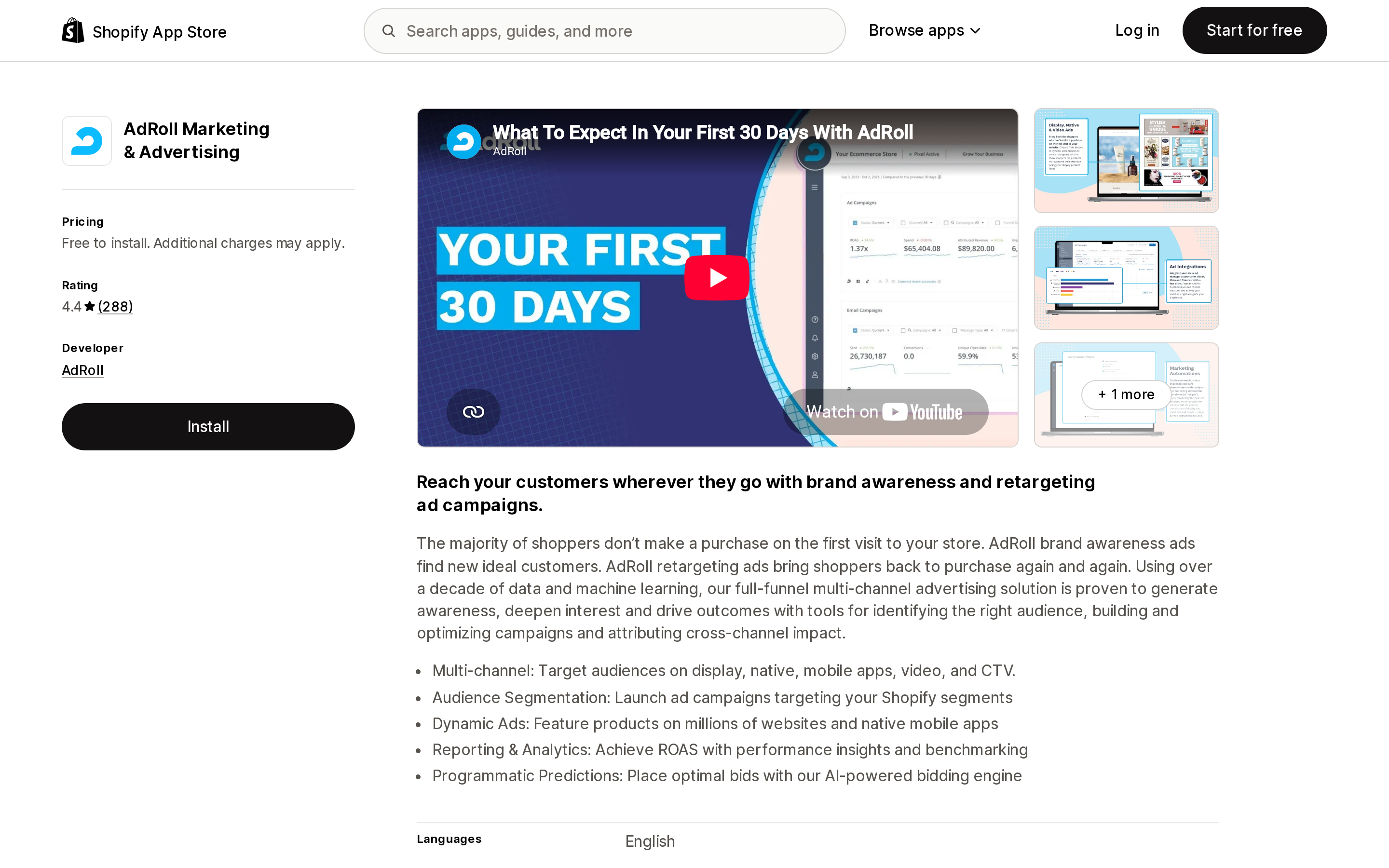
AdRoll Marketing & Advertising
Source: Shopify App Store (AdRoll Marketing & Advertising), retrieved September 2, 2026
AdRoll Marketing & Advertising is the closest thing here to a direct contrast: it is also a paid-media acquisition and retargeting product, but it bills for media rather than for customers. The app is free to install, a minimum budget of $5/day is required for ad campaigns, and external charges may be billed by AdRoll separately from your Shopify invoice. The listing covers display, native, video, and CTV ads, audience segmentation, and reporting. Rating is 4.4 from 288 reviews.
The trade you're making is control for risk. You define audiences and creative and pay for delivery whether or not anyone converts. Shop Campaigns removes that downside and removes the control with it.
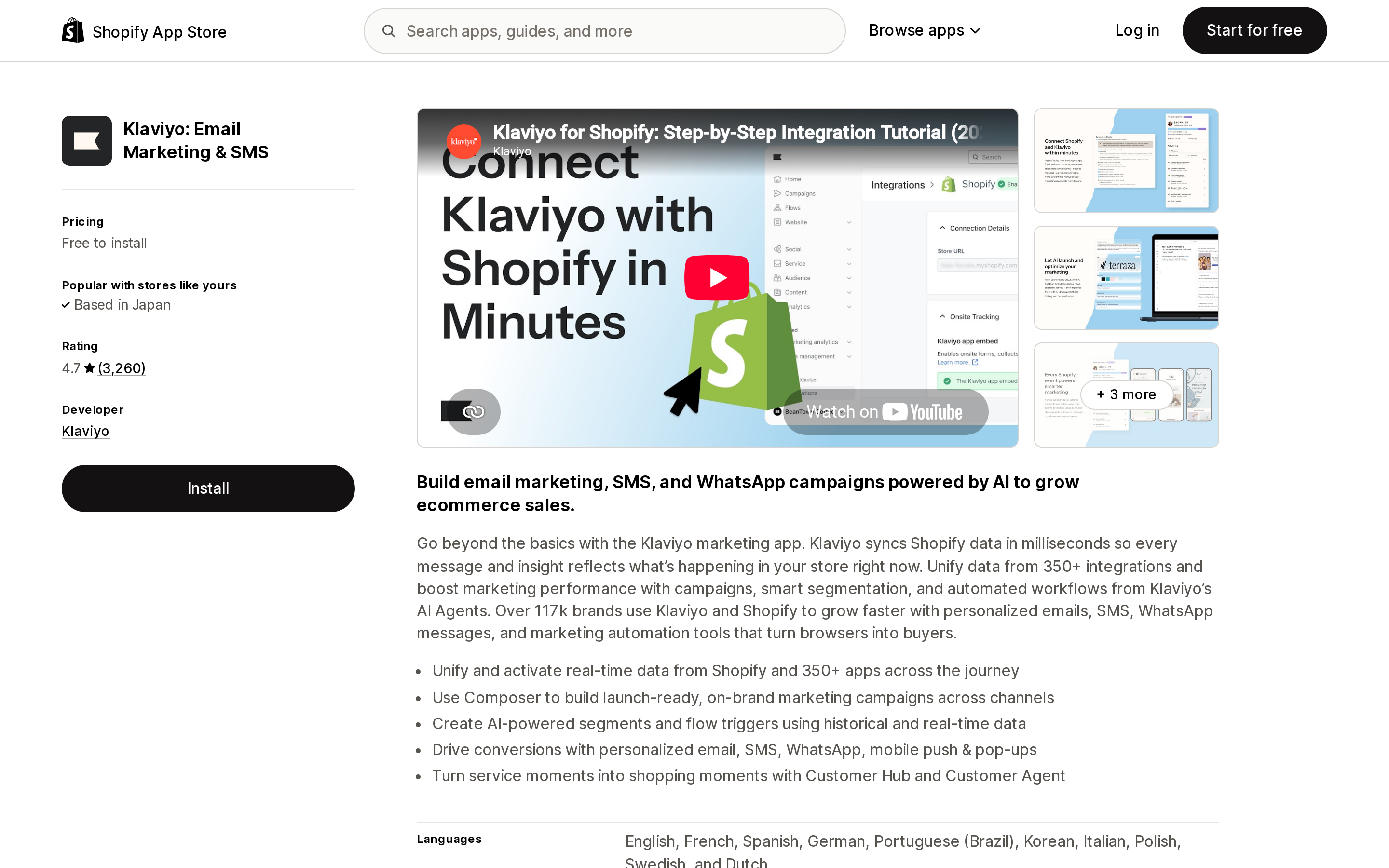
Klaviyo: Email Marketing & SMS
Source: Shopify App Store (Klaviyo: Email Marketing & SMS), retrieved September 2, 2026
Klaviyo: Email Marketing & SMS covers owned channels, which Shop Campaigns does not touch at all. Billing scales with contacts and message credits, not conversions. The listed Free plan is free to install with email free for up to 250 contacts and SMS free for up to 150 SMS/MMS credits; the SMS plan starts at $15/month for up to 1,250 SMS/MMS credits including carrier fees; the Email plan starts at $20/month for 251–500 contacts. Rating is 4.7 from 3,260 reviews.
This is the natural complement rather than the alternative. Shop Campaigns can bring a first order in at a known price; nothing in the program does the second order.
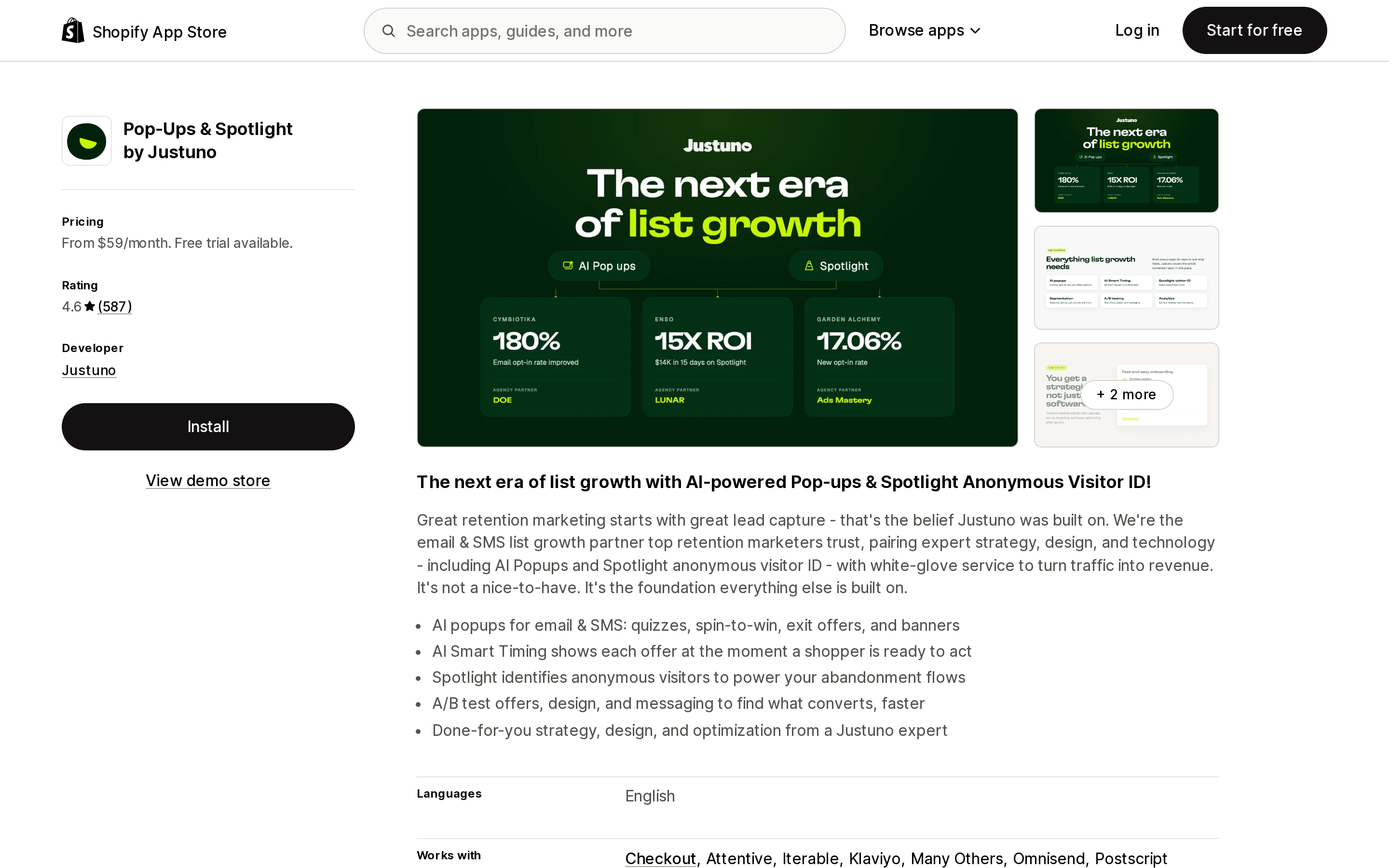
Pop‑Ups & Spotlight by Justuno
Source: Shopify App Store (Pop‑Ups & Spotlight by Justuno), retrieved September 2, 2026
Pop‑Ups & Spotlight by Justuno bills by monthly unique visitors, which is the inverse of paying per acquired customer: your bill rises with traffic and is unaffected by whether that traffic buys. Plans run $59/month for up to 10k monthly unique visitors, $99/month for 20k, $199/month for 50k, and $299/month for 100k, each with a 14-day free trial and roughly 10% off on annual billing. Rating is 4.6 from 587 reviews.
It sits on your own storefront — pop-ups, flyouts, message bars, quizzes, and anonymous visitor identification via Spotlight — which is a surface Shop Campaigns never reaches.
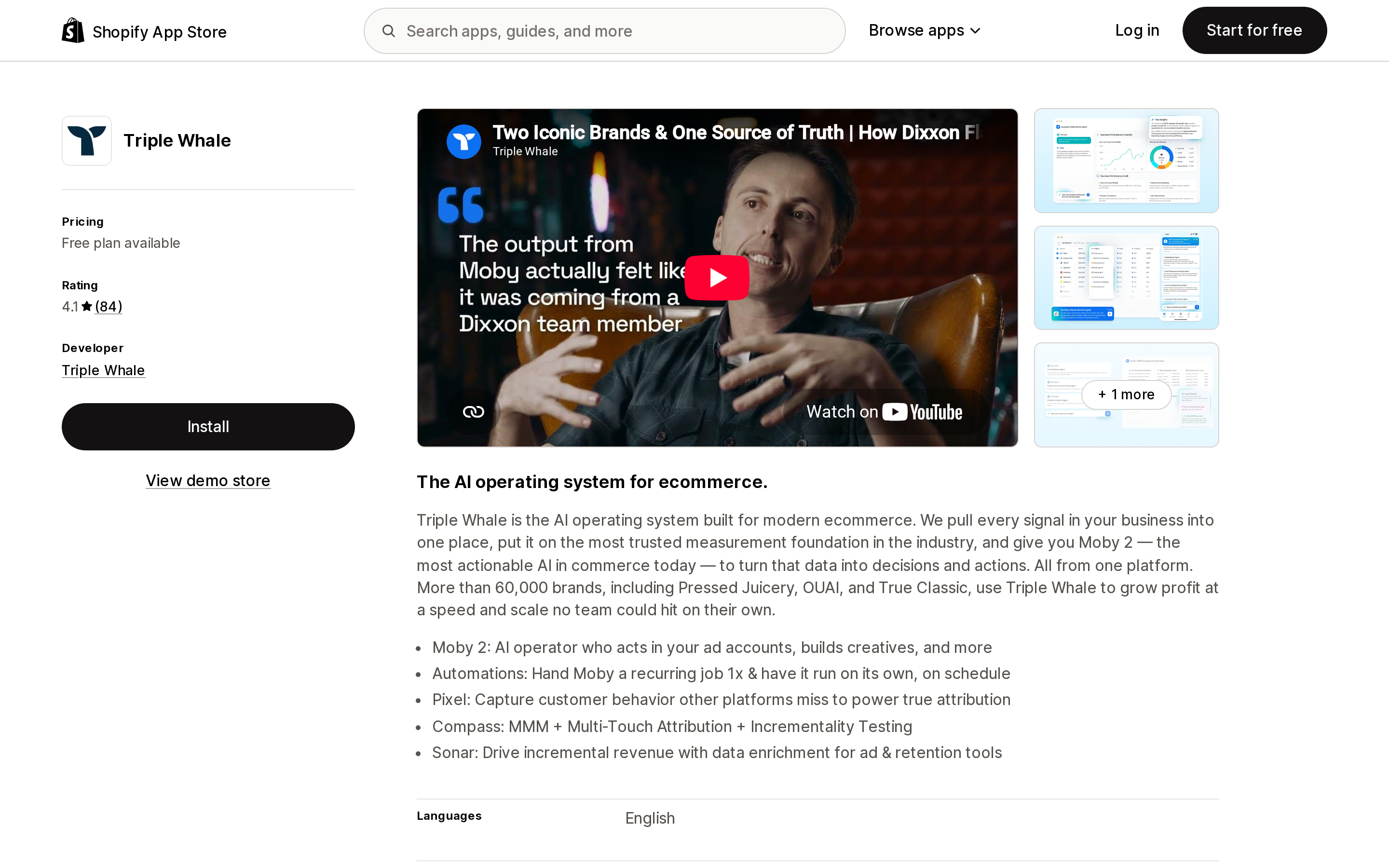
Triple Whale
Source: Shopify App Store (Triple Whale), retrieved September 2, 2026
Triple Whale is measurement rather than media, priced as a flat subscription. There is a Free plan with first- and last-click attribution and a 12-month lookback; Foundation is $219/month or $2,190/year and adds multi-touch attribution and subscription data; Automate is $749/month or $7,490/year. External charges may be billed by Triple Whale separately from your Shopify invoice. Rating is 4.1 from 84 reviews.
The relevant connection is direct: Shopify's August 2026 changelog names Triple Whale, Northbeam, and Elevar as analytics providers that can now pull Shop Campaigns ad spend, sales, ROAS, and customer acquisition cost through ShopifyQL — while noting you should check your provider's timeline. If your objection to Shop Campaigns is that it reports in its own silo, that is the gap being closed.
Shopify Audiences, for context
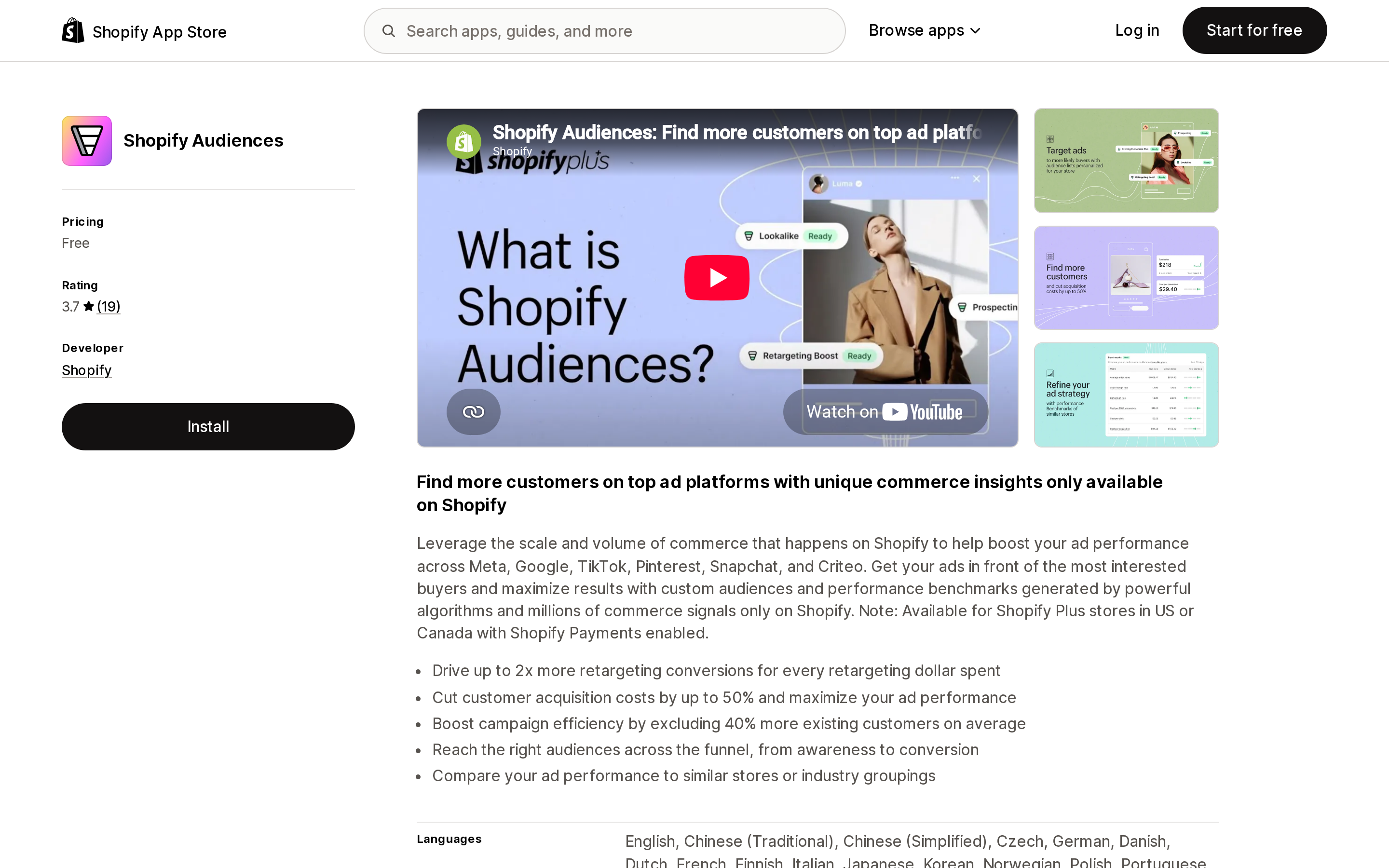
Source: Shopify App Store (Shopify Audiences), retrieved September 2, 2026
Shopify Audiences is free to install and exports Shopify-generated custom audiences to Meta, Google, TikTok, Pinterest, Snapchat, and Criteo, where you still buy the media yourself. It is available to eligible Shopify Plus stores in the United States or Canada that use Shopify Payments. Rating is 3.7 from 19 reviews. It's worth knowing about here because opting a Shop Campaign into third-party platforms may prompt you to set up Shopify Audiences if you haven't already.
Billing basis at a glance
| Option | You are billed for | Starting price (USD) | Free tier | Main coverage gap vs. the others |
|---|---|---|---|---|
| Shop Campaigns | Attributed conversions, up to your max CAC | No fixed fee; CAC set by you within Shopify's AOV-based range | No campaign runs free | No creative control, no owned channels, no per-channel opt-out |
| AdRoll Marketing & Advertising | Media delivered | Free to install; $5/day minimum ad budget | App install is free | You carry conversion risk |
| Klaviyo: Email Marketing & SMS | Contacts and message credits | $15/month SMS, $20/month Email | Free plan, 250 contacts / 150 credits | No paid acquisition |
| Pop‑Ups & Spotlight by Justuno | Monthly unique visitors | $59/month | 14-day trial, no free plan listed | Doesn't bring traffic in |
| Triple Whale | Flat subscription tier | $219/month for Foundation | Free plan listed | Measures spend, doesn't create demand |
| Shopify Audiences | Nothing for the app; you pay the ad platforms | Free | Free | Shopify Plus, US/Canada only |
How to decide
Shop Campaigns is worth turning on first if you sell simple physical products, you can name a defensible maximum acquisition cost from your AOV and margin, and your return rate is low enough that unrefunded acquisition fees don't distort the math. It is the only option in this list where a campaign that generates nothing costs nothing.
Skip it, or scope it tightly, if your catalog is built on subscriptions, bundles, or preorders — the mandatory Shopify Product Network placement doesn't support them — or if you have brand-safety or channel-strategy reasons to exclude a specific third-party platform, since the opt-in is all nine or none.
Pair it with an owned-channel tool such as Klaviyo before you scale spend; the program acquires a first order, and retention is out of scope by design. Add an on-site conversion tool like Justuno only if your problem is traffic that arrives and leaves, not traffic that never arrives. Add measurement like Triple Whale when you're running two or more other paid channels alongside it — if Shop Campaigns is your only paid channel, the admin plus ShopifyQL may already cover you.
Keep AdRoll or your own ad accounts in the picture if creative control matters. Shopify optimizing the creative is the feature and the limitation at the same time.
Sources
- Shop Campaigns — Shopify Help Center
- Understanding Shop Campaigns — Shopify Help Center
- Creating and managing Shop Campaigns — Shopify Help Center
- Paying for Shop Campaigns — Shopify Help Center
- Shop Campaigns requirements and compliance guidelines — Shopify Help Center
- Shopify Product Network — Shopify Help Center
- Shopify Audiences — Shopify Help Center
- Shop Cash — Shopify Help Center
- Shop Campaigns is now available on all Shopify plans — Shopify Changelog
- See Shop Campaigns performance in your analytics tools — Shopify Changelog
- Shop Campaigns — Shopify
- AdRoll Marketing & Advertising — Shopify App Store
- Klaviyo: Email Marketing & SMS — Shopify App Store
- Pop‑Ups & Spotlight by Justuno — Shopify App Store
- Triple Whale — Shopify App Store
- Shopify Audiences — Shopify App Store
Shop Pay Installments is free to activate, needs no app, and Shopify never publishes what it costs you — the rate is visible only inside your own admin. It also refuses Capital One and Chase credit cards, restricts monthly plans to debit cards only, excludes gift cards and subscriptions, and can't be turned off for individual products. Affirm can suspend your account for being password-protected, for having a non-English storefront, or for being primarily B2B. And Shopify's Getting paid page says disputes appear in your admin while its FAQ says they don't. If you fail the eligibility gates, the alternative is on-site messaging apps from Klarna, Afterpay, Sezzle, Zip, and PayPal — a category rated between 1.0 and 3.2 stars. Researched September 2, 2026.