
この記事でわかること
この記事の目次Contents閉じる開く
サブスクリプションアプリの比較は、たいてい機能の話から始まります。しかし定期購入が成立するかどうかを最初に決めるのは、アプリではありません。ストアの決済ゲートウェイです。
ShopifyのサブスクリプションAPIは、限られたゲートウェイでしか動作しません。対象外のゲートウェイを使っているストアでは、App Storeのどのアプリを入れても自動課金は始まりません。これはすべてのアプリの下層にあるプラットフォーム側の制約です。
対応ゲートウェイを決めているのはアプリではなくShopify
Shopify Help Centerは明確に記載しています。サードパーティのサブスクリプションアプリを使うには、ストアが次のいずれかの決済ゲートウェイを利用している必要があります。
- Shopify Payments
- PayPal Express
- Authorize.net
- Adyen
- Stripe
Shopifyは「Payment gateway availability varies by region and terms of service」と補足しており、サブスクリプションでのStripeについては「Available only to select merchants」としています。同じリストは、Shopify自身のファーストパーティアプリであるShopify Subscriptions向けの別ページにも掲載されています。
リストはこれだけです。ここに含まれないゲートウェイで決済しているストアでは、アプリを入れても継続課金は作られません。他の検討を始める前に、設定 > 決済を開いて確認する価値があります。
local payment methodsとBNPLでは定期購入を買えない
2つ目の制約は見落とされがちです。Shopifyは「Customers can't use local payment methods to purchase subscriptions」と明記しています。
後払い・分割も対象外です。Shop Pay InstallmentsのFAQは、質問に直接答えています。「No. Customers can't buy subscription products using Shop Pay Installments」。同じページでは、Shop Pay Installmentsは「available for all products in your store within the eligible price range, excluding gift cards and subscription products」と説明されています。この除外は商品レベルで適用され、同FAQは提供範囲を商品ごとに「can't be customized for each product」としているため、サブスクリプション商品だけ有効化する設定はありません。
アプリ側の記載も一致しています。RechargeはShopify Checkout Integrationを使うマーチャント向けに「Klarna is not available as a checkout option for subscription purchases」と記載しています。Seal SubscriptionsはKlarna専用のFAQで「Unfortunately no, not yet. Shopify doesn't yet support Klarna payments for auto-charging subscriptions」と回答しています。
実務上の意味は明確です。分割払いの利用比率が高いストアでは、その層はサブスクリプションSKUでは購入できません。同じ商品を都度購入では買えるので、「subscribe and save」の設計はその前提で組む必要があります。
ウォレットの対応はゲートウェイごとに違う
利用可能なウォレットはゲートウェイごとに異なり、Shopifyがその差を記載しています。
- Shopify Payments: Shop Pay、Apple Pay、Google Pay、PayPalなどのaccelerated checkoutsを利用できます。ただし「Customers can use only Shop Pay on some stores」、「Apple Pay support for subscriptions is limited to Visa and Mastercard」との注記があります。
- Authorize.net: 「PayPal is the only wallet option available to customers. Google Pay and Apple Pay aren't supported」。
- PayPal Express: PayPal Expressゲートウェイとウォレットの両方で利用できますが、Shopify Paymentsが有効でない場合はサードパーティ取引手数料が発生します。
RechargeはAdyenについて運用上の注意を加えています。「You can offer Adyen as a payment method for new customers. Existing customers may experience issues, as Adyen is currently confirmed as incompatible with accelerated payment methods such as ShopPay or ApplePay」。
カード自動更新はアプリではなくゲートウェイの機能
Appstleは非自発的な解約を「the customer still values your product and wants to continue their subscription, but the payment fails for technical reasons」と説明し、原因のひとつとして有効期限切れのカードを挙げています。これに対応する仕組みがaccount updaterであり、提供元を正確に把握しておく価値があります。
Shopifyはカードの自動更新をShopify Paymentsの機能として記載しています。Shopifyは「collaborates with major card networks to automatically update saved card details when customers receive new cards」とし、「Automatic card updates are widely supported in the United States for major card networks, with international support varying」としています。その他のゲートウェイについては「If you use another supported gateway, then you might need customers to update their payment details manually to continue being charged」と明記しています。
Loop Subscriptionsも自社ドキュメントで同じ整理をしています。「We do not have this feature with us because Loop never stores or updates card details. All subscription payments (including retries and renewals) are processed by Shopify Checkout using the customer's saved payment method」。そのうえで自動更新の提供元を「The payment processor (e.g., Shopify Payments / Stripe)」と「The card networks (Visa, Mastercard, etc.)」としています。
つまり、アプリが「非自発的解約を減らす」と説明している場合、それがaccount updater(ゲートウェイ側)を指すのか、dunningのリトライ(アプリ側)を指すのかを読み分ける必要があります。両者は別の仕組みで、アプリの差が実際に出るのはリトライの方です。
導入前に確認する項目
- 現在の決済ゲートウェイ。設定 > 決済で確認します。リスト外なら、最初の作業はアプリ選定ではありません。
- Shopify Paymentsが自社の業種で使えるか。Recharge のドキュメントは、業種、国、銀行口座要件を一般的な審査項目として挙げています。
- 分割払い経由の売上比率。その層はサブスクリプションを購入できません。
- account updaterが必要か。Shopify Payments以外では、顧客による手動更新が前提になります。
- リトライを使い切った後の挙動。ここで紹介するアプリはskip / pause / cancelのいずれかを選べますが、既定値は異なります。
launch前に知っておきたいShopify側の仕様がもう2点あります。サブスクリプションの支払いに使われたギフトカードは初回の支払いにのみ適用されること、そしてサブスクリプションアプリをアンインストールすると、subscription contractsと顧客の決済情報を除き、アプリ内で作成したデータは48時間後に削除されることです。
5つのアプリを、アプリ側が制御できる範囲で比較する
ゲートウェイの適格性は固定です。リトライ設計、代替手段、料金は固定ではありません。
Shopify Subscriptions
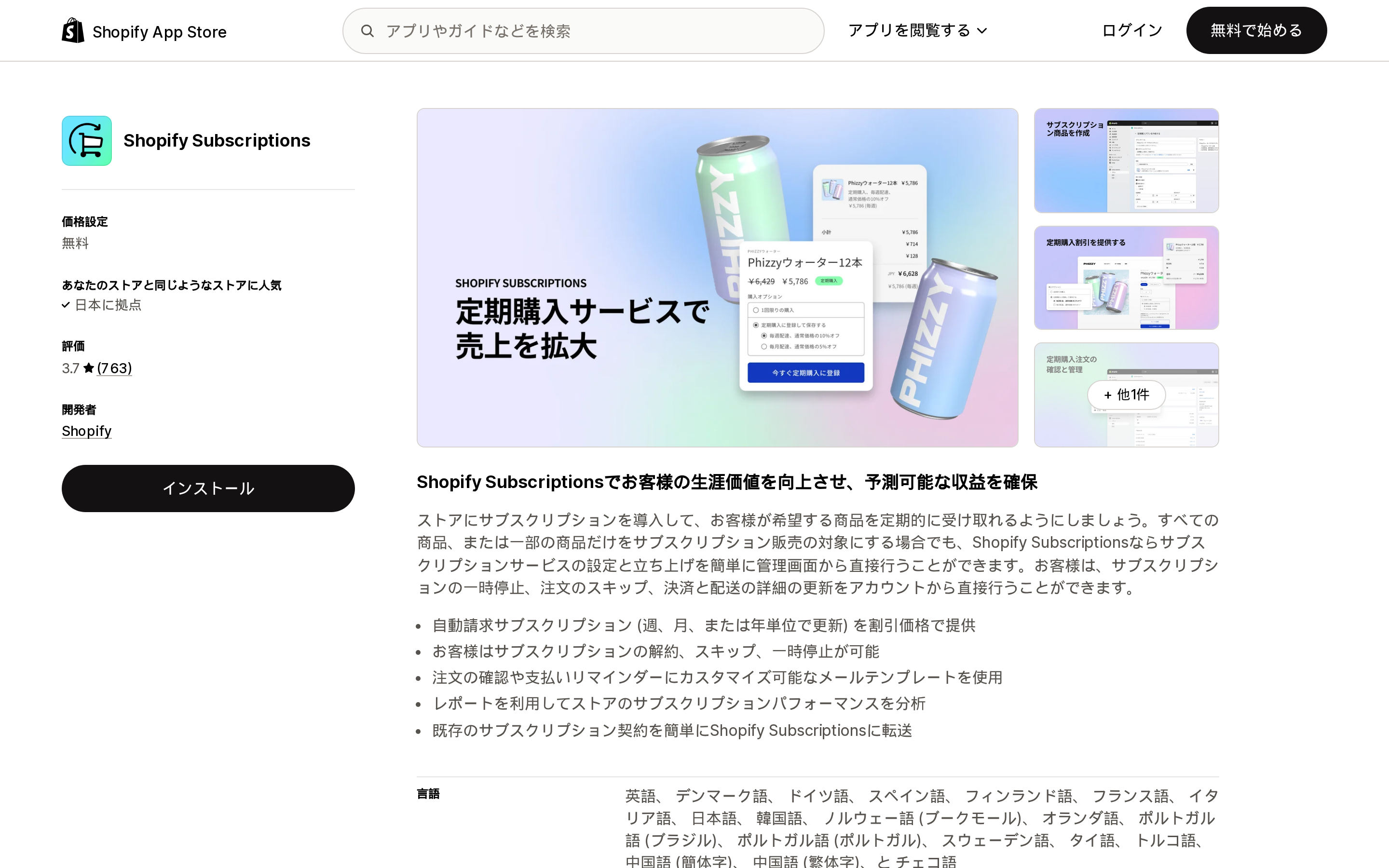
出典: Shopify App Store(Shopify Subscriptions、2026-09-02時点)
Shopify SubscriptionsはShopify自身が開発するファーストパーティアプリで、料金はFree、評価は763件のレビューで3.7です。リスティングにはCheckout、Customer accounts、Shopify POS、Shopify Adminとの連携が記載されています。
課金の制御はアプリのSettingsにあります。ShopifyはBilling attemptsセクションで、Number of retry attempts、Days between payment retry attempts、Action when all retry attempts have failedを調整できると記載しています。特徴的なのは、これらをPayment method failureとNot enough inventoryで個別に設定できる点で、この2つを別のトリガーとして扱えるアプリは多くありません。
記載されている主な制約は「Bundles aren't compatible with the Shopify Subscriptions app」です。
Appstle℠ Subscriptions App
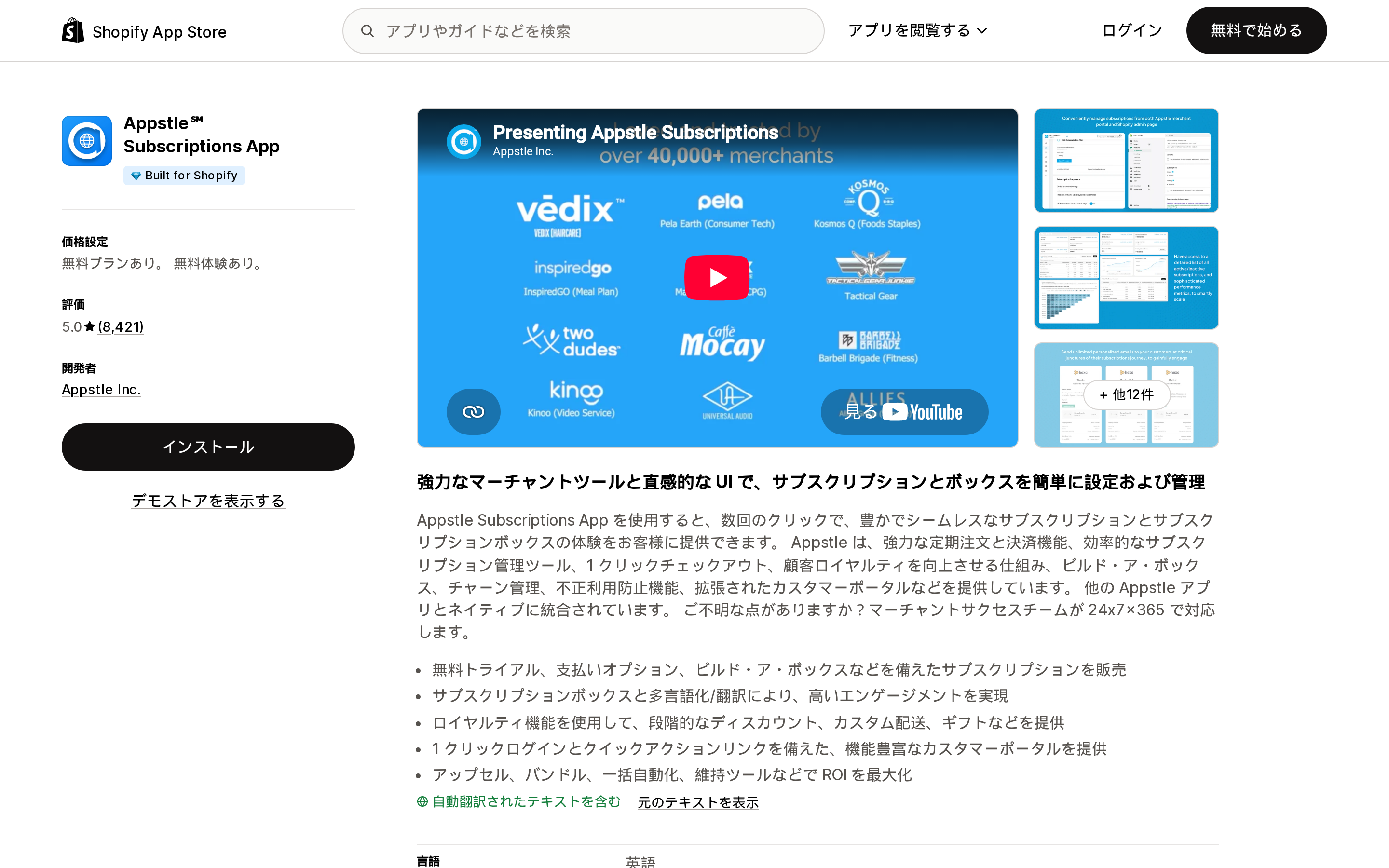
出典: Shopify App Store(Appstle℠ Subscriptions App、2026-09-02時点)
Appstle℠ Subscriptions Appはカリフォルニア州Menlo ParkのAppstle Inc.が開発し、Built for Shopifyバッジを取得、評価は8,421件のレビューで5.0です。
Failed Payment Recoveryのドキュメントは設定範囲が具体的です。Retry attemptsは1〜10回、Retry intervalは1〜10日、Exhausted retries behaviourでcontractのcancel、pause、skipを選べます。失敗時のメール通知はマーチャントによるopt-inが必要で、顧客はcustomer portalのManage Subscriptionsへ誘導されます。
料金は購読者数ではなくサブスクリプション売上で区切られています。Freeが月$500まで、Starterが$10/monthで月$5,000まで、Businessが$30/monthで月$15,000まで、Business Premiumが$100/monthで月$100,000までです。有料プランはいずれも0% Transaction Feeと14-day free trialが記載されています。
Seal Subscriptions App
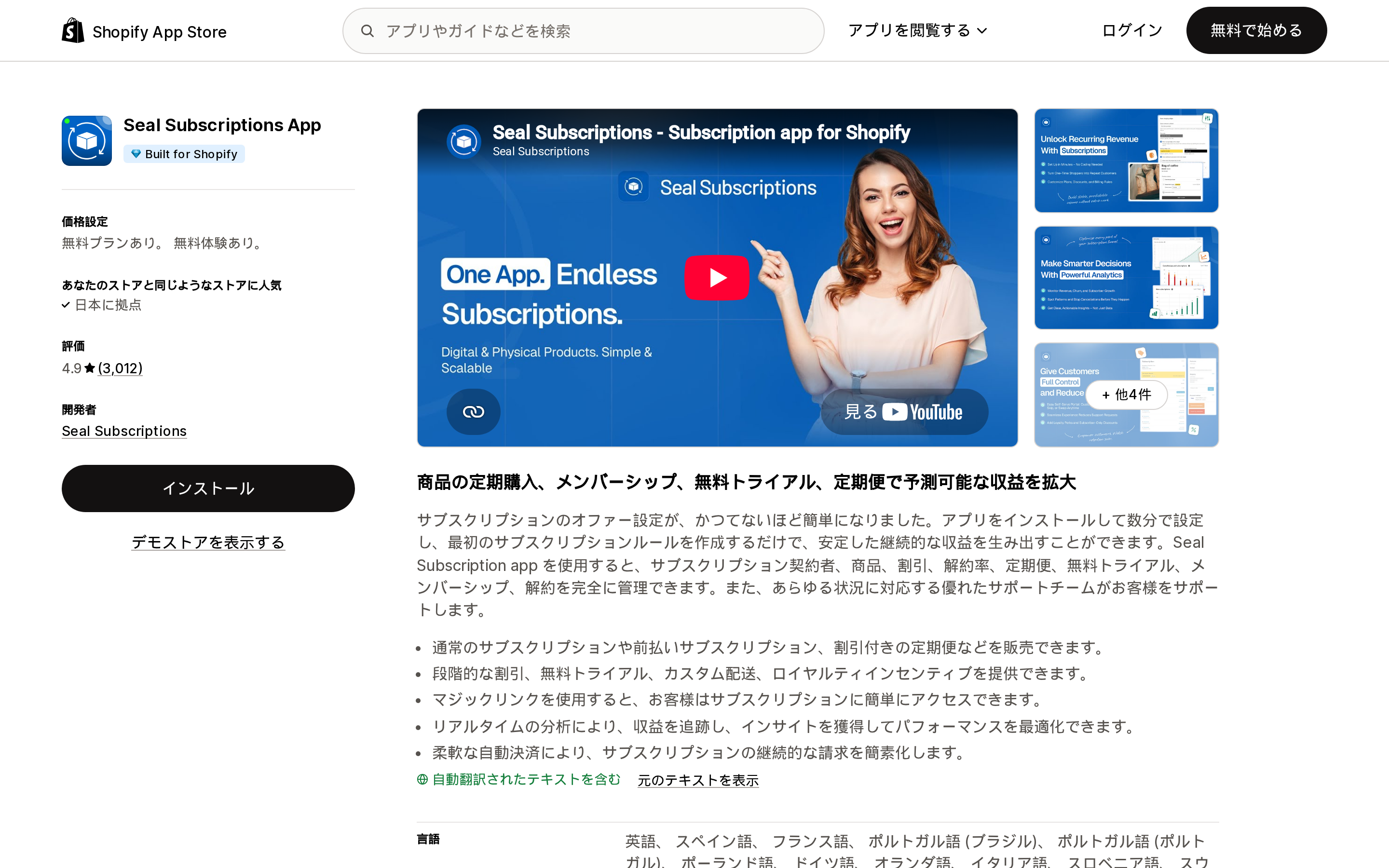
出典: Shopify App Store(Seal Subscriptions App、2026-09-02時点)
Seal Subscriptions AppはSeal Subscriptionsが開発し、Built for Shopifyバッジを取得、評価は3,012件のレビューで4.9です。
ゲートウェイ要件を満たせないマーチャント向けの回答を明示しているのは、ここでは唯一Sealです。FAQでは、auto-charging ruleにShopify Payments、Bankful、ShopPay、Apple Pay、Google Pay、Adyen、Authorize.net、Stripe、PayPal Expressのいずれかが必要とされ、「The app will alert you if you aren't eligible for the auto-charging functionality when you try to create/edit an auto-charging subscription rule」と記載されています。
要件を満たせない場合、Sealにはrecurring invoices modeがあります。更新時期にcheckout linkをメールで送る方式です。トレードオフも明記されています。「The app WON'T automatically charge your customers for subscriptions created in this mode」。顧客は通常のShopify Checkoutを通り、「will be able to use any payment method you have configured in your store」となります。この比較の中で、継続商品にKlarnaを使える唯一の記載された経路ですが、自動課金を手放すことが条件です。
リトライを使い切った後の挙動は、他より選択肢が狭い点に注意が必要です。Sealは「as configured in your Seal Subscriptions app > Settings > General Settings > Billing settings」でリトライし、その後は「If the payment fails on all tries, then the subscription will be cancelled automatically」となります。pauseやskipという代替はドキュメントに記載がないため、失敗ごとの顧客向けメールはlaunch前に有効化しておく価値があります。
料金は売上無制限で、アクティブなサブスクリプション件数で区切られています。Freeが50件、SUPERSALEが$5.95/monthで100件、RISING STARが$9.95/monthで250件、LEGENDが$24.95/monthで500件です。全プランに0% transaction feeが記載されています。
Recharge Subscriptions App
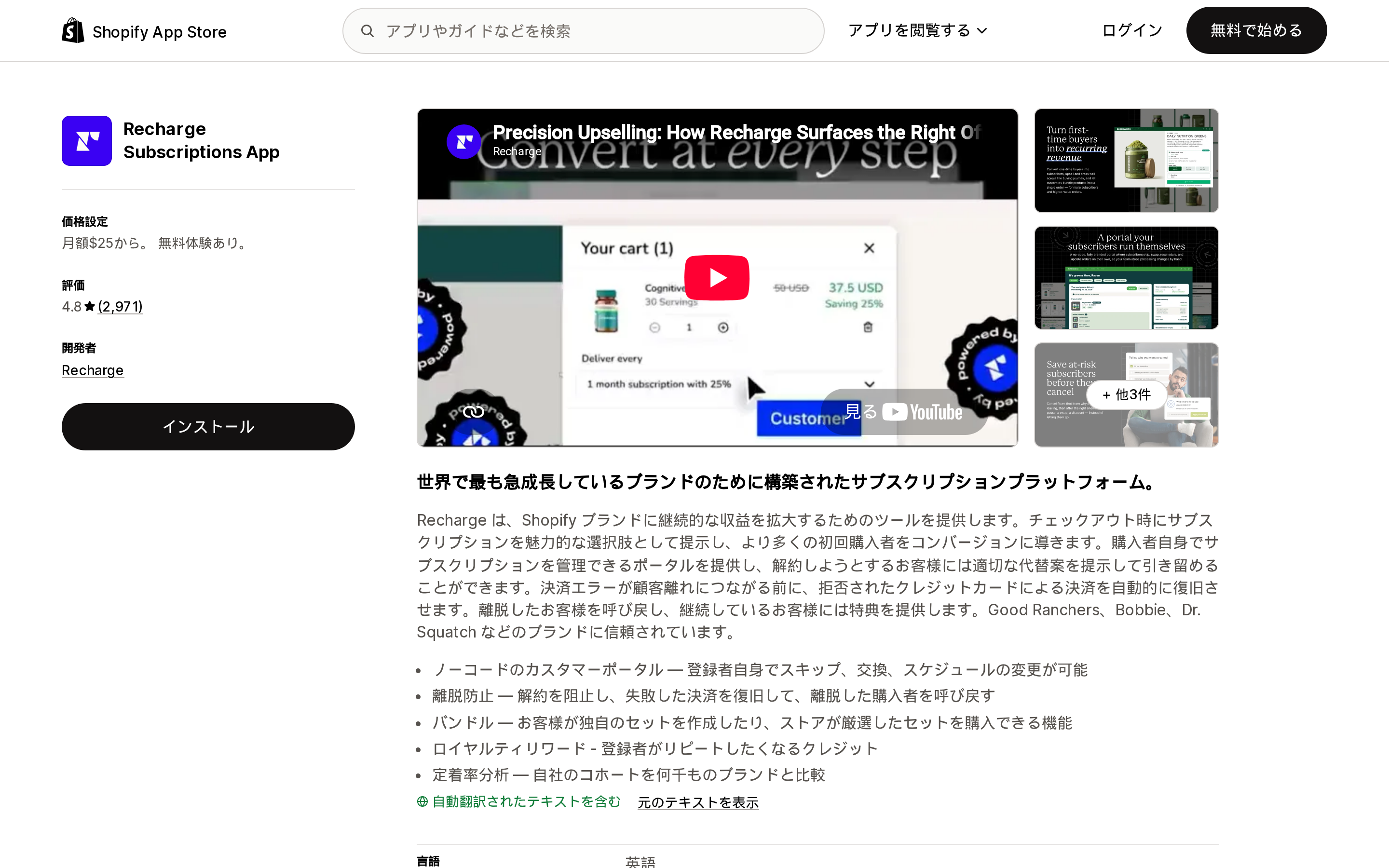
出典: Shopify App Store(Recharge Subscriptions App、2026-09-02時点)
Recharge Subscriptions Appはカリフォルニア州Santa MonicaのRechargeが開発し、評価は2,971件のレビューで4.8、App Storeでのlaunchは2014年10月です。
ゲートウェイ設計の観点では、Rechargeのドキュメントがこの中で最も参照しやすい構成です。checkout platformごとに対応processorを表で示しており、Shopify Checkout Integrationについては Shopify Payments、Stripe (Limited)、PayPal Express、Authorize.net、Adyenを挙げ、冒頭で「Shopify determines the eligible subscription payment processors for merchants using the Shopify Checkout Integration」と明記しています。
見落とされやすい障害パターンも記載されています。Shop Payを無効化した場合について「For subscriptions created using Shop Pay, those stored payment details are used to process future recurring charges. If Shop Pay is disabled, those payment details will no longer be available, which will cause subscription charges to fail」としています。
リスティング上の料金は、25-50プランが$25/monthで最初の50 subscribersまで取引手数料なし、Starterが$99/monthに1.49% + 19¢ per transaction、Plusが$499/monthに1.34% + 19¢です。Rechargeによる外部請求がShopifyの請求とは別に発生する場合がある旨も記載されています。
Loop Subscriptions App
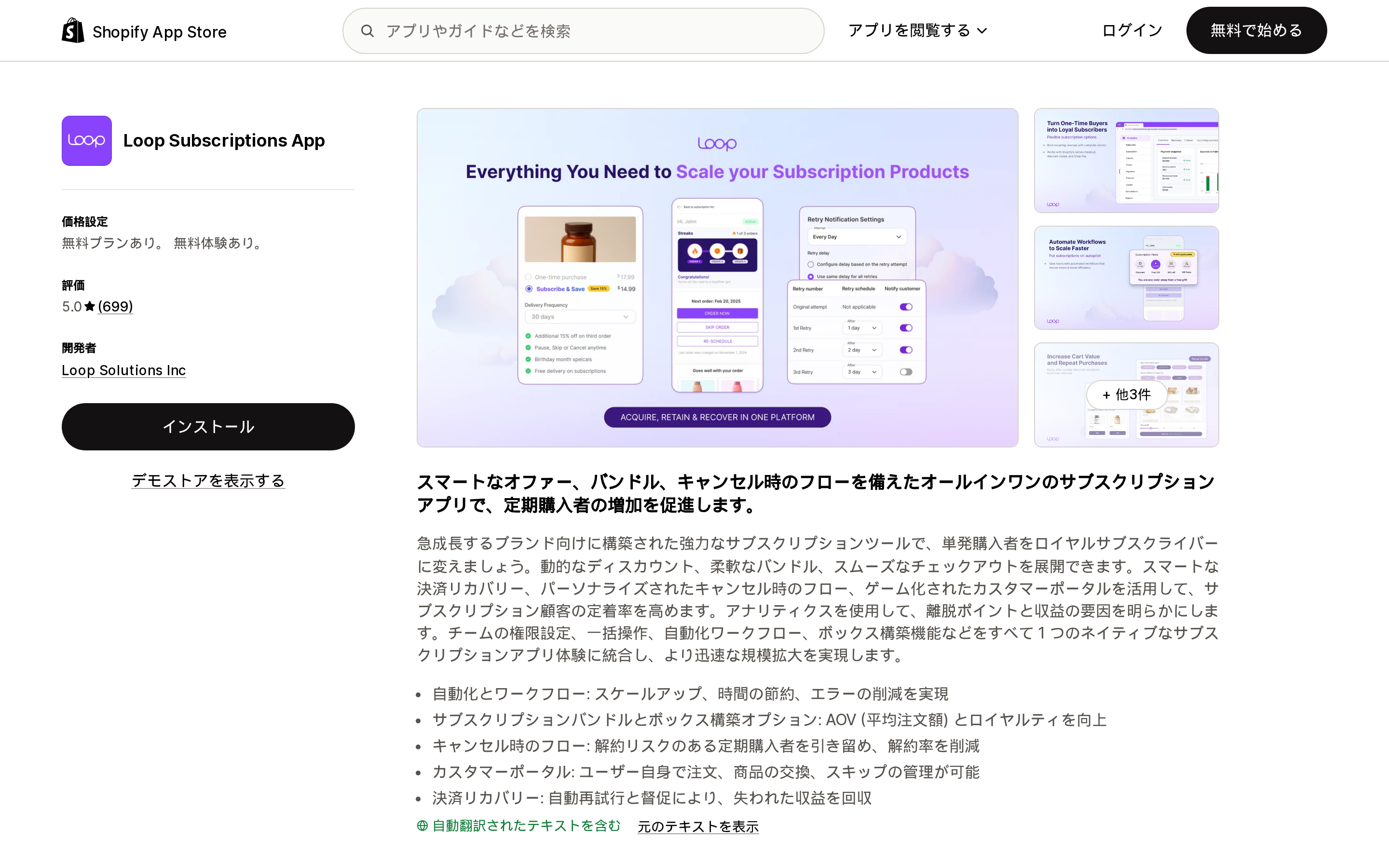
出典: Shopify App Store(Loop Subscriptions App、2026-09-02時点)
Loop Subscriptions Appはデラウェア州WilmingtonのLoop Solutions Incが開発し、評価は699件のレビューで5.0です。
StarterプランにはSmart dunning management with 15 retriesが記載されており、この中では記載されたリトライ上限として最も多い設定です。ドキュメントには、primaryが失敗した場合にsecondary cardで再試行するBackup Payment Method、hard declineでリトライを止めるHard declines behavior、通知の送信タイミング設定なども記載されています。
リトライ枯渇後の推奨がcancelではない点は特徴的です。「For most merchants, Pause subscription is the best default. It stops revenue loss while preserving the subscriber relationship and gives the customer a clear path to reactivate」。
料金はFreeが50 active subscriptions、Starterが$99/monthに1.0% per transaction、Proが$399/monthに0.75%です。
比較
| Shopify Subscriptions | Appstle℠ Subscriptions App | Seal Subscriptions App | Recharge Subscriptions App | Loop Subscriptions App | |
|---|---|---|---|---|---|
| 開発元 | Shopify | Appstle Inc. | Seal Subscriptions | Recharge | Loop Solutions Inc |
| Built for Shopify | なし | あり | あり | なし | なし |
| 評価(レビュー数) | 3.7(763) | 5.0(8,421) | 4.9(3,012) | 4.8(2,971) | 5.0(699) |
| 無料プラン | Free | 月$500の売上まで | 50 subscriptions | なし(free trialあり) | 50 active subscriptions |
| 最低有料プラン | 該当なし | $10/month | $5.95/month | $25/month | $99/month + 1.0% |
| 無料枠の上限指標 | 記載なし | サブスクリプション売上 | subscription件数 | 該当なし | active subscriptions |
| リトライ設定範囲 | 回数と間隔を設定可、範囲の記載なし | 1〜10回、間隔1〜10日 | Billing settingsで設定可、範囲の記載なし | Failed Payment Recovery、範囲の記載なし | 最大15 retries(Starter) |
| 枯渇後の動作 | skip / pause / cancel | cancel / pause / skip | 自動的にcancel | 公式情報では確認できなかった | skip / pause / cancel |
| backup cardでの再試行 | 公式情報では確認できなかった | 公式情報では確認できなかった | 公式情報では確認できなかった | 公式情報では確認できなかった | あり |
| 非対応ゲートウェイ時の代替 | なし | なし | recurring invoices mode | なし | なし |
評価と料金は2026年9月2日時点の各アプリのShopify App Storeリスティングに基づきます。
ゲートウェイの状況から選ぶ
Shopify Paymentsを使っていて、まず定期購入を動かしたい場合。 Shopify Subscriptionsから始めるのが妥当です。無料でファーストパーティであり、決済失敗と在庫不足でリトライを個別設定できる点は実務で効きます。Bundlesのように明確に対応していない要件に当たってから移行を検討すれば十分です。
Shopify Paymentsを使っていて、churnを下げたい場合。 AppstleとLoopはどちらもリトライ設計に投資しています。Appstleは設定範囲が明記され、有料プランが$10/monthから始まります。Loopは15 retriesとbackup payment methodでさらに踏み込みますが、最低有料プランは$99/monthに1.0% per transactionです。分岐点は好みではなく購読者数です。
Authorize.netやAdyenを使っている場合。 要件は満たしますが、ウォレットの選択肢は狭くなり、カード更新は顧客の手作業が前提になります。Shopify自身も「confirm with your payment gateway whether you can automatically receive updated payment details from major card networks」と案内しています。導入を決める前に確認すべき質問です。
対応ゲートウェイをどうしても用意できない場合。 Sealのrecurring invoices modeが現実的な選択肢です。自動課金は失われ、サイクルごとに顧客の支払い操作が必要になりますが、Klarnaを含めストアで設定済みの決済手段をそのまま使えます。恒久策ではなく橋渡しとして扱うのが妥当です。
既存の定期購入プログラムを移行する規模のブランドの場合。 ここで扱ったアプリの中では、Rechargeがcheckout platformごとのprocessor対応と移行時の注意点を最も詳しく公開しています。ゼロから始めるのではなく既存subscriberを動かす場合に効いてきます。
どれを選ぶにしても、確認の順序はゲートウェイが先です。この判断の中で、アプリでは解決できない唯一の部分だからです。
参考
- Considerations and payment gateways for subscription products — Shopify Help Center
- Shopify Subscriptions app eligibility considerations — Shopify Help Center
- Managing Shopify Subscriptions app settings — Shopify Help Center
- Shop Pay Installments FAQ — Shopify Help Center
- Local payment methods — Shopify Help Center
- Failed Payment Recovery in Appstle Subscriptions — Appstle Help Center
- Which payment gateways does your app support? — Seal Subscriptions
- Can I use Klarna payments to process auto-charging subscriptions? — Seal Subscriptions
- What happens an auto-charging payment fails? — Seal Subscriptions
- Setting up and managing Payment processors — Recharge
- Recovery via retries — Loop Subscriptions Help Center
Shop Pay Installmentsは有効化無料、アプリ不要、そしてShopifyは手数料を公開していません。レートを見られるのは自社の管理画面の中だけです。加えてCapital OneとChaseのクレジットカードを受け付けず、月次プランはデビットカード限定、ギフトカードとサブスクリプション商品は対象外で、商品ごとにオン・オフを切り替えることもできません。Affirmはパスワード保護中のストア、英語以外の主要言語、主にB2Bという理由でアカウントを停止します。さらにShopifyの「Getting paid」ページは「disputeは管理画面に通知される」と書き、FAQは「管理画面には通知されない」と書いています。適格性を満たせない場合の代替はKlarna、Afterpay、Sezzle、Zip、PayPalのon-site messagingアプリで、このカテゴリーの評価は1.0〜3.2です。調査日は2026年9月2日です。