
What you will learn
On this pageContentsCloseOpen
Most subscription app comparisons start with features. That is the wrong place to start, because the first thing that decides whether a subscription program works on your store is not the app at all. It is your payment gateway.
Shopify's subscription APIs only work with a small set of gateways. If your store runs on something outside that list, no subscription app in the Shopify App Store can charge your customers automatically, no matter what its listing promises. This is a platform constraint that sits below every app.
The gateway list is set by Shopify, not by the app
Shopify's Help Center is explicit about this. To use third-party subscription apps, your store must use one of the following payment gateways:
- Shopify Payments
- PayPal Express
- Authorize.net
- Adyen
- Stripe
Shopify adds that "Payment gateway availability varies by region and terms of service," and that Stripe for subscriptions is "Available only to select merchants." The same list applies to Shopify's own first-party app, published on a separate eligibility page for the Shopify Subscriptions app.
That is the whole list. If your store processes payments through a gateway that is not on it, installing a subscription app will not create recurring billing. This is worth checking in Settings > Payments before you evaluate anything else.
Local payment methods and BNPL cannot buy a subscription
The second constraint catches more US merchants by surprise. Shopify states plainly that "Customers can't use local payment methods to purchase subscriptions."
Buy-now-pay-later is excluded too. Shopify's Shop Pay Installments FAQ answers the question directly: "No. Customers can't buy subscription products using Shop Pay Installments." The same page notes that Shop Pay Installments "is available for all products in your store within the eligible price range, excluding gift cards and subscription products." The exclusion is product-level, and the same FAQ states the availability rules "can't be customized for each product," so there is no per-product setting that turns it back on for a subscription SKU.
App vendors confirm the same boundary from their side. Recharge's payment processor documentation states, for merchants on the Shopify Checkout Integration, that "Klarna is not available as a checkout option for subscription purchases." Seal Subscriptions answers a dedicated FAQ on Klarna with "Unfortunately no, not yet. Shopify doesn't yet support Klarna payments for auto-charging subscriptions."
The practical consequence: if a meaningful share of your US checkout volume converts through installment options, those shoppers cannot convert on a subscription SKU. They can still buy the same product as a one-time purchase. Plan your "subscribe and save" merchandising with that in mind.
Wallets behave differently depending on the gateway
Wallet coverage is not uniform across the eligible gateways, and Shopify documents the differences:
- Shopify Payments: customers can use accelerated checkouts such as Shop Pay, Apple Pay, Google Pay, or PayPal. Shopify notes that "Customers can use only Shop Pay on some stores," and that "Apple Pay support for subscriptions is limited to Visa and Mastercard."
- Authorize.net: "PayPal is the only wallet option available to customers. Google Pay and Apple Pay aren't supported."
- PayPal Express: customers can use the PayPal Express gateway and PayPal as a wallet. Shopify notes that third-party transaction fees are charged if Shopify Payments isn't activated on your store.
Recharge adds a field note about Adyen: "You can offer Adyen as a payment method for new customers. Existing customers may experience issues, as Adyen is currently confirmed as incompatible with accelerated payment methods such as ShopPay or ApplePay."
Card updates are a gateway feature, not an app feature
Appstle describes involuntary churn as a failure where "the customer still values your product and wants to continue their subscription, but the payment fails for technical reasons," and lists an expired card as one of the causes. The mechanism that addresses expired and reissued cards is an account updater service, and it is worth being precise about who provides it.
Shopify documents automatic card updates as a Shopify Payments capability: Shopify "collaborates with major card networks to automatically update saved card details when customers receive new cards," and "Automatic card updates are widely supported in the United States for major card networks, with international support varying." For anything else, Shopify says: "If you use another supported gateway, then you might need customers to update their payment details manually to continue being charged."
Loop Subscriptions states the same thing from the app side, in its own help documentation: "We do not have this feature with us because Loop never stores or updates card details. All subscription payments (including retries and renewals) are processed by Shopify Checkout using the customer's saved payment method." Loop then attributes automatic card updates to "The payment processor (e.g., Shopify Payments / Stripe)" and "The card networks (Visa, Mastercard, etc.)."
So if a subscription app advertises reduced involuntary churn, read carefully whether it means an account updater (gateway-level) or dunning retries (app-level). Those are different mechanisms. Retries are where apps genuinely differ.
What you should verify before installing anything
- Which gateway processes your payments today. Check Settings > Payments. If it is not on Shopify's list, that is your first project, not app selection.
- Whether Shopify Payments is available to your business category. Recharge's documentation lists business type as a common eligibility factor, alongside country of origin and bank account requirements.
- How much of your revenue comes from installment options. Those shoppers cannot buy subscriptions.
- Whether you need an account updater. If you are not on Shopify Payments, expect manual card updates by customers.
- What happens when retries run out. Every app here lets you skip, pause, or cancel. The default matters.
Two more Shopify-level notes worth knowing before launch: gift cards used to pay for subscriptions apply only to the first payment, and if you uninstall a subscription app, subscription data you created in the app, excluding subscription contracts and customer payment information, is deleted after 48 hours.
How five real apps compare on the parts they control
Gateway eligibility is fixed. Retry logic, fallback behavior, and pricing are not.
Shopify Subscriptions
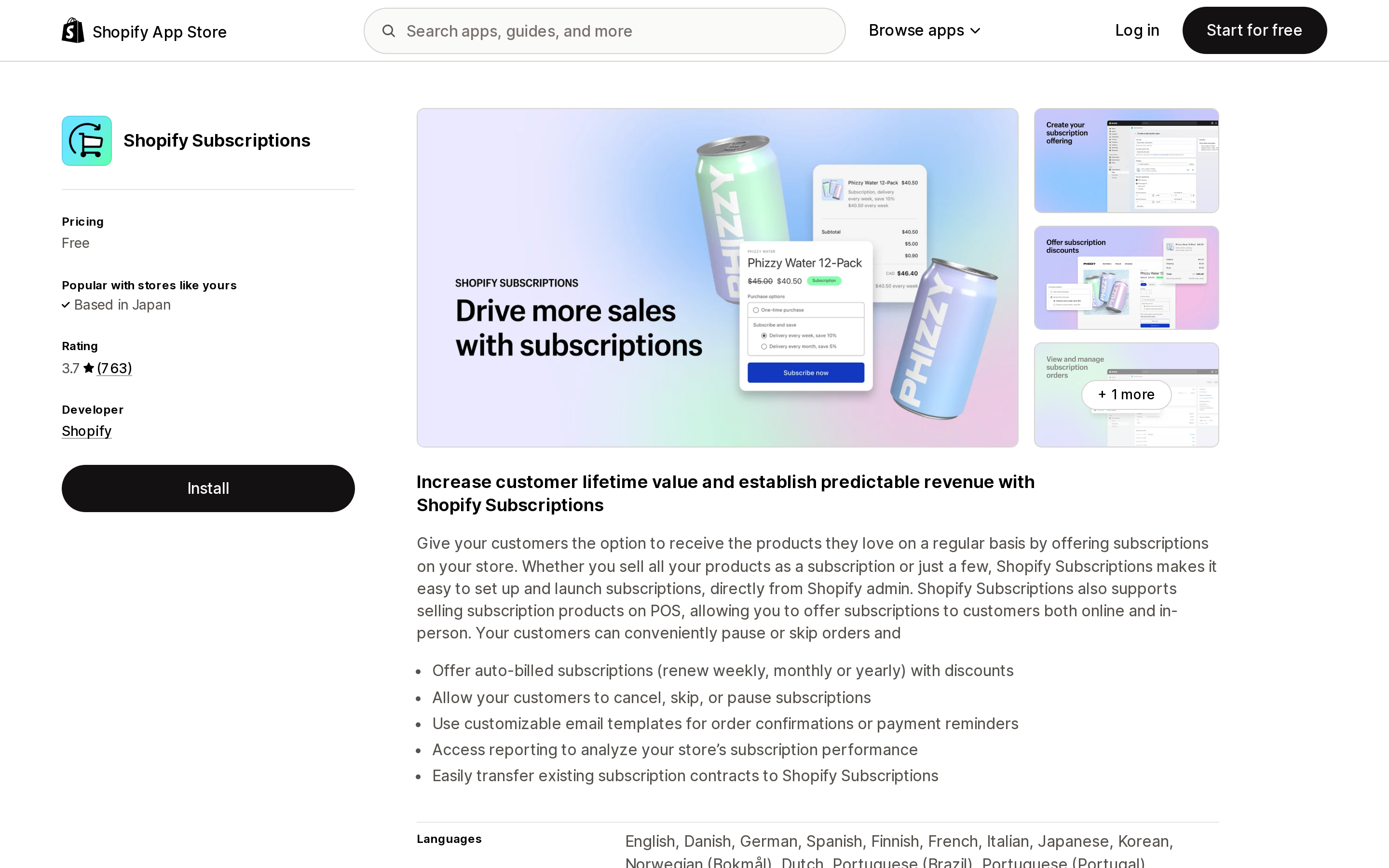
Source: Shopify App Store (Shopify Subscriptions), retrieved September 2, 2026
Shopify Subscriptions is Shopify's own first-party app, listed as Free, developed by Shopify, and rated 3.7 from 763 reviews. Its listing shows it works with Checkout, Customer accounts, Shopify POS, and Shopify Admin.
Its billing controls live in the app's Settings page. Shopify documents a Billing attempts section where you adjust the Number of retry attempts, the Days between payment retry attempts, and the Action when all retry attempts have failed. Notably, Shopify lets you configure these separately for Payment method failure and Not enough inventory, which most third-party apps do not expose as distinct triggers.
The main documented limitation: "Bundles aren't compatible with the Shopify Subscriptions app."
Appstle℠ Subscriptions App
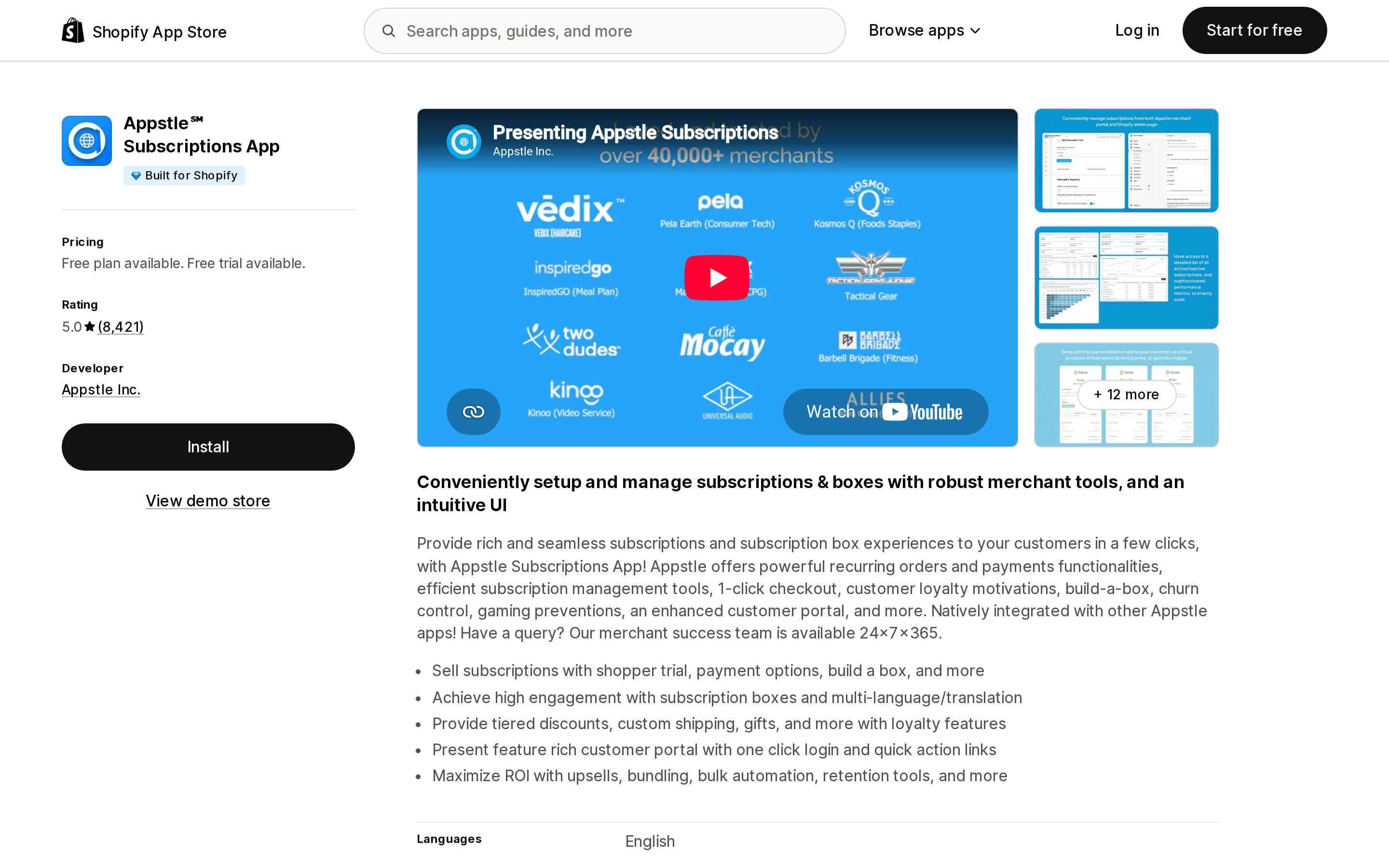
Source: Shopify App Store (Appstle℠ Subscriptions App), retrieved September 2, 2026
Appstle℠ Subscriptions App is developed by Appstle Inc. in Menlo Park, CA, carries the Built for Shopify badge, and is rated 5.0 from 8,421 reviews.
Its Failed Payment Recovery documentation is specific about the ranges you control: Retry attempts of 1–10, a Retry interval of 1–10 days, and an Exhausted retries behaviour that cancels, pauses, or skips the contract. Appstle's failed-payment email is opt-in, and directs customers to the Manage Subscriptions area of the customer portal.
Pricing is banded by subscription revenue rather than subscriber count: Free up to $500/month in subscriptions, Starter at $10/month up to $5,000/month, Business at $30/month up to $15,000/month, and Business Premium at $100/month up to $100,000/month. All paid tiers list a 0% transaction fee and a 14-day free trial.
Seal Subscriptions App
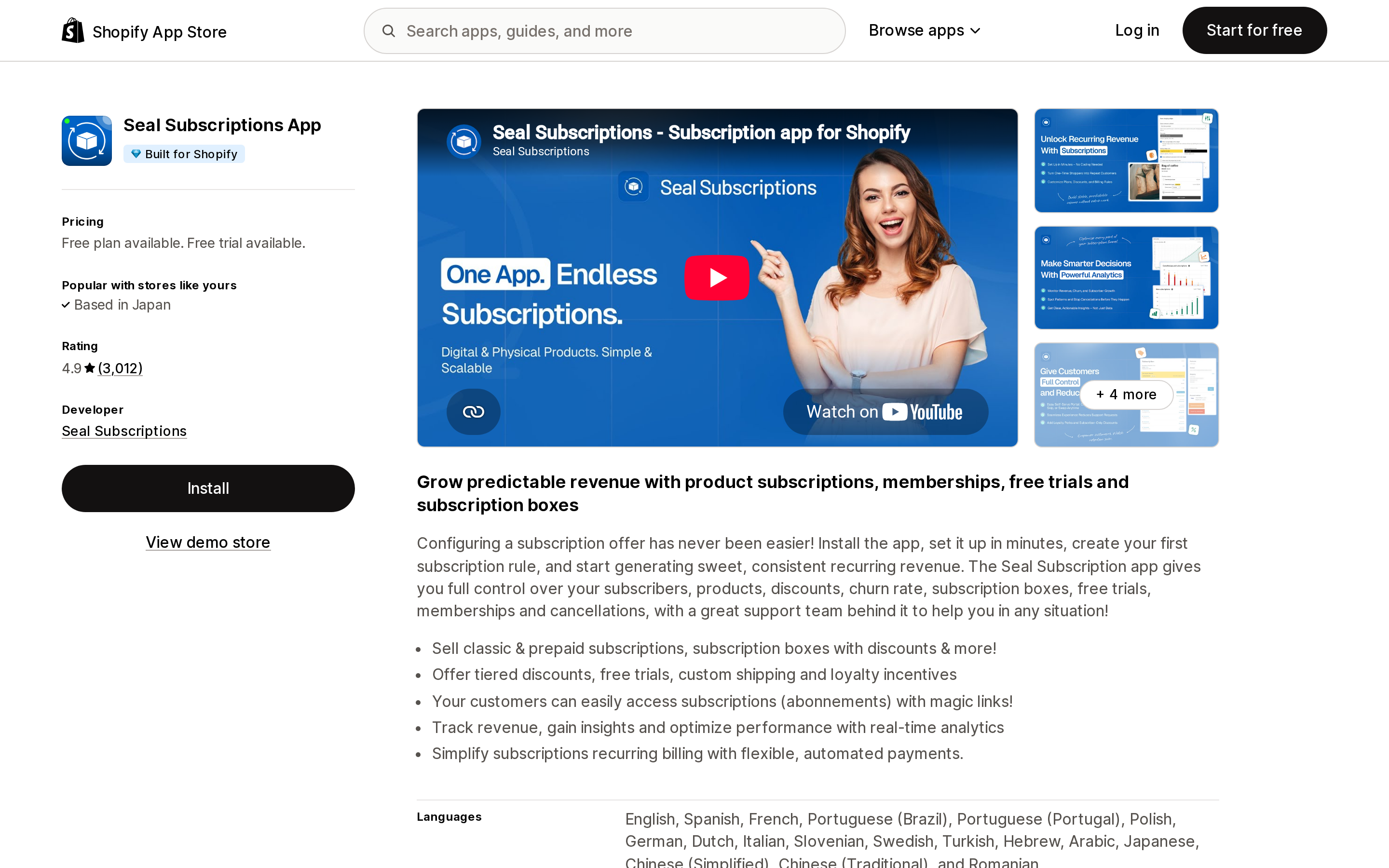
Source: Shopify App Store (Seal Subscriptions App), retrieved September 2, 2026
Seal Subscriptions App is developed by Seal Subscriptions, carries the Built for Shopify badge, and is rated 4.9 from 3,012 reviews.
Seal is the one app here that publishes an explicit answer for merchants who fail the gateway test. Its FAQ states that auto-charging rules require Shopify Payments, Bankful, ShopPay, Apple Pay, Google Pay, Adyen, Authorize.net, Stripe, or PayPal Express, and that "The app will alert you if you aren't eligible for the auto-charging functionality when you try to create/edit an auto-charging subscription rule."
If you cannot meet that list, Seal offers a recurring invoices mode: the app emails the customer a checkout link when a renewal is due. Seal is direct about the tradeoff: "The app WON'T automatically charge your customers for subscriptions created in this mode." The customer goes through normal Shopify Checkout and "will be able to use any payment method you have configured in your store." That is the only documented path in this comparison for accepting Klarna on a recurring product, and it comes at the cost of automatic billing.
Be aware of Seal's exhausted-retry behavior, which is less flexible than the others here. Seal retries "as configured in your Seal Subscriptions app > Settings > General Settings > Billing settings," and then: "If the payment fails on all tries, then the subscription will be cancelled automatically." Seal's documentation does not describe a pause or skip alternative, so turning on the per-failure customer email is worth doing before you launch.
Pricing is banded by active subscription count with unlimited revenue: Free for 50 subscriptions, SUPERSALE at $5.95/month for 100, RISING STAR at $9.95/month for 250, and LEGEND at $24.95/month for 500. All tiers list 0% transaction fee.
Recharge Subscriptions App
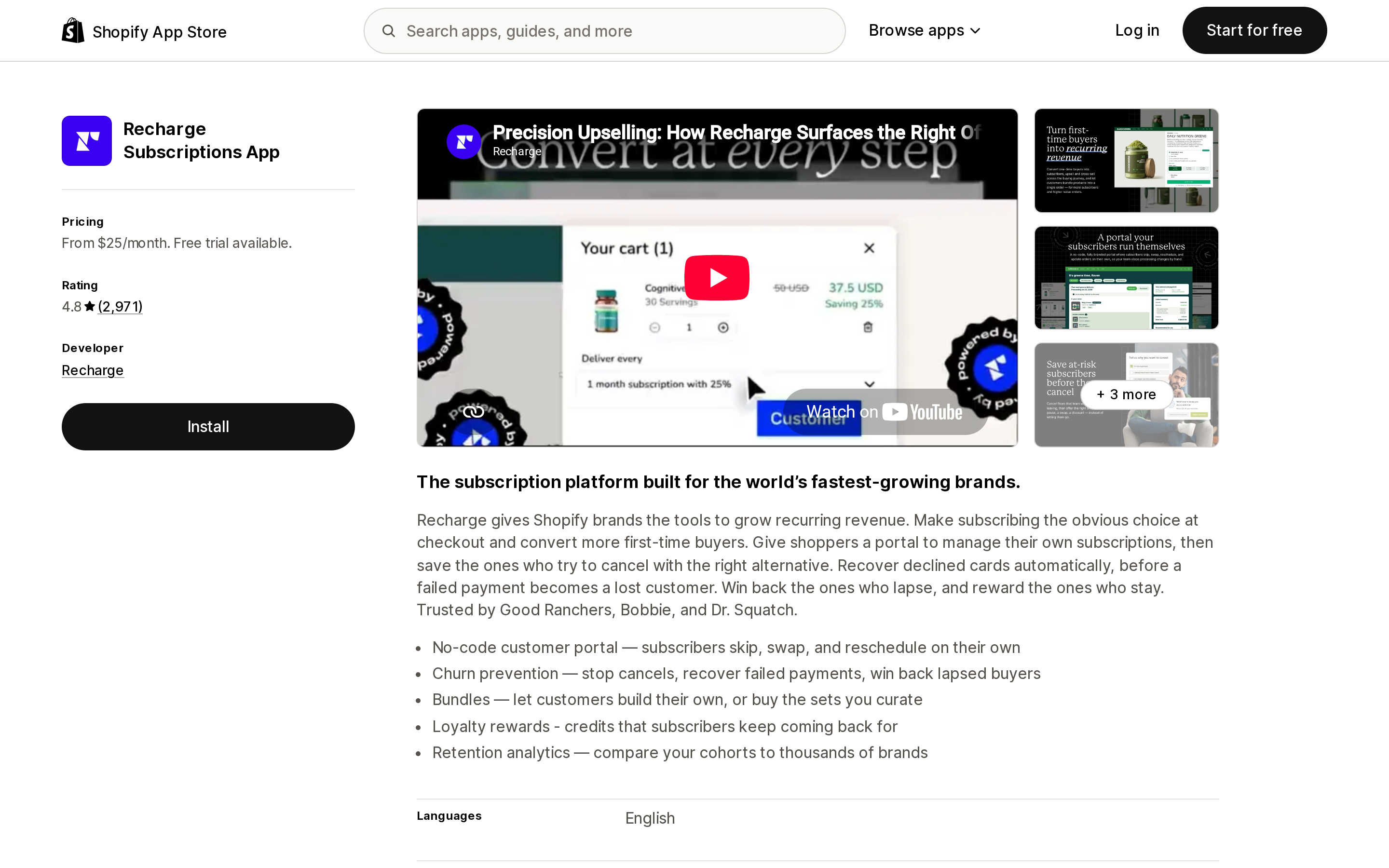
Source: Shopify App Store (Recharge Subscriptions App), retrieved September 2, 2026
Recharge Subscriptions App is developed by Recharge in Santa Monica, CA, is rated 4.8 from 2,971 reviews, and launched on the App Store in October 2014.
Recharge's documentation is the most useful of the group for gateway planning, because it maps processors to checkout platforms. For the Shopify Checkout Integration it lists Shopify Payments, Stripe (Limited), PayPal Express, Authorize.net, and Adyen, and states up front that "Shopify determines the eligible subscription payment processors for merchants using the Shopify Checkout Integration."
It also documents a failure mode most merchants never think about. On disabling Shop Pay: "For subscriptions created using Shop Pay, those stored payment details are used to process future recurring charges. If Shop Pay is disabled, those payment details will no longer be available, which will cause subscription charges to fail."
Pricing on the listing: a 25-50 plan at $25/month with no transaction fees for the first 50 subscribers, Starter at $99/month plus 1.49% + 19¢ per transaction, and Plus at $499/month plus 1.34% + 19¢. Recharge notes that external charges may be billed separately from your Shopify invoice.
Loop Subscriptions App
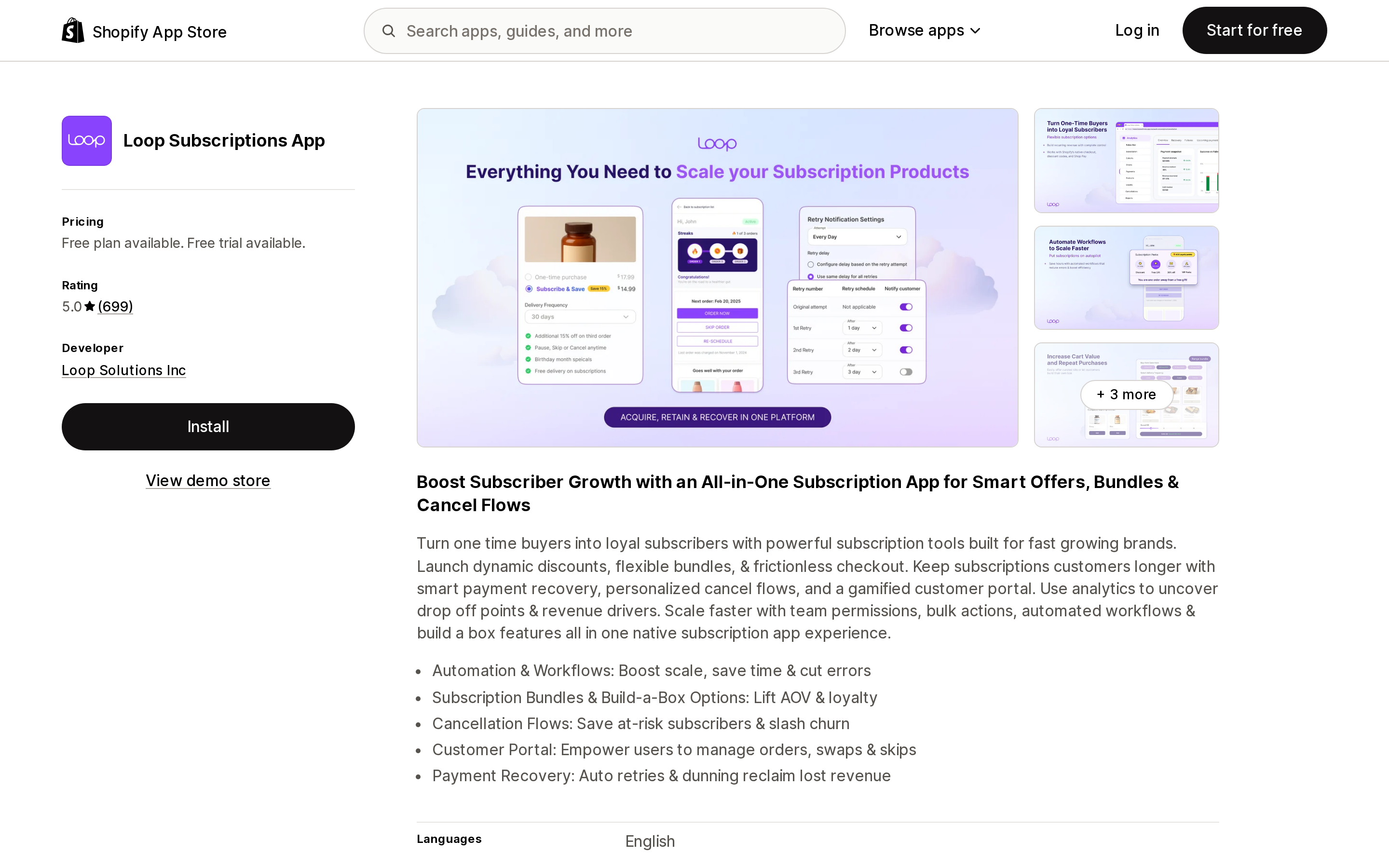
Source: Shopify App Store (Loop Subscriptions App), retrieved September 2, 2026
Loop Subscriptions App is developed by Loop Solutions Inc in Wilmington, DE, and is rated 5.0 from 699 reviews.
Loop's Starter plan lists "Smart dunning management with 15 retries," the highest documented retry ceiling in this group. Its documentation also covers a Backup Payment Method that retries the charge on a secondary card if the primary one fails, a Hard declines behavior setting that lets you stop retrying on hard declines, and configurable notification timing so retries can run silently in the background.
Loop's recommendation for the exhausted-retries action is worth quoting because it is the opposite of a default cancel: "For most merchants, Pause subscription is the best default. It stops revenue loss while preserving the subscriber relationship and gives the customer a clear path to reactivate."
Pricing: Free for 50 active subscriptions, Starter at $99/month plus 1.0% per transaction, and Pro at $399/month plus 0.75%.
Comparison
| Shopify Subscriptions | Appstle℠ Subscriptions App | Seal Subscriptions App | Recharge Subscriptions App | Loop Subscriptions App | |
|---|---|---|---|---|---|
| Developer | Shopify | Appstle Inc. | Seal Subscriptions | Recharge | Loop Solutions Inc |
| Built for Shopify | No | Yes | Yes | No | No |
| Rating (reviews) | 3.7 (763) | 5.0 (8,421) | 4.9 (3,012) | 4.8 (2,971) | 5.0 (699) |
| Free plan | Free | Up to $500/mo revenue | 50 subscriptions | No (free trial) | 50 active subscriptions |
| Lowest paid tier | n/a | $10/month | $5.95/month | $25/month | $99/month + 1.0% |
| Free-tier ceiling metric | none stated | subscription revenue | subscription count | n/a | active subscriptions |
| Documented retry range | attempts and interval configurable; range not stated | 1–10 attempts, 1–10 day interval | configurable in Billing settings; range not stated | Failed Payment Recovery; range not stated | up to 15 retries (Starter) |
| Exhausted-retry actions | skip / pause / cancel | cancel / pause / skip | cancelled automatically | not stated in the app's official documentation | skip / pause / cancel |
| Backup card retry | not stated in the app's official documentation | not stated in the app's official documentation | not stated in the app's official documentation | not stated in the app's official documentation | Yes |
| Non-eligible-gateway fallback | none | none | recurring invoices mode | none | none |
Ratings and pricing retrieved from each app's Shopify App Store listing on September 2, 2026.
Choosing based on your gateway situation
You are on Shopify Payments and just want subscriptions to work. Start with Shopify Subscriptions. It is free, first-party, and its separate retry configuration for payment failure versus inventory shortfall is genuinely useful. Move on only when you hit a specific wall, such as bundles, which it does not support.
You are on Shopify Payments and want lower churn on a growing program. Appstle and Loop both invest in retry logic. Appstle's retry ranges are documented and its pricing bands start at $10/month; Loop's 15-retry ceiling and backup payment method go further but its lowest paid tier is $99/month plus 1.0% per transaction. The crossover depends on subscriber volume, not preference.
You are on Authorize.net or Adyen. You are eligible, but expect narrower wallet coverage, and expect to ask customers to update cards manually. Shopify's own guidance is to "confirm with your payment gateway whether you can automatically receive updated payment details from major card networks." Ask that question before you commit.
You cannot get onto any eligible gateway. Seal's recurring invoices mode is the honest option. You lose automatic billing, and you accept a manual payment step per cycle, but you keep every payment method your store already accepts, including Klarna. Treat it as a bridge, not a destination.
You are a larger DTC brand migrating an existing program. Of the apps covered here, Recharge publishes the most detail on processor compatibility across checkout platforms and on migration edge cases, which matters when you are moving existing subscribers rather than starting fresh.
Whichever you choose, the gateway check comes first. It is the only part of this decision that an app cannot fix.
Sources
- Considerations and payment gateways for subscription products — Shopify Help Center
- Shopify Subscriptions app eligibility considerations — Shopify Help Center
- Managing Shopify Subscriptions app settings — Shopify Help Center
- Shop Pay Installments FAQ — Shopify Help Center
- Local payment methods — Shopify Help Center
- Failed Payment Recovery in Appstle Subscriptions — Appstle Help Center
- Which payment gateways does your app support? — Seal Subscriptions
- Can I use Klarna payments to process auto-charging subscriptions? — Seal Subscriptions
- What happens an auto-charging payment fails? — Seal Subscriptions
- Setting up and managing Payment processors — Recharge
- Recovery via retries — Loop Subscriptions Help Center
Shop Pay Installments is free to activate, needs no app, and Shopify never publishes what it costs you — the rate is visible only inside your own admin. It also refuses Capital One and Chase credit cards, restricts monthly plans to debit cards only, excludes gift cards and subscriptions, and can't be turned off for individual products. Affirm can suspend your account for being password-protected, for having a non-English storefront, or for being primarily B2B. And Shopify's Getting paid page says disputes appear in your admin while its FAQ says they don't. If you fail the eligibility gates, the alternative is on-site messaging apps from Klarna, Afterpay, Sezzle, Zip, and PayPal — a category rated between 1.0 and 3.2 stars. Researched September 2, 2026.