
What you will learn
On this pageContentsCloseOpen
Search "Shopify RFM" and you will be told, repeatedly and confidently, that Shopify has no native RFM analysis and that you need an app. That is wrong, and it has been wrong for a while.
Shopify ships RFM. Its own documentation describes a 3-digit score per customer where each digit runs 1 to 5, eleven named RFM groups, an RFM customer analysis report and an RFM customer list under Analytics → Reports, and an rfm_group filter in the customer segment query language. There is a Preview segment button that takes a row in the report and drops it into the segment editor as a working segment. None of that requires an app.
This matters because the merchants who read those articles are usually about to spend between $49 and $750 a month. If the pitch that gets you to buy is "Shopify can't do RFM," you are buying on a false premise, and you will not evaluate the thing the app actually sells you.
There is a real limitation, and it is not the one the internet talks about. Shopify gives you the group, not the score. That is a genuine constraint with genuine workarounds, and it is a much better starting point for deciding whether to pay someone.
Everything below was verified on September 2, 2026 against help.shopify.com and shopify.dev, and against the English (US) Shopify App Store. All prices are USD as published on the English listings.
The short version
- Shopify's RFM analysis assigns "a 3-digit score to each customer, where each digit ranges from 1 to 5" and sorts customers into 11 RFM groups: Prospects, Dormant, At risk, Previously loyal, Needs attention, Almost lost, Loyal, Promising, Active, New, Champions.
- The group is derived from recency (
R) and the average of frequency and monetary value,(F + M) / 2, rounded down. - You get the group, not the score. Shopify: "Specific RFM scores for individual customers aren't displayed anywhere in your Shopify admin, as the most valuable insight is the customer's overall RFM group."
rfm_groupis a real segment filter with 11 documented enum values ('CHAMPIONS','AT_RISK','NEEDS_ATTENTION', and so on). It is one of 27 Shopify-based segment filters.- Segments are rule-based and self-maintaining, but the count you see on the segments index is not continuously recomputed. Shopify: "The count on the segments index is updated when you view the segment by going to the segment details page or when an app, such as Shopify Messaging, uses the segment."
- Customer reports carry a documented lag: "they might not display all the activity on your store from the past 12 hours."
- Native destinations for a segment: Shopify Messaging (formerly Shopify Email), a discount code, or a CSV export. That's the list.
- Apps get real API access —
segmentCreate,segmentUpdate,customerSegmentMembers,segmentFilters— withread_customers/write_customers. Apps can also add their own templates to the segment editor via acustomer_segment_templateextension. - The four live apps below meter on four incompatible units: orders per month, chat credits, feature tier, and online GMV. At 6,000 orders/month the same job costs $99, $149, $299, or $750+.
What Shopify actually ships
Go to Analytics → Reports → filter by the Customers category. Two of the reports there are RFM.
RFM customer analysis is the aggregate view. Per RFM group it lists percentage of total customers, new customer records, average days since last order, total number of orders, and total amount spent. RFM customer list is the customer-level view — every customer not in the Prospects group, with average days since last order, total orders, and total amount spent.
Scores are relative to your store, not to an industry benchmark. Shopify is explicit: "a score of 5 indicates that the customer is in the top 20% of the dimension for your store, and a score of 1 indicates that the customer is in the bottom 20% of the dimension for your store."
The 11 groups and how they're computed
A customer's group comes from their recency score R and an FM value calculated as (F + M) / 2, rounded down to the nearest whole number.
| RFM group | Recency (R) | FM = (F + M) / 2 | Segment value |
|---|---|---|---|
| Prospects | — | — | 'PROSPECTS' |
| Dormant | R less than or equal to 2 | FM less than or equal to 2 | 'DORMANT' |
| At risk | R less than or equal to 2 | 2 < FM less than or equal to 4 | 'AT_RISK' |
| Previously loyal | R less than or equal to 2 | 4 < FM | 'PREVIOUSLY_LOYAL' |
| Almost lost | R = 3 | FM less than or equal to 2 | 'ALMOST_LOST' |
| Needs attention | R = 3 | FM = 3 | 'NEEDS_ATTENTION' |
| Loyal | 3 to 4 | 3 < FM | 'LOYAL' |
| Promising | R = 4 | FM less than or equal to 1 | 'PROMISING' |
| Active | R at least 4 | 1 < FM less than or equal to 3 | 'ACTIVE' |
| New | R = 5 | FM less than or equal to 1 | 'NEW' |
| Champions | R = 5 | 3 < FM | 'CHAMPIONS' |
Clicking a group name in the report gives you two actions: View report, which opens the RFM customer list filtered to that group, and Preview segment, which opens the segment editor with a segment already built from that group plus whatever filters you had applied. You can also write the filter by hand: rfm_group = 'NEEDS_ATTENTION'.
rfm_group sits alongside 26 other Shopify-based filters, including amount_spent, number_of_orders, last_order_date, products_purchased, predicted_spend_tier, customer_tags, email_subscription_status, and storefront.product_viewed. The query language is ShopifyQL, and the shape is fixed:
FROM customers
SHOW customer_name, note, subscription_status, location, orders, amount_spent
WHERE [filters, operators, values]
ORDER BY updated_at
The limitation that matters
Shopify does not surface the individual R, F and M digits anywhere in the admin. You can see that a customer is a Champion. You cannot see whether they are a 525 or a 555.
Shopify documents the workaround itself. Its example: review the average customer spend for the Champions group in the RFM customer analysis report, then filter the customer list to rfm_group = 'CHAMPIONS' with a Customer amount spent 50% above that average. Shopify's framing: this "lists customers with higher monetary value scores of 4 or 5, without needing to identify specific or complete RFM scores for individuals."
That works. It is also manual, it is a proxy, and it does not survive being handed to a junior marketer. If you need the actual digits — for a scoring model, a loyalty tier, a CRM field, a churn model — Shopify does not give them to you and no amount of segment building will reconstruct them exactly.
There is no plan requirement documented for the RFM reports or for the rfm_group filter. The only plan gate on the reports overview page concerns multi-store reporting, and the only one in the segment filter reference is on the companies filter, which is Shopify Plus only. Shopify explicitly notes you can save custom data explorations "regardless of your Shopify subscription." Shopify Messaging, the send destination, is available on Basic, Grow, Advanced and Shopify Plus.
The three questions that actually decide this
Whether Shopify "does RFM" is settled. What is not settled is three operational things, and this is where the money goes.
Is the segment live or on an interval? Shopify's segments are rule-based, and membership updates automatically as customers qualify and disqualify. But the count on the segments index is not continuously recomputed — it refreshes when you open the segment or when an app uses it. Customer reports may lag up to 12 hours. Apps vary: of the four below, only one publishes a refresh cadence on its listing.
Can the segment leave Shopify as a synced audience, or only as a CSV? Natively, a segment can go to Shopify Messaging for an email campaign, become the customer selection on a discount code, or be exported to CSV. It cannot be pushed to Klaviyo, Meta, Google or TikTok as a maintained audience. A CSV is a snapshot; a synced audience updates. If your entire retention program runs in Klaviyo, this is the gap, and it is worth paying to close.
What does the app meter on? This is where the pricing gets strange, because the four apps below do not share a denominator.
The apps, and what each one charges for
None of these four carries a Built for Shopify badge in the listing header. (The badges you see further down the page belong to the "More apps like this" section — different apps.)
Lifetimely Profit Analytics (Lifetimely), 4.9 from 474 reviews. Meters on orders per month. Free to install covers "Up to 50 Orders / Month." Then S at $49/month for "Up to 500 Orders / Month," M at $149/month for "Up to 3,000 Orders / Month," and L at $299/month for "Up to 7,000 Orders / Month." Every paid tier says "All features" — you are buying volume headroom, not capability. 14-day free trial. Amazon data is an extra $75/month. The listing does not state that it writes segments back into Shopify as native segments or customer tags.
Segments AI Analyst (Tresl Inc.), 5.0 from 54 reviews. Meters on chat credits per month and sync destinations. Analyst at $49/month includes "200 chat credits per month" and "Sync segments to Shopify tags." Analyst+Marketing at $149/month adds "1,000 chat credits per month," "Sync to Klaviyo, Meta, Google & TikTok," "Audience sync to ad & email channels," and "Daily auto-refreshed insights." 7-day free trial. Order volume does not appear in the pricing at all.
Repeat Customer Insights (Little Stream Software), 5.0 from 14 reviews. Meters on feature tier, history depth and sales channel count. Entrepreneur $59/month includes "RFM Analysis and Segmenting," "Customer Cohorts (12 mo)," and "Segment by 2 sales channels." Growth $99/month adds "Tag customers," "Customer Cohorts (full history)," and "Segment by 11 popular sales channels." Peak $249/month adds "API access" and "Segment by 50 popular sales channels." 14-day free trial. Note the tagging gate: "Tag customers" is not listed at $59. The listing describes sending results back to Shopify via tagging or Klaviyo, and lists Customer tags and Klaviyo as integrations.
Polar: AI-Analytics Platform (Polar Analytics), 4.9 from 104 reviews. Meters on online GMV. "Core Plan, from $750 / month," with the listing stating "Pricing based on online GMV. Discounts available for annual terms." Unlimited users, unlimited connectors, unlimited historical data, Klaviyo Audiences. The listing warns that "External charges may be billed by Polar Analytics separately from your Shopify invoice." The tier structure above the $750 floor is not published on the listing.
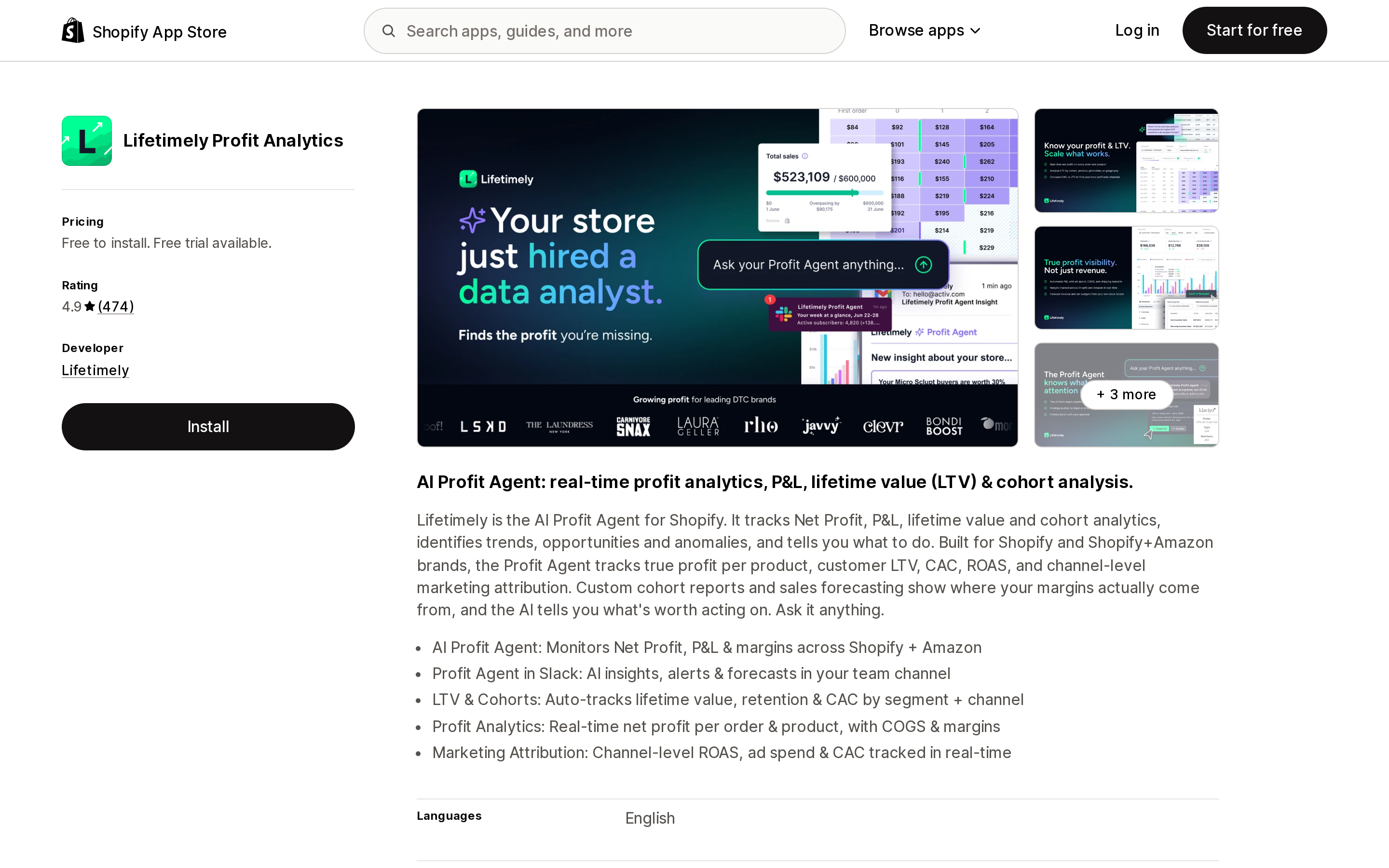
Source: Shopify App Store, Lifetimely Profit Analytics listing (English). Captured September 2, 2026.
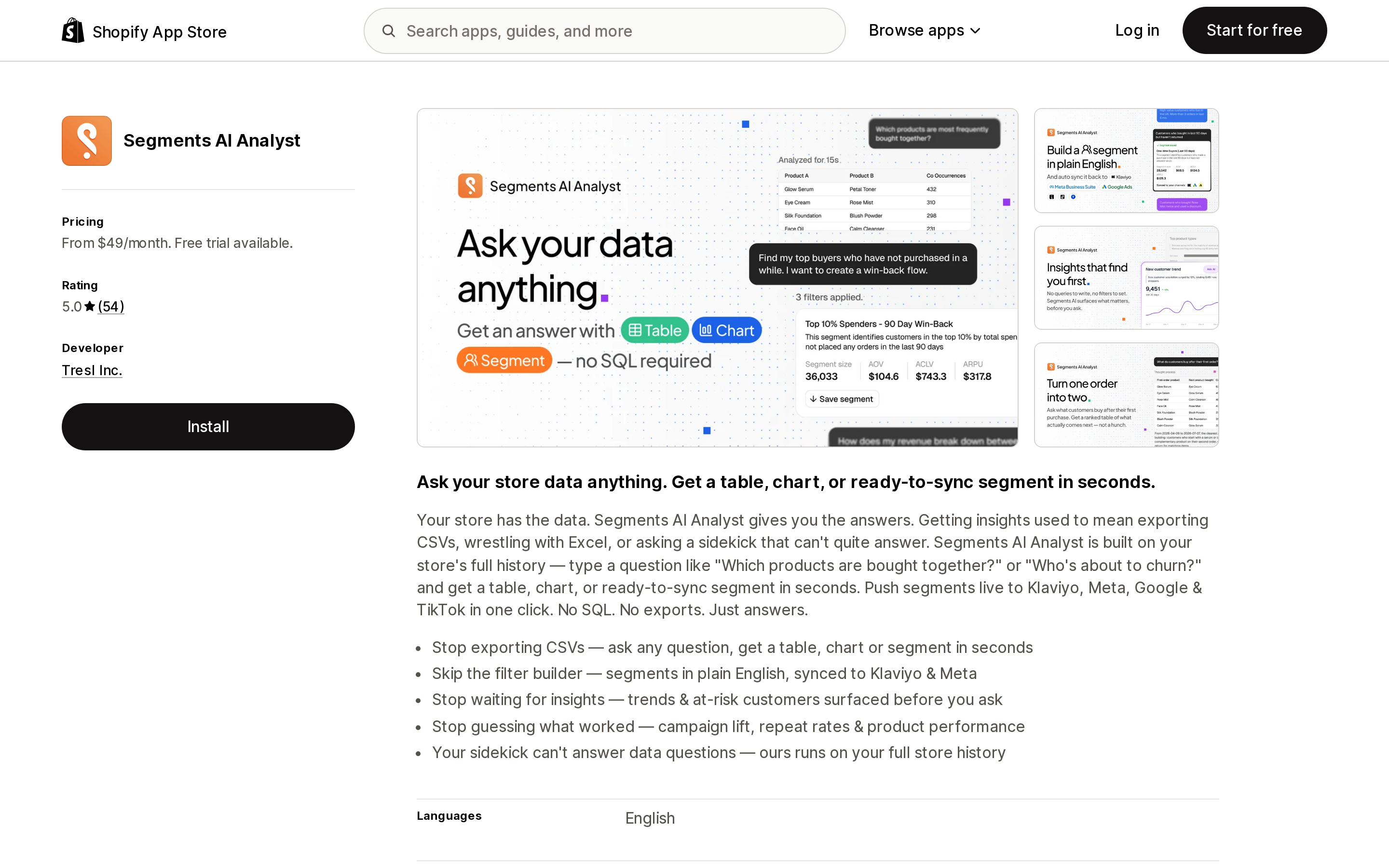
Source: Shopify App Store, Segments AI Analyst listing (English). Captured September 2, 2026.
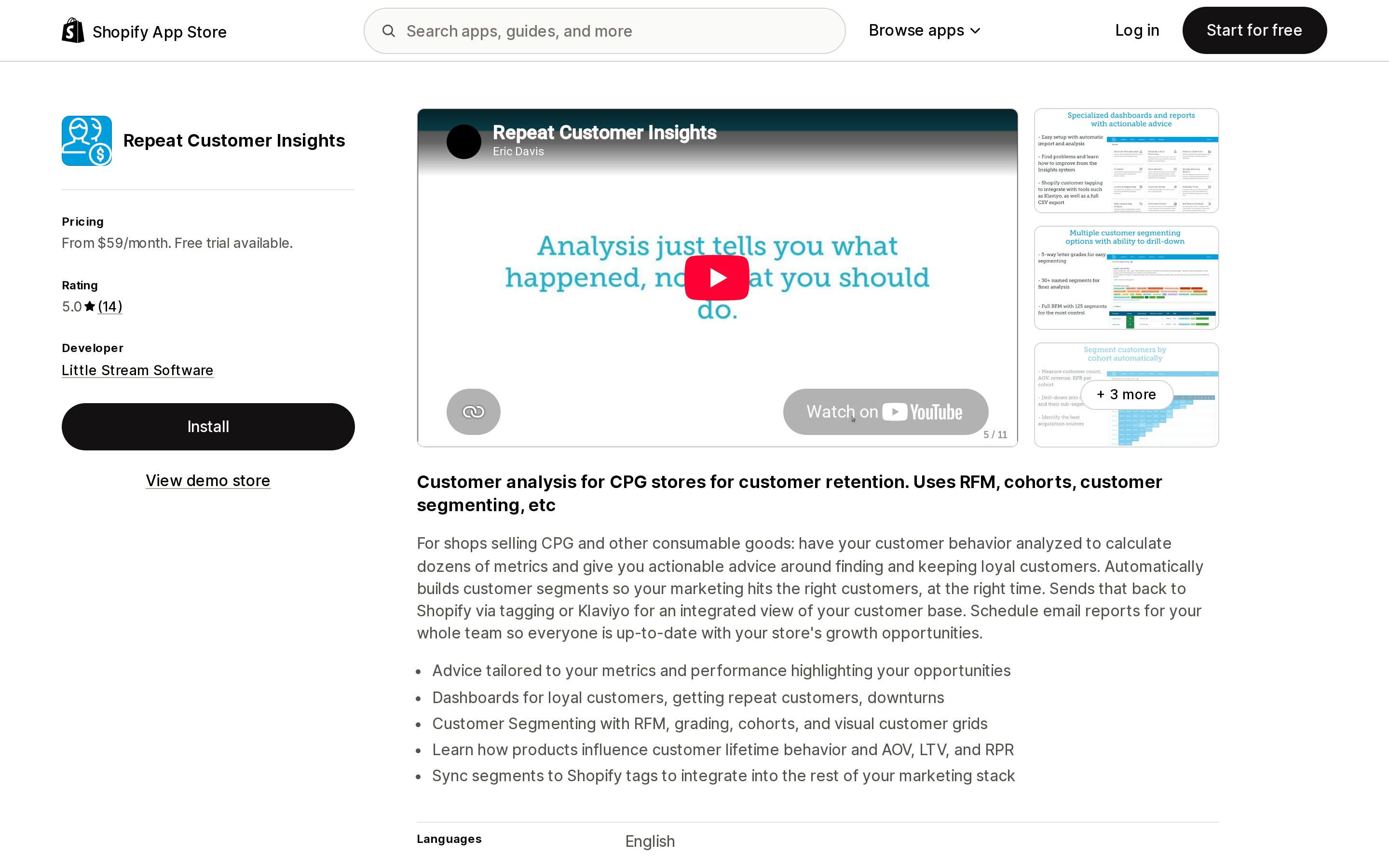
Source: Shopify App Store, Repeat Customer Insights listing (English). Captured September 2, 2026.
Worth naming plainly: none of the four listings describes creating native Shopify customer segments in its pricing tiers. The two that write back to Shopify do it with customer tags. That is a meaningful difference — a tag is a durable label on the customer record that other apps can read; a native segment is a live query. Shopify's Admin API does support segmentCreate and segmentUpdate with the write_customers scope, so apps can write native segments. These particular listings describe tags.
Same store, two sizes, four bills
One hypothetical store, average order value $85, wants RFM-style groups pushed into Klaviyo as a maintained audience.
| Store A: 450 orders/mo (~$38,250 GMV/mo) | Store B: 6,000 orders/mo (~$510,000 GMV/mo) | |
|---|---|---|
| Lifetimely Profit Analytics | $49 (S, up to 500 orders) | $299 (L, up to 7,000 orders) |
| Segments AI Analyst | $149 (Analyst+Marketing; $49 if Shopify tags are enough) | $149 (unchanged) |
| Repeat Customer Insights | $99 (Growth — tagging starts here) | $99 (unchanged) |
| Polar: AI-Analytics Platform | from $750 | from $750 |
| Spread, cheapest to dearest | 15.3x | 7.6x |
The store grew 13x. Lifetimely's bill grew 6.1x. The other three did not move at all — Repeat Customer Insights and Segments AI Analyst because volume is not their denominator, Polar because $750 is a published floor and the store is still well under the GMV where higher tiers presumably start.
Annualized at Store B: $1,188 for Repeat Customer Insights, $1,788 for Segments AI Analyst, $3,588 for Lifetimely, $9,000+ for Polar. The work overlaps substantially. The difference is almost entirely which unit the vendor decided to count.
The practical rule: if you are scaling order volume fast, avoid per-order metering unless the tool is genuinely worth repricing every year. If your order volume is flat but your data questions are getting harder, per-order metering is the cheapest shape you can buy.
When native is genuinely enough
Do not buy an app if all of the following are true:
- You want to see RFM distribution, not export scores. The RFM customer analysis report answers "how many Champions do I have and what do they spend" without an install.
- Your sends go through Shopify Messaging. A segment goes straight to an email campaign with Use segment → Email. There is nothing to integrate.
- You act on segments through discount codes.
discountCodeBasicCreateaccepts customer segments, and the admin exposes the same thing under Use segment → Discount. - A monthly or quarterly CSV pull is enough for whatever lives outside Shopify.
- You are small enough that "Champions" and "At risk" are still more precision than you are using. Eleven groups is a lot of groups for a store sending two campaigns a month.
Also worth knowing before you shop: apps can install their own segment templates into your segment editor via a customer_segment_template extension, which means some of what looks like proprietary segmentation is a query someone wrote in ShopifyQL and shipped as a template. Shopify's own tutorial ships one called "Loyal customers" built from number_of_orders and products_purchased. You can write that yourself.
When an app earns its money
Four situations justify the spend, and they are all about plumbing rather than analysis:
- Klaviyo, Meta, Google or TikTok need a maintained audience. Shopify will not push one. This is the single most common legitimate reason to pay.
- You need customer tags, not just segment membership. Tags persist on the customer record and every other app in your stack can read them. Both Repeat Customer Insights (Growth and up) and Segments AI Analyst (all tiers) write tags.
- You need the underlying scores or custom RFM windows. Shopify's quintiles are fixed and its digits are hidden. If you want R/F/M on a 90-day window, or the raw scores in a warehouse, that is not a native capability.
- You need a documented refresh cadence. Native segment counts refresh on view or on app use; reports may lag 12 hours. If a daily-refreshed audience is an operational requirement, buy something that states its cadence — of these four, only Segments AI Analyst publishes one on the listing ("Daily auto-refreshed insights," Analyst+Marketing tier).
If none of those four apply, you already have RFM.
Bottom line
Shopify ships real RFM — eleven named groups, a 1-to-5 score per dimension, two reports, a queryable rfm_group filter, and a Preview segment button that connects them. Any article telling you otherwise is describing a version of Shopify that stopped being current some time ago.
What Shopify does not ship is the individual R, F and M digits, and a way to push a segment into your email or ads stack as a live audience. Those two gaps are what an app sells you. Price them directly.
Then look hard at the denominator. Four live apps solving overlapping problems charge on orders, on chat credits, on feature tier, and on GMV. At 6,000 orders a month the same outcome costs $99 or $750 depending only on which unit the vendor chose to count. That is the decision. "Does Shopify do RFM" is not.
Sources
- Customers reports — Shopify Help Center
- Shopify-based customer segment filters — Shopify Help Center
- Customer segmentation — Shopify Help Center
- Creating customer segments — Shopify Help Center
- Managing customer segments — Shopify Help Center
- Customer segment reference guide — Shopify Help Center
- Reports — Shopify Help Center
- Overview of the new Shopify reports — Shopify Help Center
- Multi-channel marketing with Shopify Messaging — Shopify Help Center
- Manage customer segments — Shopify.dev
- Build a customer segment template extension — Shopify.dev
- Lifetimely Profit Analytics — Shopify App Store
- Segments AI Analyst — Shopify App Store
- Repeat Customer Insights — Shopify App Store
- Polar: AI-Analytics Platform — Shopify App Store
Every Shopify-hosted storefront serves an MCP endpoint at /api/mcp, and Shopify's documentation says plainly that it requires no authentication. We called it on two live merchant storefronts. Both returned the same five tools — catalog search, cart read and write, product details, and a policy and FAQ search — and a second endpoint at /api/ucp/mcp returned thirteen more, including complete_checkout. A headless storefront on a custom domain returned HTML instead. The payload an agent receives is your raw product description, verbatim: one live result handed the agent a description ending in \"This product is not available for sale on\" that store's own domain. What Shopify's free Knowledge Base app controls, what $290 to $1,330 a month AI shopping assistant apps actually sell on top, and the checklist. Researched September 2, 2026.