
What you will learn
On this pageContentsCloseOpen
Open Analytics > Reports > Conversion rate breakdown in your Shopify admin and you get a funnel with four steps: all sessions, sessions with cart additions, sessions that reached checkout, sessions that completed checkout. Shopify defines each step as a count of sessions divided by total sessions.
It is an honest report. It tells you exactly how many people fell out between the cart and the checkout. What it cannot do — what nothing in the Shopify admin can do — is show you a single one of those sessions.
What Shopify Analytics actually measures
The Behavior reports in the Shopify Help Center are a fixed list: conversion rate breakdown, conversion rate over time, web performance reports, product recommendation conversions, searches by search query, searches with no clicks, searches with no results, search conversions over time, sessions by landing page, sessions by device.
Every one of them is an aggregate. The unit is the session, and Shopify's own column definitions make that explicit — "sessions that reached checkout" is described as the total number of sessions where there was user input, such as a key press or a mouse click, during checkout. Shopify knows a key was pressed. It does not keep which key, on which field, or what happened next.
Three things are worth knowing before you decide you need an app:
Shopify already filters bots. Analytics and reports support human-versus-bot filtering, so the session counts you are comparing against are not raw log lines. If an app later shows you a much higher visitor number, that gap is usually bot traffic the app is not filtering, not extra insight.
Session history stops at October 1, 2022. Shopify states that historical data for session-based metrics does not go back further than that date, and lists the affected metrics: sessions, pageviews, pageviews per session, bounce rate, add to cart rate, session duration, and the whole checkout funnel. That floor applies to counts. Replay history is a separate, and much shorter, clock — see below.
Core Web Vitals are already there. Largest Contentful Paint, Interaction to Next Paint and Cumulative Layout Shift are reported natively, over time, by page URL and by page type. If your actual question is "is my product page slow," you do not need a replay app to answer it, and adding one has its own effect on store speed.
The verdict: Shopify tells you how many and where. It never tells you why. For that, an app is the only option — and this is where the pricing gets strange.
The unit these apps sell is not the same unit
Every listing in this category advertises the same three things: session replays, heatmaps, AI summaries. Read the pricing tables side by side and the plans stop being comparable, because the meter underneath them is different.
| App | Free plan | Entry paid plan | Metered unit | Storage on free plan |
|---|---|---|---|---|
| Microsoft Clarity: AI Insights | Free (only plan) | — | Not metered on the listing | 30 days playback |
| MIDA Replay, Heatmap & Insight | 250 sessions/month | $9.90 / 5,000 sessions | Sessions | 30 days |
| Propel Replay, Survey, Heatmap | 750 pageviews/month | $9.90 / 20,000 pageviews | Pageviews | 30 days |
| Lucky Orange Heatmaps & Replay | 100 sessions/month | $19 / 500 sessions | Sessions | 30 days |
| Hotjar Install | No free plan | $0.99 | Nothing — it is an installer | Not applicable |
All figures from each app's Shopify App Store listing, US locale, retrieved September 2, 2026.
Look at the $9.90 row. MIDA Replay, Heatmap & Insight sells 5,000 sessions. Propel Replay, Survey, Heatmap sells 20,000 pageviews. Those are not four times apart, and they are not comparable at all until you know your own pageviews-per-session number — which is, conveniently, a metric Shopify reports for you.
Run the arithmetic on your own store. At 3 pageviews per session, 20,000 pageviews is roughly 6,600 sessions, and Propel is ahead of MIDA at the same price. At 5 pageviews per session it is 4,000 sessions, and MIDA is ahead. At 8 — plausible for a store with deep collection browsing — Propel's Basic plan covers 2,500 sessions, half of what MIDA covers. The ranking of the two apps flips depending on how people browse your catalog, which means any listicle that puts one above the other without asking about your store has skipped the only step that matters.
The same trap sits between the two session-metered apps at different price points. Lucky Orange's Launch plan is $19 for 500 sessions. MIDA's Basic is $9.90 for 5,000. That is a tenfold difference in included volume at half the price, and the reason is not that one app is a bargain — it is that Lucky Orange bundles live chat, surveys, announcements, form analytics and unlimited team members into every tier, and prices for a CRO team rather than a single operator watching replays.
Microsoft Clarity: free, but the meter is time
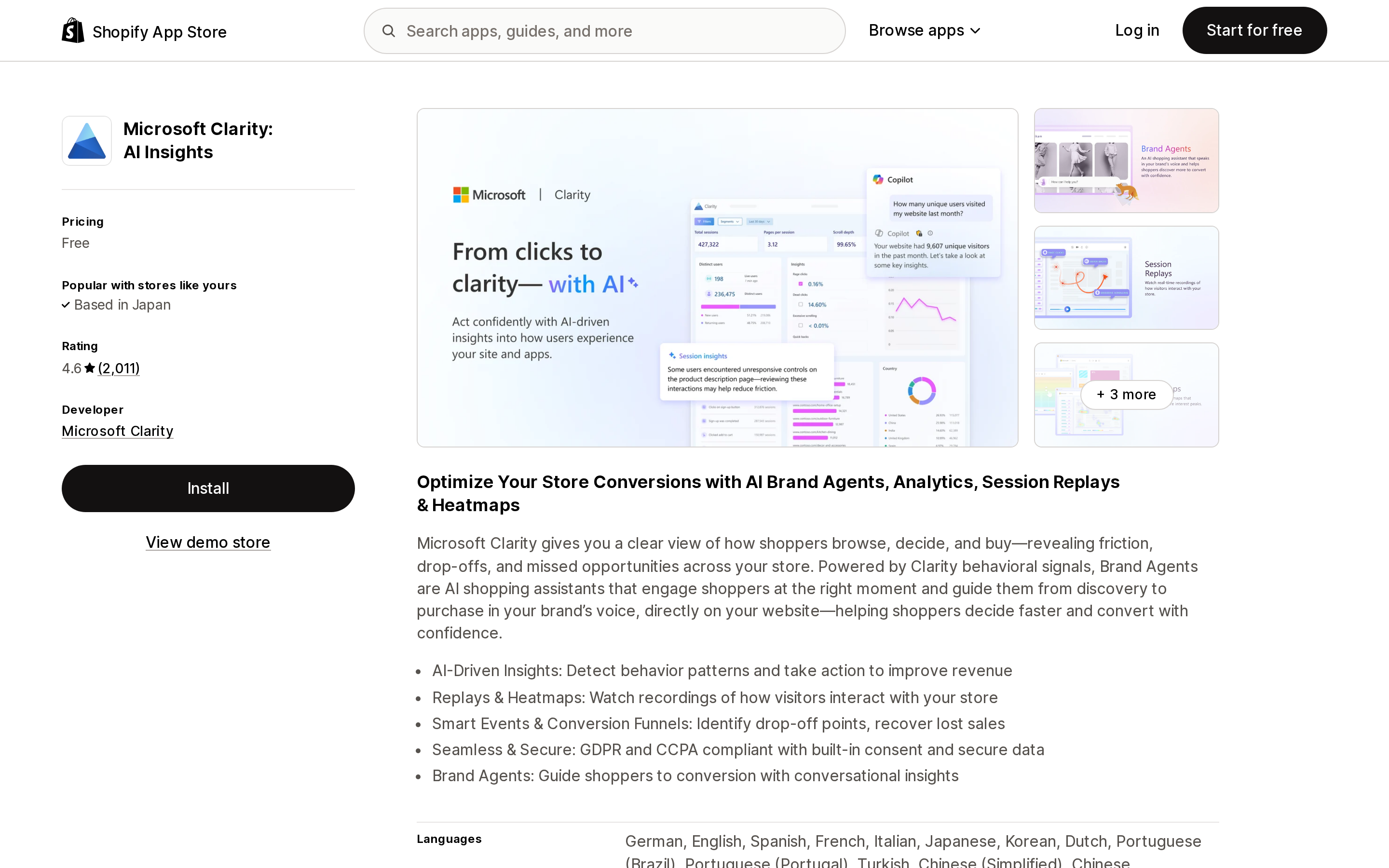
Source: Shopify App Store (Microsoft Clarity: AI Insights), retrieved September 2, 2026
Microsoft Clarity: AI Insights is published by Microsoft Clarity, based in Redmond, Washington, and its listing shows one plan: Free. It carries a 4.6 rating across 2,011 reviews and launched on the Shopify App Store on July 17, 2025. There is no session cap and no pageview cap on the pricing table.
The cost is retention. Microsoft's own documentation is specific: playback data — the data captured to replay a recording — is retained for 30 days. Sessions you label or favorite are retained for nine months, as is click data and heatmap data. Once the retention period passes, Microsoft states the data is deleted from Clarity servers including backups and cannot be recovered.
For most stores that is fine, because a replay you have not watched in a month is a replay you were never going to watch. It stops being fine in two situations: a seasonal comparison where you want to look at last November's checkout behaviour during this November, and a slow-burning bug that a customer reports six weeks after it happened. If either describes you, favoriting sessions as you find them is not an optional habit — it is the only way the data survives.
Clarity's listing also requests broad store access, including editing the Online Store theme and checkout page, and viewing order history for the last 60 days. That is normal for a pixel-based analytics app, but worth reading before you approve it. We have written separately about what Shopify app permission screens actually mean.
MIDA Replay, Heatmap & Insight: the most volume per dollar
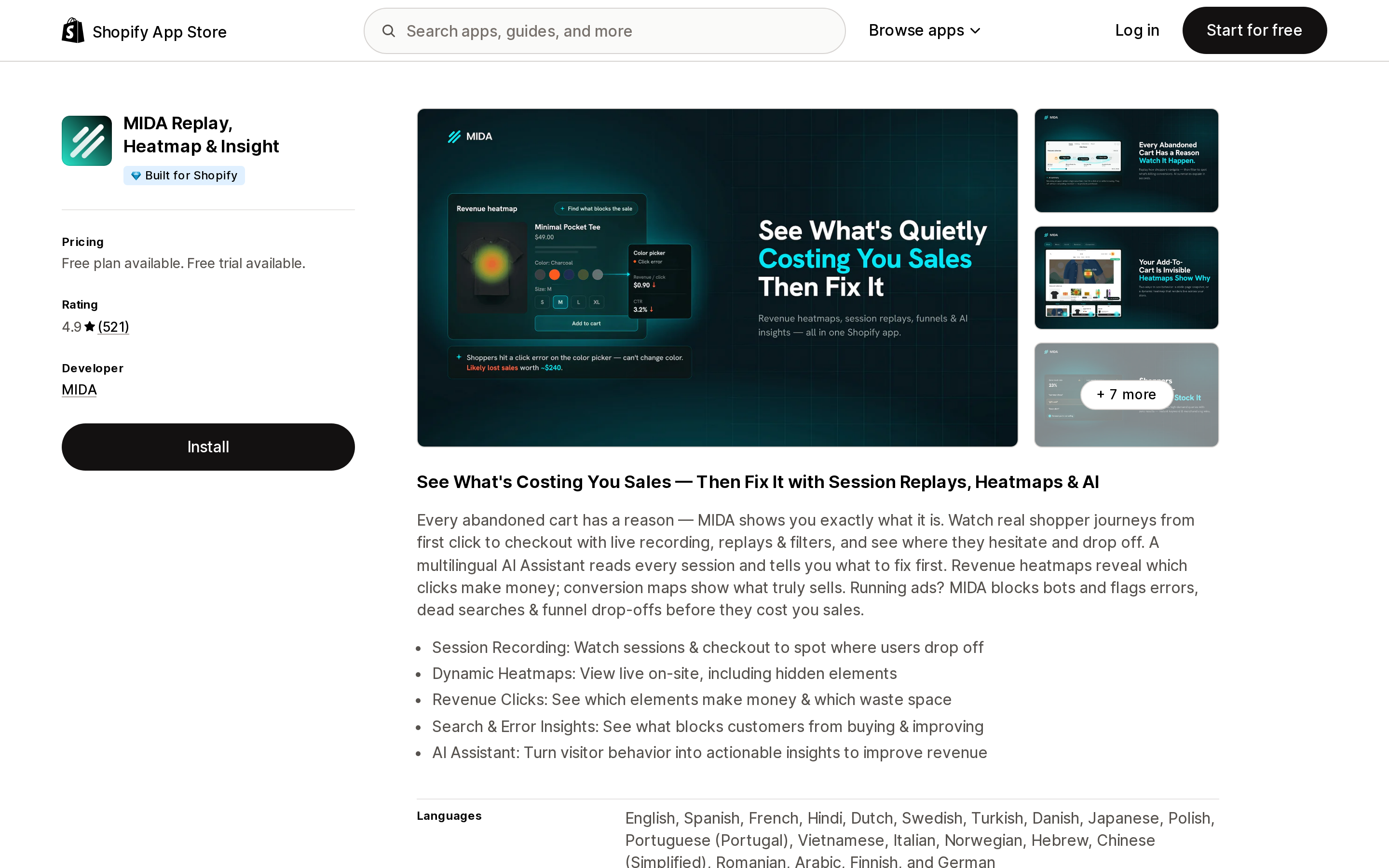
Source: Shopify App Store (MIDA Replay, Heatmap & Insight), retrieved September 2, 2026
MIDA Replay, Heatmap & Insight carries the Built for Shopify badge and a 4.9 rating across 521 reviews. The developer, MIDA, is listed in Singapore. The free plan gives 250 sessions a month with 30 days of storage; Basic is $9.90 for 5,000 sessions, Growth $24.90 for 15,000, Enterprise $44.90 for 40,000.
Two details in that table are easy to miss. First, all three paid plans list Lifetime Analytics Data — the aggregate analytics stops expiring once you pay, which is a materially different retention promise from Clarity's 30 days, though the listing does not state how long individual replays are kept. Second, the AI Assistant is not included in any plan. It is an add-on at +$5, +$10 or +$15 depending on tier, so the $9.90 plan is $14.90 if you want the assistant that most of the marketing copy is about.
Checkout recordings appear on the Enterprise plan at $44.90.
Propel Replay, Survey, Heatmap: pageviews, and a Plus wall on checkout
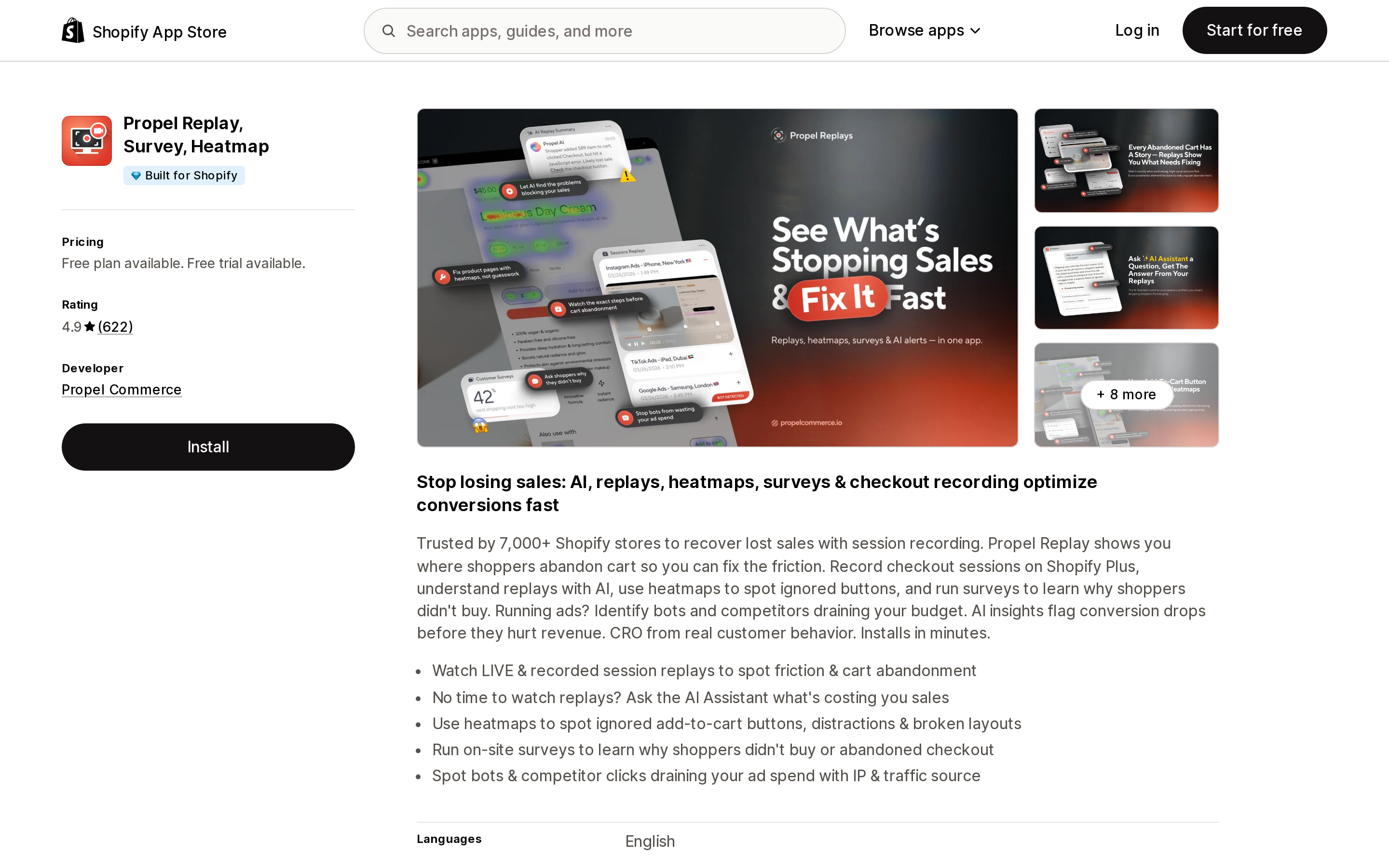
Source: Shopify App Store (Propel Replay, Survey, Heatmap), retrieved September 2, 2026
Propel Replay, Survey, Heatmap is also Built for Shopify, rated 4.9 across 622 reviews, and is developed by Propel Commerce in Vancouver. The free Sampler plan is 750 pageviews a month; Basic is $9.90 for 20,000, Plus $14.90 for 30,000, Premium $39.90 for 80,000.
The listing is unusually direct about the checkout limitation, and it deserves quoting because it is the single most common disappointment in this category: checkout session recording is for Shopify Plus merchants, and enterprise plans that include it start at $59.90/month. If your reason for installing a replay app is "I need to see what happens on the checkout page" and you are on Basic, Grow or Advanced, no app in this comparison solves that — Shopify does not expose the checkout to third-party scripts outside Plus, which is the same constraint behind what you can and cannot customize in checkout without Plus.
Below Premium, Propel's differentiator is the bot and competitor reporting: identifying IPs and traffic sources that consume ad budget without buying. Excluding IPs and countries starts at the $9.90 Basic plan, not the free one.
Lucky Orange Heatmaps & Replay: priced for a team, and the listing stops early
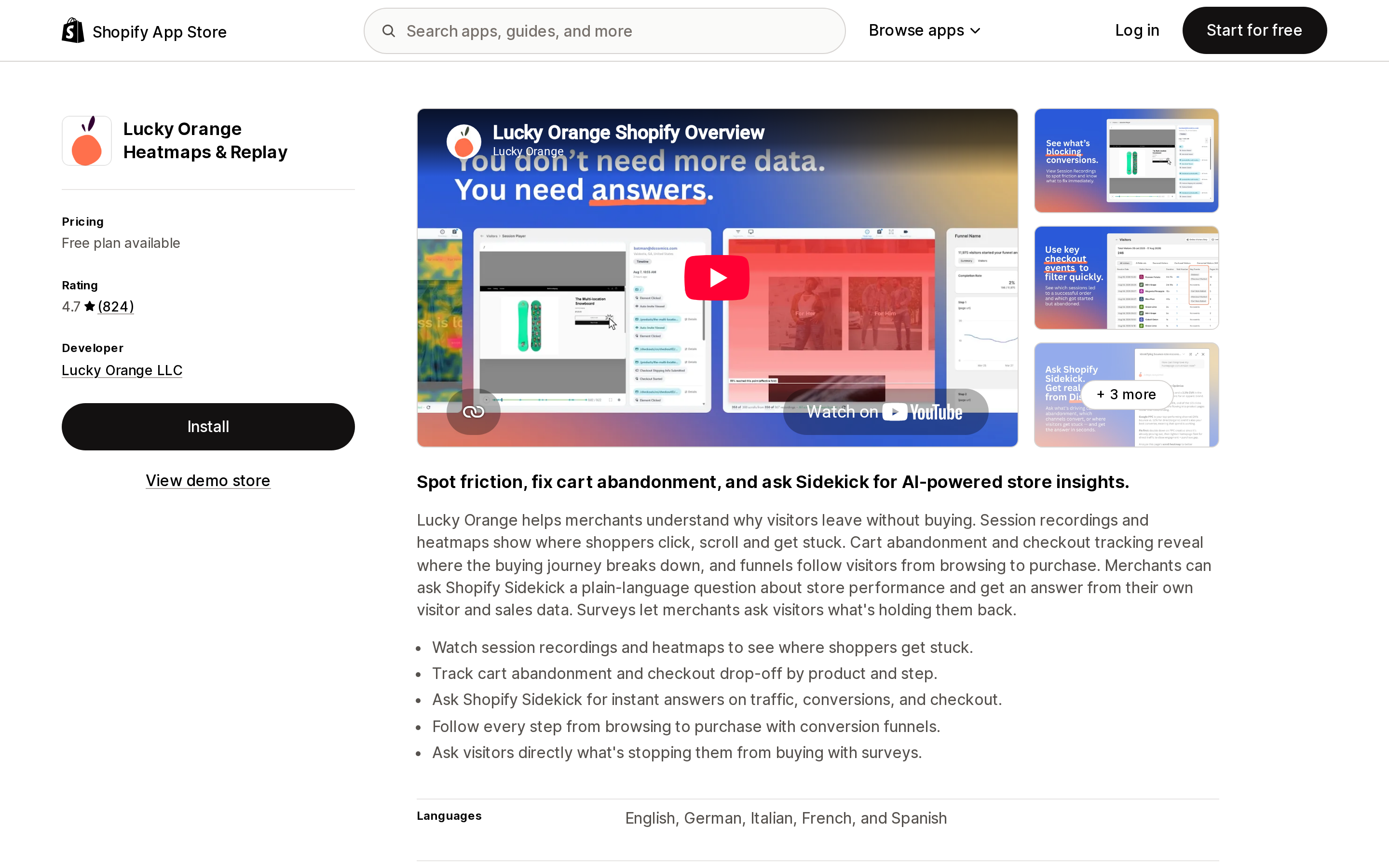
Source: Shopify App Store (Lucky Orange Heatmaps & Replay), retrieved September 2, 2026
Lucky Orange Heatmaps & Replay is developed by Lucky Orange LLC in Overland Park, Kansas, launched on the App Store on July 8, 2014, and is rated 4.7 across 824 reviews. Its App Store pricing table runs Free (100 sessions, 30-day storage), Launch $19 (500 sessions), Build $39 (3,500 sessions, 60-day storage) and Grow $89 (10,000 sessions, 60-day storage).
That table is not the whole price list. Lucky Orange's own plans page shows two tiers above Grow that the Shopify listing does not display: Expand at $249/month starting from 50,000 sessions, and Scale at $1,049/month starting from 300,000 sessions. If you are choosing an app you expect to grow into, checking the vendor's own pricing page rather than the App Store listing is not optional — the listing's top row is not the ceiling.
Storage is also sold separately: base storage on paid plans starts at 60 days, with 90, 180 or 365-day upgrades available, and additional websites are $5 each. Discovery AI, the AI layer, is an add-on at +$5, +$10 or +$20 depending on the plan — the same unbundling pattern as MIDA and Propel.
A recent review from a US merchant is a fair summary of the trade-off: strong heatmaps and clear analytics, but the reviewer expected a clearer GA4 integration and initially mistook the brand chat function for a support chat. This is a broader toolkit than a replay app, and that is either the reason to buy it or the reason not to.
Hotjar Install is not Hotjar
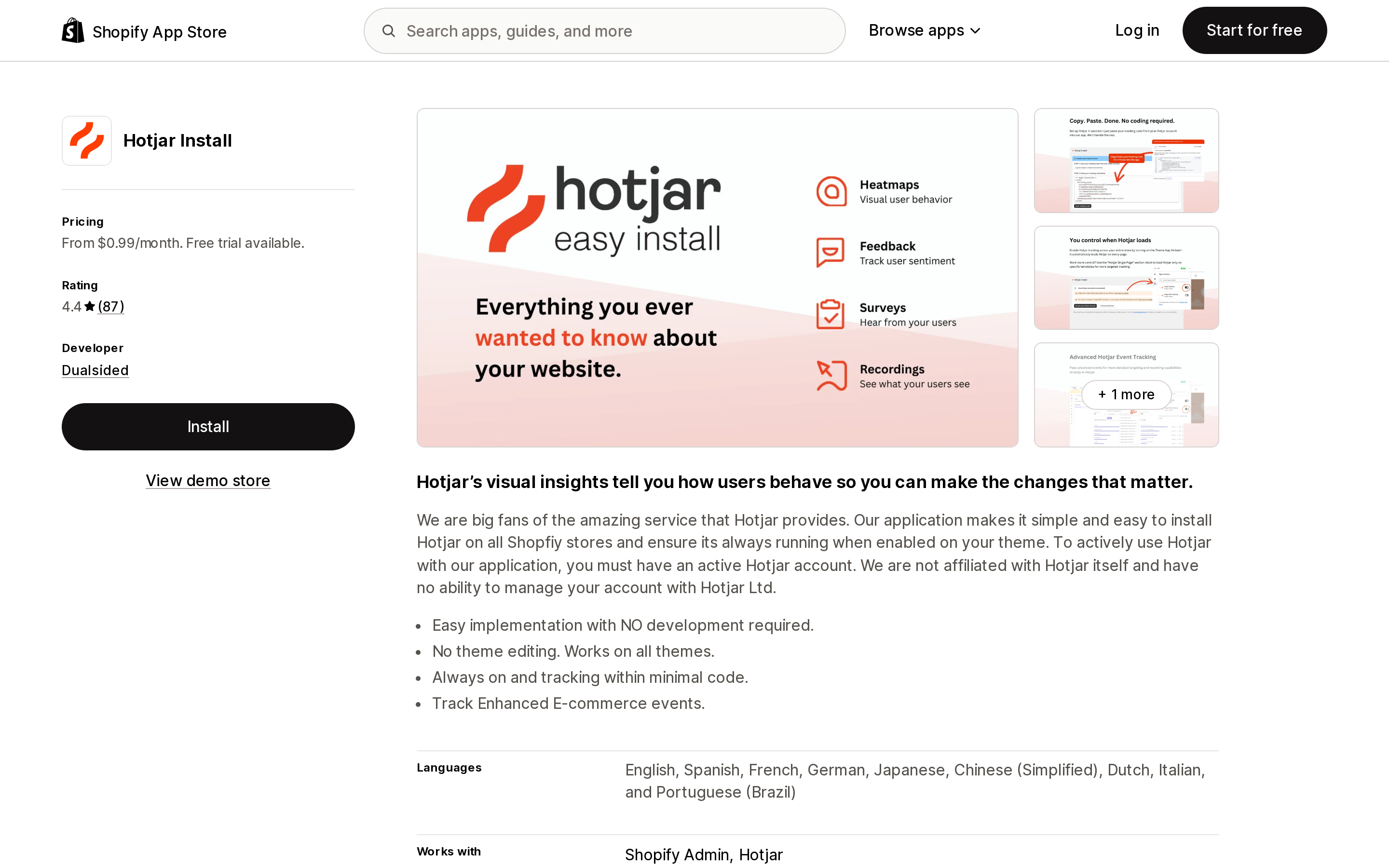
Source: Shopify App Store (Hotjar Install), retrieved September 2, 2026
Search the App Store for Hotjar and you get a listing titled Hotjar Install, priced from $0.99/month, rated 4.4 across 87 reviews. The developer is Dualsided, in Vista, California, and the listing description says so plainly: to actively use Hotjar with the application you must have an active Hotjar account, and the developer states it is not affiliated with Hotjar itself and has no ability to manage your Hotjar account.
So the $0.99 buys a tracking-code installer that survives theme changes. The actual analytics product is a separate subscription with Hotjar Ltd., billed outside Shopify, and its cost is not shown anywhere on this listing. The two most recent critical reviews shown on the listing, from April and May 2026, are both about billing rather than the product — one merchant who did not realise the recurring charge was running, one who could not find how to cancel.
None of that makes the app dishonest; the description is explicit. But it is the clearest example in this category of a listing price that is not the price of solving your problem. If you already run Hotjar across other properties and want it on Shopify without editing theme code, this is a reasonable $0.99. If you are shopping for session replay and this is the first result you recognise, you are about to buy the wrong thing.
What each app asks to read
Session replay apps see your storefront by definition, but the data access sections on these listings are not identical, and the difference is visible before you install.
- Microsoft Clarity: AI Insights requests device and activity data — geolocation, IP address, browser and OS, browsing behaviour, client ID cookie — plus store data including orders from the last 60 days and edit access to the Online Store theme and checkout page. No customer name, email or phone.
- Lucky Orange Heatmaps & Replay requests sensitive data: name, email address, phone number, alongside device and activity data, and edit access to customers, reports, web pixels and Online Store script tags.
- Propel Replay, Survey, Heatmap requests sensitive data: name, email address, device and activity data including geolocation and IP, and view access to 60 days of order history.
- Hotjar Install requests only device and activity data plus web pixel and theme access, consistent with being an installer.
Requesting a name and email is not misconduct — it is how "see shopper IPs and customer details" and per-visitor profiles work, both of which those apps advertise. But if your privacy counsel has a view on which vendors hold customer identifiers, that view should be applied at the install screen, not after.
How to choose
You are on Basic, Grow or Advanced and want to see checkout. No app here does it. Stop shopping and use Shopify's checkout funnel counts instead.
You want replays at no cost and can live with a 30-day window. Microsoft Clarity: AI Insights. Favorite anything you might want in three months, because the default is deletion.
You have a high-traffic store, few pages per session, and want the most recorded volume per dollar. MIDA Replay, Heatmap & Insight at $9.90 for 5,000 sessions, with Lifetime Analytics Data on paid tiers. Budget the AI Assistant add-on separately.
Your shoppers browse deep — many pageviews per session. Check the arithmetic before choosing Propel Replay, Survey, Heatmap; a pageview meter punishes deep browsing. Its bot and competitor click reporting is the reason to pick it if you are spending on paid traffic.
You are a team running structured CRO, not one person watching replays. Lucky Orange Heatmaps & Replay, priced from the vendor's own page rather than the App Store listing, with the storage upgrade you actually need.
You already run Hotjar elsewhere. Hotjar Install, understanding that it installs a script and nothing else.
Before installing any of them, open Shopify's own Pageviews per session metric and your monthly session count. Those two numbers decide which plan on which app is cheapest for you, and no comparison article — including this one — can decide them on your behalf.
Sources
- Behavior reports — Shopify Help Center
- Microsoft Clarity: AI Insights — Shopify App Store
- Data retention — Microsoft Clarity documentation
- MIDA Replay, Heatmap & Insight — Shopify App Store
- Propel Replay, Survey, Heatmap — Shopify App Store
- Lucky Orange Heatmaps & Replay — Shopify App Store
- Lucky Orange plans and pricing
- Hotjar Install — Shopify App Store
Shopify's admin address validation is on by default, free, on every plan, and supports the US. Checkout-time validation is one toggle away. Shopify's own documentation then warns that running a third-party address validation app at the same time can create conflicting suggestions and reduce checkout conversion — you are meant to pick one. That reframes the whole category: apps are not there to duplicate deliverability checking, they are there to enforce policy Shopify's validator does not enforce, like blocking PO boxes or requiring an apartment number. We priced four real apps from the US App Store on September 2, 2026, spanning $4.99/month flat, $0.04 per order, and one that requires a separate subscription billed outside Shopify.